Carcam 720P - Dashcam JOBO - Free user manual and instructions
Find the device manual for free Carcam 720P JOBO in PDF.



| Product type | Dashcam (dashboard camera) |
| Brand | Jobo |
| Model | Carcam 720P |
| Video resolution | HD 720p (1280x720) at 25 or 30 frames per second |
| Screen | 2.7-inch (6.8 cm) color LCD |
| Power supply | 5V via cigarette lighter charger (included) |
| Gravity sensor | Yes, adjustable: Off / High / Medium / Low (black box function) |
| Loop recording | Yes, 2, 5, or 10 minute clips |
| Motion detector | Yes, automatic activation upon change in field of view |
| JOBO Smart Start function | Automatic recording when vehicle starts |
| Storage type | microSD card up to 32 GB (not included) |
| Video output | HDMI |
| Microphone | Built-in, can be enabled/disabled |
| Speaker | Built-in |
| Operating temperature | 0 to 45 °C |
| Storage temperature | 0 to 60 °C |
| Box contents | Camera, suction cup, 3M adhesive pad, car charger, HDMI cable |
| Maintenance | Protect from humidity, excessive vibrations, and extreme temperatures |
| Safety | Only configure when stopped, never while driving |
| Color | Black |
Frequently Asked Questions - Carcam 720P JOBO
User questions about Carcam 720P JOBO
0 question about this device. Answer the ones you know or ask your own.
Ask a new question about this device
Download the instructions for your Dashcam in PDF format for free! Find your manual Carcam 720P - JOBO and take your electronic device back in hand. On this page are published all the documents necessary for the use of your device. Carcam 720P by JOBO.
USER MANUAL Carcam 720P JOBO
text_image
JOBO Carcam CarcamJOBO
FOR YOUR BEST IMAGE
Instruction Manual....02
natural_image
Black luxury camera case with 'Curcim' logo and handle (no readable text beyond branding)
natural_image
Black and white photo of a car rearview camera with visible camera lens and front-mounted sensor (no text or symbols)JOBO
Carcam
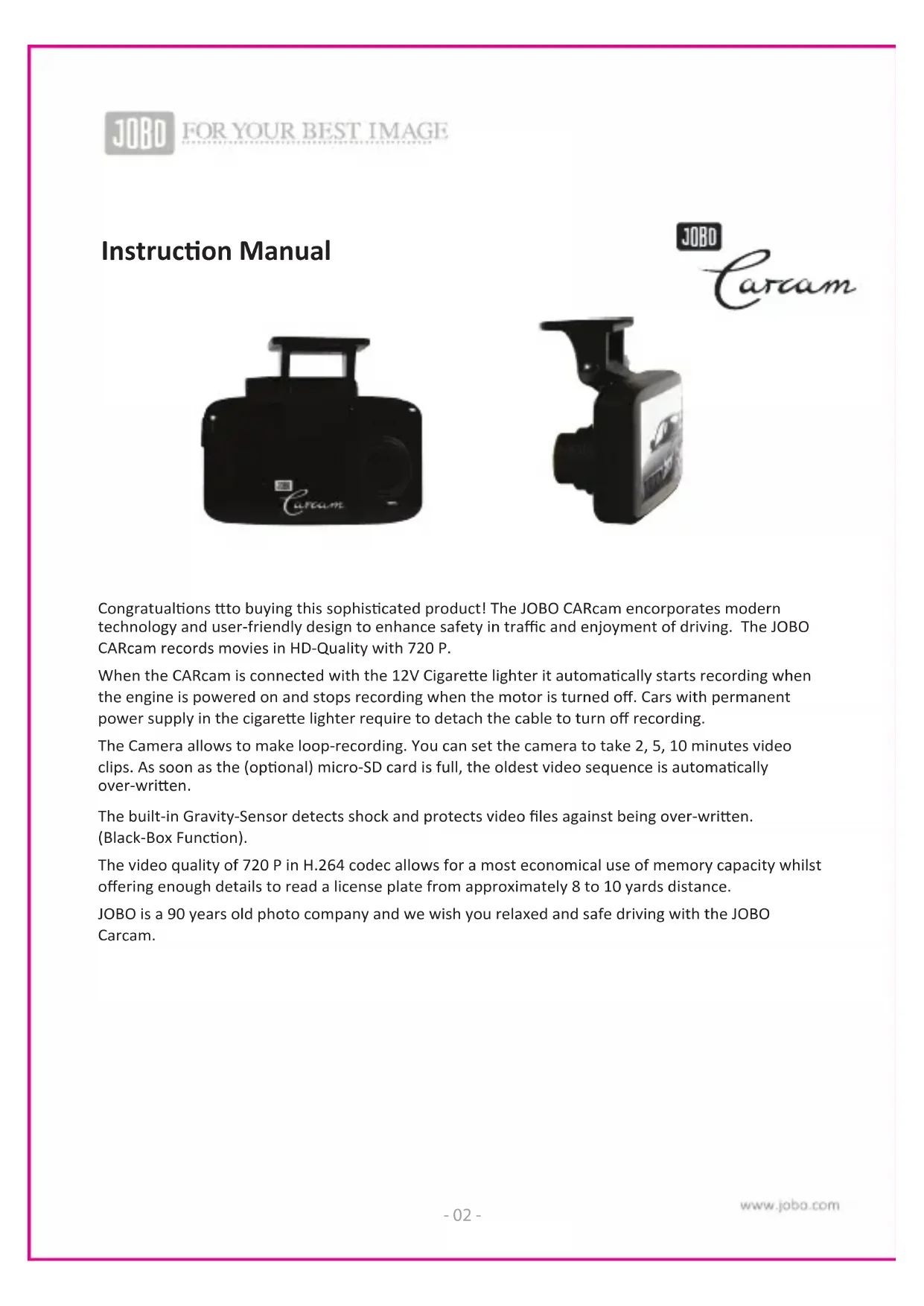
Congratulations tto buying this sophisticated product! The JOBO CARcam incorporates modern technology and user-friendly design to enhance safety in traffic and enjoyment of driving. The JOBO CARcam records movies in HD-Quality with 720 P.
When the CARcam is connected with the 12V Cigarette lighter it automatically starts recording when the engine is powered on and stops recording when the motor is turned off. Cars with permanent power supply in the cigarette lighter require to detach the cable to turn off recording.
The Camera allows to make loop-recording. You can set the camera to take 2, 5, 10 minutes video clips. As soon as the (optional) micro-SD card is full, the oldest video sequence is automatically over-written.
The built-in Gravity-Sensor detects shock and protects video files against being over-written. (Black-Box Function).
The video quality of 720 P in H.264 codec allows for a most economical use of memory capacity whilst offering enough details to read a license plate from approximately 8 to 10 yards distance.
JOBO is a 90 years old photo company and we wish you relaxed and safe driving with the JOBO Carcam.
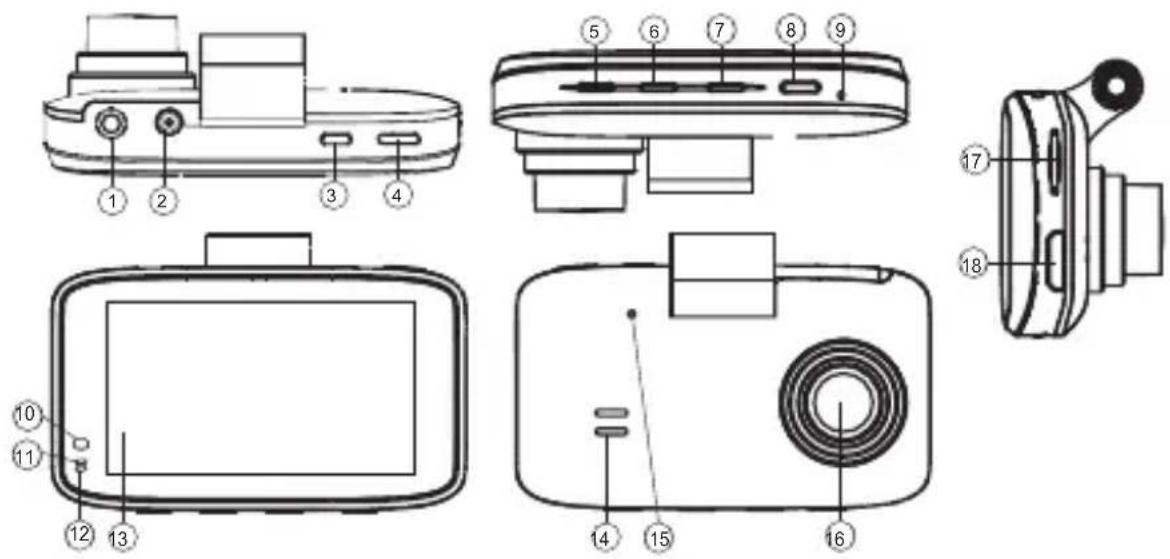
1 AV-Out port
2 charging port 5V (for car charger)
3 POWER key
4 RECORD / OK key
5 MENU key
6 MODE key
7 DOWN
8 UP
9 RESET hole
10-11-12 STATUS indication:
blue = working.
blue (on/off): recording in progress
red: charging
13 Display
14 Speaker holes
15 Microphone
16 Lens
17 Slot for micro-SD card
18 HD-Out
Technical Information
- HD-Video (720P)
• Optimum data compression in H.264 format - Loop recording for endless operation if connected by car charger (5-10-15 min.)
- Auto START: Camera automatically starts recording when car engine is ignited!
- motion detector: video recording automatically starts in case of motion within viewing angle of camera lens (120° viewing angle)
- G-sensor (Off/high/middle/low): locks latest recording loop against over-writing in case of abrupt stop (e.g. in case of accident/black box):
• 2.5" Colour-LCDisplay - 180^ flip function
- menu settings: contrast, white-balance, sharpness, effects: vivid, monochrome, negative, sepia, art
• Photo resolution: 1.3 MP - Compatible with micro SD-card up to 32GB
- HD-connector
- Operating Temperature: 0-45°
- color: black
Scope of delivery
• JOBO Car Cam HD 720
• Suction Mount for windshield
• 3M glue pad for mount on windshield
- car charger
Safety Instructions
Please make all adjustments while NOT driving. We recommend to make adjustments with car engine powered off – and NEVER when driving.
Product Care
This camera is designed for in-car operation Please keep it free from dirt and water. Do not expose to extreme temperatures or rapid temperature change. In spite of the robust design this camera is a high-tech-product. Please handle with care.
Initial Operation
Before first operation please connect the camera with power from the car charger. For operation it is mandatory to insert an (optional) micro SD card in to the CARcam (17).
Depending on the camera setting the camera will instantly start video recording. If you wish to stop recording – please press the R/OK Key (4) to end recording.
The camera is optimized for taking videos. In case of need the camera can be set to photo mode (6) to allow still image recording with 1.3 MP quality.
VIDEO settings: (Video camera symbol)
Please press the MENU key (6), to open the menu otions.
With the DOWN key (7) and UP key (8) you can easily navigate through the menu options. Please press the OK-key (4) to confirm a menu option.
The most important settings are described under 1, 4, 5, 7 below:
1. Resolution:
You can choose 720 P resolution with 25 or 30 fps. This is the optimum choice. To economise memory space you can also choose the lower resolution of 480P. The maximum resolution of 1080 is an interpolated size with only 15 fps and can lead to blurred images. We recommend to always use the 720 P setting.
2. Exposure:
Here you can set the camera to over expose with 1/3 or 2/3 aperture in case of strong facing light or underexpose correspondingly depending on the lighting conditions. Usually the default setting of +0/0 will lead to good results.
3. White Balance:
By default this is set to "auto". Depending on very sunny, or cloudy weather or operation in-door the camera can be manually set to the corresponding environment.
4. Cyclic record (loop recording):
This important setting allows the camera to make loop recordings. You can set the camera to make 2, 5, or 10 minute video clips. Whenever the (optional) micro SD card is full, the oldest recording loop will be over-written. Loop recording can also be switched off.
In the normal On Screen Display (OSD) the loop recording is symbolized by a pictogram. The chosen video sequence length is also indicated underneath the pictogram.
5. motion detection:
If this feature is activated, the camera will instantly start recording when turned on as soon as a movement is detected within the viewing angle of the CARcam. After 10 seconds without motion within viewing angle the camera recording is switched off again. As soon as a new movement is detected the recording automatically restarts.
This allows for use of surveillance purposes as long as the camera battery is fully charged or as long as the camera is connected to the car power supply.
When the motion detector is activated the pictogram of a runner is shown in the OSD.
6. recording:
The sound recording can be activated or deactivated. If sound recording is activated the pictogram of a microphone is shown in the OSD.
7. regular OFF-screen
This function allows you to activate auto-power off of the display after 2, 5, or 10 minutes of making no camera settings. If this setting is activate the camera will not power off. Only the display will be blank while the camera will still be operating. We recommend to keep this function deactivated.
Main Settings (symbol of a wrench)
1. Date / Time:
Before initial operation we recommend you to set correct time and date. The time and date set here can be recorded in the video and shown in play-back (see point 11 below).
2. Auto Power off:
With this setting you can activate complete auto-power off of the camera after 2, 5, or 10 minutes of making no camera settings. If this setting is activate the camera will completely power off. We do not recommend you to activate this option.
3. Beep Sound:
The beep sound during menu operation can be activated or deactivated.
4. language:
You can choose any of the following languages: English, German, French, Spanish, Italienisch, Portuguese, Chinese, Japanese, and Russian.
5. TV-Mode:
You can choose between the European PAL-Standard or the American NTSC setting.
6.Hz / Frequency:
Here you can choose between the European 50 Hz or the American USA 60 Hz video frequency. Depending on this setting the camera will make recordings either with 25 or with 30 frames per second (fps).
7. Format:
This feature allows you to (re-)format the micro-SD card inserted into the camera. We do recommend you to reformat any new micro-SD card. Please make sure to use micro-SD cards of Class 4 standard or higher.
8. Default Setting:
This function allows you to reset the camera to factory settings. All manual menu settings will get lost when the camera is reset to factory settings.
9. Image Flip:
In case the camera is mounted up-side down this feature allows you to record in flip-mode so that play-back will be shown up-side up.
10. Date Stamp:
This feature was developed specifically for dash cams. If activated the video will record the date and time of the recording and show it as a time-stamp during play-back. This allows for automatic date and time documentation as long as date and time have been correctly set before making recordings (see above point 1).
11. Version:
This menu point shows the currently installed firm ware version.
12. G-Sensor (Gravity Sensor):
This is a very important feature, developed for dash cameras.
The built-in Gravity sensor senses any impact and will protect the corresponding video file against being over-written. This will avoid important recordings from being lost ("Black-Box-Function"). We recommend to activate this function, especially when making cyclic recordings (loop recordings). If the G-Sensor is activated this is indicated by a pictogram of a car with illustrated vibration.
Photofeatures:
As mentioned at the start this camera is optimized for video recording. The photo function allows for similar menu settings as the video function. Due to the optimization on video performance the photo resolution is limited to the native sensor size of 1.3 MP. If a resolution of 3 MP or 5 MP is chosen this is an interpolated resolution only and will not significantly enhance the actual photo resolution.
JOBO International GmbH, Kölner Str. 58a, D-51645 Gummersbach.
www.jobo.com
Technical Changes can be made at any time without prior notice - 2013 / 04
natural_image
Black luxury camera case with 'Curcim' logo and handle (no readable text beyond branding)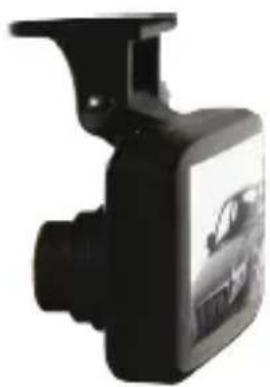
natural_image
Black and white photo of a car rearview camera with visible camera lens and front-mounted sensor (no text or symbols)JOBO
Carcam
Bleu clignotant (on / off):
natural_image
Black luxury camera case with 'Curcim' branding and a handle (no additional text or symbols visible)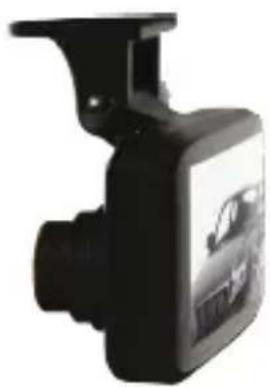
natural_image
Black and white photo of a car rearview camera with a visible license plate (no text or symbols)JOBO
Carcam
natural_image
Black luxury watch with 'Curcim' logo and a handle (no readable text beyond branding)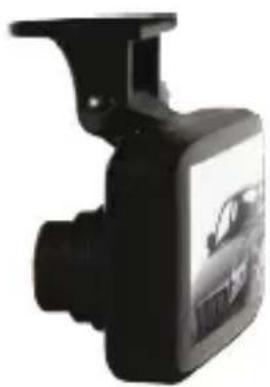
natural_image
Black and white photo of a car rear camera with visible engine compartment (no text or symbols)JOBO
Carcam
natural_image
Black luxury watch with 'Curcim' logo and a handle (no readable text beyond branding)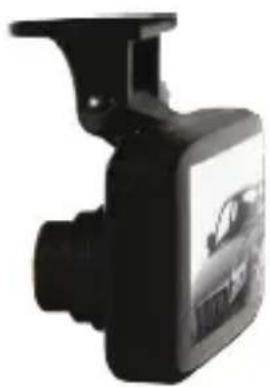
natural_image
Black and white photo of a car rear camera with visible engine compartment (no text or symbols)JOBO
Carcam
natural_image
Black luxury watch with 'Curcim' logo and a handle (no readable text beyond branding)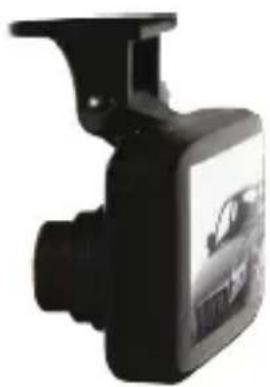
natural_image
Black and white photo of a car rearview camera with visible camera lens and front-mounted sensor (no text or symbols)JOBO
Carcam
