Domo I - Network card / adapter NGS - Free user manual and instructions
Find the device manual for free Domo I NGS in PDF.



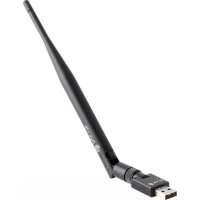
| Product Type | Wireless USB Network Adapter |
| Brand | NGS |
| Model | Domo I |
| Wireless Standard | IEEE 802.11n (compatible with b/g) |
| Frequency | 2.4 GHz |
| Maximum Speed | Up to 300 Mbps |
| Interface | USB 2.0 |
| Dimensions (approx.) | 20 x 15 x 6 mm |
| Weight (approx.) | 5 g |
| Power | Powered via USB port (5 V, 500 mA) |
| Wireless Security | WEP, WPA, WPA2 |
| Supported Operating Systems | Windows XP, Vista, 7, 8, 10 |
| Main Features | Wireless connection to a local network, Internet access, infrastructure and ad-hoc mode |
| Maintenance and Cleaning | Clean with a soft, dry cloth. Do not use chemical products. |
| Safety | Do not expose to water or excessive humidity. Unplug during storms. |
| Spare Parts and Repairability | Not user-repairable. No spare parts available. |
| General Information | Compliant with WEEE directive and directive 1999/5/EC. Brand NGS, manufactured by Lurbe Grup S.A. |
Frequently Asked Questions - Domo I NGS
User questions about Domo I NGS
0 question about this device. Answer the ones you know or ask your own.
Ask a new question about this device
Download the instructions for your Network card / adapter in PDF format for free! Find your manual Domo I - NGS and take your electronic device back in hand. On this page are published all the documents necessary for the use of your device. Domo I by NGS.
USER MANUAL Domo I NGS
NGS thanks you for your trust in purchasing this product.
This document provides all the necessary information for a correct setup and data needed to fully enjoy your device.
Visit our website for further details www.ngs.eu
DRIVER INSTALLATION
Please follow the following instructions to install your new wireless USB Adapter:
-
Insert the USB wireless network card into an empty USB 2.0 port of your computer when computer is switched on. Never use force to insert the card, if you feel it's stuck, flip the card over and try again.
-
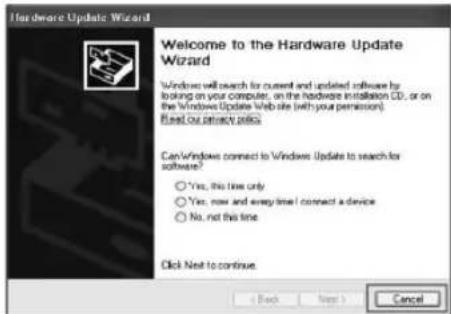
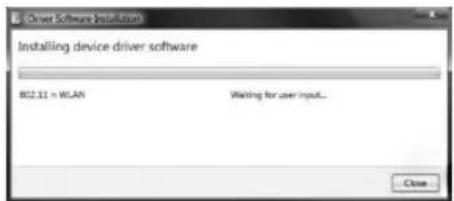
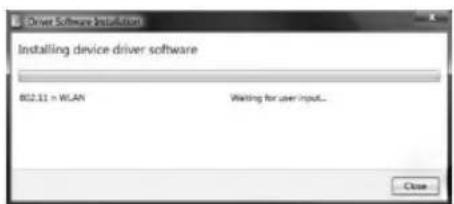
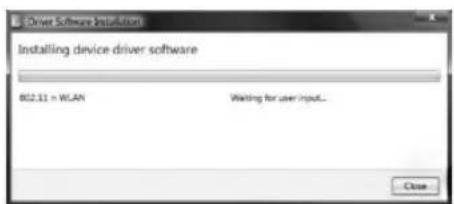
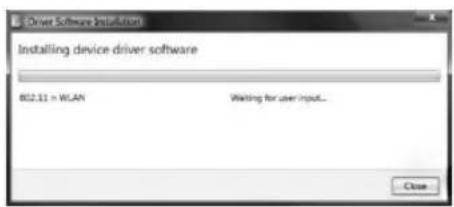
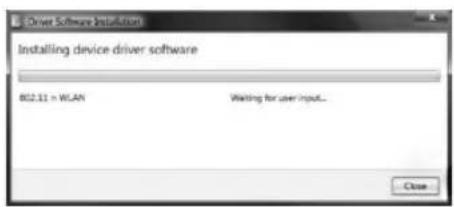
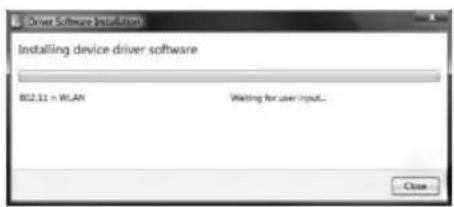
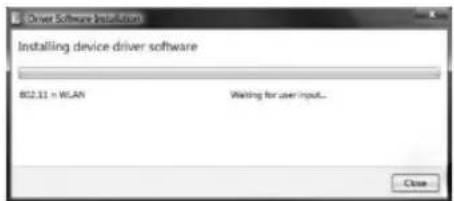
The following message will appear on your computer, click 'Cancel / Close'.
ENGLISH

NGS.
Under Windows XP Under Windows Vista and Windows 7
USER'S MANUAL
DRIVER INSTALLATION
-
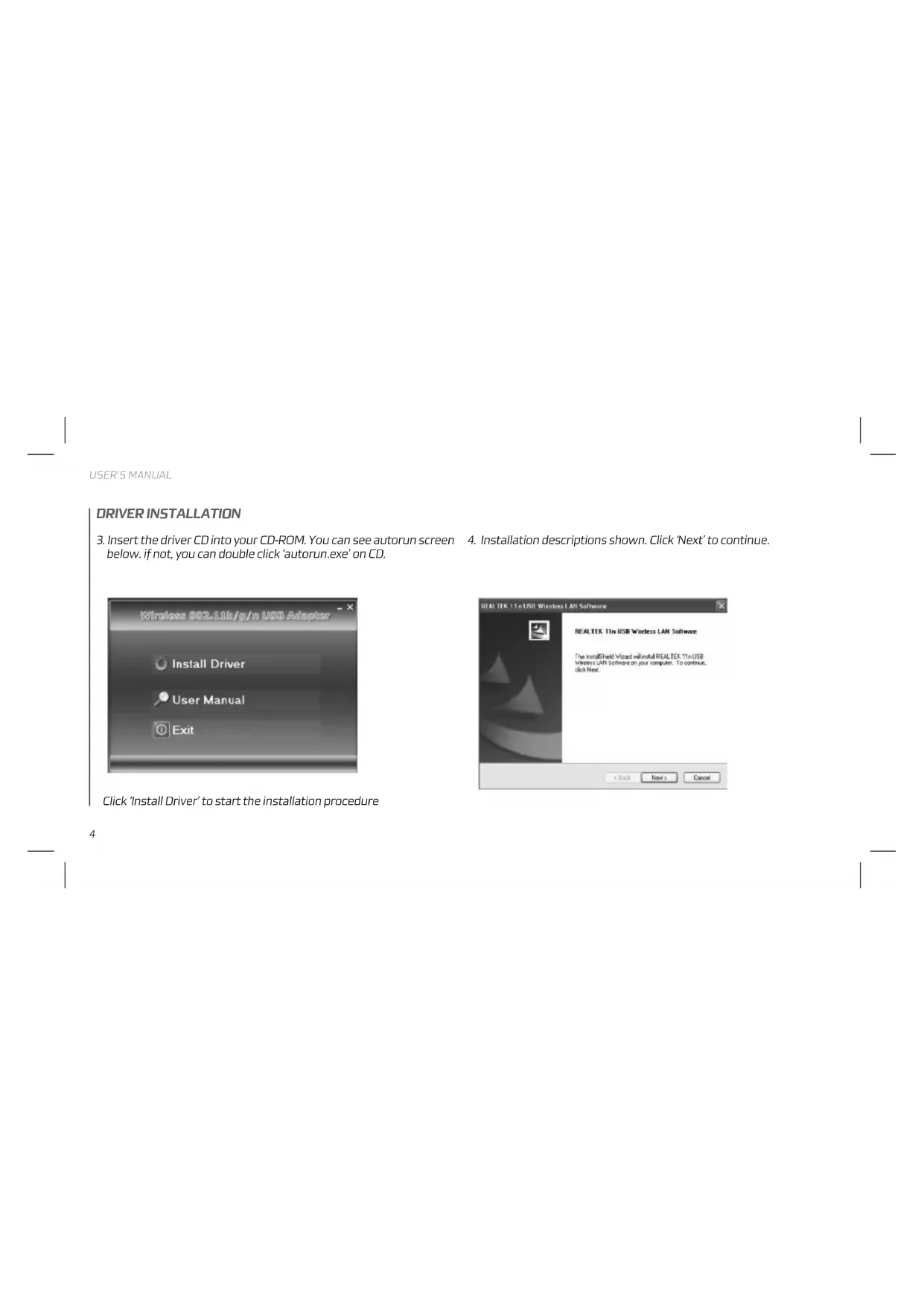
Insert the driver CD into your CD-ROM. You can see autorun screen below. if not, you can double click 'autorun.exe' on CD.
-
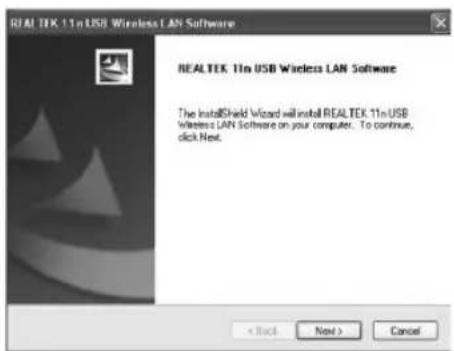
Installation descriptions shown. Click 'Next' to continue.
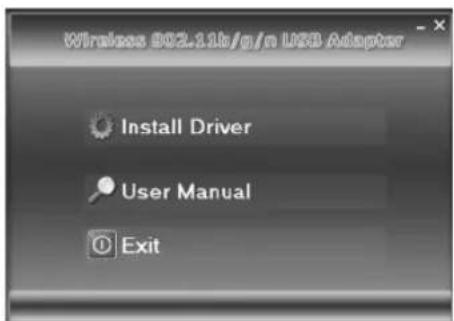
Click 'Install Driver' to start the installation procedure
ENGLISH

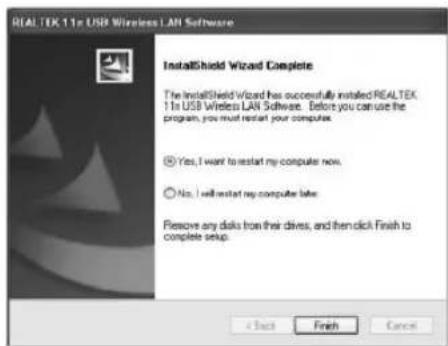
- Once the installation is finished the computer will be asked to reboot, you can click 'Finish' and reboot the computer to finish the installation of driver files.
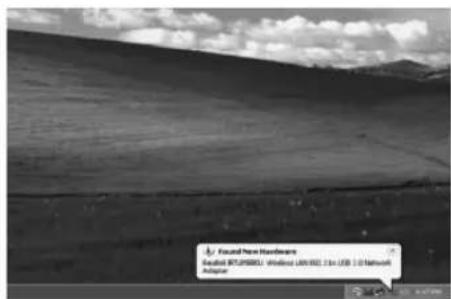
- Insert the USB wireless network card into an USB 2.0 port of your computer, the system will find the new hardware and will install the drivers automatically.
USER'S MANUAL
DRIVER INSTALLATION
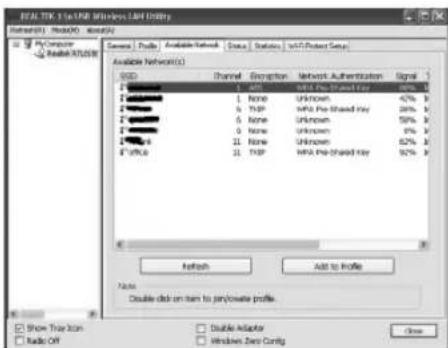
- After finishing driver installation, click adapter utility from your taskbar or programs folder. Click "available networks", select the wireless access point you would like to connect and press "Add to Profile" button.
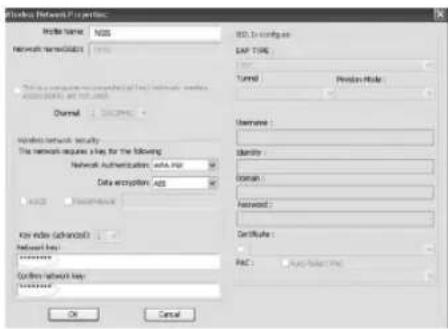
- Fill in the security information if any requirement, and then click "OK" to connect the wireless network.
ENGLISH

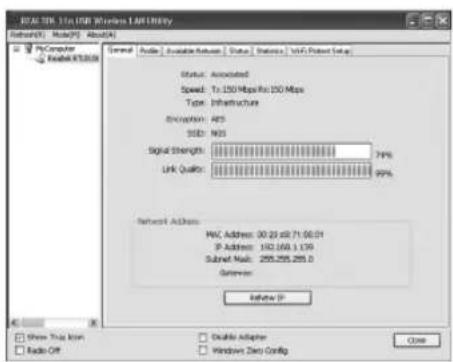
- Connected successfully. It will show the status screen.

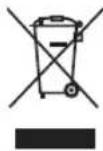
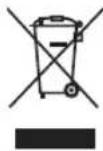
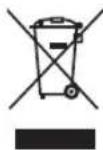
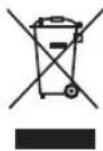
If at any time in the future you should need to dispose of this product please note that:
Waste electrical products should not be disposed of with household waste. Please recycle where facilities exist.
Check with your Local Authority or retailer for recycling advice.
(Waste Electrical and Electronic Equipment Directive)

HEREBY, LURBE GRUP S.A, DECLARES THAT THIS WIRELESS ADAPTER IS IN COMPLIANCE WITH THE ESSENTIAL REQUIREMENTS AND OTHER RELEVANT PROVISIONS OF DIRECTIVE 1999/5/EC.
MANUEL DE L'UTILISATEUR
BIENVENUE
MANUEL DE L'UTILISATEUR
INSTALLATION DU PILOTE
FRANÇAIS


MANUAL DE USUARIO
ESPAÑOL

GEBRUIKERSHANDLEIDING
DRIVER INSTALLATION
DEUTSCH

DEUTSCH

INSTRUZIONI D'USO
INSTALLAZIONE DEL DRIVER
ITALIANO

ITALIANO

MANUAL DO UTILIZADOR
PORTUGUÊS

PORTUGUÊS

POLSKI

POLSKI