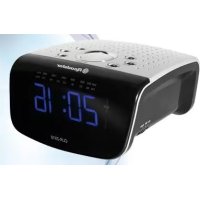
CLR2510 - Radio ROADSTAR - Free user manual and instructions
Find the device manual for free CLR2510 ROADSTAR in PDF.


| Product type | AM/FM digital clock radio |
| Brand | Roadstar |
| Model | CLR2510 |
| Frequency bands | FM: 88-108 MHz, AM: 530-1600 kHz |
| Display | 24-hour digital clock |
| Main power supply | 230 V ~ 50 Hz |
| Backup battery | 9 V (type 6F22/006P) |
| Main functions | AM/FM radio, radio or buzzer alarm, snooze, sleep timer |
| Controls | Function selector (ON/OFF/AUTO), hour/minute/alarm setting buttons, volume control, station tuning |
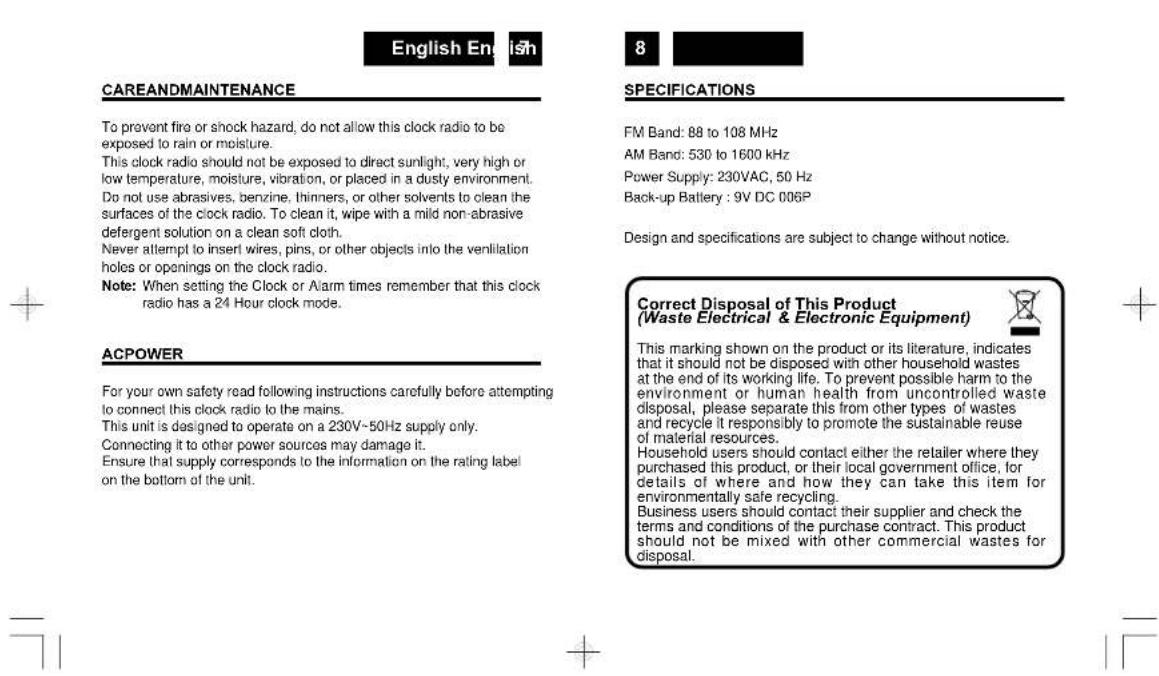
| Care and cleaning | Clean with a soft cloth slightly dampened with a mild detergent. Do not use solvents. |
| Safety precautions | Do not expose to rain or moisture, do not insert objects into openings. |
| General information | Specifications subject to change. Replace backup battery every 9-12 months. |
Frequently Asked Questions - CLR2510 ROADSTAR
User questions about CLR2510 ROADSTAR
0 question about this device. Answer the ones you know or ask your own.
Ask a new question about this device
Download the instructions for your Radio in PDF format for free! Find your manual CLR2510 - ROADSTAR and take your electronic device back in hand. On this page are published all the documents necessary for the use of your device. CLR2510 by ROADSTAR.
USER MANUAL CLR2510 ROADSTAR
This unit operates from a main supply of 230V 50Hz .Connect the AC power cord to the AC household main outlet. Ensure that the voltage is as indicated on the rating plate on the rear of the unit.
Battery Back-up Power Failure Protection
This radio has a battery back up circuit that will keep the correct time and alarm settings in the event of a temporary power interruption. Install a 9-volt battery (type 6F 22/006P), not included, into the battery compartment located on the bottom of the unit.
Note: We recommend an alkaline battery for longer usable life. Change the battery every 9 to 12 months for best result and avoid possible battery leakage.
If power is temporarily interrupted the display will blink and the radio will not play. However, the battery back-up circuit will continue to maintain the clock and alarm settings. When power is restored the clock will display the correct time and alarm settings, and no adjustment is necessary.
Note: If power is interrupted and there is no battery in the compartment or the battery is exhausted. The time and alarm settings will be lost. When power is restored the clock will begin to flash indicating that the time and alarm settings must be corrected.
SETTINGTHECORRECTTIME
- Press and hold the TIME SET Button (11).
- Press HOUR button (2) to advance hour
- Press MINUTE button (3) until the correct time is displayed.
- Release the TIME SET Button (11).
SETTINGTHE WAKEUPTIME
- Set the FUNCTION Selector (1) to the OFF position.
- Set the alarm time by following this procedure:
- Press and hold the ALARM SET Button (4).
- Press the HOUR Button (2) to advance hour; press MINUTE Button (3) until the desired alarm time is displayed.
- Release the ALARM SET Button (4)
- To check the correct alarm time is set, press the ALARM SET Button (4).
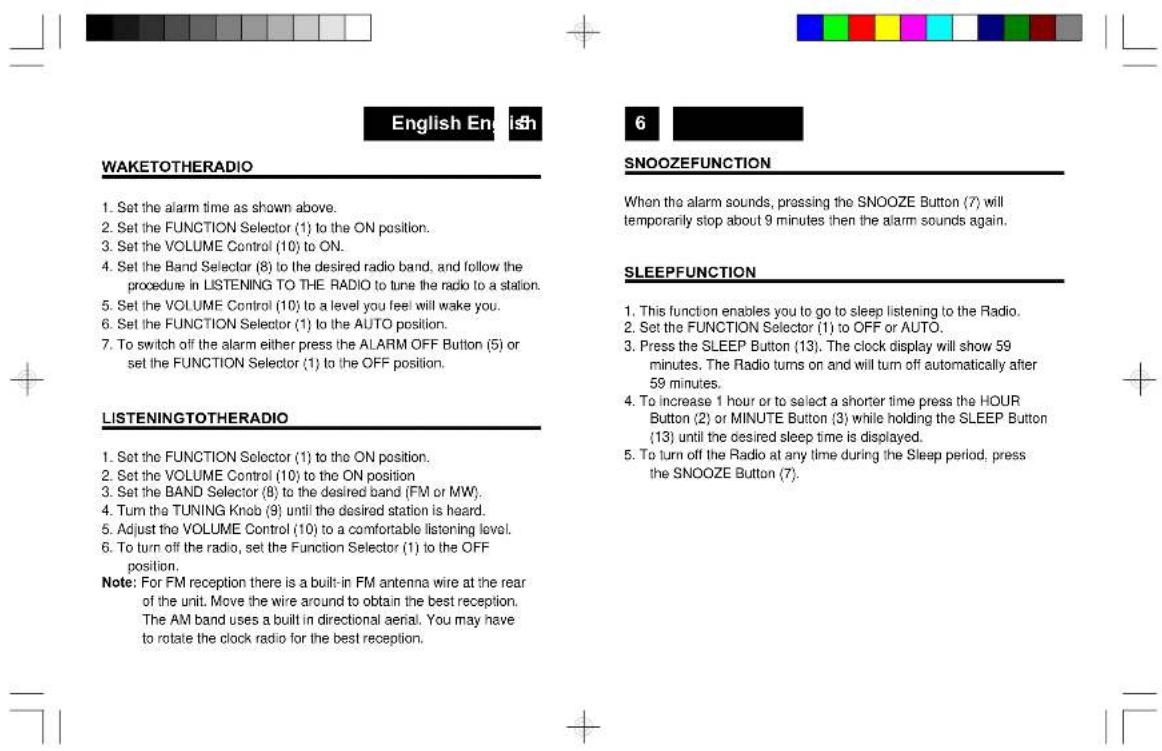
WAKETOBUZZERALARM
- Set the alarm time as shown above.
- Set the Function Selector (1) to the AUTO position.
"●" will appear on the left side of the display.
- Turn the VOLUME Control (10) down completely.
- To switch off the alarm either press the ALARM OFF Button (5), or set the FUNCTION Selector (1) to the OFF position.




Deutsch De
10
CLR-2510
MW/UKW-DIGITAL-WECKRADIO
SICHERHEITSHINWEISE

m = 311 ;
FONTIALIMENTAZIONE

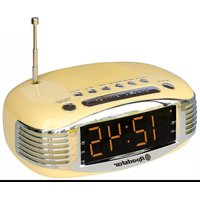
Brand : ROADSTAR
Model : CLR2510
Category : Radio