 EasyManual
 313T/MD - Tablet DT Research - Free user manual and instructions
Find the device manual for free 313T/MD DT Research in PDF.


User questions about 313T/MD DT Research
0 question about this device. Answer the ones you know or ask your own.
Ask a new question about this device
Download the instructions for your Tablet in PDF format for free! Find your manual 313T/MD - DT Research and take your electronic device back in hand. On this page are published all the documents necessary for the use of your device. 313T/MD by DT Research.
USER MANUAL 313T/MD DT Research
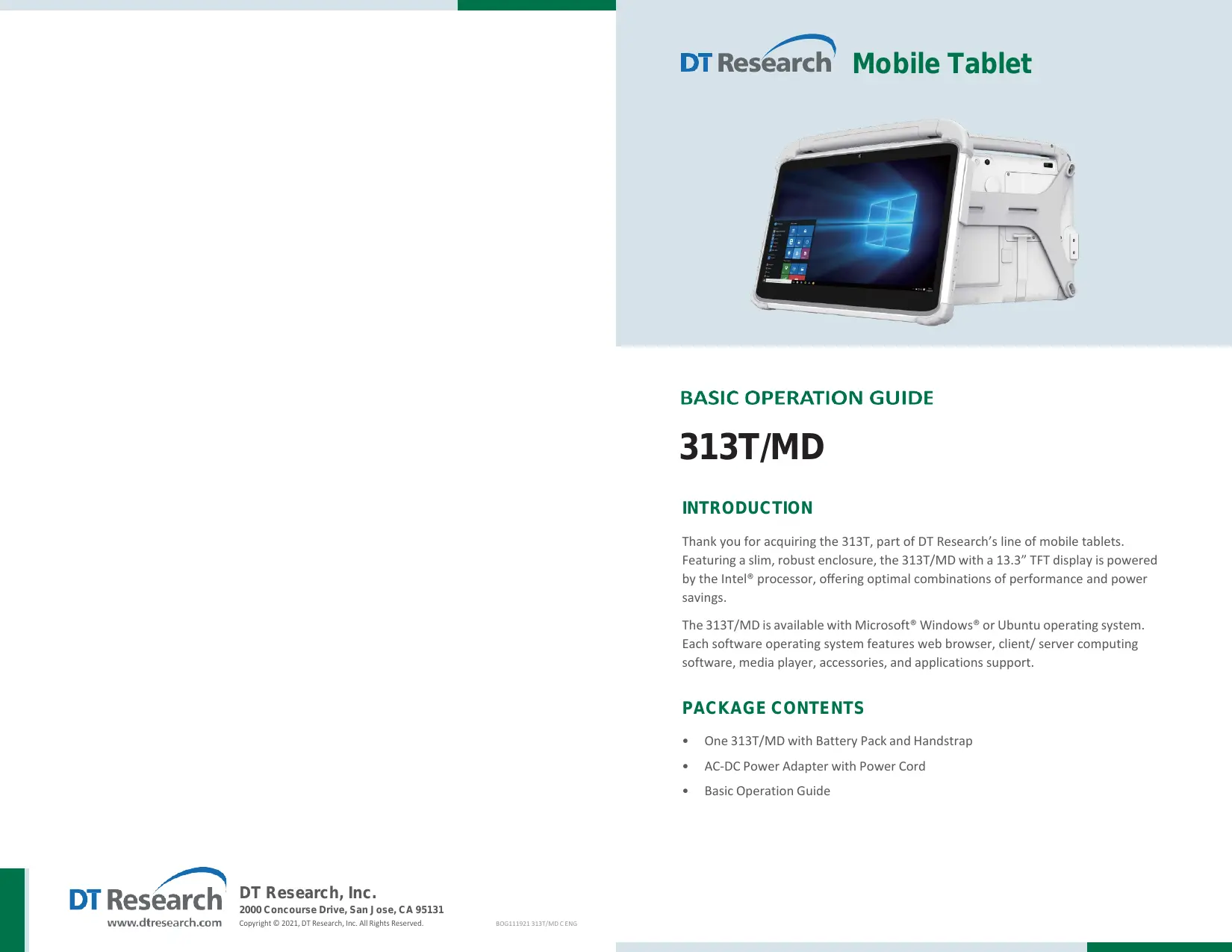
313T/MD INTRODUCTION Thank you for acquiring the 313T, part of DT Research's line of mobile tablets Featuring a slim, robust enclosure, the 313T/MD with a 13.3” TFT display is powered by the Intel® processor, offering optimal combinations of performance and power savings. The 313T/MDis available with Microsoft® Windows® or Ubuntu operating system. Each software operating system features web browser, client/ server computing software, media player, accessories, and applications support. PACKAGE CONTENTS + One 313T/MD with Battery Pack and Handstrap + AC-DC Power Adapter with Power Cord + Basic Operation Guide
Power/Battery LED Status: + Blue indicates the battery is 25% to 100% charged + Blinking blue indicates the battery is charging + Orange indicates that the battery is between 11% to 25% + Blinking Orange indicates that the battery is below 10% Battery/Power LED PRECAUTIONS + Always exercise care when operating and handling the 313T/MD. + Do NOT apply excessive pressure to the display screen. + We recommend using the Digital Pen (optional) to keep the screen clean. + Avoid prolonged exposure of the display panel to any strong heat source. Wherever possible, the 313T/MD should face away from direct light to reduce glare +__Ifthe AC-DC power adapter is used to recharge or power the tablet, do NOT use any AC-DC adapter other than the one provided or acquired from the manufac- turer or its partners. + _Inthe unlikely event that smoke, abnormal noise, or strange odor is present, immediately power off the 313T/MD and disconnect all power sources. Report the problem to your device provider immediately, + Never attempt to disassemble the 313T/MD, as this will void the warranty. BASIC FEATURES The 313T/MD wireless tablet integrates a bright and multi-touch display, one USB port, and embedded networking elements such as wireless LAN and Bluetooth. The Input/ Output Ports © Ethernet Port © Headphone-out 313T/MD is complemented by a suite of accessories, including battery expansion, © HDMrout @ u5830Port charging cradles, and battery charger kit, for a comprehensive user experience. @ US820Ports @ ocin A 313T/MD typically integrates an 802.11ax wireless LAN (WLAN) adapter that may connect to other wireless devices or access points. If your 313T/MD does not come Button Functions with such a network adapter, please consult your device provider to establish the desired network connectivity @ Programmable Button Power Button € Trigger button e Battery Latch
OPERATION Powering ON and OFF To activate the 313T/MD, push and quickly release the Power Button. The display will come on in a few seconds. To put the 313T/MD in Standby mode, push and quickly release the Power Button. To turn the 313T/MD off for extended storage, power off safely using any software function that “shuts down computer” provided in the software operating system. NOTE: The battery packs shipped with your tablet may be low in power—please use the AC-DC adapter with the 313TT when setting up for the first time to fully charge the internal battery pack. You may charge the external battery pack with it attached to the 313TT, or with the optional external battery charger kit. NOTE: When the batterypack is charging, the blue-colored Battery LED should blink slowly. If plugging in the AC-DC adapter does not trigger this blinking activity andthe LED stays dark, the battery pack may have been drained substantially. Try unplugging/ replugging the AC-DC adapter to the 313TT a few times to activate the charging process. NOTE: To conserve power, use (push and quick release) the Power Button to put the tablet in “Standby” mode while not in use. Pushing briefly on the same button will wake up the system within seconds. NOTE: Avoid using the Power Button (“hold 4+ seconds” feature) to turn off the tablet— this form of hardware shutdown is intended to be a means of recoveryfrom lockups, and not as normal operation. Start Up If the power up (from Standby mode or otherwise) is successful, the appropriate interface will be displayed after a launch sequence of several seconds. The wireless LAN connection may take 10-15 seconds to be established. Configuring the Mobile Tablet The 313T/MD may be configured using the utilities and methods dictated by the software operating system. The 313T/MD should be configurable for various properties such as user profiles, network features, and several system elements. Wireless Networking Wireless LAN The 313T/MD is often delivered with an embedded (user-inaccessible) 802.11ax WLAN adapter equipped with a hidden custom antenna. + Through the support of typical WLAN adapters, the 313T/MD should be able to detect all 802.11 access points in the vicinity for you to select the access point of vour choice for connection. + The SSID and WEP/WPA/WPA2 (if enabled) parameters on the 313T/MD and the access points have to match. The SSID is case-sensitive and it is recommended that you enable WEP/WPA/WPA2 encryption (or advanced alternatives) for secure access. + When WEP/WPA/WPA2 is enabled, you may need to consult your network administrator or your networking equipment literature to properly configure associated settings such as Authentication mode, etc. + Refer to the access point operating manuals for setting up the 802.11 access points. Bluetooth The 313T/MD offers the Bluetooth module which supports Bluetooth 5.2 standard including Bluetooth 3.0 High Speed and Bluetooth 4.0 Low Energy, which delivers faster speeds with low power consumption.
Peripherals Support Through its USB port, the 313T/MD supports a wide range of USB-based peripherals. These peripherals are applicable for software installation, applications storage, data storage, and system software recovery and updates. For More Support Users can download the Tablet Modules Basic Operation Guides from the DT Research website. To Hold the Tablet Left hand: grip the left back side of the tablet with your left hand four index fingers, with thumb resting on the top of the back side of the tablet and palm securely against the back. Right hand: grip the right back side of the tablet with your right hand four index fingers, with thumb resting on the top of the back side of the tablet and palm securely against the back.
RF Exposure Information (RED & UKCA) To be protected against all verified adverse effects, the separation distance of at least Omm must be maintained between the antenna of the radio having max. 6.8dBi antenna and all persons. Hereby, [DT Research, Inc.] declares that the radio equipment type [313T/MD)] is in compliance with Directive 2014/53/EU and UK Radio Equipment Regulations 2017. The full text of the EU and UK declaration of conformity is available at the following internet address: http://www.dtresearch.com. The functions of Wireless Access Systems including Radio Local Area Networks(WAS/RLANS) within the band 5150-5250 MHz for this device are restricted to indoor use only within all European Union countries (BE/BG/CZ/DK/DE/EE/IE/EL/ES/FR/HR/ IT/CY/LV/LT/LU/HU/MT/NL/AT/PL/PT/RO/SI/SK/FI/SE/TR/N O/CH/IS/LI/UK(NI). Maximum EIRP for EU Bluetooth:2402MHz-2480MHz 10.27dBm Bluetooth LE:2402MHz-2480MHz 7.00dBm Wifi: 2412MHz-2472MHz/2422MHz-2462MHz 18.47dBm Wifi: 5150MHz-5725MHz 21.98dBm Wifi: 5725MHz-5875MHz 13.96dBm This equipment complies with Directive 2014/53/EU and UK Radio Equipment Regulations 2017 radiation exposure limits set forth for an uncontrolled environment. End user must follow the specific operating instructions for satisfying RF exposure compliance. This transmitter must not be co-located or operating in conjunction with any other antenna or transmitter. The portable device is designed to meet the requirements for exposure to radio waves established by European Union market(France). These requirements set a SAR limit of 2W/kg averaged over one gram of tissue. The highest SAR value 1.587W/kg reported under this standard during product certification for use when properly worn on the body. The equipment has been tested with radios set to their highest transmission levels with following setup: Mode use against the head worn or carried against the torso of the body Worn on limbs Separation / 0 mm 1 SAR Value / 1.587 W/kg 1 Sar Limit 2W/kg (over 10 g) 2W/kg (over 10 g) AaW/kg (over 10 g) Body-worn accessories (e.g,, carry case, belt clip) containing metallic components which has not been tested or certified may change the RF performance of the device, including its compliance with RF exposure. User shall avoid using such accessories and should operate at least the above stated separation distance to maintain RF exposure compliance.
Operating authorizations must exist to operate the product in the following member states of the European Union, refer to the table below. GRREE Esjafmfamluu Efisfrjufu se Dre fou uk Importer Name: Concept International GmbH Importer Address: Zweibrückenstr. 5-7 80331 München Germany
Federal Communication Commission Interference This equipment has been tested and found to comply with the limits for a Class B digital device, pursuant to Part 15 of the FCC Rules. These limits aredesigned to provide reasonable protection against harmful interference ina residential installation. This equipment generates, uses and can radiate radio frequency energy and, if not installed and used in accordance with the instructions, may cause harmful interference to radio communications. However, there is no guarantee that interference will not oceur in a particular installation. If this equipment does cause harmful interference to radio or television reception, which can be determined by turning the equipment off and on, the user is encouraged to try to correct the interference by one of thefollowing measures: + Reorient or relocate the receiving antenna. . Increase the separation between the equipment and receiver. . Connect the equipment into an outlet on a circuit different from that to which the receiver is connected. + Consultthe dealer or an experienced radio/TV technician for help. FCC Caution: Any changes or modifications not expressly approved by the party responsible for compliance could void the user's authority to operatethis equipment. Operation is subject to the following two conditions: (1) This device may not cause harmful interference, and (2) this device must accept any interferencereceived, including interference that may cause undesired operation. This device and its antenna(s) must not be co-located or operating inconjunction with any other antenna or transmitter. RF Exposure Compliance This equipment complies with FCC radiation exposure limits set forth for an uncontrolled environment. End user must follow the specific operating instructions for satisfying RF exposure compliance. This transmitter must not be co-located or operating in conjunction with any other antenna or transmitter. The portable device is designed to meet the requirements for exposure to radio waves established by the FCC. These requirements set a SAR limit of 1.6 W/kg averaged over one gram of tissue. The highest SAR value reported under this standard during product certification for use when properly worn on the body, with Omm separation. Supplier's Declaration of Conformity 47 CFR 8 2.1077 Compliance Information Unique Identifier Trade Name: — Model No.: 313T/MD DT Reséarch Responsible Party — U.S. Contact Inrormation DT Research, Inc. 2000 Concourse Drive, San Jose, CA 95131 http;//www.dtresearch.com IC Compliance Statement This device contains licence-exempt transmitter(s)/receiver(s) that comply with Innovation, Science and Economic Development Canada's licence-exempt RSS(s). Operation is subject to the following two conditions: (1) This device may not cause interference. (2) This device must accept any interference, including interference that may cause undesired operation of the device. This equipment complies with IC RSS-102 radiation exposure limits set forth for an uncontrolled environment. L'émetteur/récepteur exempt de licence contenu dans le présent appareil est conforme aux CNR d'innovation, Sciences et Développement économique Canada applicables aux appareils radio exempts de licence. L'exploitation est autorisée aux deux conditions suivantes : (1) L'appareil ne doit pas produire de brouillage; (2) L'appareil doit accepter tout brouillage radioélectrique subi, même si le brouillage est susceptible d'en compromettre le fonctionnement. Cet équipement est conforme aux limites d'exposition aux radiations IC CNR-102 établies pour un environnement non contrôlé.