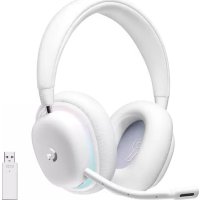
LOGITECH G335 - Headphones

G335 - Headphones LOGITECH - Free user manual and instructions

Find the device manual for free G335 LOGITECH in PDF.

📄 15 pages English EN Download 💬 AI Question 10 questions ⚙️ Specs
Notice LOGITECH G335 - page 3
View the manual : Français FR English EN Español ES Português PT
Pick your language and provide your email: we'll send you a specifically translated version.
Product typeWired audio headset
BrandLogitech
ModelG335
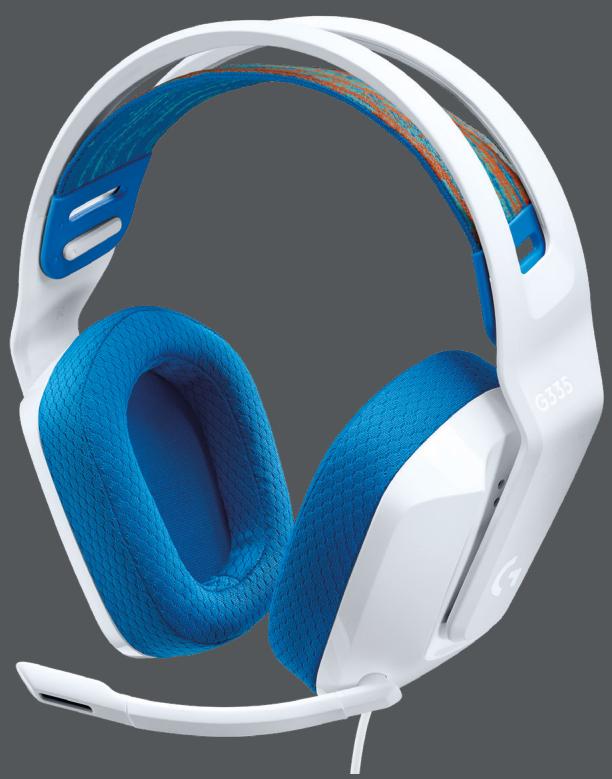
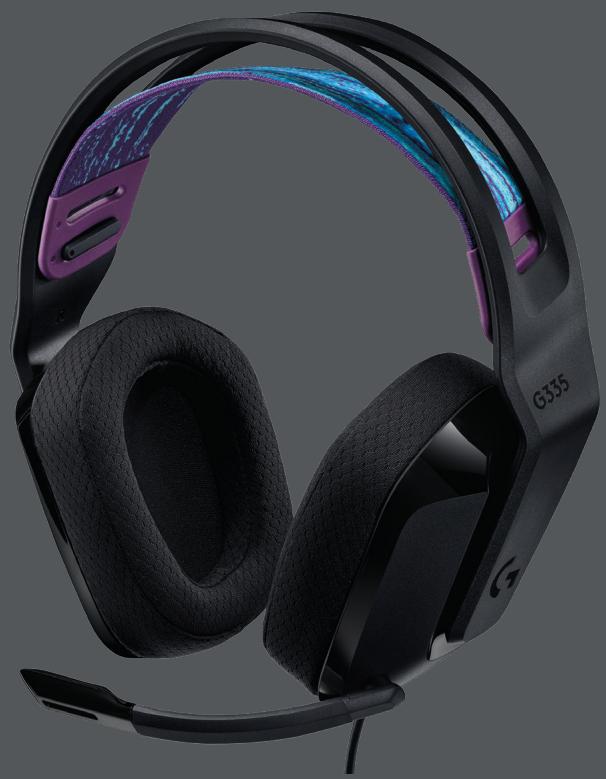
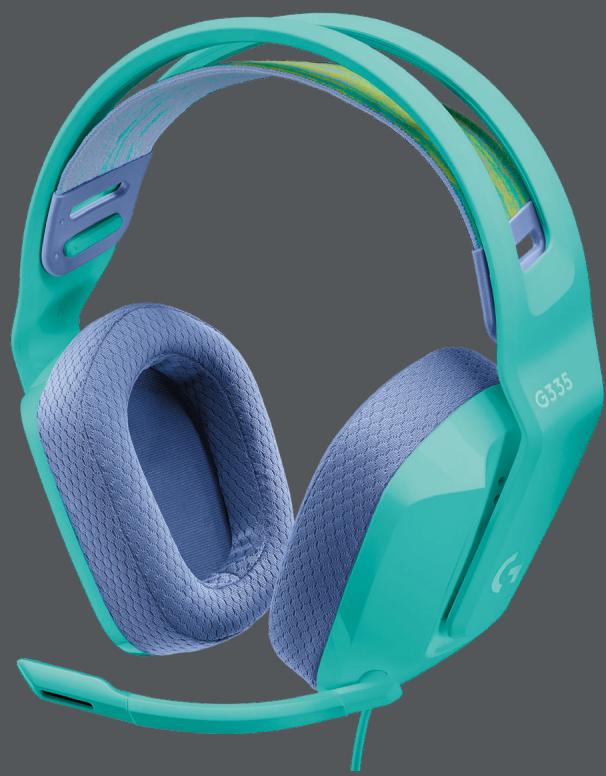
ColorBlack, White, Blue, Mint (depending on variant)
Connectivity3.5 mm jack (wired)
Transducers40 mm
Microphone typeOmnidirectional microphone with mute function (flip-to-mute)
Frequency response (headset)20 Hz - 20 kHz
Impedance32 ohms
Sensitivity~93 dB SPL at 1 kHz
Cable lengthApproximately 2 meters
WeightApproximately 240 g
Ear cushion materialMemory foam
HeadbandAdjustable and reversible suspension
Main featuresStereo audio, microphone with mute, volume control on earcup
CompatibilityPC, Xbox, PlayStation, Nintendo Switch, smartphones with 3.5 mm jack
Package contentsG335 headset, audio cable (attached), quick start guide
Warranty2 years (depending on country)
Care and cleaningClean with a slightly damp soft cloth. Avoid liquids and abrasive products.
SafetyUse at moderate volume to preserve hearing
Spare parts and repairabilityNot applicable (product not user-serviceable)

Frequently Asked Questions - G335 LOGITECH

How to connect the Logitech G335 headset?
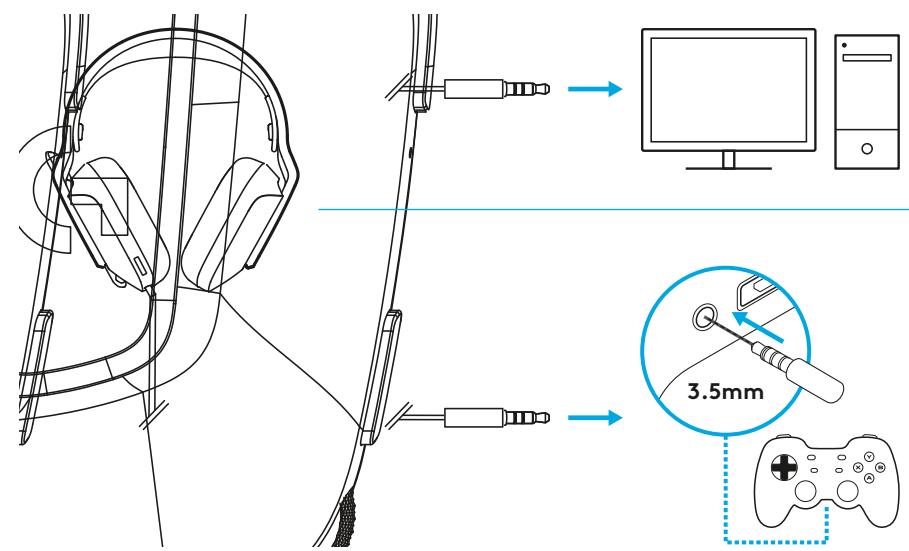
Insert the 3.5 mm jack of the headset into the headphone jack of your device (PC, console, smartphone).
How to enable or disable the microphone?
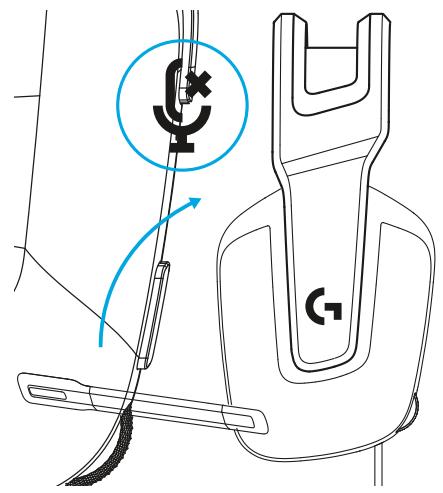
To mute the microphone, flip the microphone boom up. To unmute, flip it down. A click is heard.
How to adjust the headset size?
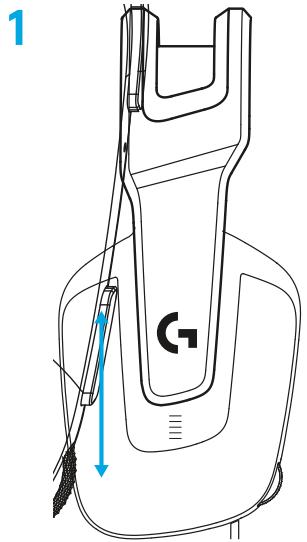
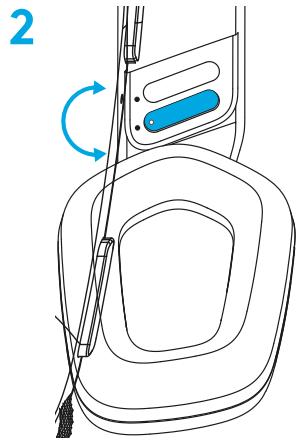
Adjust the earcup by sliding it up or down. The suspension headband can also be adjusted by pulling or pushing.
Is the G335 headset compatible with Xbox or PlayStation?
Yes, it is compatible with consoles with a 3.5 mm jack, such as Xbox One, Xbox Series X|S, PlayStation 4 and PlayStation 5.
Can I use the headset with a PC?
Yes, simply plug the 3.5 mm jack into your PC's headphone jack. The microphone is recognized automatically.
How to clean the ear cushions and headband?
Use a slightly damp soft cloth. Do not use chemicals or excess liquids. Let air dry.
Is the G335 headset wireless?
No, the G335 is a wired headset with a fixed 2-meter cable ending in a 3.5 mm jack.
Can I replace the cable if it is damaged?
The cable is integrated and cannot be replaced separately. In case of damage, contact Logitech support.
How to adjust the volume?
Use the volume control wheel located on the right earcup of the headset.
What to do if the sound quality is poor?
Check that the jack plug is fully inserted. Try on another device to isolate the problem. If the issue persists, contact Logitech support.

User questions about G335 LOGITECH

0 question about this device. Answer the ones you know or ask your own.

Ask a new question about this device

The email remains private: it is only used to notify you if someone responds to your question.

No questions yet. Be the first to ask one.

Download the instructions for your Headphones in PDF format for free! Find your manual G335 - LOGITECH and take your electronic device back in hand. On this page are published all the documents necessary for the use of your device. G335 by LOGITECH.

USER MANUAL G335 LOGITECH

Wired Gaming Headset

Casque gaming filaire

SETUP GUIDE GUIDE D'INSTALLATION

LOGITECH G335 - SETUP GUIDE GUIDE D'INSTALLATION - 1

LOGITECH G335 - SETUP GUIDE GUIDE D'INSTALLATION - 2

LOGITECH G335 - SETUP GUIDE GUIDE D'INSTALLATION - 3

LOGITECH G335 - SETUP GUIDE GUIDE D'INSTALLATION - 4

LOGITECH G335 - SETUP GUIDE GUIDE D'INSTALLATION - 5

LOGITECH G335 - SETUP GUIDE GUIDE D'INSTALLATION - 6

LOGITECH G335 - SETUP GUIDE GUIDE D'INSTALLATION - 7

ENGLISH 3
FRANÇAIS 6
ESPANOL. 9
PORTUGUES 12

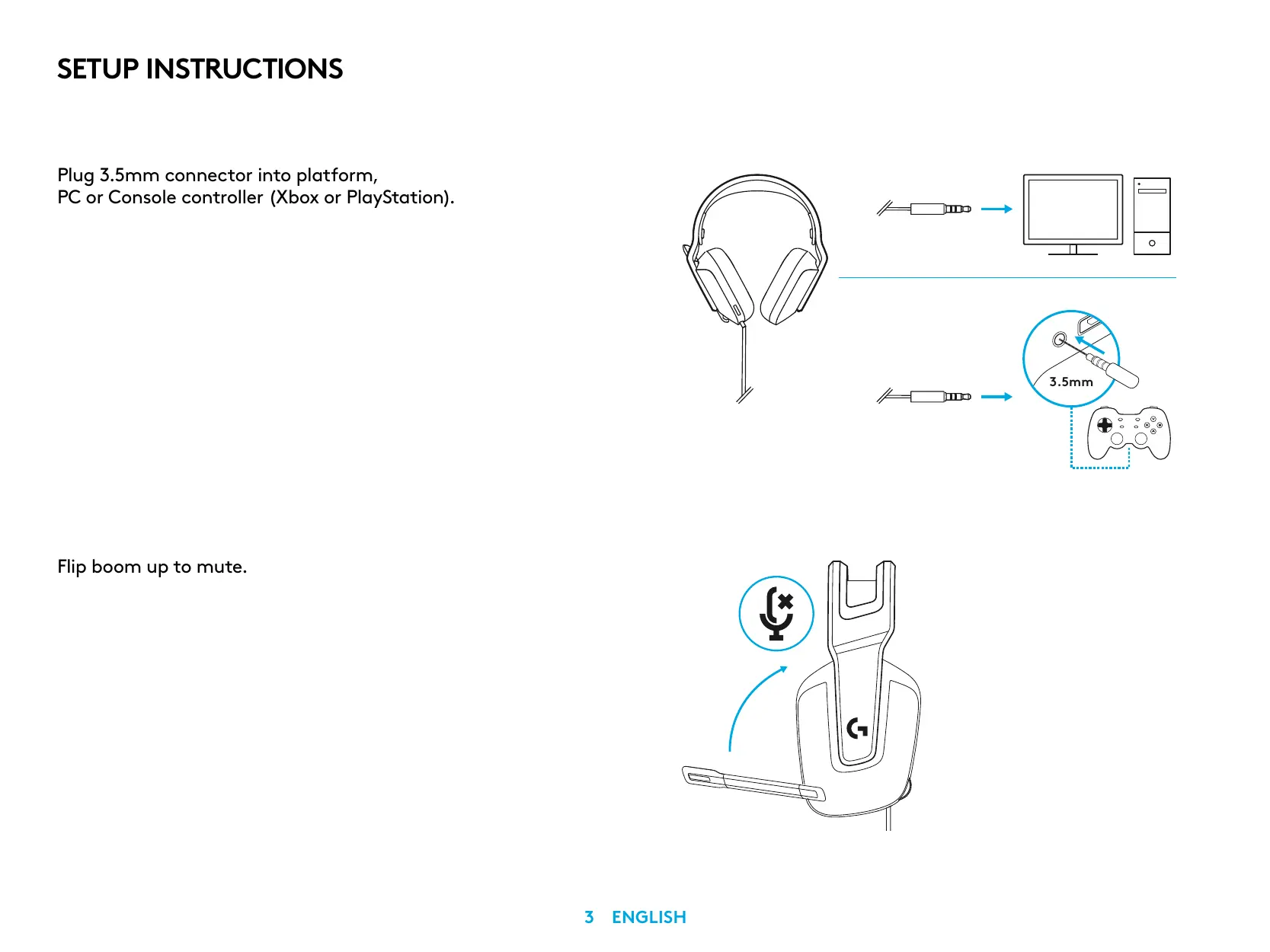
SETUP INSTRUCTIONS

Plug 3.5mm connector into platform, PC or Console controller (Xbox or PlayStation).

LOGITECH G335 - SETUP INSTRUCTIONS - 1

Flip boom up to mute.

LOGITECH G335 - SETUP INSTRUCTIONS - 2

SIZE ADJUSTMENT

1 Adjust earcup to adjust size.

LOGITECH G335 - SIZE ADJUSTMENT - 1

2 Adjust strap to adjust size.

LOGITECH G335 - SIZE ADJUSTMENT - 2

FEATURES

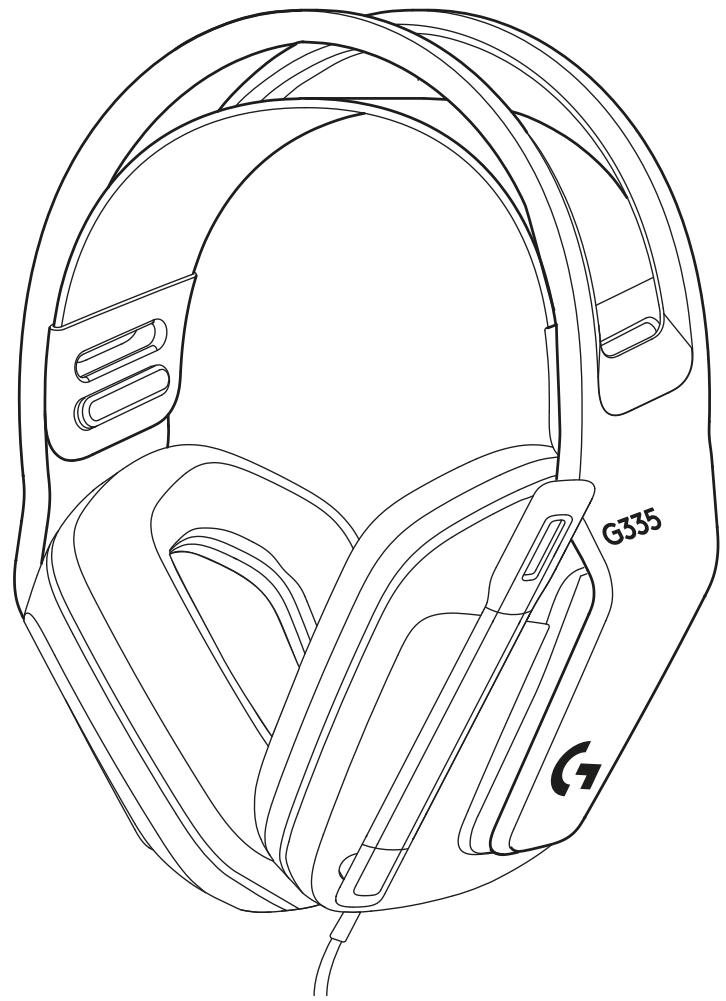
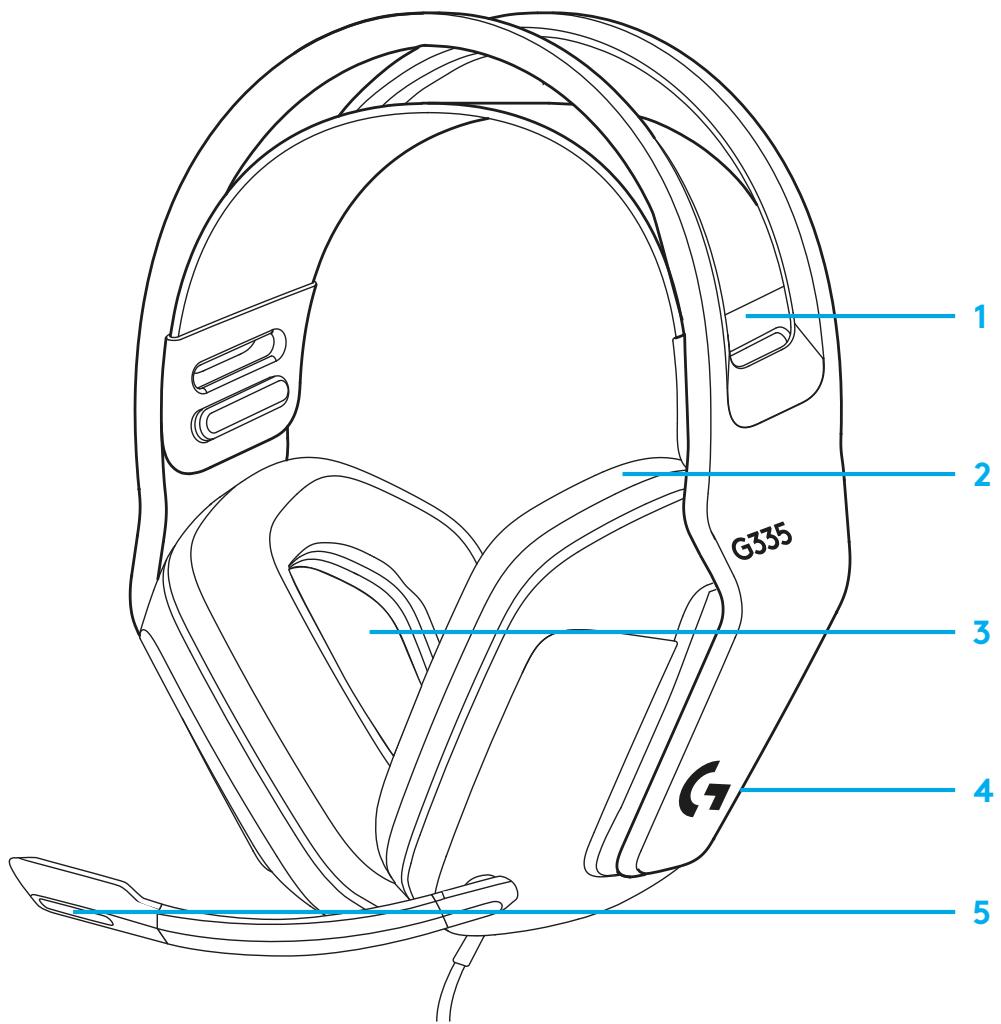
1 Adjustable, reversible suspension band
2 Memory foam earpads
3 40 mm drivers
4 On-ear volume control
5 Flip-to-mute 6-mm mic

LOGITECH G335 - FEATURES - 1

QUESTIONS?

logitechG.com/support/G335

INSTRUCTIONS D'INSTALLATION

©2021 Logitech. Logitech, Logitech G, Logi and their respective logos are trademarks or registered trademarks of Logitech Europe S.A. and/or its affiliates in the U.S. and other countries. All other trademarks are the property of their respective owners. Logitech assumes no responsibility for any errors that may appear in this manual. Information contained herein is subject to change without notice.

©2021 Logitech. Logitech, Logitech G, Logi and their respective logos are trademarks or registered trademarks of Logitech Europe S.A. and/or its affiliates in the U.S. and other countries. All other trademarks are the property of their respective owners. Logitech assumes no responsibility for any errors that may appear in this manual. Information contained herein is subject to change without notice.

Manual assistant
Powered by Anthropic
Waiting for your message
Product information

Brand : LOGITECH

Model : G335

Category : Headphones