USER MANUAL CARE - AIR ROWER CARE FITNESS
Connection application
https://cloud.carefitness.com/index.php/s/E2WD22KMNBQzERL
https://www.carefitness.com/sav
GB
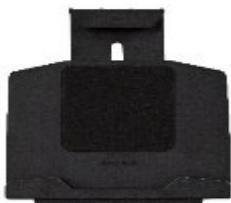
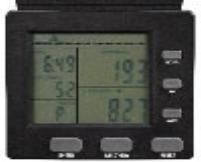
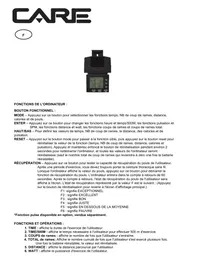
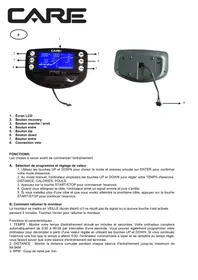
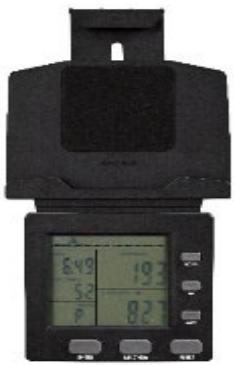
COMPUTER FUNCTIONS:
MODE - Press this button to select the time, number of strokes, distance, calories and pulse functions.
ENTER – Press this button to change the time and time/500M functions, the pulse and SPM functions, the distance and watt functions, the stroke and total stroke functions.
UP/DOWN – To set the values of time , number of strokes , distance, calories and heart rate.
RESET - Press the mode button to switch to the target function, then press the reset button to reset the function value (time, number of strokes, distance, calories and heart rate). Press and hold the reset button for about 2 seconds to restart the computer, and all values on the computer will be reset (except the total number of strokes which will return to zero once the battery is reinstalled).
RECOVERY – Press this button to test the user's pulse recovery ability. After a period of exercise, you should always wear the wireless chest strap. When the computer displays the pulse value, press this button to start the pulse recovery function. The computer will enter the 60 second countdown. After the countdown, the user's heart rate recovery status will be displayed on the screen. The recovery state represented by the F value is as follows: (Press the reset button to return to the main display screen.)
F1: means EXCEPTIONAL
F2: means EXCELLENT
F3: means GOOD
F4: means FAIR
F5: means BELOW AVERAGE
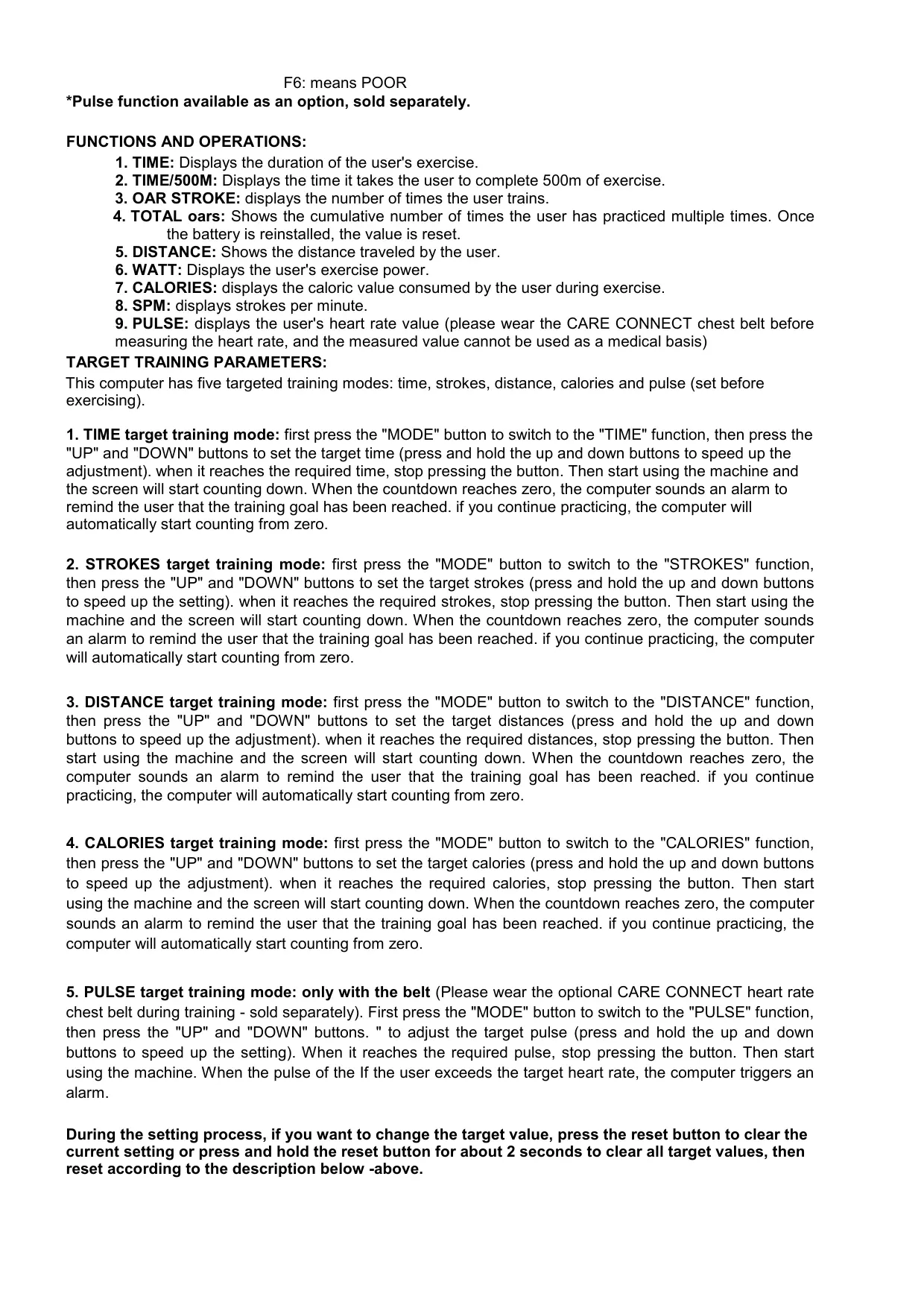
F6: means POOR
*Pulse function available as an option, sold separately.
FUNCTIONS AND OPERATIONS:
- TIME: Displays the duration of the user's exercise.
- TIME/500M: Displays the time it takes the user to complete 500m of exercise.
- OAR STROKE: displays the number of times the user trains.
- TOTAL oars: Shows the cumulative number of times the user has practiced multiple times. Once the battery is reinstalled, the value is reset.
- DISTANCE: Shows the distance traveled by the user.
- WATT: Displays the user's exercise power.
- CALORIES: displays the caloric value consumed by the user during exercise.
- SPM: displays strokes per minute.
- PULSE: displays the user's heart rate value (please wear the CARE CONNECT chest belt before measuring the heart rate, and the measured value cannot be used as a medical basis)
TARGET TRAINING PARAMETERS:
This computer has five targeted training modes: time, strokes, distance, calories and pulse (set before exercising).
- TIME target training mode: first press the "MODE" button to switch to the "TIME" function, then press the "UP" and "DOWN" buttons to set the target time (press and hold the up and down buttons to speed up the adjustment). when it reaches the required time, stop pressing the button. Then start using the machine and the screen will start counting down. When the countdown reaches zero, the computer sounds an alarm to remind the user that the training goal has been reached. if you continue practicing, the computer will automatically start counting from zero.
- STROKES target training mode: first press the "MODE" button to switch to the "STROKES" function, then press the "UP" and "DOWN" buttons to set the target strokes (press and hold the up and down buttons to speed up the setting). When it reaches the required strokes, stop pressing the button. Then start using the machine and the screen will start counting down. When the countdown reaches zero, the computer sounds an alarm to remind the user that the training goal has been reached. if you continue practicing, the computer will automatically start counting from zero.
- DISTANCE target training mode: first press the "MODE" button to switch to the "DISTANCE" function, then press the "UP" and "DOWN" buttons to set the target distances (press and hold the up and down buttons to speed up the adjustment). When it reaches the required distances, stop pressing the button. Then start using the machine and the screen will start counting down. When the countdown reaches zero, the computer sounds an alarm to remind the user that the training goal has been reached. if you continue practicing, the computer will automatically start counting from zero.
- CALORIES target training mode: first press the "MODE" button to switch to the "CALORIES" function, then press the "UP" and "DOWN" buttons to set the target calories (press and hold the up and down buttons to speed up the adjustment). When it reaches the required calories, stop pressing the button. Then start using the machine and the screen will start counting down. When the countdown reaches zero, the computer sounds an alarm to remind the user that the training goal has been reached. if you continue practicing, the computer will automatically start counting from zero.
- PULSE target training mode: only with the belt (Please wear the optional CARE CONNECT heart rate chest belt during training - sold separately). First press the "MODE" button to switch to the "PULSE" function, then press the "UP" and "DOWN" buttons. " to adjust the target pulse (press and hold the up and down buttons to speed up the setting). When it reaches the required pulse, stop pressing the button. Then start using the machine. When the pulse of the If the user exceeds the target heart rate, the computer triggers an alarm.
During the setting process, if you want to change the target value, press the reset button to clear the current setting or press and hold the reset button for about 2 seconds to clear all target values, then reset according to the description below -above.
FEATURES:
| FUNCTION | TIME | 0:00~99:59 |
| TIME/500M | 0:00~99:59 |
| SHOTS | 0 ~ 99999 TIMES |
| TOTAL SHOTS | 0 ~ 99999 TIMES |
| DISTANCE | 0~9999 METERS |
| WATT | 0~999W |
| CALORIES | 0~9999 CAL |
| GPS | 0~999 TIMES/MIN |
| PULSE | 60 ~ 240 beats per minute |
| BATTERY TYPE | 2 pieces of batteries R20 1.5V |
| OPERATING TEMPERATURE | 0°C ~ +40°C |
| STORAGE TEMPERATURE | -10°C ~ +60°C |
NOTE:
- If the screen is dim or does not show any numbers, replace the batteries.
- The computer will automatically shut down if there is no exercise or button operation within 2 minutes.
- The monitor will turn on automatically when you start exercising or press any button to start.
- The monitor will automatically start calculating when you start exercising and stop calculating when you stop exercising for 4 seconds.
- Press any button to turn on the computer backlight, and the backlight will automatically turn off and enter power saving mode after 8 seconds if no button is pressed or exercise is finished. Press any button to wake up the backlight.
- When the batteries are removed, all functional values will be reset to zero.
Please note that all values shown on this computer are approximate and are for comparison purposes only. Do not use these values for medical or rehabilitation purposes.
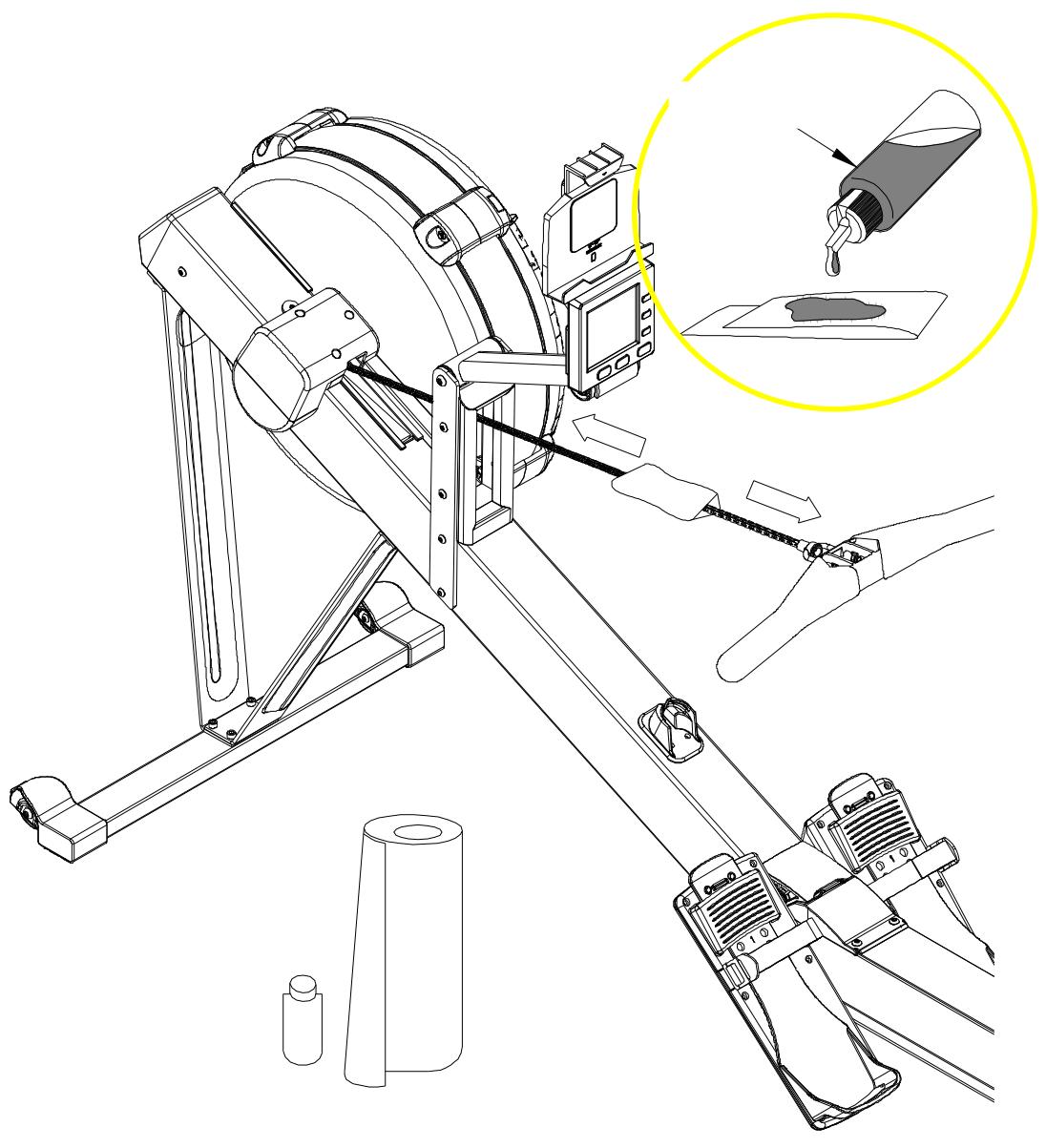
It is recommended to lubricate the chain every 50 hours of use. Follow the steps below .
- Start by placing 1 teaspoon of lubricant on a towel.
- Take the oiled towel and carefully wipe the entire length of the chain from front to back to ensure complete lubrication .
- After applying the oil, remove any excess by gently wiping it off. If necessary, repeat the process until the chain is sufficiently lubricated.
OPERATING NOTES
TRANSPORTATION
The rower has a pair of casters on the main frame.
To move, carefully hold and tilt the rower, then roll.
Reminder :
- Please use 2 pieces of 1.5V batteries
- Keep the console away from humid environment
Application connection
Copy the link here under to your brower (Edge, Firefox, Chrome, Safari etc)
https://cloud.carefitness.com/index.php/s/E2WD22KMNBQzERL
And Followw the detailed instruction
To order spare parts
To guarantee an efficient service, make sure you have the following items before you contact our After Sales Service:
The name or reference of the product.
The manufacturing number shown on the main chassis and on the packing box.
The number of the missing or faulty part shown on the exploded view of the product described in this manual.
After Sales Service
Email: service-uk@carefitness.com
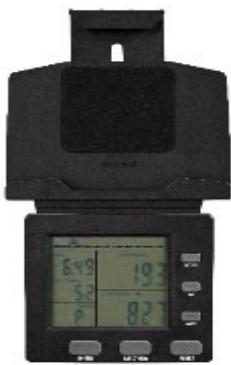
COMPUTERFUNKTIONEN:
FUNKTIONSTASTE:
E mail: service-de@carefitness.com
https://cloud.carefitness.com/index.php/s/E2WD22KMNBQzERL
https://cloud-carefitness.com/index.php/s/E2WD22KMNBQzERL
E-mail: service-nl@carefitness.com
CARE
FITNESS