
TRIAX SPEED 10 - Sports Watch NIKE - Free user manual and instructions
Find the device manual for free TRIAX SPEED 10 NIKE in PDF.


| Product type | Sports watch |
| Brand | Nike |
| Model | Triax Speed 10 |
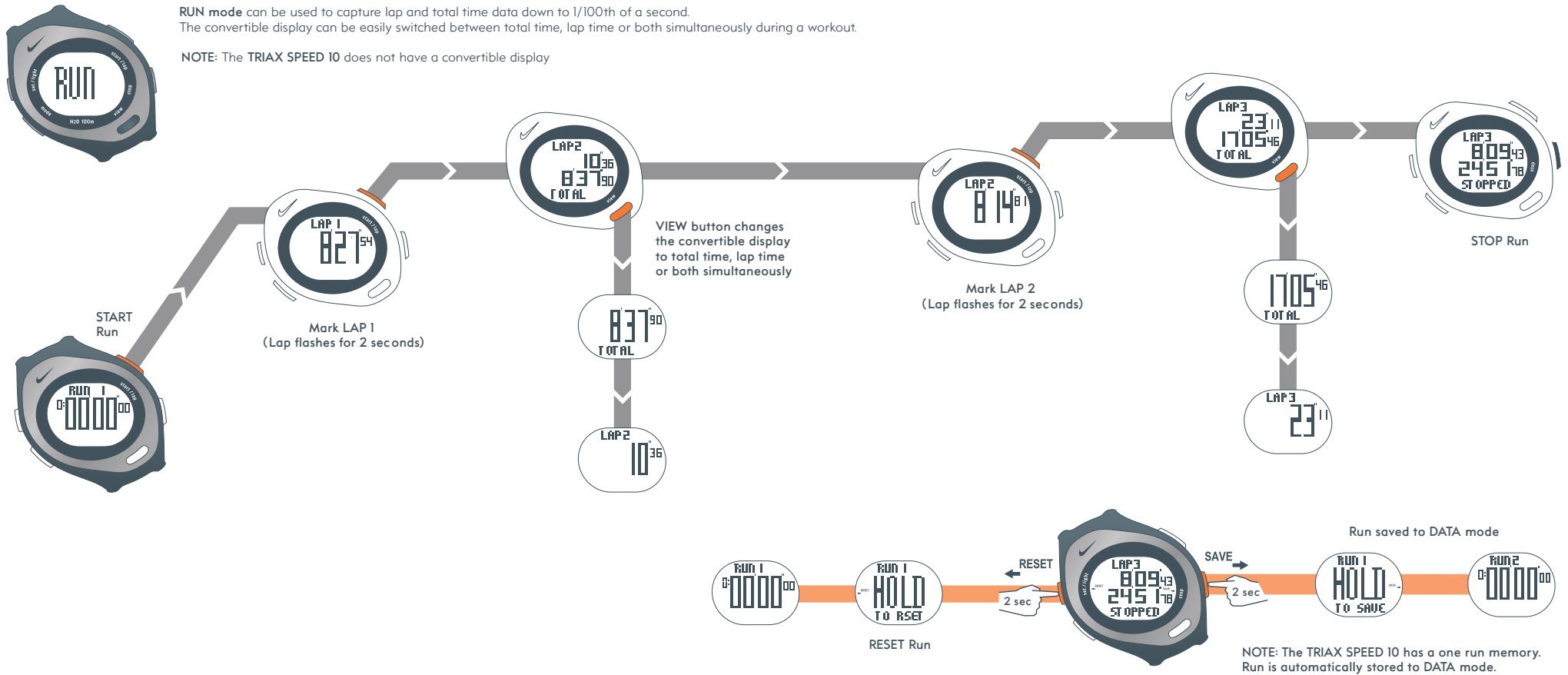
| Main functions | Time display, calendar, two time zones, two alarms, chronograph with memory for one race and 10 laps |
| Water resistance | 100 meters (do not press buttons underwater) |
| Operating temperature | -5 °C to 50 °C |
| Glass material | Mineral glass |
| Strap material | Polyurethane |
| Case material | Polycarbonate |
| Case back material | Stainless steel |
| Bezel material | Stainless steel |
| Button material | Polycarbonate |
| Buckle material | Stainless steel |
| Chronograph limits | Up to 19h59'59"99, automatic stop, memory for one race and 10 laps |
| Power supply | Button cell battery (type CR2032, not included in the manual) |
| Care and cleaning | Clean with a soft dry cloth; avoid chemicals |
| Repairability | Battery and strap replacement possible by a professional |
| Approximate weight | Approximately 50 g (estimate) |
| Case dimensions | Approximately 42 mm diameter (estimate) |
Frequently Asked Questions - TRIAX SPEED 10 NIKE
User questions about TRIAX SPEED 10 NIKE
0 question about this device. Answer the ones you know or ask your own.
Ask a new question about this device
Download the instructions for your Sports Watch in PDF format for free! Find your manual TRIAX SPEED 10 - NIKE and take your electronic device back in hand. On this page are published all the documents necessary for the use of your device. TRIAX SPEED 10 by NIKE.
USER MANUAL TRIAX SPEED 10 NIKE
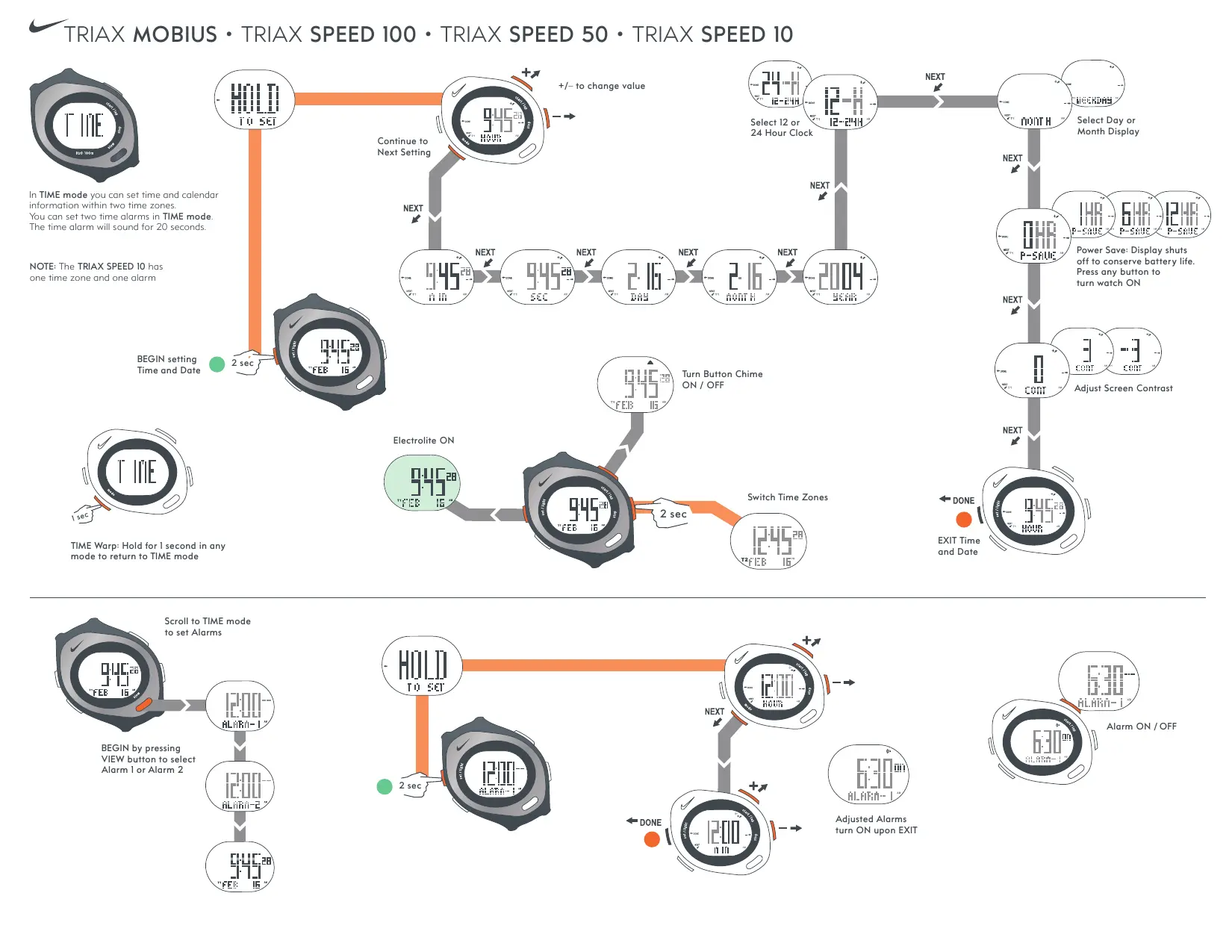
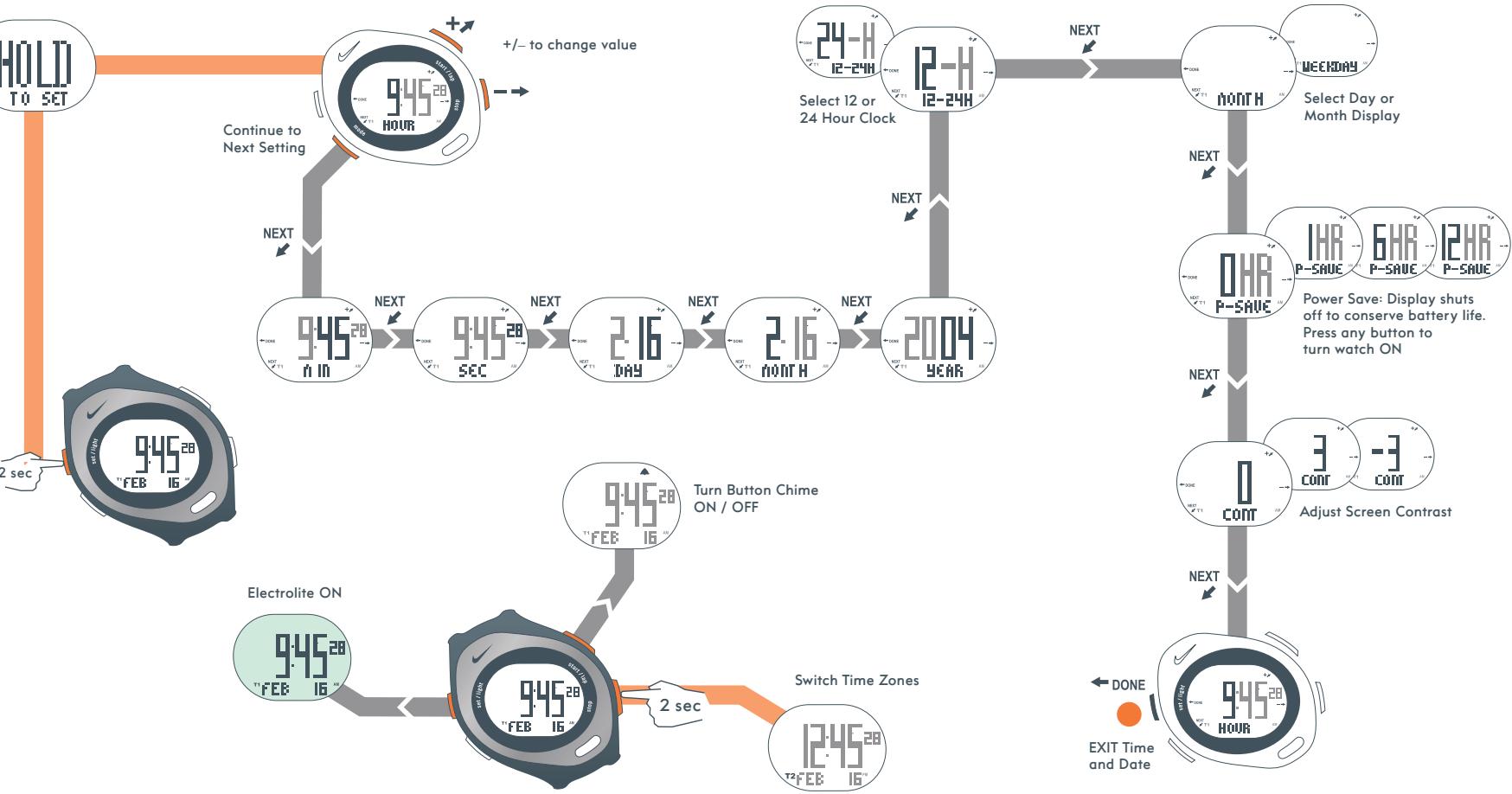
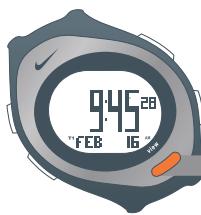
In TIME mode you can set time and calendar information within two time zones.
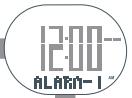
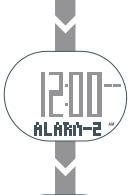
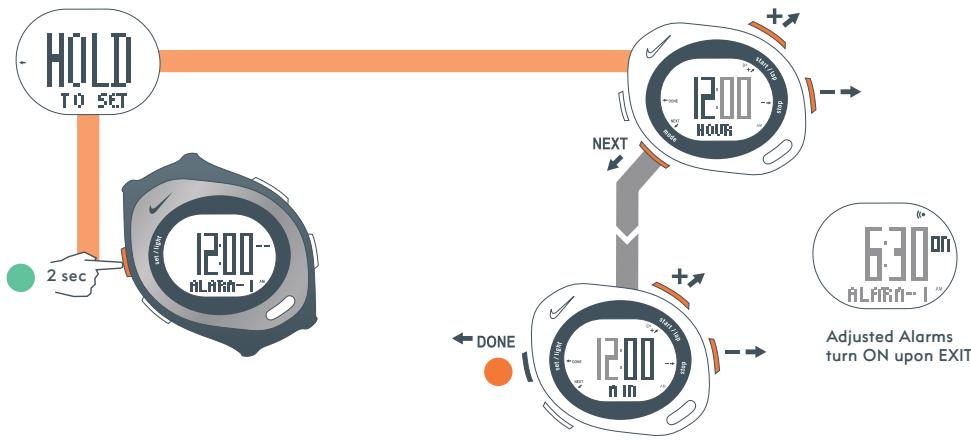
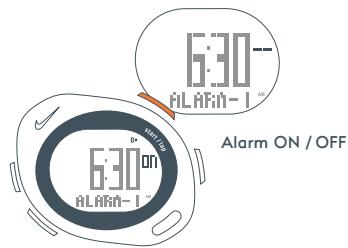
You can set two time alarms in TIME mode. The time alarm will sound for 20 seconds.
NOTE: The TRIAX SPEED 10 has
one time zone and one alarm
BEGIN setting
Time and Date

2.50
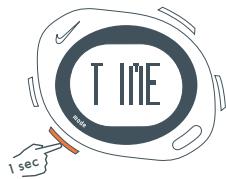
TIME Warp: Hold for 1 second in any mode to return to TIME mode
BEGIN by pressing
VIEW button to select
Alarm 1 or Alarm 2
Scroll to TIME mode
to set Alarms
CHRONOGRAPH LIMITS
TRIAX MOBIUS / TRIAX SPEED 100
19:59'59"99 (auto stops) · 30 Run memory · 100 Laps
TRIAX SPEED 50
19:59'59"99 (auto stops) · 10 Run memory · 50 Laps
TRIAX SPEED 10
19:59'59"99 (auto stops) · 1 Run memory · 10 Laps
H20 RESIST
100m
ATTENTION: Water damage may occur if the buttons are pressed underwater
-5 to 50^ Celsius
MATERIAL SPECIFICATIONS
CRYSTAL
Mineral Glass
STRAP
Polyurethane
CASE
Polycarbonate
CASEBACK
Stainless Steel
BEZEL
Stainless Steel
BUTTONS
Polycarbonate
BUCKLE
Stainless Steel
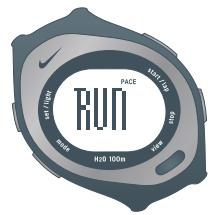
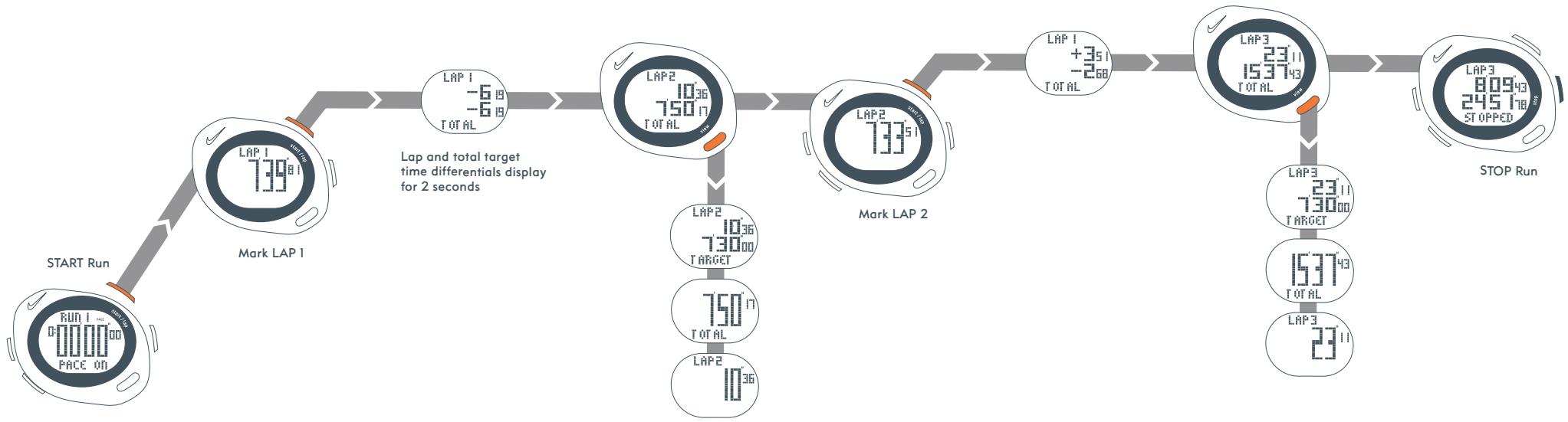
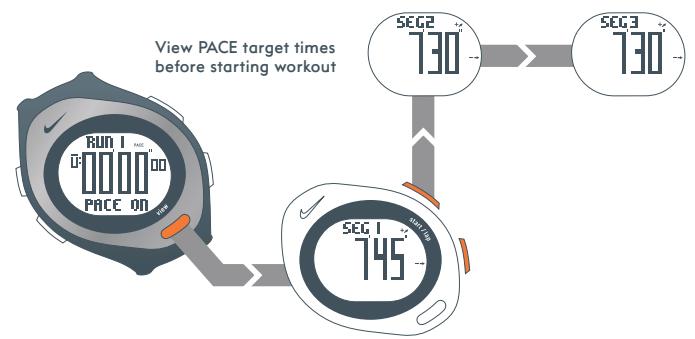
RUN mode has a PACE function which compares
actual lap and total times to preset PACE target times
NOTE: The TRIAX SPEED 10 does not have the PACE function
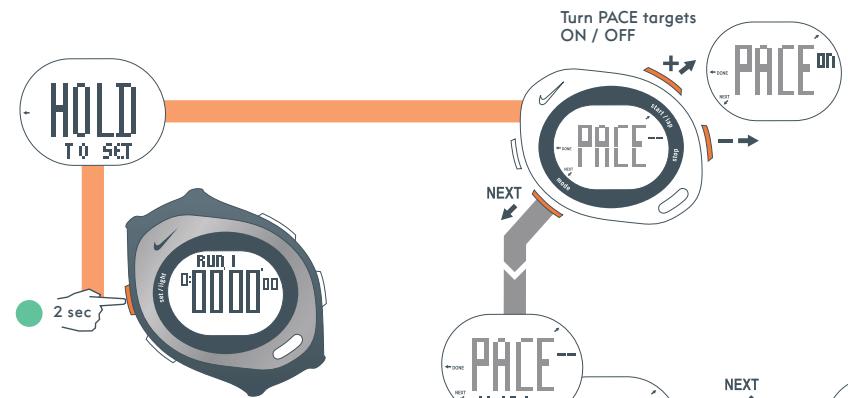
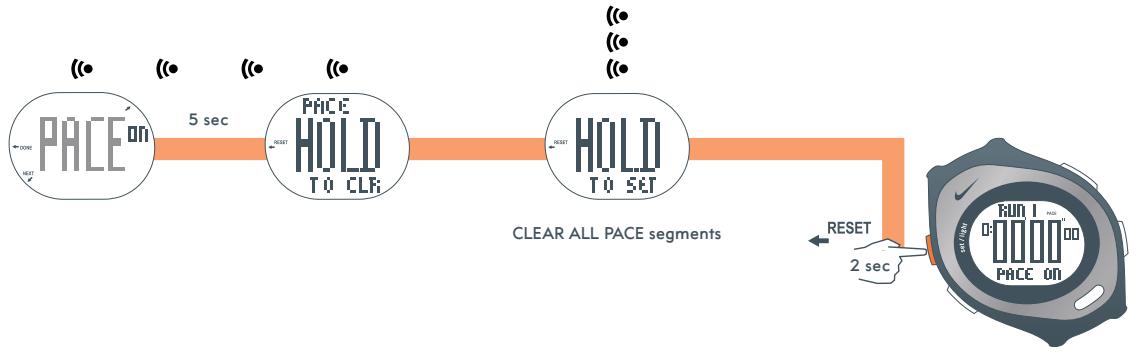
Turn PACE ALARM ON / OFF
The PACE ALARM will give 5 short beeps
before the end of each target segment
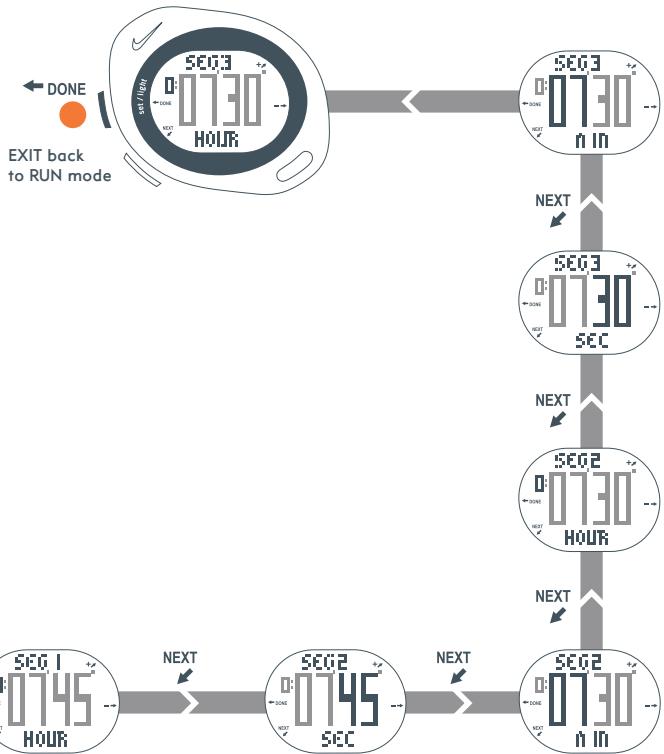
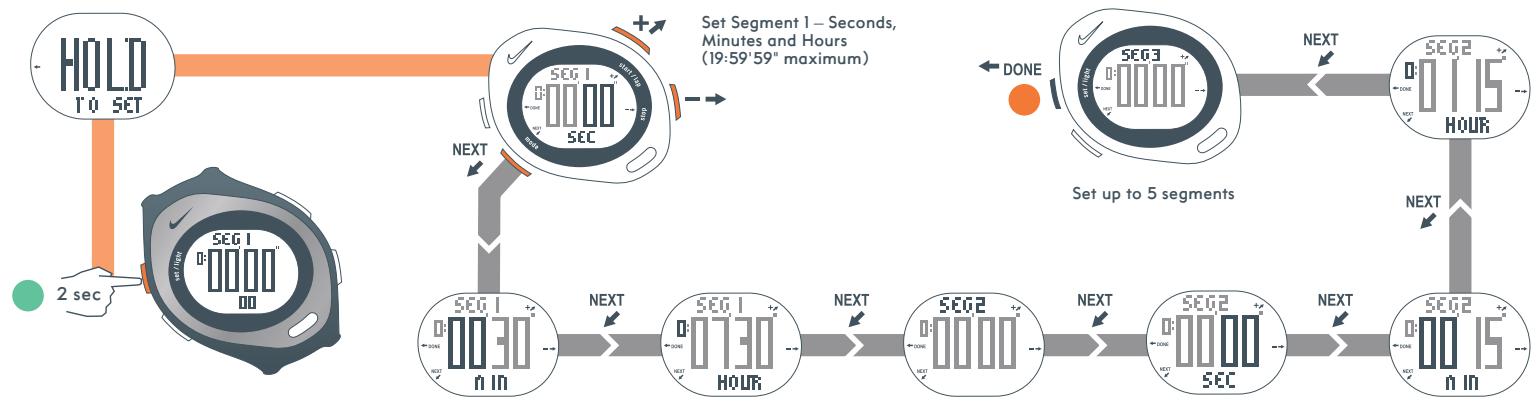
Set Segment 1 - Seconds, Minutes and Hours
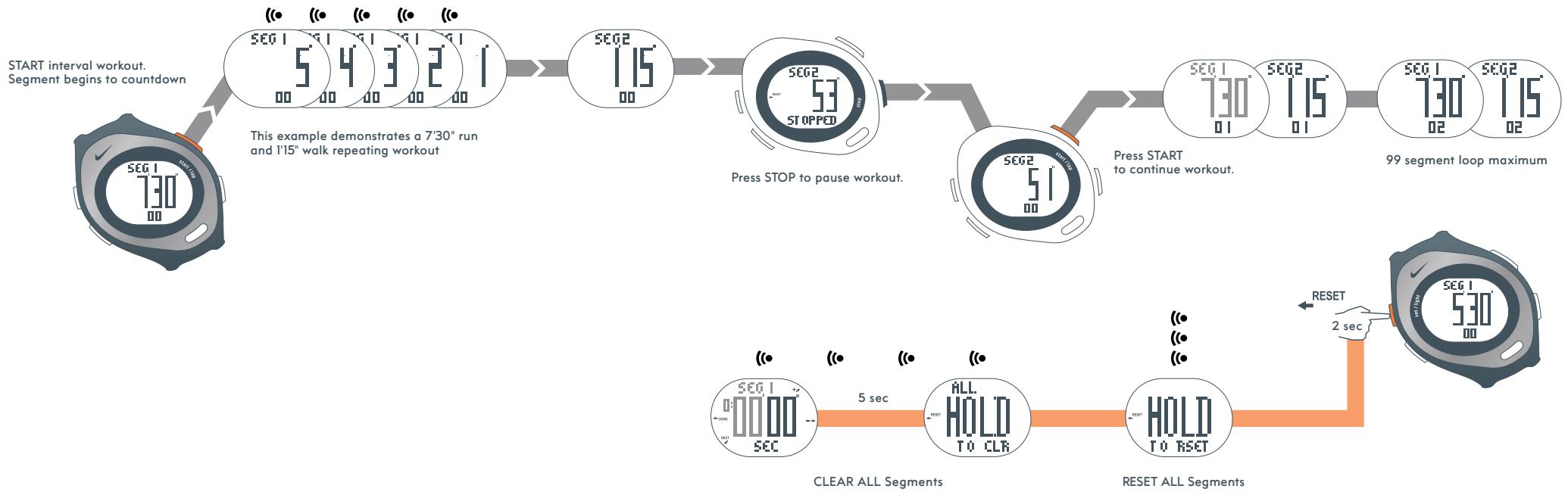
In INTERVAL mode you can set five repeating segments for customized interval training
NOTE: The TRIAX SPEED 10 does not have INTR mode
In DATA mode you can review workout data saved from RUN
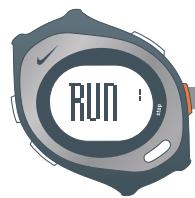
Select RUN
RUN
RUN
RUN 3
RUN

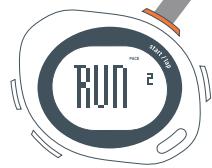
DATA mode with the PACE targets turned ON
TOTAL
227650
231500
TARGET
LAP1
+142 7492
LAP2
-942 13 158
LAP3
+1 756
LAP2
13
BEST
SB)
HP
74630
AUG
Brand : NIKE
Model : TRIAX SPEED 10
Category : Sports Watch