
TRIAX FURY - Wristwatches NIKE - Free user manual and instructions
Find the device manual for free TRIAX FURY NIKE in PDF.


| Product Type | Sports Smartwatch |
| Brand | Nike |
| Model | Triax Fury |
| Category | Watches |
| Glass material | Mineral glass |
| Strap material | Polyurethane |
| Case material | Polycarbonate |
| Case back material | Stainless steel |
| Button material | Polycarbonate |
| Buckle material | Stainless steel |
| Battery type | CR1620 3V Li (lithium) |
| Battery life | Approximately 5 years |
| Water resistance | 10 ATM (100 meters) |
| Main functions | Stopwatch, lap, best lap, average time, data mode, dual time zones |
| Display modes | Time, data, stopwatch |
| Settings | 12/24 hr selection, time and calendar adjustment for two time zones |
| Caution | Do not use in steam bath, spa, or whirlpool. Avoid pressing buttons underwater. |
| Maintenance | Rinse with fresh water after exposure to salt water. |
| Battery replacement | Must be done by an authorized Nike service center to maintain warranty. |
| Warranty | Warranty valid only if battery replaced by an authorized center. |
Frequently Asked Questions - TRIAX FURY NIKE
User questions about TRIAX FURY NIKE
0 question about this device. Answer the ones you know or ask your own.
Ask a new question about this device
Download the instructions for your Wristwatches in PDF format for free! Find your manual TRIAX FURY - NIKE and take your electronic device back in hand. On this page are published all the documents necessary for the use of your device. TRIAX FURY by NIKE.
USER MANUAL TRIAX FURY NIKE
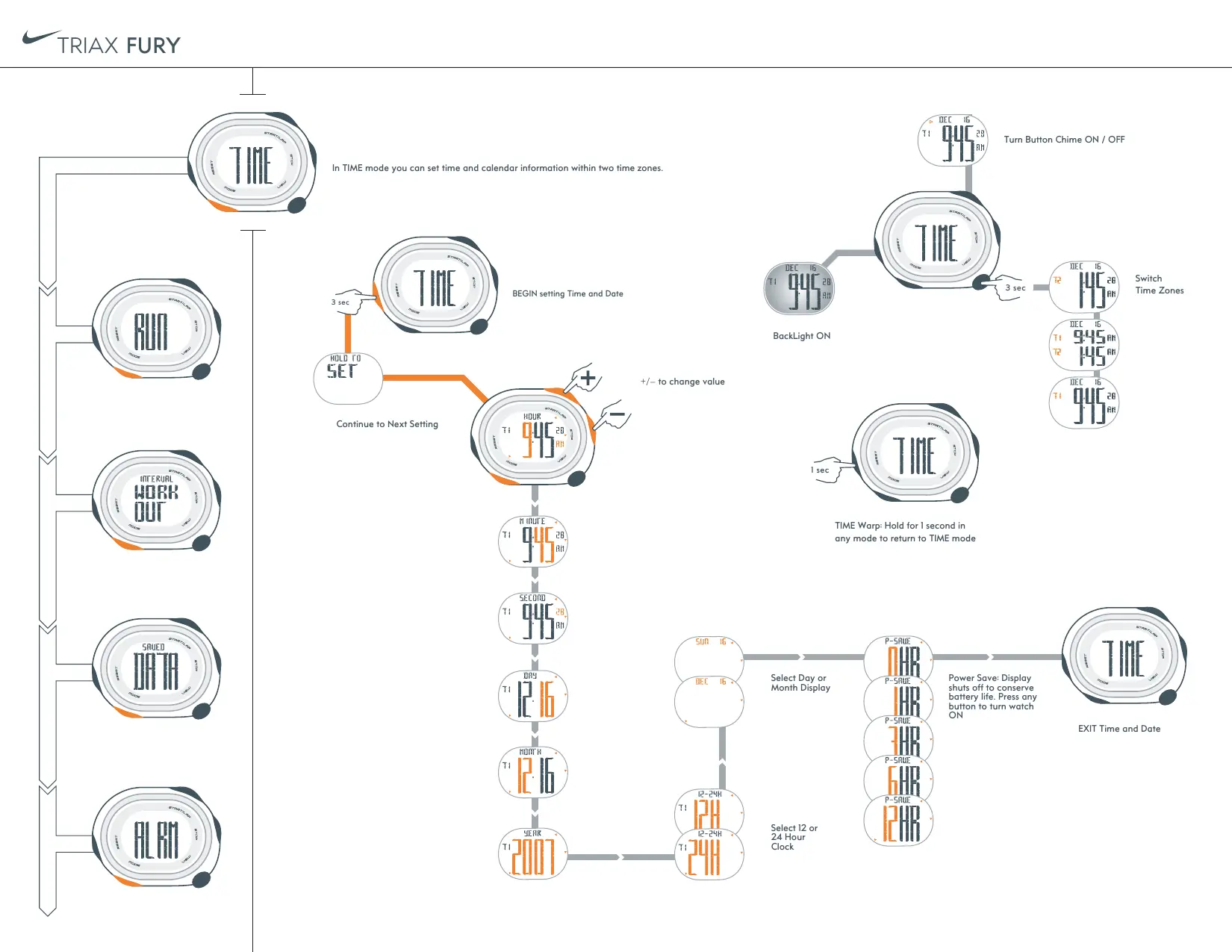
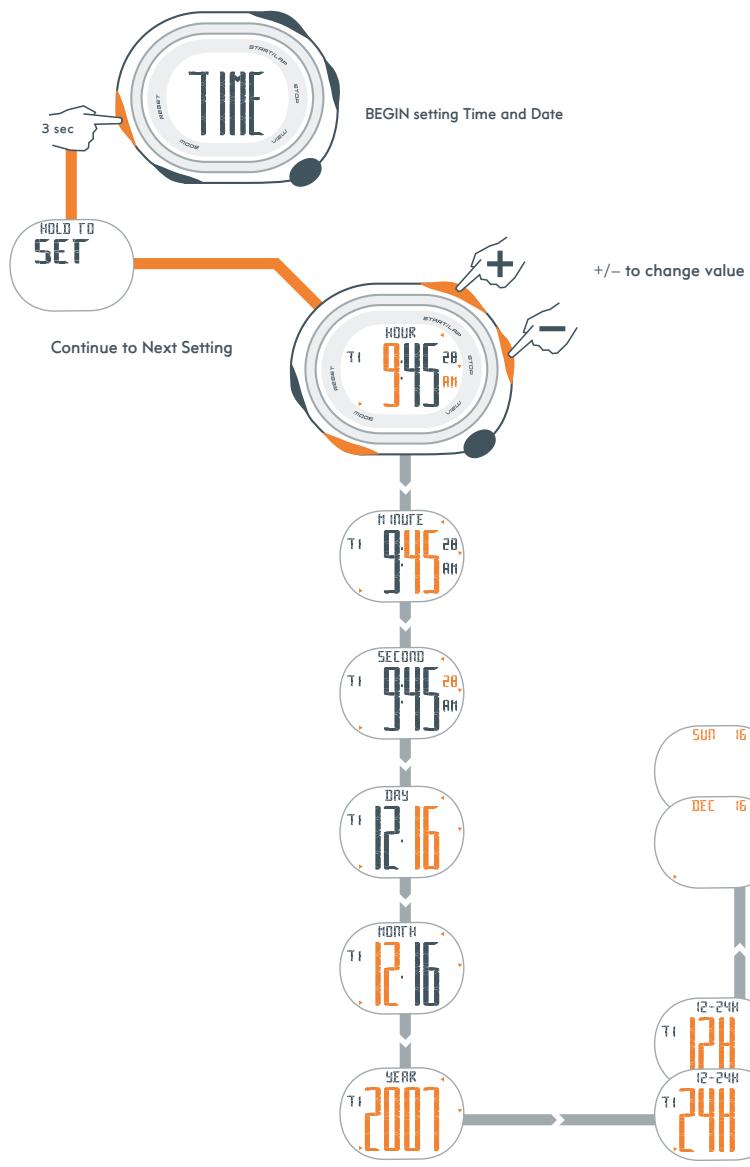
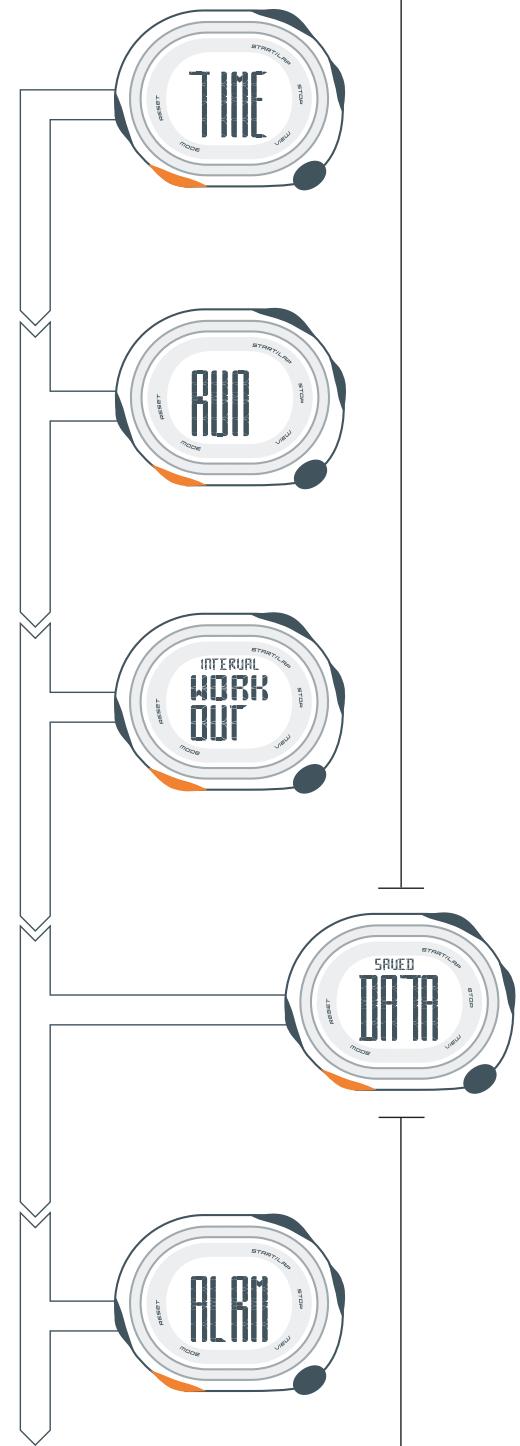
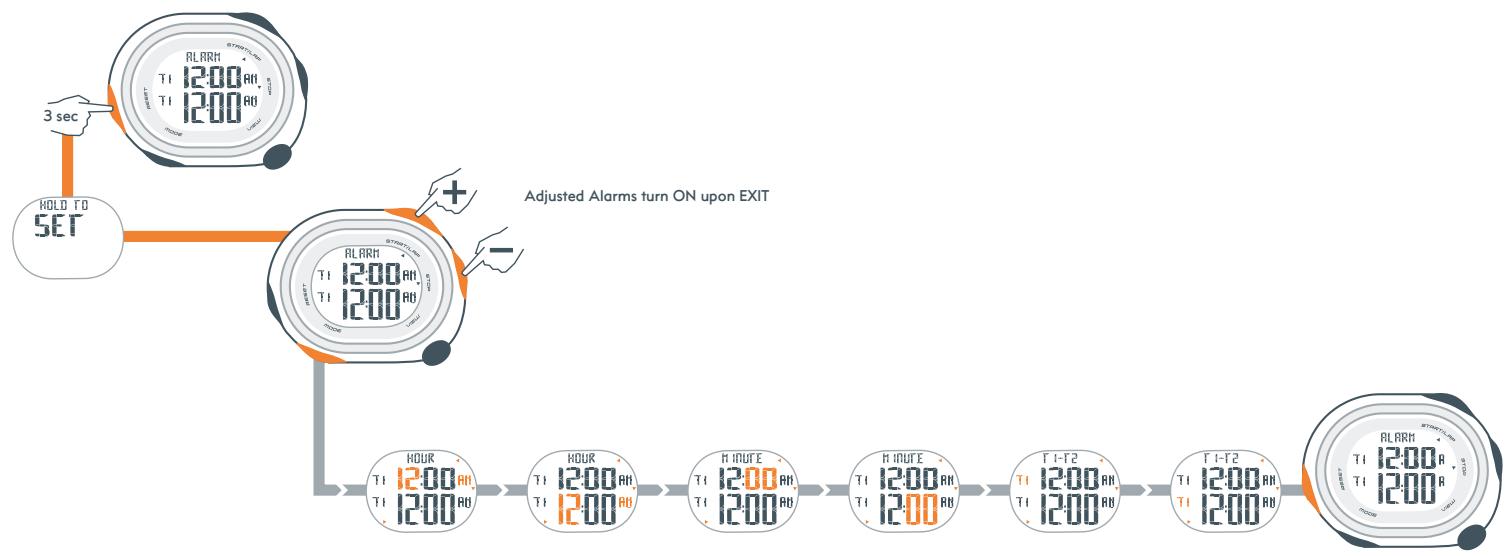
In TIME mode you can set time and calendar information within two time zones.
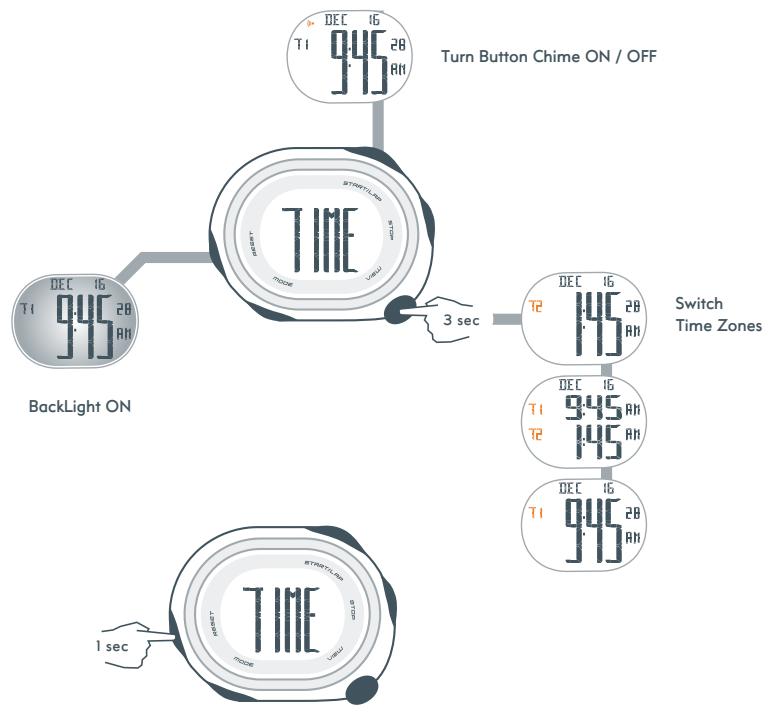
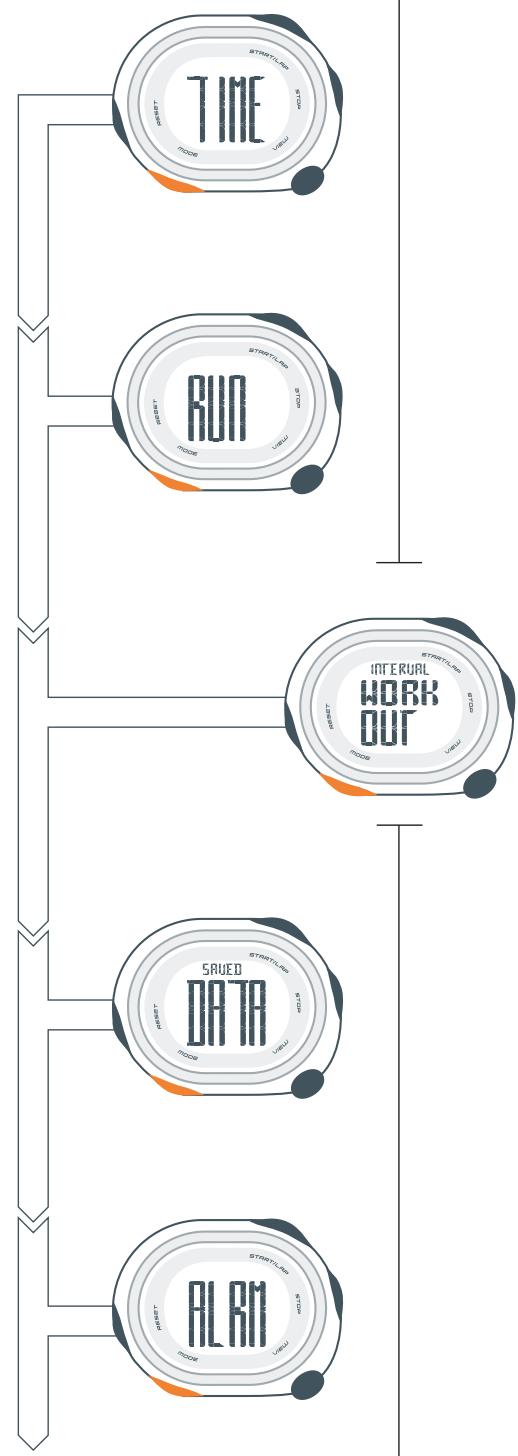
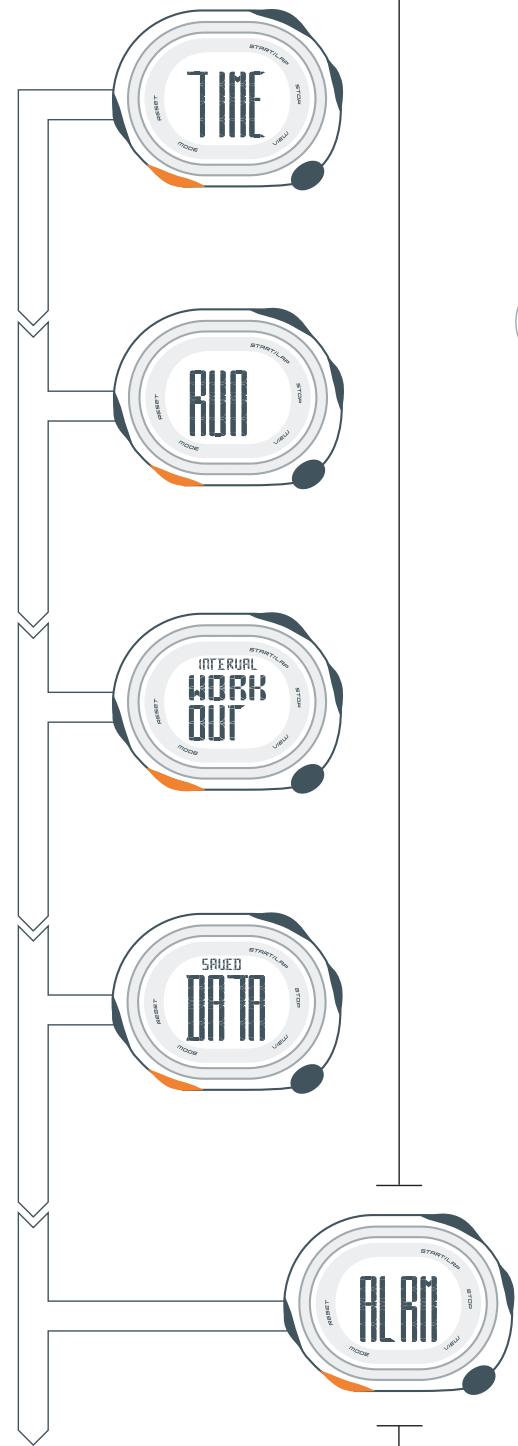
TIME Warp: Hold for 1 second in any mode to return to TIME mode
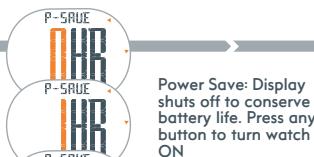
EXIT Time and Date
Select 12 or 24 Hour Clock
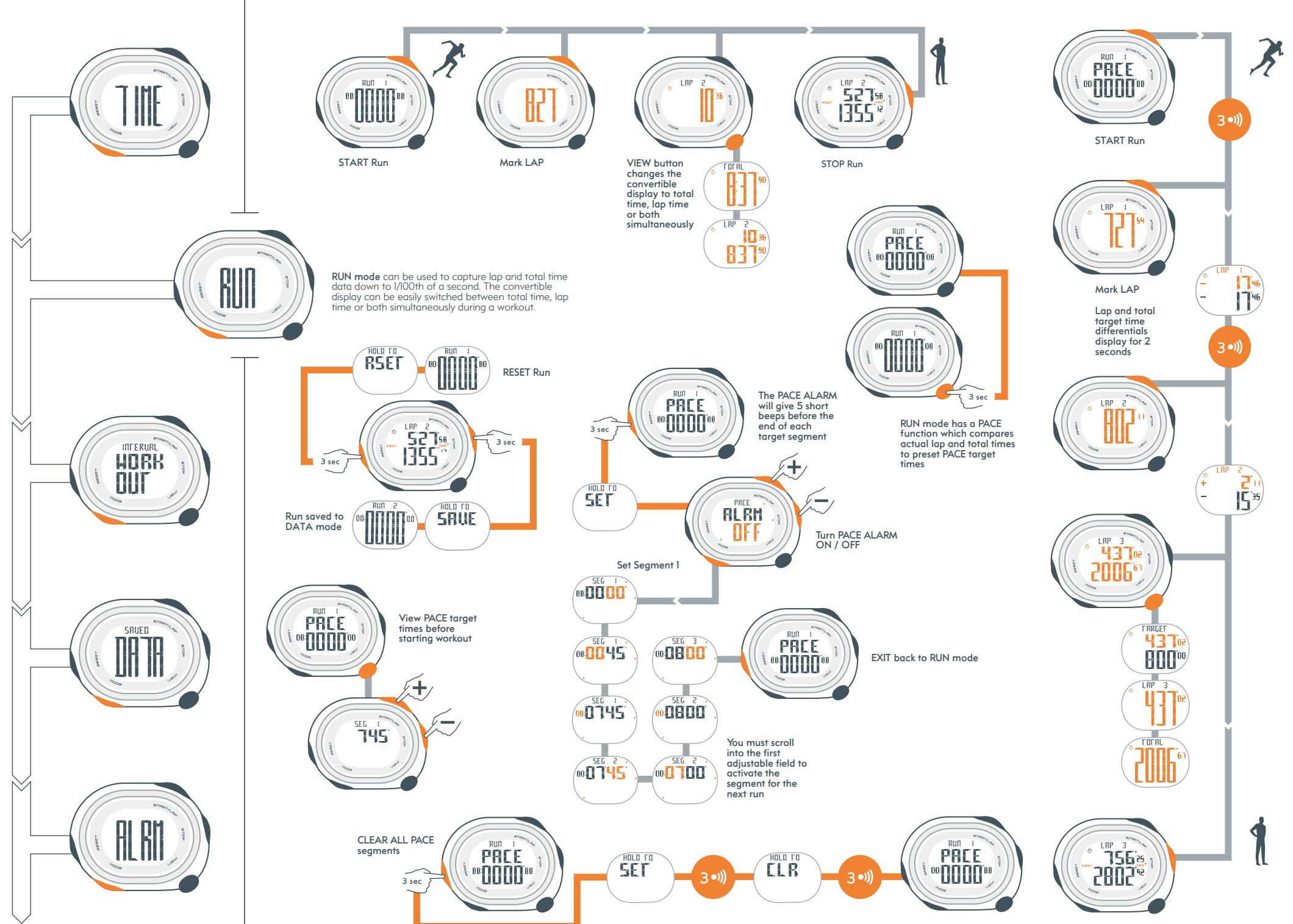
STOP Run
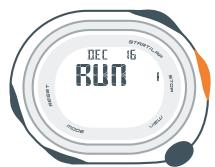
Select RUN

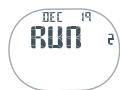
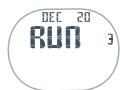

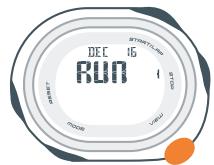
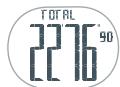
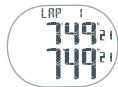
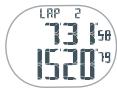
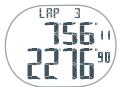

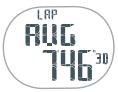

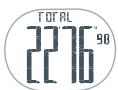
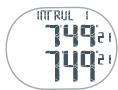
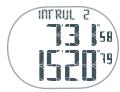
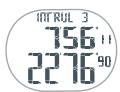
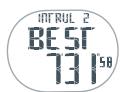
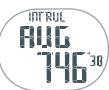

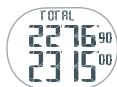
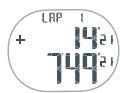
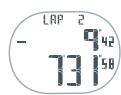
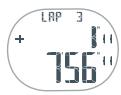
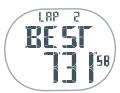
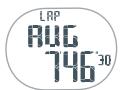
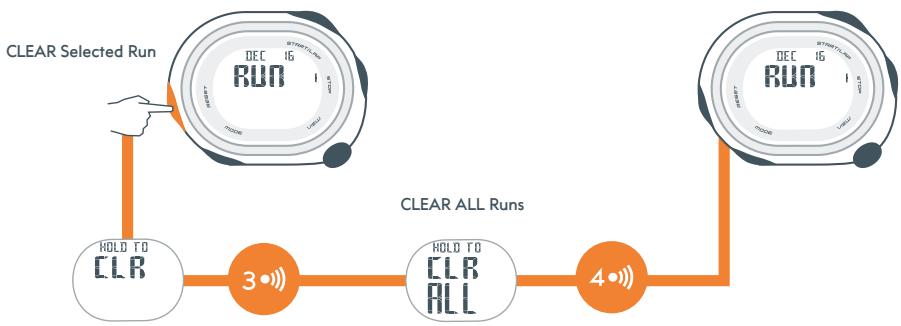
DATA mode records Total Time, All Lap Times, Best Lap and Average Lap

www.niketiming.com

English
BATTERY LIFE
The battery in your Nike watch is estimated to last 5 years, depending on frequency and use of certain features.
BATTERY REPLACEMENT
Battery replacement must be performed by an authorized Nike service center to retain a valid warranty. In addition to battery replacement, the service center will test movement, gaskets, water resilience and hardware, to further ensure the long-term care of your watch.
WARNING! Keep watch batteries away from children. If swallowed, contact a doctor immediately.
WARNING! Batteries contain chemical substances. They should be disposed of properly according to local regulations.
ATTENTION Hot steam may cause damage to the watch. do not wear in steaming shower, spa or hot tub.
ATTENTION Water damage may occur if the buttons are pressed underwater.
ATTENTION Watch cases and metal bracelets should be rinsed thoroughly in fresh water after being exposed to salt water.
MATERIAL SPECIFICATIONS
Crystal Mineral glass
Strap Polyurethane
Case Polycarbonate
CasebackStainless Steel
Buttons Polycarbonate
Buckle Stainless Steel
CRI620 3V Li


50ircC 5ircC

10 ATM
Brand : NIKE
Model : TRIAX FURY
Category : Wristwatches