
BIZHUB PRO 950 - Multifunction Printer KONICA - Free user manual and instructions
Find the device manual for free BIZHUB PRO 950 KONICA in PDF.


User questions about BIZHUB PRO 950 KONICA
0 question about this device. Answer the ones you know or ask your own.
Ask a new question about this device
Download the instructions for your Multifunction Printer in PDF format for free! Find your manual BIZHUB PRO 950 - KONICA and take your electronic device back in hand. On this page are published all the documents necessary for the use of your device. BIZHUB PRO 950 by KONICA.
USER MANUAL BIZHUB PRO 950 KONICA
The durable performer

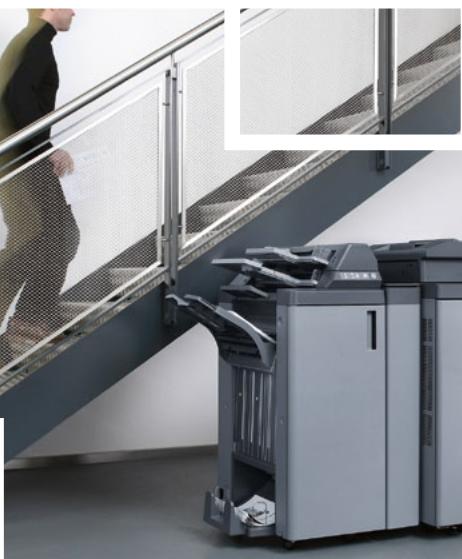
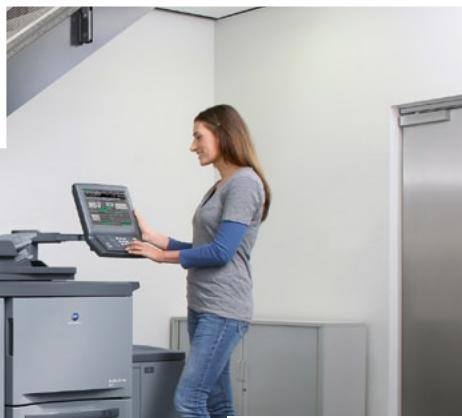
Quality, flexibility, reliability – the workhorse for black & white
Efficient black and white document production depends on the smooth and reliable operation of all equipment. Locations that process high b/w throughput, such as in-house print rooms like CRDs, busy departments as well as digital print service providers, fear nothing more than bottlenecks and waiting times at their output devices. Other factors essential for their professional performance are superior quality and above-average versatility.
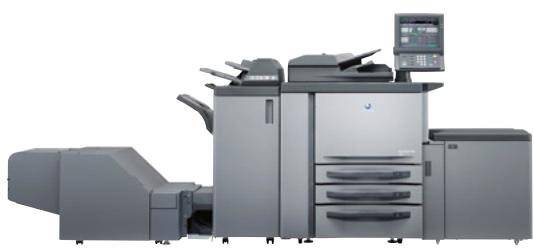
Konica Minolta now presents an affordable but powerful production system for central in-house printing facilities and external print-for-pay services: In the bizhub PRO 950, a sturdy and reliable construction, high performance and numerous inline finishing possibilities team up with advanced technologies for enhanced black and white print quality. With this powerful combination, the bizhub PRO 950 has all the answers for the varied requirements of its targeted user group.
■ With its robust design and a production speed of 95 A4 pages per minute, the bizhub PRO 950 handles monthly duty cycles of up to 750,000 prints with ease and provides absolute reliability even for the production of peak volumes.
Equally productive is the high scanning performance of 95 opm at up to 600 dpi, which can be further enhanced with a variety of scanning functions.

A combination of two bizhub PRO 950 can also work as a tandem, producing one print job at the incredible speed of 190 A4 pages per minute. Alternatively and just as required, these systems can of course process different jobs simultaneously – full flexibility is guaranteed.
The outstanding RIP and print performance of thebizhub PRO 950 permit continuous production and constant high throughput, effectively avoiding bottlenecks and minimising job completion times. Production processes can be streamlined and the overall performance enhanced, enabling the increase of throughput, turnover and ultimately profit.
The print quality on the bizhub PRO 950 is truly superb. The combination of enhanced screening technologies and Konica Minolta's proprietary Simitri® toner achieves an absolutely consistent print quality on a level up to now unattainable. This quality performance culminates in the supreme print resolution of up to 2,400 x 600 dpi.

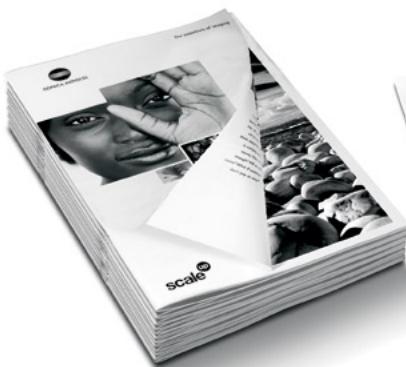
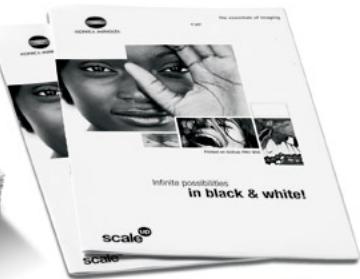
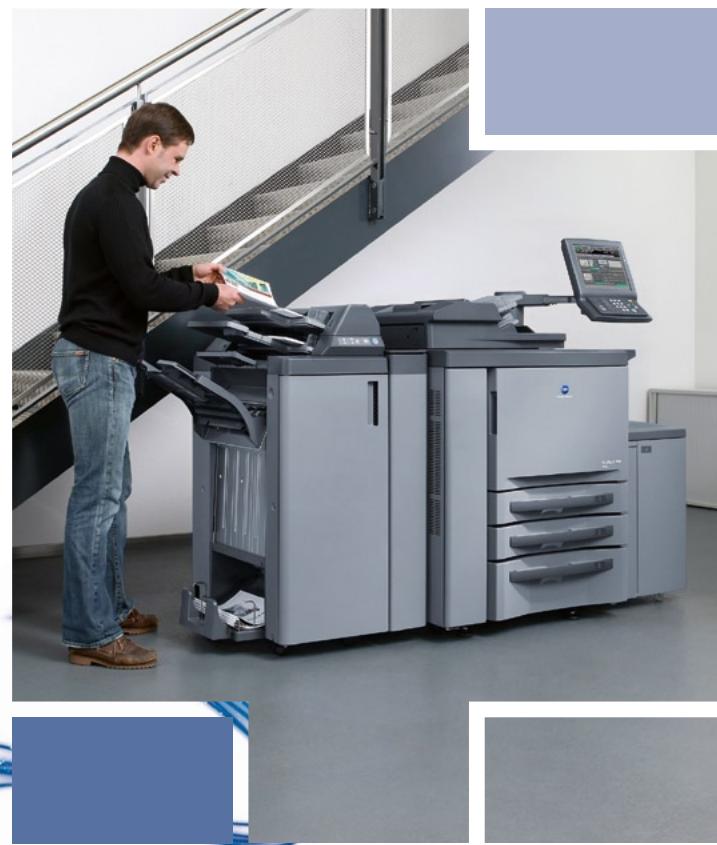
Thebizhub PRO 950 impresses not only with its high media flexibility and the ability to process media between 40 and 300 gsm. A true paper processing highlight is the combination of intelligent paper catalogue and mixplex/mixmedia functionality.
Thanks to its attractive modularity and the availability of a generous range of versatile system configurations with comprehensive inline finishing capabilities, the bizhub PRO 950 easily adapts to the specific requirements of any production location.
Combining high RIP speed with superb print quality and guaranteeing reliability and consistency for heavy-duty performance, thebizhub PRO 950 is the affordable choice for companies with central printing facilities that are looking for highest quality in black and white document production.
Incomparable quality from pioneering technologies
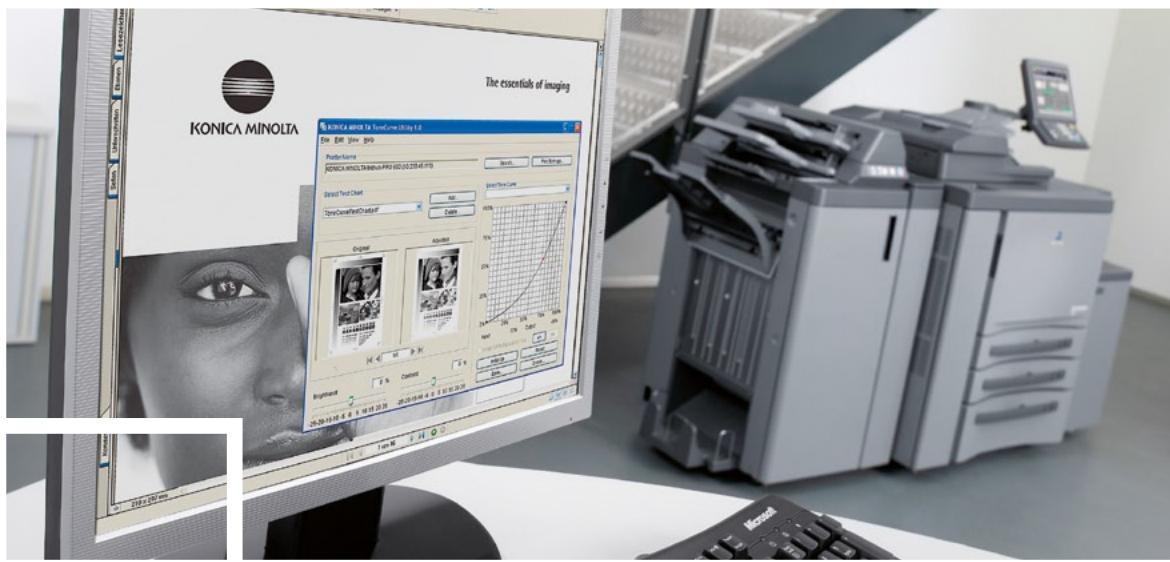
The bizhub PRO 950 delivers a truly superb image quality on a level previously unattainable for a black and white production system. This is largely due to Kona Minolta's groundbreaking screening technologies that have been implemented for the first time in the bizhub PRO 950. The advanced properties of Kona Minolta's Dimitri® polymerised toner further contribute to this singular quality. Beyond that, comprehensive quality adjustment possibilities including the unique Tone Curve Utility make catering for customers' specific quality requests fast and simple.
The bizhub PRO 950's advanced smoothing technology achieves an outstanding print resolution of up to 2,400 × 600 dpi and gives an impressive boost to the print quality. Its unique enhanced smoothing adds extra differentiation to grey scales, ensuring the depiction of considerably more variation.
In addition, the innovative "Supercell" technology permits the reproduction of full 256 grey scales with each screening type and frequency, tremendously improving the faithful reproduction of text, photos, images, illustrations and other graphic elements in prints.




Of fundamental benefit for the user are the extensive adjustment choices available in the bizhub PRO 950. For the screening type alone the operator can choose among optimised photo & text (default), photo and text modes. In addition, the dot screen mode enables the user to always apply the best suited screening type and frequency (lpi) to the individual print job.
A newly adopted CIE functionality improves the reproduction of colour-based documents whenever required. RGB colour data are transposed to the CIE colour space, providing grey gradations with much more differentiation than when printing colour data without transformation.
No less important, Konica Minolta's proprietary Simitri® toner is another element to guarantee an excellent image quality. Simitri® ensures superior halftone definition and solid fills. Its minuscule toner particles provide clarity and definition to every tiny detail in the printed image.




Conventional screening with conventional toner

The fascination of black & white

Enhanced screening with Sinitri® toner

The fascination of black & white
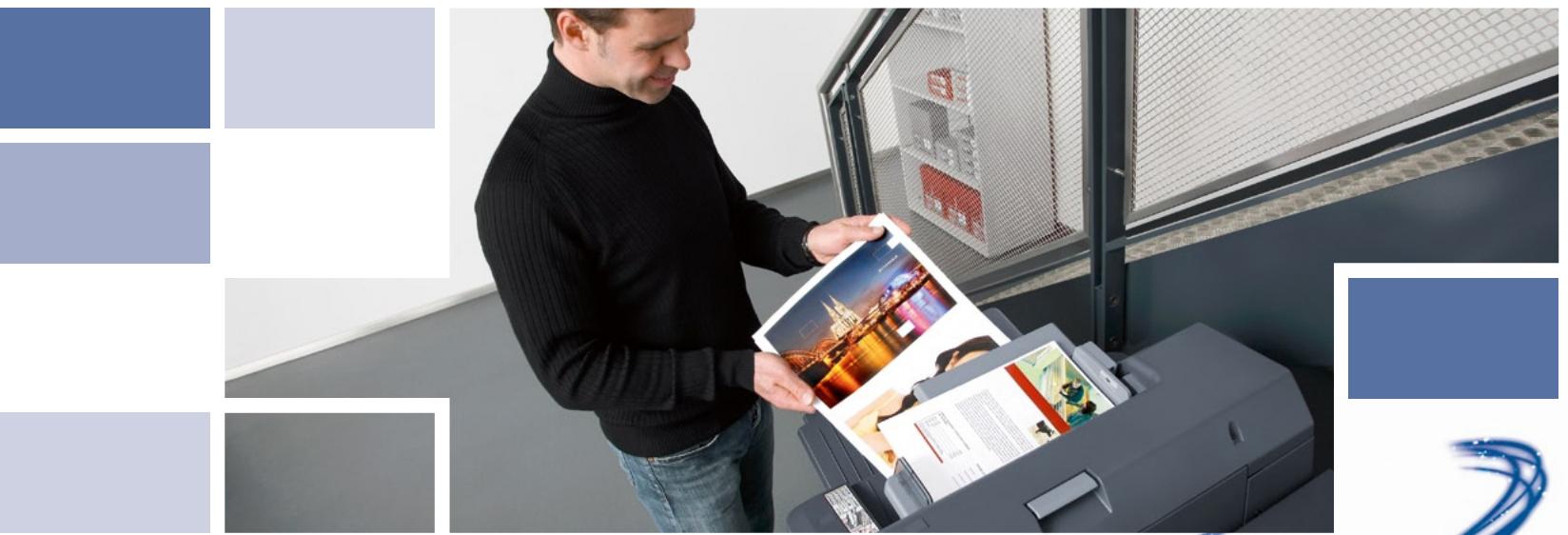
Optimised operation with intelligent processing
Any production interruption is a hitch to smooth and productive operation – and therefore something that CRDs and digital print service providers strive to avoid at all costs. The many virtues of the bizhub PRO 950 minimise standstills and maximise overall productivity, offering utmost versatility for the production of individual, highly attractive print formats. Its impressive media flexibility in particular results from the combination of intelligent paper catalogue and mixplex/mixmedia functionality – both true paper processing highlights.
With a paper input capacity of max. 6,650 sheets and the ability to print on media between 40 and 300 gsm, the paper processing flexibility on thebizhub PRO 950 is superb. Any two trays can be programmed for the same media type and are instantly combined to one virtual tray. A special post insertion option enables convenient post insertion of pre-printed materials, such as coloured covers.
The mixplex and mixmedia functionality makes the combination of single- and double-sided prints and various paper types in one document a breeze. Mixplex enables the programming of single- or double-sided printing on page-level, while mixmedia gives the operator the same per-page setting control for all media stocked in the bizhub PRO 950. Compiling professional and sophisticated documents from various paper types, with each new chapter reliably starting on the recto, is now all fully automatic.
Another important capability for maximised operation is the paper catalogue in the bizhub PRO 950. After programming the paper catalogue once, the operator no longer needs to know where the paper type required for the specific job is stored. In preparation for production the operator simply selects the desired media type from the paper catalogue. The functionality includes the possibility to give paper types individual names such as „corporate blue“, which speeds up recognition and increases user convenience further.
Singular performance and customised quality
The bizhub PRO 950 features an outstanding RIP and print performance that facilitates continuous production and supports constant high throughput. Job completion times are minimised and bottlenecks effectively avoided. At the same time, Konica Minolta's innovative Tone Curve Utility introduces previously unavailable customisation possibilities and gives users amazing flexibility. Specific customer settings for optimised print results can thus be saved as individual profiles and are instantly recalled for recurring jobs.
The bizhub PRO 950 comes with a powerful Pentium 2 GHZ embedded controller with Linux operating system, 2 GB memory and 160 GB hard disc. Thanks to its tremendously improved RIP speed, the bizhub PRO 950 sails through the most comprehensive of jobs, while JDF/JMF compliance ensures easy integration into any working environment. This is optimised job processing at its best, enabling the production of high volumes in a minimum of time.
The Tone Curve Utility incorporates a tool to change RIP adjustments such as screening and tone curves. The dot screen mode allows extensive customisation of the screening angle and dot shape. In addition, the operator can access a selection of predefined tone curves or edit customised tone curves with simple drag and drop action. Any customised profile can be set as controller default or can be stored separately on the RIP for later use, to be recalled in an instant in the printer driver. With this comprehensive functionality the operator gains complete control for flexible optimisation of the print quality.
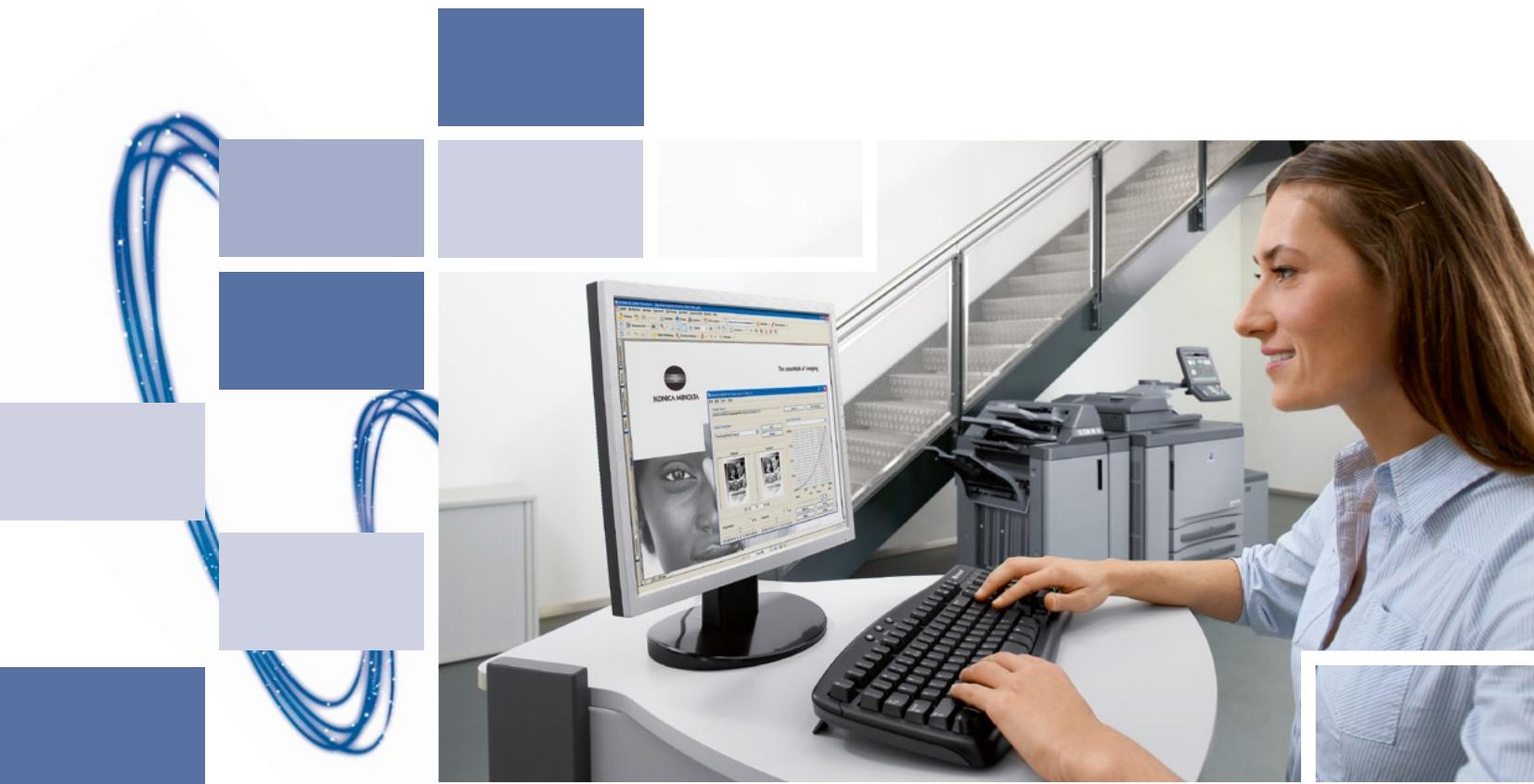
Impressive versatility from start to finish
Any production run requires professional handling of the printed product from the printing itself to sophisticated finishing – and as always, flexibility is the key! The bizhub PRO 950 can be equipped with a comprehensive range of entry level to highly versatile finishing options. With that Konica Minolta's b/w production system accommodates all customer requirements, including numerous inline punching and stapling options, a selection of folding functions and booklet creation.
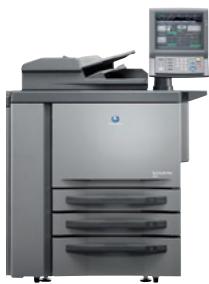
bizhub PRO 950 (main unit)
Professional finishing starts right inside thebizhub PRO 950 - a variety of advanced features ensures the production of sophisticated document formats. For example mixplex allows combining single- and double-sided pages within one document. Mixmedia lets the user specify individual paper types from various trays on page-level. The combination of the mixmedia and mixplex functionality fully automates the production of complex one- and two-sided documents on different media. In addition the paper catalogue functionality ensures highest ease of use.

two-sided printing/duplex

one sided printing

mixmedia white/ colour sheets from different trays

mixplex one/two sided - during operation

combined mixplex/mixmedia
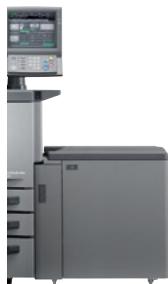
Large Capacity Unit A4 (LU-407)
Equipped with the large capacity cassette LU-407 the bizhub PRO 950 accommodates up to 6,650 sheets of paper and can process various types of media with paper weights between 40 and 300 gsm.

two-sided printing/duplex

one sided printing

mixmedia white/ colour sheets from different trays


mixplex one/two sided - during operation

combined mixplex/mixmedia
Large Capacity Unit A3 (LU-408)
Equipped with the large capacity cassette LU-408, the bizhub PRO 950 has a paper capacity of up to 6,150 sheets and is capable of printing on various types of media up to A3+ format (314 x 460 mm) and between 40 and 300 gsm of paper weights.

two-sided printing/duplex

one sided printing

mixmedia white/ colour sheets from different trays

mixplex one/two sided - during operation

combined mixplex/mixmedia
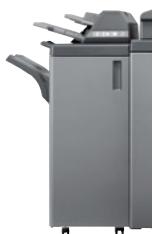
Staple finisher (FS-528)
Thebizhub PRO 950 with staple finisher is the ideal choice for the production of marketing collateral and corporate documents and can be further enhanced with post insertion* and punch** options.

corner stapling

2-point stapling

four-hole punching

two-hole punching

colour cover insertion*

colour sheet insertion*

auto-shift sorting

variable staple length
Booklet finisher (FS-611)
The bizhub PRO 950 with booklet finisher provides fully automated production of booklets and brochures, including a convenient and productive in-line half-fold, letter fold and saddle-stitching functionality. This system can be further enhanced with various post insertion, punch and trimming** options.

corner stapling

2-point stapling

four-hole punching

two-hole punching**

colour sheet insertion, booklet*

colour cover insertion, booklet*

colour cover insertion*

colour sheet insertion*

letter fold in

multi letter fold in
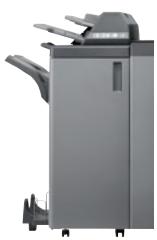
Z-fold and Punch Unit (ZU-607)
The bizhub PRO 950 configuration with the z-fold and punch unit can z-fold A3 and A4R sheets, reducing them to either A4 or A5 format. With corresponding options, z-folded sheets can also be punched and/or inserted into leaflets.

auto-shift sorting

half-fold

booklet (folding and saddle stitching)
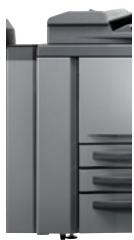
Trimming Unit (TU-502)
Adding the trimming unit to the booklet finisher FS-611 offers professional front edge trimming for all types of booklets. Saddle stitched booklets with up to 20 sheets including a thick cover can be trimmed giving each book a professional look! In addition, TU-502 offers high capacity booklet stacking of up to 100 sets.

four-hole punching

two-hole punching

z-fold

trimming
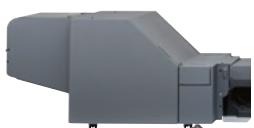
System configurations
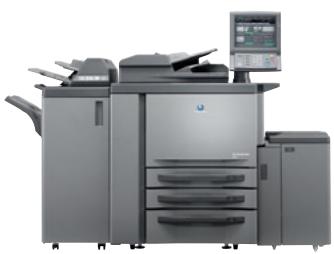
System 1
The system for corporate documents
95 A4 pages per minute print performance
Scanning with up to 95 opm
Duplex as standard
Mixplex and mixmedia functionality
Highest image quality
12" colour touch screen monitor
100 sheet stapling with staple cutting
Output capacity of up to 3,200 sheets
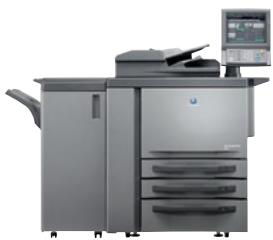
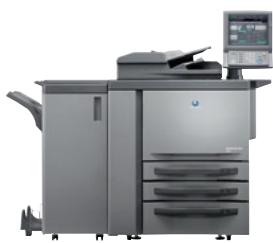
System 2
The system for marketing collateral and direct mailings
95 A4 pages per minute print performance
Duplex as standard and PostScript recommended
Mixplex and mixmedia functionality
Punching of prints and post inserts
6,650 sheets paper input capacity
40 to 300 gsm (from large capacity tray)
100 sheet stapling with staple cutting
Post insertion of pre-printed material
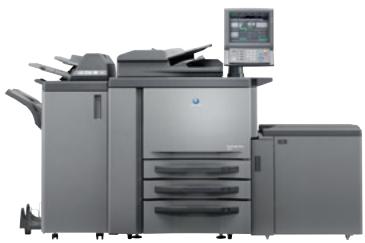
System 3
The system for brochures
95 A4 pages per minute print performance
Duplex as standard
Mixplex and mixmedia functionality
Highest image quality
12" colour touch screen monitor
Brochures of up to 20 sheets
Multi half fold and letter fold of up to 3 sheets
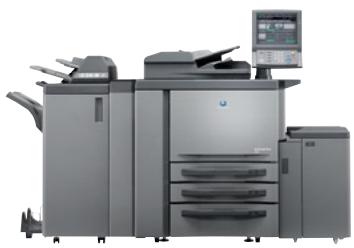
System 4
The system for direct mailings and brochures
95 A4 pages per minute print performance
Duplex as standard and PostScript recommended
Mixplex and mixmedia functionality
Highest image quality
Up to 6,150 sheets paper capacity
Brochures of up to 20 sheets
Multi half fold and letter fold of up to 3 sheets
A3+ (314 x 460 mm) with up to 300 gsm paper weight
System 5
The system for brochures and leaflets with z-folded inserts
95 A4 pages per minute print performance
Duplex as standard and PostScript recommended
Punching of prints and post inserts
Mixplex and mixmedia functionality
Up to 6,650 sheets paper capacity
Brochures of up to 20 sheets
Z-fold inserts for A4 and A5 size documents
System 6
The system for brochures, leaflets and booklets
95 A4 pages per minute print performance
Duplex as standard and PostScript recommended
Mixplex and mixmedia functionality
Highest image quality
Up to 6,150 sheets paper capacity
A3+ (314 x 460 mm) with up to 300 gsm paper weight
Brochures of up to 20 sheets incl. trimming
Output capacity for up to 100 trimmed booklets









Simitri

Adobe*PostScript*3


Designed for
a_1^ * = 2
Microsoft
WindowsXP
Windows®2000

ENERGY STAR

Technical specifications
Copier specifications
Copy speed A4
Up to 95 cpm
Up to 5,700 cph
Copy speed A3
Up to 55 cpm
Up to 3,300 cph
Copy resolution
Max.: 600 x 600 dpi
1st copy
Less than 3.1 sec. (A4 crosswise)
Gradations
256 gradations
Magnification
25-400% in 0.1% steps
Multiple copies
1-9,999
Memory
2GB
Copier hard disc
160GB
Printer specifications
Print speed A4
Up to 95 ppm
Up to 5,700 pph
Print speed A3
Up to 55 ppm
Up to 3,300 ppm
Print resolution
Max.: 2,400 x 600 dpi
Page description language
PCL 5e/XL (PCL 6), Adobe PS 3 (optional),
TIFF,PDF
Interface
Ethernet (10/100/1,000-Base-T)
IFv6
USB 2.0
Print memory
2GB
Printer hard disc
160GB
Printer drivers
Windows Vista (32/64), 2000/XP/Server 2003
Mac OS 10.2, 10.4, 10.5
Scanner specifications
Scan speed
Up to 95 opm
Scan resolution
Max.: 600 x 600 dpi
Scan modes
TWAIN scan
Scan-to-HDD
Scan-to-FTP
Scan-to-SMB
Scan-to-E-mail
LDAP support
System specifications
Automatic document feeder
Max.: 100 sheets
Paper sizes
A6-A3+ (max. 314 x 460 mm)
Paper weight
40-300 gsm with LCT
Paper input capacity
Standard: 2,150 sheets
Max.: 6,650 sheets with LCT
Paper output capacity
Max.: 3,200 sheets
Finishing modes (optional)
Stapling
Auto-shift sorting and grouping
Punching (2 and 4 holes)
Folding (z-fold, letter fold in, letter fold out)
Post insertion
Booklet making
Trimming
Warm-up time
Less than 330 sec.
Main unit dimensions (W x D x H mm)
980× 860× 1,420 (incl. operation panel)
Main unit weight
Approx. 285 kg
All specifications relating to paper capacity refer to A4-size paper of 80 gsm quality.
All specifications relating to scanning, copying or printing speeds refer to A4-size paper that is scanned, copied or printed crosswise in multipage, simplex mode.
The support and availability of the listed specifications and functionalities varies depending on operating systems, applications, network protocols as well as network and
system configurations
Some of the product illustrations contain optional accessories.
- Specifications and accessories are based on the information available at the time of printing and are subject to change without notice.
- Konica Minolta does not warrant that all specifications mentioned will be error-free.
Microsoft, Windows and the Windows logo are trademarks, or registered trademarks, of Microsoft Corporation in the United States and/or other countries.
All other brand and product names may be registered trademarks or trademarks of their respective holders and are hereby acknowledged.
Your Konica Minolta Business Solutions Partner: