
VT8840 - Fan SOLAC - Free user manual and instructions
Find the device manual for free VT8840 SOLAC in PDF.



| Product type | Fan |
| Brand | SOLAC |
| Model | VT8840 |
| Power supply | Mains 220-240 V ~ or rechargeable battery 6 V 4.5 Ah |
| Number of speeds | 2 (positions 1 and 2) |
| Oscillation | Yes, rotary control |
| Battery life | 4 to 5 hours (depending on speed) |
| Charging time | 20 to 24 hours |
| Current type | AC (mains) / DC (battery) |
| Replaceable battery | Yes, model 6V 4.5AH |
| Carrying handle | Yes |
| Charging indicator light | Yes |
| Operation indicator light | Yes |
| Blade cleaning | Removable front grille via 3 closing tabs |
| General cleaning | Soft damp cloth, do not use solvents |
| Safety | Do not use near water (bathtub, shower, swimming pool) |
| Safety | Keep out of reach of children and pets |
| Use | Household use only |
| Recycling | Do not discard, take to recycling center or waste disposal |
| Main components | Front grille, blades, speed selector, current type selector, oscillation control, cable compartment, battery door |
Frequently Asked Questions - VT8840 SOLAC
User questions about VT8840 SOLAC
0 question about this device. Answer the ones you know or ask your own.
Ask a new question about this device
Download the instructions for your Fan in PDF format for free! Find your manual VT8840 - SOLAC and take your electronic device back in hand. On this page are published all the documents necessary for the use of your device. VT8840 by SOLAC.
USER MANUAL VT8840 SOLAC
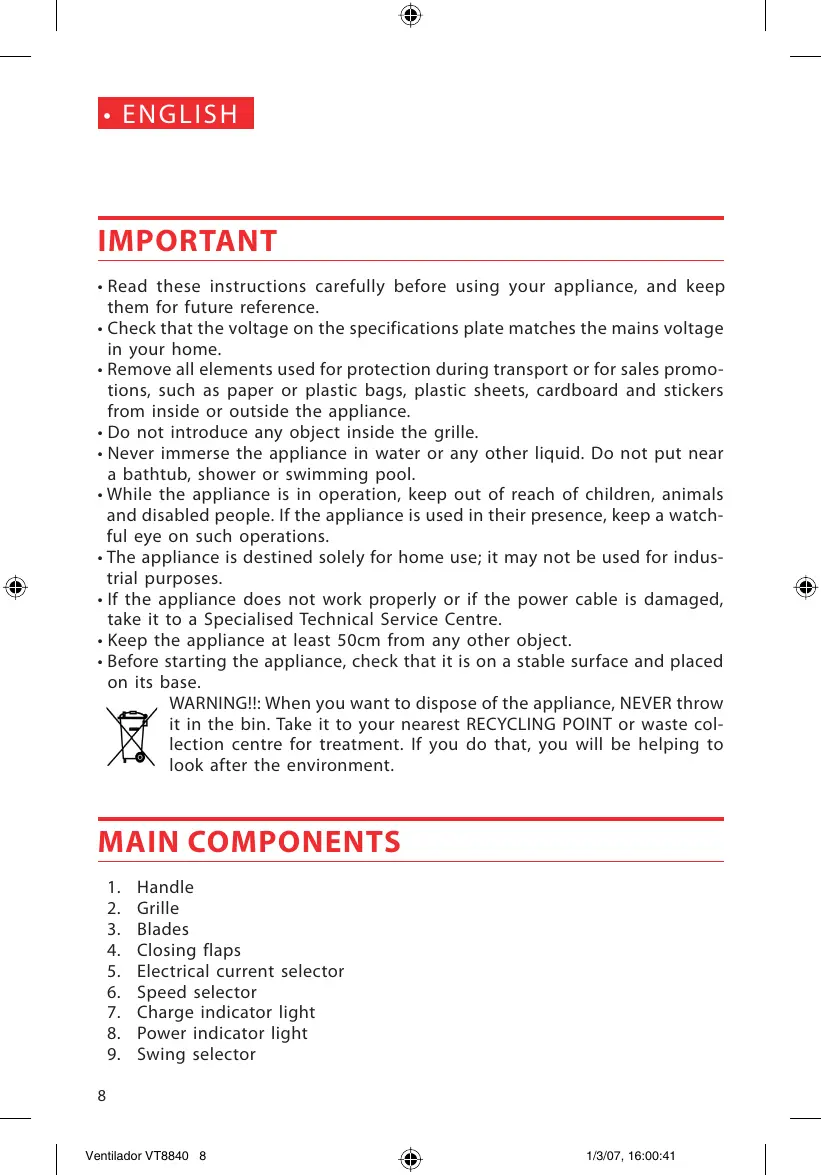
- Read these instructions carefully before using your appliance, and keep them for future reference.
- Check that the voltage on the specifications plate matches the mains voltage in your home.
- Remove all elements used for protection during transport or for sales promotions, such as paper or plastic bags, plastic sheets, cardboard and stickers from inside or outside the appliance.
- Do not introduce any object inside the grille.
- Never immerse the appliance in water or any other liquid. Do not put near a bathtub, shower or swimming pool.
- While the appliance is in operation, keep out of reach of children, animals and disabled people. If the appliance is used in their presence, keep a watchful eye on such operations.
- The appliance is destined solely for home use; it may not be used for industrial purposes.
- If the appliance does not work properly or if the power cable is damaged, take it to a Specialised Technical Service Centre.
- Keep the appliance at least 50cm from any other object.
- Before starting the appliance, check that it is on a stable surface and placed on its base.

WARNING!!: When you want to dispose of the appliance, NEVER throw it in the bin. Take it to your nearest RECYCLING POINT or waste collection centre for treatment. If you do that, you will be helping to look after the environment.
MAIN COMPONENTS
- Handle
- Grille
- Blades
- Closing flaps
- Electrical current selector
- Speed selector
- Charge indicator light
- Power indicator light
-
Swing selector
-
Cord holder
- Battery access door
CHARGING THE BATTERY
- Charge the appliance before using it for the first time. (Charging is not necessary if the appliance is used while connected to the mains)
- Recharge the appliance after use and make sure that the 0 position is selected while not in use.
- To charge the battery, connect the appliance to the mains, select the DC position of the electrical current selector (5) and the 0 position of the speed selector (6). The charge indicator light comes on confirming that the appliance is charging (Fig. 1).
- Maximum charge is obtained after approximately 20-24 hours of charging. Once the appliance is charged, it will run for 4 to 5 hours depending on whether it is used at maximum speed or not.
USERINSTRUCTIONS
- When using the appliance connected to the mains, select the AC option of the electrical current selector (5) and options 1 or 2 of the speed selector (6) depending on the air flow preferred.
- When using the appliance not connected to the mains, select the DC option of the electrical current selector (5) and options 1 or 2 of the speed selector (6) depending on the air flow preferred.
- To select the swing function, turn the swing selector (9) to the left (Fig. 2).
To stop the swing function, turn the swing selector (9) to the right.
CHANGING THE BATTERY
- Unscrew the 4 screws on the battery access door (11), remove the battery and replace it with a new 6V4.5AH battery. Screw on the door again to access the battery.
CLEANING AND MAINTENANCE
- Your appliance must be disconnected from the mains before any cleaning operation is performed. As well as disconnecting the appliance from the mains, make sure that the appliance is set at 0.
- Clean with a slightly damp cloth. If you wish to clean the blades, open each of the closing flaps (4) to remove the front grille (Fig. 3).
- Do not use solvents or abrasive cleaners to clean the device, since they could damage its plastic parts.
ATTENTION
MEGFELELOSESIGNYILATKOZAT
Brand : SOLAC
Model : VT8840
Category : Fan