
TL-PA7020P - Powerline Adapter TP-LINK - Free user manual and instructions
Find the device manual for free TL-PA7020P TP-LINK in PDF.

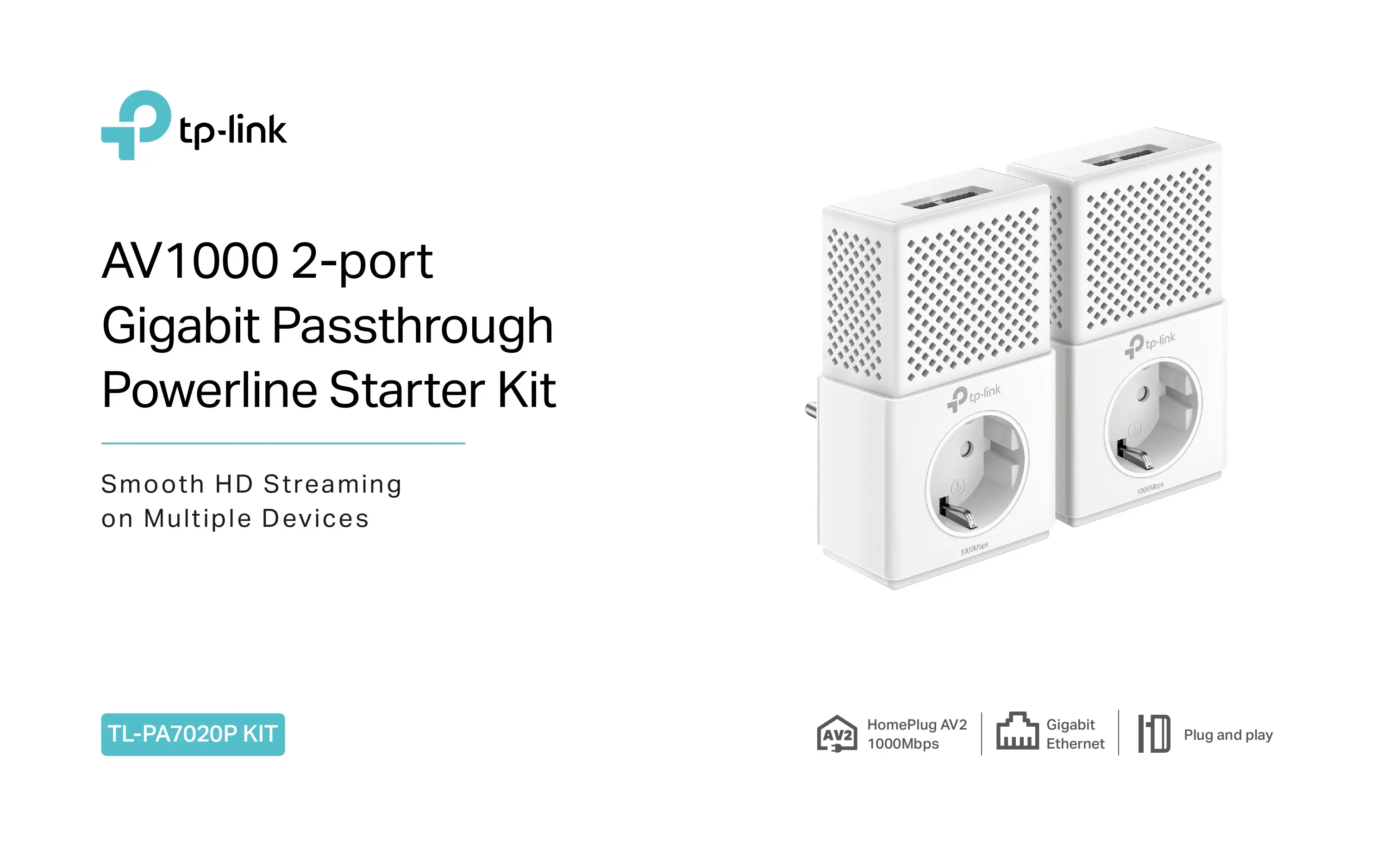

| Product Type | Powerline Adapter |
| Brand | TP-LINK |
| Model | TL-PA7020P |
| Standards and Protocols | HomePlug AV2, HomePlug AV, IEEE 1901, IEEE 802.3, IEEE 802.3u, IEEE 802.3ab |
| Maximum Data Rate | Up to 1000 Mbps |
| Ethernet Ports | 2 Gigabit Ethernet Ports |
| Range | Up to 300 meters on electrical circuit |
| Plug Type | Integrated power socket with mains filter |
| Button | Pair button for 128-bit AES encryption |
| LED Indicators | Power, Powerline, Ethernet |
| Power Consumption | Max 3.32 W, typical 3.02 W, standby 0.473 W |
| Energy Saving Mode | Power consumption reduction up to 85% |
| Security | 128-bit AES encryption via Pair button |
| Management Software | tpPLC utility (Windows, Mac, Linux) |
| Installation | Plug and Play, no configuration required |
| Dimensions (L × W × H) | 126 × 71 × 42 mm |
| Operating Temperature | 0°C to 40°C |
| Storage Temperature | -40°C to 70°C |
| Operating Humidity | 10% to 90% RH (non-condensing) |
| Maintenance | Clean with a soft dry cloth. Do not use abrasive products. |
| Package Contents | 1 Powerline adapter, 2m Ethernet cable, quick installation guide |
| Certifications | CE, RoHS |
Frequently Asked Questions - TL-PA7020P TP-LINK
User questions about TL-PA7020P TP-LINK
0 question about this device. Answer the ones you know or ask your own.
Ask a new question about this device
Download the instructions for your Powerline Adapter in PDF format for free! Find your manual TL-PA7020P - TP-LINK and take your electronic device back in hand. On this page are published all the documents necessary for the use of your device. TL-PA7020P by TP-LINK.
USER MANUAL TL-PA7020P TP-LINK
HomePlug AV2 Standard Compliant
The HomePlug AV2 standard creates high-speed data transfer rates of up to 1000Mbps to support all your online activities.
Gigabit Ethernet for Fast Connections
Two Gigabit Ethernet ports provide reliable high-speed wired connections for game consoles, smart TVs, STB and more.
HomePlug AV
600Mbps
HomePlug AV2
1000Mbps
High-Speed
Wired Connection




Highlights
Plug and Play!
Powerline adapters and extenders must be deployed in a set of two or more.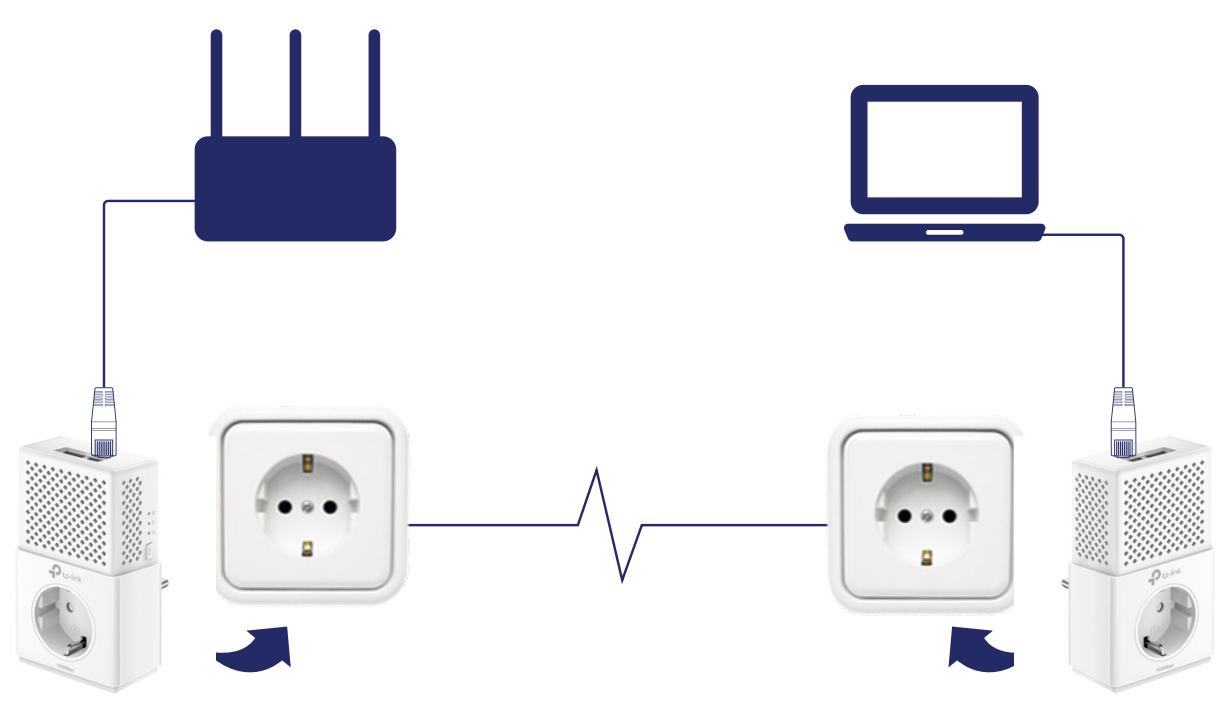
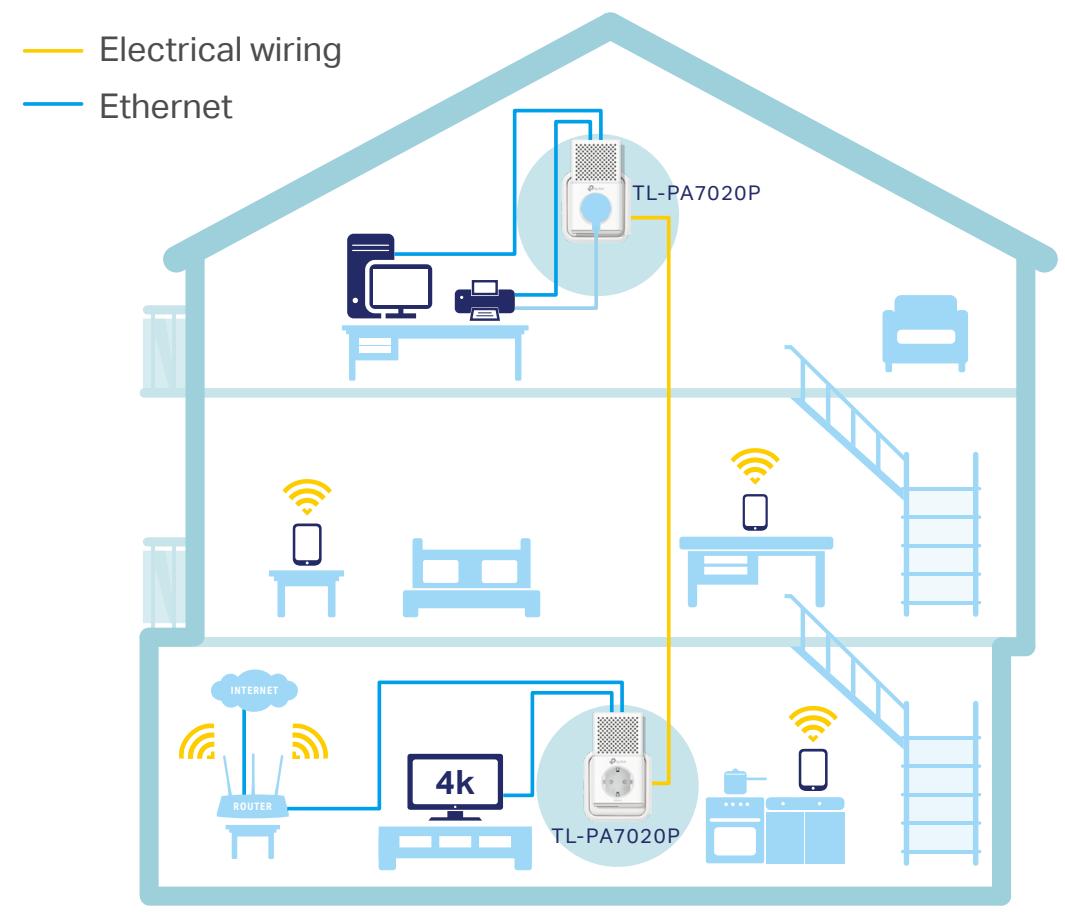
Internet from Any Outlet
The AV1000 2-port Gigabit Passthrough Powerline Starter Kit brings internet to any area with a power outlet using your home's electrical wiring.
Features

Speed
- Ultra-fast Powerline Speed - HomePlug AV2 standard compliant, high-speed data transfer rate of up to 1000Mbps, ideal for Ultra HD streaming and online gaming
- Multiple Gigabit Ports - 2 Gigabit Ethernet Ports allow your TVs, game consoles or PCs to connect to the internet at high speeds

Range
- 300-meter Range – Up to 300-meter range over the household power circuit.

Reliability
- Mains Filter – Mains Filter inside the outlet reduces electrical noise interference and improves powerline communication performance

Ease of Use
- Plug and play - Plug and play, no configuration required
- No new wires – No new wires, use existing electrical wiring to expand your home network
- Keep your outlet – An integrated socket lets you power regular devices as normal, and a built-in noise filter prevents them from interrupting the powerline signal.
- TP-Link tpPLC - Allows you to easily manage your network using the tpPLC Utility

Security
- Pair Button - 128-bit AES encryption easily at a push of "Pair" button

Energy Saving
- Power Saving - Power Saving Mode helps reduce power consumption by up to 85%.
Specifications
Hardware
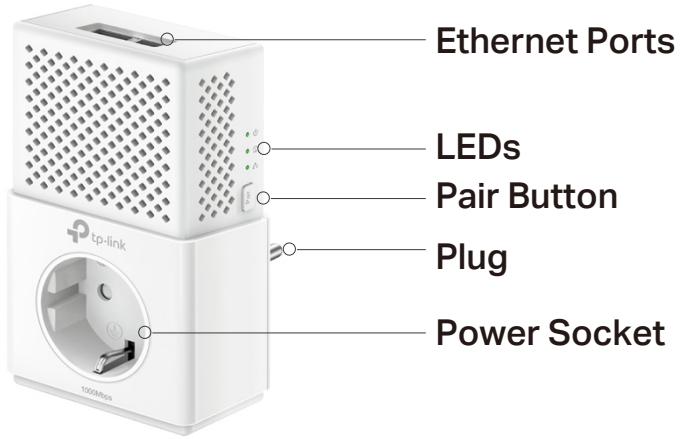
Plug Type: EU - Standards and Protocols: HomePlug AV2, HomePlug AV, IEEE 1901, IEEE 802.3, IEEE 802.3u, IEEE 802.3ab. Power Consumption: Maximum: 3.32W (230V/50Hz), Typical: 3.02W (230V/50Hz), Standby: 0.473W (230V/50Hz). - Range: 300 meters over electrical circuit. - Interface: 2 * Gigabit Ethernet Port, Power Socket. - Button: Pair Button. - LED Indicator: Power, Powerline, Ethernet. Dimensions (W × D × H): 5.0 × 2.8 × 1.7 in. (126 × 71 × 42 mm).

For more information, please visit
http://www.tp-link.com/en/products/details/cat-18_TL-PA7020P-KIT.html
or scan the QR code left.
Software
Modulation Technology: OFDM (PLC). - Encryption: Powerline Security: 128-bit AES.
Others
- Certification: CE, RoHS. Package Contents:
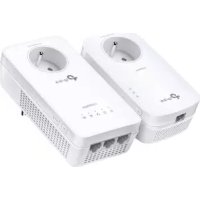
Powerline Ethernet Adapter
2-meter Ethernet cable (RJ45)
Quick Installation Guide
- System Requirements:
Windows 2000/XP/2003/Vista, Windows 7/8/8.1/10, Mac, Linux
- Environment:
Operating Temperature: 0°C to 40°C (32°F to 104°F)
Storage Temperature: -40°C to 70°C (-40°F to 158°F)
Operating Humidity: 10% to 90% non-condensing
Storage Humidity: 5% to 90% non-condensing
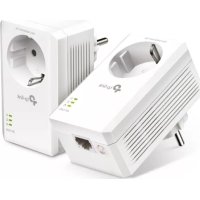
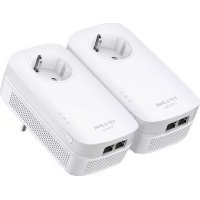
Brand : TP-LINK
Model : TL-PA7020P
Category : Powerline Adapter