
DWL-3200AP, DWL-3260AP - Wireless Access Point D-LINK - Free user manual and instructions
Find the device manual for free DWL-3200AP, DWL-3260AP D-LINK in PDF.

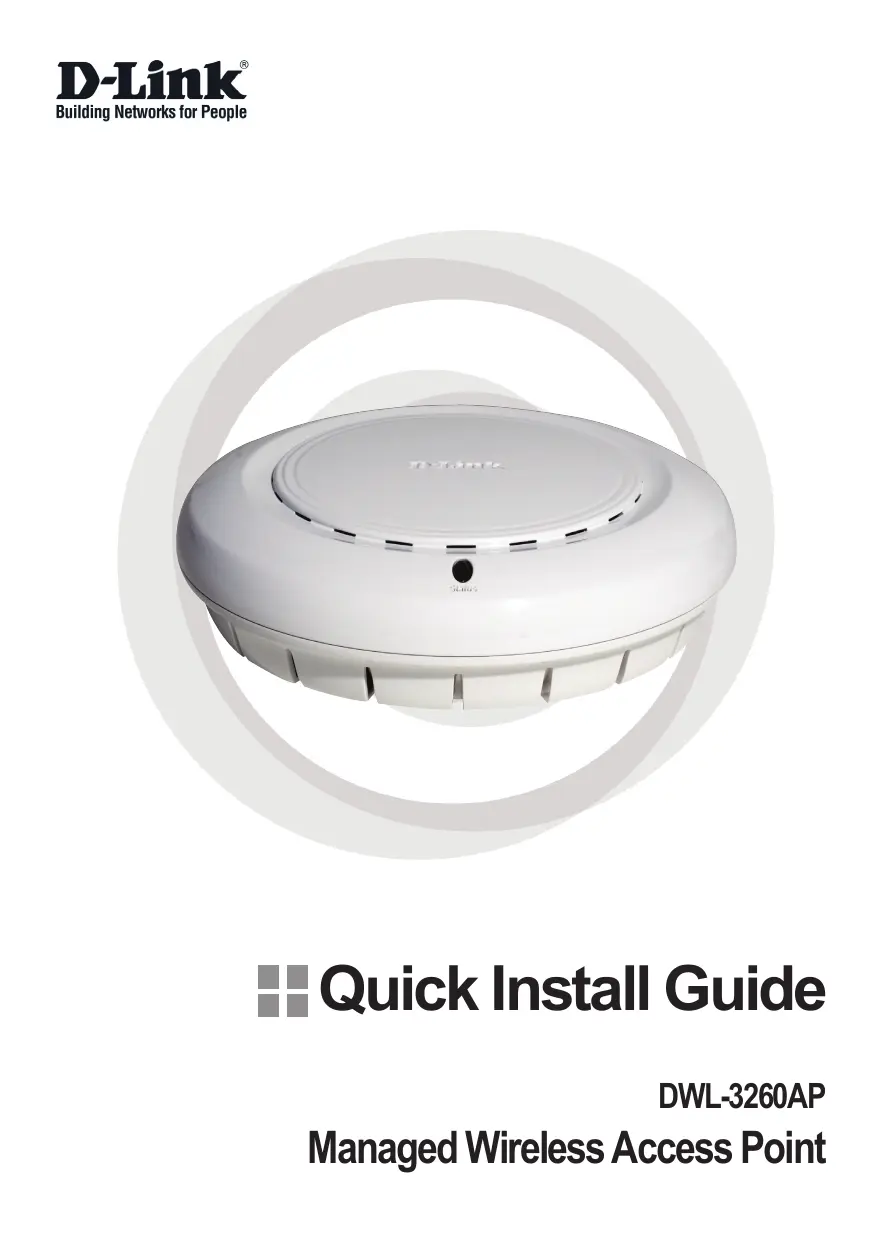


| Product Type | Managed Wireless Access Point (AP) |
| Models | DWL-3200AP, DWL-3260AP |
| Brand | D-Link |
| Category | Wireless Access Point |
| Approximate Dimensions | 190 x 140 x 35 mm |
| Approximate Weight | 300 g |
| Power Supply | PoE IEEE 802.3af (Alternative A) or DC 48 V, 0.4 A power adapter |
| Power Consumption | ~5 W (max) |
| Wireless Standard | IEEE 802.11g, compatible with 802.11b |
| Frequency | 2.4 GHz |
| Maximum Data Rate | Up to 54 Mbit/s |
| Antenna | Integrated internal antenna, optional external antenna (Ext. switch) |
| Network Interfaces | 1 Ethernet port 10/100 Base-TX (RJ-45) with PoE |
| Management Features | Web interface management, SNMP, firmware update |
| Security | WEP 64/128-bit, WPA, WPA2, MAC filtering, 802.1X |
| Mounting | Wall or ceiling (mounting kit included), junction box |
| Installation Environment | Indoor only |
| Operating Temperature | 0 °C to 40 °C |
| Operating Humidity | 10% to 90% non-condensing |
| Supported Operating Systems | Windows, Macintosh, Linux |
| Supported Browsers | Internet Explorer 6.0+, Netscape Navigator 7.0+ |
| Package Contents | Access point, PoE base, DC 48V power adapter, Ethernet cable, mounting kit, manual/warranty CD, quick installation guide |
| Maintenance and Cleaning | Disconnect before cleaning; use a soft dry cloth; avoid solvents |
| Spare Parts and Repairability | No user-serviceable parts; contact D-Link technical support |
Frequently Asked Questions - DWL-3200AP, DWL-3260AP D-LINK
User questions about DWL-3200AP, DWL-3260AP D-LINK
0 question about this device. Answer the ones you know or ask your own.
Ask a new question about this device
Download the instructions for your Wireless Access Point in PDF format for free! Find your manual DWL-3200AP, DWL-3260AP - D-LINK and take your electronic device back in hand. On this page are published all the documents necessary for the use of your device. DWL-3200AP, DWL-3260AP by D-LINK.
USER MANUAL DWL-3200AP, DWL-3260AP D-LINK
Managed Wireless Access Point
System Requirements:
Minimum System Requirements:
- CD-ROM Drive
- Computers with Windows, Macintosh, or Linux-based operating systems
- Installed Ethernet Adapter Internet Explorer version 6.0 or Netscape Navigator version 7.0 and above.
Package Contents
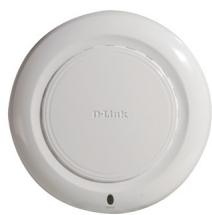

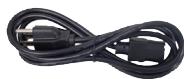
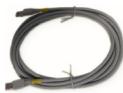
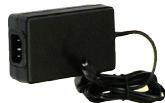
D-Link AirPremier™ DWL-3260AP Managed Wireless Access Point
Power over Ethernet base unit
Power Adapter-DC 48V, 0.4A
Power Cord
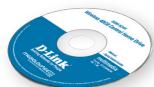
Manual and Warranty on CD
Quick Installation Guide
Ethernet Cable
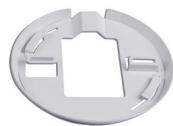
Mounting Plate
Note: Using a power supply with a different voltage than the one included with the DWL-3260AP will cause damage and void the warranty for this product.
If any of the above items are missing, please contact your reseller.
Installing the Hardware
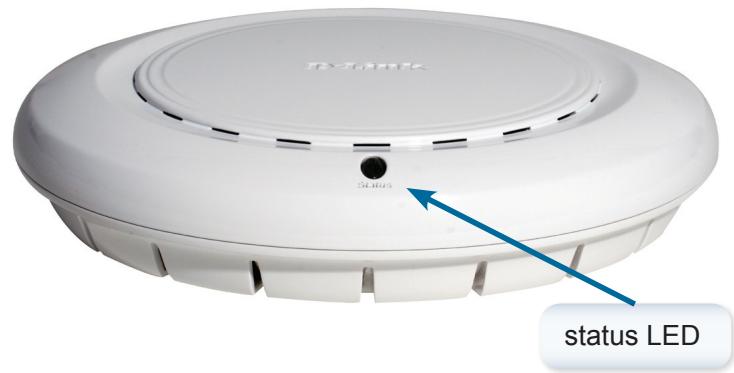
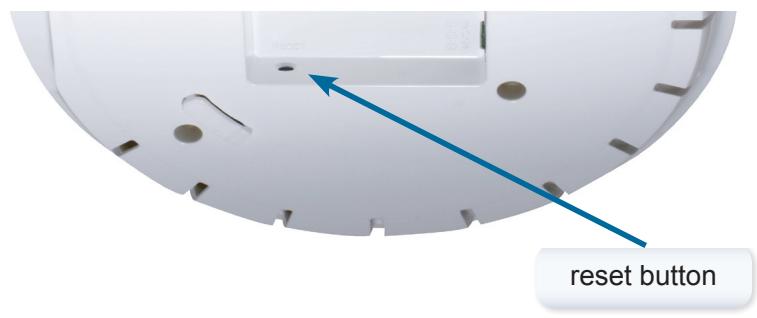
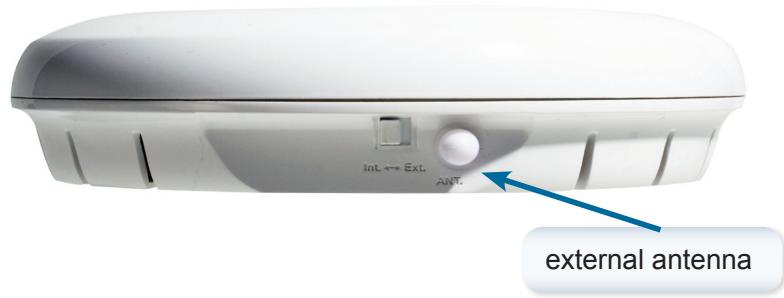
Notice: DWL-3260AP has embedded antenna inside, if you need to use external antenna, please turn the switch button to Ext. and attach the antenna.
Connecting the Ethernet and Power Cables
The access point receives power through the Ethernet cable or an external power adapter. And also, this product intended only for installation in Environment A as defined in IEEE 802.3af, Power over Ethernet (PoE).
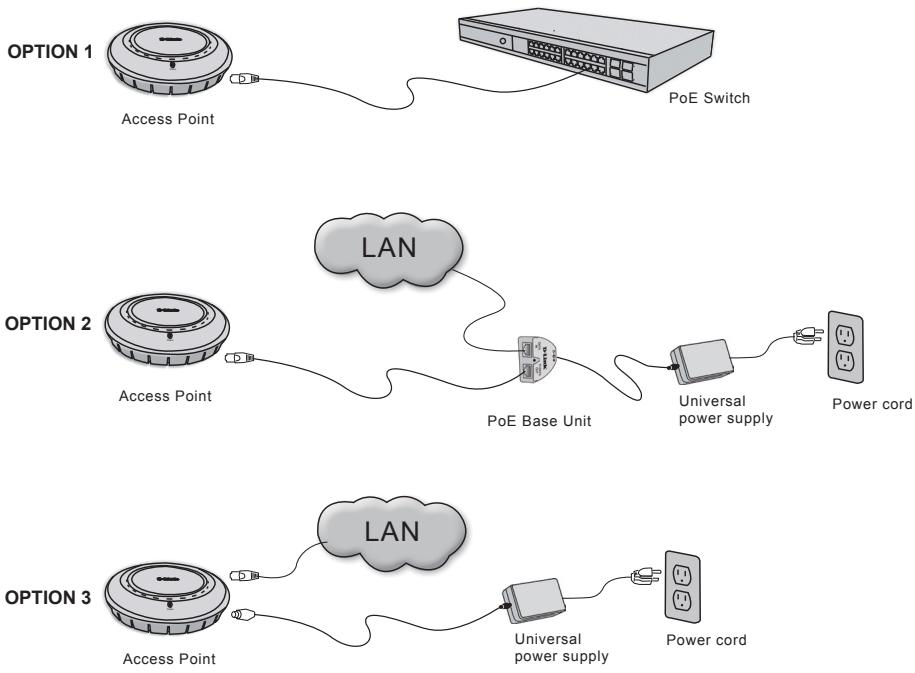
The access point power options:
Option 1: Connect with a D-Link wireless switch or other 802.3af PoE compliant switch.
Option 2: Use the PoE Base Unit to connect to a switch that lacks PoE capabilities.
Option 3: Connect to available power using the included power adapter.
Note: This product and all interconnected equipment must be installed indoors, including all associated LAN connections.
Physical Installation for Your Access Point:(optional)
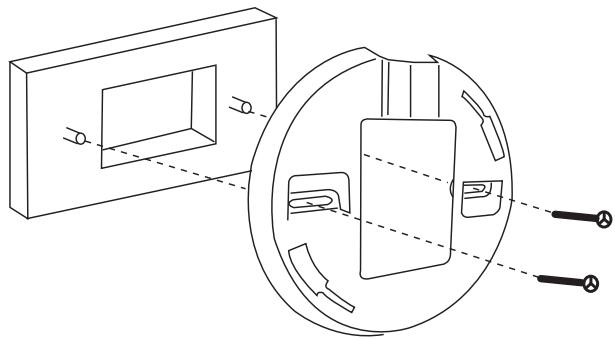
Junction Box Installation:
- Attach the bracket to the junction box.
2.attach the DWL-3260AP to the mounting bracket.
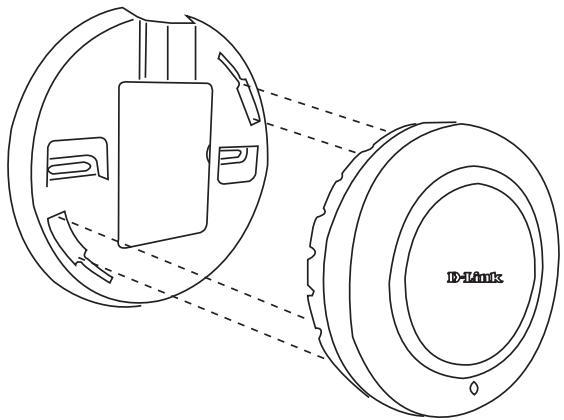
Solid Wall or Ceiling Installation:
- Mount the bracket on the appropriate position on the wall or Ceiling.
- Mount the AP to the bracket on the wall or ceiling.
Technical Support
You can find software updates and user documentation on the D-Link website.
Tech Support for customers within Australia:
D-Link Technical Support over the Telephone:
1300-766-868
Monday to Friday 8:00am to 8:00pm EST
Saturday 9:00am to 1:00pm EST
D-Link Technical Support over the Internet:
http://www.dlink.com.au
email:support@dlink.com.au
Tech Support for customers within New Zealand:
D-Link Technical Support over the Telephone:
0800-900-900
Monday to Friday 8:30am to 8:30pm
Saturday 9:00am to 5:00pm
D-Link Technical Support over the Internet:
http://www.dlink.co.nz
email:support@dlink.co.nz
Technical Support
You can find software updates and user documentation on the
D-Link website.
Tech Support for customers within South Eastern Asia and Korea:
D-Link South Eastern Asia and Korea Technical Support over the Telephone:
+65-6895-5355
Monday to Friday 9:00am to 12:30pm, 2:00pm-6:00pm
Singapore Time
D-Link Technical Support over the Internet:
email:support@dlink.com.sg
Technical Support
You can find software updates and user documentation on the D-Link website.
Tech Support for customers within India
D-Link Technical Support over the Telephone:
+91-22-26526741
+91-22-26526696 -ext 161 to 167
Monday to Friday 9:30am to 7:00pm
D-Link Technical Support over the Internet:
http://www.dlink.co.in
http://www.dlink.co.in/dlink/drivers/support.asp
ftp://support.dlink.co.in
email: techsupport@dlink.co.in
Technical Support
You can find software updates and user documentation on the D-Link website.
D-Link provides free technical support for customers for the duration of the warranty period on this product.
Customers can contact D-Link technical support through our web site or by phone.
Tech Support for customers within the Russia
D-Link Technical Support over the Telephone:
(495) 744-00-99
Monday to Friday 10:00am to 6:30pm
D-Link Technical Support over the Internet:
http://www.dlink.ru
email: support@dlink.ru
Technical Support
You can find software updates and user documentation on the D-Link website.
Tech Support for customers within the U.A.E & North Africa:
D-Link Technical Support over the Telephone:
(971) 4-391-6480 (U.A.E)
Sunday to Wednesday 9:00am to 6:00pm GMT+4
Thursday 9:00am to 1:00pm GMT+4
D-Link Middle East & North Africa
D-Link Technical Support over the Internet:
http://support.dlink-me.com
email:support@dlink-me.com
Tech Support for customers within Israel:
D-Link Technical Support over the Telephone:
(972) 9-9715701
Sunday to Thursday 9:00am to 5:00pm
D-Link Technical Support over the Internet:
http://www.dlink.co.il/support/
e-mail: support@dlink.co.il
Tech Support for customers within Turkey:
D-Link Technical Support over the Telephone:
00903124734055
Monday to Friday 9:00am to 6:00pm
D-Link Technical Support over the Internet:
http://www.dlink.com.tr
e-mail: turkiye@dlink-me.com
Tech Support for customers within Egypt:
D-Link Technical Support over the Telephone:
+202-2919035, +202-2919047
Sunday to Thursday 9:00am to 5:00pm
D-Link Technical Support over the Internet:
http://support.dlink-me.com
e-mail: amostafa@dlink-me.com
Technical Support
You can find software updates and user documentation on the D-Link website.
Tech Support for customers within South Africa and Sub Sahara Region:
D-Link South Africa and Sub Sahara Technical Support over the Telephone:
+27-12-665-2165
08600 DLINK ( For South Africa only )
Monday to Friday 8:30am to 9:00pm South Africa Time
D-Link Technical Support over the Internet:
http://www.d-link.co.za
email:support@d-link.co.za
Technical Support
You can find software updates and user documentation on the D-Link website.
Tech Support for Latin America customers:
D-Link Technical Support over the followings Telephones:
Argentina: 0-800 122 35 465
Chile: 800-835465
Colombia: 01-800 952 54 65
Ecuador: 1800-035465
El Salvador: 800-6137
Guatemala:1800-300 0017
Panama: 00-800 052 54 65
Peru:0800-00968
Venezuela: 0-800-100 5767
Monday to Friday 09:00am to 22:00pm
Monday to Friday 08:00am to 21:00pm
Monday to Friday 07:00am to 20:00pm
Monday to Friday 07:00am to 20:00pm
Monday to Friday 06:00am to 19:00pm
Monday to Friday 06:00am to 19:00pm
Monday to Friday 07:00am to 20:00pm
Monday to Friday 07:00am to 20:00pm
Monday to Friday 08:00am to 21:00pm
D-Link Technical Support over the Internet:
www.dlinkla.com
www.dlinklatinamerica.com
email:support@dlink.cl
Tech Support for customers within Brazil:
D-Link Technical Support over the Telephone:
0800 70 24 104
Monday to Friday 8:30am to 18:30pm
D-Link Technical Support over the Internet: