
GN1000 - Audio accessory JABRA - Free user manual and instructions
Find the device manual for free GN1000 JABRA in PDF.

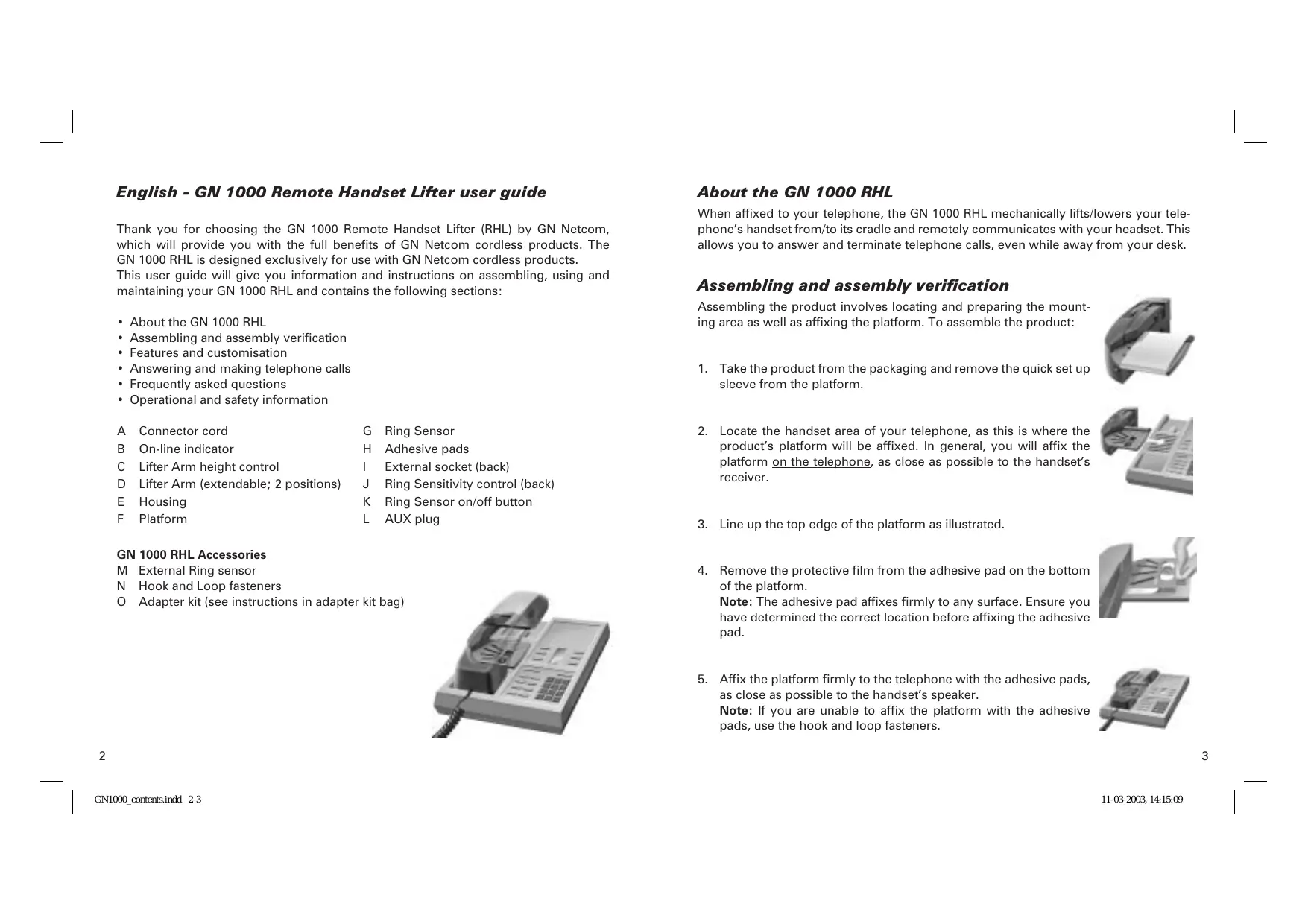


| Product type | Remote Hook Lifter (RHL) |
| Brand | JABRA |
| Model | GN1000 |
| Usage | Automatic answering and hanging up of the telephone handset |
| Compatibility | GN Netcom cordless handsets |
| Main functions | Remote answer/hang up, ring detection, visual "in use" indicator |
| Mounting method | Adhesive pads or hook and loop device |
| Adjustments | Height of lifter arm, ring detector sensitivity |
| "In use" indicator | Lit during a call, flashes if detector is disabled |
| Included accessories | External ring detector, adapter kit, mounting devices |
| Power supply | Via AUX cable from the cordless handset base unit |
| Certification | CE mark, compliance with directive 1999/5/EC (R&TTE) |
| Safety | Do not disassemble, avoid exposure to moisture, use only with original handset |
| Maintenance | Clean with a soft dry cloth |
| Repairability | No user-serviceable parts |
| Warranty | Consult your dealer |
Frequently Asked Questions - GN1000 JABRA
User questions about GN1000 JABRA
0 question about this device. Answer the ones you know or ask your own.
Ask a new question about this device
Download the instructions for your Audio accessory in PDF format for free! Find your manual GN1000 - JABRA and take your electronic device back in hand. On this page are published all the documents necessary for the use of your device. GN1000 by JABRA.
USER MANUAL GN1000 JABRA
Thank you for choosing the GN 1000 Remote Handset Lifter (RHL) by GN Netcom, which will provide you with the full benefits of GN Netcom cordless products. The GN 1000 RHL is designed exclusively for use with GN Netcom cordless products.
This user guide will give you information and instructions on assembling, using and maintaining your GN 1000 RHL and contains the following sections:
- About the GN 1000 RHL
- Assembling and assembly verification
- Features and customisation
- Answering and making telephone calls
- Frequently asked questions
- Operational and safety information
A Connector cord
G Ring Sensor
B On-line indicator
H Adhesive pads
C Lifter Arm height control
External socket (back)
D Lifter Arm (extendable; 2 positions)
J Ring Sensitivity control (back)
E Housing
K Ring Sensor on/off button
F Platform
L AUX plug
GN 1000 RHL Accessories
M External Ring sensor
N Hook and Loop fasteners
O Adapter kit (see instructions in adapter kit bag)
About the GN 1000 RHL
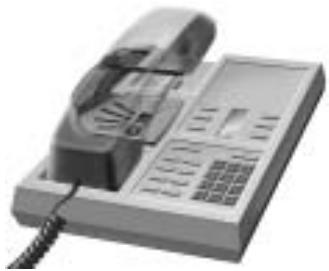
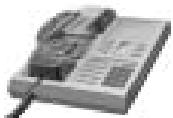
When affixed to your telephone, the GN 1000 RHL mechanically lifts/lowers your telephone's handset from/to its cradle and remotely communicates with your headset. This allows you to answer and terminate telephone calls, even while away from your desk.
Assembling and assembly verification
Assembling the product involves locating and preparing the mounting area as well as affixing the platform. To assemble the product:
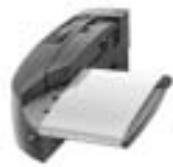
- Take the product from the packaging and remove the quick set up sleeve from the platform.
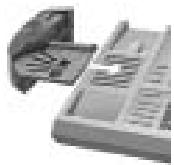
- Locate the handset area of your telephone, as this is where the product's platform will be affixed. In general, you will affix the platform on the telephone, as close as possible to the handset's receiver.
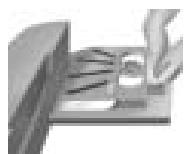
- Line up the top edge of the platform as illustrated.
- Remove the protective film from the adhesive pad on the bottom of the platform.
Note: The adhesive pad affixes firmly to any surface. Ensure you have determined the correct location before affixing the adhesive pad.
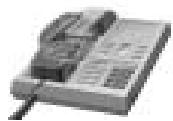
- Affix the platform firmly to the telephone with the adhesive pads, as close as possible to the handset's speaker.
Note: If you are unable to affix the platform with the adhesive pads, use the hook and loop fasteners.
- Position the ring sensor on the centre of the telephone speaker.
Note: On most telephones the speaker is located underneath the handset. If you are unsure of the speaker's location, have someone call you and note the precise location where the ringing tone comes from.
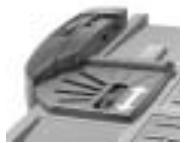
- Insert the AUX plug of the connector cord into the AUX socket at the bottom of the base unit of your cordless headset.
After assembling the product, verify that the product is working correctly. Complete the following steps:
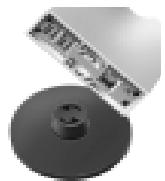
- Set your cordless headset to headset mode by pressing the multifunction/line button on your cordless headset or remote unit.
If the product is working properly, the lifting arm will lift the handset out of the telephone's cradle and you will hear the dial tone in the headset.
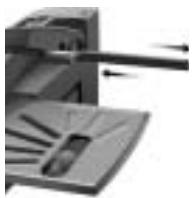
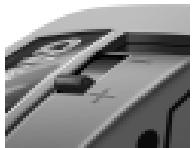
- If there is no dial tone, adjust the lifting arm height with the lifting arm height control. The + raises the lifting arm and the - lowers the lifting arm.
Note: If you still do not hear a dial tone, extend the Lifter Arm from its factory-set position.
Features and customisation
On-line indicator
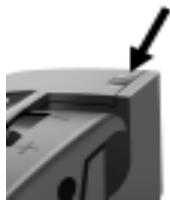
The on-line indicator lights when your handset is lifted and you have a dial tone, and flashes continuously when you have deactivated the ring sensor.
Adjusting the Ring Sensor sensitivity

The ring sensor detects the telephone's ring and is factory pre-set to most standard telephones. The ring sensor may, however, need adjustment to recognise a less common telephone ring tone. Raise and lower the ring sensor's sensitivity by adjusting the ring sensitivity control on the back of the unit.
The ring sensor is set correctly when the on-line indicator lights to indicate an incoming telephone call. If the on-line indicator does not light when the telephone rings, have someone call you and turn the ringer sensitivity control clockwise until the on-line indicator is lit.
If you have unsuccessfully tried to increase ring sensor sensitivity, mount the external ring sensor by completing the following:
- Mount the plug of the external ring sensor to the external socket of the product.
- Remove the protective film on the external ring sensor and attach it as close as possible to the telephone's speaker.
- Readjust the ring sensor's sensitivity if the on-line indicator does not light when an incoming call is received.
Answering and making telephone calls
To answer a telephone call, press the multifunction/line button on your cordless headset or remote unit. The product will then automatically lift the handset and put the call through.
To terminate a telephone call, press the multifunction/line button on your cordless headset or remote unit. The product will now lower the telephone handset and terminate the call.
Note: When using your telephone in speakerphone mode, e.g. for a conference call, deactivate the ring sensor by pressing the ring sensor on/off button to the off mode. The on-line indicator will flash when the ring sensor on/off button is in the off mode.
Press the ring sensor's on/off button to the on setting when you have completed your speakerphone call.
Frequently asked questions
The product is not lifting my handset.
- Check the cable connection to the cordless product.
- Make sure there is power to the cordless product.
- Ensure that your headset/beltpack unit is charged.
- Make sure the Lifter Arm is correctly installed on the telephone.
- For certain telephones, you may also need to extend the Lifter Arm.
I cannot hear a dial tone when I lift my handset.
- Ensure the headset is in headset mode.
- Check the lifting arm height as it may need to be slightly higher.
- Due to the telephone switchboard configuration of your company, the product may require the attention of your telephone system manager.
I hear a ring signal in my headset but no call is coming in.
- The ring sensor is picking up electronic noise. Move your telephone further away from any electronic equipment such as computer monitors or fluorescent desk lamps.
- Lower the ring sensor's sensitivity by turning the ring sensitivity control anticlockwise.
Calls are coming in but I don't hear a ring signal in my headset or from my beltpack.
- The ring sensor's on/off button may be off. Check to see if the on-line indicator is flashing. If it is flashing, press the ring sensor's on/off button.
- The ring sensor is not located over the telephone's speaker. Slide the ring sensor to set it in the correct location.
- The ring sensitivity control is set too low. Have someone call you and adjust the ring sensor until the on-line indicator is lit.
When I use my telephone's external speaker, my headset/beltpack signals that I have an incoming call even though I don't.
- Switch the ring sensor on/off button to the off position. When the ring sensor is turned off, the on-line indicator will flash continuously. Press the ring sensor's on/off button to the on setting when you have completed your speakerphone call.
I have set up the external ring sensor but the product still cannot detect my telephone's ringing tone.
- Try increasing the volume on your telephone and consult the telephone's user manual if required.
Operational and safety information
Read the safety and operational instructions below. They contain important information about using this product. Keep this user guide for future use.
- This product is CE marked according to the provisions of the R & TTE Directive (99/5/EC). Hereby, GN Netcom A/S declares that this product is in compliance with the essential requirements and other relevant provisions of Directive 1999/5/EC. For further information, please consult http://www.gnnetcom.com
- We recommend you follow every step and operate the product as outlined in this user guide.
- Make certain that the product is connected correctly to a cordless GN Netcom headset.
- Keep fingers and other objects from obstructing the lifter arm.
- The lifter arm of this product is intended for use with only your telephone's original handset.
- Never try to dismantle the product yourself. None of the internal components can be replaced or repaired by users.
- Avoid exposing the product to rain or other liquids.
If you have any questions regarding the product, please contact your vendor, or go to http://www.gnnetcom.com.
- GN 1000 RHL Accessories
- About the GN 1000 RHL
- Assembling and assembly verification
- Features and customisation
- On-line indicator
- Adjusting the Ring Sensor sensitivity
- Answering and making telephone calls
- Frequently asked questions
- The product is not lifting my handset.
- I cannot hear a dial tone when I lift my handset.
- I hear a ring signal in my headset but no call is coming in.
- Calls are coming in but I don't hear a ring signal in my headset or from my beltpack.
- When I use my telephone's external speaker, my headset/beltpack signals that I have an incoming call even though I don't.
- I have set up the external ring sensor but the product still cannot detect my telephone's ringing tone.
- Operational and safety information
Brand : JABRA
Model : GN1000
Category : Audio accessory