
PHASER 3500 - Laser printer XEROX - Free user manual and instructions
Find the device manual for free PHASER 3500 XEROX in PDF.


| Product type | Color laser printer |
| Brand | XEROX |
| Model | PHASER 3500 |
| Print speed | Up to 35 ppm (Letter) / 33 ppm (A4) |
| Print resolution | 1200 x 1200 dpi |
| RAM | 32 MB standard, expandable to 288 MB |
| Supported paper sizes | Letter, Legal, A4, A5, B5, Executive, Envelopes, Transparencies, Labels, Custom sizes (width 76-216 mm, length 127-356 mm) |
| Supported paper weight | Tray 1 (MPT): 60-176 g/m²; Trays 2/3: 60-105 g/m²; Duplex: 75-90 g/m² |
| Input paper capacity | Tray 1 (MPT): variable capacity; Trays 2/3: 500 sheets each (optional) |
| Duplex printing | Automatic (on DN configuration) or manual (other config with optional duplex unit) |
| Connectivity | Ethernet 10/100Base-TX, USB 2.0, Parallel IEEE 1284 |
| Consumables | Standard print cartridge (6,000 pages) or high capacity (12,000 pages) |
| Weight | Approximately 17 kg (without packaging) |
| Power supply | AC power (standard outlet) |
| Maintenance and cleaning | Clean exterior with a soft, damp cloth; do not use a vacuum cleaner |
| Electrical safety | Grounding required; do not use extension cord; Class 1 laser |
| Spare parts and repairability | Replaceable print cartridge; memory options, 500-sheet tray, duplex unit, network card; online support |
| General information | Control panel languages: multilingual; configurations: 3500B, 3500N, 3500DN; Total Satisfaction Guarantee (US and Canada) |
| Advanced printing features | N-up, booklets, posters, watermarks, cover pages, mirror/negative printing |
| Supported operating systems | Windows 98 SE/Me/2000/XP/NT 4.0, Mac OS 9.x, Mac OS X 10.2-10.3, UNIX |
Frequently Asked Questions - PHASER 3500 XEROX
User questions about PHASER 3500 XEROX
0 question about this device. Answer the ones you know or ask your own.
Ask a new question about this device
Download the instructions for your Laser printer in PDF format for free! Find your manual PHASER 3500 - XEROX and take your electronic device back in hand. On this page are published all the documents necessary for the use of your device. PHASER 3500 by XEROX.
USER MANUAL PHASER 3500 XEROX
PykoBODCTBO NOIb3OBaTeJЯ
Configurations dispensibles
B-Printer Specifications (English Only)
Physical Specifications
Width: 396 mm
Depth: 453 mm
Height: 348mm
Top Clearance: 254mm
Weight: 17kg
Environmental Specifications
Temperature
Storage (in original packaging): -20^ to 40^
- Operating: 10^ to 32^ C
Relative Humidity
Storage (in original packaging): 10% to 90%
Operating: 20% to 80%
Electrical Specifications
Available in two models:
110-127 VAC, 50 / 60Hz
220-240 VAC, 50/60 Hz
Performance Specifications
Resolution
300x300dpi
600x600dpi
1200 dpi Image Quality
Print Speed
Up to 35 pages per minute (ppm)
Fuser Life
Maximum 150,000 pages
Controller Specifications
400 MHz processor
Memory
32 MB standard on all printers
Maximum 288 MB
Page Description Languages (PDL)
PCL5e (driver not included)
PCL6
PostScript
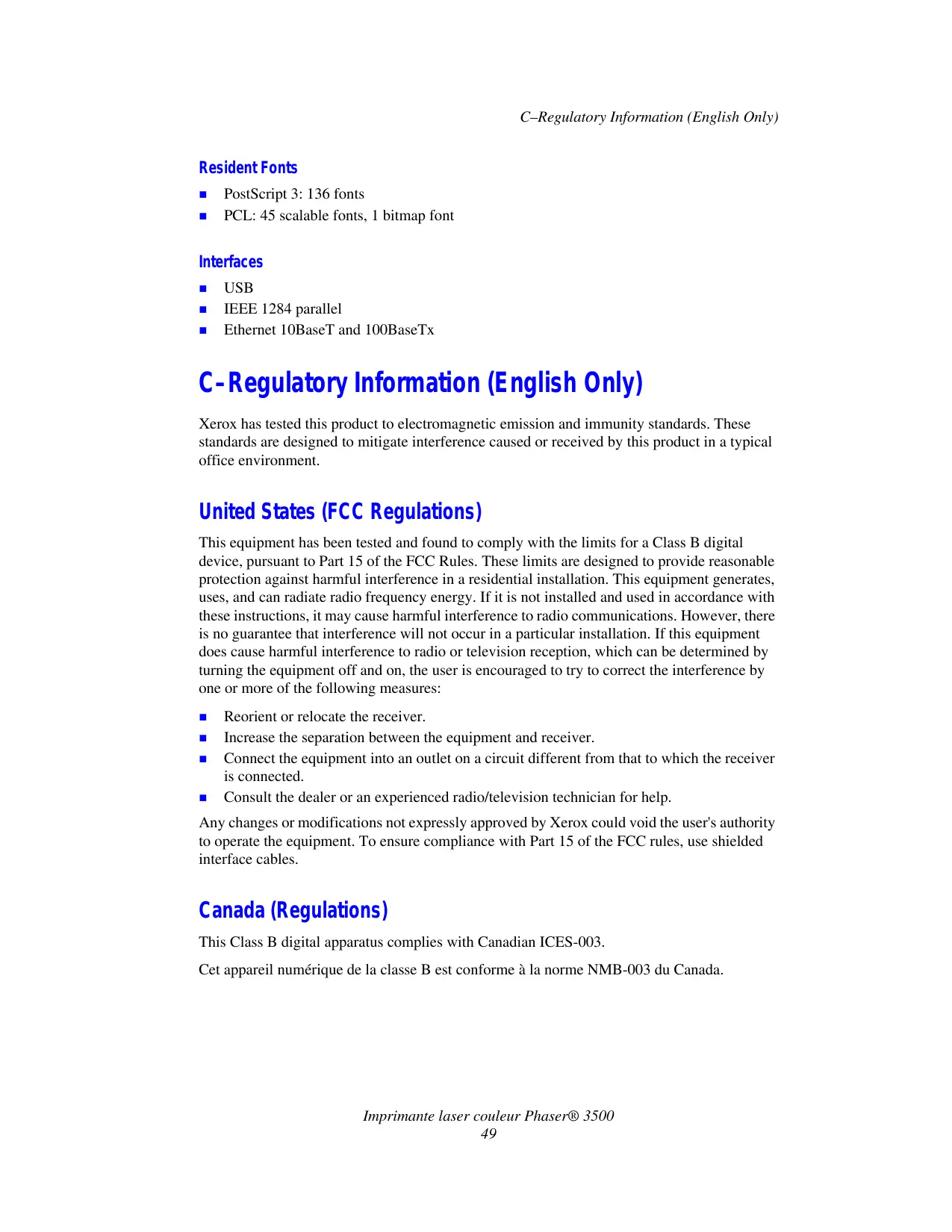
Resident Fonts
PostScript 3:136 fonts
PCL: 45 scalable fonts, 1 bitmap font
Interfaces
USB
IEEE 1284 parallel
Ethernet 10BaseT and 100BaseTx
C-Regulatory Information (English Only)
Xerox has tested this product to electromagnetic emission and immunity standards. These standards are designed to mitigate interference caused or received by this product in a typical office environment.
United States (FCC Regulations)
This equipment has been tested and found to comply with the limits for a Class B digital device, pursuant to Part 15 of the FCC Rules. These limits are designed to provide reasonable protection against harmful interference in a residential installation. This equipment generates, uses, and can radiate radio frequency energy. If it is not installed and used in accordance with these instructions, it may cause harmful interference to radio communications. However, there is no guarantee that interference will not occur in a particular installation. If this equipment does cause harmful interference to radio or television reception, which can be determined by turning the equipment off and on, the user is encouraged to try to correct the interference by one or more of the following measures:
Reorient or relocate the receiver.
- Increase the separation between the equipment and receiver.
- Connect the equipment into an outlet on a circuit different from that to which the receiver is connected.
- Consult the dealer or an experienced radio/television technician for help.
Any changes or modifications not expressly approved by Xerox could void the user's authority to operate the equipment. To ensure compliance with Part 15 of the FCC rules, use shielded interface cables.
Canada (Regulations)
This Class B digital apparatus complies with Canadian ICES-003.
European Union (Declaration of Conformity)
Xerox Corporation declares, under our sole responsibility, that the product to which this declaration relates is in conformity with the following standards and other normative documents:
Low Voltage Directive 73/23/EEC as amended
| EN 60950:2000 |
| EN 60825-1:1994+A1:2001+A2:2002 |
| Electromagnetic Compatibility Directive 89/336/EEC as amended |
| EN 55022:1998+A1:2000+A2:2003 |
| EN 55024:1998+A1:2001+A2:2003 |
| EN 61000-3-2:2000 |
| EN 61000-3-3:1995+A1:2001 |
Radio & Telecommunications Terminal Equipment Directive 1999/5/EC as amended
| EN 300 330-2 V1.1.1 |
| EN 300 440-2 V1.1.1 |
| EN 301 489-3 V1.3.1 |
This product, if used properly in accordance with the user's instructions, is neither dangerous for the consumer nor for the environment.
A signed copy of the Declaration of Conformity for this product can be obtained from Xerox.
D-Material Safety Data Sheet (English Only)
For Material Safety Data information regarding your Imprimante Phaser 3500, go to www.xerox.com/office/msds. For the Customer Support Center phone numbers, see the information sheet that shipped with your printer or go to www.xerox.com/office/contacts.
E-Product Recycling and Disposal (English Only)
Xerox operates a worldwide equipment takeback and reuse/recycle program. Contact your Xerox sales representative (1-800-ASK-XEROX) to determine whether this Xerox product is part of the program. For more information about Xerox environmental programs, visit www.xerox.com/environment.html.
If your product is not part of the Xerox program and you are managing its disposal, please note that the product may contain lead and other materials whose disposal may be regulated due to environmental considerations. For recycling and disposal information, contact your local authorities. In the United States, you may also refer to the Electronic Industries Alliance at www.eiae.org.
Index
A
ADRESSE IP, 7
annexes
material safety data sheet, 50
printricensifications,47
productrecyclinganddisposal,51
regulatory, 49
B
Bac 1 (BPM)
material safety data sheet, 50
messages
avertissement, 34, 41
état, 34, 41
impression delivrets, 31
performance specifications
print speed, 48
resolution, 48
pilot
caracteristiques, 6
controller specifications, 48
environmental, 47
performance, 48
physical, 47
product recycling and disposal, 51
R
Recyclage, 34
regulatory information
Canada, 49
Europe, 50
United States, 49
ressources
- Configurations dispensibles
- B-Printer Specifications (English Only)
- Physical Specifications
- Environmental Specifications
- Temperature
- Relative Humidity
- Electrical Specifications
- Performance Specifications
- Resolution
- Print Speed
- Fuser Life
- Controller Specifications
- Memory
- Page Description Languages (PDL)
- Resident Fonts
- Interfaces
- C-Regulatory Information (English Only)
- United States (FCC Regulations)
- Canada (Regulations)
- European Union (Declaration of Conformity)
- Low Voltage Directive 73/23/EEC as amended
- Radio & Telecommunications Terminal Equipment Directive 1999/5/EC as amended
- D-Material Safety Data Sheet (English Only)
- E-Product Recycling and Disposal (English Only)
- Index
- A
- B
- R
Brand : XEROX
Model : PHASER 3500
Category : Laser printer