
PHASER 4500 - Laser printer XEROX - Free user manual and instructions
Find the device manual for free PHASER 4500 XEROX in PDF.



| Product type | Monochrome laser printer |
| Brand | Xerox |
| Model | Phaser 4500 |
| Dimensions (W x D x H) | Approximately 400 x 400 x 300 mm |
| Weight | Approximately 15 kg |
| Power supply | 220-240 V AC, 50/60 Hz |
| Power consumption | Approximately 800 W printing, 60 W standby |
| Print resolution | Up to 1200 x 1200 dpi |
| Print speed | Up to 40 pages per minute (A4) |
| Paper capacity (standard tray) | 500 sheets |
| Duplex printing | Automatic (duplex) |
| Connectivity | USB 2.0, Ethernet 10/100 Base-TX |
| Supported media types | Plain paper, envelopes, labels, transparencies |
| Monthly duty cycle | Up to 50,000 pages |
| Printing features | Printing, queue management, toner saving |
| Maintenance and cleaning | Clean the exterior with a soft cloth; use original consumables |
| Safety | Class 1 laser device; complies with radio interference standards |
| Spare parts and repairability | Toner cartridge, drum, fuser; user-replaceable consumables |
| General information | 198-page manual available for free download |
Frequently Asked Questions - PHASER 4500 XEROX
User questions about PHASER 4500 XEROX
0 question about this device. Answer the ones you know or ask your own.
Ask a new question about this device
Download the instructions for your Laser printer in PDF format for free! Find your manual PHASER 4500 - XEROX and take your electronic device back in hand. On this page are published all the documents necessary for the use of your device. PHASER 4500 by XEROX.
USER MANUAL PHASER 4500 XEROX
Stau am Stapler 4-20
Papierformatstau 4-21
Macintosh OS 9.x EtherTalk
NDPS/NEPS (Novell Distributed/Enterprise Print Services)
Novell Directory Services
- Bindery
Physical Specifications
Width: 422mm (16.6 in.)
Height: 404mm (15.9 in.)
Depth: 465~mm (18.3 in.)
Weight (with 10K cartridge): 21 KG (45 lbs.)
Environmental Specifications
Temperature
Storage: -20^ to 40^ / -4^ to 104^
Operating: 5^ to 35^ C / 41^ to 95^ F
Relative Humidity
Storage: 15% to 85%
Operating: 15% to 85%
Electrical Specifications
Available in two (2) models:
110-120 VAC, 60 Hz
220 VAC, 50 Hz
ENERGY STAR qualified printer
Performance Specifications
Resolution
600x600dpi
True 1200× 1200 dpi
Print Speed
Up to 36 pages per minute (ppm)
Controller Specifications
400 MHz processor
Memory
64 MB PC133 DRAM standard
Upgradable to a maximum of 256 MB
Page Description Languages (PDL)
PCL
Adobe PostScript 3
Fonts
PostScript
PCL
Interfaces
IEEE 1284 parallel
- Ethernet 10BaseT and 100BaseTx (only for N, DT, and DX configurations)
USB
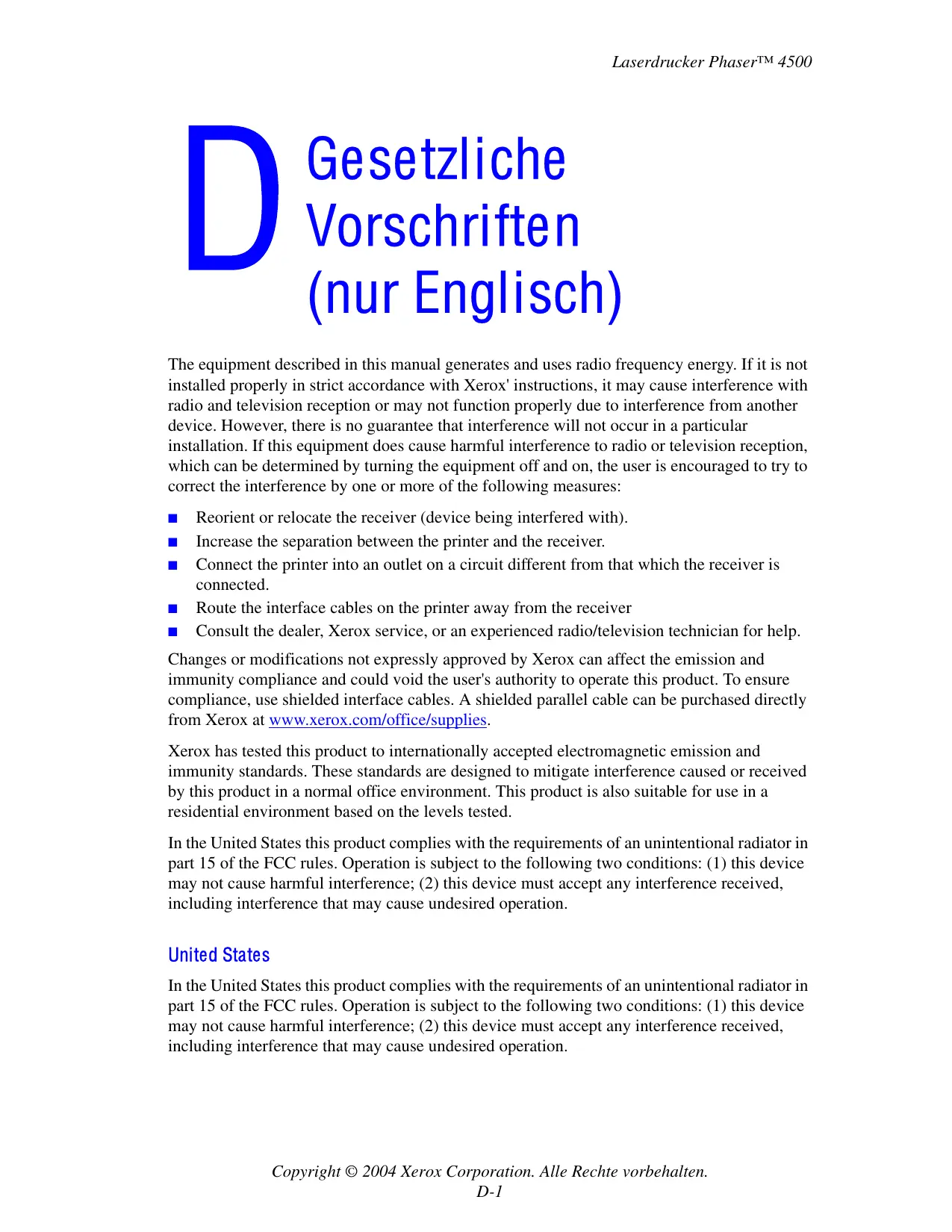
The equipment described in this manual generates and uses radio frequency energy. If it is not installed properly in strict accordance with Xerox' instructions, it may cause interference with radio and television reception or may not function properly due to interference from another device. However, there is no guarantee that interference will not occur in a particular installation. If this equipment does cause harmful interference to radio or television reception, which can be determined by turning the equipment off and on, the user is encouraged to try to correct the interference by one or more of the following measures:
Reorient or relocate the receiver (device being interfered with).
Increase the separation between the printer and the receiver.
- Connect the printer into an outlet on a circuit different from that which the receiver is connected.
- Route the interface cables on the printer away from the receiver
Consult the dealer, Xerox service, or an experienced radio/television technician for help.
Changes or modifications not expressly approved by Xerox can affect the emission and immunity compliance and could void the user's authority to operate this product. To ensure compliance, use shielded interface cables. A shielded parallel cable can be purchased directly from Xerox at www.xerox.com/office/supplies.
Xerox has tested this product to internationally accepted electromagnetic emission and immunity standards. These standards are designed to mitigate interference caused or received by this product in a normal office environment. This product is also suitable for use in a residential environment based on the levels tested.
In the United States this product complies with the requirements of an unintentional radiator in part 15 of the FCC rules. Operation is subject to the following two conditions: (1) this device may not cause harmful interference; (2) this device must accept any interference received, including interference that may cause undesired operation.
United States
In the United States this product complies with the requirements of an unintentional radiator in part 15 of the FCC rules. Operation is subject to the following two conditions: (1) this device may not cause harmful interference; (2) this device must accept any interference received, including interference that may cause undesired operation.
Canada
This digital apparatus does not exceed the Class B limits for radio noise emissions from digital apparatus set out in the Radio Interference Regulations of the Canadian Department of Communications, ICES-003.
Xerox Corporation declares, under our sole responsibility, that the printer to which this declaration relates is in conformity with the following standards and other normative documents:
Following the provisions of the Low Voltage Directive 73/23/EEC and its amendments:
| EN 60950 (IEC 60950) | "Safety of Information Technology Equipment including Electrical Business Equipment" |
Following the provisions of the Electromagnetic Compatibility Directive 89/336/EEC and its amendments:
| EN 55022:1998 (CISPR 22) | "Limits and Methods of measurement of radio interference characteristics of Information Technology Equipment." Class B. |
| EN 61000-3-2:1995 +A1:1998+A2:1998 (IEC61000-3-2) | "Part 3: Limits - Section 2: Limits for harmonic current emissions (equipment input current less than or equal to 16A per phase)." |
| EN 61000-3-3:1995 (IEC61000-3-3) | "Part 3: Limits - Section 3: Limitation of voltage fluctuations and flicker in low-voltage supply systems for equipment with rated current less than or equal to 16A." |
| EN 55024:1998 (CISPR 24) | "Information technology equipment - Immunity characteristics - Limits and methods of measurement." |
| CISPR 24 Immunity Phenomena | Basic Standard | Test Specification |
| Electrostatic Discharge | IEC 61000-4-2:1995 | 6 kV Contact, 10 kV Air |
| Radio-Frequency Electromagnetic Field (radiated) | IEC 61000-4-3:1995 | 80-1000 MHz, 3 V/m, 80% AM @ 1 KHz |
| Fast Burst Transients | IEC 61000-4-4:1995 | 5/50 Tr/Th ns, 5 kHz Rep. Freq 0.5 kV Signal Lines 1 kV AC Mains |
| Line Surge | IEC 61000-4-5:1995 | Combination wave 2.0 kV Common mode 2.0 kV Differential mode |
| Radio-Frequency Electromagnetic Field (Conducted) | IEC 61000-4-6:1996 | 0.15 - 80 MHz, 3 V, 80% AM @ 1 kHz |
| Line voltage dips | IEC 61000-4-11:1994 | >95% dip for 1/2 cycle @ 50 Hz30% dip for 25 cycles @ 50 Hz |
| Line voltage drop-out | IEC 61000-4-11:1994 | >95% dropout for 250 cycles @ 50 Hz |
This product, if used properly in accordance with the user's instructions, is neither dangerous for the consumer nor for the environment.
A signed copy of the Declaration of Conformity for this product can be obtained from Xerox.
E
For Material Safety Data information regarding your Phaser 4500 printer, go to www.xerox.com/office/4500msds. For the Customer Support Center phone numbers, see the information booklet entitled Total Satisfaction Services that came with your printer.
Xerox operates a worldwide equipment takeback and reuse/recycle program. Contact your Xerox sales representative (1-800-ASK-XEROX) to determine whether this Xerox product is part of the program. For more information about Xerox environmental programs, visit www.xerox.com/environment.html.
If your product is not part of the Xerox program and you are managing its disposal, please note that the product may contain lead and other materials whose disposal may be regulated due to environmental considerations. For recycling and disposal information, contact your local authorities. In the United States, you may also refer to the Electronic Industries Alliance at www.eiae.org.
Index
A
Advanced Setup Novell NetWare, 3-42
Apple Printer Utility, 1-25
CentreWare Font Management Utility, 1-24
CentreWare MC, 3-11
CentreWare Web, 3-11
Color Connection, 1-26
D
Einstellungen (Mac), 2-23
Installation, 3-3, 3-18, 3-31
Installieren in Windows NT 4.x, 3-25
IP-Adresse, 1-12
infoSMART Knowledge Base, 4-42
IP-Adresse, 1-12, 3-7
PhaserSMART, 1-13, 4-2
Technischer Support, 4-2, 4-42
Zugriff, 4-2
CentreWare Font Management Utility, 1-24
Servicevertrag, 4-40, A-4
Sicherheit
Anforderungen, A-1
Benutzer, A-1
Betrieb, A-3
Xerox TCP/IP Port Monitor, 3-31
Xerox Usage Analysis Tool (Xerox
- Macintosh OS 9.x EtherTalk
- NDPS/NEPS (Novell Distributed/Enterprise Print Services)
- Physical Specifications
- Environmental Specifications
- Temperature
- Relative Humidity
- Electrical Specifications
- Performance Specifications
- Resolution
- Print Speed
- Controller Specifications
- Memory
- Page Description Languages (PDL)
- Fonts
- Interfaces
- United States
- Canada
- E
- Index
- A
- D
Brand : XEROX
Model : PHASER 4500
Category : Laser printer