ARMWALLS - Wall mount StarTech.com - Free user manual and instructions
Find the device manual for free ARMWALLS StarTech.com in PDF.


User questions about ARMWALLS StarTech.com
0 question about this device. Answer the ones you know or ask your own.
Ask a new question about this device
Download the instructions for your Wall mount in PDF format for free! Find your manual ARMWALLS - StarTech.com and take your electronic device back in hand. On this page are published all the documents necessary for the use of your device. ARMWALLS by StarTech.com.
USER MANUAL ARMWALLS StarTech.com
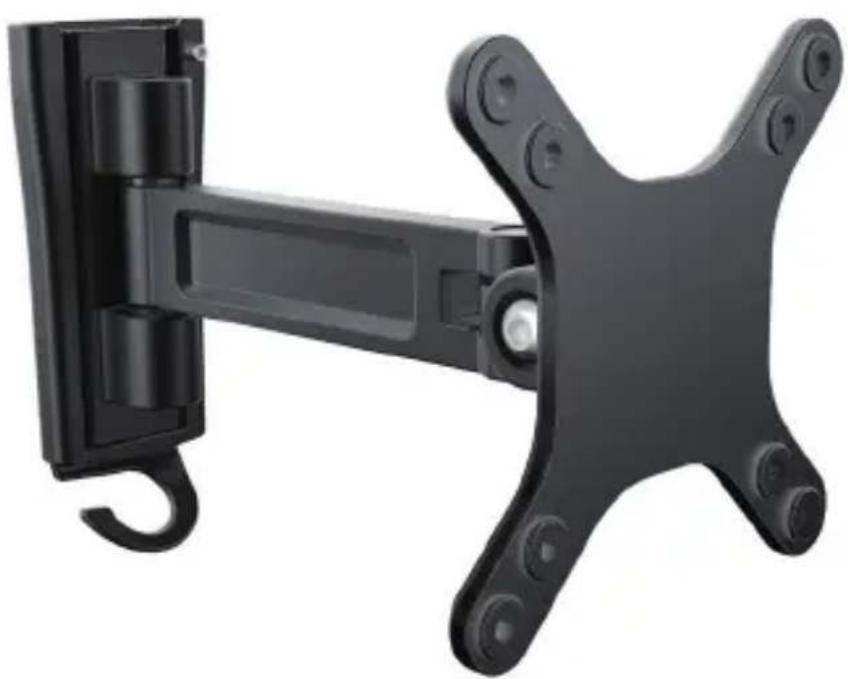
Wall-Mount Monitor Arm - Single Swivel
ARMWALLS
natural_image
Black wall-mounted mechanical device with a hook and mounting bracket (no text or symbols visible)*actual product may vary from photos
For the latest information, technical specifications, and support for this product, please visit www.StarTech.com/ARMWALLS.
Use of Trademarks, Registered Trademarks, and other Protected Names and Symbols
PHILLIPS ^® is a registered trademark of Phillips Screw Company in the United States or other countries.
This manual may make reference to trademarks, registered trademarks, and other protected names and/or symbols of third-party companies not related in any way to StarTech.com. Where they occur these references are for illustrative purposes only and do not represent an endorsement of a product or service by StarTech.com, or an endorsement of the product(s) to which this manual applies by the third-party company in question. Regardless of any direct acknowledgement elsewhere in the body of this document, StarTech.com hereby acknowledges that all trademarks, registered trademarks, service marks, and other protected names and/or symbols contained in this manual and related documents are the property of their respective holders.
Warning statements
Make sure to assemble this product according to the instructions. Failure to do so might result in personal injury or property damage.
Make sure that the weight of the TV doesn't exceed the weight capacity of this product. If you exceed the weight capacity, you might experience personal injury or damage to the equipment. This product can support the following weight: Up to 15 kg (33 lb.).
Never operate this product if parts are missing or damaged.
Wall structures vary, and it's important to make sure that the type of wall structure and mounting hardware that you're using will properly support the mounted equipment. Failure to do so may result in personal injury and/or equipment damage. The wall structure should be capable of supporting at least four times the weight of the mounted equipment.
The mounting hardware included with this product might not be adequate for some wall structures. If you lack the necessary expertise to attach this product to the wall structure that you're using, contact a construction professional to install the wall mount or to provide specific mounting instructions for your wall structure.
Varningsmeddelanden
Technical specifications 2
Package contents....3
Requirements 5
Installation 5
Attach the mounting plate to a wall 5
Attach a monitor to the display arm 6
Adjust the angle of the monitor 8
Technical support....9
Warranty information....9
Introduction Product dimensions

text_image
min 55 mm to max 195 mm 154 mm 75 mm 100 mm 45° 75 mm 100 mm 90° 90°Technical specifications
Type of measurement Measurement
| VESA mounting hole pattern | |
 | 75x75100x100 |
| Rated load | |
 | Up to 15 kg (33 lb.) |
| Tilt | |
 | +45° to -45° |
| Screen size | |
 | Between 330 mm and 686 mm(13 in. and 27 in.) |
| Swivel | |
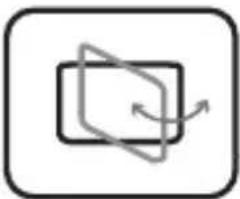 | +90° to -90° |
Package contents
1

natural_image
Technical line drawing of a mechanical assembly with no visible text or symbolsDisplay arm
Qty: One
2
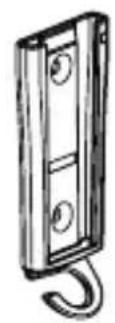
Mounting plate
Qty: One
3
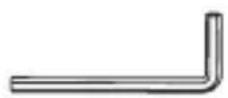
2.5 mm hex key
Qty: One
4

4 mm hex key
Qty: One
5
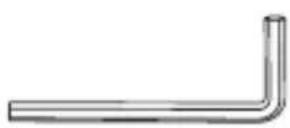
5 mm hex key
Qty: One
6
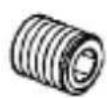
Set screw
Qty: One
| 7 | 8 | |
 |  | |
| M4x14 mm screws Qty: Four | M5x14 mm screws Qty: Four | |
| 9 | 10 | |
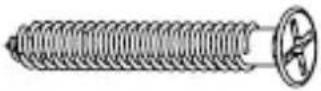 | 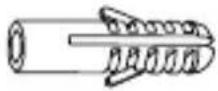 | |
| Mounting screws Qty: Two | Screw anchors Qty: Two | |
| 11 |  | |
| Instruction manual Qty: One | ||
Requirements
- A monitor or display that is compatible with one of the VESA mounting hole patterns that ARMWALLS supports
• A Phillips screwdriver
Requirements are subject to change. For the latest requirements, please visit www.StarTech.com/ARMWALLS.
Installation
Attach the mounting plate to a wall
Warning! Wall structures vary, and it is important that you make sure that the type of structure and mounting hardware that you are using will properly support the mounted equipment. Failure to do so may result in personal injury and/or equipment damage. The wall structure should be capable of supporting at least four times the weight of the mounted equipment.
Warning! The mounting hardware included with this product might not be adequate for some wall structures. If you lack the necessary expertise to attach this product to the wall that you are using, contact a construction professional to install the ARMWALLS or to provide specific mounting instructions for your wall structure.
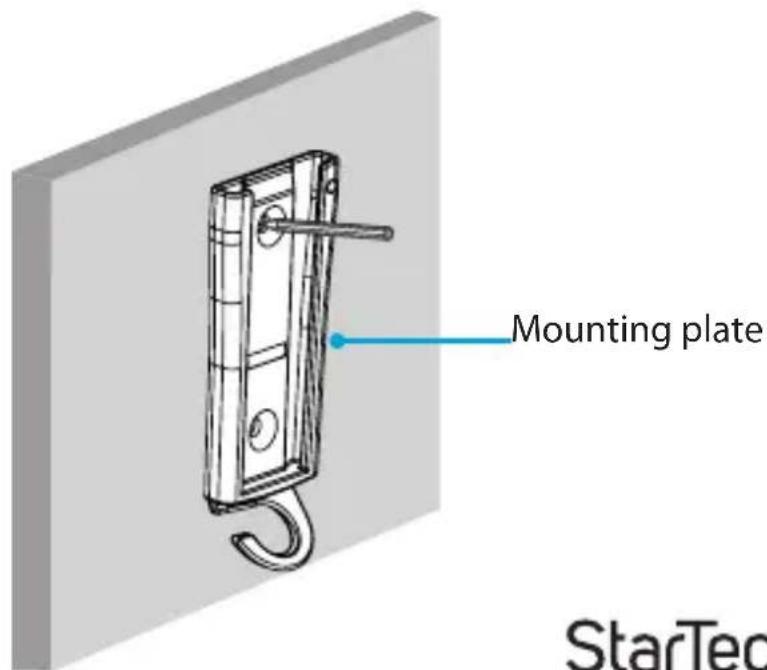
- Use the holes in the mounting plate as a template and use a pencil to mark the location on the wall where you want to attach the wall mount. (figure 1)
- Follow the appropriate steps for the type of wall that you're using and attach the mounting plate to the wall.
figure 1
text_image
Mounting plate StarTecAttach a monitor to the display arm
Warning! Attaching a monitor is a two-person job. Do not attempt to complete this task by yourself.
To accommodate different monitor sizes, the ARMWALLS comes with two sets of screws that are different lengths and diameters.
To select the appropriate screws for the type of monitor that you're using, complete the following:
• Determine the depth of the mounting holes on the monitor.
• Determine the diameter of the mounting holes on the monitor.
-
Line up the mounting holes on the display arm with the mounting holes on the back of the monitor.
-
Insert the M4x14 mm screws or the M5x14 mm screws through the display arm and into the back of the monitor.
-
Use a Phillips screwdriver to tighten the screws. (figure 2)
Warning! Do not over-tighten the screws. If you encounter resistance while you're tightening the screws, stop tightening. Failure to do so could result in damage to the monitor.
figure 2
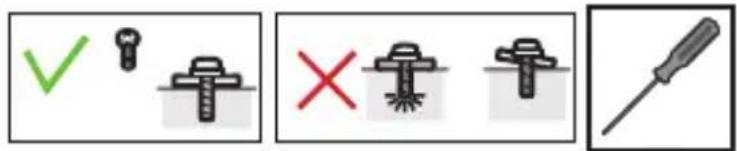
text_image
Diagram showing four different types of screw and nut icons with check, cross, and disassembled features, likely indicating inspection or repair instructions.
text_image
Display arm M4x14 mm screwM4x14 mm screw M5x14 mm screw
- Carefully lift up the display arm with the monitor attached and slide the display arm into the mounting plate. (figure 3)

text_image
figure 3 Display arm Mounting plate- Insert the set screw into the mounting plate and display arm.
- Use the 2.5 mm hex key to tighten the set screw. (figure 4)
figure 4
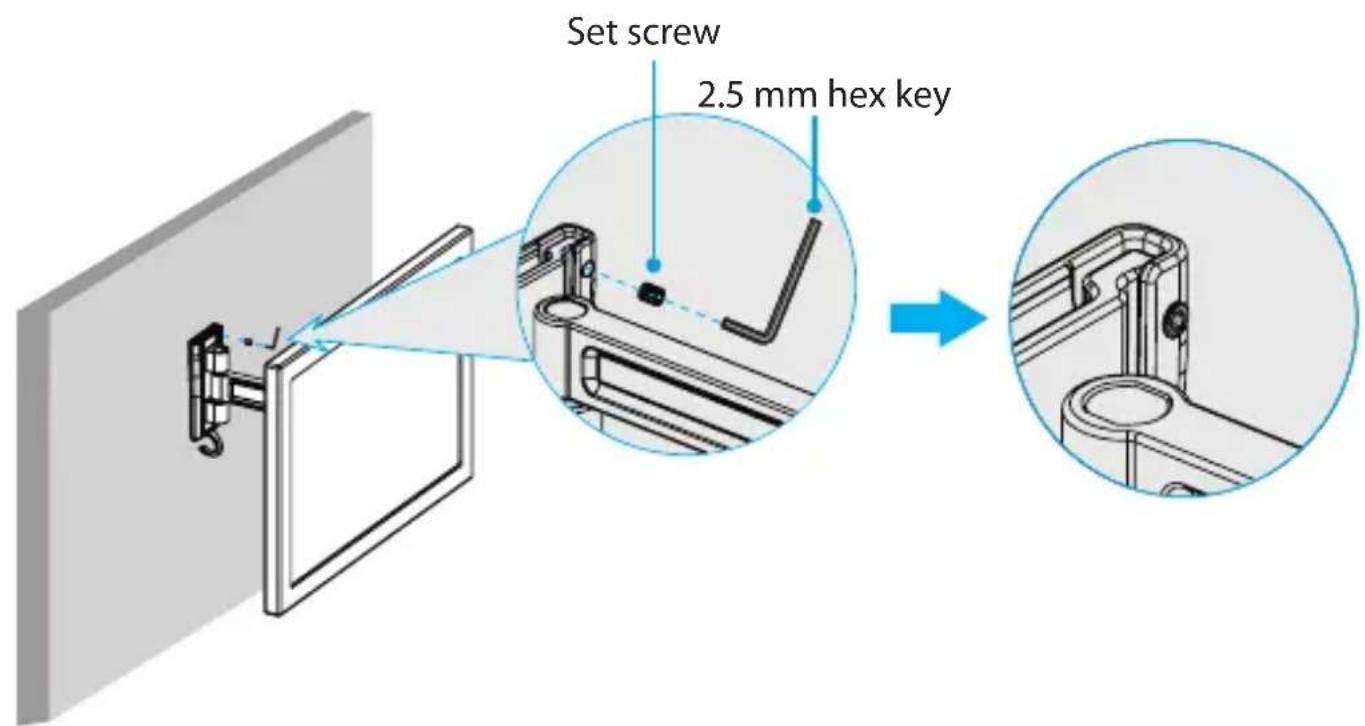
text_image
Set screw 2.5 mm hex key- Run the monitor cable through the cable-management hook on the bottom of the mounting plate. (figure 5)
figure 5
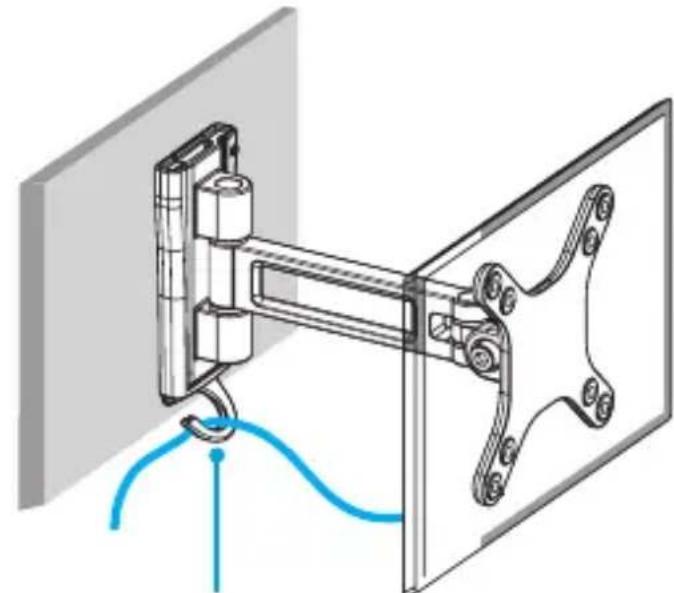
natural_image
Mechanical assembly diagram showing a mounted device with blue cable and connecting rod (no text or symbols)Cable-management hook
Adjust the angle of the monitor
To position the monitor, do either of the following:
- Use the 5 mm hex key to loosen the screw in the monitor mount. Move the monitor and then tighten the screw again. (figure 6)
• Use the 4 mm hex key to adjust the two swivel joints in the display arm. (figure 6)
figure 6

text_image
180° 180° +45° -45° 4 mm hex key 5 mm hex keyTechnical support
StarTech.com's lifetime technical support is an integral part of our commitment to provide industry-leading solutions. If you ever need help with your product, visit www.startech.com/support and access our comprehensive selection of online tools, documentation, and downloads.
For the latest drivers/software, please visit www.startech.com/downloads
Warranty information
This product is backed by a five-year warranty.
StarTech.com warrants its products against defects in materials and workmanship for the periods noted, following the initial date of purchase. During this period, the products may be returned for repair, or replacement with equivalent products at our discretion. The warranty covers parts and labor costs only. StarTech.com does not warrant its products from defects or damages arising from misuse, abuse, alteration, or normal wear and tear.
Limitation of liability
In no event shall the liability of StarTech.com Ltd. and StarTech.com USA LLP (or their officers, directors, employees or agents) for any damages (whether direct or indirect, special, punitive, incidental, consequential, or otherwise), loss of profits, loss of business, or any pecuniary loss, arising out of or related to the use of the product exceed the actual price paid for the product. Some states do not allow the exclusion or limitation of incidental or consequential damages. If such laws apply, the limitations or exclusions contained in this statement may not apply to you.
Hard-to-find made easy. At StarTech.com, that isn't a slogan. It's a promise.
StarTech.com is your one-stop source for every connectivity part you need. From the latest technology to legacy products — and all the parts that bridge the old and new — we can help you find the parts that connect your solutions.
We make it easy to locate the parts, and we quickly deliver them wherever they need to go. Just talk to one of our tech advisors or visit our website. You'll be connected to the products you need in no time.
Visit www.startech.com for complete information on all StarTech.com products and to access exclusive resources and time-saving tools.
StarTech.com is an ISO 9001 Registered manufacturer of connectivity and technology parts. StarTech.com was founded in 1985 and has operations in the United States, Canada, the United Kingdom and Taiwan servicing a worldwide market.