Helios P2-750G - Uncategorized Gamdias - Free user manual and instructions
Find the device manual for free Helios P2-750G Gamdias in PDF.


| Product Type | Power Supply Unit |
| Brand | Gamdias |
| Model | Helios P2-750G |
| Wattage | 750W |
| Form Factor | ATX |
| Dimensions (W x H x D) | 150 mm x 86 mm x 140 mm |
| Weight | 2.5 kg |
| Input Voltage | 100-240 V AC, 50-60 Hz |
| Efficiency Rating | 80 PLUS Gold |
| Modular Cables | Semi-modular |
| Fan Size | 120 mm |
| Fan Type | Fluid Dynamic Bearing |
| Protections | OVP, UVP, OCP, OPP, SCP |
| Connectors | 1x 24-pin ATX, 2x 4+4-pin CPU, 4x 6+2-pin PCIe, 6x SATA, 4x Molex |
| Operating Temperature | 0°C to 40°C |
| Safety Certifications | CE, FCC, RoHS |
| Maintenance | Clean dust from fan grills with dry cloth every 3 months |
| Spare Parts | Power cord, mounting screws, cable ties |
| Repairability | Professional repair only; no user-serviceable parts |
| Warranty | 5 years limited warranty |
Frequently Asked Questions - Helios P2-750G Gamdias
User questions about Helios P2-750G Gamdias
0 question about this device. Answer the ones you know or ask your own.
Ask a new question about this device
Download the instructions for your Uncategorized in PDF format for free! Find your manual Helios P2-750G - Gamdias and take your electronic device back in hand. On this page are published all the documents necessary for the use of your device. Helios P2-750G by Gamdias.
USER MANUAL Helios P2-750G Gamdias
STEP by STEP INSTALLATION GUIDE

natural_image
Abstract geometric pattern with interlocking triangles and shapes (no text or symbols)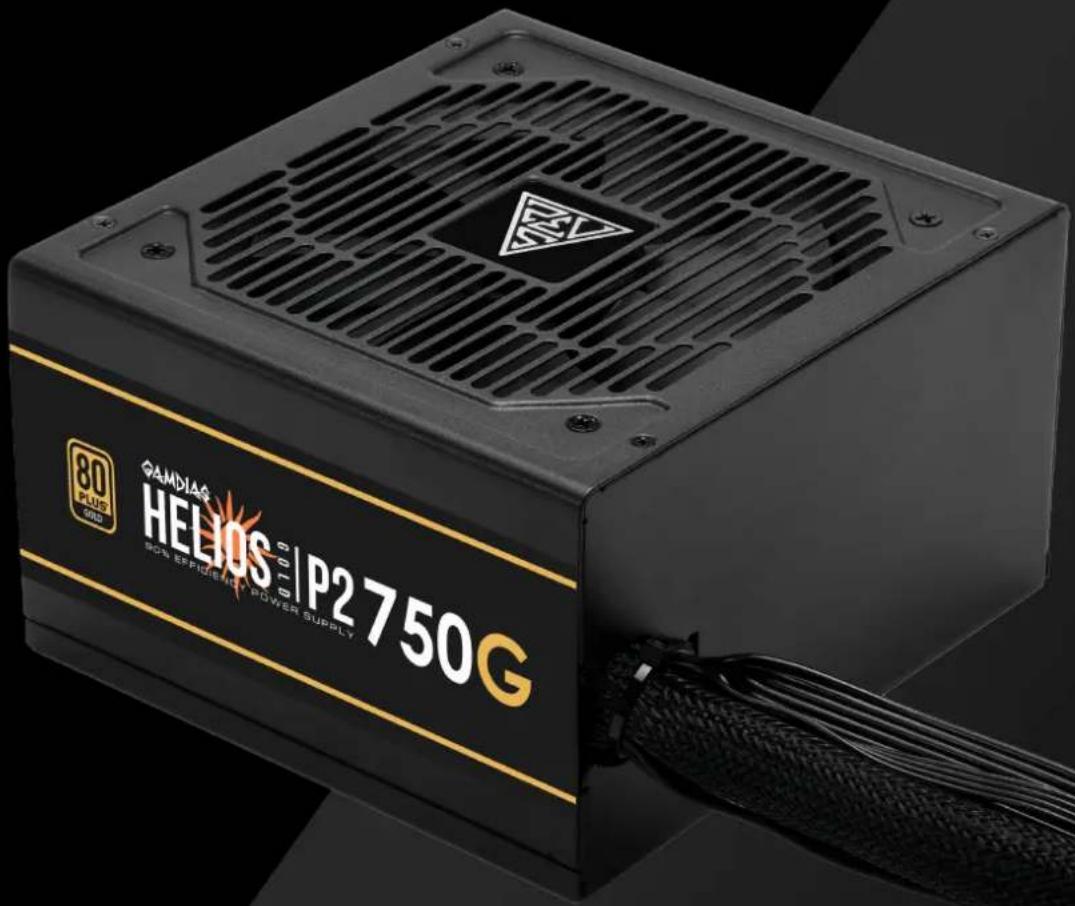
GAMDIAS
HELIOS 60 | P2750G 90% EFFICIENCY POWER SUPPLY
Specification Contents
| Model Name | HELIOS P2-750G | ||||
| AC Input | 100-240V~ ,10A,50-60Hz | ||||
| DC Output | +3.3V | +5V | +12V | -12V | +5Vsb |
| Max. Output Current | 22A | 22A | 62.5A | 0.3A | 3A |
| Max. Output Power | 120W | 750W | 3.6W | 15W | |
| Total Power | 750W | ||||

The power supply should be powered by the source indicated on the rating label
Package Contents
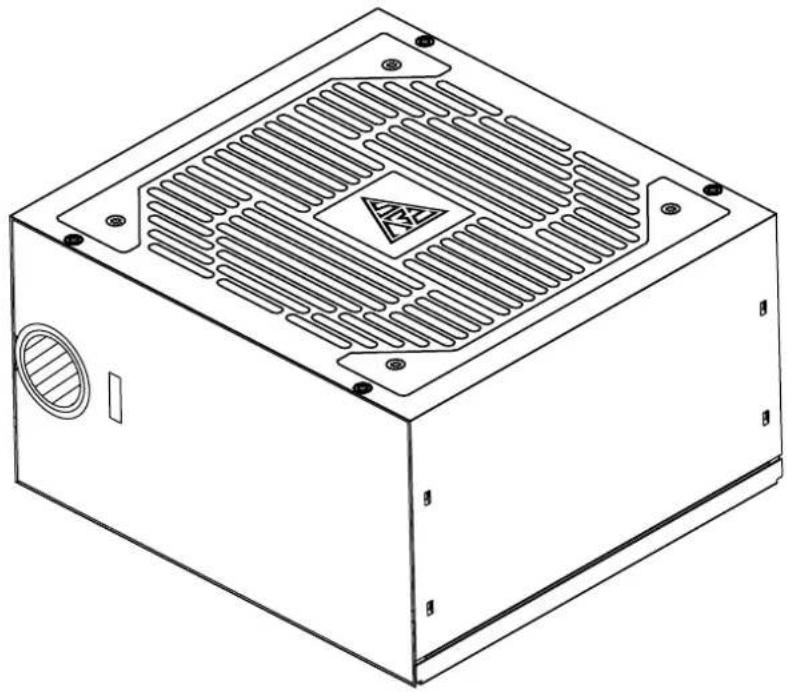
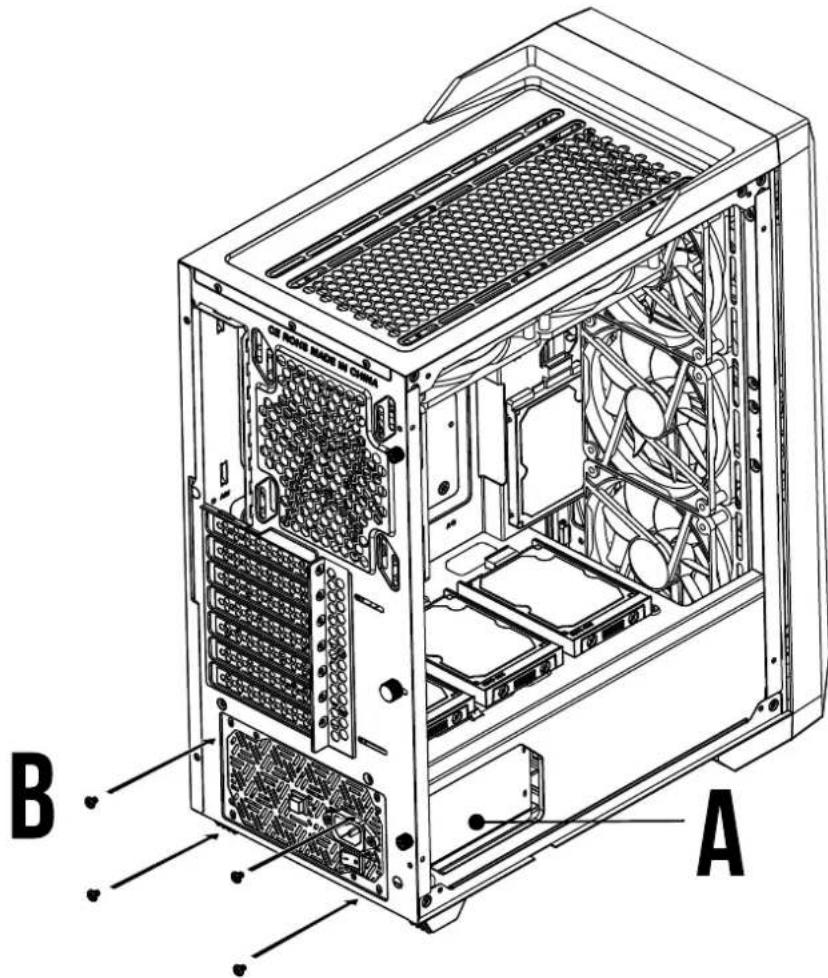
A
natural_image
Technical line drawing of a rectangular electronic device with ventilation grilles and mounting holes (no text or symbols)X1
B
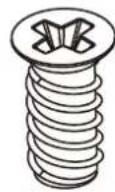
X4
Package Contents
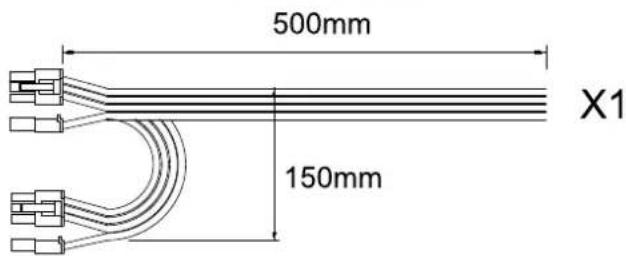
GPU PCI-E CABLE 6+2PIN
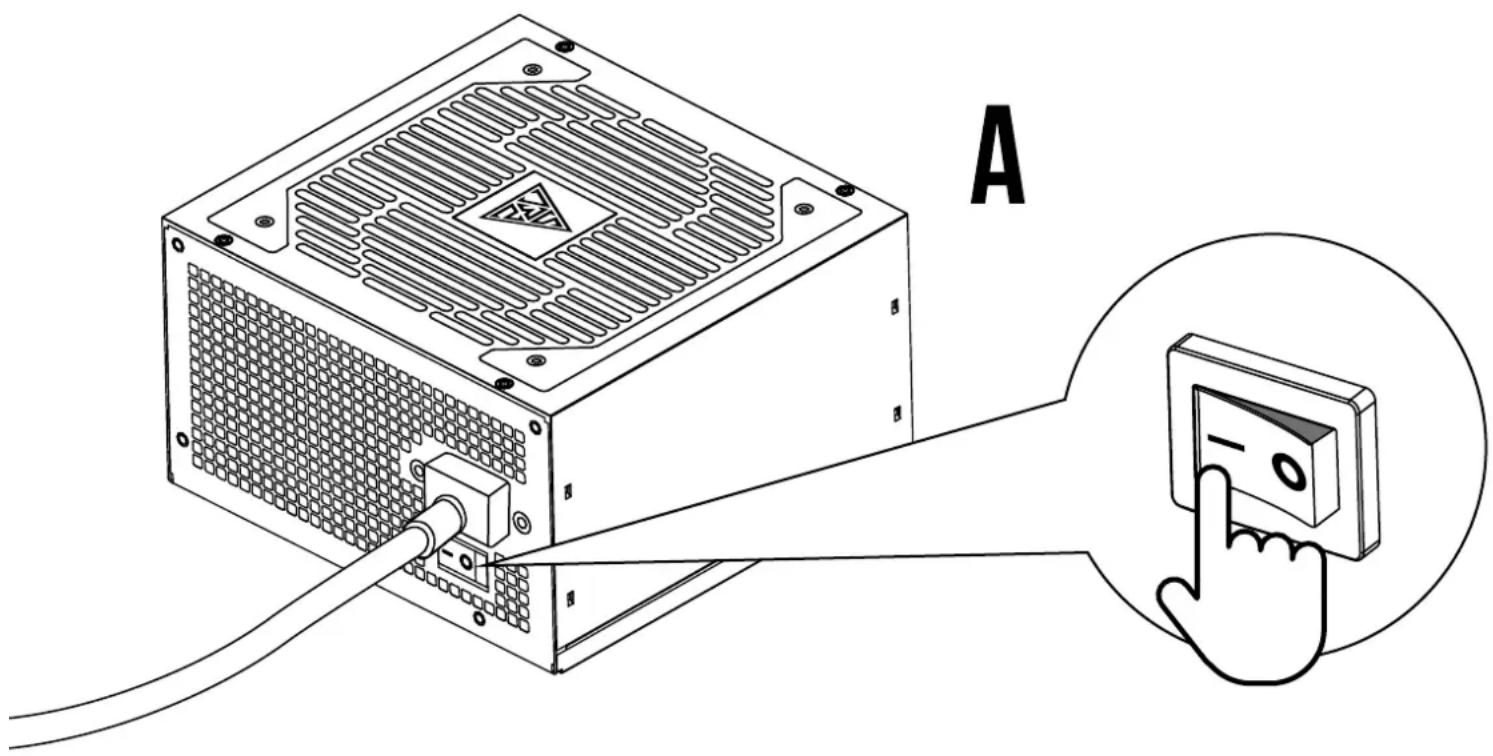
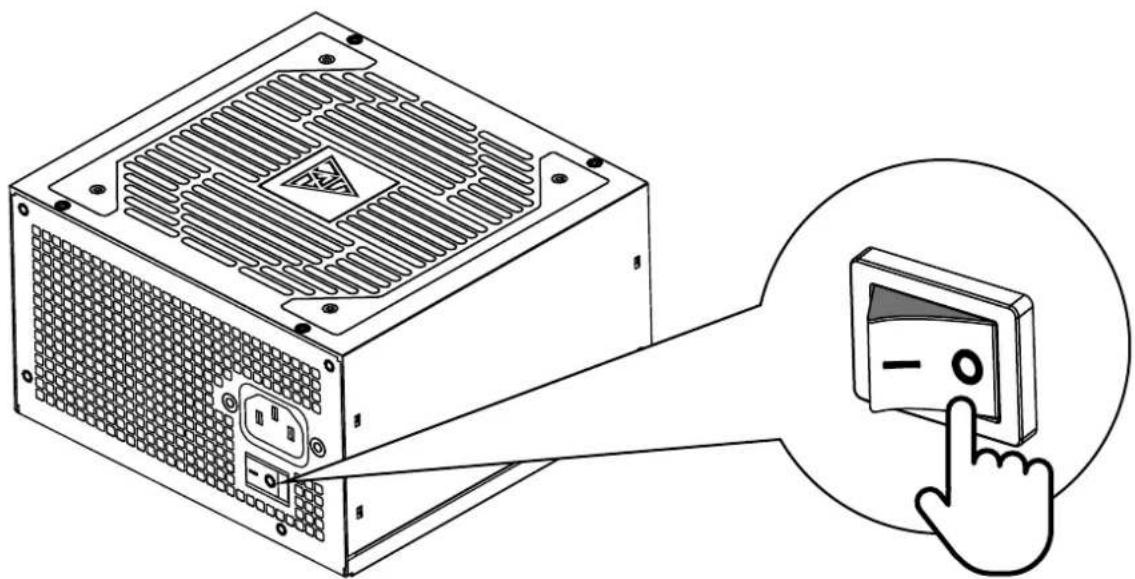
1 Turn off the PSU before installing by pushing I/O switch to "O" position.
natural_image
Illustration of a computer power supply unit with a hand cursor clicking the button (no text or symbols present)2
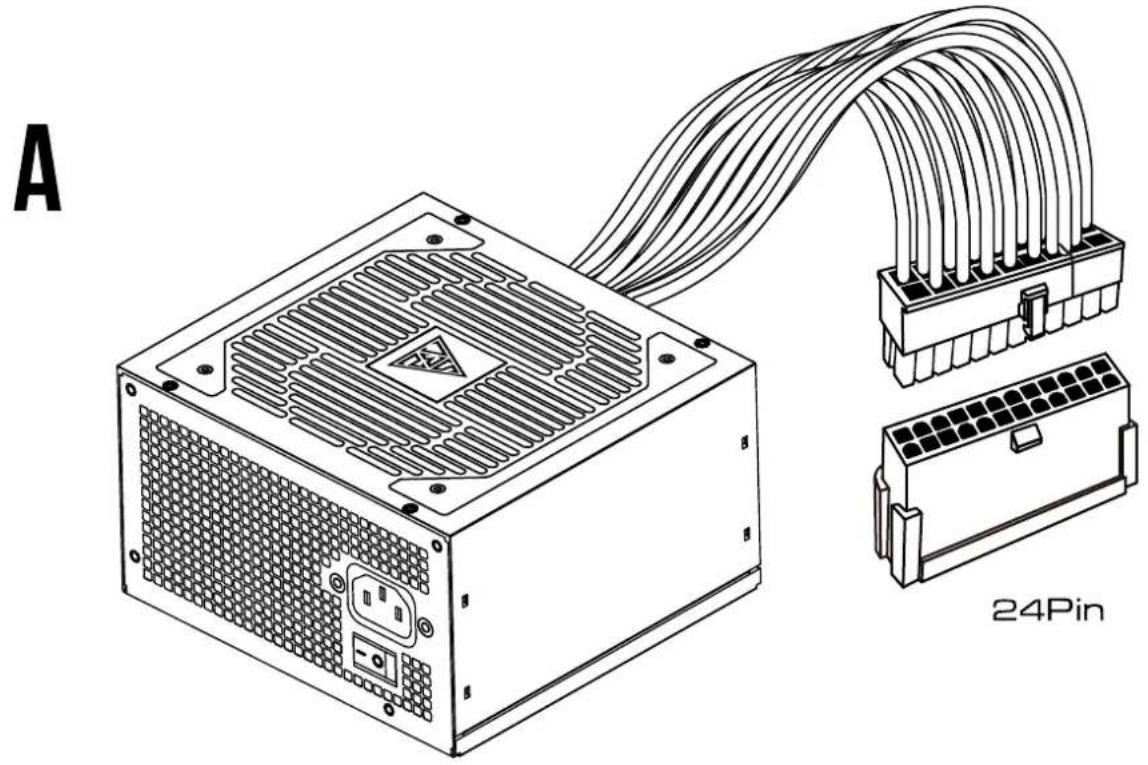
3 Motherboard
natural_image
Technical line drawing of a computer power supply unit with connected cable and connector (no text or symbols)4 CPU
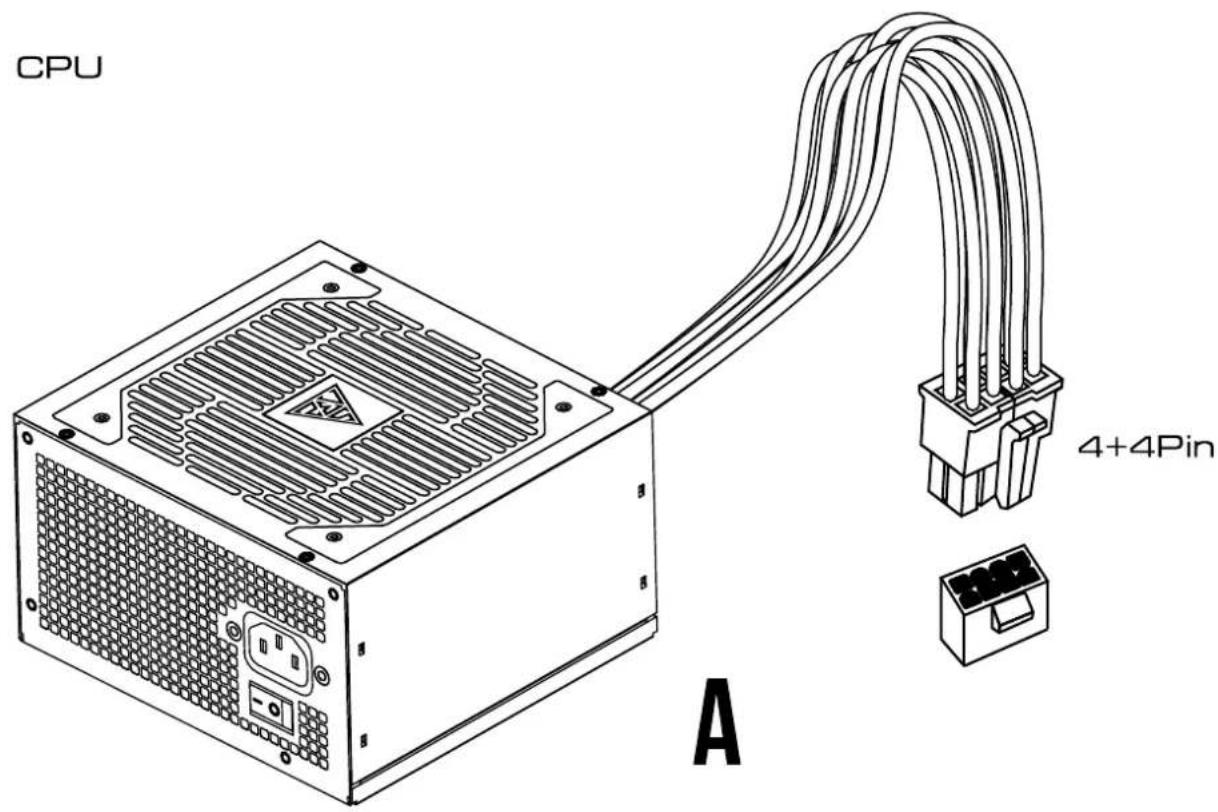
5 PCI-E
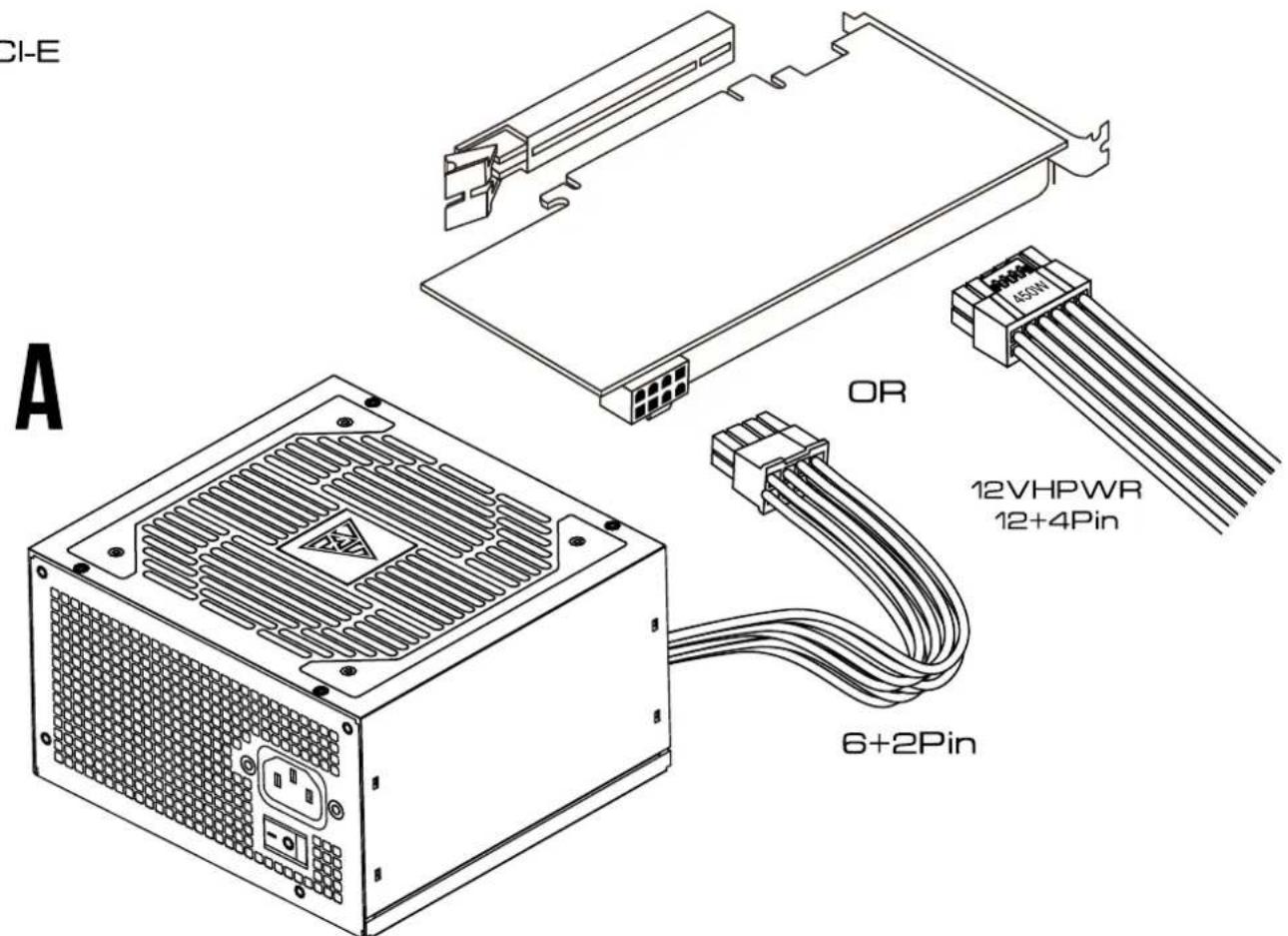
6 SATA
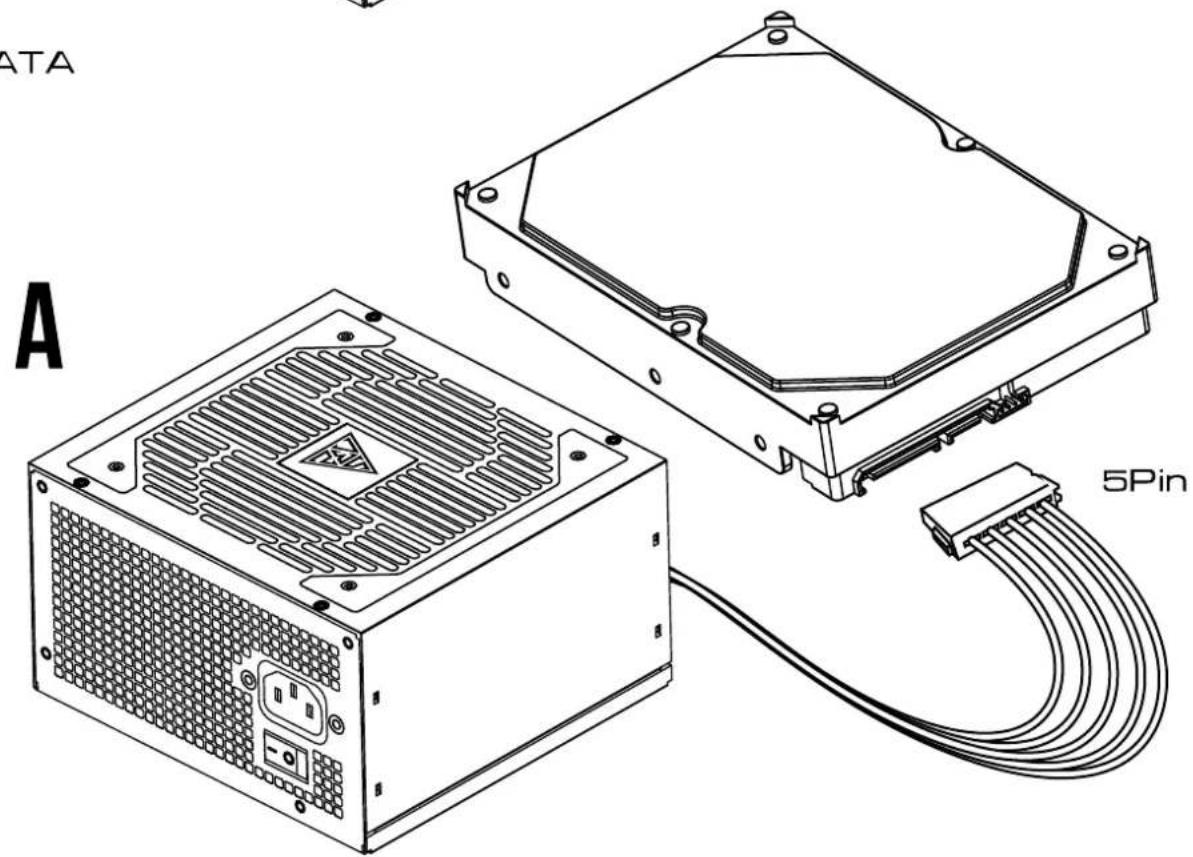
7 Molex
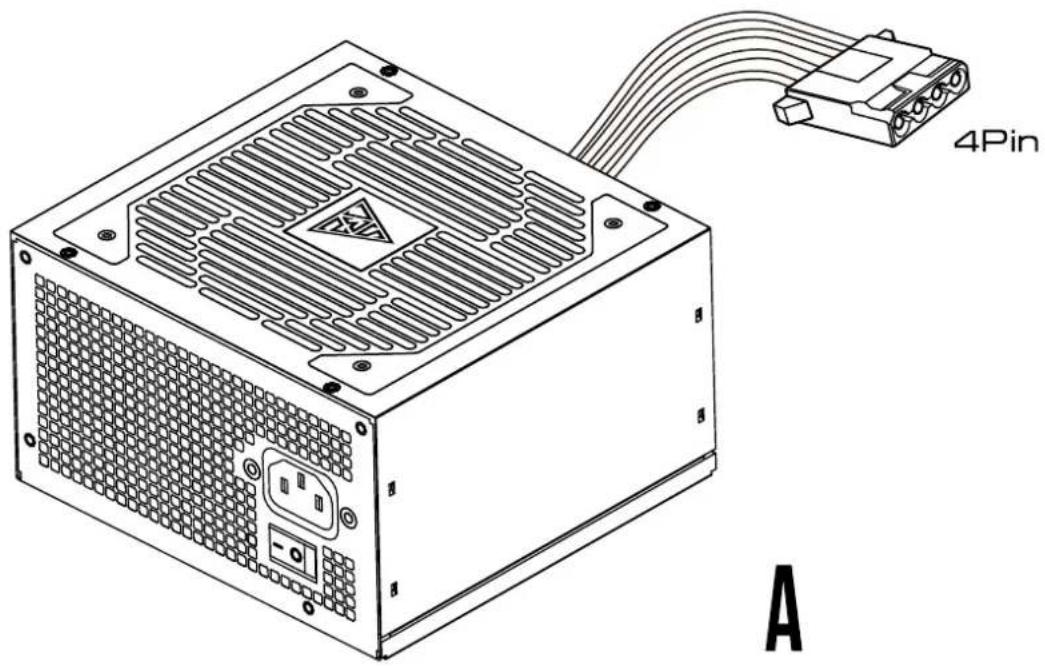
natural_image
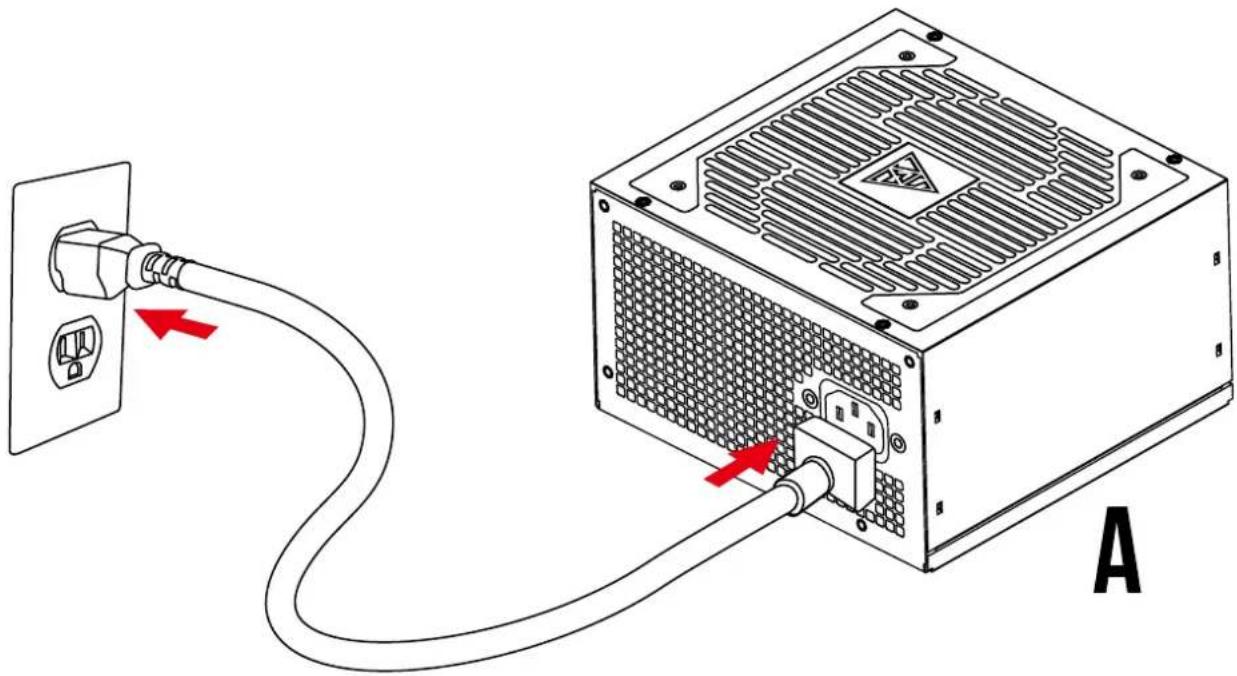
Line drawing of a computer power supply unit with 4-pin connector and ventilation slots (no text or symbols on main body)8 Plug in the AC power cord.
natural_image
Diagram of a computer power adapter connected to a rack-mounted unit, showing cable routing and red directional arrows (no text or symbols)9
Turn on the PSU after installing by pushing I/O switch to "I" position.