
Kratos E1-500 - Computer power supply Gamdias - Free user manual and instructions
Find the device manual for free Kratos E1-500 Gamdias in PDF.


| Product Type | Power Supply Unit |
| Model | Kratos E1-500 |
| Brand | Gamdias |
| Wattage | 500W |
| Form Factor | ATX |
| Efficiency Rating | 80 Plus Bronze |
| Fan Size | 120 mm |
| Modular Design | Non-Modular |
| Input Voltage | 100-240 VAC |
| Input Frequency | 50-60 Hz |
| Output Current (+12V) | 40 A |
| Output Current (+5V) | 20 A |
| Output Current (+3.3V) | 20 A |
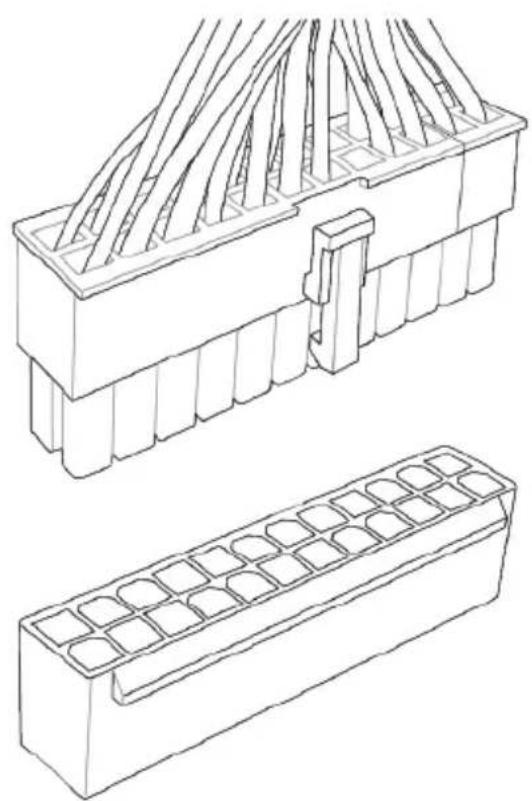
| Connectors | 1 x 24-pin ATX, 1 x 4+4-pin CPU, 1 x 6+2-pin PCIe, 4 x SATA, 2 x Molex |
| Protection Features | OVP, UVP, OCP, SCP, OPP |
| Dimensions (W x L x H) | 150 x 140 x 86 mm |
| Weight | 1.5 kg |
| Operating Temperature | 0 to 40 °C |
| Net Weight | 1.2 kg |
| Warranty | 3 years |
Frequently Asked Questions - Kratos E1-500 Gamdias
User questions about Kratos E1-500 Gamdias
0 question about this device. Answer the ones you know or ask your own.
Ask a new question about this device
Download the instructions for your Computer power supply in PDF format for free! Find your manual Kratos E1-500 - Gamdias and take your electronic device back in hand. On this page are published all the documents necessary for the use of your device. Kratos E1-500 by Gamdias.
USER MANUAL Kratos E1-500 Gamdias
natural_image
Abstract geometric pattern with interlocking triangles (no text or symbols)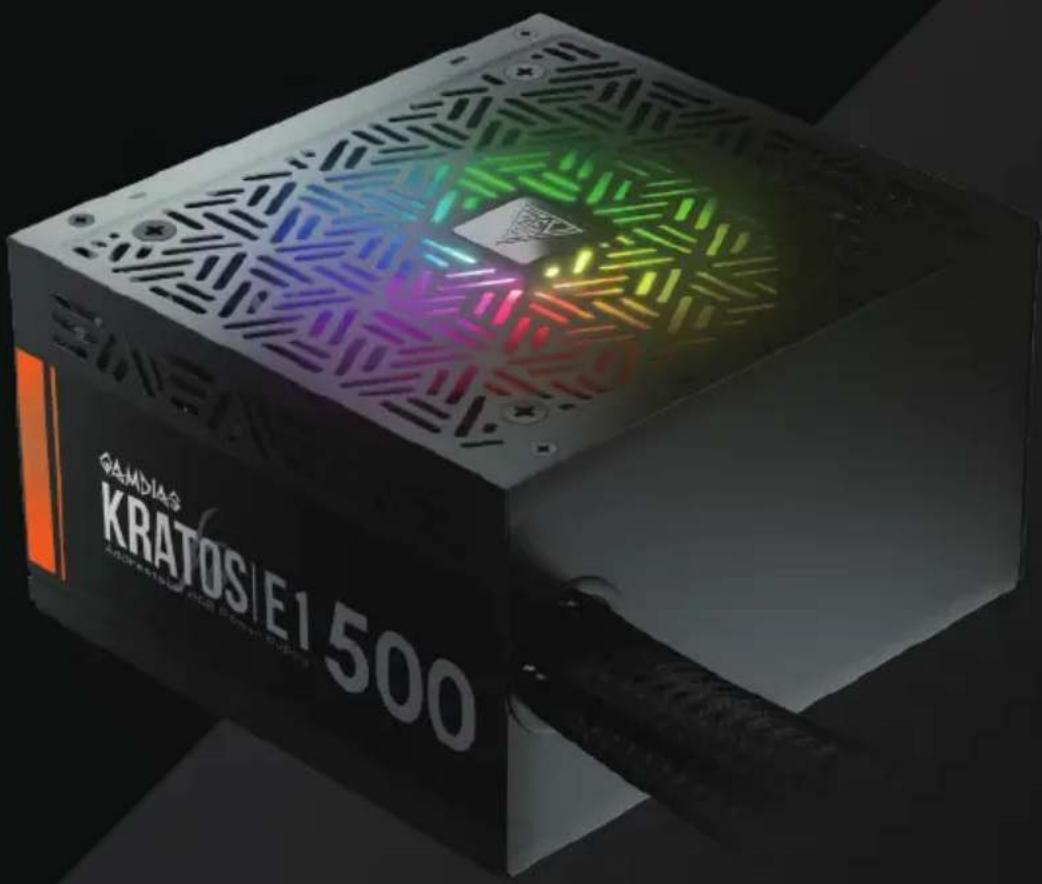
English
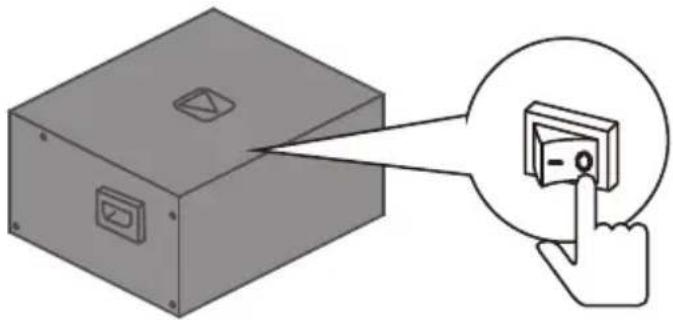
▼If AC voltage of your region is 100\~130V, voltage switch must be set to this position
For example, if you live in the United States, the voltage switch must be set to this position

▼If AC voltage of your region is 220\~240V, voltage switch must be set to this position
For example, if you live in France, the voltage switch must be set to this position

● Make sure voltage switch is correctly set for your region before powered on
- Incorrect voltage switch setting will destroy the PSU

natural_image
Diagram of a server rack with an open storage unit and a red arrow indicating a component (no text or symbols present)
natural_image
Technical diagram of a server rack with internal components and red motion arrows indicating movement (no text or symbols)04. MOTHERBOARD
20+4 Pin
natural_image
Technical line drawing of two electronic component assemblies: a multi-layered circuit board and a grid-patterned base (no text or symbols)20 Pin

natural_image
Technical line drawing of two electronic component assemblies: a multi-pin connector and a grid-patterned case (no text or symbols)05. CPU
4+4 Pin
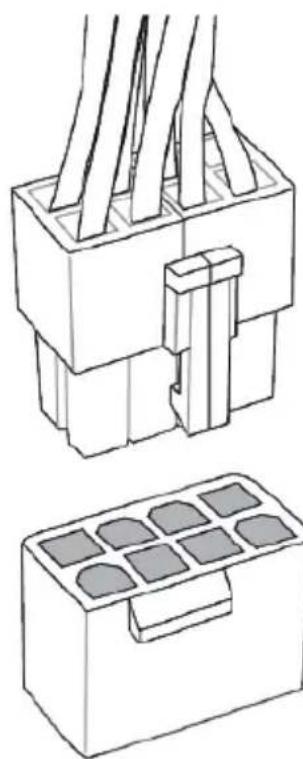
natural_image
Technical line drawing of two electrical connector blocks with internal components (no text or symbols)4 Pin

natural_image
Technical line drawing of a connector with two views: top shows internal wires, bottom shows four circular components (no text or symbols)06. PCIE
6+2 Pin
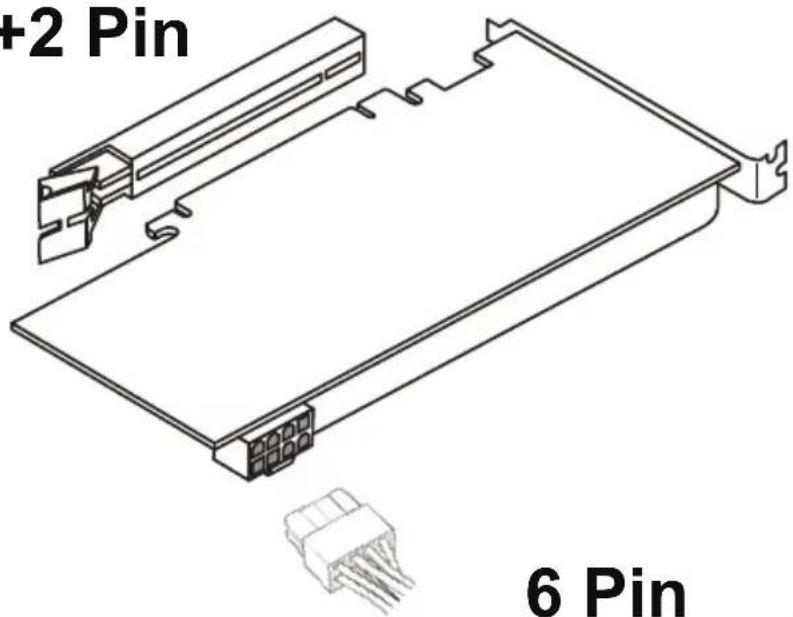
6 Pin

07.SATA

natural_image
Line drawing of a hard disk drive with connector pins and a separate plastic connector (no text or symbols)08. MOLEX

natural_image
Technical line drawing of a computer fan and two connected hardware components (no text or symbols)09. FDD
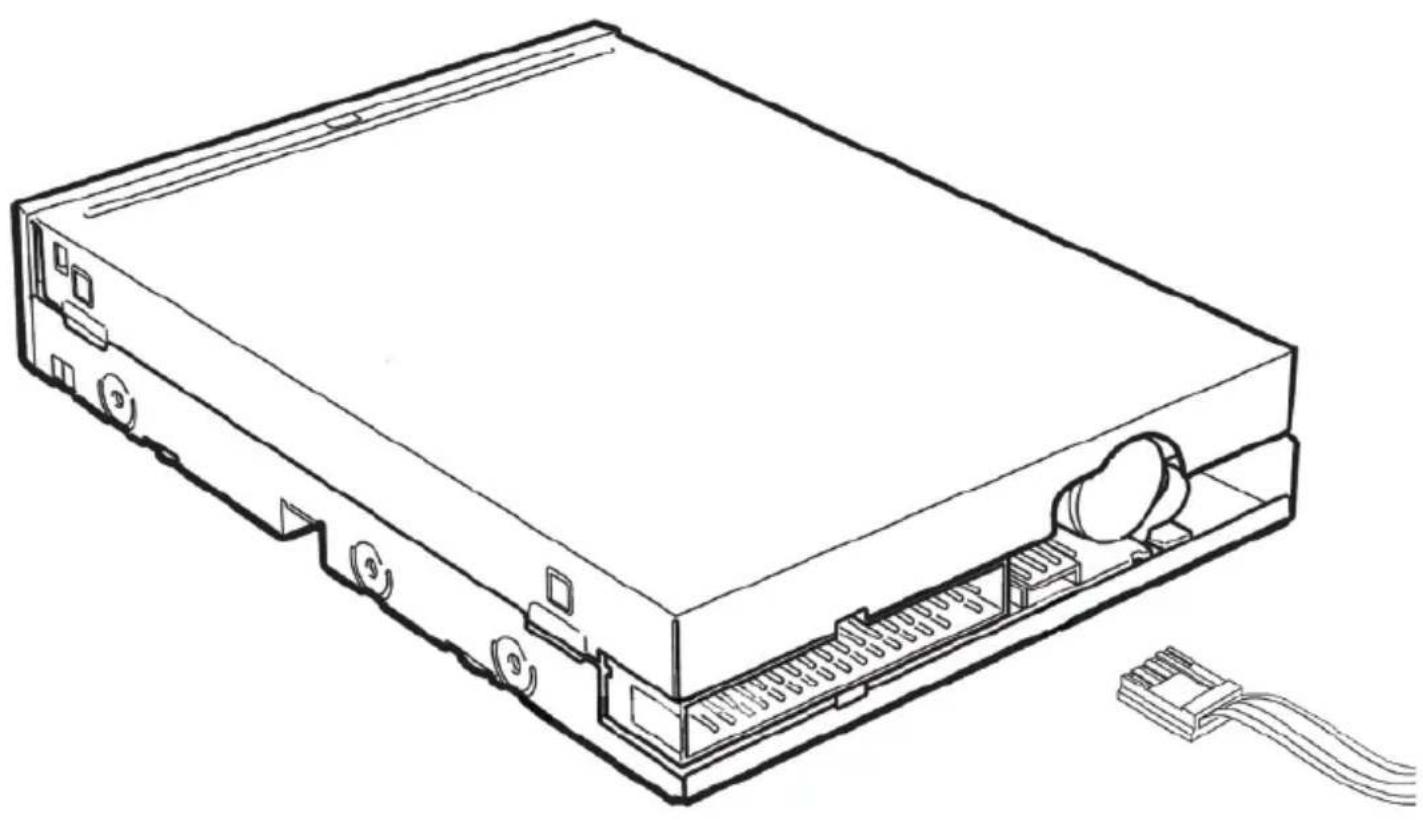
natural_image
Line drawing of a computer drive chassis with visible ports and cable (no text or symbols)10
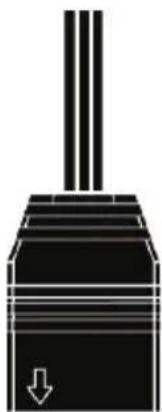
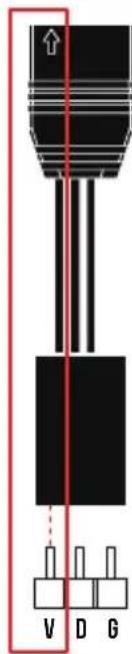
IF YOUR MOTHERBOARD HAS 5V 3-PIN ADDRESSABLE (DIGITAL) LED HEADER, YOU CAN CUSTOMIZE RGB LIGHTING VIA MOTHERBOARD MANUFACTURE SYNC SOFTWARE

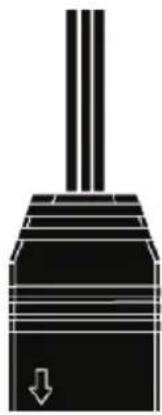
The circuit extending from the arrow must be inserted into motherboard's V-Pin.


natural_image
Pure mechanical piston diagram without any text, numbers, or symbols
ADD HEADER

natural_image
Pure mechanical piston diagram without any text, numbers, or symbols
JRAINBOW1

natural_image
Pure mechanical component diagram without any text, numbers, or symbols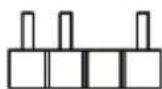
ADDR_LED1

11. RGB LIGHTING

natural_image
Simple line drawing of a square frame with no text or symbolsRGB Lighting


Easily switch to motherboard manufacture sync software or built-in 30 lighting effects by long pressing button for 3 seconds.

natural_image
Line drawing of a plug connection to a device, showing cable routing and red directional arrows (no text or symbols)

natural_image
Abstract geometric logo with interlocking golden shapes inside a large triangle (no text or symbols)GAMDIAS
GAMING ART IN MOTION
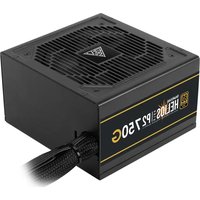


Brand : Gamdias
Model : Kratos E1-500
Category : Computer power supply