
Kratos M1-750B - Computer power supply Gamdias - Free user manual and instructions
Find the device manual for free Kratos M1-750B Gamdias in PDF.


| Product Type | Power Supply Unit |
| Model | Kratos M1-750B |
| Brand | Gamdias |
| Total Power Output | 750W |
| Input Voltage | 100-240V AC, 50-60Hz |
| Form Factor | ATX |
| Fan Size | 120mm |
| Modular Design | Semi-modular |
| Efficiency Rating | 80 Plus Bronze |
| Protection Features | Over Voltage, Over Power, Short Circuit, Over Current |
| Connectors | 1 x 24-pin ATX, 1 x 8-pin EPS, 2 x 6+2-pin PCIe, 6 x SATA, 3 x Molex |
| Dimensions (W x L x H) | 150 x 140 x 86 mm |
| Weight | Approx. 2.5 kg |
| Maintenance | Periodic dust removal from fan grille |
| Safety Certifications | CE, RoHS, FCC |
| User Repairability | Not user-serviceable; refer to professional |
Frequently Asked Questions - Kratos M1-750B Gamdias
User questions about Kratos M1-750B Gamdias
0 question about this device. Answer the ones you know or ask your own.
Ask a new question about this device
Download the instructions for your Computer power supply in PDF format for free! Find your manual Kratos M1-750B - Gamdias and take your electronic device back in hand. On this page are published all the documents necessary for the use of your device. Kratos M1-750B by Gamdias.
USER MANUAL Kratos M1-750B Gamdias
natural_image
Abstract geometric pattern with nested triangles and a central diamond shape (no text or symbols)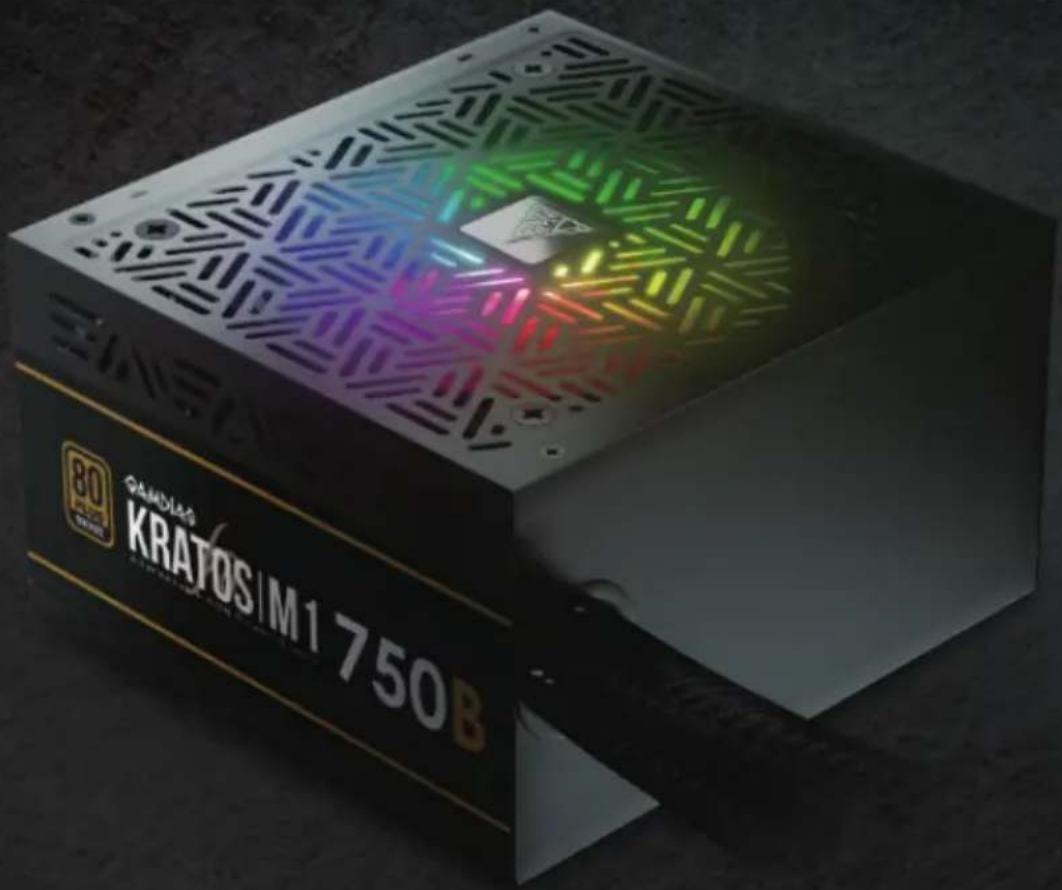
GAMDIAS
KRATOS BRONZE IM 1-750W
Addressable RGB 750W Power Supply
Step 01.

English
natural_image
Isometric view of a server rack with a gray box and a red arrow indicating a loading or movement (no text or symbols)
natural_image
Technical diagram of a server rack with internal components and red motion arrows indicating movement (no text or symbols)Step 03. Motherboard
20+4 Pin
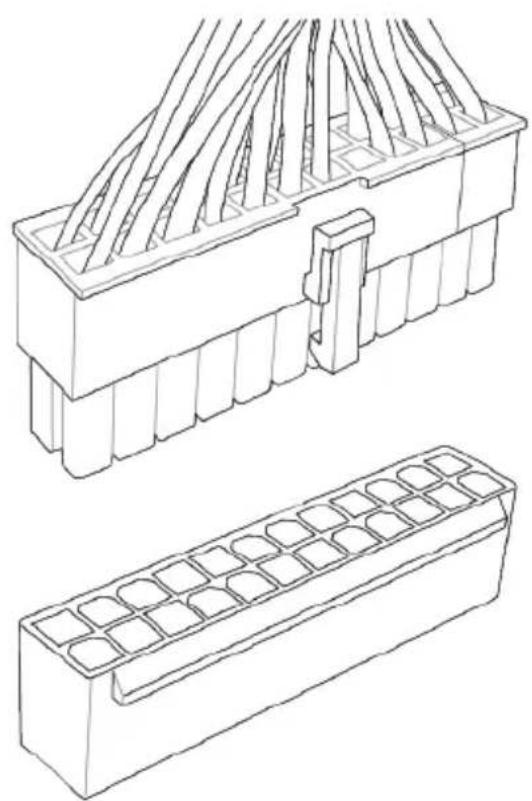
natural_image
Technical line drawing of two mechanical components: a multi-layered housing with internal channels and a grid-patterned base (no text or symbols)20 Pin
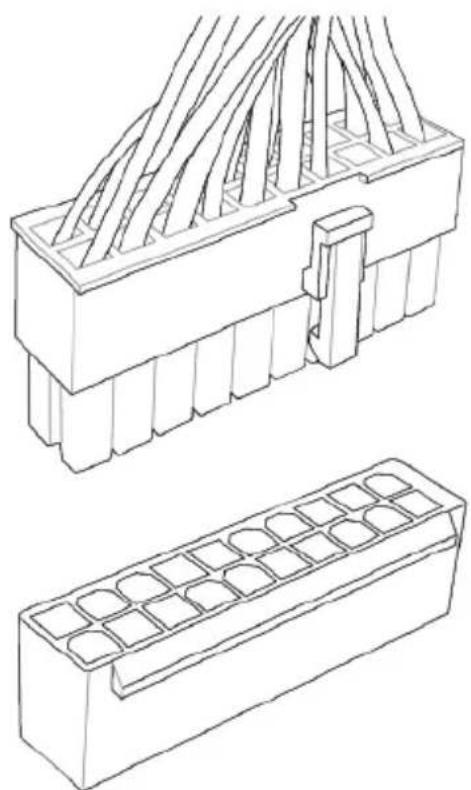
natural_image
Technical line drawing of two types of electrical connectors: a multi-pin connector with internal wiring and a grid-patterned base (no text or symbols)Step 04. CPU
4+4 Pin

natural_image
Technical line drawing of a connector housing with internal components (no text or symbols)4 Pin
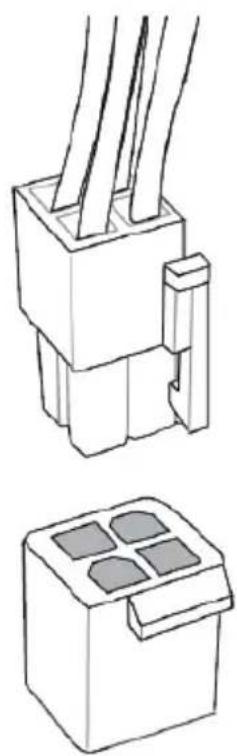
natural_image
Technical line drawing of two electrical connector components (no text or symbols)Step 05. PCIE
6+2 Pin


natural_image
Technical line drawing of a 6-pin electronic device with internal components and connector pins (no text or symbols)Step 06. SATA
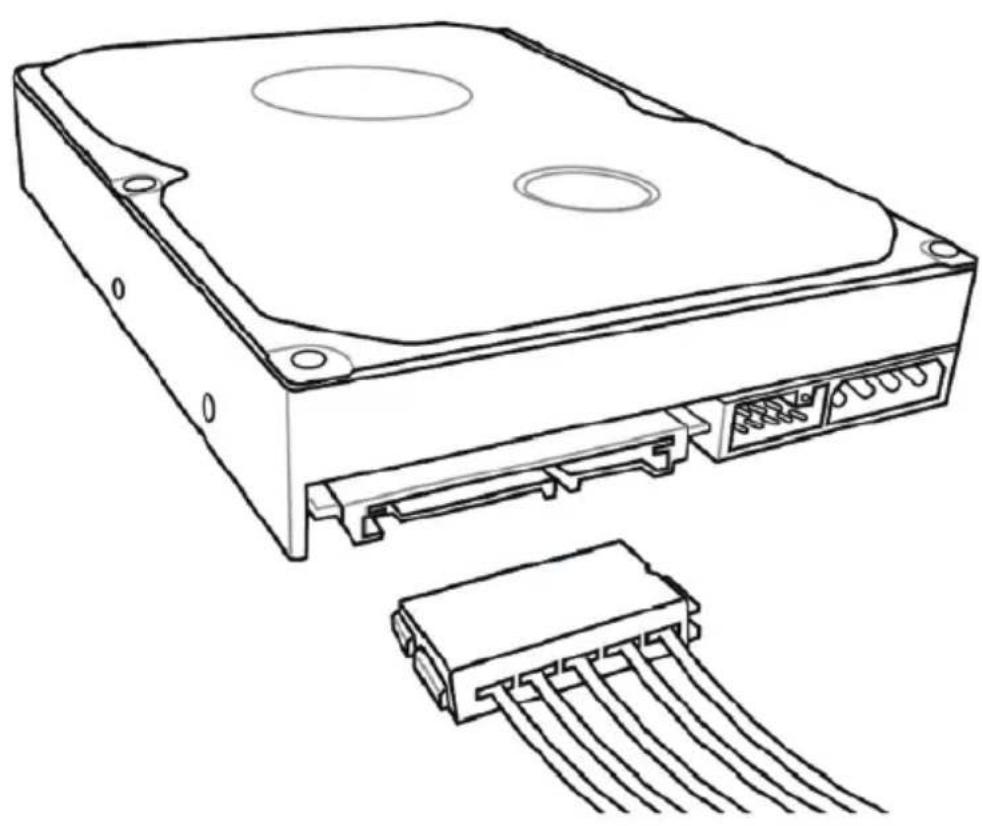
natural_image
Line drawing of a hard disk drive with an attached 5-pin connector (no text or symbols)Step 07. Molex

natural_image
Technical line drawing of a computer fan and two connected hardware components (no text or symbols)Step 08. FDD
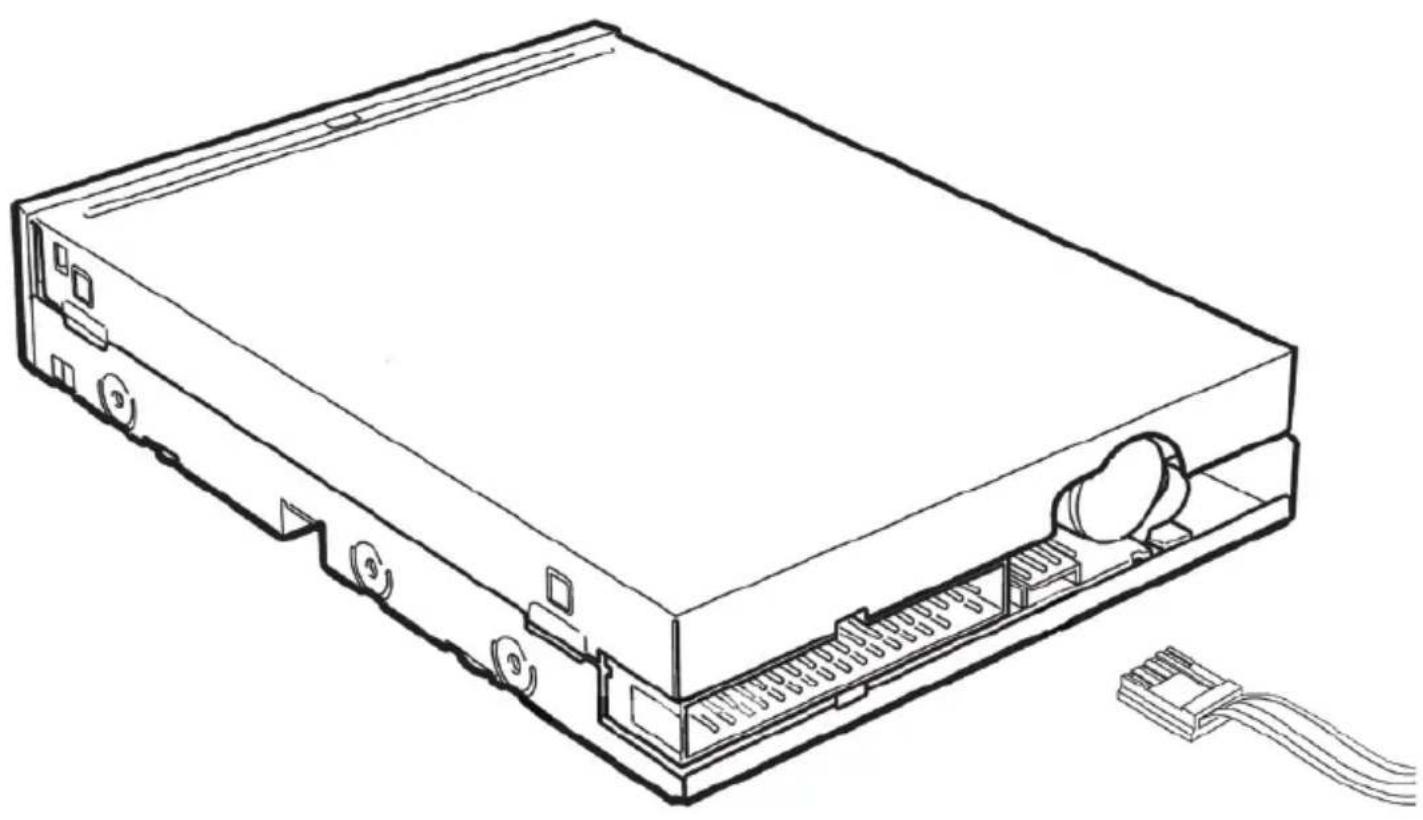
natural_image
Line drawing of a computer drive chassis with visible ports and cable (no text or symbols)Step 09.
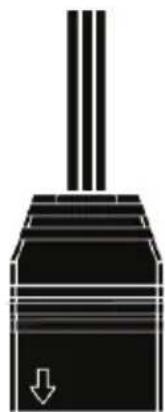
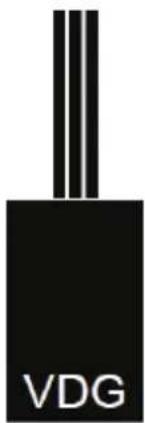
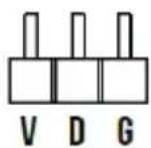
If your motherboard has 5V 3-Pin addressable (digital) LED header, you can customize RGB lighting via motherboard manufacture sync software

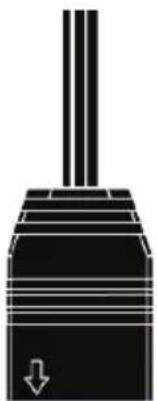
natural_image
Pure mechanical piston diagram without any text, numbers, or symbols


natural_image
Pure mechanical piston diagram without any text, numbers, or symbols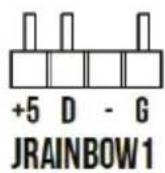

natural_image
Pure mechanical piston diagram without any text, numbers, or symbols

Step 10. RGB Lighting
natural_image
Simple line drawing of a square frame with no text or symbolsRGB Lighting
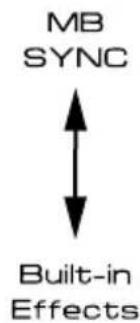
Easily switch to motherboard manufacture sync software or built-in 30 lighting effects by long pressing button for 3 seconds.
Step 11.

natural_image
Line drawing of a plug connection to a device, showing power outlet and cable with red directional arrows (no text or symbols)Step 12.

Step 13. Product Warranty Policy
http://www.gamdias.com/warranty-en-gb
natural_image
Abstract geometric logo design with interlocking golden shapes inside a large triangle (no text or symbols)GAMDIAS
GAMING ART IN MOTION
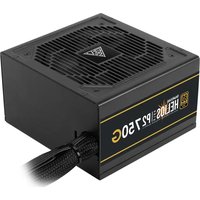


Brand : Gamdias
Model : Kratos M1-750B
Category : Computer power supply