Helios E1-600 - Uncategorized Gamdias - Free user manual and instructions
Find the device manual for free Helios E1-600 Gamdias in PDF.


User questions about Helios E1-600 Gamdias
0 question about this device. Answer the ones you know or ask your own.
Ask a new question about this device
Download the instructions for your Uncategorized in PDF format for free! Find your manual Helios E1-600 - Gamdias and take your electronic device back in hand. On this page are published all the documents necessary for the use of your device. Helios E1-600 by Gamdias.
USER MANUAL Helios E1-600 Gamdias
STEP by STEP INSTALLATION GUIDE

natural_image
Abstract geometric pattern with interlocking triangles forming a triangular design (no text or symbols)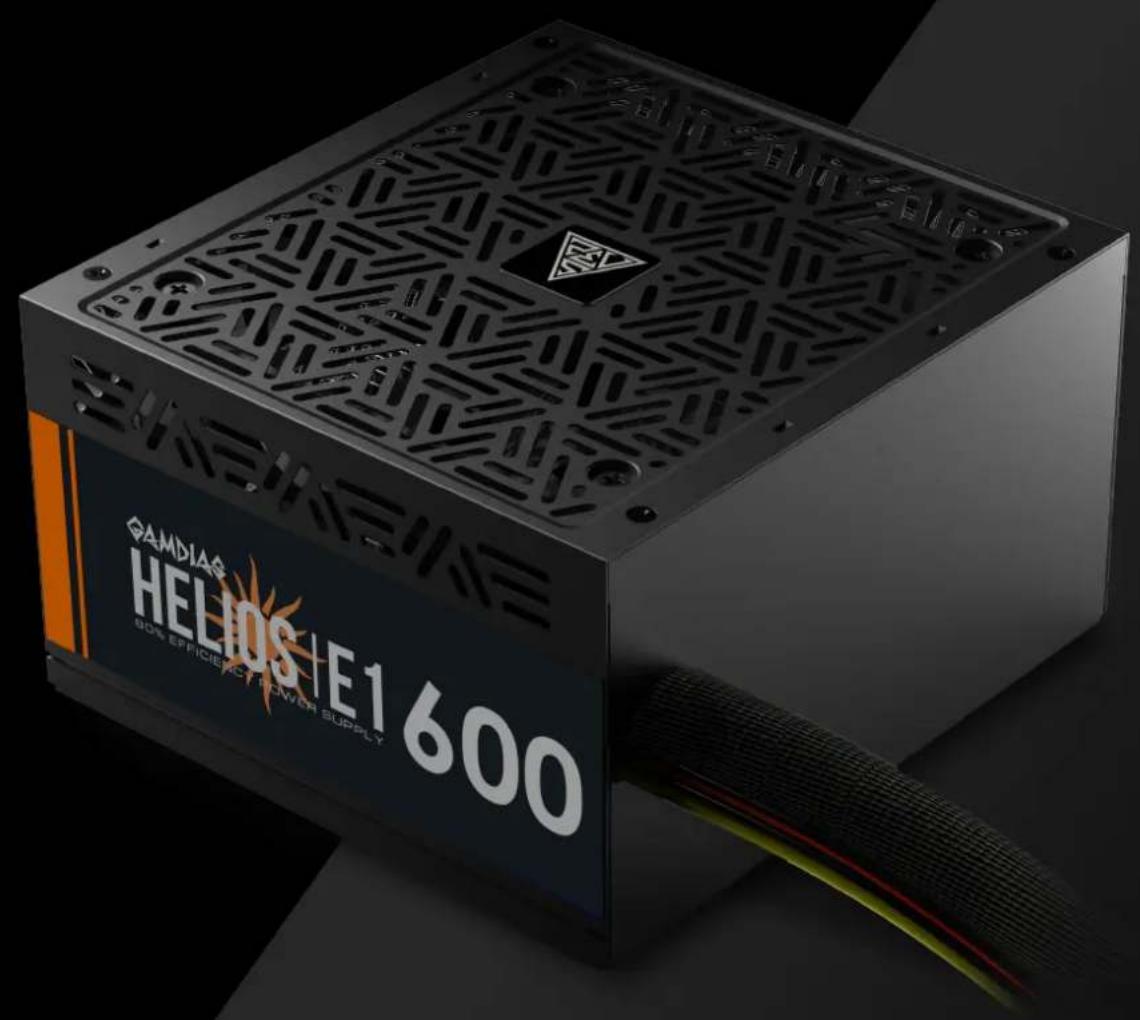
GAMDIAS
E1-600WH
80% EFFICIENCY POWER SUPPLY
Specifications
| Model Name | HELIOS E1-600W | ||||
| AC Input | 220-240V, 6A, 47-63Hz | ||||
| DC Output | +3.3V | +5V | +12V | -12V | +5Vsb |
| Max. Output Current | 16A | 16A | 40.5A | 0.3A | 2.5A |
| Max. Output Power | 100W | 486W | 3.6W | 12.5W | |
| Total Power | 600W | ||||

The power supply should be powered by the source indicated on the rating label
Package Contents
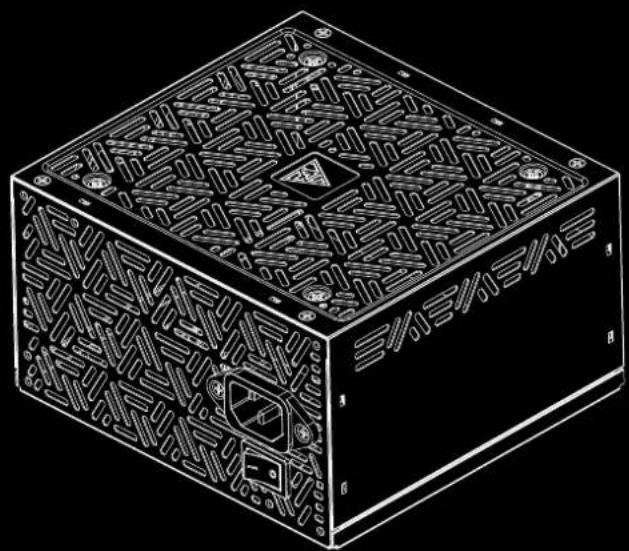
A
natural_image
Isometric line drawing of a rectangular electronic device with intricate internal patterns and mounting holes (no text or symbols)X1
B
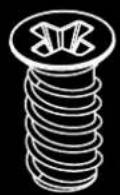
X4
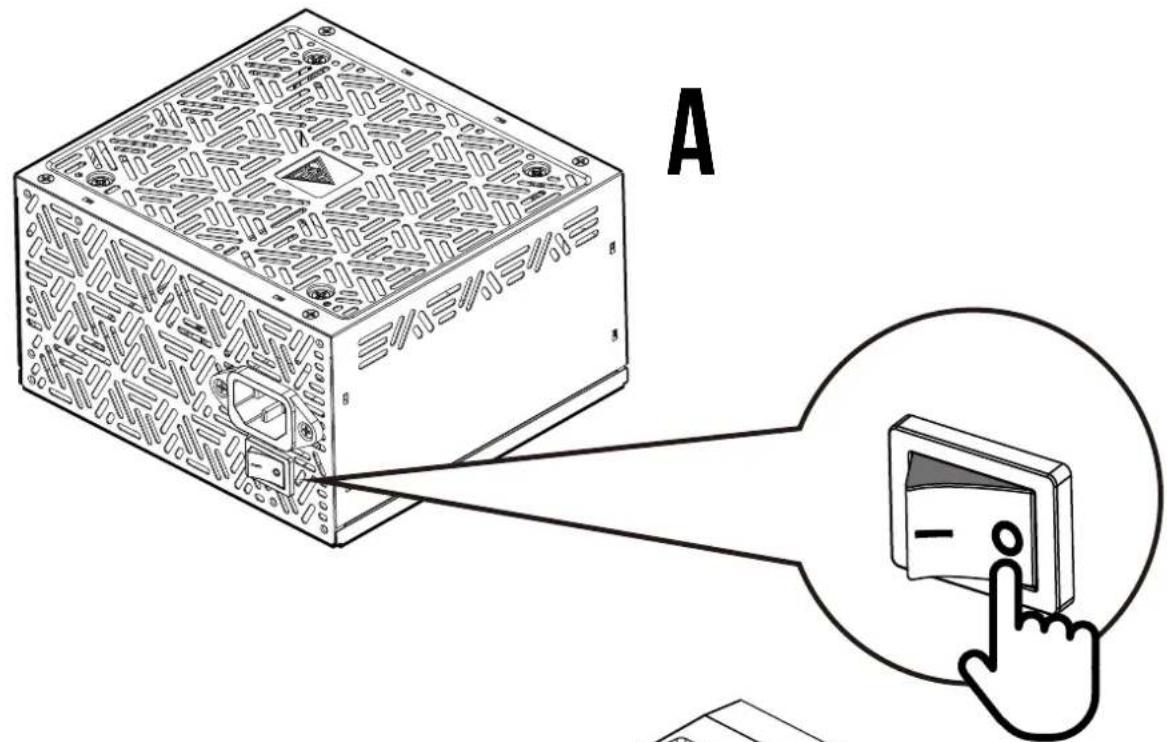
1 Turn off the PSU before installing by pushing I/O switch to "O" position.
2
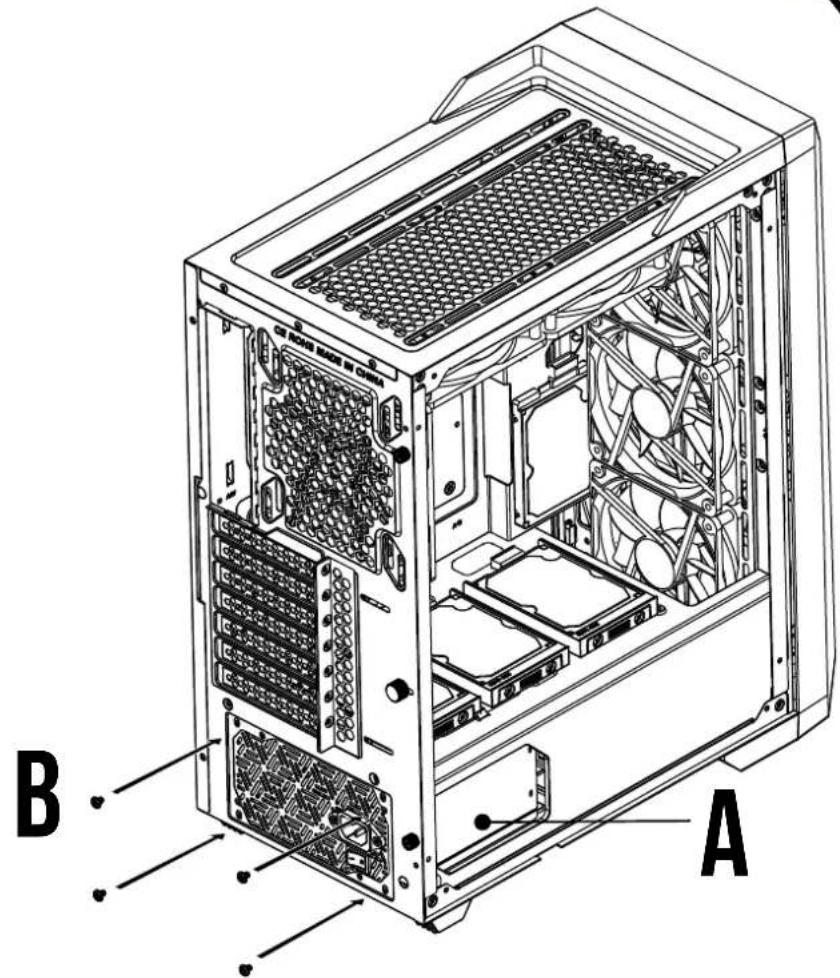
3
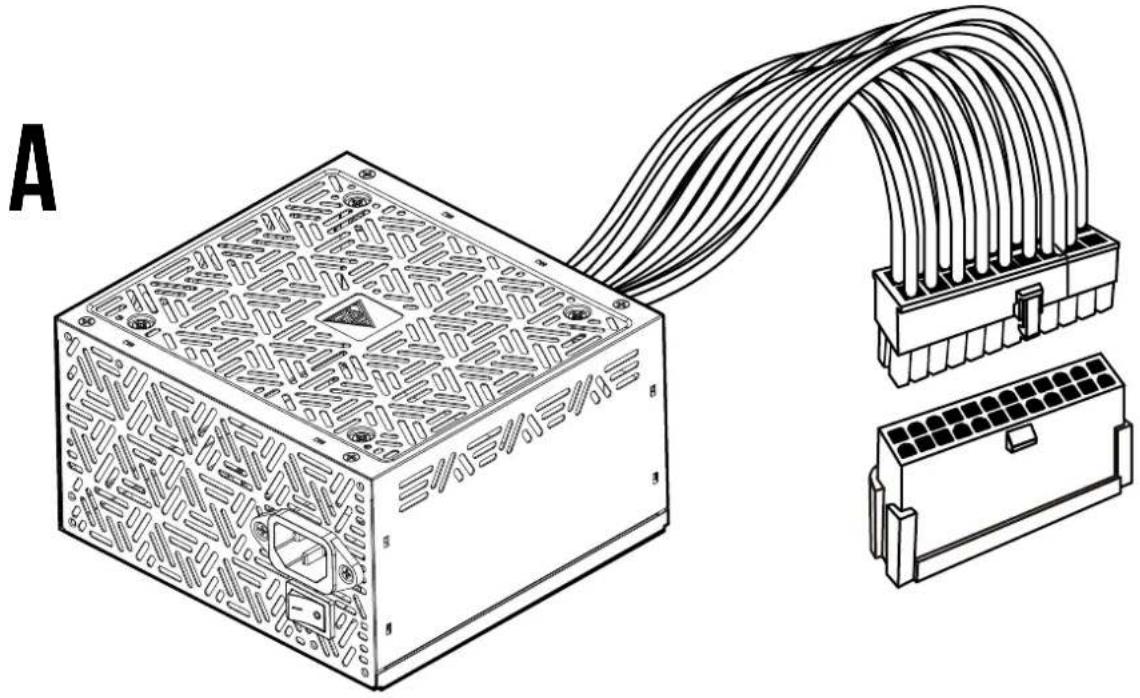
Motherboard
natural_image
Technical line drawing of a power supply unit with connected cable and terminal blocks (no text or symbols)4
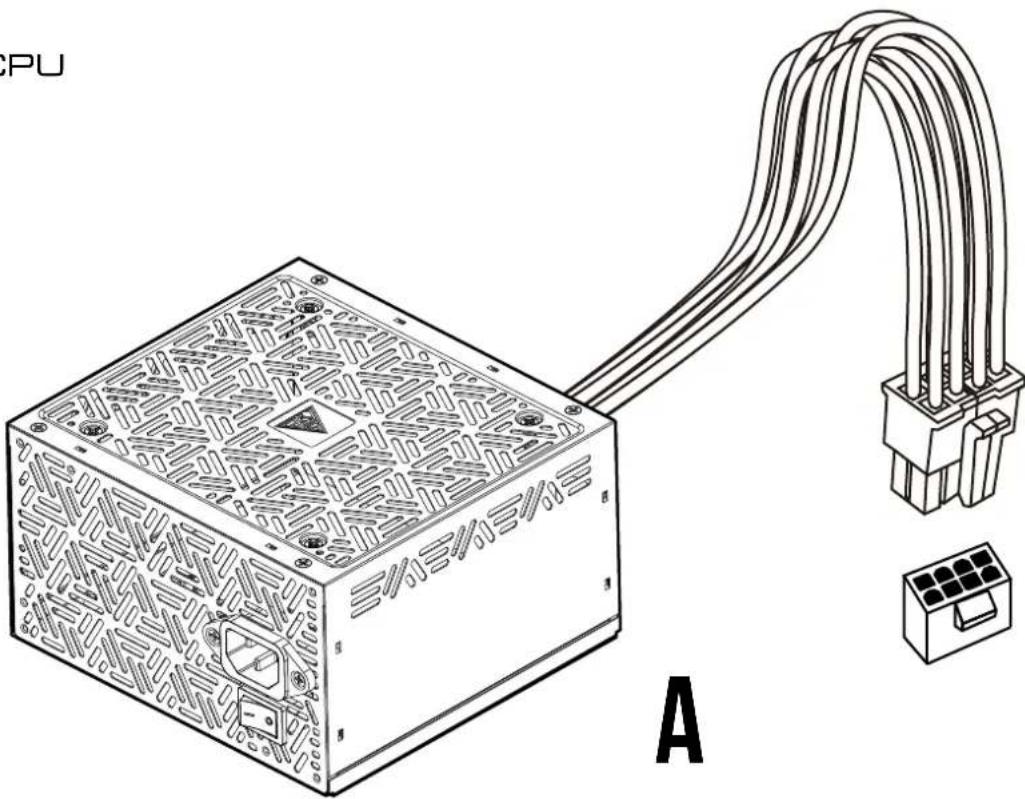
CPU
natural_image
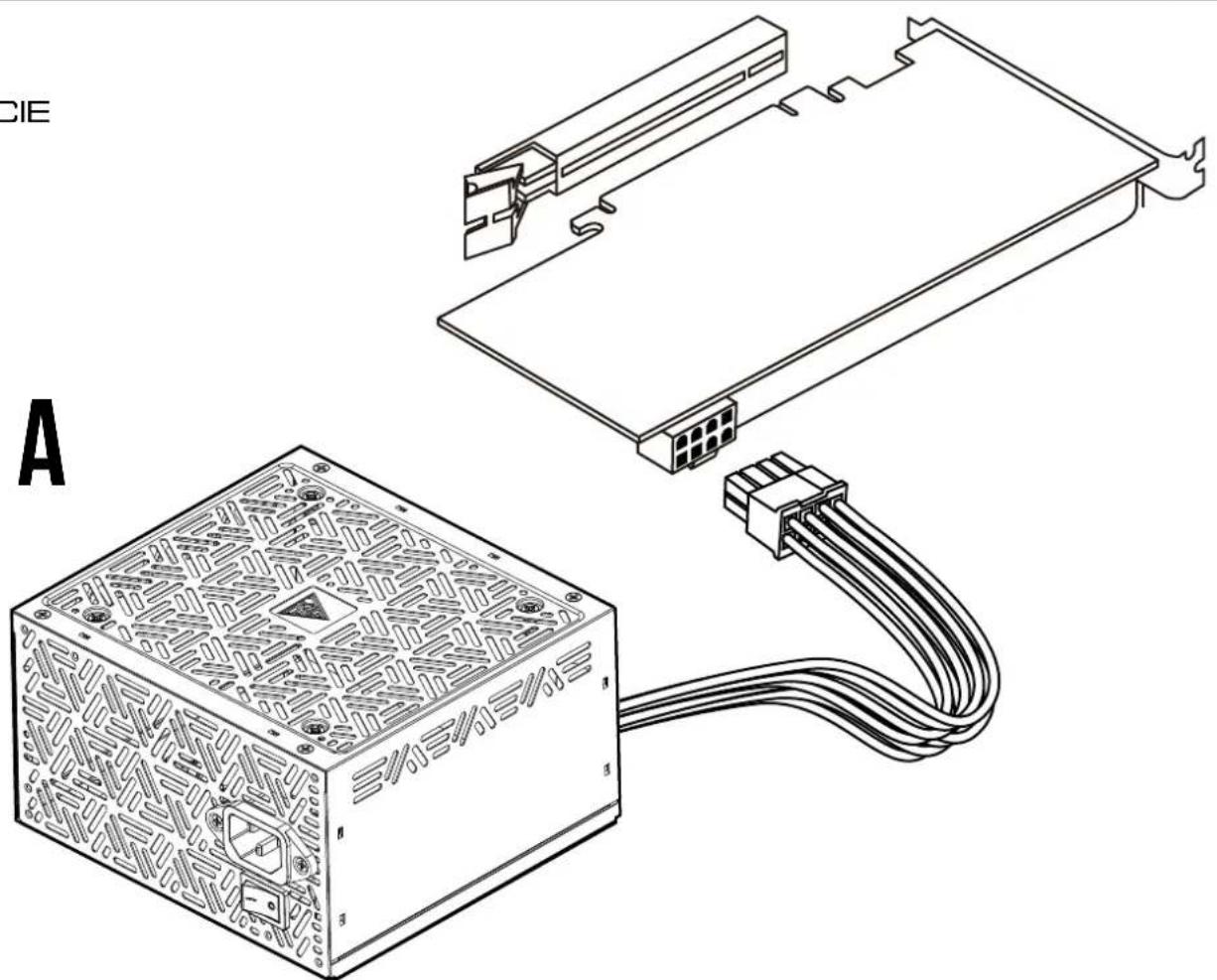
Technical line drawing of a computer power supply unit connected to an external terminal block (no text or symbols present)5 PCIE
natural_image
Technical line drawing of a computer power adapter with connector housing and cable (no text or symbols)6 SATA
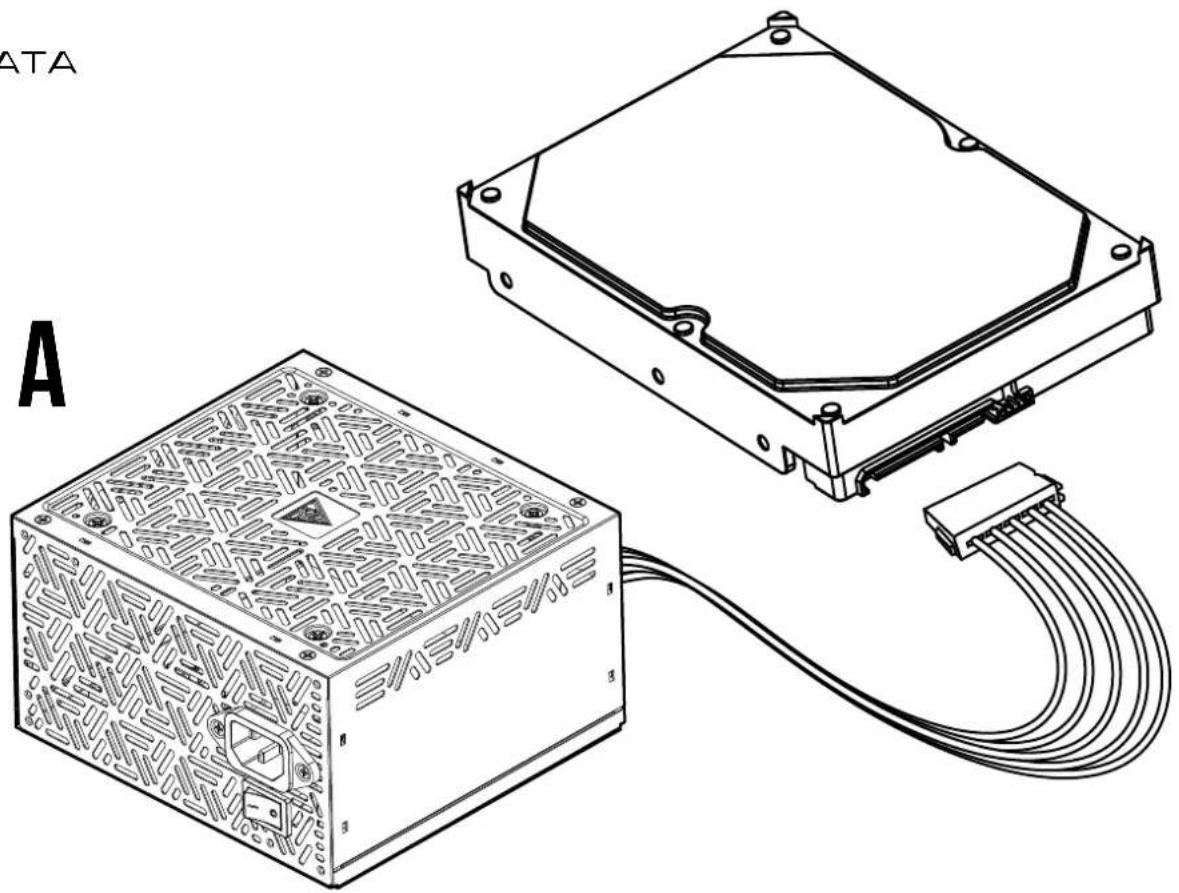
natural_image
Technical line drawing of an electronic device housing and connected to a cable (no text or symbols present)7 Molex
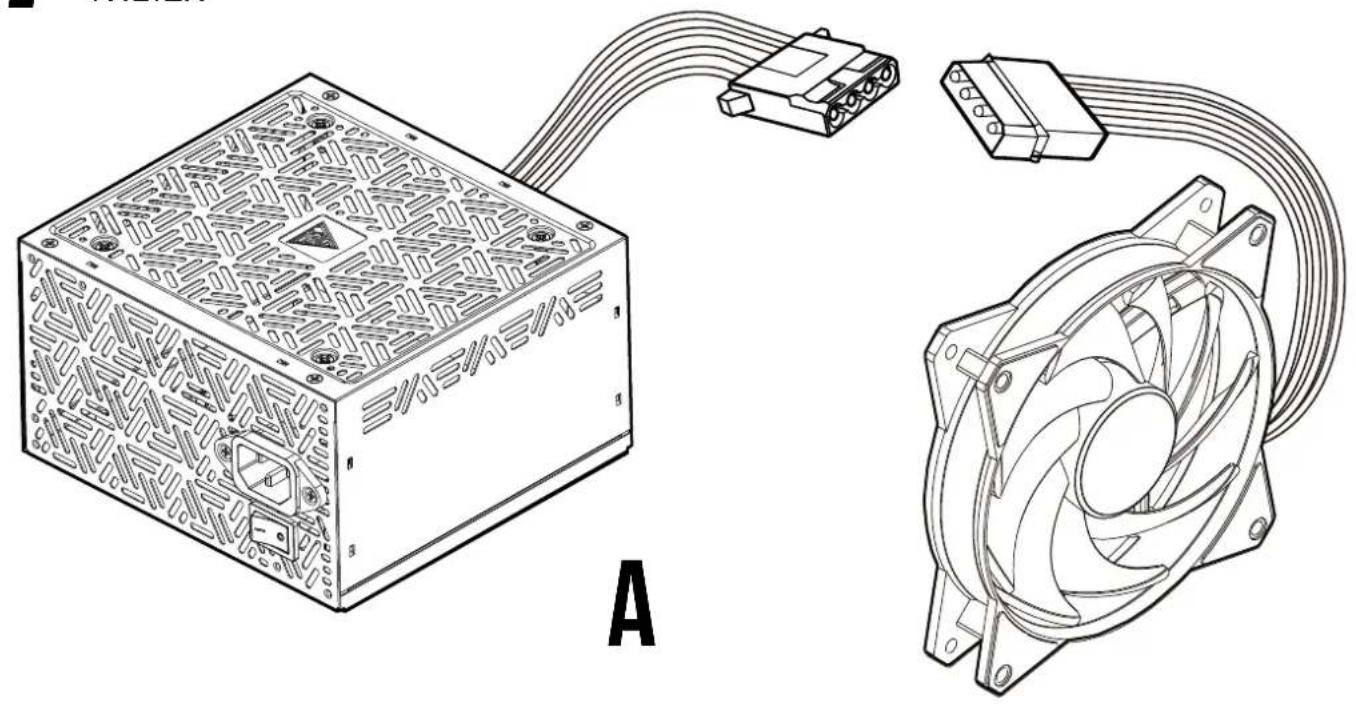
natural_image
Technical line drawing of a computer power supply unit (PCU) with connected modules and fan components, labeled A (no text or symbols on the diagram itself)8 FDD
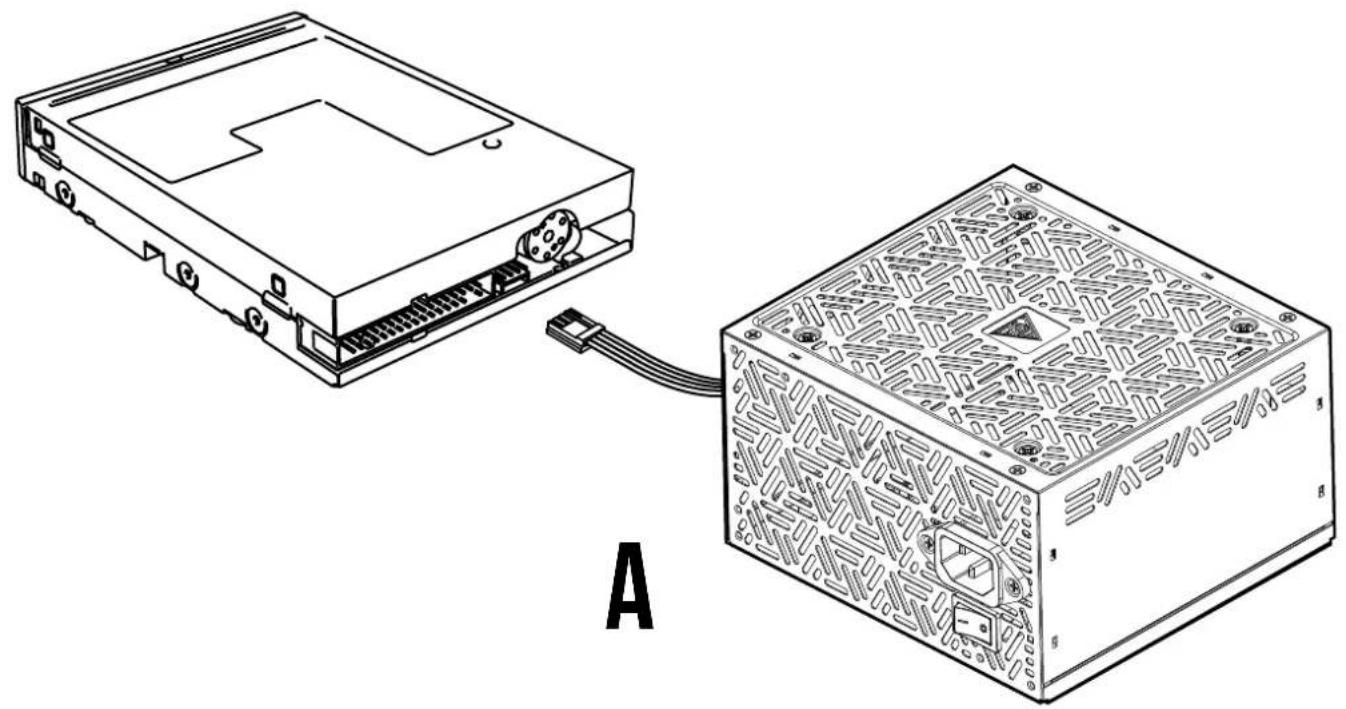
natural_image
Technical line drawing of a computer drive showing an open rear panel and its internal circuit board (no text or symbols)9
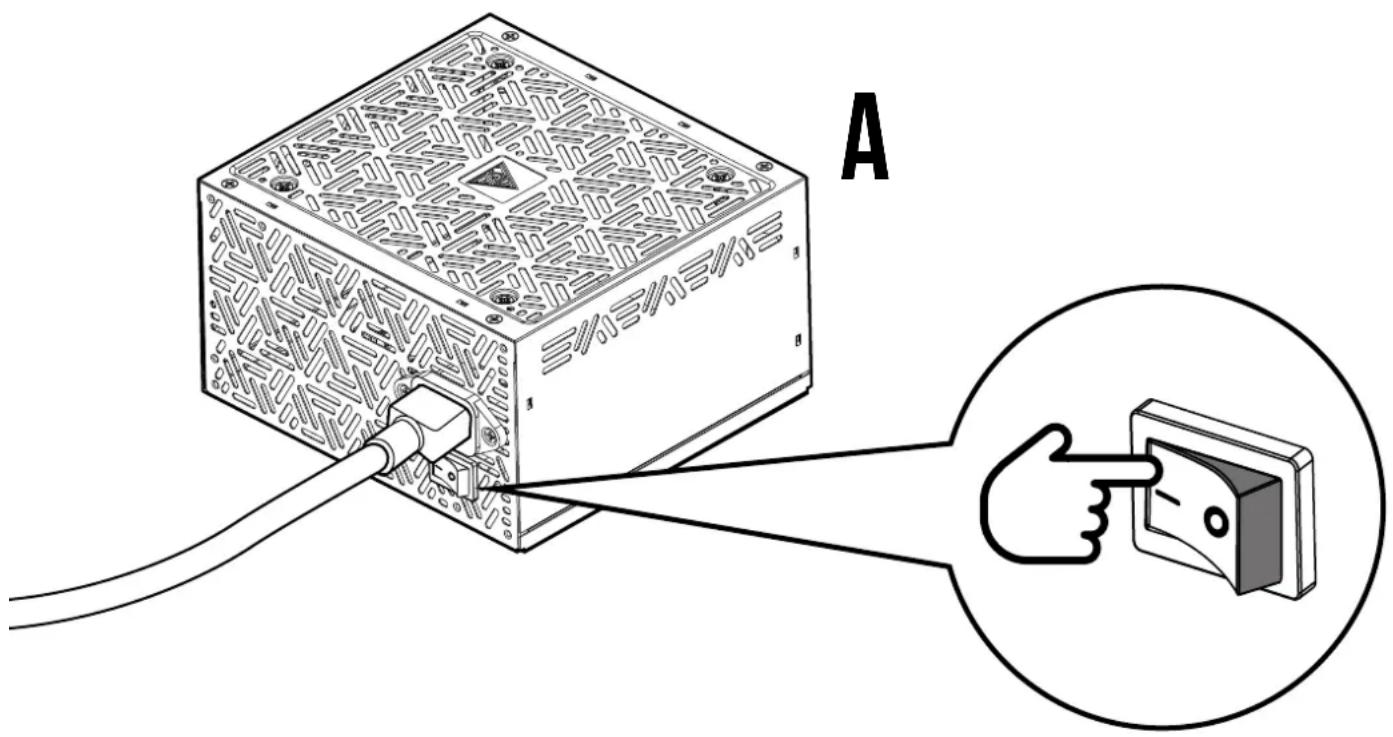
Plug in the AC power cord.
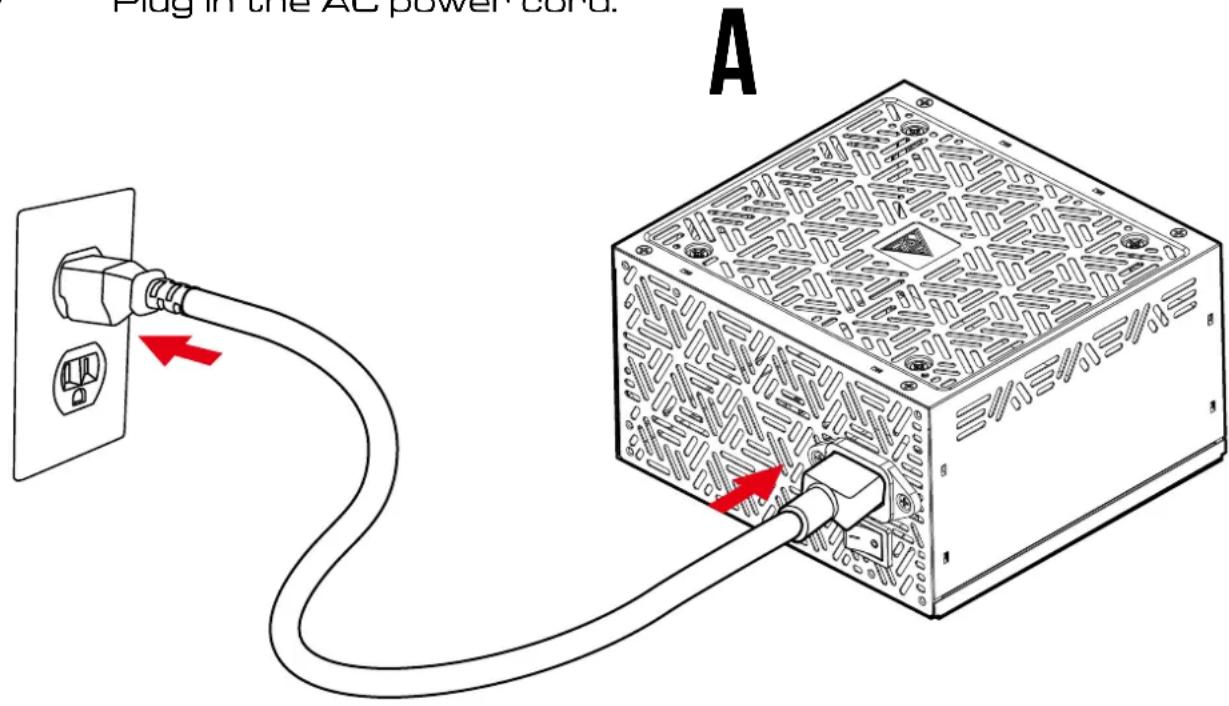
10
Turn on the PSU after installing by pushing I/O switch to "I" position.

natural_image
Abstract geometric logo with interlocking black and gold shapes inside a golden triangle (no text or symbols)GAMDIAS
GRMING ART IN MOTION