COOLPIX L3 LITE - Appareil photo numérique NIKON - Notice d'utilisation et mode d'emploi gratuit
Retrouvez gratuitement la notice de l'appareil COOLPIX L3 LITE NIKON au format PDF.


| Type de produit | Appareil photo numérique compact |
| Résolution maximale | 6 mégapixels |
| Zoom optique | 3x |
| Écran | Écran LCD de 2,5 pouces |
| Formats d'image | JPEG |
| Modes de prise de vue | Automatique, Scène, Vidéo |
| Alimentation électrique | Batterie lithium-ion rechargeable |
| Type de batterie | EN-EL5 |
| Dimensions approximatives | 90 x 61 x 28 mm |
| Poids | Approx. 160 g (avec batterie et carte mémoire) |
| Compatibilités | Cartes SD, SDHC |
| Connectivité | USB 2.0, Vidéo sortante |
| Fonctions principales | Détection des visages, réduction des yeux rouges, mode macro |
| Entretien et nettoyage | Utiliser un chiffon doux pour nettoyer l'objectif et l'écran. Éviter les produits chimiques agressifs. |
| Pièces détachées et réparabilité | Disponibilité limitée des pièces détachées, réparation recommandée par un professionnel |
| Informations générales | Idéal pour les débutants, léger et facile à transporter, bon rapport qualité-prix |
FOIRE AUX QUESTIONS - COOLPIX L3 LITE NIKON
Questions des utilisateurs sur COOLPIX L3 LITE NIKON
0 question sur cet appareil. Repondez a celles que vous connaissez ou posez la votre.
Poser une nouvelle question sur cet appareil
Téléchargez la notice de votre Appareil photo numérique au format PDF gratuitement ! Retrouvez votre notice COOLPIX L3 LITE - NIKON et reprennez votre appareil électronique en main. Sur cette page sont publiés tous les documents nécessaires à l'utilisation de votre appareil COOLPIX L3 LITE de la marque NIKON.
MODE D'EMPLOI COOLPIX L3 LITE NIKON
natural_image
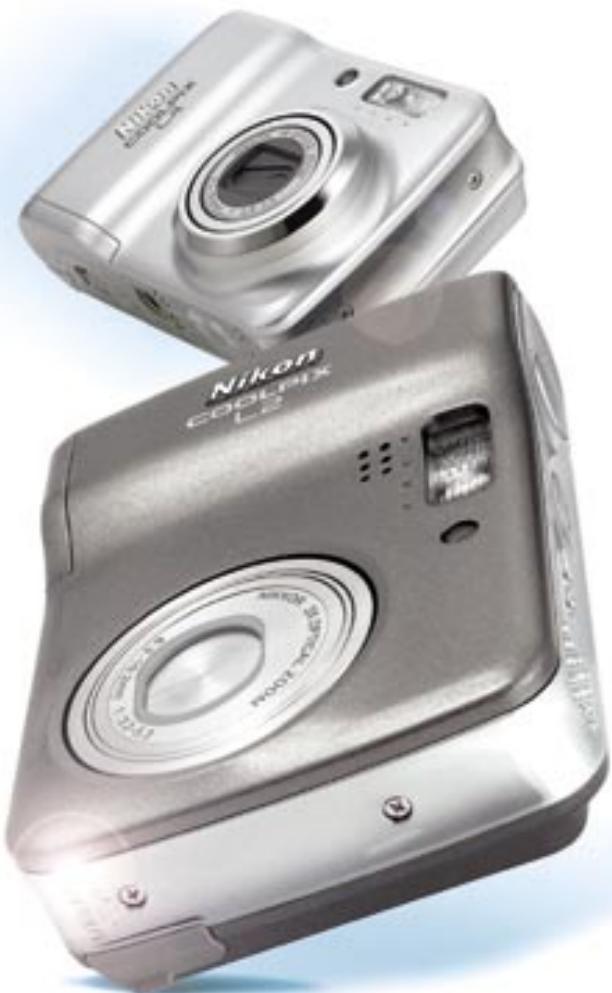
Two silver Canon CoolRx Laos digital camera units, no visible text or symbols on the device body.COOLPIX L2/L3
natural_image
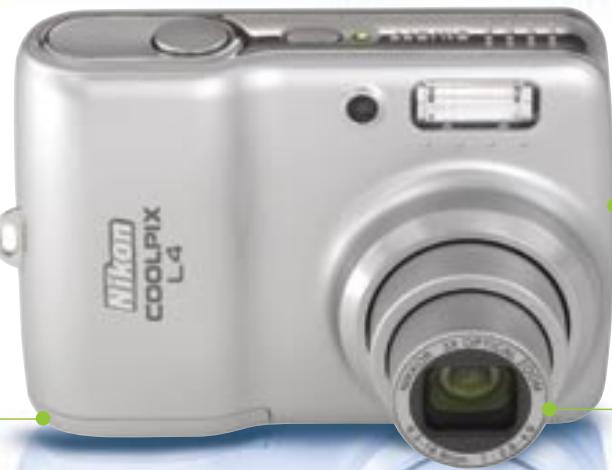
Exterior view of a modern digital camera (no visible text or symbols)COOLPIX L4
natural_image
Close-up of a silver digital camera with lens and screen (no visible text or symbols)COOLPIX L2/L3/L4 – Nikon performance and quality – refined
Smooth, elegantly finished flat design. Simplified operation that lets anyone take a better class of picture.
Innovative in-camera Nikon technologies mean optimized pictures, direct from your camera

D-Lighting
With D-Lighting

Without D-Lighting
D-Lighting rescues underexposed images by improving brightness and detail where needed, while leaving correctly exposed areas just as they are.

Face-priority AF\*
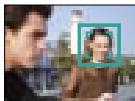
The Face-priority AF feature automatically detects and then focuses in on people's faces – regardless of where they are in the frame – ensuring superb crisp-focus portraits. *Face-recognition capability may be limited in some shooting conditions.

In-Camera Red-Eye Fix
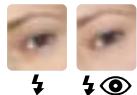
Nikon's exclusive In-Camera Red-Eye Fix analyzes each image and automatically finds and corrects any accidental red-eye, which sometimes occurs in flash photography, to produce more natural-looking portraits.
natural_image
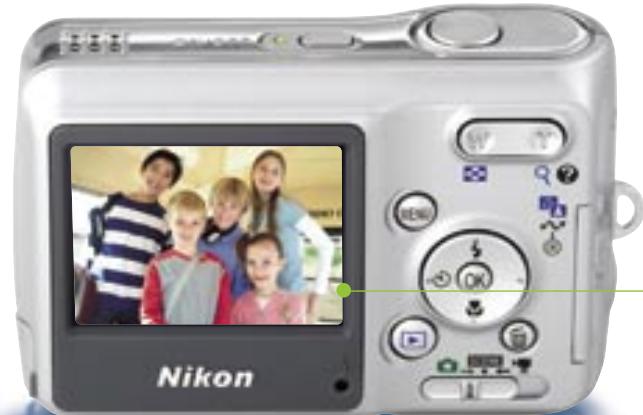
Silver Nikon digital camera with a family photo displayed on screen (no visible text or symbols on device body)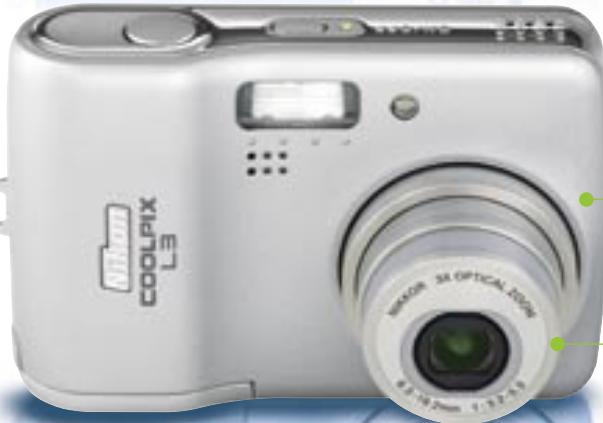
natural_image
White digital camera with visible lens and control panel (no text or symbols on body)COOLPIX L2/L3
natural_image
Silver Nikon Coolpix L4 digital camera with lens and control panel (no visible text or symbols beyond branding)COOLPIX L4
Simple, effective and fun
Ready
Shoot
Enjoy
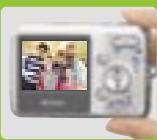
Sophisticated features that preserve the moment
2.0-inch
LCD
The bright 2.0-inch LCD avoids the inconvenience of optical viewfinders and simplifies composition and playback, leaving you free to enjoy the moment.
3X
zoom
A precision 3x Zoom-Nikkor lens covers the key photographic range of 38 to 116mm (114mm for the COOLPIX L4)*, putting everything from group portraits to expansive landscapes within easy reach. *35mm equivalent
COOLPIX
L2/L3
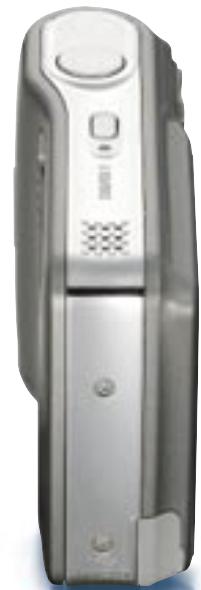
natural_image
Exterior view of a silver mobile phone with control panel and ventilation grille (no visible text or symbols)COOLPIX L4
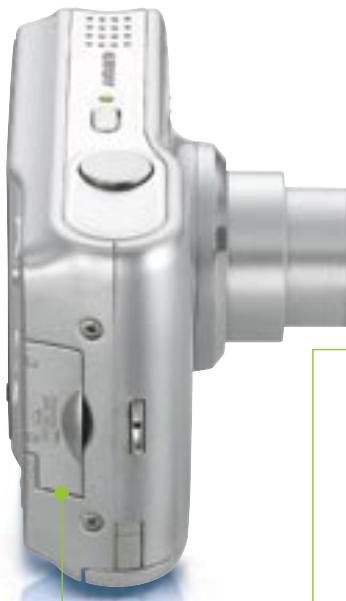
natural_image
Close-up of a silver digital camera with control panel and lens (no visible text or symbols)6.0/5.1|4.0
megapixel clarity
Generous in megapixel resolution, the cameras deliver instantly recognizable quality to ensure pictures stay sharp, even when significantly enlarged.
Scene modes

15 different Scene modes – 4 with Scene assist – improve your results by automatically providing optimized settings for everything from party portraits to fireworks at night.
User-friendly operation

Camera operation is made easy with on-screen menus and icons, presented in an easy-to-read format. Functions may be chosen
by icon or name and the new color scheme makes operation easier on the eyes.
AA-size battery compatibility

Despite their compact dimensions, the COOLPIX L2, L3, and L4 are compatible with AA-size batteries, one of the most widely available
battery sizes in the world. A battery life of approximately 180 shots* greatly increases their compact convenience.
*Approx. 180 shots (COOLPIX L2)/ Approx. 200 shots (L3)/ Approx. 250 shots (L4) when using two AA-size (LR6) alkaline batteries.
Movie recording
The capacity to record movies* in three sizes – TV movie size (640) for viewing on TV or computers, convenient Small size (320), and Smaller size (160) for extended recording or Internet usage – lets you capture so much more of the moment. *COOLPIX L4 without sound
PictBridge
The ability to connect directly to any PictBridge-compatible printer means that you can make great prints without the need for a computer to process the job.
PictureProject
Provided as a complimentary accessory, PictureProject software greatly simplifies the importing, editing and organizing of your images, and includes other options that add to the fun of photography.

natural_image
Woman and child cooking together in a kitchen, one holding rolling dough (no visible text or symbols)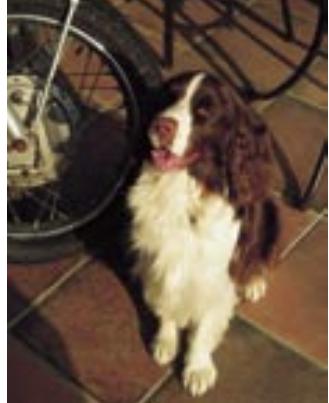
natural_image
A brown and white dog sitting on tiled ground next to a bicycle wheel (no text or symbols visible)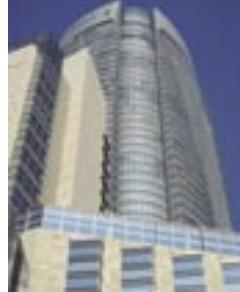
natural_image
Exterior view of a modern high-rise building with glass facades and curved facade (no visible text or signage)
natural_image
A couple smiling while holding a bouquet of yellow flowers, with a white vase and ceramic table in the foreground (no visible text or symbols)
natural_image
Group photo of five smiling children inside a yellow vehicle (no visible text or symbols)
natural_image
Close-up of a white electric guitar resting on a red surface, with a black guitar partially visible (no text or symbols)
natural_image
Close-up of a dessert with strawberries, cream, and chocolate garnish on a white plate (no text or symbols visible)COOLPIX L2
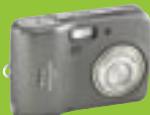
Gray
COOLPIX L3
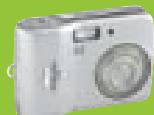
Silver
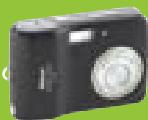
Black
COOLPIX L4
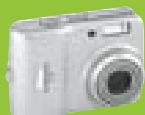
Silver
Type:
Effective pixels:
CCD:
Image modes:
Lens:
Focus range (approx.):
LCD monitor:
Storage media:
Shooting modes:
Movie:
Capture modes:
Number of frames (w/ internal memory):
Built-in flash:
Interface: Supported languages:
Power requirements:
Battery life (approx.):
Dimensions (WxHxD):
Weight (approx.):
Supplied accessories*:
Optional accessories:
Compact digital camera
L2: 6.0 million L3: 5.1 million L4: 4.0 million
L2: 1/2.5-inch type (6.18 million total pixels) L3: 1/2.5-inch type (5.25 million total pixels) L4: 1/2.5-inch type (4.23 million total pixels)
L2: High (2816 ^* ), Normal (2816), Normal (2048), PC (1024), TV (640)
L3: High (2592 ^* ), Normal (2592), Normal (2048), PC (1024), TV (640)
L4: High (2272*), Normal (2272), Normal (1600), PC (1024), TV (640)
L2 and L3: 3x Zoom-Nikkor; 6.3-19.2mm (35mm [135] format equivalent to approx. 38-116mm); f/3.2-5.3; 5 elements in 5 groups; Digital zoom: up to 4x L4: 3x Zoom-Nikkor; 6.3-18.9mm (35mm [135] format equivalent to approx. 38-114mm); f/2.8-4.9; 7 elements in 6 groups; Digital zoom: up to 4x
L2 and L3: 30cm (1 ft.) to infinity ( ), 10cm (3.9 in.) to infinity ( ) in Macro mode L4: 30cm (1 ft.) to infinity ( ), 4cm (1.6 in.) to infinity ( ) in Macro mode L2 and L3: 2.0-inch type, 86,000-dot TFT LCD monitor with brightness adjustment
L4: 2.0-inch type, 115,000-dot TFT LCD monitor with brightness adjustment
L2 and L3: Internal memory (approx. 23MB), SD memory card
L4: Internal memory (approx. 10MB), SD memory card
Auto, 4 modes with Scene assist (Portrait, Landscape, Sports, Night Portrait), 11 Scene modes (Party/Indoor, Beach/Snow, Sunset, Dusk/Dawn, Night Landscape, Close Up, Museum, Fireworks Show, Copy, Back Light, Panorama Assist), Voice Recording (L2 and L3), BSS (Best Shot Selector), Color options, Blur Warning, Date Imprint, Self-timer (10 sec.)
L2 and L3: With sound: TV movie (640) at 30fps/15fps, Small size (320) at 30fps/15fps, Smaller size (160) at 15fps L4: Without sound: TV movie (640) at 15fps, Small size (320) at 15fps, Smaller size (160) at 15fps
L2 and L3: 1) Single 2) Continuous (approx. 1.7fps) 3) Multi-shot 16
L4: 1) Single 2) Multi-shot 16
L2: 6M: High (2816*) approx. 8, Normal (2816) approx. 16, 3M: Normal (2048) approx. 29 L3: 5M: High (2592*) approx. 9, Normal (2592) approx. 18, 3M: Normal (2048) approx. 29 L4: 4M: High (2272*) approx. 3, Normal (2272) approx. 7, 2M: Normal (1600) approx. 15
Range: L2 and L3: Approx. 0.3-3.0m/1 ft. - 9 ft. 10 in. (W), Approx. 0.3-1.75m/1 ft. - 5 ft. 9 in. (T) L4: Approx. 0.4-3.0m/1 ft. 4 in. - 9 ft. 10 in. (W), Approx. 0.4-1.7m/1 ft. 4 in. - 5 ft. 7 in. (T); Flash modes: Auto, Auto with Red-eye Reduction (In-Camera Red-Eye Fix), Flash Cancel, Anytime Flash and Slow sync.
L2 and L3: USB, Audio Video output L4: USB, Video output
Total of 12 languages: German/English/Spanish/French/Italian/Dutch/Russian/Swedish/Japanese/Simplified Chinese/Traditional Chinese/Korean selectable in menu display
Rechargeable Ni-MH Battery EN-MH1 x 2, AA-size battery (LR6 alkaline, ZR6 oxyride, or lithium) x 2, AC Adapter EH-65A (optional)
L2: 180 shots with alkaline, 600 shots with lithium, or 320 shots with EN-MH1 L3: 200 shots with alkaline, 630 shots with lithium, or 330 shots with EN-MH1 L4: 250 shots with alkaline, 600 shots with lithium, or 450 shots with EN-MH1 (based on CIPA standard)
L2 and L3: Approx. 91 x 60.5 x 26mm (3.6 x 2.4 x 1.0 in.)
L4: Approx. 86.5 x 60.5 x 34.5mm (3.4 x 2.4 x 1.4 in.)
L2 and L3: 120g (4.2 oz.) without battery and SD memory card
L4: 115g (4.1 oz.) without battery and SD memory card
Rechargeable Ni-MH Battery EN-MH1 x 2, Battery Charger MH-71, USB Cable UC-E6, Audio Video Cable EG-CP14 (L2 and L3)/Video Cable EG-CP11(L4), Strap, PictureProject CD-ROM
Battery Charger MH-71, Rechargeable Ni-MH Battery EN-MH1 (EN-MH1-B2), AC Adapter EH-65A
* Supplied accessories may differ by country or area.
PictureProject System Requirements
| OS | Macintosh: Mac® OS X version 10.1.5 or later (version 10.2.8 or later required for Burn Disc option) / Windows: Windows® XP Home Edition/Professional, Windows® 2000 Professional, Windows® Me, Windows® 98SE pre-installed models |
| RAM | Macintosh: 64MB or more recommended/ Windows: 64MB or more recommended (128MB with muvee option) |
| Hard disk | 60MB required for installation |
| Display | 800 x 600 or more with 16-bit color (full color recommended) |
| Others | CD-ROM drive required for installationOnly built-in USB ports are supported |
Microsoft® and Windows® are either registered trademarks or trademarks of Microsoft Corporation in the United States and/or other countries. Macintosh® and QuickTime® are either registered trademarks or trademarks of Apple Computer Inc. in the United States and/or other countries. The FotoNation logo is a trademark. The SD logo is a trademark. PictBridge is a trademark. D-Lighting technology is provided by Apical Limited. Face-priority AF technology is provided by Identix®. Products and brand names are trademarks or registered trademarks of their respective companies. Images on LCDs and monitors shown in this brochure are simulated. Specifications and equipment are subject to change without any notice or obligation on the part of the manufacturer. February 2006 ©2006 NIKON CORPORATION



Digital Imaging + Internet + Entertainment





WARNING
TO ENSURE CORRECT USAGE, READ MANUALS CAREFULLY BEFORE USING YOUR EQUIPMENT. SOME DOCUMENTATION IS SUPPLIED ON CD-ROM ONLY.