
BIZHUB C353P - Imprimante multifonction KONICA - Notice d'utilisation et mode d'emploi gratuit
Retrouvez gratuitement la notice de l'appareil BIZHUB C353P KONICA au format PDF.


| Type de produit | Imprimante multifonction couleur |
| Marque | KONICA |
| Modèle | BIZHUB C353P |
| Dimensions (L x P x H) | 643 × 708 × 637 mm |
| Poids | Environ 79 kg |
| Alimentation | 220-240 V, 50/60 Hz, consommation max 1,5 kW |
| Vitesse d'impression A4 | Jusqu'à 35 ppm noir et couleur |
| Vitesse d'impression A3 | Jusqu'à 17,7 ppm noir et couleur |
| Résolution d'impression | 1 800 × 600 dpi (équivalent) |
| Capacité papier standard | 1 150 feuilles |
| Capacité papier maximale | 3 650 feuilles (avec options) |
| Grammage papier supporté | 64-271 gsm (bacs), jusqu'à 271 gsm (by-pass) |
| Recto-verso automatique | Oui, formats A5-A3, 64-256 gsm |
| Mémoire | 1 024 Mo |
| Disque dur | 60 Go (optionnel) |
| Interface réseau | Ethernet 10/100/1000 Base-T, USB 2.0 |
| Langages d'impression | PCL6, PostScript 3, XPS |
| Fonctions de sécurité | Pare-feu interne, SSL, authentification utilisateur, chiffrement disque (optionnel) |
| Finition optionnelle | Agrafage, pliage, perforation, livret, tri |
| Impression bannière | Oui, jusqu'à 1 200 × 297 mm |
| Volume mensuel recommandé | 40 000 pages |
| Toner | Simitri HD polymérisé |
| Systèmes d'exploitation compatibles | Windows, Mac, UNIX, Linux, Citrix |
FOIRE AUX QUESTIONS - BIZHUB C353P KONICA
Questions des utilisateurs sur BIZHUB C353P KONICA
0 question sur cet appareil. Repondez a celles que vous connaissez ou posez la votre.
Poser une nouvelle question sur cet appareil
Téléchargez la notice de votre Imprimante multifonction au format PDF gratuitement ! Retrouvez votre notice BIZHUB C353P - KONICA et reprennez votre appareil électronique en main. Sur cette page sont publiés tous les documents nécessaires à l'utilisation de votre appareil BIZHUB C353P de la marque KONICA.
MODE D'EMPLOI BIZHUB C353P KONICA
natural_image
Interior of a modern office hallway with two business people, one operating a blue inkjet printer and the other reviewing documents (no visible text or symbols)bizhub C353P
Supreme Printing in b/w and colour
natural_image
Interior of a modern office with red walls, wooden flooring, and a person walking through the doorway; a black electronic device is visible in the foreground (no text or symbols on the device or environment)Advanced technology, enhanced usability
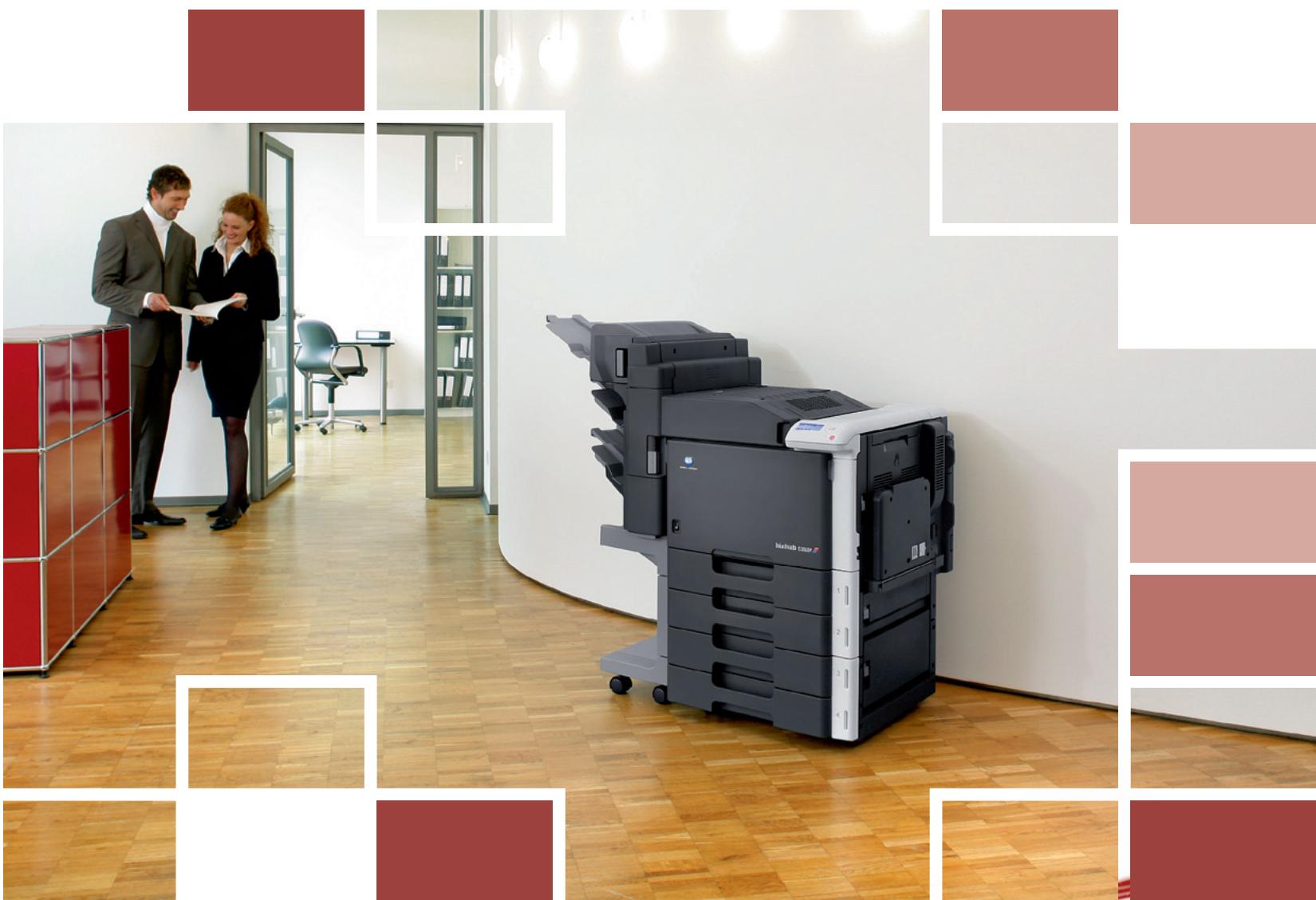
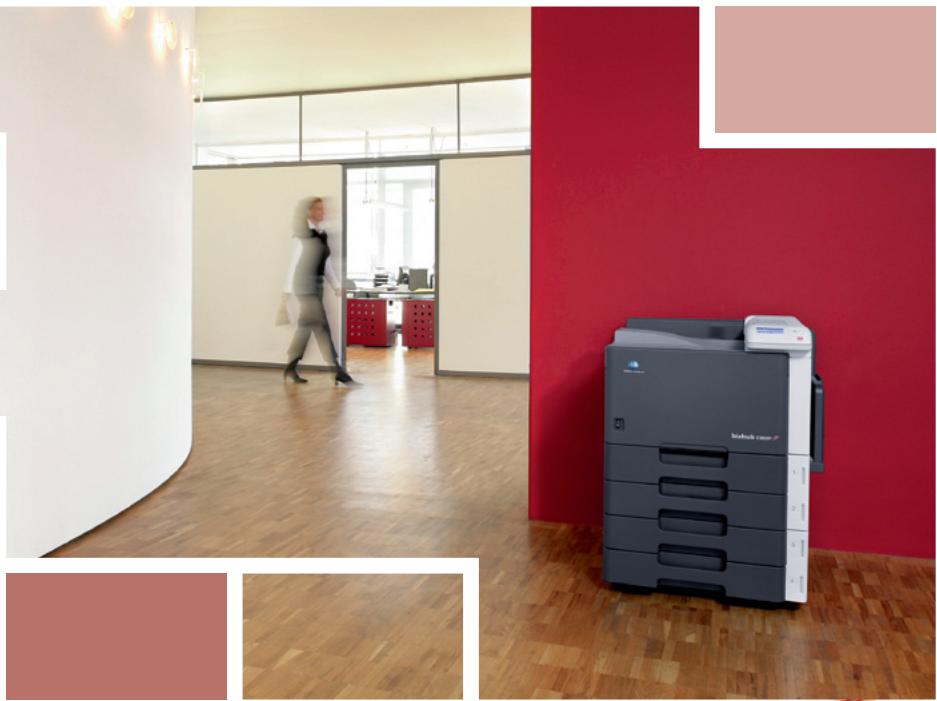
Busy offices and departments expect from their printers instant availability, high efficiency, ease of use and absolute reliability – in colour as much as in black and white. In the bizhub C353P Konica Minolta has combined all these aspects with superior media handling and modular finishing capabilities plus important security features. All this comes in a stylish, innovative design that makes the bizhub C353P an attractive feature in any modern office.
- With its identical speed of 35 b/w and colour pages per minute the bizhub C353P is equally competent for the processing of higher b/w print volumes and for productive colour printing. It allows producing a wide variety of documents, leaflets, brochures and other materials in-house – jobs that had to be outsourced before.
The latest-generation Emperor controller ensures the bizhub C353P's seamless integration into any office network. Its Windows, Mac, UNIX, Linux and Citrix support as well as a universal driver interface for both PCL and PostScript make the bizhub C353P compatible with virtually any infrastructure.
Easy usability
Easy Set job programming streamlines and speeds up job processing with the creation of templates for regularly used print settings. Templates can be shared via the network, increasing the bizhub C353P's ease of use and saving valuable time for everyone.
The User Box functionality makes the storing and managing of frequently needed documents on the bizhub C353P's optional hard disc highly effective. Boxes can be set up with flexible access rights as public, private or for group use.

Unequalled flexibility
The bizhub C353P's media handling capabilities suit every demand and allow the production of a wide range of materials in different formats. Its standard paper capacity of 1,150 sheets in two trays plus multi-sheet bypass can be flexibly upgraded with different paper cabinets to max. 3,650 sheets. Up to 256 gsm paper can be processed from all trays and duplexed; and max. 271 gsm paper fed via the bypass. The clever banner printing function enables easy production of oversized formats up to 1.2 metres length – ideal for the creation of display materials.
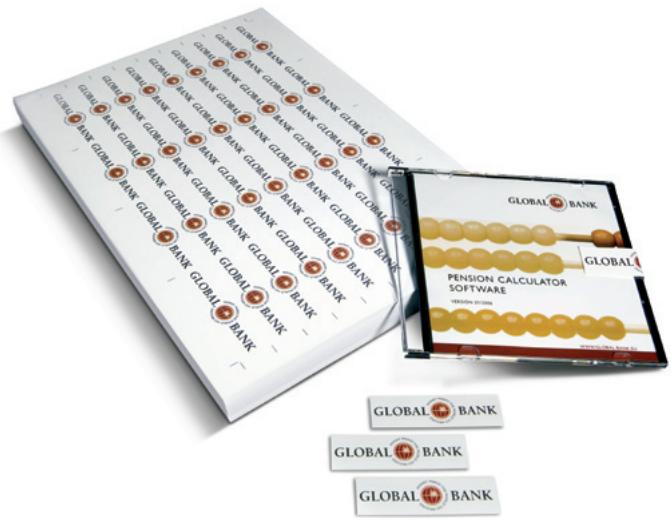
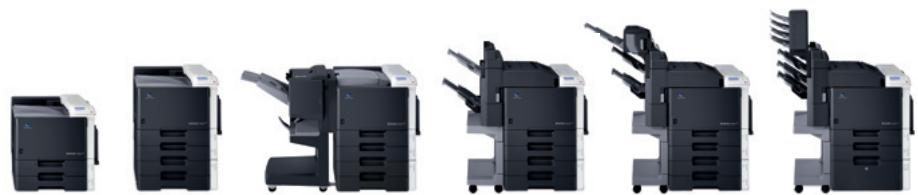
Professional finishing enhances printed output and gives all documents a touch of sophistication! The bizhub C353P's optional finisher impresses with its modularity: Upgrades to the finisher's stapling and offset sorting functions include a punching kit; a booklet option to produce complete centre-stapled and folded booklets; and a mailbin unit which enables the convenient separation of printed output by users or departments.

Essential security
The bizhub C353P impresses with Konica Minolta's comprehensive security functionality. An internal basic firewall for IP address filtering and control of protocol and port access is standard, same as SSL encryption to protect communication to and from the device. The programming of user authentication and access rights is fast and simple and allows for example to set individual print volumes or limit access to colour printing per user.
If the optional hard disc is equipped a secure printing function can be activated that requires authentication at the device before printed pages are output. Other features are password-protection of User Boxes and the encryption (optional) of all data stored on the hard disc.

Configurations
text_image
GLOBAL BANK PENSION CALCULATOR SOFTWARE GLOBAL BANK GLOBAL BANK GLOBAL BANK GLOBAL BANK GLOBAL BANK GLOBAL BANK GLOBAL BANK GLOBAL BANK GLOBAL BANK GLOBAL BANK GLOBAL BANK GLOBAL BANK GLOBAL BANK GLOBAL BANK GLOBAL BANK GLOBAL BANK GLOBAL BANK GLOBAL BANK GLOBAL BANK GLOBAL BANK GLOBAL BANK GLOBAL BANK GLOBAL BANK GLOBAL BANK GLOBAL BANK GLOBAL BANK GLOBAL BANK GLOBAL BANK GLOBAL BANK GLOBAL BANK GLOBAL BANK GLOBAL BANK GLOBAL BANK GLOBAL BANK
Simple device and account management
The standard PageScope Suite provides comprehensive account and data management, efficient device monitoring and satisfies important administrator demands:
The PageScope Data Administrator facilitates the integration of new equipment into existing workflows and the programming of user authentication.
As a helpful web-based utility PageScope Web Connection lets users call up details on the device status, check paper and toner, control and change settings – all with simple point-and-click action.
In addition PageScope Netcare gives administrators fast access and enables the simple monitoring of individual or all devices on the network.
The practical Print Status Notifier keeps users informed of the device status and progress of their job with automatic pop-up messages on the PC screen. Users can concentrate on other tasks and save time, as there's no need to keep checking the printer.
The bizhub C353P has it all! Combining efficiency, usability and reliability the bizhub C353P handles all the printing requirements of busy offices with ease and competence – no matter whether they're black and white or colour.
natural_image
Sequence of six black-and-white office typewriter units in various orientations, showing front, side, top, and front-side views (no text or labels visible)Simitri HD
High Definition Polymerised Toner



CITRIX



Technical specifications
Printer specifications
Printing system
Electrostatic laser print
Tandem, indirect
Toner system
Simitri® HD polymerised toner
Print speed A4
Colour up to 35 ppm
Mono up to 35 ppm
Print speed A3
Colour up to 17.7 ppm
Mono up to 17.7 ppm
1st print time (A4)
Colour 8.5 sec.
Mono 5.9 sec.
Warm-up time
Approx. 75 sec.
Print resolution
Equivalent to 1,800 x 600 dpi
Print features
ICC profile/Simulation support
Direct print of PCL, PS, TIFF, JPEG, XPS, PDF
and Encrypted PDF files
Print from USB memory (optional)
Mixmedia – tray setting per page
Mixplex - simlex/duplex setting per page
Job programming „Easy Set“ – storable
print settings
Box function for printjob recall
(with optional hard disc)
Overlay, Watermark, Copy Protection
Banner printing – paper size of
max. 1,200 x 297 mm
Toner save mode
Controller CPU
PowerPC MC7447 @ 1 GHz
64 BIT
Page description language
PCL6c (PCL 5c + XL3.0)
PostScript 3
XPS
Operating systems
Windows 2000/XP/XP64
Windows VISTA 32/64
Windows VISTA DPWS support
Macintosh OS 9.2 / OSX 10.2,3,4 /
OSX 10.4 (intel version)
Server 2000/2003/2003 x64
Unix/Linux/Citrix
Interface
10-Base-T/100-Base-T/
1,000-Base-T Ethernet
USB 2.0
System specifications
Memory
1,024 MB
Hard disc (optional)
60 GB
Paper size
A6–A3 full bleed
Banner paper max. 1,200 x 297 mm
Customised paper sizes
Paper weight
64–271 gsm
Paper input capacity
Standard: 1,150 sheets
Max.: 3,650 sheets
Paper output capacity
Max.: 1,200 sheets (with finisher)
Automatic duplexing
A5–A3 full bleed
64–256 gsm
Finishing modes (optional)
Offset, Group, Sort, Staple, Punch, Centre-
fold, Booklet, Mailbin sort
Print volume (monthly)
Recommended: 40,000
Max.: 60,000
Power consumption
220-240 V / 50/60Hz
900 Watts or less (average printing)
200 Watts or less (average standby)
1.5 KW or less (max.)
System dimensions (W x D x H, mm)
643×708×637
System weight
Approx. 79 kg
System features
Security
ISO15408 EAL3 (with optional hard disc)
Accounting
Up to 30 User Accounts
(up to 1,000 with optional hard disc)
Active Directory support
(user name + password)
Colour access definition per user
Account Manager server (optional)
Software
PageScope NetCare
PageScope Data Administrator
PageScope Workware (Trial)
Direct Print Utility
Print Status Notifier
Log Management Utility
Driver Packaging Utility
■ All specifications relating to paper capacity refer to A4-size paper of 80 gsm quality.
■ All specifications relating to printing speeds refer to A4-size paper that is printed crosswise in multipage, simplex mode.
The support and availability of the listed specifications and functionalities varies depending on operating systems, applications, network protocols as well as network and system configurations.
The stated life expectancy of each consumable is based on specific operating conditions such as page coverage for a particular page size (5 % coverage of A4). The actual consumables life will vary depending on the use and other printing variables including page coverage, page size, media type, continuous or intermittent printing, ambient temperature and humidity.
■ Some of the product illustrations contain optional accessories.
■ Specifications and accessories are based on the information available at the time of printing, and are subject to change without notice.
Konica Minolta does not warrant that any prices or specifications mentioned will be error-free.
■ Microsoft, Windows and the Windows logo are trademarks, or registered trademarks, of Microsoft Corporation in the United States and/or other countries.
All other brand and product names may be registered trademarks or trademarks of their respective holders and are hereby acknowledged.
■ Printed in Germany on chlorine-free bleached paper.
Your Konica Minolta Business Solutions Partner: