
240F - Imprimante multifonction KONICA - Notice d'utilisation et mode d'emploi gratuit
Retrouvez gratuitement la notice de l'appareil 240F KONICA au format PDF.


| Type de produit | Imprimante multifonction |
| Marque | Konica Minolta |
| Modèle | 240F |
| Vitesse d'impression (mono) | Jusqu'à 24 ppm |
| Vitesse de copie (mono) | Jusqu'à 24 cpm |
| Résolution d'impression | 600 x 600 dpi |
| Résolution de copie | 600 x 600 dpi |
| Résolution de numérisation (max) | 600 x 600 dpi |
| Vitesse de numérisation (mono / couleur) | 30 opm / 20 opm |
| Capacité papier standard | 550 feuilles |
| Capacité papier maximale | 1 050 feuilles |
| Chargeur automatique de documents | 80 feuilles |
| Formats papier pris en charge | A6 à A4 |
| Grammage papier | 60-120 g/m² (bac par défaut) |
| Mémoire vive | 256 Mo, extensible à 1 Go |
| Écran | Écran tactile |
| Interface réseau | Ethernet 10/100 Base-T, USB 2.0 |
| Fax | Super G3, 33,6 kbps |
| Consommation électrique | Max 980 W, Veille 55 W, Sommeil 9,4 W |
| Dimensions (L x P x H) | 520 x 506 x 446 mm |
| Poids | Environ 23,9 kg |
| Alimentation | 220-240 V, 50/60 Hz |
| Fonctions principales | Impression, copie, numérisation, fax |
| Sécurité | Impression sécurisée, authentification Active Directory, chiffrement SSL, filtre de ports |
| Consommables | Toner jusqu'à 16 000 pages, unité d'imagerie jusqu'à 30 000 pages |
FOIRE AUX QUESTIONS - 240F KONICA
Questions des utilisateurs sur 240F KONICA
0 question sur cet appareil. Repondez a celles que vous connaissez ou posez la votre.
Poser une nouvelle question sur cet appareil
Téléchargez la notice de votre Imprimante multifonction au format PDF gratuitement ! Retrouvez votre notice 240F - KONICA et reprennez votre appareil électronique en main. Sur cette page sont publiés tous les documents nécessaires à l'utilisation de votre appareil 240F de la marque KONICA.
MODE D'EMPLOI 240F KONICA
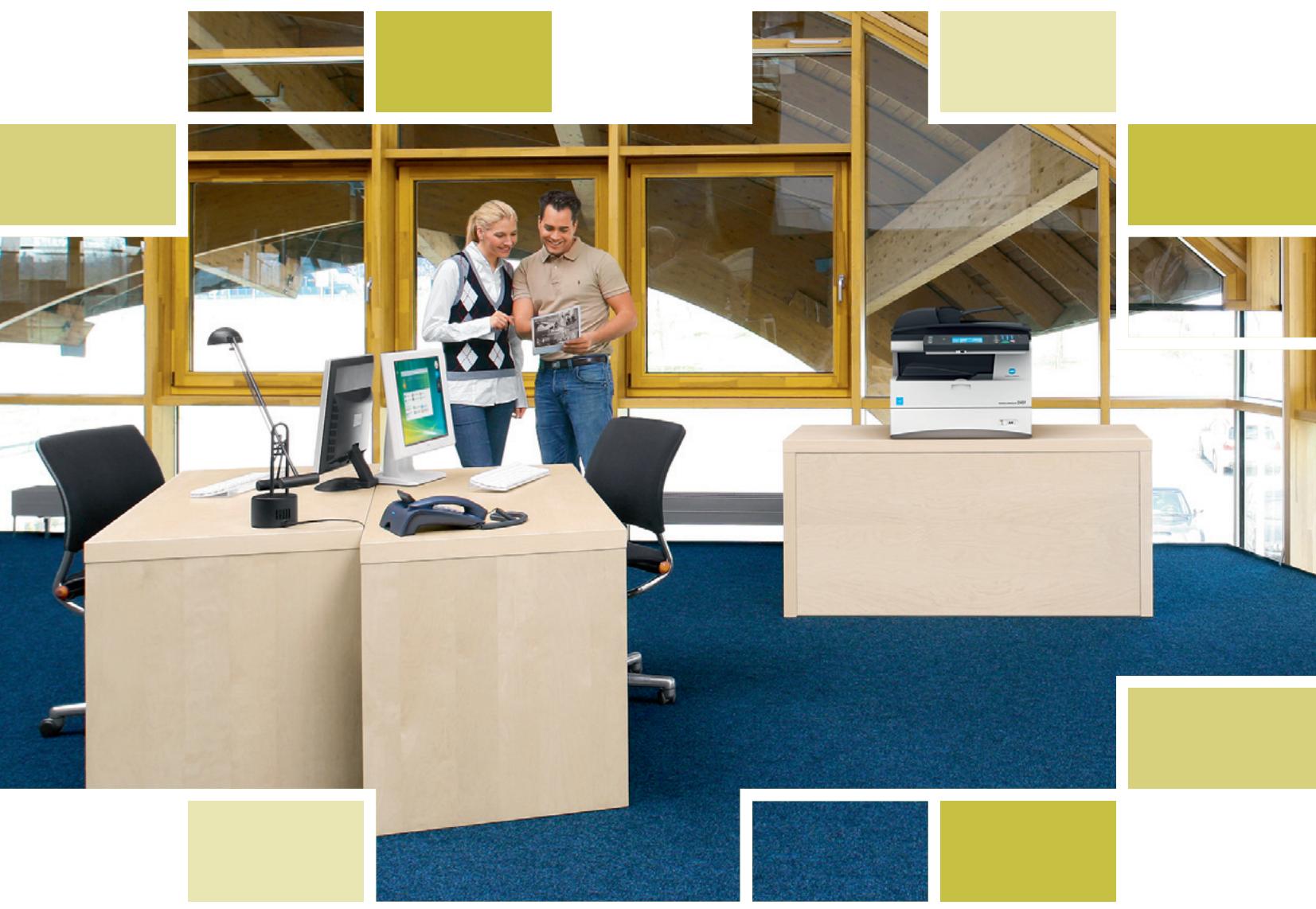
Konica Minolta 240f
Intelligence incorporated
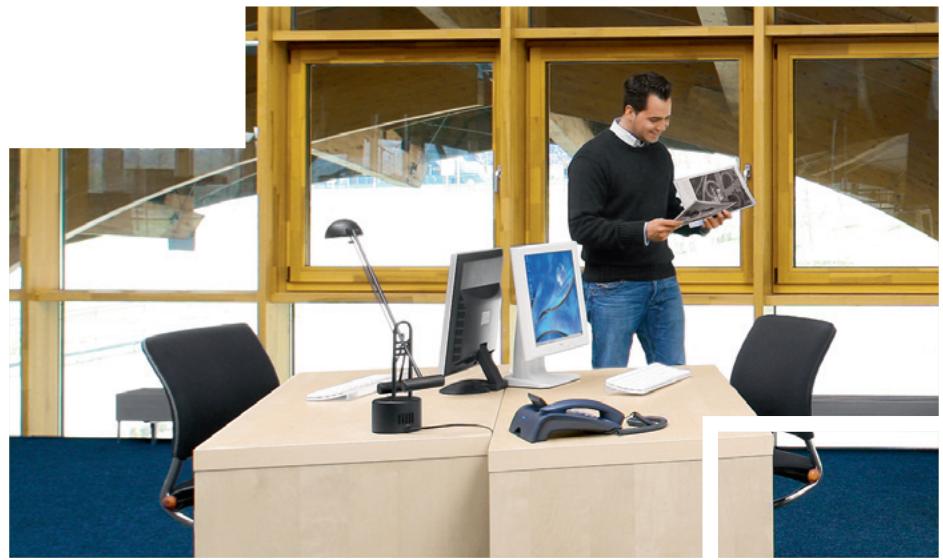
Naturally intelligent, professional extras included
The Konica Minolta 240f impresses as a compact and robust b/w all-rounder with a multitude of intelligent system features that are all standard! It is ideally suited as a professional, central fax in mid-sized offices where its versatile add-on functionality will be highly welcome. Alternatively, the 240f also serves workgroups as central multifunctional communication device. With important security standards, network capabilities and OS support, it integrates seamlessly into larger and more complex IT environments.

Naturally intelligent fax
- Ideally suited as a central fax device, the Konica Minolta 240f offers comprehensive fax capabilities and is equipped with 128 MB memory for up to 4200 fax pages as well as a generous address book.
Its advanced fax functionality makes it convenient and safe to use, and includes features like password protection, memory receipt, timer send, polling, fax spam filter and full iFax capabilities.
Especially helpful is the PC fax function that enables easy and direct sending of faxes from the PC, completely doing away with the need to print fax documents first.

Intelligent multifunctional
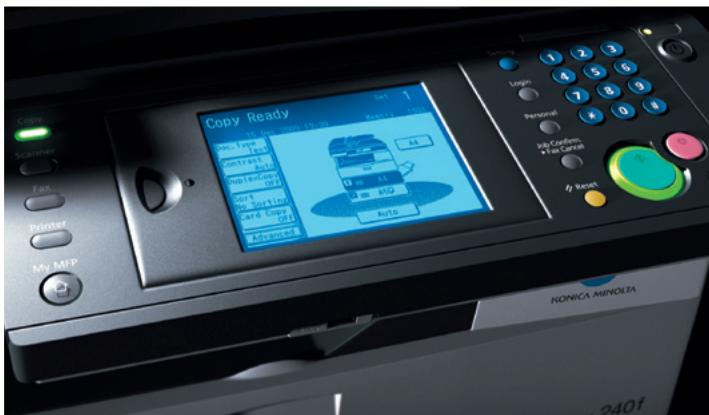
Comprehensively equipped for general office needs, the 240f is the perfect multifunctional for central use: Regular features like auto duplex, zoom, n-up and electronic sorting as well as productive 24 pages per minute streamline and speed up every-day copying and printing. Its compact and space saving design, automatic document feeder and touch screen display make it a pleasure to work with.
■ With its generous paper supply of up to 1,050 sheets and toner cartridge for 16,000 pages, the 240f can easily support larger workgroups without needing daily attention.

Workflow options

As a speedy colour and b/w scanner, the 240f scans to email, SMB, FTP and public or personal user boxes. Besides TIFF and PDF it also supports encrypted PDF as scan format and with that ensures secure document opening and printing.
The 240f is also equipped with a USB interface that is conveniently accessible from the front and enables direct scanning of documents to or printing from a USB stick.
■ With standard 10/100 Base-T Ethernet, the 240f integrates seamlessly into many networks. It is compatible with Windows, Mac, Linux and Citrix environments and offers essential security with SSL communication, port filtering and Active Directory support for user management and control. For enhanced security, a secure CF card is available to lock and secure all documents stored on the 240f.



Fax innovations included
The 240f's intelligent auto distribution functionality facilitates the organisation and distribution of incoming information: Emails, iFaxes and faxes can automatically be forwarded to box, fax, email or SMB folders. Filters can be set to keep information from different sources separate. A timer/calendar function enables automatic forwarding at specific times, for example to email during out-of-office hours. With this helpful feature set incoming information is reliably accounted for and faxes reach their recipients sooner!
Timesaving and convenient, automatic alerts inform users directly on their PC monitors once their print or PC fax jobs have been successfully sent, and notify users in case of any disruption.
An automatic archiving function secures all stored documents and faxes by saving all files to an SMB folder or similar destination at regular intervals. Highly reliable, no information is lost or can fall into the wrong hands.
The 240f is equipped with an extensive address book for up to 2,000 entries. Simple and straightforward to use, the address book is conveniently managed via LDAP or the import of CSV files.

Professional extras included
Supporting full SMB functionality, the 240f offers direct access to shared network folders from its touch screen display. This allows for example direct SMB printing of documents from these folders. At the same time, the standard scan-to-email feature is enhanced with the capability to attach documents retrieved from such shared SMB folders.
- Secure printing is the only way of keeping critical information reliably confidential: On the 240f documents can either be protected by secure code or in a private secure print box; in any case they can only be printed when released by the user.
- User authentication via Active Directory is meanwhile standard procedure. Beyond this, up to 200 user accounts can be set up on the 240f and allocated individual access restrictions for specific functionalities, much facilitating the administrator's work, including e.g. fast and easy counter readings for individual users.
The 240f can also be used as an interface to Document Management Systems: Scans can be adapted for DMS processing simply by attaching a metadata file and predefined index fields that can conveniently be selected from the 240f's touch screen display.

Configurations
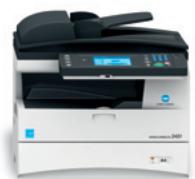
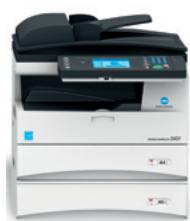
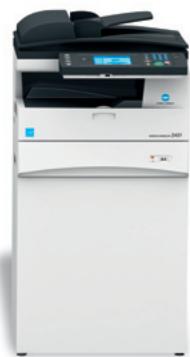
The Konica Minolta 240f is the perfect all-rounder for workgroups and mid-sized offices that hope to streamline their office communication. With regular intelligence and a wealth of professional add-on features – all provided as standard – Konica Minolta's versatile A4 multifunctional is up to any task!

KONICA MINOLTA

Works with Windows Vista™



Technical specifications
Copier specifications
Copying process
Electrostatic LED copy
Mono component
Toner system
Polymerised toner
Copy/print speed A4 (mono)
Up to 24 cpm
Autoduplex speed A4 (mono)
Up to 13 cpm
1st Copy time (mono)
6.0 sec.
Warm-up time
Approx. 20 sec.
Copy resolution
600 x 600 dpi
Gradation
256 gradations
Multi-copy
1-99
Original format
Max.A4
Magnification
25-400% in 1% steps
Copy functions
Duplex copy
2in1,4in1
Density adjustment
Electronic collation
ID card copy
Printer specifications
Print resolution
600x600dpi
1st print time (mono)
6.0 sec
Controller CPU
400 MHz
Page description languages
GDI
PCL 5e/XL
XPS
Postscript 3 (optional)
PDF Direct Printing (optional)
Barcode printing (optional)
Operating systems
Windows 2000
Windows XP 32/64
Windows VISTA 32/64
Windows 7 32/64
Windows Server
2003/2003x64/2008/2008x64
Macintosh OSX
10.2/10.3/10.4/10.5
Unix/Linux (RedHat, SUSE, Fedora)
Citrix
SAP, AS/400
Printer fonts
80x PCL Latin
136x PostScript 3 Emulation Latin
(optional)
32x Barcode (optional)
Print functions
Direct print of XPS, PDF (optional)
Secure print, watermark, n-up
booklet, collating
Scanner specifications
Scan speed (mono/colour)
Up to 30 opm/up to 20 opm
Scan resolution
Max.: 600 x 600 dpi
Scan modes
Network TWAIN scan
Scan-to-eMail
Scan-to-FTP
Scan-to-SMB
Scan-to-box
Scan-to-USB
File formats
JPEG,TIFF,PDF,Encrypted PDF
Scan destinations
Up to 2.000 (single + group),
LDAP support
Scan functions
Email attachment,
email text templates.
meta data attachment
Fax specifications
Fax standard
Super G3
Fax transmission
Analogue, i-Fax, PC-Fax
Fax resolution
Max.: 600 x 600 dpi (ultra-fine)
Fax compression
MH, MR, MMR, JBIG
Fax modem
Up to 33.6 Kbps
Fax destinations
Up to 2.000
Fax functions
Time shift, Fax auto forwarding,
confidential fax receipt
System specifications
System memory
256 MB
System storage
Standard 256 MB
Max. 1 GB (CF or secure CF card)
Interface
10/100 Base-T Ethernet
USB 2.0
Network protocols
TCP/IP (IPv4/IPv6)
SMB
LPD
IPP
SNMP
HTTP
HTTPS
Frame types
Ethernet II
Automatic document feeder
Up to 80 originals
A5-A4
35-128 gsm
Printable paper sizes
A6-A4
Customised paper sizes
Printable paper weight
60-120 gsm
Paper input capacity
Standard: 550 sheets
Max.: 1,050 sheets
Tray
500 sheets
A5-A4
60-90 gsm
Tray 2 (optional)
500 sheets
A5-A4
60-90 gsm
Manual Bypass
50 sheets
A6-A4
60-120 gsm
Custom (97-216 x 140-356 mm)
Automatic duplexing
A4
60-90 gsm
Output capacity
Max. 250 sheets face down
Copy/print volume (monthly)
Recommended: 5,000 pages
Max.: 9,000 pages
Toner lifetime
Up to 16,000 pages
Imaging unit lifetime
Up to 30,000 pages
Power consumption
220-240 V / 50/60Hz
Max. 980 W
Standby: 55 W
Sleep: 9,4 W
System dimensions
(WxDxH,mm)
520× 506× 446
System weight
Approx. 23.9kg
System features
Security
Port blocking
SSL, HTTPS network communication
Encrypted PDF
User authentication
Secure Print
Secure CF card
Confidential fax receipt
Accounting
Up to 200 user accounts
Active Directory support
User function access definition
Software
TIFF Maker
Coverpage Editor
Info Monitor
Scan to Printer
All specifications relating to paper capacity refer to A4-size paper of 80 gsm quality.
All specifications relating to scanning, copying or printing speeds refer to A4-size paper that is scanned, copied or printed crosswise in multipage, simplex mode.
The support and availability of the listed specifications and functionalities varies depending on operating systems, applications, network protocols as well as network and system configurations.
The stated life expectancy of each consumable is based on specific operating conditions such as page coverage for a particular page size (5 % coverage of A4). The actual consumables life will
vary depending on the use and other printing variables including page coverage, page size, media type, continuous or intermittent printing, ambient temperature and humidity.
Some of the product illustrations contain optional accessories.
Specifications and accessories are based on the information available at the time of printing and are subject to change without notice.
■ Konica Minolta does not warrant that any prices or specifications mentioned will be error-free.
Microsoft, Windows and the Windows logo are trademarks, or registered trademarks, of Microsoft Corporation in the United States and/or other countries.
All other brand and product names may be registered trademarks or trademarks of their respective holders and are hereby acknowledged.
Konica Minolta
Business Solutions Europe GmbH
Europaallee 17
30855 Langenhagen · Germany
Tel.: +49 (0) 511 74 04-0
Fax: +49 (0) 511 74 10 50
www.konicaminolta.eu
Marque : KONICA
Modèle : 240F
Catégorie : Imprimante multifonction