
MC860 - Imprimante multifonction OKI - Notice d'utilisation et mode d'emploi gratuit
Retrouvez gratuitement la notice de l'appareil MC860 OKI au format PDF.


| Type de produit | Imprimante multifonction A4/A3 couleur |
| Marque | OKI |
| Modèle | MC860 |
| Fonctions principales | Impression, copie, numérisation, fax |
| Vitesse d'impression A4 | 26 ppm couleur / 34 ppm noir |
| Vitesse d'impression A3 | 15 ppm couleur / 17 ppm noir |
| Résolution d'impression | ProQ2400 Multi-level, 1200 x 600 dpi |
| Vitesse de copie A4 | 26 ppm couleur / 34 ppm noir |
| Vitesse de copie A3 | 15 ppm couleur / 17 ppm noir |
| Numérisation | Chargeur automatique de documents (RADF) 50 feuilles, scanner à plat |
| Fax | Super G3, 33.6 kbps, 3 s/page, mémoire 16 Mo (environ 1024 pages) |
| Langages d'impression | PCL 6, PCL5c (Windows), PostScript (Windows/Mac) |
| Capacité papier maximale | Jusqu'à 1460 feuilles (80 g/m²) |
| Impression recto-verso | Standard |
| Mémoire vive (RAM) | 512 Mo |
| Disque dur | 40 Go |
| Écran tactile | Oui, intuitif |
| Fonctions de sécurité | Impression cryptée avec mot de passe |
| Fonctions supplémentaires | Interruption de tâche prioritaire, numérisation vers USB, email, réseau |
| Dimensions (L x P x H) | 565 x 658 x 669 mm (MC860dn) |
| Entretien | Nettoyer régulièrement le chargeur et le scanner, remplacer les consommables (toner, tambour) selon les indications |
| Environnement | Conception respectueuse de l'environnement, recyclage des consommables |
FOIRE AUX QUESTIONS - MC860 OKI
Questions des utilisateurs sur MC860 OKI
0 question sur cet appareil. Repondez a celles que vous connaissez ou posez la votre.
Poser une nouvelle question sur cet appareil
Téléchargez la notice de votre Imprimante multifonction au format PDF gratuitement ! Retrouvez votre notice MC860 - OKI et reprennez votre appareil électronique en main. Sur cette page sont publiés tous les documents nécessaires à l'utilisation de votre appareil MC860 de la marque OKI.
MODE D'EMPLOI MC860 OKI
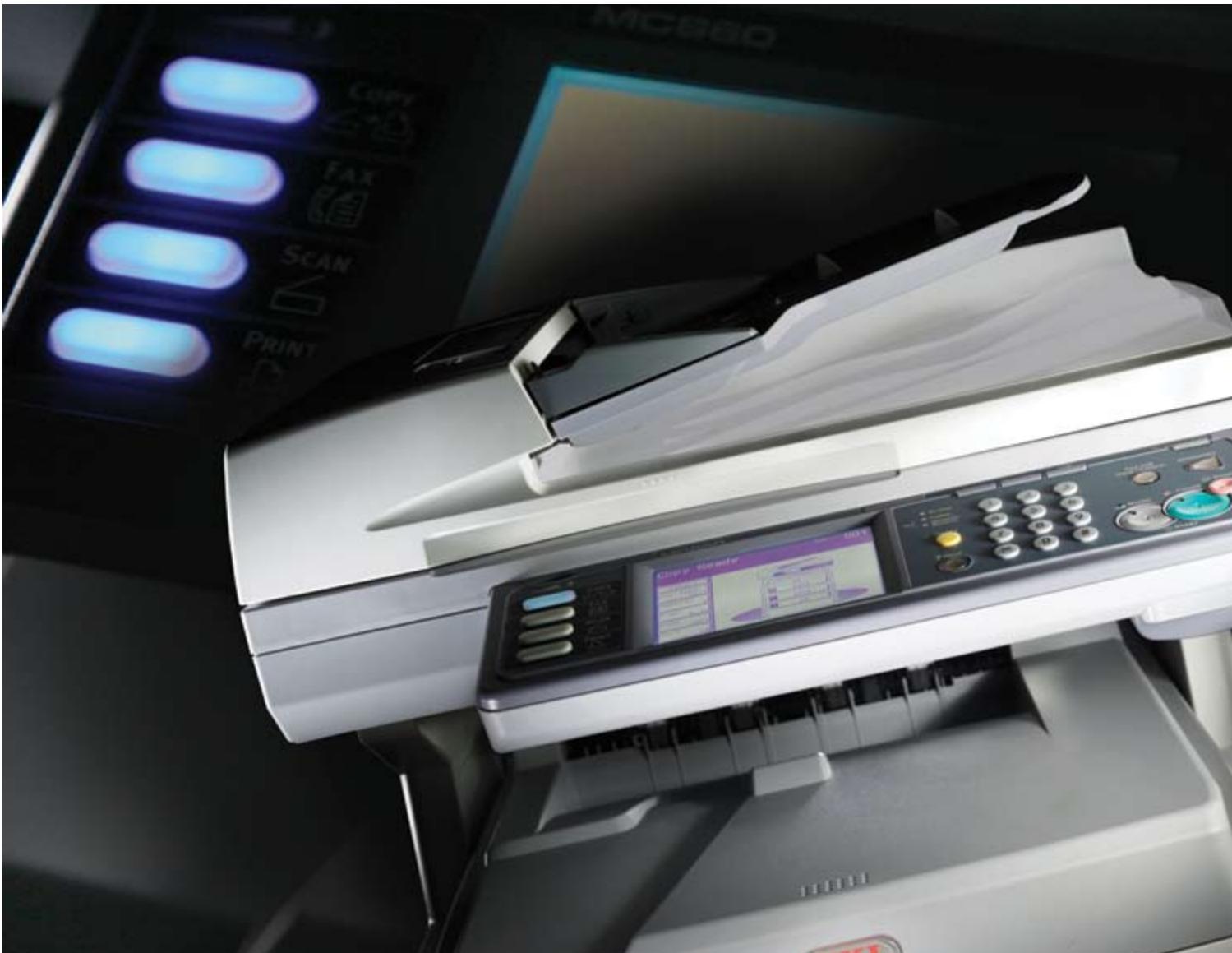
The ultra compact MFP delivering A4 and A3 colour flexibility to the workgroup
A4/A3
Range of media handling
Colour, mono
Print, copy, scan, fax
1-10+ Users
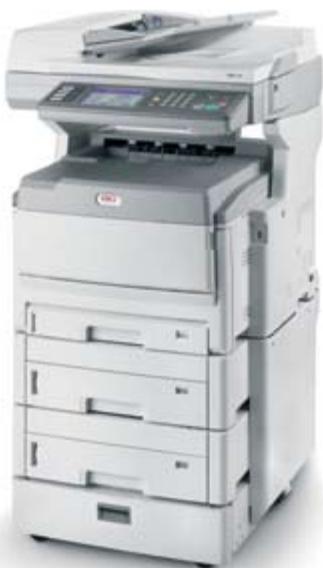
A4 price. A3 output. More print, scan, copy and fax for your money
The MC860 is the perfect multifunctional device for A4 and A3 output, tailored to the needs, floor space and budgets of workgroups and small businesses.
Easily integrated in any network, it provides easy, fast solutions for all mono and colour print or copy needs. It can receive and send faxes with a few keystrokes and scans documents to network, computer, email and even direct to USB.
Available as a desktop or floor standing version, the ultra compact MC860 increases efficiency for workgroups and small businesses by providing easy access to fast, efficient colour and mono multifunctionality.
The MC860 delivers full A4 and A3 capability, increased productivity, ongoing savings and award-winning print quality – at the price and in the size of conventional A4 MFPs.
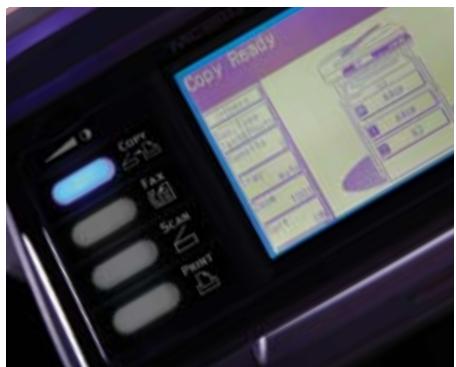
Dedicated function keys and easy to use touch-screen display
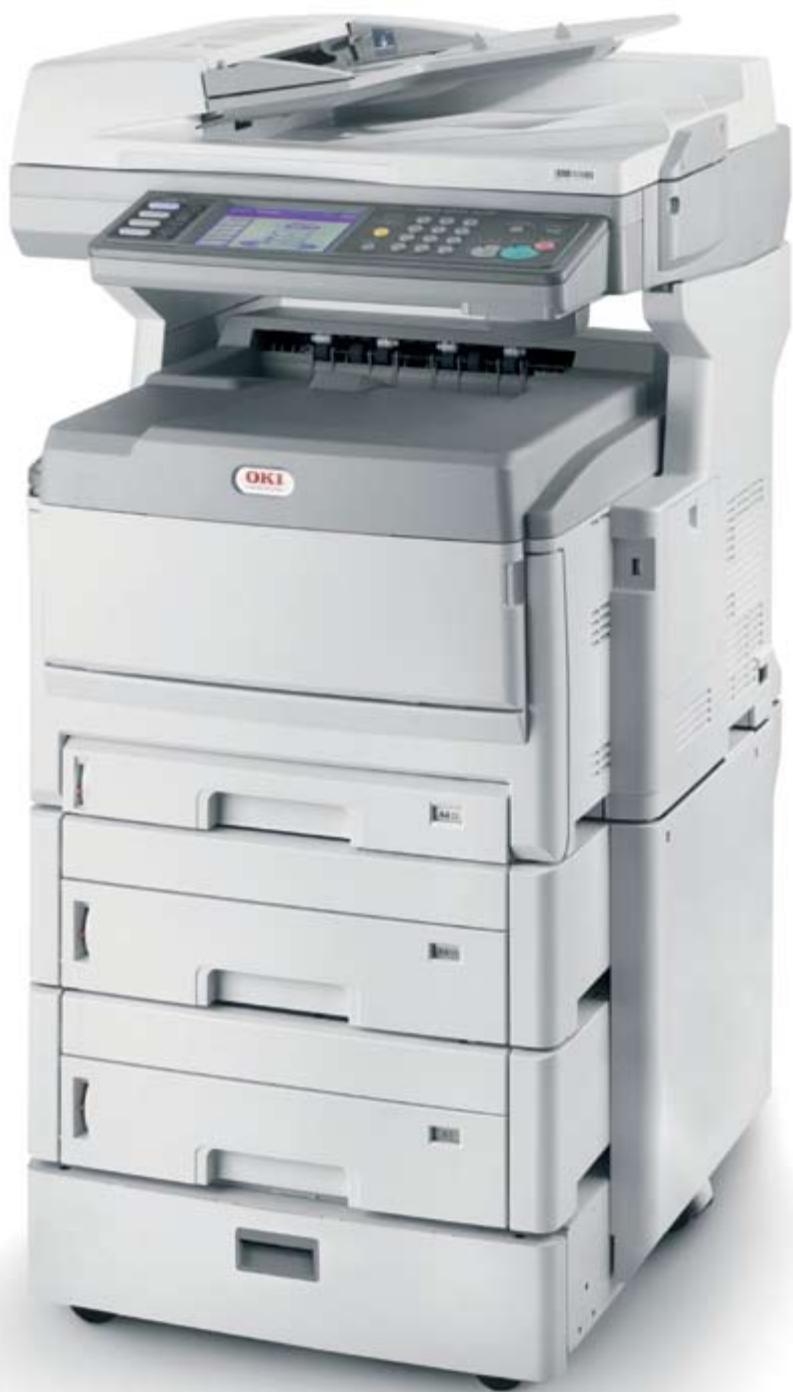
Designed for workgroup efficiency
The MC860 sits comfortably on or next to any desk and is so affordable that users can print, scan, copy and fax without breaking their budget:
The users can choose the output best suited for their needs: A4 or A3, mono or colour - at improved quality.
Being closer to the users, the device improves productivity, as waiting for a machine to become available will be a thing of the past.
The MC860 can be upgraded easily and cost-effectively to fit in with growing business needs, by adding extra trays or options for increased paper capacity.
The clear intuitive touch-screen reduces the number of user interactions to control advanced functions, making even complex tasks fast and easy.
Meeting every business need
The MC860 takes care of the day-to-day requirements in a high-performance multifunctional device:
The flexibility of formats allows the users to print posters, charts or booklets in-house, while the software included in the machine enables them to create everything from business cards and CD labels to banners at a click of a mouse, resulting in cost savings to the business.
Double-sided printing is included in all models, reducing paper use and saving costs.
To protect sensitive documents, the Encrypted Print functionality can be set to ask for a password before documents are printed.
The MC860 supports busy workloads by enabling the users to scan or copy while printing. And the Job Interrupt option temporally halts the print queue, so that the users can copy urgently required documents without stopping the daily workflow.
Professional document quality
With the MC860, prints, scans, copies and faxes look sharper, more colourful and professional, creating a quality impression with every document you create:
Single-pass digital LED printing and microfine High Definition Toner mean improved colour, depth and finish.
The straight paper path offers best in class print speed and reliability without compromising quality.
Using ProQ2400 Multi-level print technology, the MC860 brings out sharper detail and contrast, for livelier images and clearer text.
Photo Enhance ensures stunning pictures and impressive diagrams, even on normal office paper and Auto Color Balance means consistent results for life.
Faxing last minute changes to a purchase order, scanning the latest correspondence or printing a set of impressive sales reports - the MC860 is the ultra compact A4 and A3 MFP, designed to make your daily business life easy.
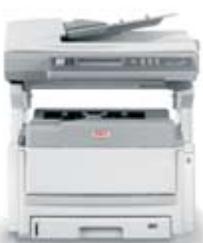
MC860dn duplex, network 400 sheets in total
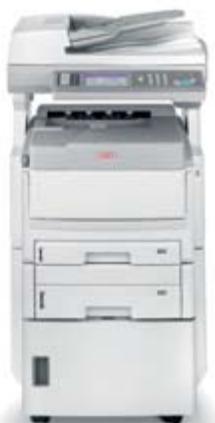
MC860cdtn
duplex, network, 2nd tray + tall cabinet 930 sheets in total
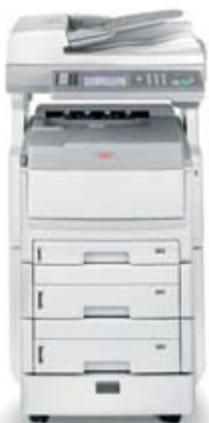
MC860cdxn
duplex, network,
2nd/3rd tray +
short cabinet
1460 sheets
in total
The MC860 features at a glance
| Print speed | A4 26ppm colour / 34ppm mono A3 15ppm colour / 17ppm mono |
| Print quality | ProQ2400 Multi-level technology, 1200 x 600 dpi |
| Printer languages | PCL 6 and PCL5c (Windows), PostScript (Windows / Mac) |
| Scan document input | 50 sheet Reverse Automatic Document Feeder (RADF), flatbed scanner |
| Copy speed | A4 26ppm colour / 34ppm mono A3 15ppm colour / 17ppm mono |
| Fax speed | ITU-T G3 (Super G3) 33.6 kbps, 3 seconds / page |
Fax page memory 16MB - approximately 1024 pages
| Paper capacity | Up to 1460 sheets of 80gsm |
| Dimensions (HxWxD) | 669mm x 565mm x 658mm (MC860dn) |
| Duplex unit | Standard |
| Memory | Standard: 512MB |
| Hard disk drive | 40GB |
| 2nd tray + tall cabinet | Optional |
| 2nd/3rd tray + short cabinet | Optional |
Business Printing Specialists
OKI Printing Solutions is a global business-to-business brand dedicated to creating cost effective, professional in-house printing solutions which are designed to increase the efficiency of today's and tomorrow's businesses and their workflows.
As pioneers in innovative print technologies from digital LED to High Definition Colour, we have a portfolio of award winning products and solutions enabling businesses to achieve both image focused, vibrant, quality print communications and budget flexibility.
OKI Printing Solutions presents a full range of A3 and A4 colour and mono printers and MFPs, for workgroups and businesses of all sizes with superior media-handling capabilities. In addition our fax, POS and dot matrix printers complete our range of print solutions. These best in class products are designed to be easy to use making the job of in-house print easier.

High Definition Color
High Definition Colour
High Definition Colour is OKI
Printing Solutions' own unique
set of market defining hardware and software technologies. Together, these components deliver unsurpassed colour printing simply, intelligently, and with perfect results.

Considering the Environment
OKI Printing Solutions is committed to its role as a responsible partner
for all its stakeholders: Shareholders, business partners, end-users, local communities and employees.
As part of the OKI Group's Charter of Corporate Conduct, OKI Printing Solutions continually reviews its efforts to provide environmentally sound solutions to its customers:
- OKI Printing Solutions' products are designed and manufactured with reducing the impact on the environment in mind.
- Increasing the amount of our hardware products and consumables that are recycled is one of our strategic objectives.
We feel responsible for conducting our business in an environmentally sound manner, contributing to conservation and activities within our local communities.
OKI Printing Solutions' Green Leaf symbol, found on all products and packaging, represents our total commitment to collection, recycling and environmental processes.
Great colour starts with OKI Printing Solutions
- The ultra compact MFP delivering A4 and A3 colour flexibility to the workgroup
- A4 price. A3 output. More print, scan, copy and fax for your money
- Designed for workgroup efficiency
- Meeting every business need
- Professional document quality
- Business Printing Specialists
- High Definition Colour
- Considering the Environment
- Great colour starts with OKI Printing Solutions
Marque : OKI
Modèle : MC860
Catégorie : Imprimante multifonction