LA CROSSE TECHNOLOGY WT280 - Station météorologique

WT280 - Station météorologique LA CROSSE TECHNOLOGY - Notice d'utilisation et mode d'emploi gratuit

Retrouvez gratuitement la notice de l'appareil WT280 LA CROSSE TECHNOLOGY au format PDF.

📄 3 pages Français FR Télécharger 💬 Question IA 12 questions ⚙️ Specs
Notice LA CROSSE TECHNOLOGY WT280 - page 1
Voir la notice : Français FR English EN
Choisissez votre langue et indiquez votre email : nous vous enverrons une version traduite specifiquement.
Intitulé Description
Type de produit Station météo sans fil
Caractéristiques techniques principales Affichage numérique, prévisions météorologiques, indicateur de tendance, mesure de la température intérieure et extérieure, hygromètre, horloge radio-pilotée
Alimentation électrique Adaptateur secteur et/ou piles (non incluses)
Dimensions approximatives 150 x 100 x 30 mm
Poids Environ 300 g
Compatibilités Compatible avec capteurs externes de la même marque
Type de batterie Piles AA (non incluses)
Tension 5V (adaptateur secteur)
Fonctions principales Prévisions météorologiques, affichage de la température et de l'humidité, horloge, alarme
Entretien et nettoyage Nettoyer avec un chiffon doux, éviter les produits abrasifs
Pièces détachées et réparabilité Disponibilité limitée des pièces détachées, consulter le service client pour les réparations
Informations générales utiles Vérifier la portée du capteur extérieur, installation recommandée à l'abri des intempéries

FOIRE AUX QUESTIONS - WT280 LA CROSSE TECHNOLOGY

Comment réinitialiser la LA CROSSE TECHNOLOGY WT280 ?
Pour réinitialiser votre appareil, retirez les piles, attendez 10 secondes, puis réinsérez-les.
Pourquoi ma station météo ne reçoit-elle pas les données de l'extérieur ?
Vérifiez que le capteur extérieur est bien alimenté et qu'il se trouve à une distance maximale de 100 mètres de la station météo.
Comment changer l'unité de mesure de la température ?
Accédez au menu des paramètres en appuyant sur le bouton 'SET', puis utilisez les flèches pour sélectionner l'unité souhaitée (°C ou °F).
Mon écran reste noir, que faire ?
Assurez-vous que les piles sont correctement installées et qu'elles ne sont pas déchargées. Remplacez-les si nécessaire.
Comment mettre à jour l'heure et la date sur la station ?
Appuyez sur le bouton 'SET', puis utilisez les flèches pour ajuster l'heure et la date avant de confirmer avec 'SET'.
Que faire si la connexion Bluetooth ne fonctionne pas ?
Assurez-vous que votre appareil est à proximité de la station et que le Bluetooth est activé sur votre smartphone ou tablette.
Pourquoi mes prévisions météo sont-elles inexactes ?
Les prévisions dépendent des données locales. Assurez-vous que votre station est placée dans un endroit approprié, loin des sources de chaleur et d'humidité.
Comment savoir si mes capteurs fonctionnent correctement ?
Vérifiez les indicateurs LED sur les capteurs. Si la lumière clignote, cela indique qu'ils fonctionnent et essaient de se connecter.
Est-ce que la LA CROSSE TECHNOLOGY WT280 est étanche ?
Le capteur extérieur est résistant à l'eau, mais il n'est pas conçu pour être immergé. Évitez de l'exposer à des conditions extrêmes.
Comment enregistrer des données historiques sur la station ?
Les données sont automatiquement enregistrées dans la mémoire de l'appareil. Vous pouvez accéder à l'historique via le menu des paramètres.

Questions des utilisateurs sur WT280 LA CROSSE TECHNOLOGY

2 questions sur cet appareil. Repondez a celles que vous connaissez ou posez la votre.

Poser une nouvelle question sur cet appareil

L'email reste privé : il sert seulement à vous prévenir si quelqu'un répond à votre question.

Quel est le rôle du capteur TX44DTH-IT pour la station météorologique La Crosse Technology WT280 ?
FAQ fréquente - 30/01/2026
Réponse Notice-Facile

Le capteur TX44DTH-IT est un accessoire externe conçu pour fonctionner avec la station météorologique La Crosse Technology WT280. Il permet de mesurer la température et l'humidité à l'extérieur, fournissant ainsi des données précises sur les conditions météorologiques extérieures.

Fonctions principales du TX44DTH-IT :

  • Mesure de la température extérieure : Le capteur transmet les données de température à la station WT280 pour un affichage en temps réel.
  • Mesure de l'humidité extérieure : Il détecte le taux d'humidité ambiant extérieur, utile pour évaluer le confort et les conditions climatiques.
  • Transmission sans fil : Le capteur communique sans fil avec la station, ce qui facilite son installation à l'extérieur sans câblage.

En résumé, le TX44DTH-IT complète votre station WT280 en fournissant des informations météorologiques extérieures essentielles pour une analyse complète de votre environnement.

Répondre (soyez le premier)
Comment trouver la référence de la station météorologique La Crosse Technology WT280 ?
FAQ fréquente - 30/01/2026
Réponse Notice-Facile

La référence de votre station météorologique La Crosse Technology WT280 se trouve généralement sur une étiquette située sur l'appareil. Pour la localiser, suivez ces étapes :

  • Retournez la station : Posez la station sur une surface plane et retournez-la doucement pour accéder à son dos.
  • Recherchez l'étiquette : Sur le panneau arrière, vous devriez voir une étiquette comportant plusieurs informations techniques.
  • Identifiez la référence : La référence du modèle est indiquée clairement, souvent sous la forme "WT280" ou un code similaire.

Cette référence est utile pour identifier précisément votre appareil, notamment pour des besoins de support, de mise à jour ou d'achat d'accessoires compatibles.

Répondre (soyez le premier)

Téléchargez la notice de votre Station météorologique au format PDF gratuitement ! Retrouvez votre notice WT280 - LA CROSSE TECHNOLOGY et reprennez votre appareil électronique en main. Sur cette page sont publiés tous les documents nécessaires à l'utilisation de votre appareil WT280 de la marque LA CROSSE TECHNOLOGY.

MODE D'EMPLOI WT280 LA CROSSE TECHNOLOGY

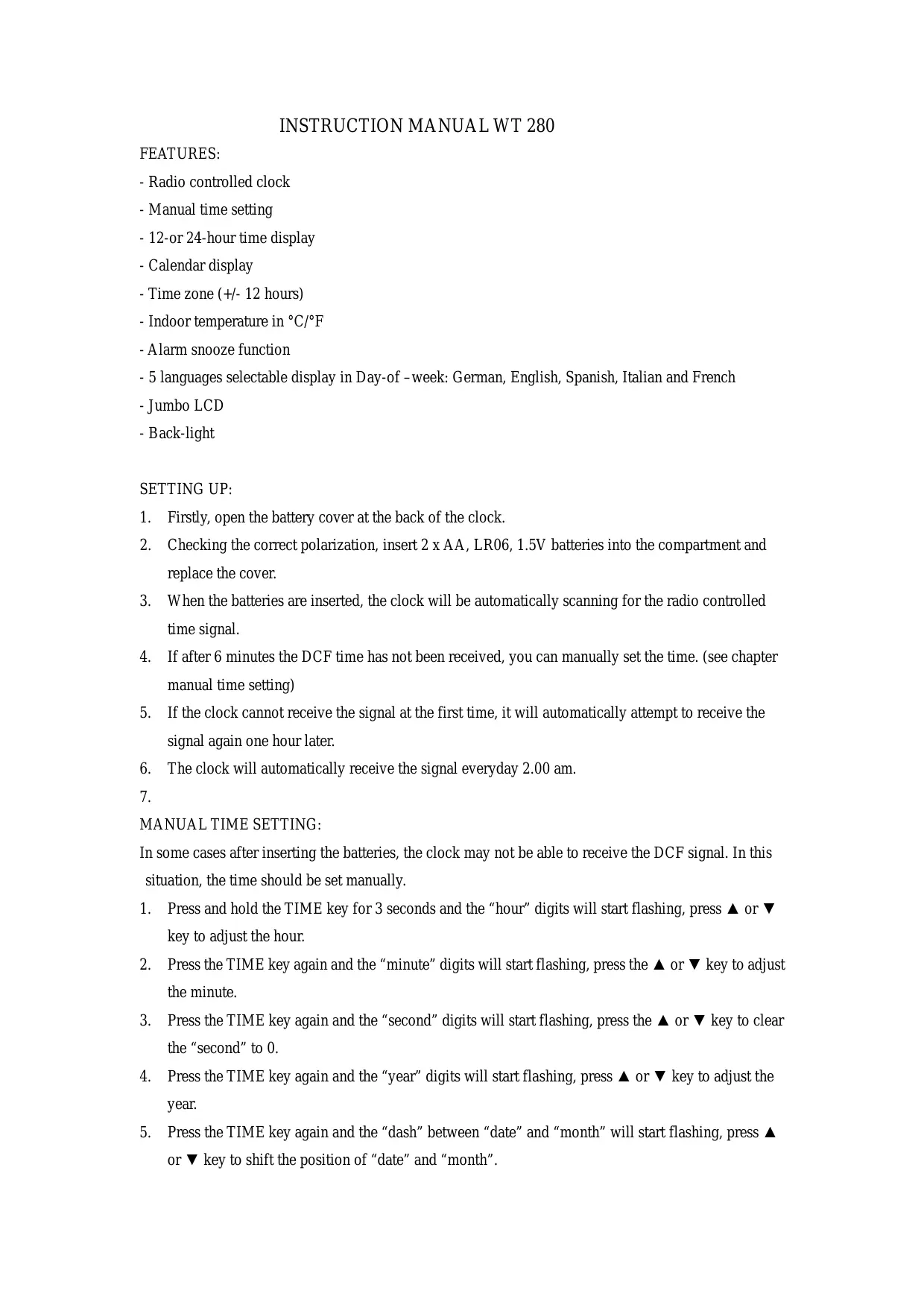
INSTRUCTION MANUAL WT 280

FEATURES:

  • Radio controlled clock
  • Manual time setting
  • 12-or 24-hour time display
  • Calendar display
  • Time zone (+/- 12 hours)
  • Indoor temperature in ^ C / ^ F
  • Alarm snooze function
  • 5 languages selectable display in Day-of-week: German, English, Spanish, Italian and French
  • Jumbo LCD
    -Back-light

SETTING UP:

  1. Firstly, open the battery cover at the back of the clock.
  2. Checking the correct polarization, insert 2 x AA, LR06, 1.5V batteries into the compartment and replace the cover.
  3. When the batteries are inserted, the clock will be automatically scanning for the radio controlled time signal.
  4. If after 6 minutes the DCF time has not been received, you can manually set the time. (see chapter manual time setting)
  5. If the clock cannot receive the signal at the first time, it will automatically attempt to receive the signal again one hour later.
  6. The clock will automatically receive the signal everyday 2.00 am.
    7.

MANUAL TIME SETTING:

In some cases after inserting the batteries, the clock may not be able to receive the DCF signal. In this situation, the time should be set manually.

  1. Press and hold the TIME key for 3 seconds and the “hour” digits will start flashing, press or key to adjust the hour.
  2. Press the TIME key again and the "minute" digits will start flashing, press the or key to adjust the minute.
  3. Press the TIME key again and the "second" digits will start flashing, press the or key to clear the "second" to 0.
  4. Press the TIME key again and the "year" digits will start flashing, press or key to adjust the year.
  5. Press the TIME key again and the “dash” between “date” and “month” will start flashing, press or key to shift the position of “date” and “month”.

  6. Press the TIME key again and the "month" digits will start flashing, press the or key to adjust the month.

  7. Press the TIME key again and the “date” digits will start flashing, press the or key to adjust the date.
  8. Press the TIME key again and then press the or key to set the time zone, e.g. when the country time is faster than DCF time for 1 hour, the zone should be set to +1 .
  9. Press the TIME key again and then press the or key to choose the language for the Day of week.
  10. Press the TIME key again to return to normal display.

ALARM SETTING:

  1. Press the ALARM ON/OFF key.
  2. Press and hold the ALARM key for 3 seconds and the "minute" digits of alarm time will start flashing, press or key to adjust the minute.
  3. Press the ALARM key again and the “hour” digits of alarm time will start flashing, press or key to adjust the hour.
  4. Press the ALARM key again to return to alarm time display.
  5. Press the ALARM ON/OFF key once to activate alarm on function and twice to activate snooze function. Press the ALARM ON/OFF key once more, the alarm on function will be inactivated.
  6. Press TIME key to return to normal display mode.

FUNCTION KEYS

SNOOZE/LIGHT KEY

  • When the snooze alarm beeps, press the SNOOZE/LIGHT key to pause the alarm for 5 minutes and the snooze function can be used repeatedly.

To stop snooze function, just press other keys once.

-Press the SNOOZE/LIGHT key to illuminate the LCD for 3 seconds.

C/F KEY

-In normal time display, press the C/F key to toggle between Celsius and Fahrenheit temperature readings.

12/24 KEY

-In normal time display, press the 12/24 key to toggle between 12h and 24h display.

WAVE KEY

-In normal time display, press and hold the WAVE key for 3 seconds to activate the DCF scanning function.

-If the clock is scanning for the DCF signal, press the WAVE key for 3 seconds▲ to inactivate the DCF scanning function.

LIABILITY DISCLAIMER

  • The electrical and electronic wastes contain hazardous substances. Disposal of electronic waste in wild country and/or in unauthorized grounds strongly damages the environment.
    Please contact your local or/and regional authorities to retrieve the addresses of legal dumping grounds with selective collection.
    All electronic instruments must from now on be recycled. User shall take an active part in the reuse, recycling and recovery of the electrical and electronic waste.
    The unrestricted disposal of electronic waste may do harm on public health and the quality of environment.
    As stated on the gift box and labeled on the product, reading the "User manual" is highly recommended for the benefit of the user. This product must however not be thrown in general rubbish collection points.
    The manufacturer and supplier cannot accept any responsibility for any incorrect readings and any consequences that occur should an inaccurate reading take place.
    This product is designed for use in the home only as indication of the temperature.
    This product is not to be used for medical purposes or for public information.
    The specifications of this product may change without prior notice.
    This product is not a toy. Keep out of the reach of children.

No part of this manual may be reproduced without written authorization of the manufacturer.

LA CROSSE TECHNOLOGY WT280 - LIABILITY DISCLAIMER - 1

Assistant notice
Powered by Anthropic
En attente de votre message
Informations produit

Marque : LA CROSSE TECHNOLOGY

Modèle : WT280

Catégorie : Station météorologique