L06WMS14E - Waffle Maker Logik - Free user manual and instructions
Find the device manual for free L06WMS14E Logik in PDF.
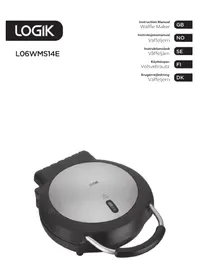


| Product Type | Waffle Maker |
| Brand | Logik |
| Model | L06WMS14E |
| Dimensions (W x D x H) | 312 x 233 x 101 mm |
| Net Weight | 2.1 kg |
| Power Supply | 220-240 V ~ 50/60 Hz |
| Power Consumption | 1300 W |
| Power Indicator | Red LED |
| Temperature Indicator | Green LED |
| Cord Reel | Yes |
| Handle | Yes, with lid lock |
| Cooking Plates | Non-stick coating |
| Capacity | Single waffle |
| First Use Preparation | Clean plates, smear with butter or margarine, heat until green light |
| Batter Quantity | Small ladle (approx. 100 ml) |
| Cleaning | Wipe with damp cloth, avoid metal utensils |
| Safety Features | Automatic shut-off (not specified, but safe operation required) |
| Included Accessories | Instruction manual |
| Usage | Indoor household use only |
| Warranty | Standard 2-year (check retailer) |
Frequently Asked Questions - L06WMS14E Logik
User questions about L06WMS14E Logik
0 question about this device. Answer the ones you know or ask your own.
Ask a new question about this device
Download the instructions for your Waffle Maker in PDF format for free! Find your manual L06WMS14E - Logik and take your electronic device back in hand. On this page are published all the documents necessary for the use of your device. L06WMS14E by Logik.
USER MANUAL L06WMS14E Logik
Contents
GB
Safety Warnings 5
Unpacking....15
Product Overview 16
First Time Use....16
Waffle Making....18
Cleaning and Maintenance....20
Hints to Make Perfect Waffles....20
Specifications....21
Innhold
NO
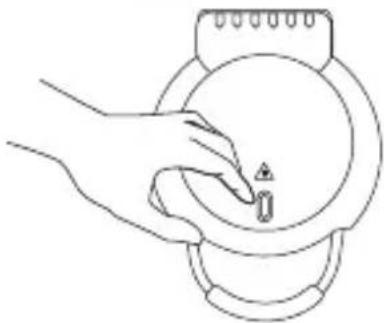
Do not touch the surface of the appliance during operation.
- This appliance can be used by children aged from 8 years and above and persons with reduced physical, sensory or mental capabilities or lack of experience and knowledge if they have been given supervision or instruction concerning use of the appliance in a safe way and understand the hazards involved. Children shall not play with the appliance. Cleaning and user maintenance shall not be made by children without supervision.
- Keep the appliance and its mains cable out of the reach of children less than 8 years old. • This appliance is intended for indoor household use and similar applications such as:
—farm houses and by clients in hotels, motels and other residential type environments; —bed and breakfast type environments; —catering and similar non-retail applications.
Your appliance should be used in such a way that it is protected from moisture, e.g., condensation, splashed water, etc. Do not place or store your appliance where it can fall or be pulled into water or any other liquid. Do not
reach for the appliance if it has fallen in water or any other liquid. Unplug immediately. Stand your appliance on a stable, level surface during use. Do not allow your appliance to sit on top of the mains cable.
- Make sure that children cannot touch the appliance when hot or pull the mains cable.
- It is dangerous to insert fingers or other objects into the appliance.
- Your appliance must not be used near or below curtains or other combustible materials. It must be watched when in use. Do not leave your appliance unattended. Your appliance should be placed away from heat sources such as radiators, gas/electric fires and direct sunlight.
- Keep the mains cable away from any heated surfaces.
- Use the appliance only for its intended use, as described in this manual.
- Do not use outdoors.
- Never use your appliance if it is damaged in any way. Do not remove any fixed covers.
- Never use this appliance if it is not working properly, or if it has been dropped or damaged.
- If the mains cable is damaged, it must be replaced by the manufacturer, its service agent, or similarly qualified persons in order to avoid a hazard.
CAUTION: Hot surface
Thank you for purchasing your new Logik waffle maker.
We recommend that you spend some time reading this instruction manual in order to fully understand all the operational features it offers.
Read all the safety instructions carefully before use and keep this instruction manual for future reference.

Unpacking
Remove all items from the packaging. Retain the packaging. If you dispose of it, please do so according to local regulations.
The following items are included:
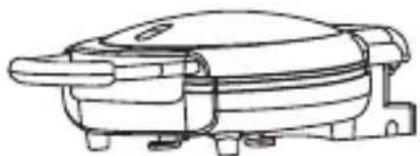
The Main Unit Instruction Manual
Product Overview
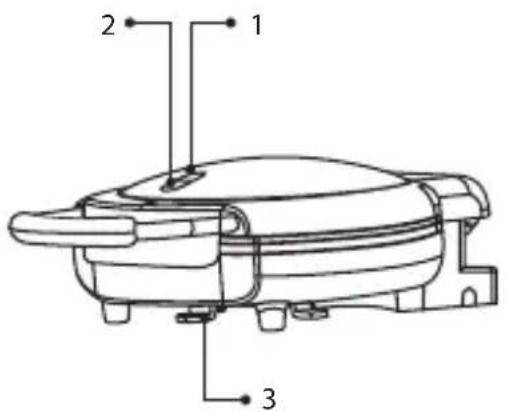
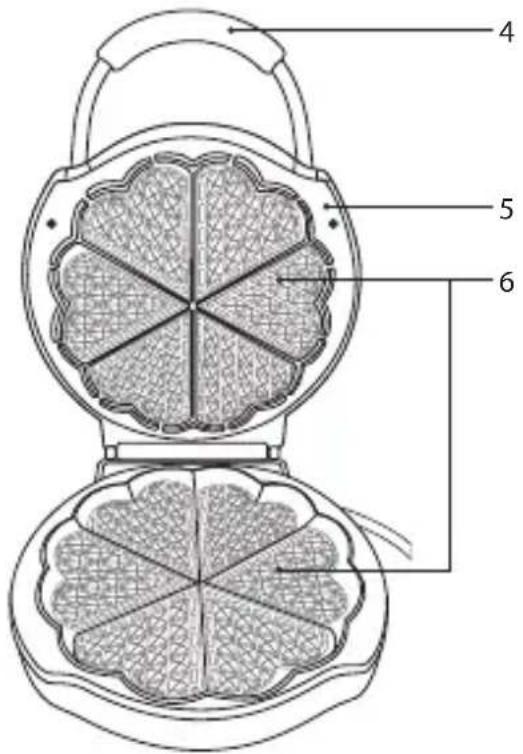
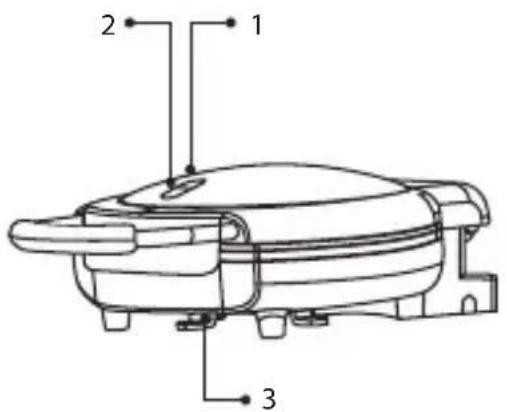
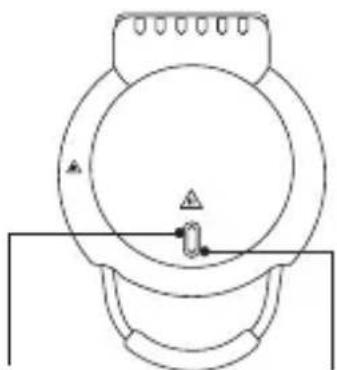
- Power Indicator (Red)
- Temperature Indicator (Green)
- Cord Reel
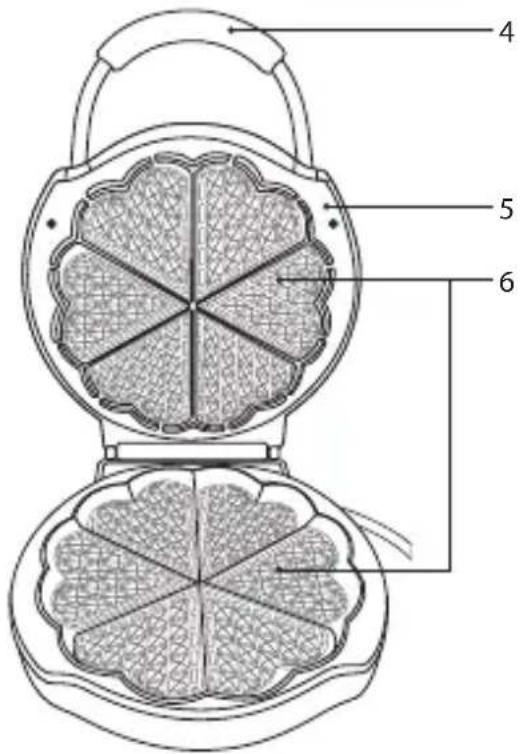
- Handle
- Lid
- Cooking Plate
First Time Use

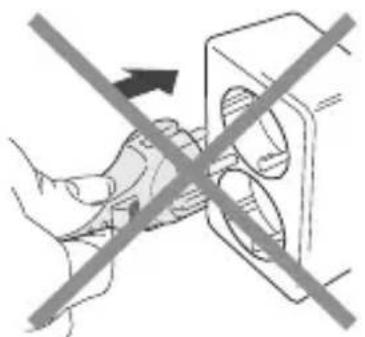
Do not connect to the mains socket yet.
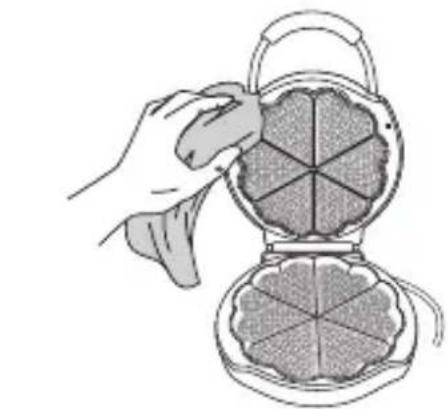
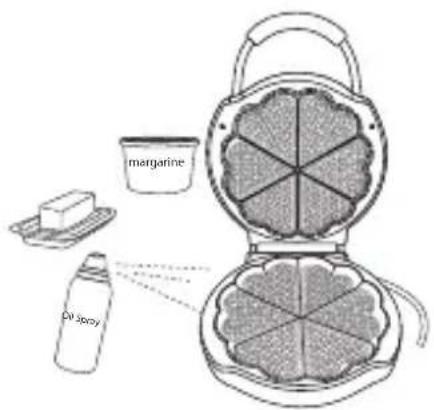
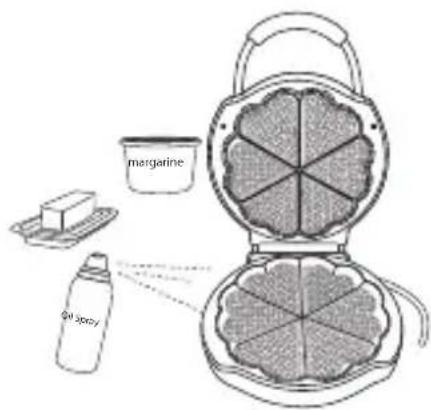
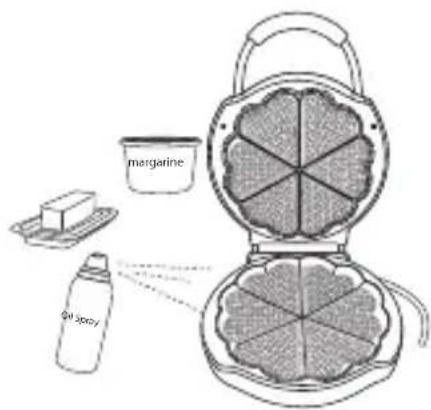
- Lift the lid of the waffle maker. Clean the surface of the cooking plates with a damp cloth and wipe dry.
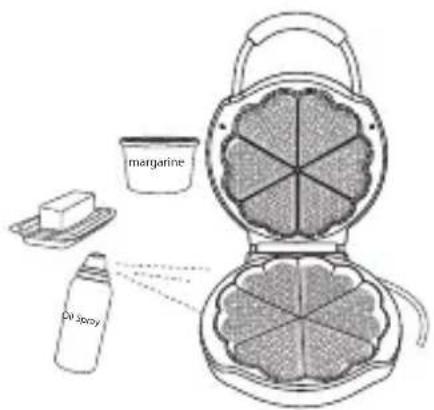
- Smear a layer of butter, margarine or cooking fat over the cooking plates.
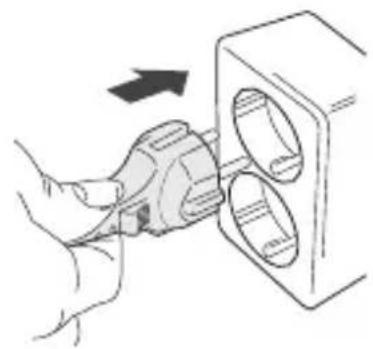
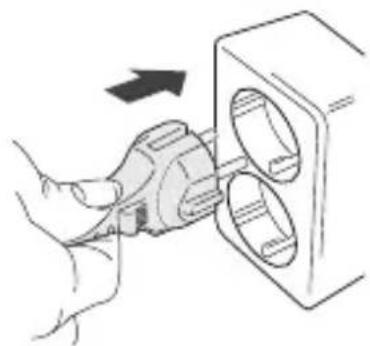
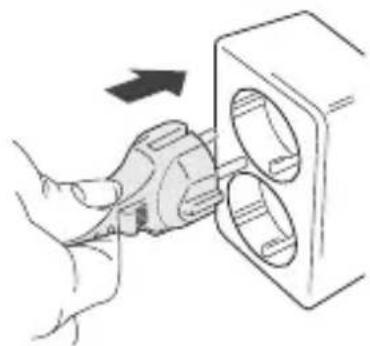
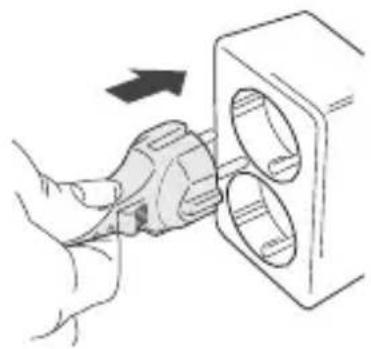
- Close the waffle maker and connect the plug to the mains socket.
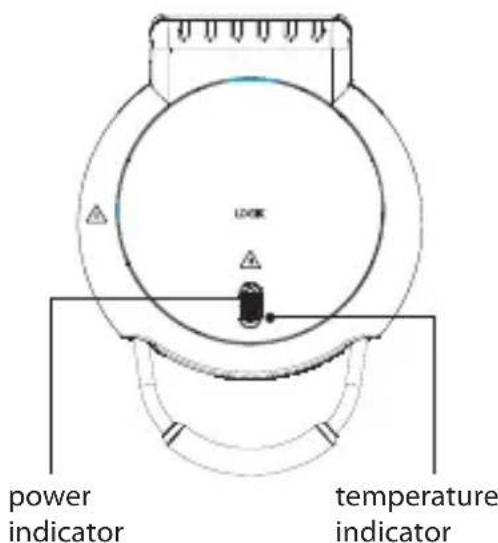
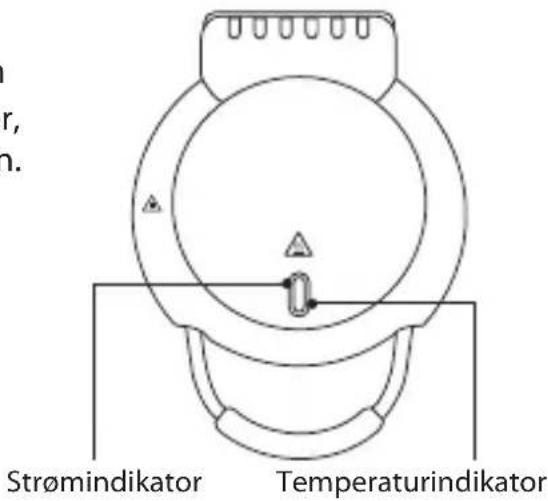
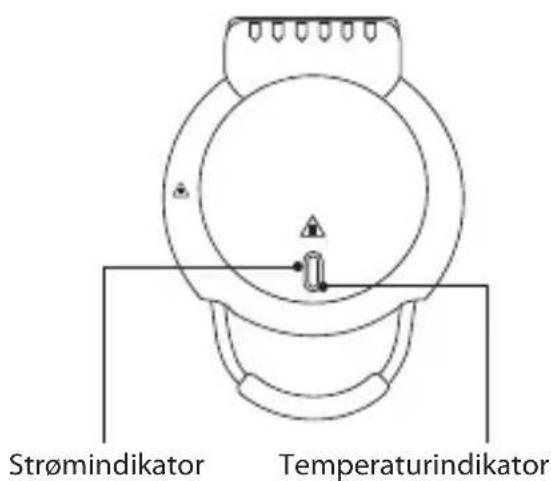
- Turn the power on at the mains socket. The red power indicator will light up. After several minutes, the green temperature indicator will light up.
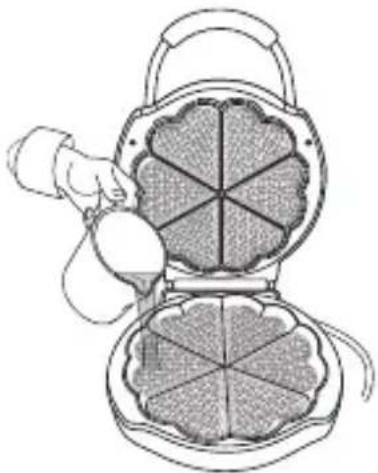
- Lift the lid and pour a small ladle of batter onto the centre of the lower waffle grid. Use a heat-proof plastic spatula to spread batter evenly over the grids. Close the lid and press for a short while, the green indicator will blink out.

Do not touch the surface of the cooking plates as they get very hot.
- Wait until the green temperature indicator lights up again. Open the lid and remove the waffle from the cooking plates with a wooden utensil.

Never use a metal object to remove your waffle as it may damage the cooking plates.

Please do not eat the first waffle.

Waffle Making
- Close the lid and connect the plug to the mains socket and switch on.
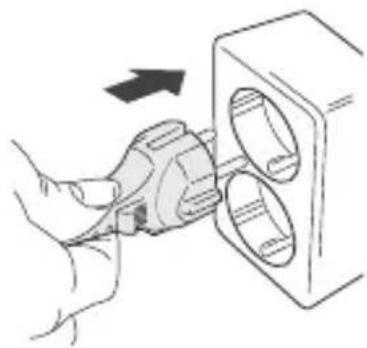
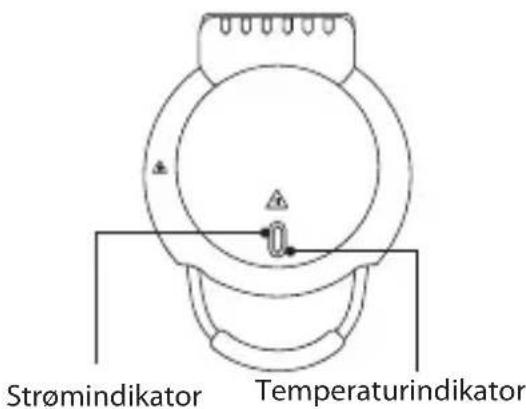
- The power indicator will light up red. When the temperature indicator lights up green, the unit is ready to make waffles.
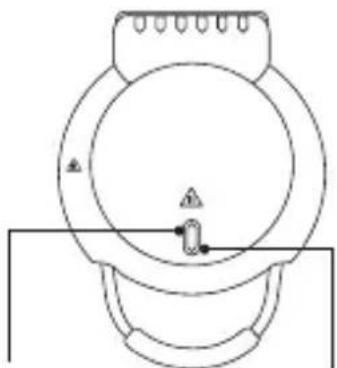
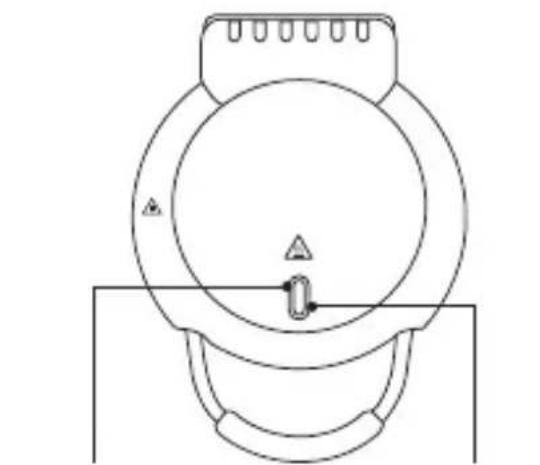
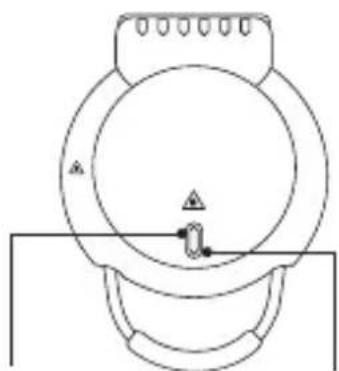
power indicator
temperature indicator
- Lift up the lid and pour a small amount of batter onto the centre of the lower waffle grid. Use a heat-proof utensil (not metal) to spread the batter evenly over the grid.

- Do not touch the surface of the cooking plates as they get very hot. Fill the grid(s) quickly, or the waffles will not brown evenly.
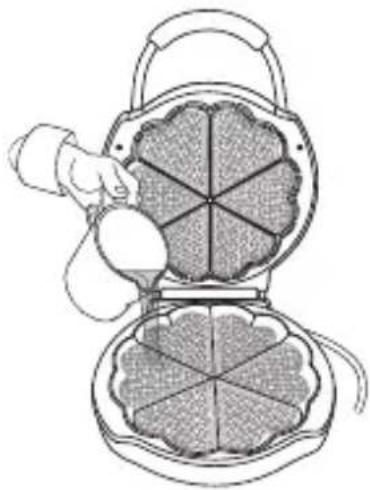
- Close the lid and press for a moment. Once the waffles are ready, the temperature indicator will light up green. Leave the unit closed for another 1 - 2 minutes to ensure food is thoroughly cooked.
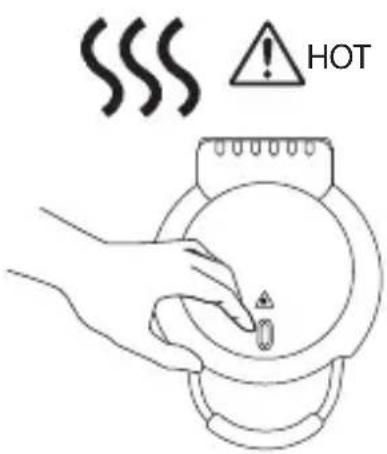
- Remove the waffles from the unit using a wooden or heat-resistant utensil (not metal). Pour more batter to continue making waffles, or unplug the unit.

Cleaning and Maintenance
Do not use harsh cleaners, solvents or scouring pads as they may damage the casing.
- Fully unplug the plug from the mains socket. Wait until the unit has cooled down before cleaning.
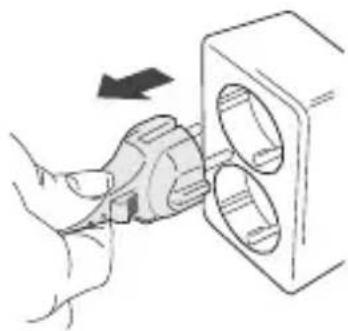
- Use a dry paper towel or a damp cloth to wipe away crumbs and soak up excess oil on the waffle grid. Clean the surface of the cooking plates with a damp cloth and wipe dry. Make sure you do not allow water to seep into the controls or heating elements.
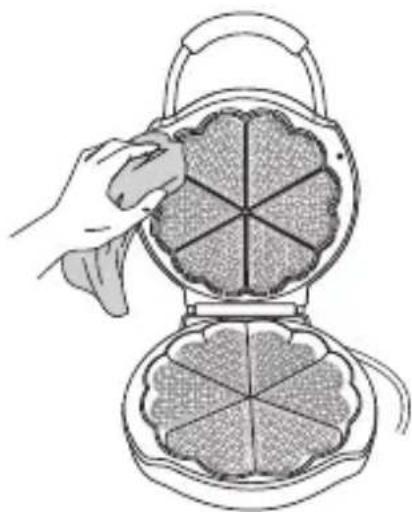

A non-metal, heat-resistant utensil and a paper towel can help clean the waffle maker thoroughly. A metal utensil may damage the cooking plates.

Hints to Make Perfect Waffles
- For evenly filled waffles, pour the batter onto the centre of the waffle grid and close the lid immediately.
- Baked waffles will accumulate steam between them and lose their crispness if stacked or cooled on a solid surface. For best results, move waffles to a wire cooling rack and do not stack.
- Finished waffles may be kept warm by placing them directly on a rack in a 100°C oven.
- Place in a baking pan while in the oven. Waffles wrapped in foil may lose their crispiness.
Cooked waffles may be frozen. Stack the waffles, separating each layer with grease-proof paper, then place them in a suitable container. Heat them up in a toaster or toaster oven.

Specifications
| Model L06WMS14E | |
| Dimension 312mm (W) x 233mm (D) x 101mm (H) | |
| Net Weight 2.1kg | |
| Mains supply 220V-240V ~50/60Hz | |
| Power consumption 1300W | |
Features and specifications are subject to change without prior notice.

Product Overview
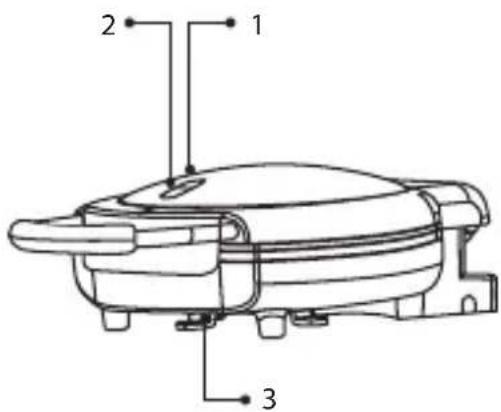
- Power indicator (Red)
- Temperature indicator (Green)
- Cord winder
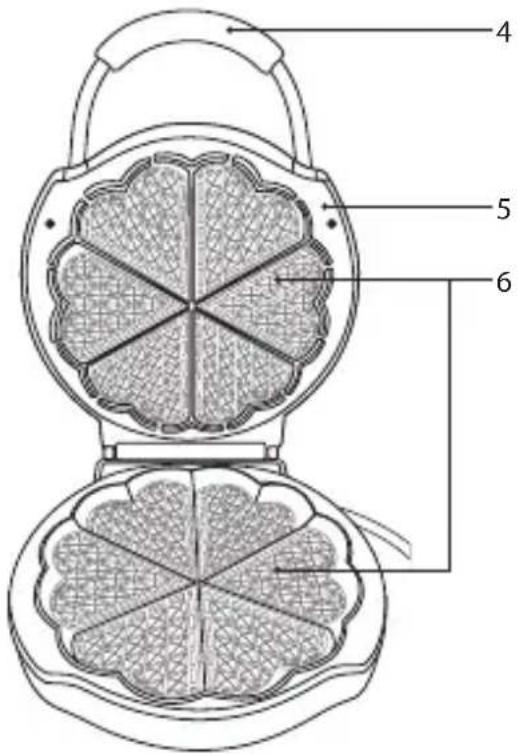
- Handle
- Lid
- Cooking plate

First use

NO
NO

VARMT


Product Overview
SE
- Power indicator (Red)
- Temperature indicator (Green)
- Cord winder
- Handle
- Lid
- Cooking plate

First use

Power indicator Temperature indicator
SE
Power indicator Temperature indicator

Device User Guide



Product Overview

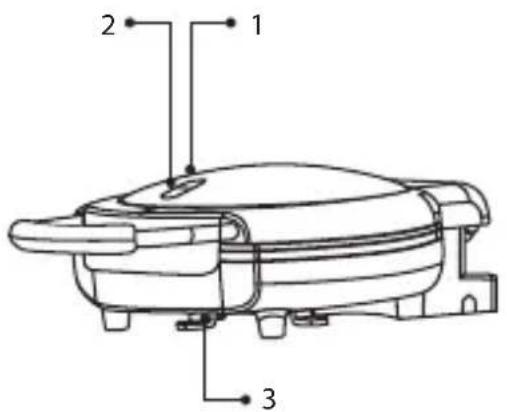
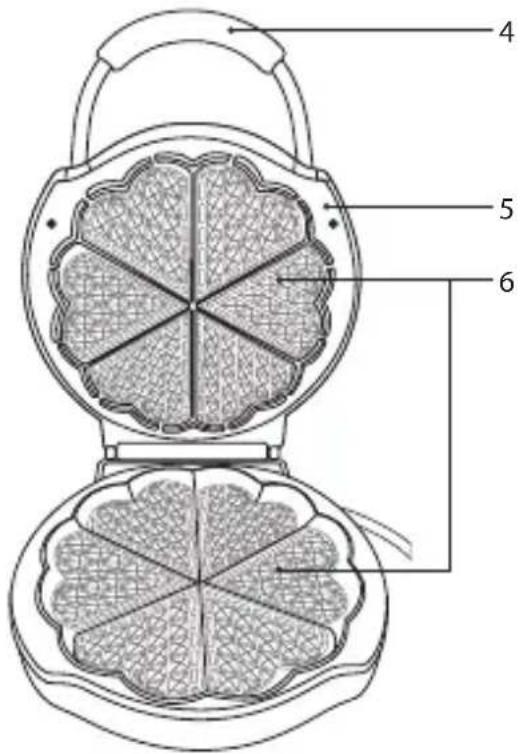
- Power indicator (Red)
- Temperature indicator (Green)
- Cord winder
- Handle
- Lid
- Cooking plate

Before first use

Power indicator Temperature indicator

The symbol on the product or its packaging indicates that this product must not be disposed of with your other household waste. Instead, it is your responsibility to dispose of your waste equipment by handing it over to a designated collection point for the recycling of waste electrical and electronic equipment. The separate collection and recycling of your waste equipment at the time of disposal will help conserve natural resources and ensure that it is recycled in a manner that protects human health and the environment.
For more information about where you can drop off your waste for recycling, please contact your local authority, or where you purchased your product.
GB www.knowhow.com/knowledgebank
NO www.elkjop.no/support
www.lefdal.com/support
SE www.elgiganten.se/support
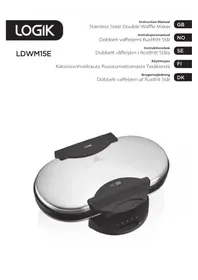
Brand : Logik
Model : L06WMS14E
Category : Waffle Maker