
Pro Digital - Freezer OBH NORDICA - Free user manual and instructions
Find the device manual for free Pro Digital OBH NORDICA in PDF.


| Type | Freezer |
| Brand | OBH Nordica |
| Model | Pro Digital |
| Color | White |
| Energy Class | A+ |
| Total Capacity | 200 L |
| Freezing Capacity | 10 kg/24h |
| Temperature Range | -18°C to -24°C |
| Defrost Type | Manual |
| Digital Display | Yes |
| Control Type | Touch |
| Dimensions (HxWxD) | 85 x 60 x 60 cm |
| Weight | 35 kg |
| Noise Level | 42 dB |
| Climate Class | N-T |
| Refrigerant | R600a |
| Voltage | 220-240 V |
| Frequency | 50 Hz |
| Power Consumption | 200 kWh/year |
| Warranty | 2 years |
| Included Accessories | Ice cube tray |
Frequently Asked Questions - Pro Digital OBH NORDICA
User questions about Pro Digital OBH NORDICA
0 question about this device. Answer the ones you know or ask your own.
Ask a new question about this device
Download the instructions for your Freezer in PDF format for free! Find your manual Pro Digital - OBH NORDICA and take your electronic device back in hand. On this page are published all the documents necessary for the use of your device. Pro Digital by OBH NORDICA.
USER MANUAL Pro Digital OBH NORDICA
DESIGNING GOOD LIFE
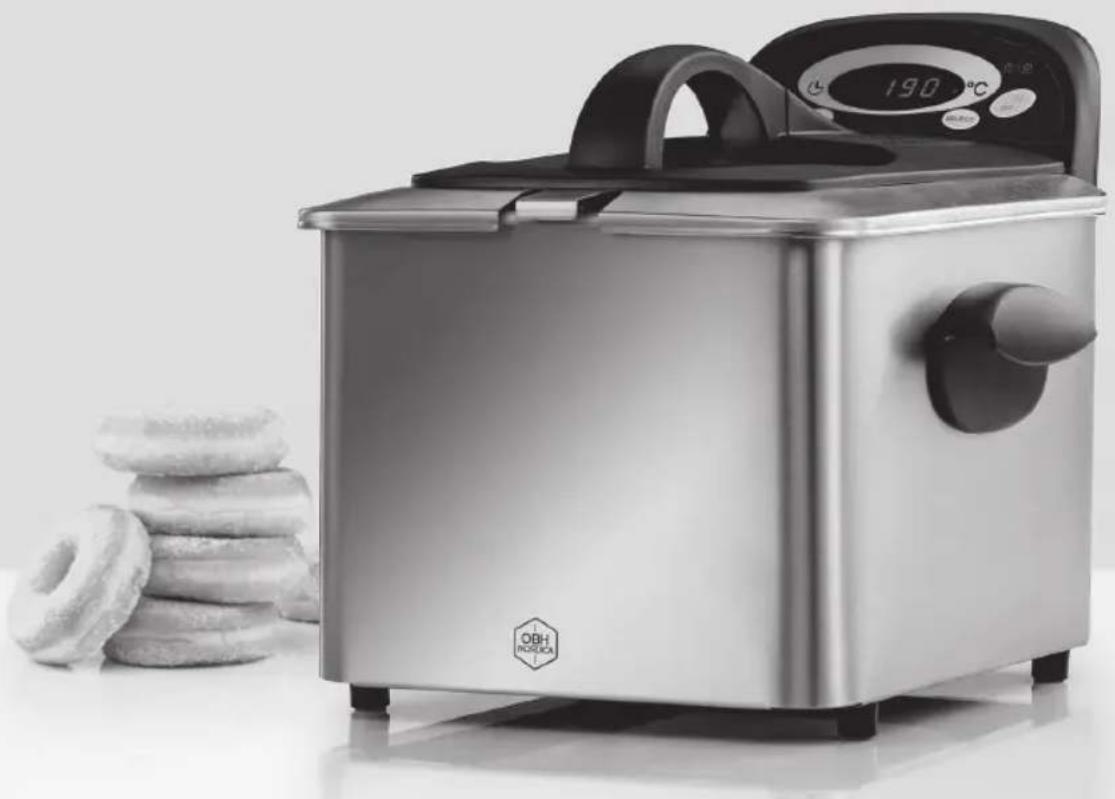
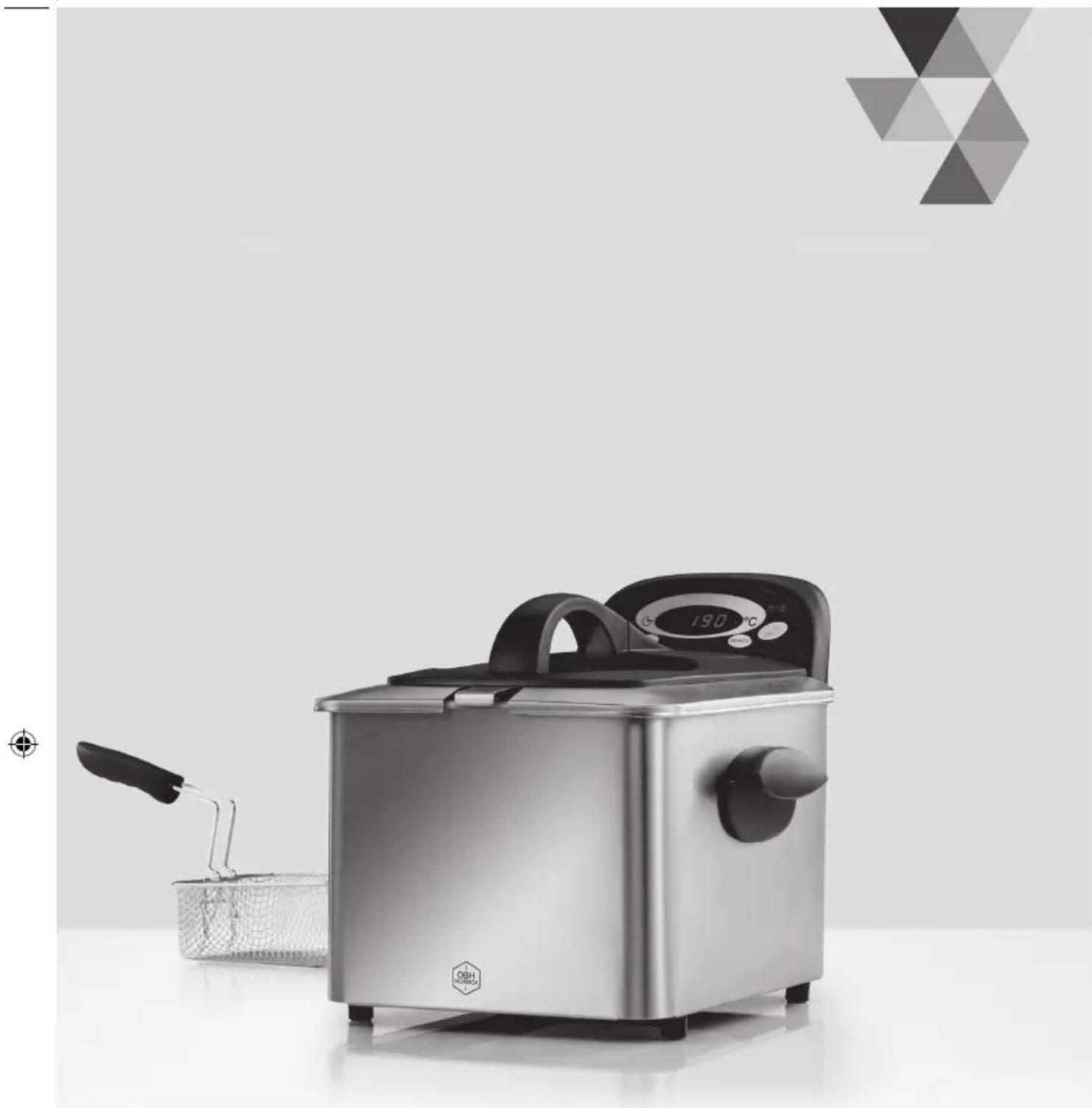
Deep Fryer 4 L
PRO DIGITAL FRYER
Fried food at home with confidence and ease
natural_image
Modern stainless steel food processor with digital temperature display and stacked donuts in foreground (no text or symbols on main subject)Making good!
natural_image
Close-up of a metal chain-link fence with a hand holding a black object (no text or symbols visible)natural_image
Close-up of a metal chain-link fence with a black plastic clip attached (no text or symbols visible)OBH Nordica Denmark A/S
Delta Park 37
2665 Vallensbæk Strand
Tlf.: 43 350 350
www.obhnordica.dk
Tekniske data
OBH Nordica 6357
220-240 volt \~
2000 watt, 50 Hz
Kapacitet: 4 liter olie
Friturekurv
natural_image
Close-up of a metal chain-link fence with a black tool inserted, no visible text or symbolsSlå aldri på frityrkokeren, hvis oljebeholderen med olje ikke er satt korrekt på plass i apparatet. Olje må kun helles i oljebeholderen og aldri ned i selve apparatet. Slå aldri på frityrkokeren uten olje i beholderen, da dette kan ødelegge apparatet.
Fritering
OBH Nordica Norway AS
Maridalsveien 15 E
0178 Oslo
Tlf: 22 96 39 30
www.obhnordica.no
Tekniske data
OBH Nordica 6357
220-240 volt \~
2000 watt, 50 Hz
Kapasitet: 4 liter olje
Frityrkurv
Avtagbar oljebeholder

natural_image
Close-up of a metal chain-link fence with a black tool extending upward (no text or symbols visible)- Read the instruction manual carefully before use and save it for future use.
- Plug the appliance to a household outlet of 220-240V only, and use the appliance only for the intended use.
- Always unplug the appliance from the mains supply when not in use.
- The appliance must not be immersed in water or any other liquids.
- This appliance can be used by children aged 8 years and over and persons with reduced physical, sensory or mental capabilities or lack of experience and knowledge, if they have been given supervision or instruction concerning the use of the appliance in a safe way by a person responsible for their safety and they understand the hazards involved.
- Children should be supervised to ensure that they do not play with the appliance. Children are not always able to understand potential risks. Teach children a responsible handling of electrical appliances.
- Cleaning and maintenance shall not be made by children, unless they are over the age of 8 and supervised.
- Check that the cord is not hanging over the edge of the table.
- Do not place the appliance on or near hotplates, open fire or the like.
-
The appliance should only be used under supervision.
-
The appliance is not intended to be operated by means of an external timer or a separate remote-control system.
- Always examine appliance, cord and plug for damage before use. If the supply cord is damaged, it must be replaced by the manufacturer or his service agent or a similarly qualified person in order to avoid a hazard.
- For additional protection the installation of a residual current device (RCD) with a rated residual operating current not exceeding 30 mA is recommended. Ask your installer for advice.
- The appliance is for domestic use only.
- If the appliance is used for other purposes than intended or is it not handled in accordance with the instruction manual, the full responsibility for any consequences will rest with the user. Any damages of the product or other things are not covered by the warranty.
You are welcome to visit our website www.obhnordica.se for inspiration and further information about our products.
Before use
Clean the appliance according to the instructions in “Cleaning and maintenance” before use.
Parts of the appliance
- Lid
- Basket
- Handle of the wire basket
- Control panel/heating element
- Oil container
- Housing
- Handle
The functions of the display
A. +/- buttons
B. Timer indicator
C. Digital display
D. Temperature indicator
E. Indicator "appliance connected" and "temperature reached"
F. ON/OIFF button
G. SELECT - function button
How to use the appliance
Position the deep fryer on an even and stable surface. Please note that the fryer gets hot during use and consequently, sensible items should not be placed close to the fryer. Make sure that the cord is placed in such a way that nothing can get stuck in it. Do not position the fryer under an exhaust hood during use, as possible flames may spread via the hood.
Remove the lid of the fryer and take up the basket and the handle. Fasten the handle on the basket by pressing together the steel bars of the handle as you lower them inside the steel barrier of the basket (see fig.). Next, press the handle backward be secured against the edge of the basket. It is extremely important that the handle is correctly mounted; if not, the basket may tilt over your hand.
The basket has a 'hook' on the outer side in order that you can hook it onto the deep fryer after frying, which makes it easier for the oil to drain.
Use vegetable oil such as e.g. sun flower oil or frying oil, but never mix different types of oil. Never use solid fat as it releases much liquid that may cause splashing.
Never switch on the fryer until you have placed the removable oil container in the appliance. Oil should be poured only into the oil container and never in the appliance itself. Never switch on the fryer without oil in the oil container, as this may damage the appliance.

natural_image
Close-up of a metal chain-link fence with a black handle extending upward (no text or symbols visible)Deep frying
- Check that the switch has been plugged to a wall outlet.
- Put the wanted amount of oil in the oil container (not more that 4 litre). The maximum and minimum levels are marked on the inside of the oil container and the oil level MUST NOT be over or below said markings. Put a few drops of oil on a piece of kitchen paper and wipe the window at the inner side of the lid to reduce condensation.
-
Plug the appliance to a wall outlet and the signal lamp turns red.
-
Press the ON/OFF button for about 3 seconds to activate the fryer; the display shows 190°C (preset temperature). In order to adjust the temperature, press the +/- buttons until the wanted temperature (130-190°C) is displayed. The actual temperature of the oil will be displayed during heating. In order to show the set temperature during heating, press the SELECT button and the temperature will be displayed for 5 seconds. While the oil is heating, you can prepare the raw materials for frying.
-
When the set temperature has been reached you will hear 5 beeps and the signal lamp switches to green and the actual temperature will be displayed. If you want to adjust the temperature, shortly press the SELECT button and then the +/- button until the wanted temperature is displayed.
Approximate cooking times
Home-made French fries or cubed potatoes (approx. 700 g) about 10 minutes. Frozen spring rolls (approx. 400 g) about 9 minutes.
The above cooking times are indicative and may vary due to amount, texture, freshness etc. If you are not sure about the cooking time, try to fry the raw materials shortly and check the result and then continue the frying if necessary. At the beginning it could be a good idea to fry a smaller amount at a time until you learn how long cooking time is needed.
Some frozen raw materials should be defrosted and prepared like fresh products, for example like fish fillets. Pre-fried French fries, breaded fish and the like should, however, not be defrosted, but be fried frozen and they generally need a shorter frying cycle, but a higher temperature.
- If there are any small ice particles on the raw materials, these should be removed before cooking.
- Humid foodstuff should be wiped dry before they are put in the basket. When frying it is important that the raw materials are of about the same size to have an even frying.
-
Fresh raw materials that are very humid should be covered with flavour or be breaded to get the best result. The breading could be whipped egg or milk. Put the raw material in the breading and next dip in breadcrumbs. It is important not to spice the raw material before frying, as this would change the quality of the oil.
• To obtain a very crispy result, you could fry in two consecutive steps. -
Fill the frying basket with the ingredients to be fried (only fill the basked 2/3 up). If the basket is overfilled, the frying will be uneven and there is a risk that the oil boils over.
-
Lower the basket slowly into the oil container and close the lid of the fryer.
-
The fryer has a timer function that can be set as you want and depending on the product to be fried: keep the SELECT button pressed to change from temperature setting to timer setting (00:00 will be displayed and the timer indicator goes on). Set the wanted time by means of the + and - buttons (maximum 99 minutes), press shortly the SELECT button and the count-down starts.
-
When the set time has elapsed you will hear 5 beeps (could be shut off by shortly pressing the SELECT button). During the count-down the other functions of the fryer can be used/changed as usual. The timer function can at any time be deactivated by shortly pressing the SELECT button in timer mode, after which the latest set temperature will be displayed.
-
In order to switch from timer to temperature setting, press the SELECT button for 3 seconds.
After use
- When the frying is done, make sure to switch off the fryer by means of the START/CANCEL button until the display goes out.
- Remove the lid and position the basket on the hook and let the oil drain. Warning! Hot steam will be released when you lift the lid of the fryer. Consequently, protect your face and hands when you remove the lid.
- Now remove the basket and put the fried ingredients on kitchen paper to absorb superfluous oil. Always lift the basket by the handle and do not touch the basket while still hot.
- Do not remove the deep fryer until the oil has been cooled off completely.
- Unplug and store the fryer. The oil can be kept separately in the oil container if you want to. See the instructions in section “Cleaning and maintenance”.
Ice or water in the oil can give rise to explosive boiling. This can happen during frying or even some time after the fryer has been switched off, as it takes a long time for the temperature of the oil to go below 100irc C. Water can remain in the oil and cause boiling long after the fryer has been switched off or when the fryer is started up using old oil. Therefore carefully follow the instructions about wiping away any excess liquid from food items before frying and make sure that no ice from freezer packs gets into the oil.
When frying with the lid on the container, condensation forms under the lid. Lift the lid off carefully and pour away the condensation at a distance from the fryer. After frying, first wipe away the condensation from the inside of the lid and then put the lid on the container while it cools down.
If the oil is to be kept after frying, first check that there are no drops of water in it (they collect at the bottom of the container). Save as much of the oil as possible but throw away the last bit at the bottom.
Cleaning and maintenance
Always unplug before cleaning and wait until the deep fryer has cooled completely. Never immerse the appliance and the cord in water or any other liquids. Remove the control panel with the heating element from the casing by pulling it upwards. Lift the oil container and filter the oil through e.g. a coffee filter to remove any possible remains. Wash the frying basket, the handle and the outer faces by hand with water and washing-up liquid. The oil container and the lid can, however, be washed in a dishwasher.
Wipe the control panel and the element with a damp cloth and maybe a few drops of detergent; never use scratching detergents or a kitchen sponge and never immerse the said parts in water.
If the deep fat fryer emits more smoke than normally this might indicate that the metal filter in the lid needs cleaning. Remove the filter lid on top of the lid of the fryer. Remove the metal filter by using a thin object. Wash the filter and put it back into the lid after cleaning. Press the lid hard.
Make sure that the fryer has cooled off completely and that all parts are completely dry before you put the appliance away.
Disposal of the appliance

Legislation requires that all electrical and electronic equipment shall be collected for reuse and recycling. Electrical and electronic equipment marked with the symbol indicating separate collection of such equipment must be returned to a municipal waste collection point.
Warranty
Warranty according to current law. Any claim shall be accompanied by the cash receipt with purchase date. When raising a claim the appliance must be returned to the store of purchase.
OBH Nordica AB
Löfströms Allé 5
Capacity: 4 litre of oil
Frying basket
Removable oil container

These instructions are subject to alterations or improvements.



natural_image
Modern stainless steel-colored food processor with digital display and side grating, placed on a reflective surface (no text or symbols visible)SE/UL/6357/UVN/011015





Brand : OBH NORDICA
Model : Pro Digital
Category : Freezer