
Smart Camera 360 4G Battery - Security Camera TESLA - Free user manual and instructions
Find the device manual for free Smart Camera 360 4G Battery TESLA in PDF.


| Product Type | Security Camera |
| Brand | Tesla (Tesla Global Limited) |
| Model | TSL-CAM-19TG |
| Resolution | 2304 x 1296 |
| Image Sensor | 1/2.8" 3 Mpx |
| Lens | 3.0mm@F2.0 |
| Night Vision Distance | Up to 10 m |
| Power Supply | 5V/1A DC |
| Battery Capacity | 9600 mAh Rechargeable Lithium |
| Connectivity | 4G LTE / 3G GSM |
| Storage | MicroSD up to 128 GB (FAT32), Cloud (optional) |
| Operating Temperature | -20°C to 50°C |
| Dimensions (HxWxD) | 158 x 103 x 200 mm |
| App Compatibility | Tesla Smart (iOS and Android) |
| Detection Sensor | PIR Sensor |
| Audio | Built-in Microphone and Speaker |
| Night Vision | Infrared LEDs |
| Mounting Type | Wall mount with included bracket |
| Status Indicator | Multicolor LED (red, blue) |
| Reset Function | Reset button (5 sec press) |
| SIM/SD Card Slot | Dual slot for SIM and MicroSD |
| Included Accessories | Screw package, SIM ejection pin, USB-C cable, manual |
| Maintenance | Clean with dry cloth; avoid liquids |
| Disposal | Dispose according to WEEE directive (2012/19/EU) |
Frequently Asked Questions - Smart Camera 360 4G Battery TESLA
User questions about Smart Camera 360 4G Battery TESLA
0 question about this device. Answer the ones you know or ask your own.
Ask a new question about this device
Download the instructions for your Security Camera in PDF format for free! Find your manual Smart Camera 360 4G Battery - TESLA and take your electronic device back in hand. On this page are published all the documents necessary for the use of your device. Smart Camera 360 4G Battery by TESLA.
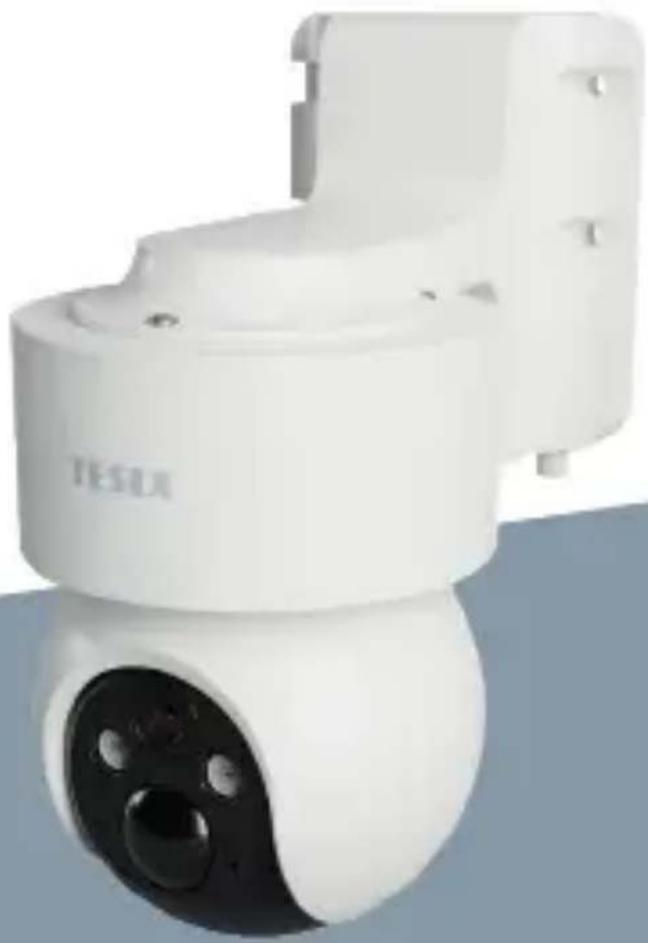
USER MANUAL Smart Camera 360 4G Battery TESLA
natural_image
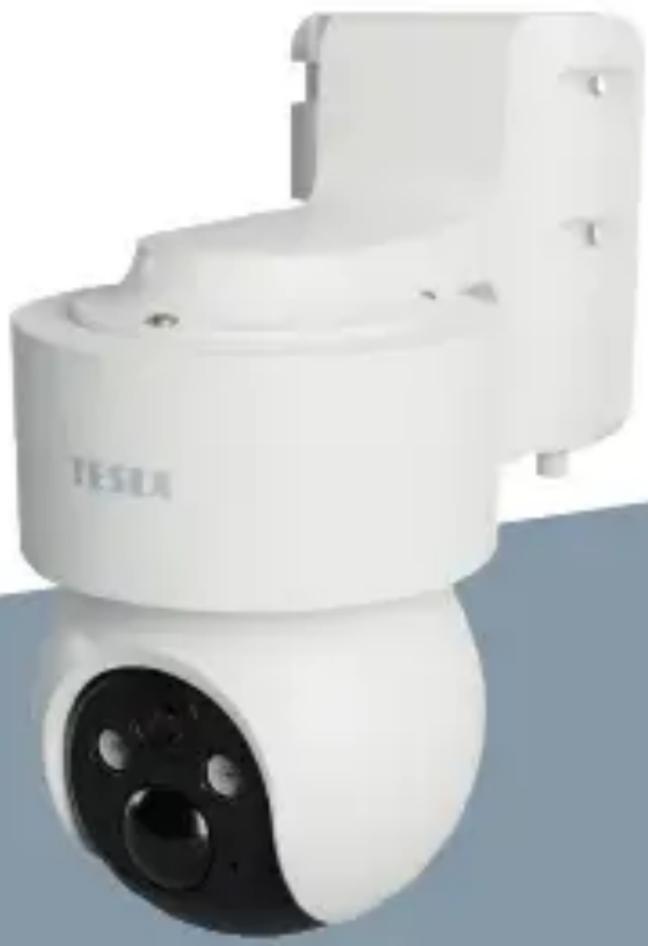
White Tesla camera module with black lens and three lenses (no visible text or symbols)TESLA SMART CAMERA 360 4G BATTERY
USER MANUAL
WHAT'S IN THE BOX
• TESLA Smart Camera 360 4G Battery
- Screw package
- SIM ejection pin
- User manual
- USB-C power cable
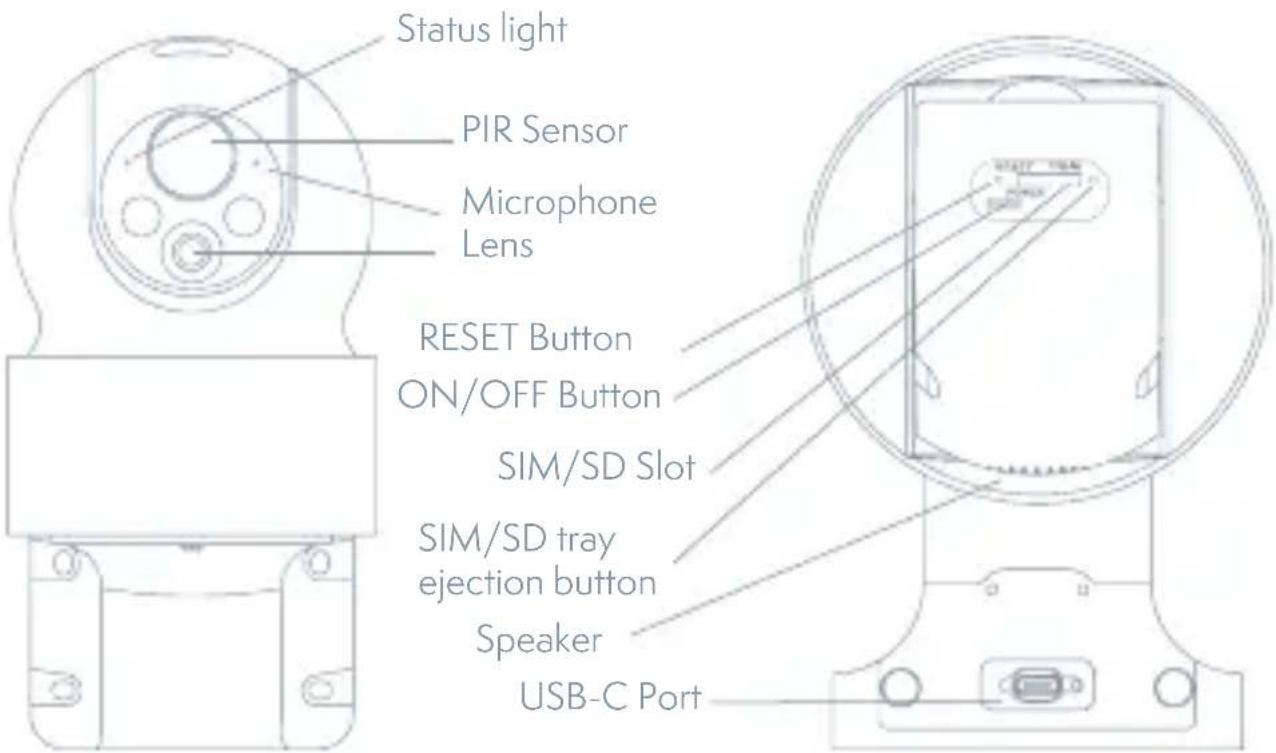
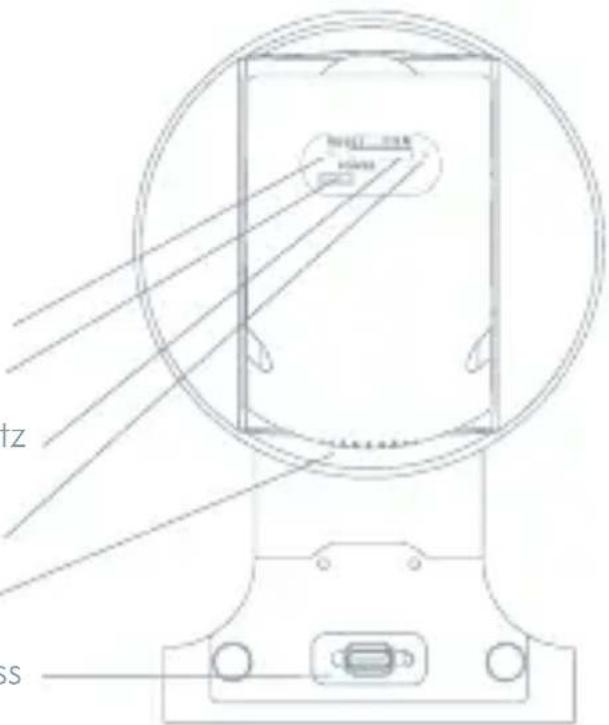
| Charging port DC 5 V / 1A | |
| ON/OFF Button Press the button for 5 seconds to turn on/off the camera. | |
| Status light • The camera is connection to the 4G network:Flashing red (500 ms).• Pairing with app: After successfully loading the SIM and connection to the 4G network, status light flashes blue (500 ms) and camera is ready for pairing with app.• Camera error: Status light is flashing red/blue.• FW updating: Flashing blue (250 ms). | |
| SD Card slot Support local SD Card storage (Max.128 GB) | |
| Reset button Press and hold on for 5 seconds to reset the camera. | |
| Battery 9600mAh rechargeable Li battery |
INSTALLATION
Before installation, please check that the installation positions will not affect the connection and usage, especially to ensure that the solar panel can be fully illuminated, and the camera is in good coverage of mobile data signal.
CAMERA INSTALLATION
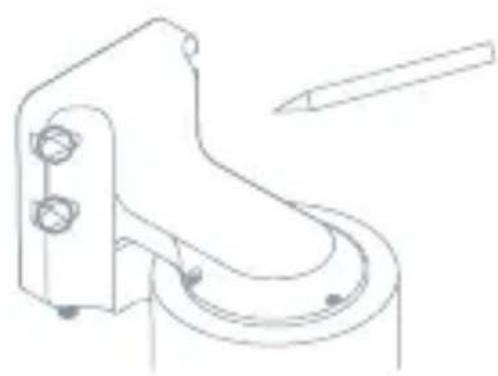
1) Mark screws position with bracket
2) Drill screw holes with a power drill
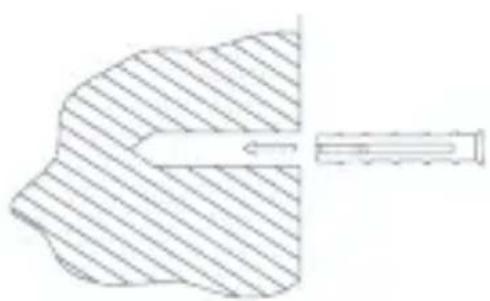
3) Install expansion screws (with a hammer)
4) Use screws to fix the bracket on the wall
natural_image
Technical line drawing of a mechanical component with no visible text or symbols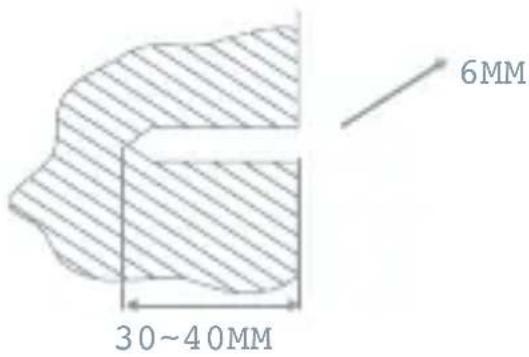
natural_image
Diagram of a human head with a shaded area and a directional arrow, no text or symbols present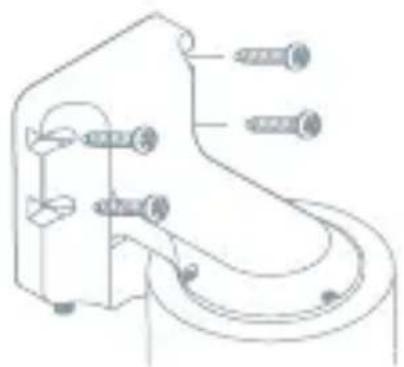
natural_image
Technical line drawing of a mechanical component with multiple screw fasteners (no text or symbols)SIM/SD CARD INSTALLATION
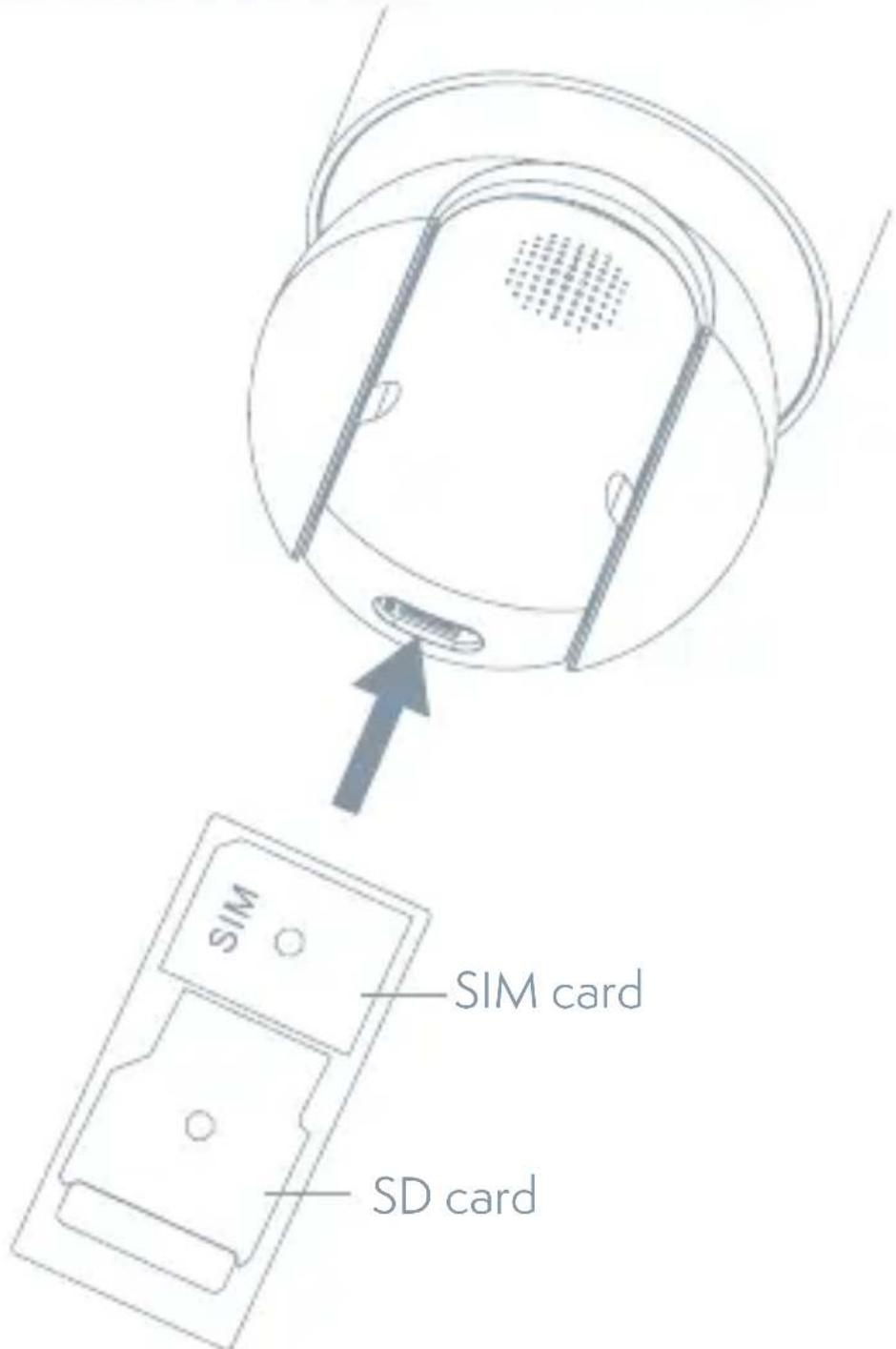
- Insert the SIM card first to the SD card slot, so that the camera can connect to 4G Internet.
- Then insert SD card for data storage.
CONNECTION
Download
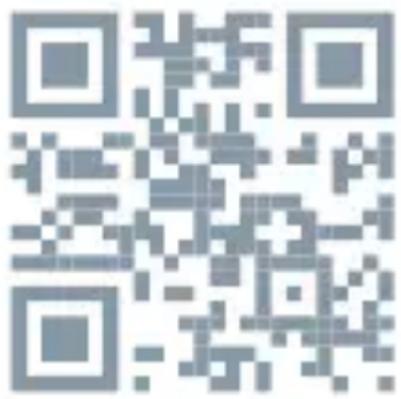
Tesla Smart is available for both iOS and Android OS. Search the name, Tesla Smart' in App Store or Android Market, or scan the QR-Code to download the App.
REGISTRATION PROCESS
Step 1 Open the Tesla Smart App, click „Register“, read the „Privacy Policy“ and click „Agree“.
Step 2 Input a legal and valid Mobile number or Email address and click „Continue“. Input Verification Code, then log in the app.
QR CODE CONFIGURATION
- Open the Tesla Smart App, click „Create family“, and you can customize the Family name and related settings.
- Continue to click „+” >> „Scan QR Code“.
- Make sure the LED is blinking blue (500 ms) and scan the QR code, fount on the top of the camera. The connection usually takes a few seconds.
SETTINGS
In „Smart Camera“ interface, click „ Z“, you can set the camera common functions.
FREQUENTLY ASKED QUESTIONS
Q: Why isn't the camera displaying correctly?
A: Check whether the network is connected. Place the camera close to the router, and if it's still not working, it is recommended to reset the device and add it again.
Q: Why is it still in the list of devices after resetting?
A: Device resetting can only reset the network settings but cannot change the camera settings on the App. If you need to delete the camera, you must delete it in the App.
Q: Why doesn't the device identify the TF (Micro SD) card?
A: It is recommended to insert TF (Micro SD) card with device powered off. Confirm whether the TF (Micro SD) card is normally available and the format is FAT32.
Q: Why cannot the device recognize Sim card?
A: Check if the SIM card functions properly. Check if the SIM is active and has a data plan available. Check if it is inserted properly, if it is not damaged and if the cellular coverage is good.
Q: Why I can't get the notifications through the App?
A: Please confirm that the App has been running on the phone, and the relevant reminder function has been configured. To turn on notifications in the App, click the Settings icon and tap the Notification button to turn on. You will also need to turn on notifications in your phone settings.
TECHNICAL SPECIFICATION
| Product name Tesla | Smart Camera 360 4G Battery |
| Resolution 2304 x 1296 | |
| Power 5V/1A, 9600 mAh | Lithium battery |
| Image Sensor 1/2.8" 3 Mpx | |
| Night Vision Up to 10 m | |
| Lens 3.0mm@F2.0 | |
| Dimensions 158 x 103 x 200 mm | |
| Storage MicroSD Card (max. 128GB), Cloud storage (optional) | |
| Operating temperature -20° to 50° | |
| App Tesla Smart for Android and iOS | |
| Connectivity 4G LTE/3G GSM | |
| Model TSL-CAM-19TG |
INFORMATION ABOUT DISPOSAL AND RECYCLING
This product is marked with the symbol for separate collection. The product must be disposed of in accordance with the regulations for disposal of electrical and electronic equipment (Directive 2012/19/EU on waste electrical and electronic equipment). Disposal together with regular municipal waste is prohibited. Dispose of all electrical and electronic products in accordance with all local and European regulations at the designated collection points which hold the appropriate authorization and certification in line with the local and legislative regulations. Correct disposal and recycling help to minimize impacts on the environment and human health. Further information regarding disposal can be obtained from the vendor, authorized service center or local authorities.
EU DECLARATION OF CONFORMITY
Hereby, Tesla Global Limited declares that the radio equipment typeTSL-CAM-19TG is in compliance with Directive 2014/53/EU. The full text of the EU declaration of conformity is available at the following internet address: tsl.sh/doc
Connectivity: GSM - 4G/LTE
Frequency band: 890 - 2500 MHz
Max. radio-frequency power (EIRP): < 20 dBm

Manufacturer
Tesla Global Limited
Far East Consortium Building
121 Des Voeux Road Central
Hong Kong
www.teslasmart.com
TESLA
natural_image
White Tesla camera module with black lens and three lenses (no visible text or symbols)TESLA SMART CAMERA 360 4G BATTERY
BENUTZERHANDBUCH
natural_image
Technical line drawing of a mechanical component with circular features and mounting holes (no text or symbols)Statusleuchte
PIR-Sensor
Mikrofon
Objektiv
Reset-Taste
Ein/Aus-Taste
SIM/SD-Steckplatz
SIM/SD
-Auswurftaste
Lautsprecher
USB-C-Anschluss
REGISTRATIONSPROZESS
Far East Consortium Building
121 Des Voeux Road Central
Hong Kong
www.teslasmart.com
TESLA
natural_image
White Tesla camera module with black lens and sensor array (no visible text or symbols)TESLA SMART CAMERA 360 4G BATTERY
UŽIVATELSKÁ PŘÍRUČKA
OBSAH BALENÍ
PROCES REGISTRACE
Far East Consortium Building
121 Des Voeux Road Central
Hong Kong
www.teslasmart.com
TESLA
natural_image
White Tesla camera module with black lens and three lenses (no visible text or symbols)TESLA SMART CAMERA 360 4G BATTERY
UŽIVATELŠKÁ PRÍRUČKA
OBSAH BALENIA
PROCES REGISTRÁCIE
INFORMÃCIE O LIKVIDÃCII A RECYKLÃCII
Far East Consortium Building
121 Des Voeux Road Central
Hong Kong
www.teslasmart.com
TESLA
natural_image
White Tesla camera module with black lens and three lenses (no visible text or symbols)TESLA SMART CAMERA 360 4G BATTERY
INSTRUKCJA UŻYTKOWNIKA
CO ZNAJDZIESZ W PUDEŁKU
natural_image
Technical line drawing of a circular mechanical component with concentric circles and a central hub (no text or symbols)Kontrolka stanu
Czujnik PIR
Mikrofon
Obiektyw
Przycisk
resetowania
PROCES REJESTRACJI
Far East Consortium Building
121 Des Voeux Road Central
Hong Kong
www.teslasmart.com
TESLA
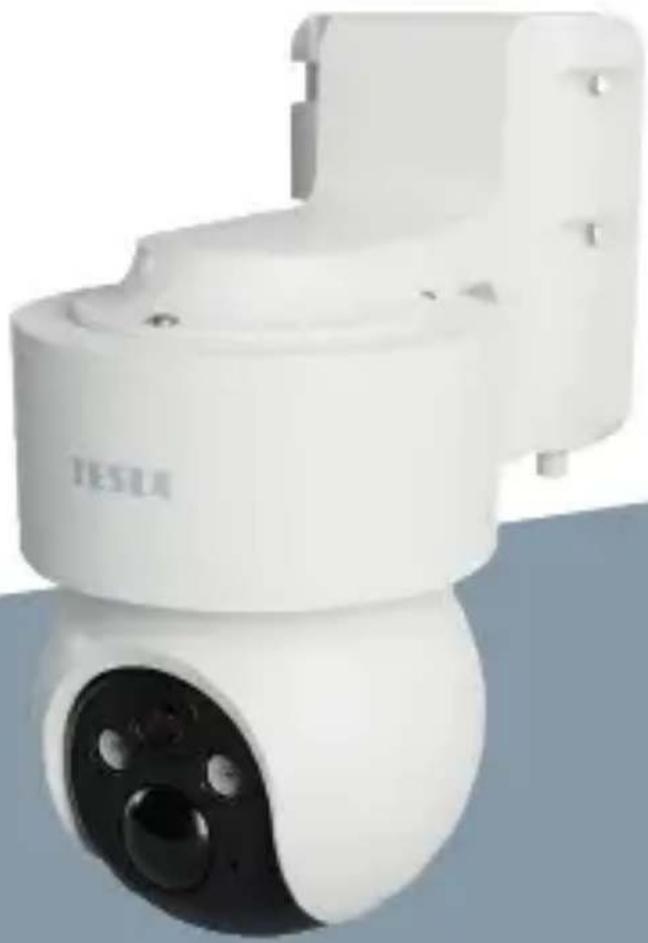
natural_image
White Tesla security camera module with black lens and three buttons (no visible text or symbols)TESLA SMART CAMERA 360 4G BATTERY
HASZNÁLATI ÚTMUTATÓ
MIT TALÁL A DOBOZBAN
A REGISZTRÁCIÓ FOLYAMATA
Far East Consortium Building
121 Des Voeux Road Central
Hong Kong
www.teslasmart.com
TESLA
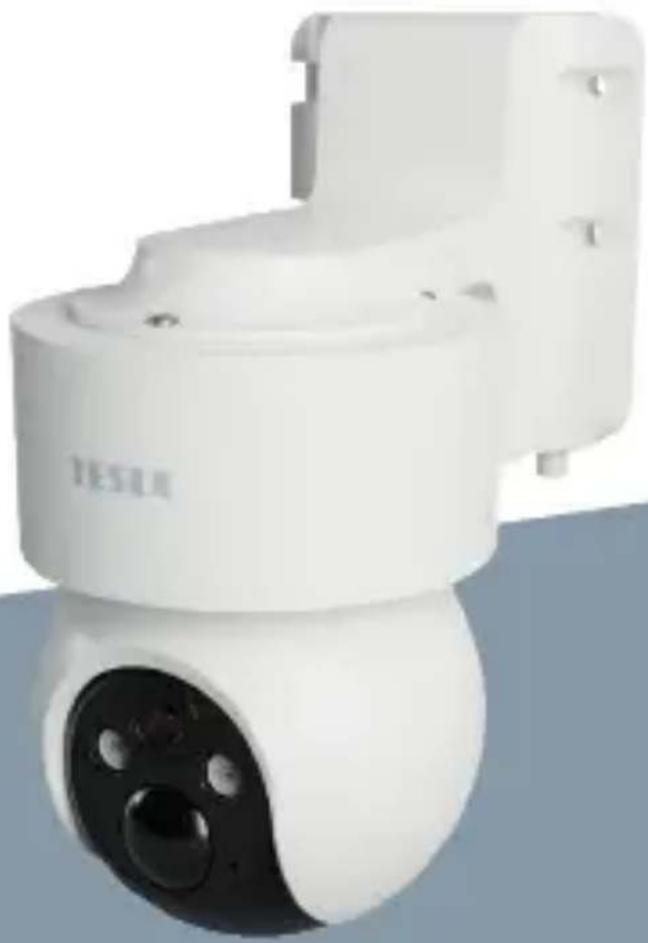
natural_image
White Tesla security camera module with black lens and three lenses (no visible text or symbols)TESLA SMART CAMERA 360 4G BATTERY
UPORABNIŠKI PRIROČNIK
KAJ VSE BOSTE NAŠLI V EMBALAŽI
POSTOPEK REGISTRACIJE
Far East Consortium Building
121 Des Voeux Road Central
Hong Kong
www.teslasmart.com

TESLA SMART CAMERA 360 4G BATTERY
Manufacturer
Tesla Global Limited
Far East Consortium Building
121 Des Voeux Road Central
Hong Kong
www.teslasmart.com


- TESLA SMART CAMERA 360 4G BATTERY
- WHAT'S IN THE BOX
- INSTALLATION
- CAMERA INSTALLATION
- SIM/SD CARD INSTALLATION
- CONNECTION
- Download
- REGISTRATION PROCESS
- QR CODE CONFIGURATION
- SETTINGS
- FREQUENTLY ASKED QUESTIONS
- TECHNICAL SPECIFICATION
- INFORMATION ABOUT DISPOSAL AND RECYCLING
- EU DECLARATION OF CONFORMITY
- TESLA
- REGISTRATIONSPROZESS
- OBSAH BALENÍ
- PROCES REGISTRACE
- OBSAH BALENIA
- PROCES REGISTRÁCIE
- INFORMÃCIE O LIKVIDÃCII A RECYKLÃCII
- CO ZNAJDZIESZ W PUDEŁKU
- PROCES REJESTRACJI
- MIT TALÁL A DOBOZBAN
- A REGISZTRÁCIÓ FOLYAMATA
- KAJ VSE BOSTE NAŠLI V EMBALAŽI
- POSTOPEK REGISTRACIJE
Brand : TESLA
Model : Smart Camera 360 4G Battery
Category : Security Camera