
TSL-SWI-DIMMER - Switch TESLA - Free user manual and instructions
Find the device manual for free TSL-SWI-DIMMER TESLA in PDF.


| Product Type | Smart Dimmer Switch |
| Model | TSL-SWI-DIMMER / TSL-SWI-DIMMERT |
| Dimensions | 86 x 86 x 53.5 mm (TSL-SWI-DIMMER) 86 x 86 x 43 mm (TSL-SWI-DIMMERT) |
| Weight | Approx. 150 g |
| Power Input | 100-240 V AC, 50/60 Hz |
| Load Capacity (Inductive) | < 220 W (LED/CFL) |
| Load Capacity (Resistive) | < 300 W (Incandescent) |
| Dimming Control | Trailing Edge Cut |
| WiFi | 802.11 b/g/n, 2.4 GHz |
| Standby Power | ≤ 0.5 W |
| Operating Temperature | -10°C to 45°C |
| Operating Humidity | < 90% |
| Button Life | 500,000 press cycles |
| Control Channels | 1 CH |
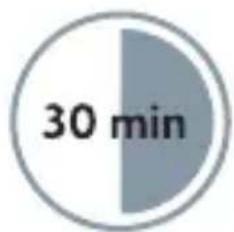
| Installation Time | Approx. 30 minutes |
| Included Accessories | Dimmer unit, screws |
| Material | Polycarbonate (flame retardant) |
| Color | White |
| Smart Assistant Compatibility | Amazon Alexa, Google Assistant |
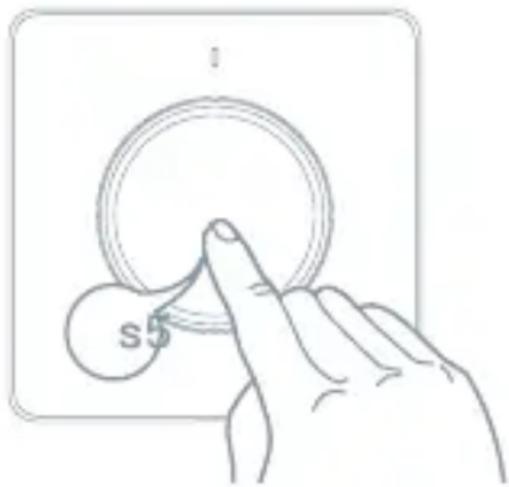
| Reset Method | Press and hold button for 5 seconds |
Frequently Asked Questions - TSL-SWI-DIMMER TESLA
User questions about TSL-SWI-DIMMER TESLA
0 question about this device. Answer the ones you know or ask your own.
Ask a new question about this device
Download the instructions for your Switch in PDF format for free! Find your manual TSL-SWI-DIMMER - TESLA and take your electronic device back in hand. On this page are published all the documents necessary for the use of your device. TSL-SWI-DIMMER by TESLA.
USER MANUAL TSL-SWI-DIMMER TESLA
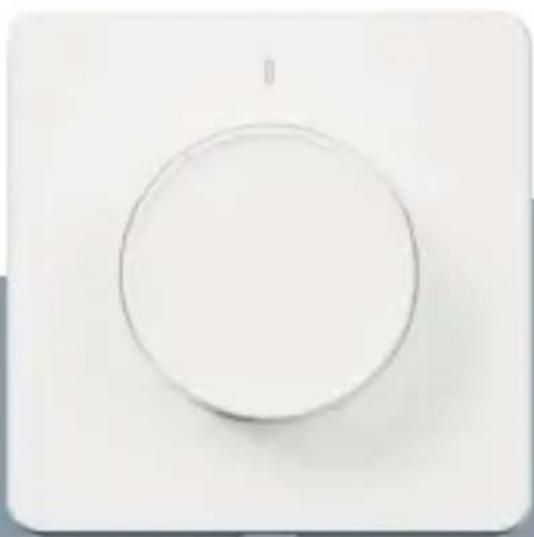
natural_image
Simple circular diagram with a vertical line inside, no text or symbols present.TESLA SMART DIMMER/TOUCH
QUICK START GUIDE
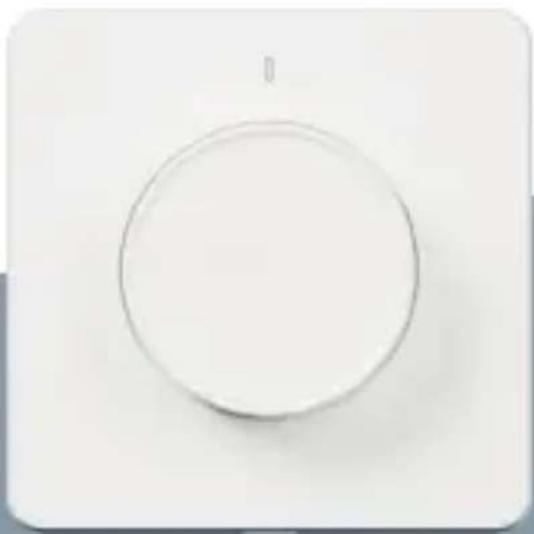
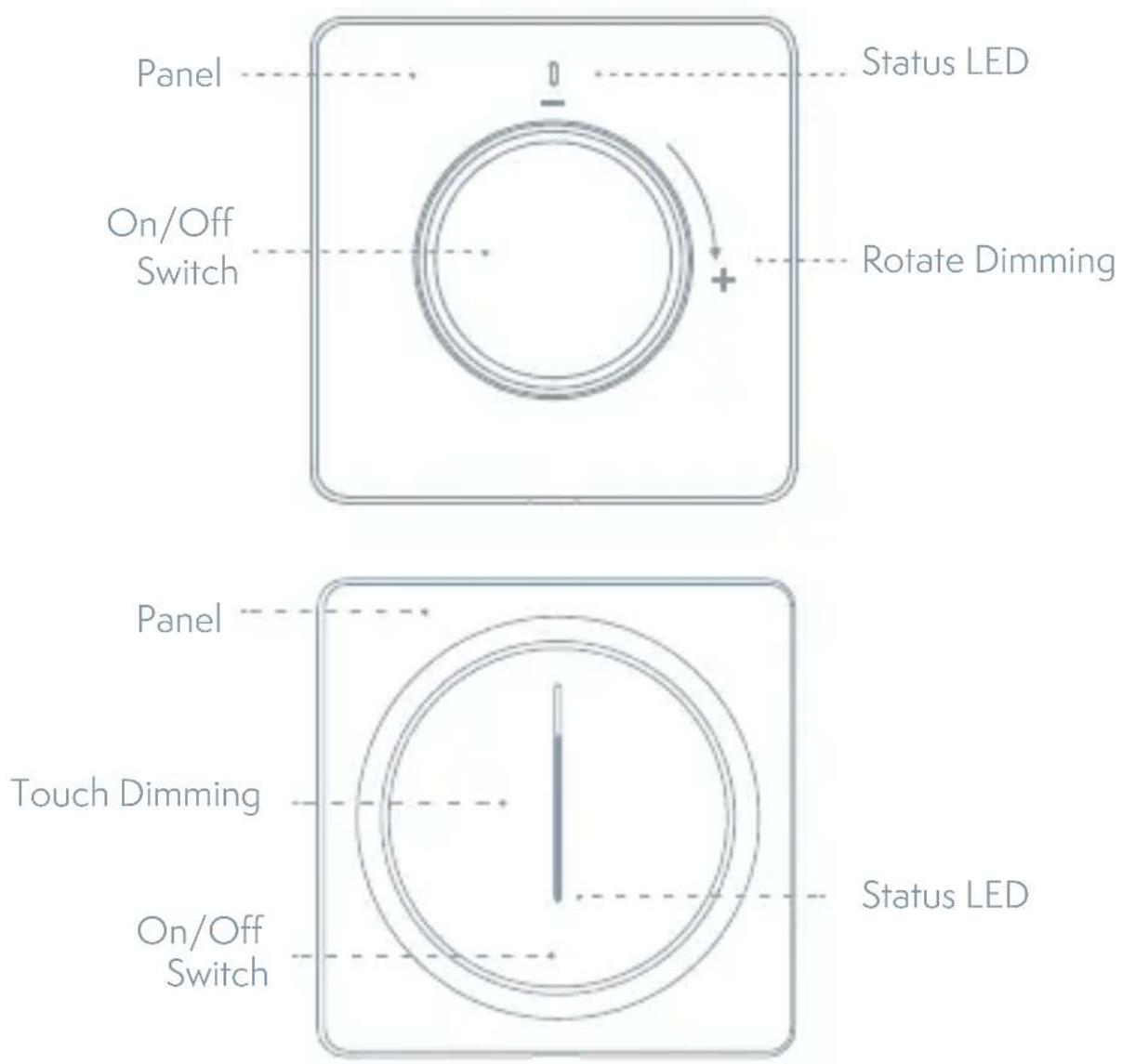
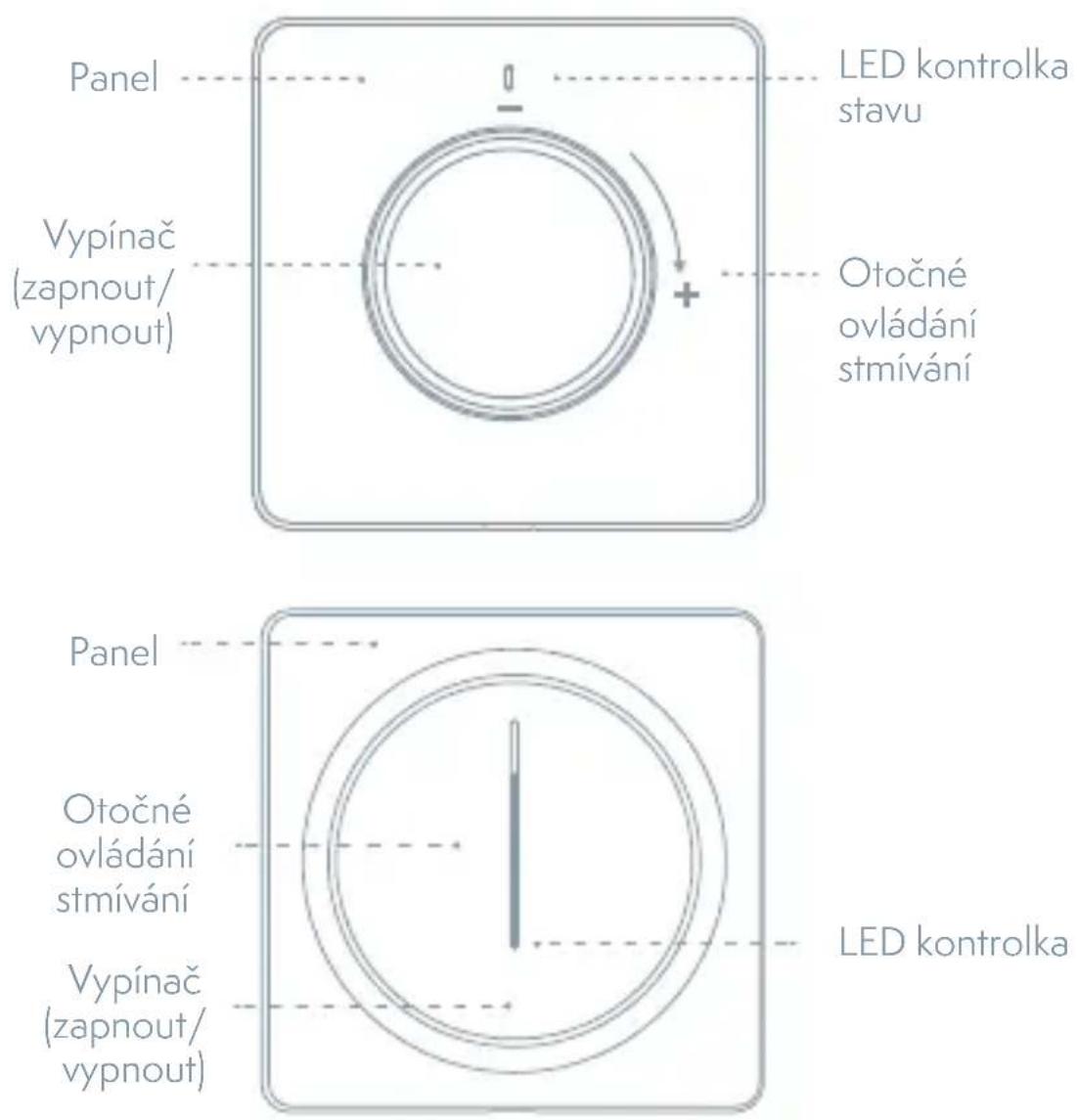
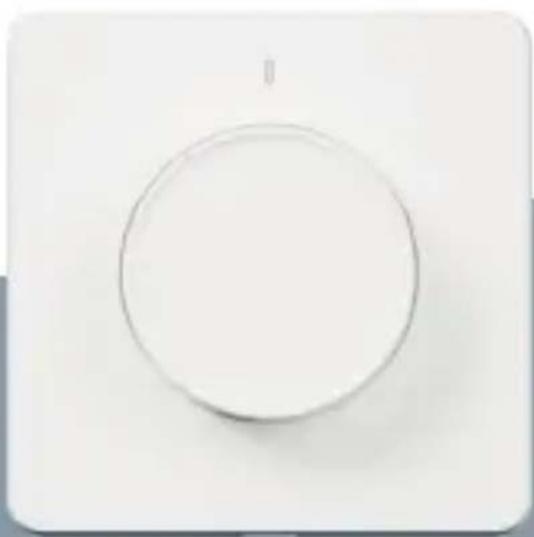
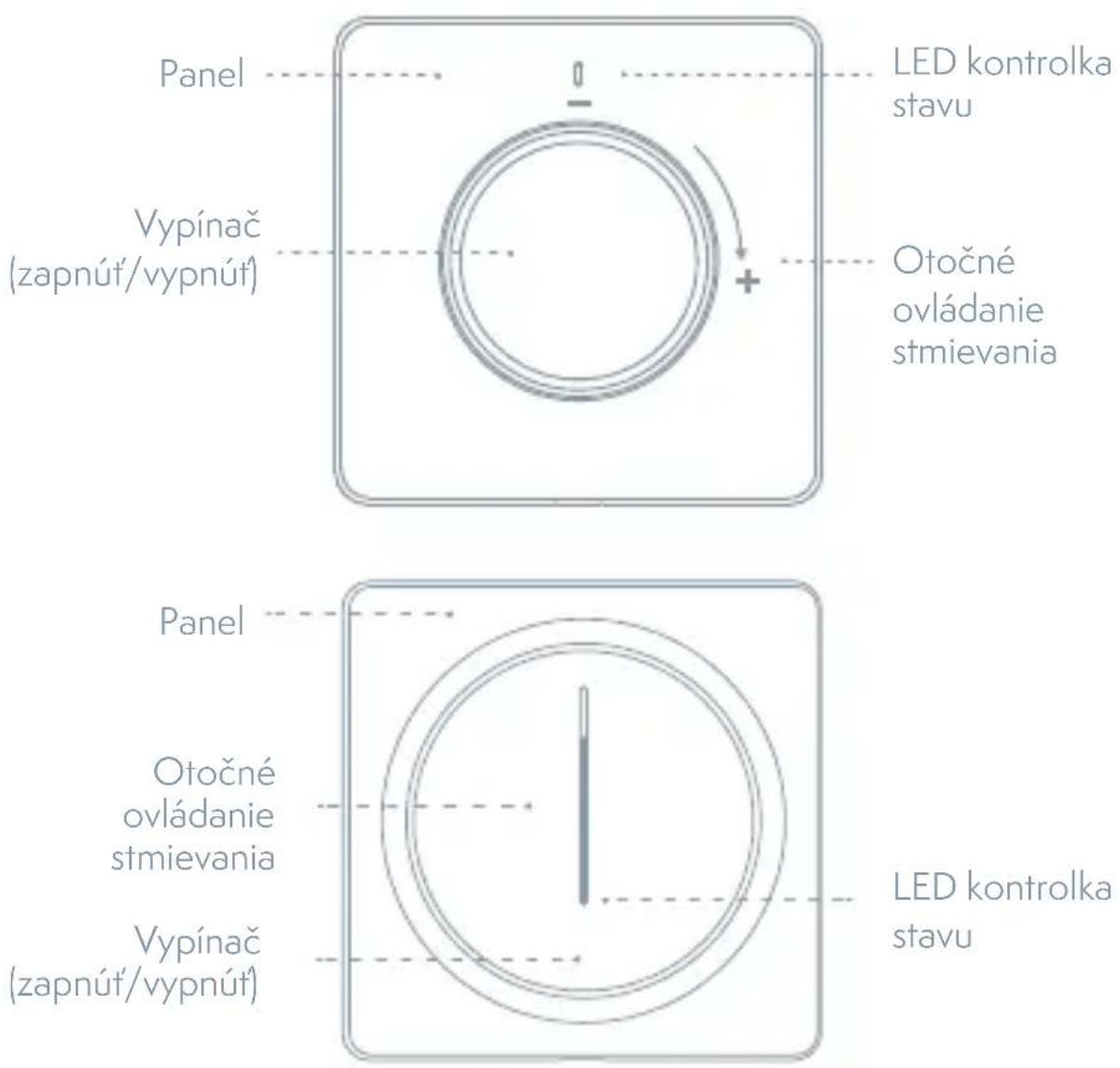
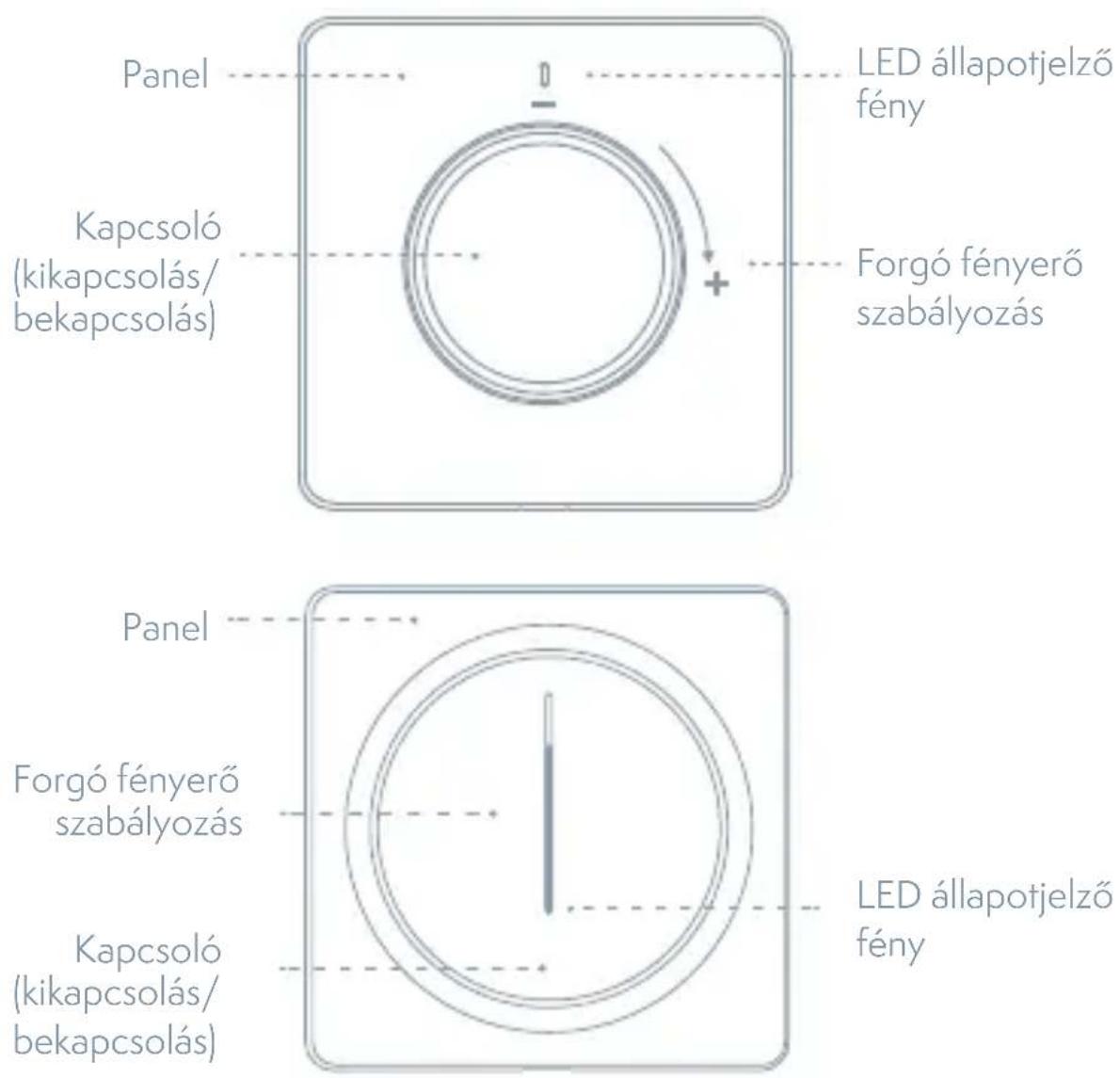
Product Outline
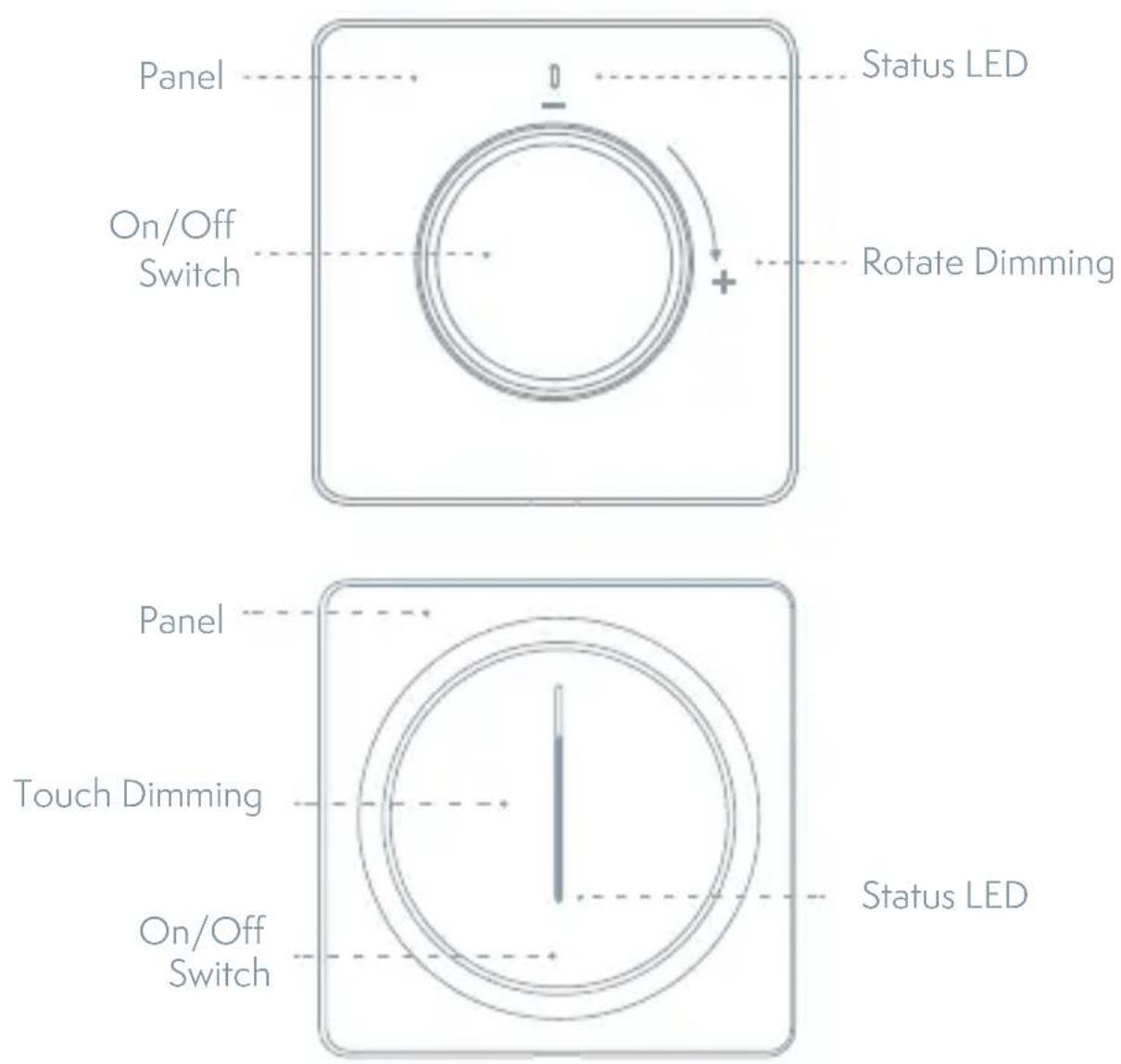
Indicator Light Status
| Light Color Light Status Switch Status | |
| white LED bar with brightness level | : Light turn on |
| Brightness indicator blink slowly (Breathing) | Light turn off |
| Bottom LED blink fast Network disconnected | |
| Bottom LED blink Quick configure mode | |
| Bottom LED blink slowly AP | configure mode |
Specification
Input Power: 100\~240V AC 50/60Hz
Dimming Control: Trailing Edge Cut
Inductive load (LED/CFL): <220W
Resistive load (Incandescent): <300W
Communication: WiFi 802.11 b/g/n 2.4GHz
Control Channel: 1 CH
Standby Power: ≤0.5W
Working Temperature: -10°C \~ 45°C
Working Humidity: <90%
Button life: 500k times
Dimension: 86x86x53.5mm [TSL-SWI-DIMMER]
86x86x43mm [TSL-SWI-DIMMERT]
Contents Supplied
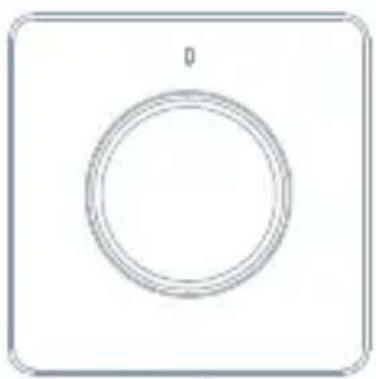
natural_image
Simple circular diagram with a top label and bottom border, no text or symbols present.Dimmer
Screws
Tools You'll Need

Screwdriver

Flat-head Screwdriver

Voltage tester
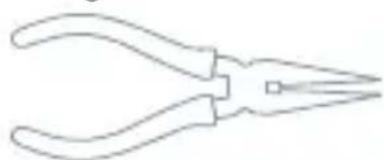
natural_image
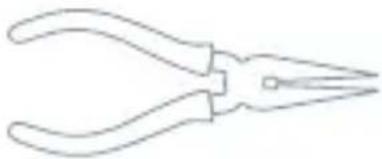
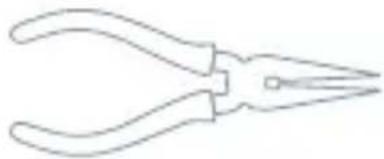
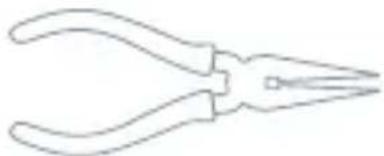
Line drawing of a pair of pliers (no text or symbols)Pliers
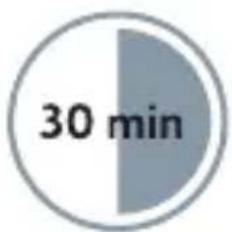
pie
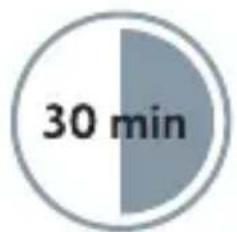
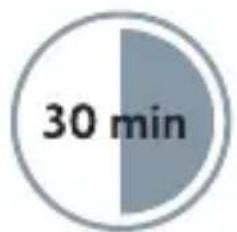
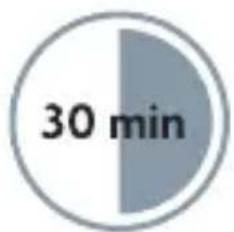
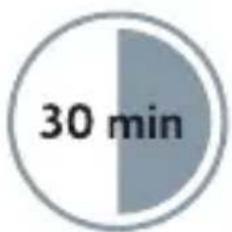
| Timeframe | Value | | --------- | ----- | | Total | 30 min |Approximately 30 minutes of your time to install and setup the Dimmer.
Installation
WARNING: RISK OF ELECTRIC SHOCK
This product installation requires handling 100-240 volt wiring. Follow each step carefully. If any concerns handling wiring, hire a qualified electrician. Ensure all work meets applicable local and national codes.

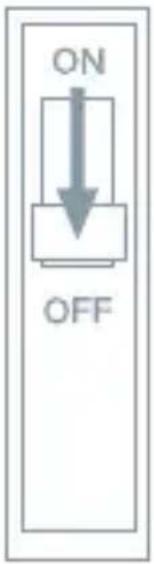
Turn Off The Breaker
Turn off the circuit break and use the electrical tester to test the power.
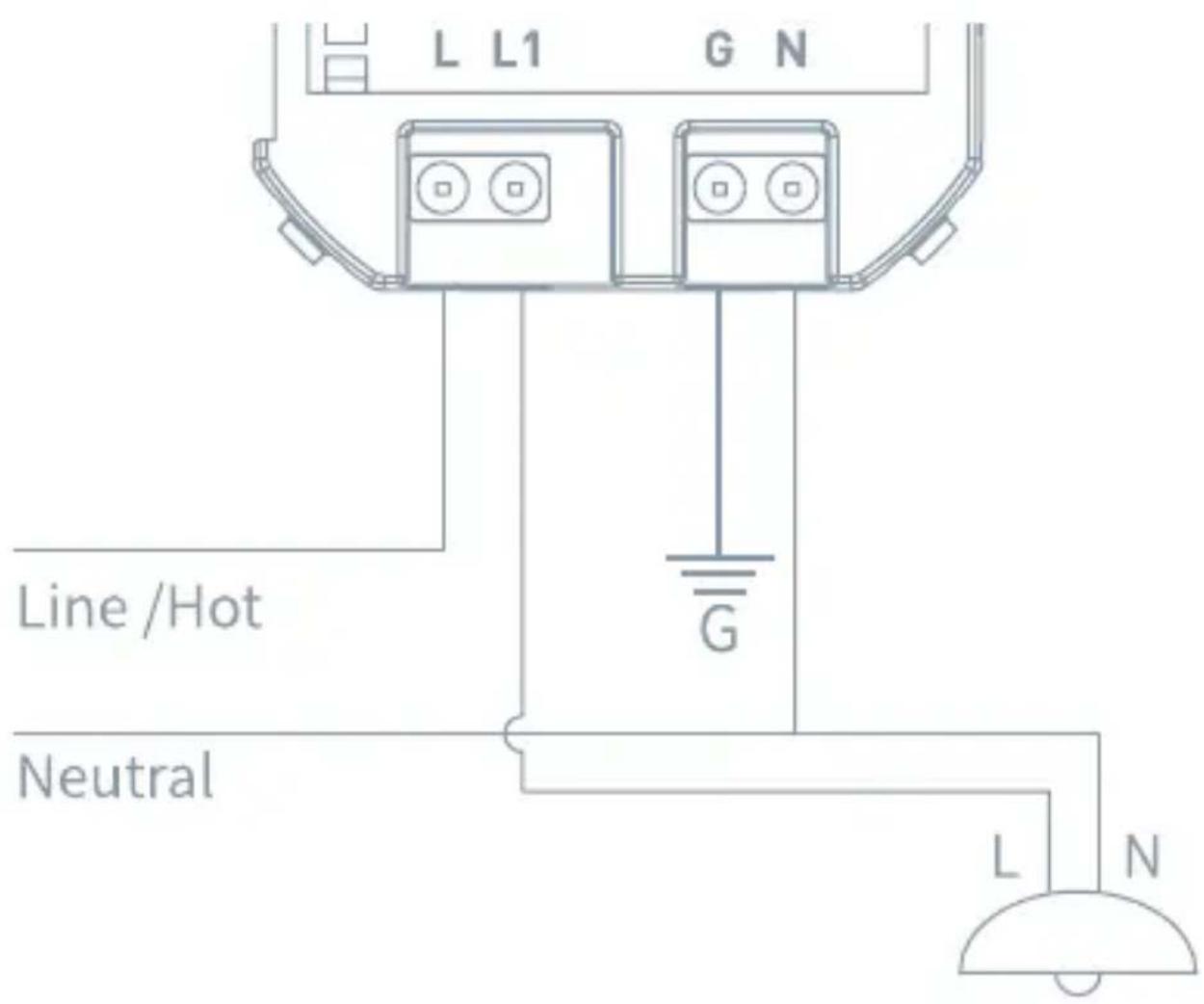
2 Connection Diagram
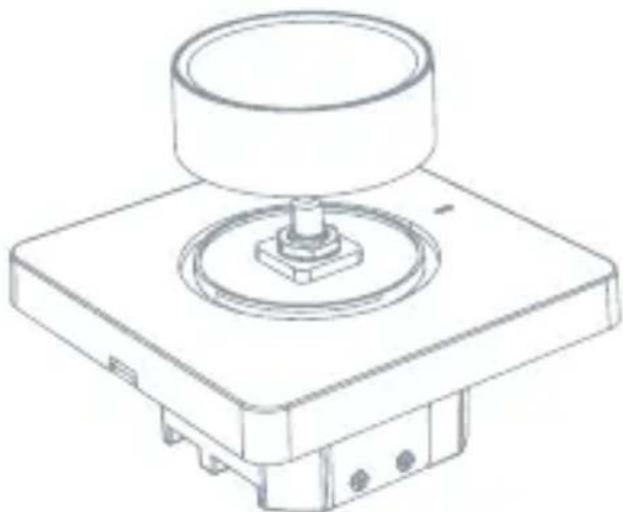
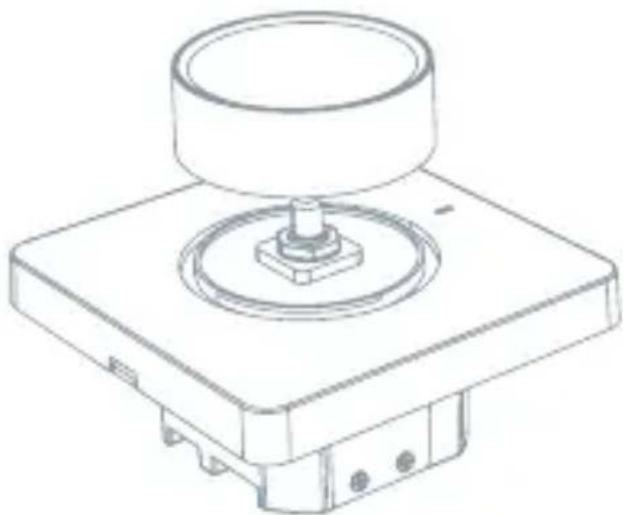
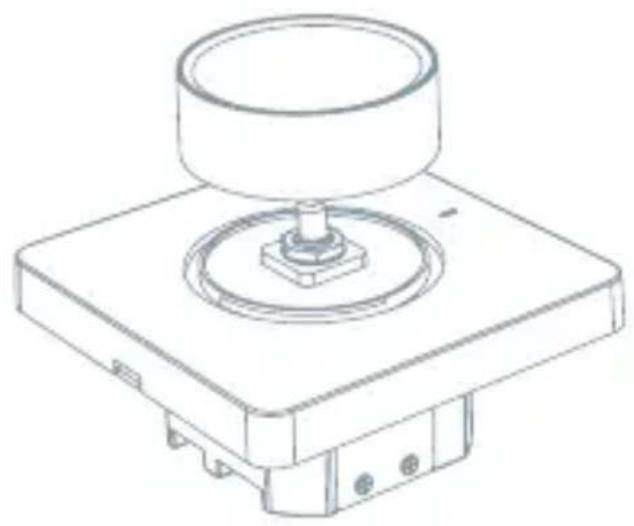
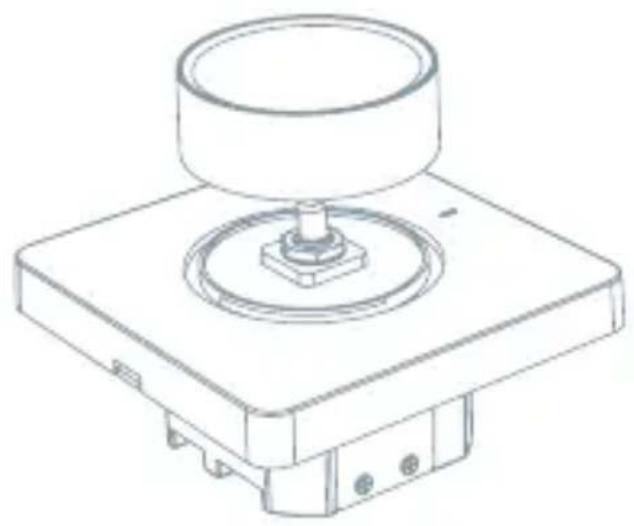
3 Pull Out the Knob
(Only for TSL-SWI-DIMMER) Pull the knob upwards.
natural_image
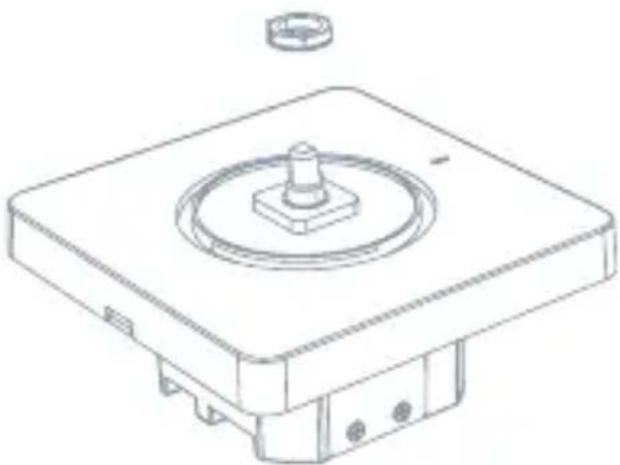
Technical line drawing of a mechanical component with a cylindrical top and base (no text or symbols)4 Remove Nuts and Gaskets
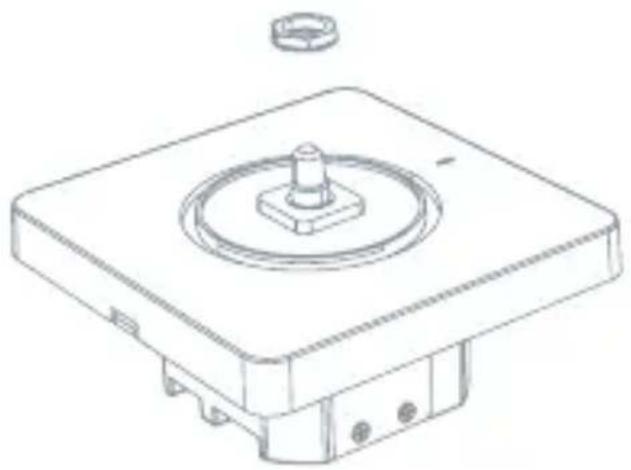
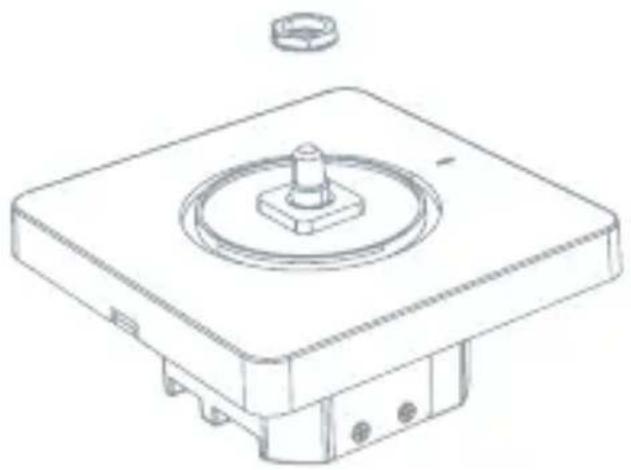
(Only for TSL-SWI-DIMMER)
Remove the dimmer nuts and gaskets.
natural_image
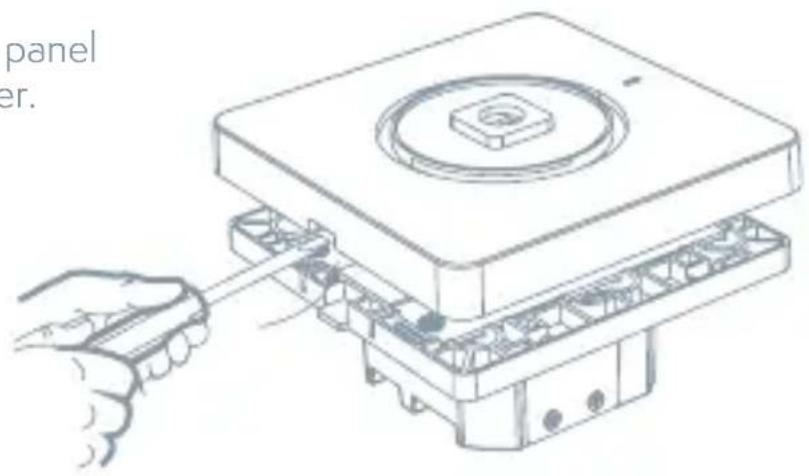
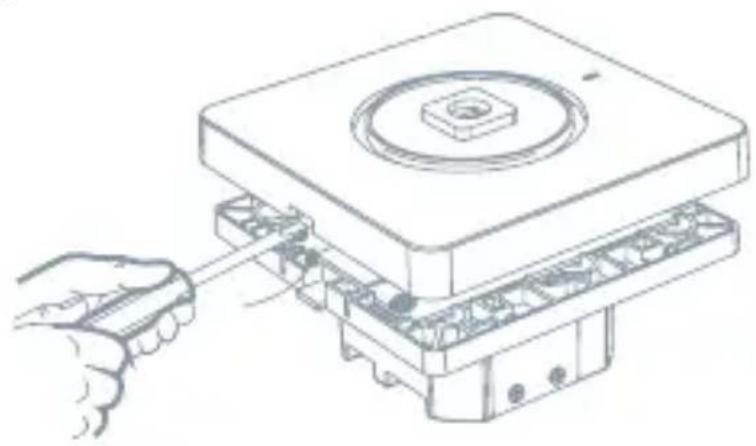
Technical line drawing of a mechanical component with a central knob and mounting base (no text or symbols)5 Remove the Panel
Remove the touch panel cover of the dimmer.
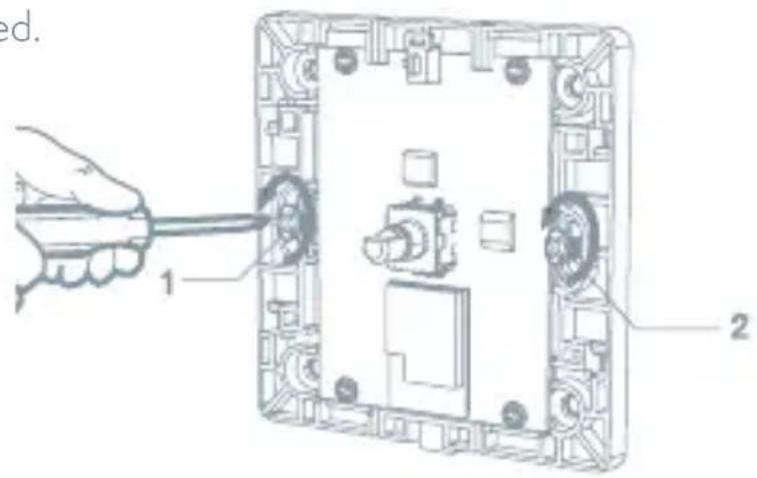
6 Mount the Switch
Use the screws provided.
7 Attach the Wallplate
Attach the adapter to the dimmer using the screws provided and snap on the wallplate.
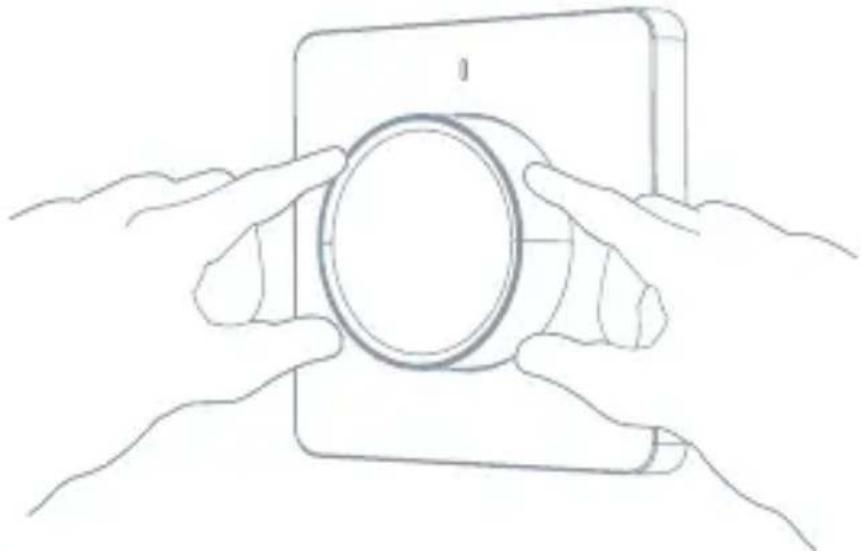
natural_image
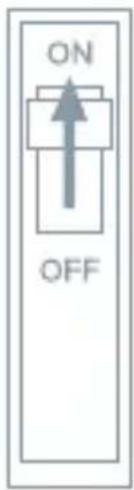
Line drawing of two hands holding a circular object on a tablet device (no text or symbols)8 Turn on the Power
Turn the power back on at the circuit breaker.
APP Operation
1 Preparation for use
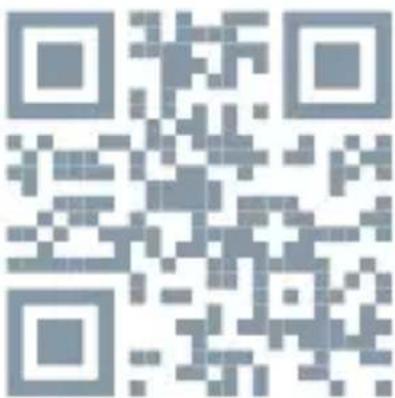
- Tesla Smart is available for both iOS and Android OS. Search the name 'Tesla Smart' in App Store or Android Market, or scan the QR-Code to download the App and register or login your account.
• Make sure that the smartphone is connected to the 2.4Ghz network.
2 Connect the device
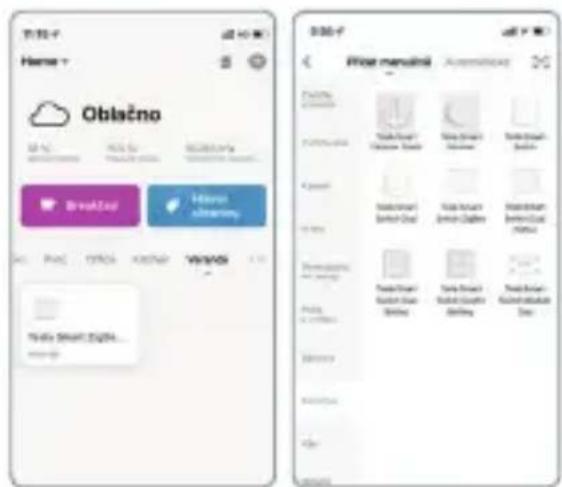
- Open Tesla Smart app and click "+" sign to Add new device
- Select Switches - Tesla Smart Dimmer
- Please follow the instructions to add the Tesla Smart Dimmer step by step
3 Control Dimmer
• Control dimmer with APP
- Add scene mode and timing mode in the APP
Troubleshooting
- The light is Flashing or rot dimming? The Smart Dimmer switch support Dimmable light source only, non-Dimmerable light source may cause the light flashing or not working
- Dimmer has not power on? The smart dimmer products need to be powered by the neutral line. If there is no neutral line in the inch-Manor location, the smart dimmer can not work
- Can not connect to APP? Make sure the mobile phone and devices (gateways) in a same Wi-Fi network, and the device power an get into pair mode, make sure the device has good signal to support communication.
- How far can be controlled? Please make sure that the distance between the product and the Wi-Fi router or gateway does no- exceed 25 meters, If the partition wall is used but the material and thickness of the wall will have a greater impact communication, based on the actual situation, users can consider adjusting the location of the Wi-Fi router or gateway or increasing Wi-Fi routers or gateways to ensure normal product communication.
- Can the Dimmer still work if the network is disconnected? In the event of a network disconnection, the status indicator will flash. At this time, all APP control, smart linkage and other network functions will be invalid but the local control will not be affected.
Reset
Press and hold Switch button for 5s to reset the Dimmer and get into Quick Configure Mode.
natural_image
Hand pressing a circular button labeled 'S5' on a square device (no text or symbols beyond the label)1 Tesla Smart Skills (Alexa)
- Log in your Alexa account on a smart phone or a computer, then tap Home>Skills & Games
- Search "Tesla Smart" and select the right one according the blue logo (same with App)
- Login the account you registered on the App in Part 2, then click "Link Now"
- The Account is linked successfully, and then tap Authorize to Complete.
Congratulations! Alexa Devices (Echo) can Control the Switch ON/OFF.
To add or delete switches, please delete or add them in the Tesla Smart App (See Part 2) and then the Alexa will synchronize automatically. If you cannot see the name of switches in the Devices List in Alexa Page. You can click "Discover" in Alexa page it will synchronize from the Tesla Smart App.
2 Tesla Smart Skills (Google)
- Find "Home Control" in the main menu on the Google Home app's home page > Home Control > tap "+"
• Find "Tesla Smart" in the list - Input your Tesla Smart account and password you registered in Part 0, then tap "Link Now".
• After you assign rooms for the Switch, your Switch will be listed in the Home Control page.
Control your smart dimmer through Google Home. Now you can control your smart dimmer through Google Home.
If you set the name as "bedroom light", the supported voice commands are as below:
Ok Google, turn on bedroom light.
Ok Google, set bedroom light to 50%.
INFORMATION ABOUT DISPOSAL AND RECYCLING
This product is marked with the symbol for separate collection. The product must be disposed of in accordance with the regulations for disposal of electrical and electronic equipment (Directive 2012/19/EU on waste electrical and electronic equipment). Disposal together with regular municipal waste is prohibited. Dispose of all electrical and electronic products in accordance with all local and European regulations at the designated collection points which hold the appropriate authorisation and certification in line with the local and legislative regulations. Correct disposal and recycling help to minimise impacts on the environment and human health. Further information regarding disposal can be obtained from the vendor, authorised service centre or local authorities.
EU DECLARATION OF CONFORMITY
Hereby, Tesla Global Limited declares that the radio equipment type EDM-1WBA-EU, EDM-1WBB-EU is in compliance with EU directives. The full text of the EU declaration of conformity is available at the following internet address: tsl.sh/doc
Connectivity: Wi-Fi 2,4 GHz IEEE 802.11b/g/n
Frequency band: 2.400 - 2.4835 MHz
Max. radio-frequency power (EIRP): < 20 dBm

Manufacturer
Tesla Global Limited
Far East Consortium Building,
121 Des Voeux Road Central
Hong Kong
www.teslasmart.com
TSL-SWI-DIMMER/ TSL-SWI-DIMMERT
TT
TESLA
natural_image
Circular white object on a plain white background, resembling a stylus or button (no text or symbols visible)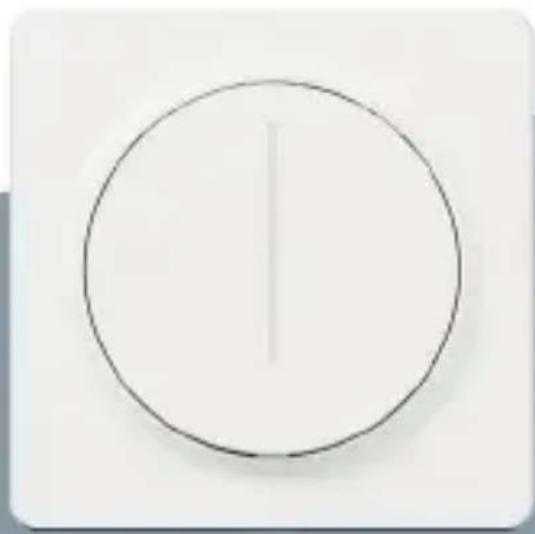
natural_image
Simple circular diagram with a vertical line inside, no text or symbols present.TESLA SMART DIMMER/TOUCH
BENUTZERHANDBUCH
Produktbeschreibung
natural_image
Simple circular diagram with a central circle and top label (no text or symbols inside)Dimmer
Schrauben
natural_image
Line drawing of a pair of needle pliers (no text or symbols)Zange
pie
| Timeframe | Value | | --------- | ----- | | Total | 30 min |WARNUNG: STROMSCHLAGGEFAHR
natural_image
Technical line drawing of a mechanical component with a cylindrical top and base (no text or symbols)natural_image
Technical line drawing of a mechanical component with a central knob and mounting base (no text or symbols)natural_image
Line drawing of a hand inserting a component into a device housing (no text or symbols)natural_image
Line drawing of two hands holding a smartphone with a circular lens (no text or symbols)natural_image
Line drawing of a hand pressing a circular button on a wall (no text or symbols)Ok Google, turn on bedroom light.
Ok Google, set bedroom light to 50%.
Far East Consortium Building,
121 Des Voeux Road Central
Hong Kong
www.teslasmart.com
TSL-SWI-DIMMER/ TSL-SWI-DIMMERT
TT
TESLA
natural_image
Circular white object on a plain white background, resembling a button or knob (no text or symbols visible)
natural_image
Simple circular diagram with a vertical line inside, no text or symbols present.TESLA SMART DIMMER/TOUCH
UŽIVATELSKÁ PŘÍRUČKA
Popis produktu
Stav kontrolky
natural_image
Simple circular diagram with concentric rings inside a rounded square (no text or symbols)Stmívač
Šroubky
Potřebné nářadí

Šroubovák

Plochý šroubovák

Zkoušečka napětí
natural_image
Line drawing of a pair of needle pliers (no text or symbols)Kleště
pie
| Timeframe | Value | | --------- | ----- | | Total | 30 min |3 Vytáhněte ovladač
(Jen pro TSL-SWI-DIMMER)
Vytáhněte ovladač
směrem nahoru.
natural_image
Technical line drawing of a mechanical component with a cylindrical top and base (no text or symbols)natural_image
Technical line drawing of a mechanical component with a central knob and mounting base (no text or symbols)5 Sejměte panel
natural_image
Line drawing of a hand inserting a component into a device housing (no text or symbols)natural_image
Line drawing of two hands holding a circular object on a tablet device (no text or symbols)8 Zapněte napájení
Ok Google, turn on bedroom light.
Ok Google, set bedroom light to 50%.
INFORMACE O LIKVIDACI A RECYKLACI
Far East Consortium Building,
121 Des Voeux Road Central
Hong Kong
www.teslasmart.com
TSL-SWI-DIMMER/ TSL-SWI-DIMMERT
TT
TESLA
natural_image
Circular white object on a plain white square background, no text or symbols visible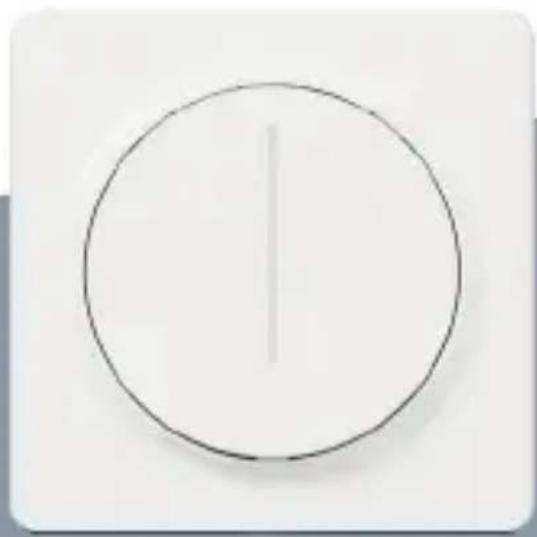
natural_image
Simple circular diagram with a vertical line inside, no text or symbols present.TESLA SMART DIMMER/TOUCH
UŽÍVATELŠKÁ PRÍRUČKA
Popis výrobku
Stav kontrolky
natural_image
Simple circular diagram with concentric rings inside a rounded square (no text or symbols)Stmievač
Skrutky
Potrebné náradie

Skrutkovač

Plochý skrutkovač

Skúšačka napätia
natural_image
Line drawing of a pair of needle pliers (no text or symbols)Kliešte
pie
| Timeframe | Value | | --------- | ----- | | Total | 30 min |
Vytiahnite ovládač
(Len pre TSL-SWI-DIMMER) Ovládač vytiahnite smerom nahor.
natural_image
Technical line drawing of a mechanical component with a cylindrical top and base (no text or symbols)
Odstráňte matice a tesnenia
(Len pre TSL-SWI-DIMMER)
Odstráňte matice stmievača a tesnenia.
natural_image
Technical line drawing of a mechanical component with a central knob and mounting base (no text or symbols)5 Odstráňte panel
Odstráňte kryt dotykového panelu stmievača.
natural_image
Line drawing of a hand inserting a component into a device housing (no text or symbols)natural_image
Line drawing of two hands holding a circular object on a tablet device (no text or symbols)8 Zapnite napájanie
2 Pripojenie zariadenia
- Otvorte aplikáciu Tesla Smart a kliknite na „+“ („Pridat' zariadenie“).
• V ponuke zvolte „Switches“ - Tesla Smart Dimmer - Postupujte podl'a pokynov, ktoré vás krok za krokom povedú pri pridaní zariadenie.
Far East Consortium Building,
121 Des Voeux Road Central
Hong Kong
www.teslasmart.com
TSL-SWI-DIMMER/ TSL-SWI-DIMMERT

TESLA
natural_image
Circular white object on a plain white square background, no text or symbols visible
natural_image
Simple circular diagram with a vertical line inside, no text or symbols present.TESLA SMART DIMMER/TOUCH
INSTRUKCJA UŻYTKOWNIKA
Opis produktu
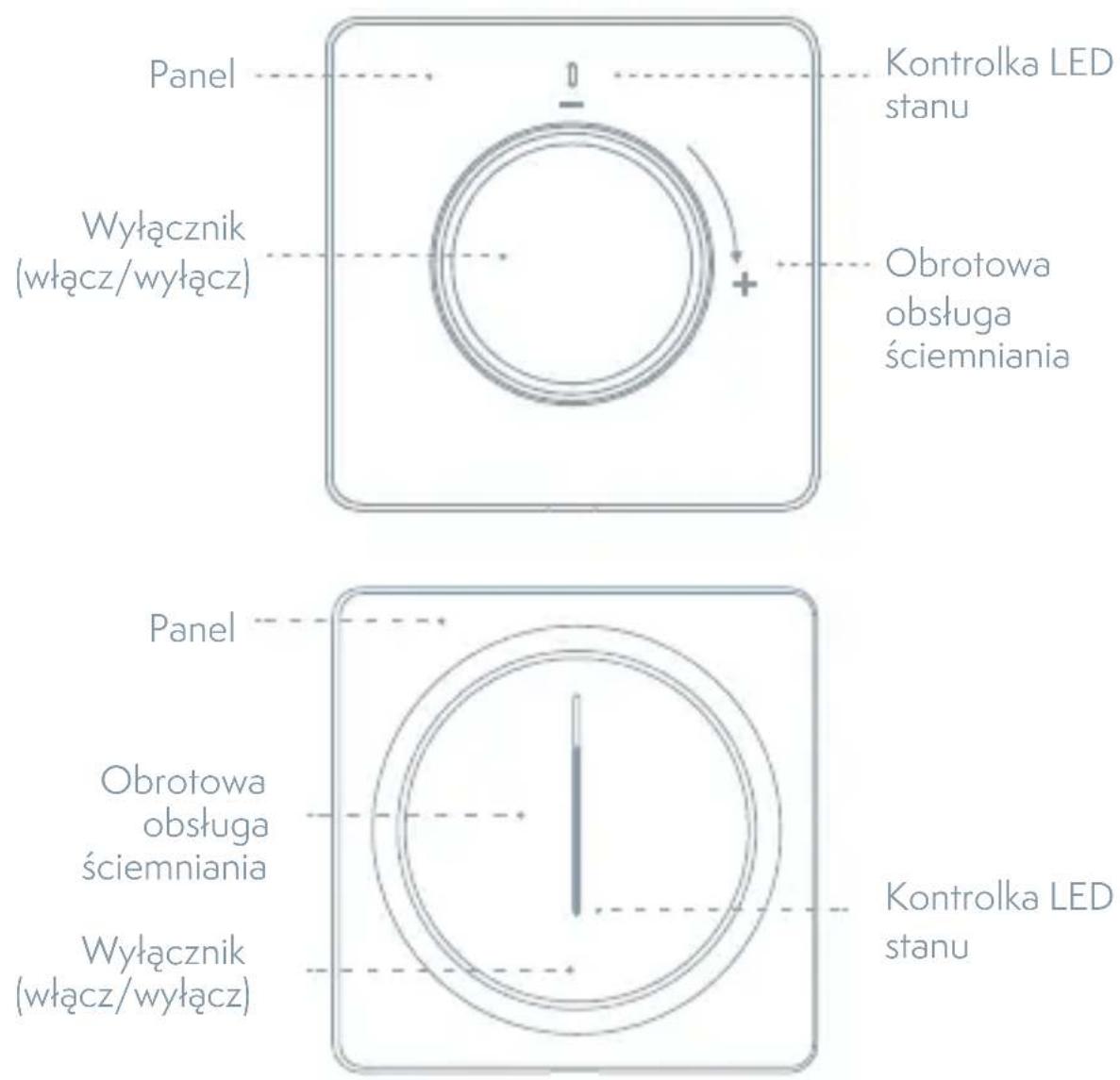
Stan kontrolki
Wymiary: 86x86x53.5mm [TSL-SWI-DIMMER]
86x86x43mm [TSL-SWI-DIMMERT]
natural_image
Simple geometric diagram of a circle inside a rounded rectangle (no text or symbols)Ściemniacz
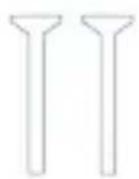
Śrubki
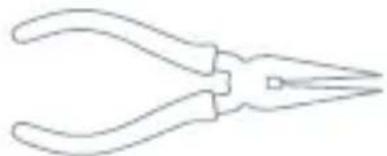
Potrzebne narzędzia

Wkrętak

Wkrętak płaski

Wskaźnik napięcia
natural_image
Line drawing of a pair of needle pliers (no text or symbols)Kleszcze
pie
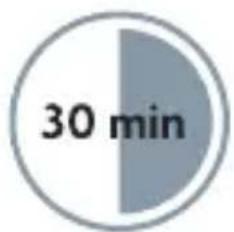
| Timeframe | Value | | --------- | ----- | | Total | 30 min |3
Wyciągnij sterownik
natural_image
Technical line drawing of a mechanical component with a cylindrical top and base (no text or symbols)4
natural_image
Technical line drawing of a mechanical component with a central knob and mounting base (no text or symbols)5 Usuń panel
natural_image
Line drawing of a hand inserting a component into a device housing (no text or symbols)natural_image
Line drawing of two hands holding a circular object on a tablet device (no text or symbols)8 Włącz zasilanie
natural_image
Hand pressing a button on a circular device with a 'S' label (no text or symbols beyond the label)Ok Google, turn on bedroom light.
Ok Google, set bedroom light to 50%.
INFORMACJE O UTYLIZACJI I RECYKLINGU
Far East Consortium Building,
121 Des Voeux Road Central
Hong Kong
www.teslasmart.com
TSL-SWI-DIMMER/ TSL-SWI-DIMMERT
TT
TESLA
natural_image
Circular white object on a plain white square background, no text or symbols visible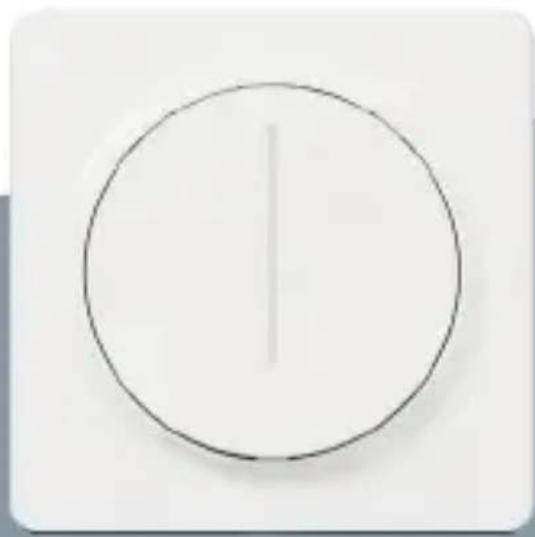
natural_image
Simple circular diagram with a vertical line inside, no text or symbols presentTESLA SMART DIMMER/TOUCH
HASZNÁLATI UTASÍTÁS
A termék leírása
natural_image
Simple circular diagram with a central circle and an upward arrow, enclosed in a rounded square border (no text or symbols)natural_image
Line drawing of a pair of needle pliers (no text or symbols)Fogó
pie
| Timeframe | Value | | --------- | ----- | | Total | 30 min |natural_image
Technical line drawing of a mechanical component with a cylindrical top and base (no text or symbols)natural_image
Technical line drawing of a mechanical component with a central knob and mounting base (no text or symbols)natural_image
Technical line drawing of a mechanical assembly with a hand inserting a component into a housing (no text or symbols)natural_image
Line drawing of two hands holding a circular object on a tablet device (no text or symbols)Ok Google, turn on bedroom light.
Ok Google, set bedroom light to 50%.
MEGSEMMISÍTÉSI ÉS ÚJRAHASZNOSÍTÁSI INFORMÁCIÓK
Far East Consortium Building,
121 Des Voeux Road Central
Hong Kong
www.teslasmart.com
TSL-SWI-DIMMER/ TSL-SWI-DIMMERT

TESLA
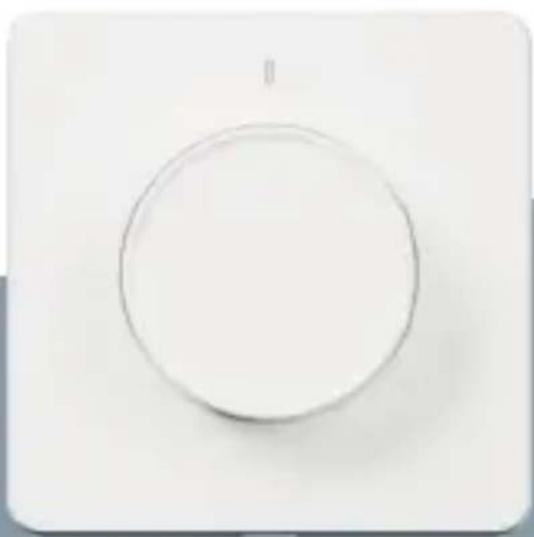
natural_image
Circular white object on a plain white background, resembling a button or knob (no text or symbols visible)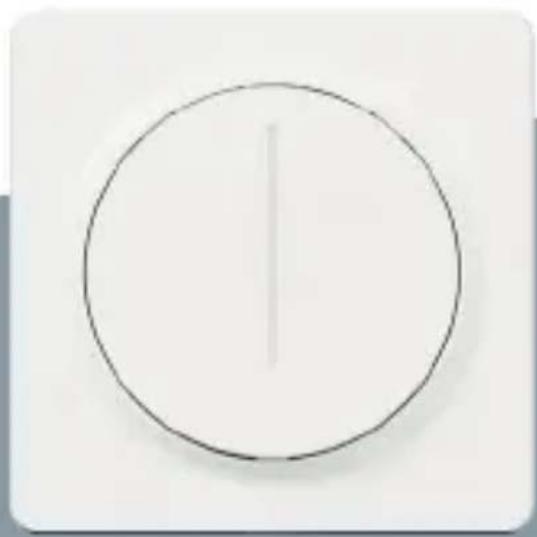
natural_image
Simple circular diagram with a vertical line inside, no text or symbols present.TESLA SMART DIMMER/TOUCH
PRIROČNIK ZA UPORABO
Opis izdelka
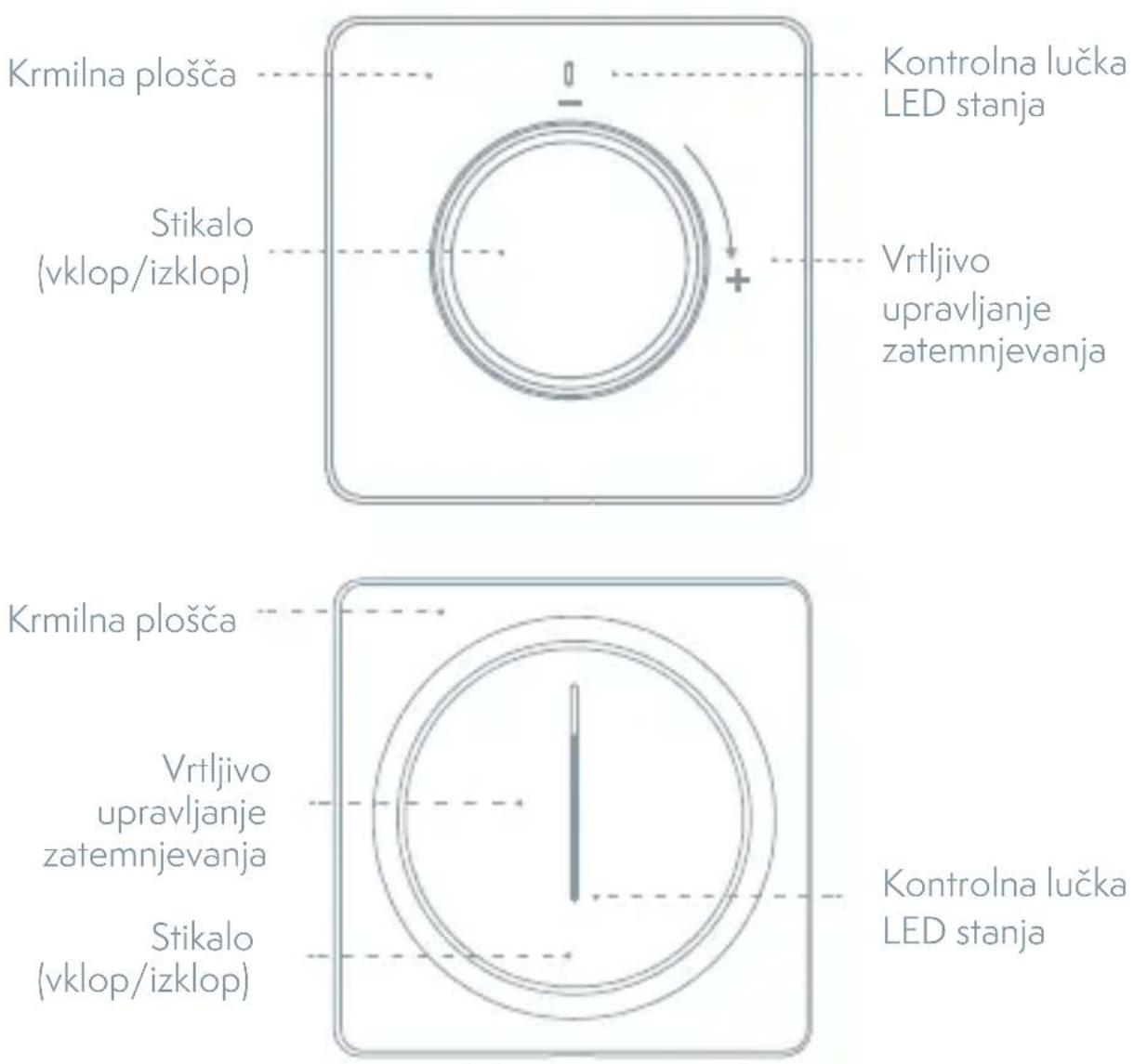
Stanje kontrolne lučke
| Barva lučke Stanje lučke Stanje stikala | ||
| Bela Letev LED | z nivojem svetlosti | Prižgi |
| Kontrolna lučka svetlosti počasi utripa (pulzira) | Ugasni | |
| Spodnja LED hitro utripa Omrežje odklopljeno | ||
| Spodnja LED utripa Način hitre konfiguracije | ||
| Spodnja LED počasi utripa Način konfiguracije AP | ||
Specifikacija
natural_image
Simple circular diagram with a top label and bottom border, no text or symbols present.Zatemnilnik
Vijaki
Potrebno orodje

Izvijač

Ploski izvijač

Preizkuševalec toka
natural_image
Line drawing of a pair of pliers (no text or symbols)Klešče
pie
| Timeframe | Value | | --------- | ----- | | Total | 30 min |
Izvlecite krmilnik
(Samo za TSL-SWI-DIMMER) Izvlecite krmilnik navzgor.
natural_image
Technical line drawing of a mechanical component with a cylindrical top and base (no text or symbols)
Odstranite matice in tesnilo
(Samo za TSL-SWI-DIMMER)
Odstranite matice zatemnilnika in tesnilo.
natural_image
Technical line drawing of a mechanical component with a central knob and mounting base (no text or symbols)natural_image
Technical line drawing of a mechanical assembly with a hand inserting a component into a housing (no text or symbols)6 Namestite stikalo.

natural_image
Line drawing of two hands holding a circular object on a tablet device (no text or symbols)
Vklopite napajanje
2 Povezava naprave
Odpravljanje težav
Ok Google, turn on bedroom light.
Ok Google, set bedroom light to 50%.
INFORMACIJE O ODSTRANJEVANJU IN RECIKLIRANJU
Far East Consortium Building,
121 Des Voeux Road Central
Hong Kong
www.teslasmart.com
TESLA SMART DIMMER/TOUCH
Manufacturer Tesla Global Limited Far East Consortium Building, 121 Des Voeux Road Central Hong Kong www.teslasmart.com


- TESLA SMART DIMMER/TOUCH
- Specification
- Contents Supplied
- Tools You'll Need
- Installation
- WARNING: RISK OF ELECTRIC SHOCK
- Turn Off The Breaker
- Connection Diagram
- Pull Out the Knob
- Remove Nuts and Gaskets
- Remove the Panel
- Mount the Switch
- Attach the Wallplate
- Turn on the Power
- APP Operation
- Preparation for use
- Connect the device
- Control Dimmer
- Troubleshooting
- Reset
- Tesla Smart Skills (Alexa)
- Congratulations! Alexa Devices (Echo) can Control the Switch ON/OFF.
- Tesla Smart Skills (Google)
- Control your smart dimmer through Google Home. Now you can control your smart dimmer through Google Home.
- INFORMATION ABOUT DISPOSAL AND RECYCLING
- EU DECLARATION OF CONFORMITY
- Manufacturer
- TSL-SWI-DIMMER/ TSL-SWI-DIMMERT
- TT
- TESLA
- BENUTZERHANDBUCH
- WARNUNG: STROMSCHLAGGEFAHR
- Popis produktu
- Potřebné nářadí
- Vytáhněte ovladač
- Sejměte panel
- Zapněte napájení
- INFORMACE O LIKVIDACI A RECYKLACI
- Potrebné náradie
- Vytiahnite ovládač
- Odstráňte matice a tesnenia
- Odstráňte panel
- Zapnite napájanie
- Pripojenie zariadenia
- Opis produktu
- Potrzebne narzędzia
- 3
- Wyciągnij sterownik
- 4
- Usuń panel
- Włącz zasilanie
- INFORMACJE O UTYLIZACJI I RECYKLINGU
- A termék leírása
- MEGSEMMISÍTÉSI ÉS ÚJRAHASZNOSÍTÁSI INFORMÁCIÓK
- Opis izdelka
- Specifikacija
- Potrebno orodje
- Izvlecite krmilnik
- Odstranite matice in tesnilo
- Namestite stikalo.
- Vklopite napajanje
- Povezava naprave
- Odpravljanje težav
- INFORMACIJE O ODSTRANJEVANJU IN RECIKLIRANJU
Brand : TESLA
Model : TSL-SWI-DIMMER
Category : Switch