ESP100 - Coffee maker KENWOOD - Free user manual and instructions
Find the device manual for free ESP100 KENWOOD in PDF.

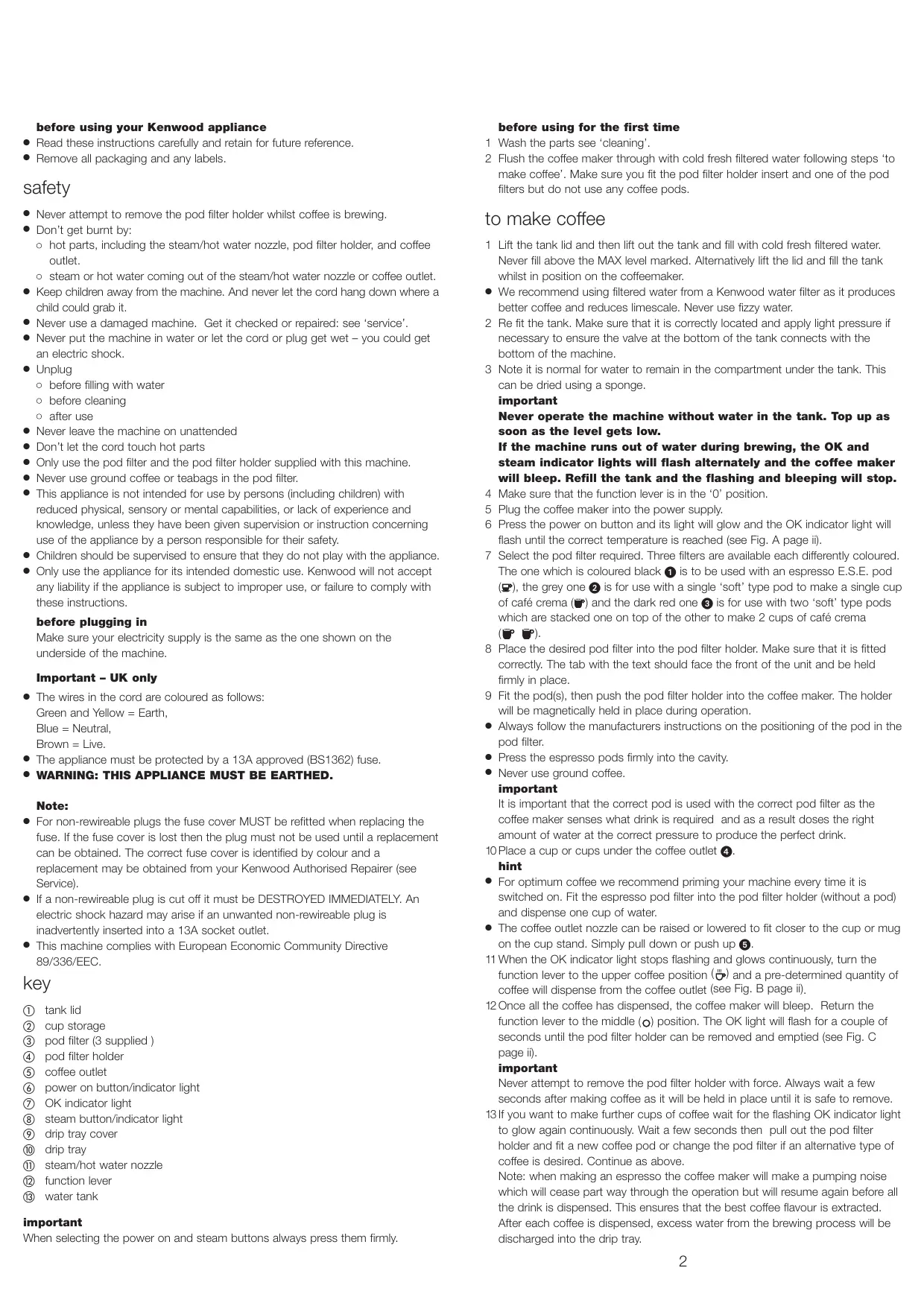

| Product type | Espresso machine |
| Brand | KENWOOD |
| Model | ESP100 |
| Power supply | 230 V, 50 Hz, 13 A |
| Power | 1200 W (estimate) |
| Pressure | 15 bar (estimate) |
| Water tank capacity | Approximately 1 L |
| Pod types | E.S.E. (espresso) and soft pods (crema coffee) |
| Provided filters | 3 filters: black (E.S.E.), gray (1 cup crema coffee), dark red (2 cups crema coffee) |
| Functions | Espresso, crema coffee (single and double), steam for milk, hot water |
| Dispensing volume | 40 ml (espresso), 125 ml (single crema coffee), 250 ml (double crema coffee) - adjustable |
| Safety | Do not remove the portafilter during the cycle, overheating protection, shut-off in case of water shortage |
| Maintenance | Automatic descaling with indicator light, manual cleaning of parts |
| Available spare parts | Filters, portafilter, water tank, steam nozzle |
| Warranty | 1 year |
Frequently Asked Questions - ESP100 KENWOOD
User questions about ESP100 KENWOOD
0 question about this device. Answer the ones you know or ask your own.
Ask a new question about this device
Download the instructions for your Coffee maker in PDF format for free! Find your manual ESP100 - KENWOOD and take your electronic device back in hand. On this page are published all the documents necessary for the use of your device. ESP100 by KENWOOD.
USER MANUAL ESP100 KENWOOD
before using your Kenwood appliance
- Read these instructions carefully and retain for future reference.
- Remove all packaging and any labels.
safety
- Never attempt to remove the pod filter holder whilst coffee is brewing.
- Don't get burnt by:
hot parts, including the steam/hot water nozzle, pod filter holder, and coffee outlet.
steam or hot water coming out of the steam/hot water nozzle or coffee outlet.
- Keep children away from the machine. And never let the cord hang down where a child could grab it.
- Never use a damaged machine. Get it checked or repaired: see 'service'.
- Never put the machine in water or let the cord or plug get wet – you could get an electric shock.
Unplug
before filling with water
before cleaning
o after use
- Never leave the machine on unattended
-
Don't let the cord touch hot parts
-
Only use the pod filter and the pod filter holder supplied with this machine.
- Never use ground coffee or teabags in the pod filter.
- This appliance is not intended for use by persons (including children) with reduced physical, sensory or mental capabilities, or lack of experience and knowledge, unless they have been given supervision or instruction concerning use of the appliance by a person responsible for their safety.
Children should be supervised to ensure that they do not play with the appliance. - Only use the appliance for its intended domestic use. Kenwood will not accept any liability if the appliance is subject to improper use, or failure to comply with these instructions.
before plugging in
Make sure your electricity supply is the same as the one shown on the underside of the machine.
Important - UK only
- The wires in the cord are coloured as follows: Green and Yellow = Earth, Blue = Neutral, Brown = Live.
- The appliance must be protected by a 13A approved (BS1362) fuse.
- WARNING: THIS APPLIANCE MUST BE EARTHED.
Note:
- For non-rewireable plugs the fuse cover MUST be refitted when replacing the fuse. If the fuse cover is lost then the plug must not be used until a replacement can be obtained. The correct fuse cover is identified by colour and a replacement may be obtained from your Kenwood Authorised Repairer (see Service).
- If a non-rewireable plug is cut off it must be DESTROYED IMMEDIATELY. An electric shock hazard may arise if an unwanted non-rewireable plug is inadvertently inserted into a 13A socket outlet.
- This machine complies with European Economic Community Directive 89/336/EEC.
key
① tank lid
② cup storage
③ pod filter (3 supplied)
④ pod filter holder
⑤ coffee outlet
⑥ power on button/indicator light
⑦ OK indicator light
⑧ steam button/indicator light
⑨ drip tray cover
10 drip tray
⑪ steam/hot water nozzle
⑫ function lever
13 water tank
important
When selecting the power on and steam buttons always press them firmly.
before using for the first time
1 Wash the parts see 'cleaning'.
2 Flush the coffee maker through with cold fresh filtered water following steps 'to make coffee'. Make sure you fit the pod filter holder insert and one of the pod filters but do not use any coffee pods.
to make coffee
1 Lift the tank lid and then lift out the tank and fill with cold fresh filtered water. Never fill above the MAX level marked. Alternatively lift the lid and fill the tank whilst in position on the coffeemaker.
- We recommend using filtered water from a Kenwood water filter as it produces better coffee and reduces limescale. Never use fizzy water.
2 Re fit the tank. Make sure that it is correctly located and apply light pressure if necessary to ensure the valve at the bottom of the tank connects with the bottom of the machine.
3 Note it is normal for water to remain in the compartment under the tank. This can be dried using a sponge.
important
Never operate the machine without water in the tank. Top up as soon as the level gets low.
If the machine runs out of water during brewing, the OK and steam indicator lights will flash alternately and the coffee maker will bleep. Refill the tank and the flashing and bleeping will stop.
4 Make sure that the function lever is in the '0' position.
5 Plug the coffee maker into the power supply.
6 Press the power on button and its light will glow and the OK indicator light will flash until the correct temperature is reached (see Fig. A page ii).
7 Select the pod filter required. Three filters are available each differently coloured. The one which is coloured black 1 is to be used with an espresso E.S.E. pod (P), the grey one 2 is for use with a single 'soft' type pod to make a single cup of café crema (P) and the dark red one 3 is for use with two 'soft' type pods which are stacked one on top of the other to make 2 cups of café crema (P).
8 Place the desired pod filter into the pod filter holder. Make sure that it is fitted correctly. The tab with the text should face the front of the unit and be held firmly in place.
9 Fit the pod(s), then push the pod filter holder into the coffee maker. The holder will be magnetically held in place during operation.
- Always follow the manufacturers instructions on the positioning of the pod in the pod filter.
- Press the espresso pods firmly into the cavity.
- Never use ground coffee.
important
It is important that the correct pod is used with the correct pod filter as the coffee maker senses what drink is required and as a result doses the right amount of water at the correct pressure to produce the perfect drink.
10 Place a cup or cups under the coffee outlet 4
hint
- For optimum coffee we recommend priming your machine every time it is switched on. Fit the espresso pod filter into the pod filter holder (without a pod) and dispense one cup of water.
- The coffee outlet nozzle can be raised or lowered to fit closer to the cup or mug on the cup stand. Simply pull down or push up ⑤
11 When the OK indicator light stops flashing and glows continuously, turn the function lever to the upper coffee position (M) and a pre-determined quantity of coffee will dispense from the coffee outlet (see Fig. B page ii).
12 Once all the coffee has dispensed, the coffee maker will bleep. Return the function lever to the middle (o) position. The OK light will flash for a couple of seconds until the pod filter holder can be removed and emptied (see Fig. C page ii).
important
Never attempt to remove the pod filter holder with force. Always wait a few seconds after making coffee as it will be held in place until it is safe to remove.
13 If you want to make further cups of coffee wait for the flashing OK indicator light to glow again continuously. Wait a few seconds then pull out the pod filter holder and fit a new coffee pod or change the pod filter if an alternative type of coffee is desired. Continue as above.
Note: when making an espresso the coffee maker will make a pumping noise which will cease part way through the operation but will resume again before all the drink is dispensed. This ensures that the best coffee flavour is extracted. After each coffee is dispensed, excess water from the brewing process will be discharged into the drip tray.
to produce steam to froth milk after having brewed coffee
1 Ensure that the pod filter holder with a pod holder is fitted to the coffee maker.
2 Press the steam button and its light will flash (see Fig. D page ii). When the steam indicator light glows continuously the unit is ready to produce steam (see Fig. E page ii).
3 Place an empty jug under the steam/hot water nozzle and move the function lever to the lower steam position (♀) to remove excess water from the system. Return the function lever to the middle (♂) position and discard the water.
4 Part fill a jug with milk – the milk may increase up to three times in volume so select a suitably sized jug.
- Fresh cold semi skimmed milk gives the best results.
5 Position the jug under the steam/hot water nozzle
6 Place the nozzle into the milk and move the function lever to the lower steam position (3). The milk will begin to increase in volume and appear frothy 6. To obtain a creamier froth, rotate the jug with slow movements from the bottom upwards.
7 Once the desired temperature and froth are obtained, stop the steam by returning the lever back to the middle (O) position.
- Never allow the milk to boil as this will spoil the flavour of the coffee.
8 Pour the frothed milk into the cups containing the espresso coffee to make a cappuccino.
9 Switch off the steam button in order to make further cups of coffee.
Note: After having used the steam function. The OK indicator light will flash quickly (once per 1/4 second) for a short period to indicate the high temperature (see Fig. F page ii) during which period of time the machine is not ready for brewing coffee. Wait until the OK indicator light glows continuously (see Fig. G page ii) otherwise the temperature will be too high and will burn the coffee.
hint
- After frothing milk, dispense hot water from the steam/hot water nozzle (see below) which will help clean the nozzle and help the boiler to cool down more quickly.
to produce hot water for other drinks, eg tea, fruit drinks
1 Ensure that the pod filter holder with a pod holder is fitted to the coffee maker.
2 Press the power on button and its light will glow and the OK indicator light will flash.
3 When the OK indicator light stops flashing and glows continuously, place a cup under the steam/hot water nozzle and move the function lever to the lower steam position
(5). Hot water will dispense from the nozzle.
4 Switch off and unplug after use.
- Never use teabags in the pod filter.
setting the dispensing volume
The coffee maker has been programmed to dispense a pre selected quantity of liquid which is 40ml for Espresso, 125ml for a single café crema and 250ml for a double café crema. These volumes can only be changed by carrying out the following procedure ensuring that the appropriate coffee pod and pod filter are fitted.
1 Place the required cups(s) under the coffee nozzle.
2 Press and hold the Steam button for 5 seconds during brewing and the OK and steam indicator lights will flash simultaneously. When the coffee volume in the cup reaches the required level, release the button and the water volume will be stored in the memory. This can be re-programmed at any time following the above procedure.
descaling
When the power on indicator light starts flashing the machine needs to be descaled and it will continue to flash until the unit is descaled.
1 With the machine switched off, place a jug under the steam/hot water nozzle. (This may need to be emptied during the descaling process.)
2 Fill the water tank to the Max level with a liquid descaling agent (follow the manufacturers guidelines).
3 Fit the pod filter holder (with pod filter fitted) to the coffee maker.
4 Press the power on button. Both the power on and OK indicator lights will flash.
5 When the OK indicator light stops flashing, turn the function lever to the lower steam position (6).
6 Press the Steam button for three seconds. This will activate a descending program and the 3 indicator lights (On/Off, OK and Steam) will flash in succession indicating the descending cycle is in operation. (During this time the pump will operate 30 seconds On followed by 2 minutes Off). Allow the entire descending agent to flow out from the steam/hot water nozzle. The machine will bleep when the tank is empty.
7 When the tank is empty return the function lever to the middle (O) position. (The indicator lights will continue to flash).
8 Rinse the tank and fill with fresh water.
9 Turn the function lever to the lower steam position (3) and allow all the fresh water to flow out from the steam/hot water nozzle. (During this cycle the pump will operate continuously until the tank has emptied and the coffee maker will bleep.)
10 Turn the function lever to the middle (O) position
11 Hold down the steam button for 3 seconds to reset the descale cycle and the indicator lights will stop flashing.
12 The coffee maker is now ready for use.
cleaning
1 Before cleaning, unplug and let everything cool.
2 Never immerse the appliance in water
3 Don't wash parts in the dishwasher.
tank, pod filter, pod filter holder
- Wash, rinse and allow to dry
steam/hot water nozzle
- Prior to cleaning allow some hot water to flow out of the nozzle (see 'to produce hot water for other drinks') then unplug and allow to cool before proceeding.
- Unscrew the nozzle by turning anti-clockwise, then wash thoroughly. Check that the hole in the nozzle is not blocked. If necessary unblock with a pin.
- Clean the steam/hot water delivery tube. Make sure the end is not blocked.
- Screw the nozzle back onto the delivery tube.
drip tray/drip tray cover
- Empty the drip tray regularly.
1 Wash then dry thoroughly.
service and customer care
- If the cord is damaged it must, for safety reasons, be replaced by Kenwood or an authorised Kenwood repairer.
UK
If you need help with:
- using your machine or
servicing, spare parts or repairs (in or out of guarantee)
call Kenwood customer care on 023 9239 2333. Have your model number ready - it's on the underside of the coffee maker.
spares and attachments
call 0870 2413653.
- other countries
Contact the shop where you bought your machine.
guarantee (uk only)
If your coffee maker goes wrong within one year from the date you bought it, we will repair it (or replace it if necessary) free of charge provided:
- you have not misused, neglected or damaged it;
- it has not been modified (unless by Kenwood);
- it is not second-hand;
- it has not been used commercially;
- you have not fitted a plug incorrectly; and
- you supply your receipt to show when you bought it.
This guarantee does not affect your statutory rights.
trouble shooting guide
| symbol | warning signs | possible cause | solution |
| ok ok OK | OK and steam indicator flash alternately | Lack of water | Refill the water tank |
| ok ok OK | The steam indicator light flashes quickly | The memory is corrupted | The coffee maker needs repairing see 'service and customer care'. The coffee maker can still be used but the dispensing volumes will default to factory settings and cannot be adjusted. Also the descending mode will be lost. |
| ok ok OK | The power indicator flashes | The machine needs to be descaled. | Descale the machine. |
| ok ok OK | The power indicator and OK indicator flash alternately | The pod filter holder is missing | Fit the filter into the filter holder |
| ok ok OK | The power, OK and steam indicator lights flash | The temperature of the boiler is too high | Switch off the machine for a period of time and re-start it again. If the problem persists return the appliance to a Kenwood authorised repairer. |