JVC GR-DA20E - Camcorder

GR-DA20E - Camcorder JVC - Free user manual and instructions

Find the device manual for free GR-DA20E JVC in PDF.

📄 112 pages English EN Download 💬 AI Question
Notice JVC GR-DA20E - page 110
View the manual : Français FR Deutsch DE English EN Nederlands NL
Pick your language and provide your email: we'll send you a specifically translated version.

User questions about GR-DA20E JVC

1 question about this device. Answer the ones you know or ask your own.

Ask a new question about this device

The email remains private: it is only used to notify you if someone responds to your question.

wie accu wechseln ?
P peter - 3 j - 1 réponse communauté

batterie öffnen riegel verschoben aber wo ist batterie?

Report this question
N Notice-Facile - 3 j

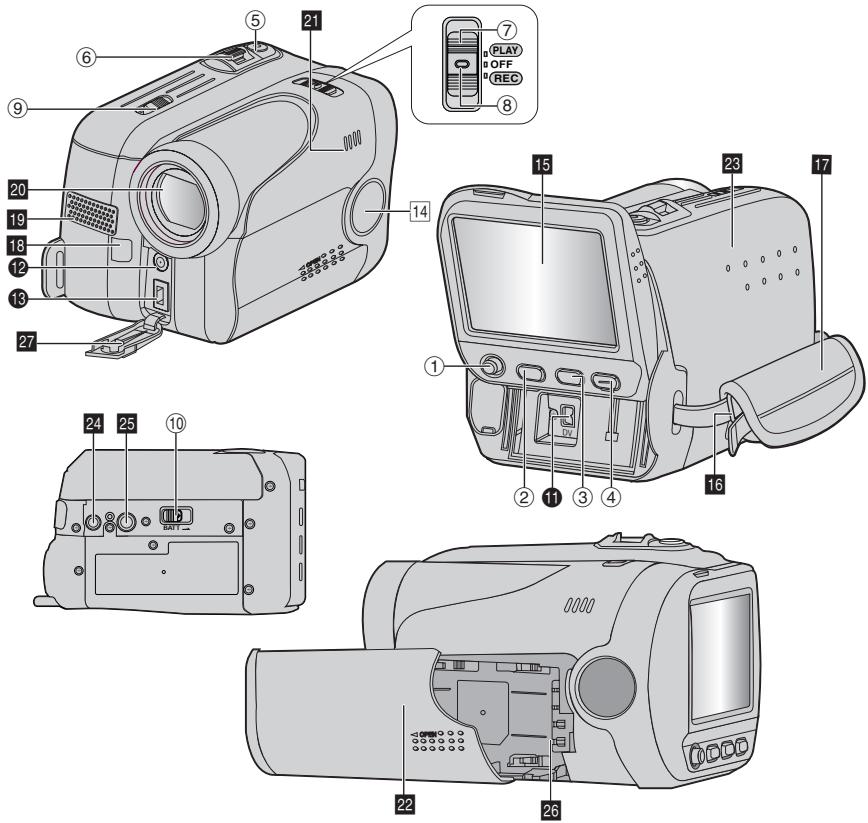
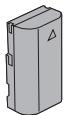
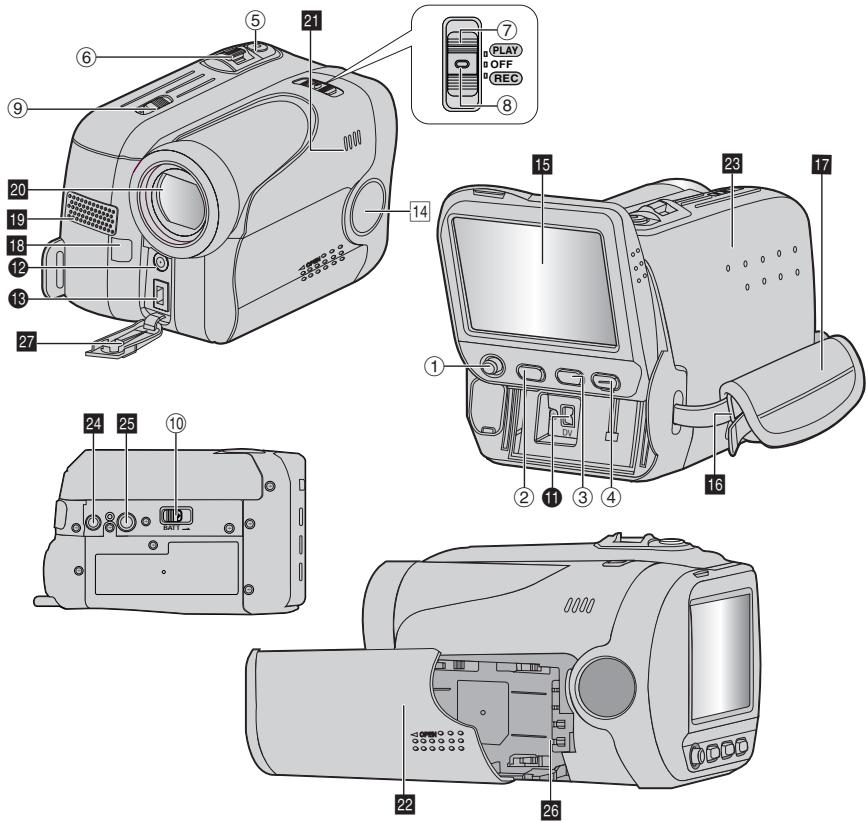
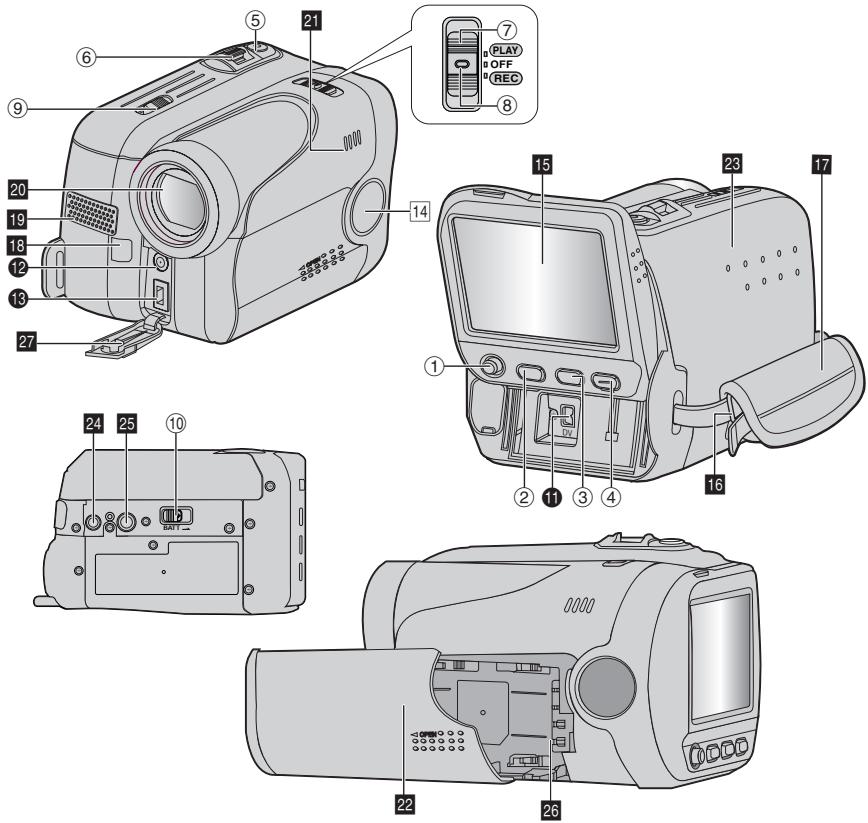
Der Akku des JVC GR-DA20E befindet sich an der Rückseite des Camcorders im unteren Bereich. Um ihn zu entnehmen: Schieben Sie den BATT.-Entriegelungsriegel (meist ein kleiner Schieber an der Seite des Akkufachs) zur Seite und ziehen Sie den Akku nach unten heraus. Zum Einsetzen: Den Akku von unten in das Fach einschieben und nach oben drücken, bis er hörbar einrastet. Kompatible Akkutypen: BN-VF707U (ca. 1h Aufnahme) oder BN-VF714U (länger). Laden Sie den Akku immer vollständig auf, bevor Sie die Kamera benutzen.

Report this response
Add a response

Download the instructions for your Camcorder in PDF format for free! Find your manual GR-DA20E - JVC and take your electronic device back in hand. On this page are published all the documents necessary for the use of your device. GR-DA20E by JVC.

USER MANUAL GR-DA20E JVC

Manual assistant
Powered by Anthropic
Waiting for your message
Product information

Brand : JVC

Model : GR-DA20E

Category : Camcorder