
CONNECTIVITY ADAPTER CABLE DKU-5 - Phone Accessories NOKIA - Free user manual and instructions
Find the device manual for free CONNECTIVITY ADAPTER CABLE DKU-5 NOKIA in PDF.

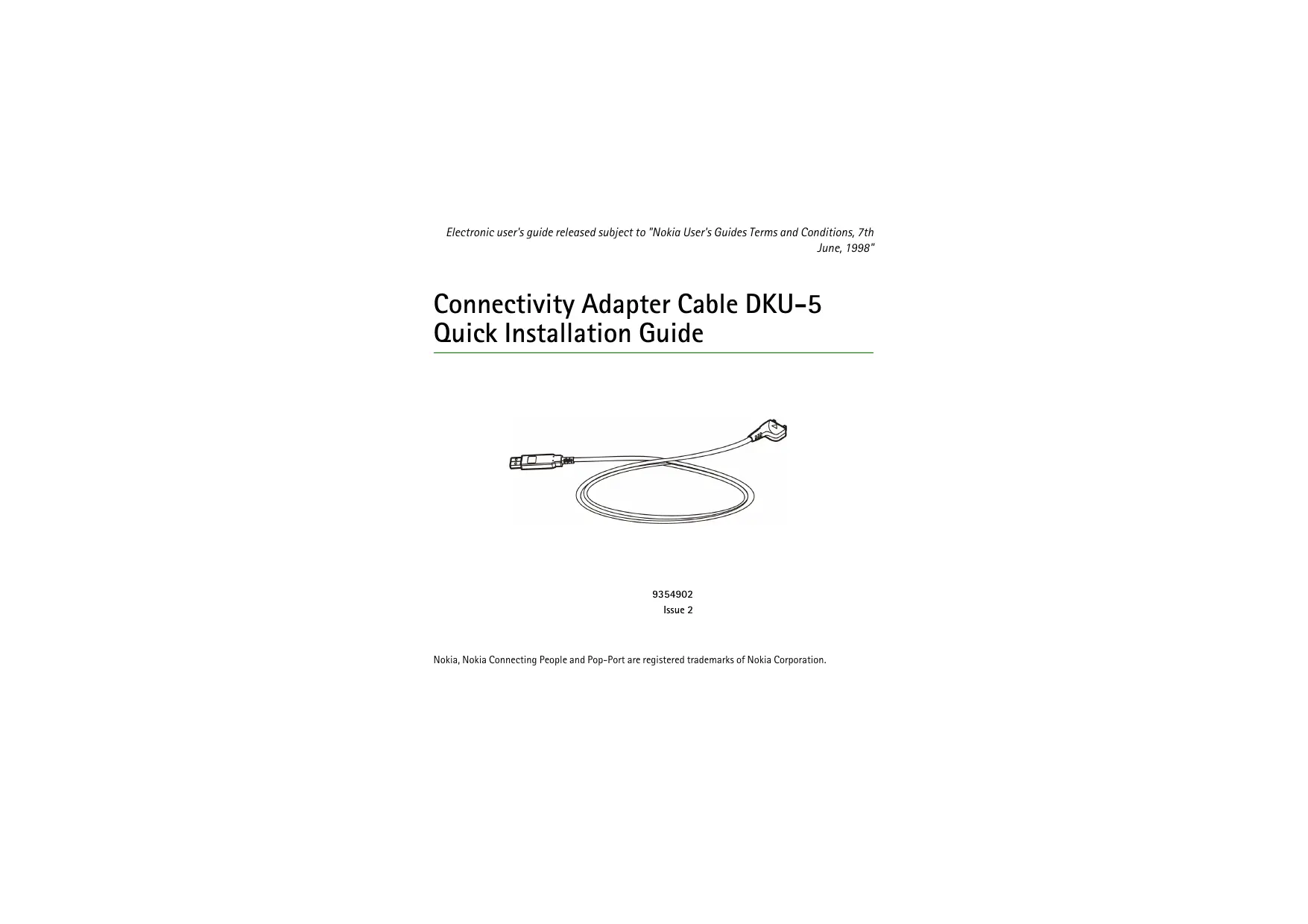

| Product type | Connectivity adapter cable |
| Brand | Nokia |
| Model | DKU-5 |
| Phone compatibility | Nokia phones with Pop-Port™ connector (e.g., Nokia 7210) |
| PC connection | USB |
| Phone connection | Pop-Port™ |
| Supported operating systems | Windows 98 SE, Windows ME, Windows 2000, Windows XP |
| Main function | Data transfer and synchronization between phone and PC |
| Power supply | Powered by USB port (no external power) |
| Cable length | Approximately 1 m |
| Weight | Approximately 50 g |
| Material | PVC, metal connectors |
| Required software | DKU-5 driver and Nokia PC Suite |
| Driver installation | Install the driver before connecting the cable to the PC |
| Installation note | Do not connect the cable before installing the driver |
| Maintenance | Clean with a dry cloth, avoid moisture |
| Safety | Use only with compatible devices, do not expose to water |
| Spare parts | Not available separately (complete cable) |
| Warranty | See Nokia general terms and conditions |
Frequently Asked Questions - CONNECTIVITY ADAPTER CABLE DKU-5 NOKIA
User questions about CONNECTIVITY ADAPTER CABLE DKU-5 NOKIA
0 question about this device. Answer the ones you know or ask your own.
Ask a new question about this device
Download the instructions for your Phone Accessories in PDF format for free! Find your manual CONNECTIVITY ADAPTER CABLE DKU-5 - NOKIA and take your electronic device back in hand. On this page are published all the documents necessary for the use of your device. CONNECTIVITY ADAPTER CABLE DKU-5 by NOKIA.
USER MANUAL CONNECTIVITY ADAPTER CABLE DKU-5 NOKIA
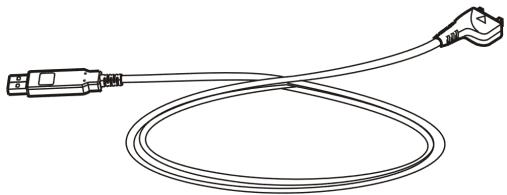
Connectivity Adapter Cable DKU-5 Quick Installation Guide
natural_image
Line drawing of a cable with two connectors, no text or symbols present9354902
Issue 2
Nokia, Nokia Connecting People and Pop-Port are registered trademarks of Nokia Corporation.
1. Introduction
With the Connectivity Adapter Cable DKU-5 you can connect your Nokia phone to a USB compatible PC for data transfer. You can synchronise data (for example, a calendar, phone book or a to-do list) between your phone and a compatible organiser software by using the PC Suite software supplied with the phone.
The Connectivity Adapter Cable DKU-5 is compatible with phones with a Pop-Port™ interface connector, for example, the Nokia 7210 mobile phone. Please check the compatibility from your phone's accessory guide. The Connectivity Adapter Cable driver software is compatible with the Microsoft Windows 98 Second Edition, Windows ME, Windows 2000 and Windows XP operating systems.
Please refer to the user's guide of your phone for instructions on the phone's operation, care and maintenance, including important safety information.
2. Installation
First install the Connectivity Adapter Cable driver software on your computer from the CD-ROM supplied in the sales package before installation of Nokia PC Suite. You can download the latest version of Connectivity Adapter Cable driver software at http://www.nokia.com/enhancements.

Note: Do NOT have your Connectivity Adapter Cable connected to the computer when you install the driver. Doing so causes the driver to be installed incorrectly.
■ Loading the CD-ROM on your computer
- Exit all Windows programs and insert the Connectivity Adapter Cable driver CD-ROM into the CD-ROM drive of your computer.
- If installation does not start automatically, select "Run.." from the "Start" menu and type "D:\start.exe" (where "D:" refers to the CD-ROM drive of the computer) and press Enter.
■ Installing the driver
- Follow the on-screen instructions to start an installation wizard, which guides you through the setup process of the driver.
-
The installation wizard first tells you that DKU-5 will be installed on your computer. Click "Next>" to continue.
-
When the installation has been completed, in some systems the wizard prompts you to restart your computer. Click "Yes". Note that you must restart your computer before you can use the program.
- Remove any disks from their drives, and then click "Finish" to complete the setup.
Notes for Windows 2000 users
When the cable is connected for the first time, Windows 2000 automatically locates the drivers and software that you previously installed. If the "Digital signature not found" message is displayed during the installation process, click "Yes" to complete the installation.
Notes for Windows XP users
When the cable is connected for the first time, Windows XP activates the "Found New Hardware Wizard" to assist you with the installation of both the cable adapter and the virtual COM port. If Windows logo error messages are displayed during the installation process, click "Continue anyway" to complete the installation for both devices.
■ Connecting the cable
After you have restarted your computer, connect the DKU-5 cable to the USB port of your computer and to the Pop-Port connector of the compatible Nokia phone.
See the user's guides of your Nokia phone and Nokia PC Suite for information on Data cable usage.