
EH400+ - Projector OPTOMA - Free user manual and instructions
Find the device manual for free EH400+ OPTOMA in PDF.


| Product type | DLP projector |
| Native resolution | 1920 x 1080 (Full HD) |
| Brightness | 4000 ANSI lumens |
| Contrast | 20,000:1 |
| Lamp life | Up to 15,000 hours (Eco mode) |
| Keystone correction | Vertical ±40°, horizontal ±30° |
| Lens | 1.1x zoom |
| Inputs | HDMI x2, VGA, USB, Audio |
| Outputs | Audio 3.5mm, 12V trigger |
| Noise | 29 dB (Eco mode) |
| Power supply | 100-240V AC, 50/60Hz, 300W |
| Dimensions (W x D x H) | 315 x 230 x 95 mm |
| Weight | 2.8 kg |
| Functions | 3D ready display, short throw projection, 4K compatibility (upscaling) |
| Maintenance | Clean air filter every 1000 hours, replace lamp after use |
| Security | Kensington lock, security password |
| Repairability | Replaceable lamp, accessible filter, Optoma support |
Frequently Asked Questions - EH400+ OPTOMA
User questions about EH400+ OPTOMA
0 question about this device. Answer the ones you know or ask your own.
Ask a new question about this device
Download the instructions for your Projector in PDF format for free! Find your manual EH400+ - OPTOMA and take your electronic device back in hand. On this page are published all the documents necessary for the use of your device. EH400+ by OPTOMA.
USER MANUAL EH400+ OPTOMA
natural_image
Line drawing of a projector with control panel and display (no text or symbols)OBSAH
BEZPEČNOST 4
natural_image
Illustration of a bundle of cables with connectors, no text or symbols present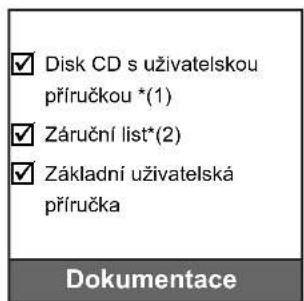
natural_image
Diagram of a Kabel VGA cable connector (no text or symbols on the diagram itself)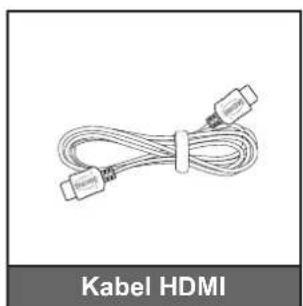
natural_image
Coiled cable with two connectors, labeled 'Kabel HDMI' below (no other text or symbols)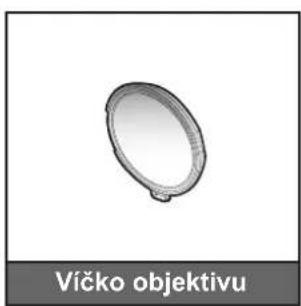
natural_image
Simple 3D oval object with a small protrusion, labeled 'Víčko objektivu' below (no other text or symbols)natural_image
Line drawing of a person sitting in a chair watching a projector on a table (no text or symbols present)stropě vpředu
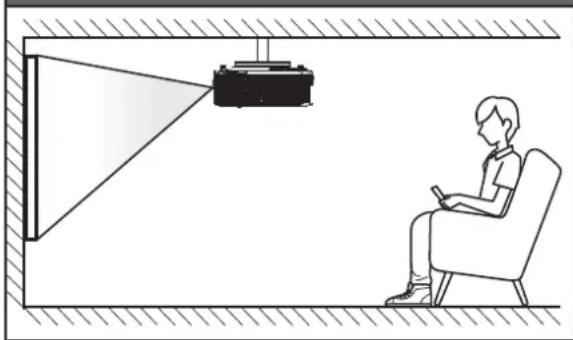
natural_image
Illustration of a person sitting in a chair viewing a projector mounted on a wall, with no visible text or symbols.natural_image
Line drawing of a person sitting in a chair watching a projector on a screen (no text or symbols)stropě vzadu
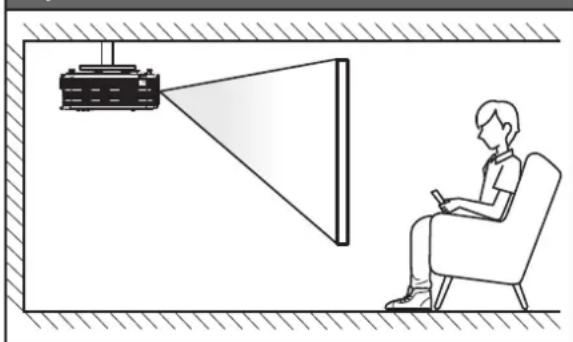
natural_image
Illustration of a person sitting in a chair viewing a projector mounted on a wall, with no text or symbols present.natural_image
Illustration of hands using a pliers to adjust a small object with red arrows indicating direction (no text or symbols)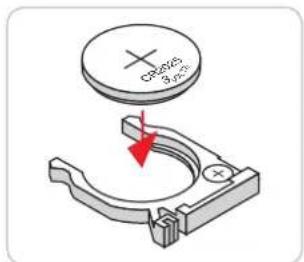
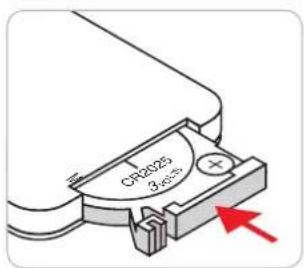
Optional Filter Installed
POUŽÍVÁNÍ PROJEKTORU
Hlavní stránka
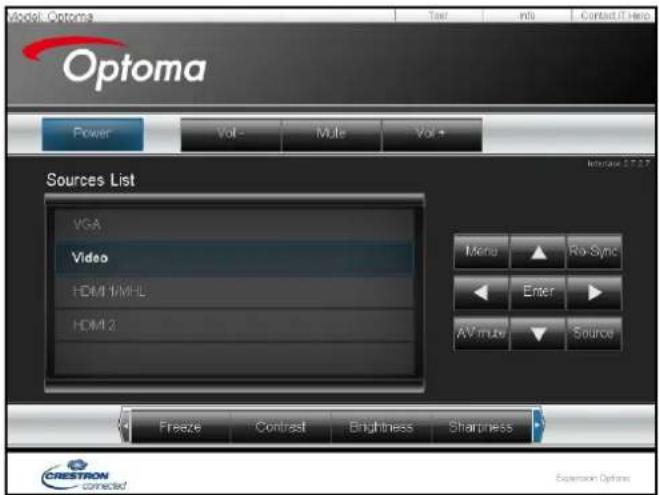
Stránka s nástroji
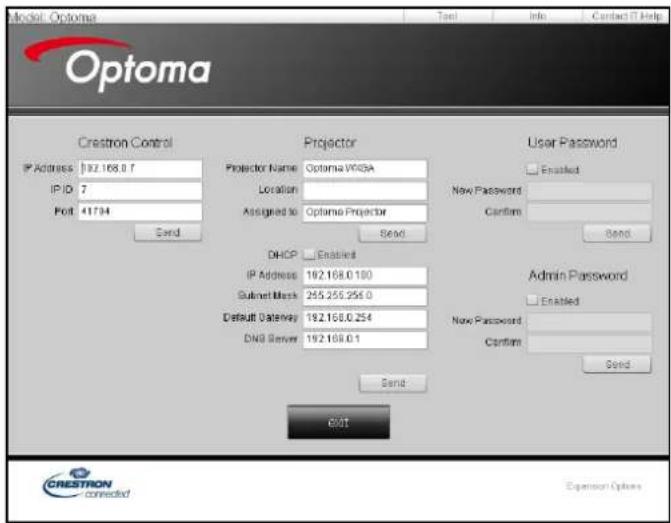
POUŽÍVÁNÍ PROJEKTORU
natural_image
Illustration of a projector with internal components and external panel structure (no text or symbols)DODATEČNÉ INFORMACE
42 Caxton Way, The Watford Business Park
Watford, Hertfordshire,
WD18 8QZ, UK +44 (0) 1923 691 800
www.optoma.eu +44 (0) 1923 691 888
Servisní tel.: +44 (0)1923 691865 service@tsc-europe.com
Benelux BV
Randstad 22-123 +31 (0) 36 820 0252
1316 BW Almere +31 (0) 36 548 9052
Nizozemsko
www.optoma.nl
Francie
Germany info@optoma.de

Skandinávie
Lerpeveien 25
3040 Drammen
Norway
+47 32 98 89 90
+47 32 98 89 99
info@optoma.no
PO.BOX 9515
3038 Drammen
Norsko
Korea
WOOMI TECH.CO.,LTD. +82+2+34430004
4F, Minu Bldg.33-14, Kangnam-Ku, +82+2+34430005
Soul,135-815, KOREA
korea.optoma.com
Japonsko
東京都足立区綾瀬3-25-18
株式会社オーエス
info@os-worldwide.com
www.os-worldwide.com
Tchaj-wan
12F., No.213, Sec. 3, Beixin Rd.,
Xindian Dist., New Taipei City 231,
Tchaj-wan, R.O.C.
www.optoma.com.tw
+886-2-8911-8600
+886-2-8911-6550
services@optoma.com.tw
asia.optoma.com
Hongkong
Unit A, 27/F Dragon Centre,
79 Wing Hong Street, +852-2396-8968
Cheung Sha Wan,
Kowloon, Hong Kong
+852-2370-1222
www.optoma.com.hk
Čína
5F, No. 1205, Kaixuan Rd.,
Changning District


Brand : OPTOMA
Model : EH400+
Category : Projector