
TEMPORIS 06 - Phone ALCATEL - Free user manual and instructions
Find the device manual for free TEMPORIS 06 ALCATEL in PDF.



| Brand | ALCATEL |
| Model | TEMPORIS 06 |
| Product type | Landline phone |
| Power supply | Analog telephone line |
| Dial type | Tone (FV) or pulse (DC) selectable |
| Redial memory | Last number redial (redial key) |
| Mute function | Yes (temporary hold) |
| Ringer volume adjustment | 3 levels (high, low, off) |
| Call indicator light | Yes (on handset) |
| Flash timing | 100, 300 or 600 ms selectable |
| Wall mountable | Yes (85 mm spacing holes) |
| Warranty | 12 months |
| Package contents | Base, handset, line cord, coiled cord, emergency numbers label |
| Maintenance | Damp cloth, no solvents |
| Usage precautions | Do not immerse, do not use during storms |
| Compliance | Directive 1999/5/EC, CE marking |
Frequently Asked Questions - TEMPORIS 06 ALCATEL
User questions about TEMPORIS 06 ALCATEL
0 question about this device. Answer the ones you know or ask your own.
Ask a new question about this device
Download the instructions for your Phone in PDF format for free! Find your manual TEMPORIS 06 - ALCATEL and take your electronic device back in hand. On this page are published all the documents necessary for the use of your device. TEMPORIS 06 by ALCATEL.
USER MANUAL TEMPORIS 06 ALCATEL
m = 311 ;
Wir
THOMSON TELECOM 1. Parkdmd do in P
Alcohol 3.10% (Tanner's 24%)
A
EN 60950 (2000) EN 55022 (1984)
EN 58622 (1974) + EN (1976) + EN (1977)
EN 55024 (1998)
Jose Luis CASADO
Head of WW Telecom
= 1
m : x = 1 或 3x + 4y + 1 = 0

1. DETELEFOON INSTALLEREN
5. WAT DOEN INDIEN...?
6. VOORZORGSGMAATREGELEN
Jose Luis CASADO
Head of WW Telephony T
1 + u1 - 1 = ( 1 + u) u1 < 1 = u
m : x = 1 或 3x + 4y + 1 = 0
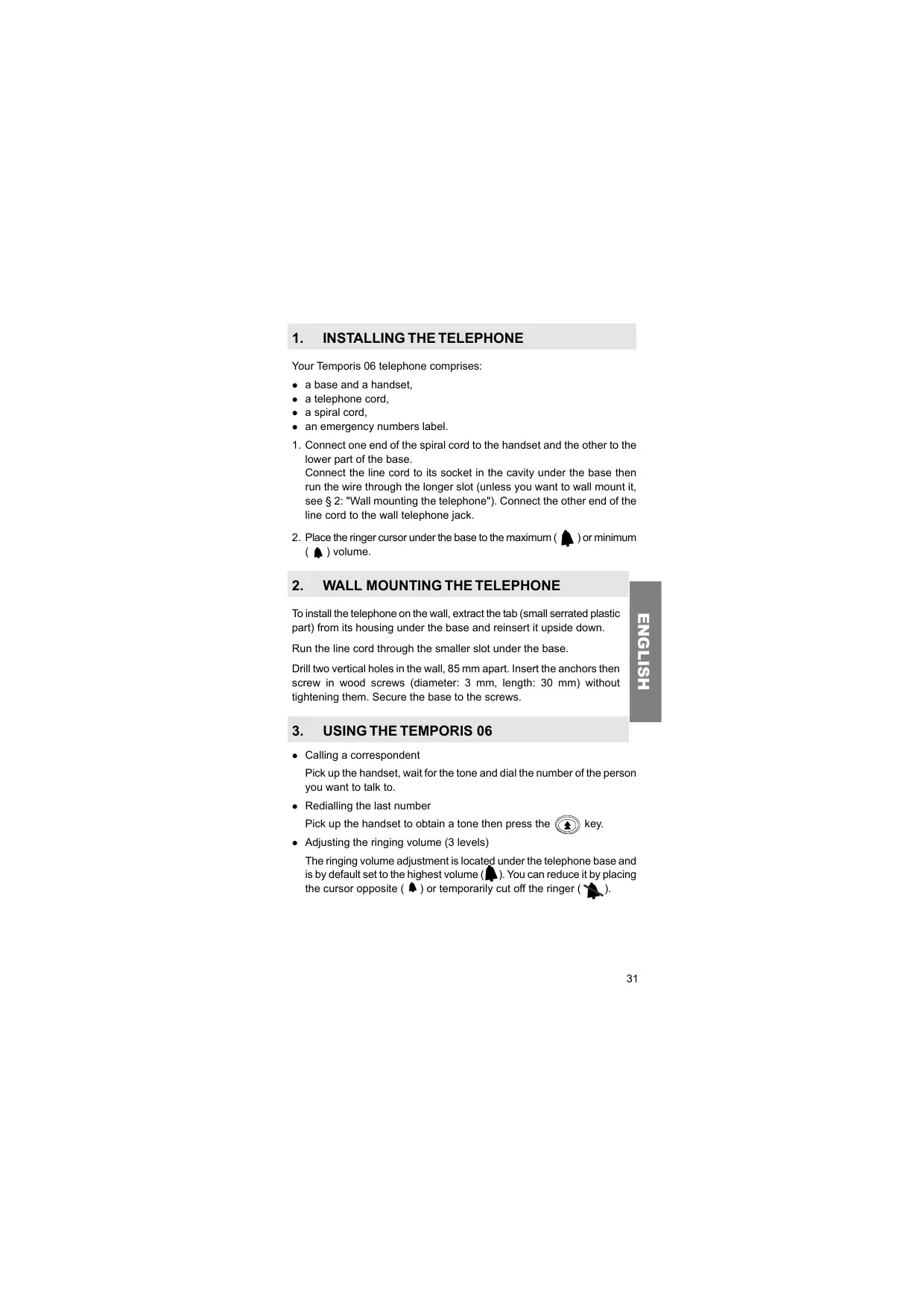
1. INSTALLING THE TELEPHONE
Your Temporis 06 telephone comprises:
- a base and a handset,
- a telephone cord,
- a spiral cord,
-
an emergency numbers label.
-
Connect one end of the spiral cord to the handset and the other to the lower part of the base.
Connect the line cord to its socket in the cavity under the base then run the wire through the longer slot (unless you want to wall mount it, see § 2: "Wall mounting the telephone"). Connect the other end of the line cord to the wall telephone jack. - Place the ringer cursor under the base to the maximum ( ) or minimum ( ) volume.
2. WALL MOUNTING THE TELEPHONE
To install the telephone on the wall, extract the tab (small serrated plastic part) from its housing under the base and reinsert it upside down.
Run the line cord through the smaller slot under the base.
Drill two vertical holes in the wall, 85mm apart. Insert the anchors then screw in wood screws (diameter: 3mm , length: 30mm ) without tightening them. Secure the base to the screws.
3. USING THE TEMPORIS 06
- Calling a correspondent
Pick up the handset, wait for the tone and dial the number of the person you want to talk to. - Redialling the last number
Pick up the handset to obtain a tone then press the key.
- Adjusting the ringing volume (3 levels)
The ringing volume adjustment is located under the telephone base and is by default set to the highest volume (▲). You can reduce it by placing the cursor opposite (▲) or temporarily cut off the ringer (▲).
- Mute function
During a conversation, if you don't want your correspondent to hear you, press the key and hold it down as long as necessary.
Ringing light
When there is an incoming call, the light on the top of the handset comes on. - Accessing your Operator's services (keys R, *, #).
Check with your local branch.
4. SETTING THE TEMPORIS 06 PARAMETERS
- Tone/Pulse dialling
By default, your telephone uses voice frequency (VF) tone dialling. If this is not suitable, you can switch to pulse dialling by setting the cursor on the side of the handset to DC.
- Pause (P).
This function is only used behind a PBX.
- Flash time
The cursor on the upper side of the handset can be used to modify the flash time (values: 100, 300 or 600 ms).
Position the cursor on the chosen value.
Then confirm the change by hanging up the handset on the base before making a new call.
5. WHAT TO DO IF ...
There is no tone
- Check that the line cord is correctly connected to the wall jack.
-
Check that the cradle on the handset is not blocked.
-
The telephone doesn't ring
- Check that the ringer is not switched off (see ringer adjustment).
- You cannot hear your correspondent
- Check that another extension on the installation is not being used at the same time.
6. PRECAUTIONS OF USE
Caution, never bring your telephone set in contact with water.
To clean your set however, you may use a damp cloth.
Never use solvents (trichlorethylene, acetone, ...) which may damage the plastic surfaces of your telephone set. Never spray cleaning products on your set.
During storms, it is advised not to use the set.
7. TECHNICAL SPECIFICATIONS / DECLARATION OF CONFORMITY
- We would remind you that TEMPORIS 06 is approved in conformity with European regulations, as certified by the CE marking.
- It is designed to send and receive telephone communications and for connection to the public telecommunications network.
- Appliance designed for connection to a TRT3 class analogue telephone line (telecommunications network voltage) as defined in standard NF EN 60-950.
- Thomson Telecom hereby declares that the TEMPORIS 06 appliance is compliant with the essential requirements and other relevant provisions of directive 1999/5/CE.
8. GUARANTEE
You are covered by a legal warranty on this product and for all information concerning this warranty, please contact your reseller.
Regardless of the legal warranty on the product, the reseller guarantees conformity of the products with their technical specifications for a period of twelve (12) months, parts and labour, starting from the date on the proof of purchase of the product. You should therefore keep your invoice or till receipt specifying the date of purchase of the product and the name of the reseller.
However, if the legal warranty in your country exceeds twelve (12) months, the legal warranty alone then applies. If the legal warranty is on the contrary less than twelve (12) months, the total duration of the warranty (legal and commercial) will be of twelve (12) months. The non-conforming part or product will be repaired or replaced free of charge, by an identical part or product, or one at least equivalent in terms of function and performance.
If repair or replacement were to prove impossible, you would receive a refund for the product.
The spare product or part, which may be either new or reconditioned, is guaranteed for a period either of three months from the date of repair, or up to the end of the initial warranty period if this is longer than three months. All parts or products returned and replaced become the property of the manufacturer.
However, this warranty becomes null and void in the following cases:
- installation or use other than as instructed in this guide;
- incorrect connection or abnormal use of the product, in particular with accessories not specifically recommended;
- products which have been knocked or dropped;
- products damaged by lightning, voltage surge, source of heat or radiation, water damage, exposure to excessive humidity, or any other cause outside the product itself;
- defective maintenance, negligence;
- maintenance, modification or repair by a person not approved by the manufacturer or reseller.
SUBJECT TO LEGAL PROVISIONS, ALL WARRANTYES OTHER THAN THOSE DESCRIBED HEREIN ARE EXPRESSLY EXCUSED.
THOMSON
C
DECLARATION OF CONFORMITY
According the disposition of the directive 1999/5/EC of the European parliament and of the council of 9 March 1999 on radio equipment and telecommunications terminal equipment and the mutual recognition of their conformity.
m - 1 0 ;
THOMSON TELECOM 41. Roubrovski de la République
78400 Chatou
France
We
declare under our sole responsibility that the product Alcatel 2406 / Temporis 06
to which this declaration relates is in conformity with the following standard(s) or other normative document(s) provided
that it is installed , maintained and used in the application for which it is made , with respect of the “ professionalprocess ” relevant installation standards and may facilitate ’ instructions :
practices - relevant installation standards and conductor's instructions .
EN 60950 (2000) EN 55222 (1984)
EN 55022 (1994) + A1(1993) / A2 (1997) EN 55024 (1998)
Chatou,the 5^th of January 2004

Marketing Departments:
Brand : ALCATEL
Model : TEMPORIS 06
Category : Phone