
LAGAN 606.000.56 - Cooker IKEA - Free user manual and instructions
Find the device manual for free LAGAN 606.000.56 IKEA in PDF.
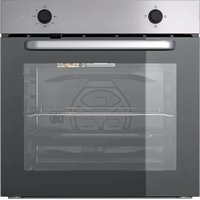


| Product type | Cooker with conventional oven |
| Brand | IKEA |
| Model | LAGAN 606.000.56 |
| External dimensions (H × W × D) | 595 × 594 × 567 mm |
| Built-in oven dimensions (H × W × D) | 590–600 × 560 × ≥ 550 mm |
| Net weight | 27.5 kg |
| Electrical supply | 220–240 V ~ 50/60 Hz |
| Total power | 2.5 kW |
| Power cable type | H05VV-FG 3 × 1.5 mm² |
| Energy efficiency class | A |
| Oven usable volume | 74 L |
| Energy efficiency index | 95.3 |
| Cooking functions | Natural convection, Top heat, Bottom heat / Steam cleaning |
| Control panel | Rotary knobs for function and temperature, thermostat indicator light |
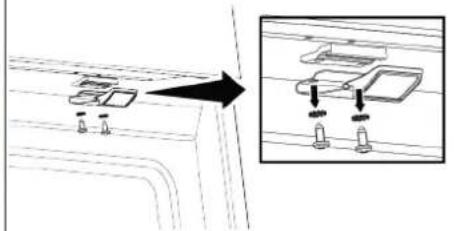
| Child safety | Removable locking screw under the control panel |
| Easy cleaning | Bottom heating function for steam cleaning |
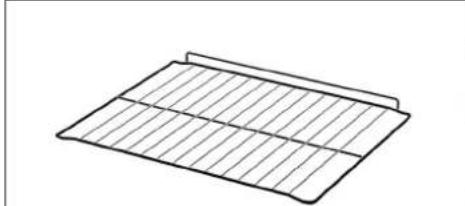
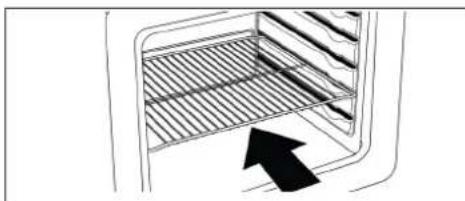
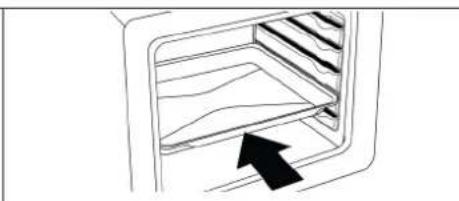
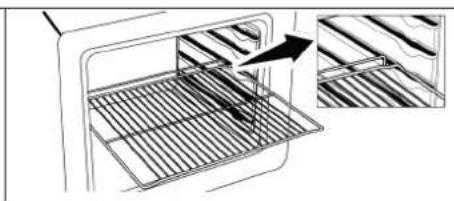
| Included accessories | Cooking grid, tray (not detailed in the manual) |
Frequently Asked Questions - LAGAN 606.000.56 IKEA
User questions about LAGAN 606.000.56 IKEA
0 question about this device. Answer the ones you know or ask your own.
Ask a new question about this device
Download the instructions for your Cooker in PDF format for free! Find your manual LAGAN 606.000.56 - IKEA and take your electronic device back in hand. On this page are published all the documents necessary for the use of your device. LAGAN 606.000.56 by IKEA.
USER MANUAL LAGAN 606.000.56 IKEA
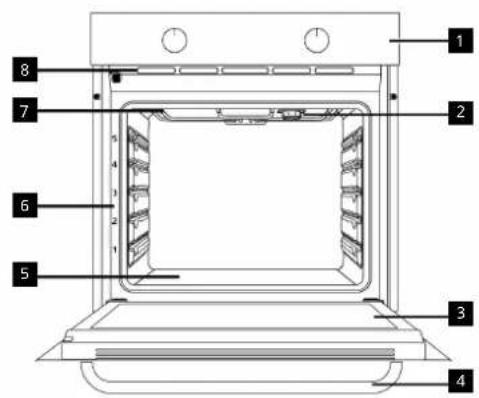
1 Control panel, 3 Lamp, 5 Door Handle, 7 Lower heater (under the steel plate), 9 Upper heater, Ventilation holes


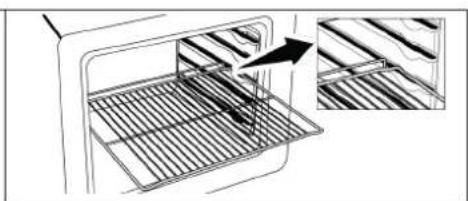
6 Shelf positions

Product Control Panel Introduction and Usage
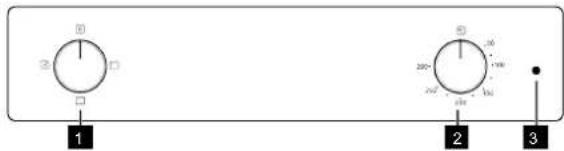
1 Function selection knob, 3 Thermostat lamp
Temperature knob
| Function selection knob Temperature | knob Oven inner temperature indicator | |
| You can select the oven operating functions with the function selection knob. Turn left / right from closed (top) position to select. | You can select the temperature you want to cook with the temperature knob. Turn clockwise from the closed (top) position to select. | You can understand the oven interior temperature from the temperature lamp. The thermostat lamp is located on the control panel. The thermostat lamp turns on when the product starts to operate, and the thermostat lamp turns off when it reaches the set temperature. When the temperature inside the oven drops below the set temperature, the thermostat lamp turns on again. |
Product Accessories and Use of Product Accessories
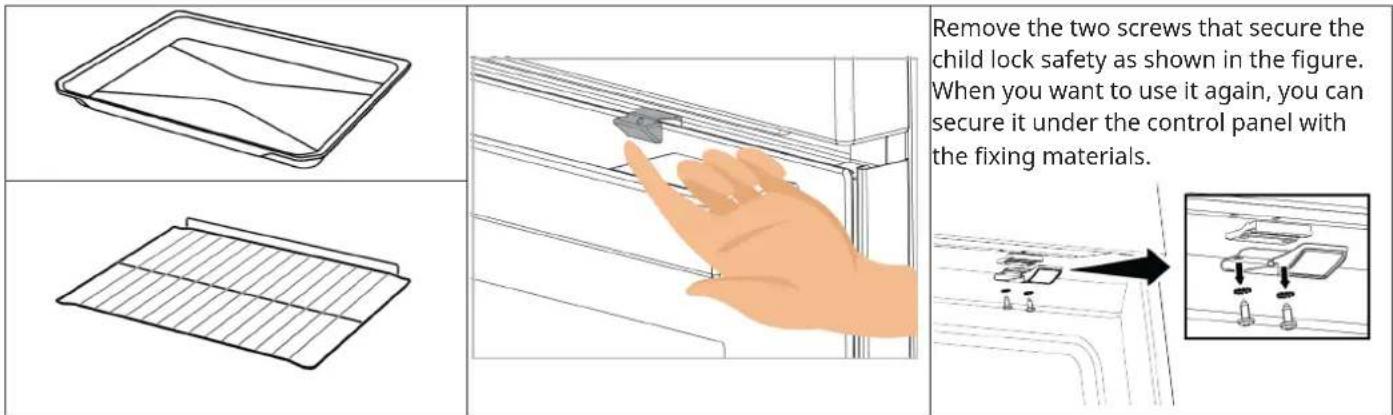

Using the Oven
| 1 | Select the operating function you want to cook with the function selection knob. | 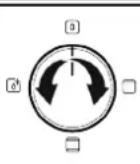 | 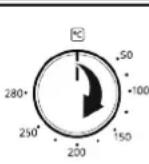 |
| 2 Set | the temperature you want to cook with the temperature knob. | ||
| 3 | Your oven will start operating immediately at the selected function and temperature, and the thermostat lamp will turn on. When the temperature inside the oven reaches the desired temperature, the thermostat lamp will turn off. The oven will not turn off by itself after the baking process. You have to control baking and turn it off yourself. When your baking is completed, turn off the oven by turning the function selection knob and the temperature knob to the off (up) position. | ||
Oven Operating Functions
On the function table, the operating functions you can use in your oven and the highest and lowest temperatures that can be set for these functions are shown. The order of the operating modes shown here may differ from the arrangement on your product.
| Function symbol | Function description | Temperature range (°C) | Description and use |
 | Top and bottom heating | * | Food is heated from above and below at the same time. Suitable for cakes, pastries or cakes and stews in baking moulds. Cooking is done with a single tray. |
 | Top heating * | Only upper heating is on. It is suitable for foods that need browning on the top. | |
 | Bottom heating / Easy steam cleaning | * | Only lower heating is on. It is suitable for foods that need browning on the bottom. This function should also be used for easy steam cleaning. |
* Your product operates in the temperature range specified on the temperature knob.
Troubleshooting
If you encounter an issue with your appliance, check "Troubleshooting" chapter in the full version of the user manual available on: www.ikea.com.
Technical Specifications
| General specifications | |
| Product external dimensions (height/width/depth) (mm) 595/5 | 94/567 |
| Oven installation dimensions (height/width/depth) (mm) 590-6 | 00 /560 /min.550 |
| Voltage/Frequency 220-240 V ~; 50/60 Hz | |
| Cable type and section used/suitable for use in the product min. H05VV-FG 3 x 1,5 mm2 | |
| Total power consumption (kW) 2,5 | |
| Oven type Conventional oven | |
| Energy efficiency class A | |
| Usable volume (L) 74 | |
| Mass of the appliance (M) (Net Weight) kg 27,5 | |
| Energy Efficiency Index per cavity EEI cavity 95,3 | |
| Basics: Information on the energy label of electrical ovens is given in accordance with the EN 60350-1 / IEC 60350-1 standard.Those values are determined under standard load with bottom-top heater or fan assisted heating (if any) functions.Energy efficiency class is determined in accordance with the following prioritization depending on whether the relevant functions exist on the product or not: 1-Eco fan heating , 2-Fan Heating , 3-Fan assisted low grill , 4-Top and bottom heating. | |

Technical specifications may be changed without prior notice to improve the quality of the product.

Figures in this manual are schematic and may not exactly match your product.

Values stated on the product labels or in the documentation accompanying it are obtained in laboratory conditions in accordance with relevant standards. Depending on operational and environmental conditions of the product, these values may vary.
Product introduction
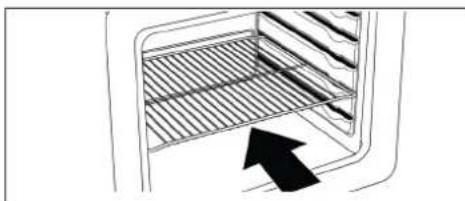
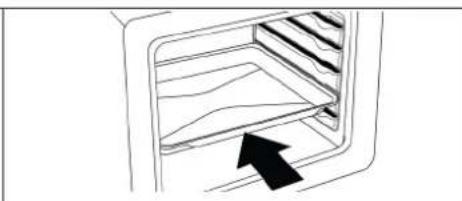
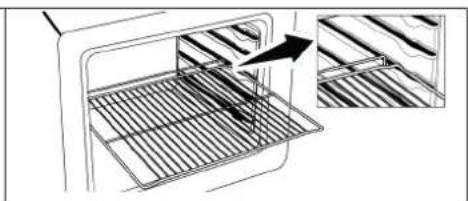
Using the oven
Using the oven
1 Control panel Lamp 3 Door Handle 5 Lower heating element (under steel plate) 7 Upper heating element Ventilation holes


6 Shelf positions
Using the oven
1 Control panel Lamp 3 Door Handle 5 Lower heating element (under steel plate) 7 Upper heating element Ventilation holes


6 Shelf positions
Using the oven
Using the oven
Using the oven
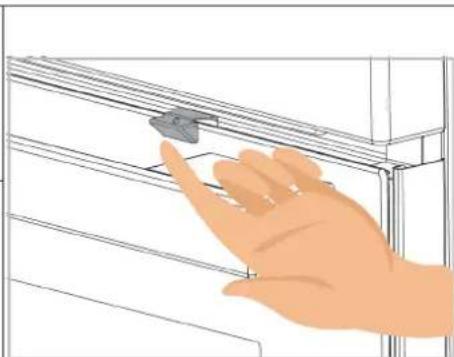
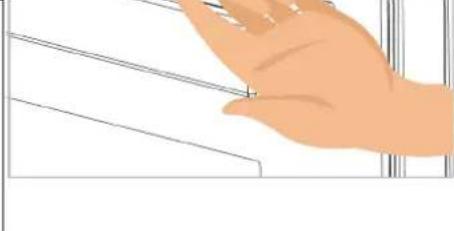
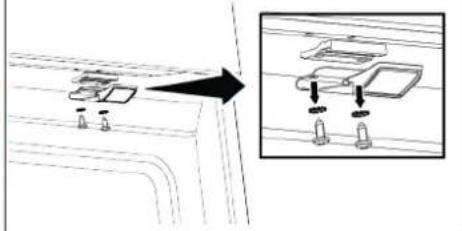
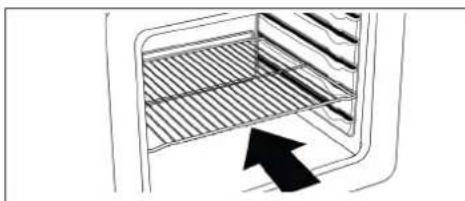
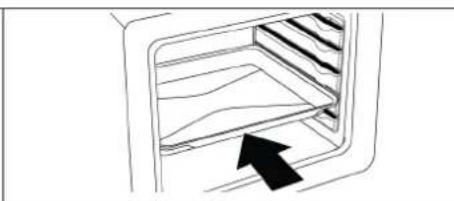
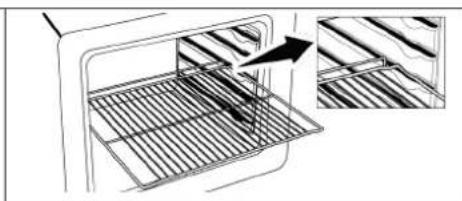
Using the oven
Using the oven
| Function symbol | Function description | Temperature range (°C) | Description and use |
 | Felső és alsó fűtés * | Food is heated from above and below at the same time. Suitable for cakes, pastries or cakes and stews in baking moulds. Cooking is done with a single tray. | |
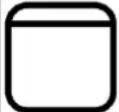 | Felső fűtés * | Only upper heating is on. It is suitable for foods that need browning on the top. | |
 | Alsó fűtés / Köny-nyű göztisztítás | * | Only lower heating is on. It is suitable for foods that need browning on the bottom. This function should also be used for easy steam cleaning. |
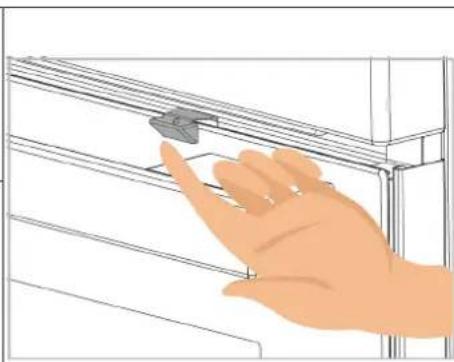
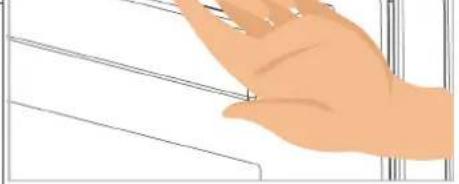
Using the oven
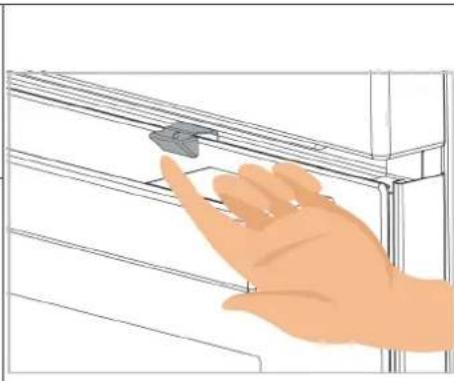
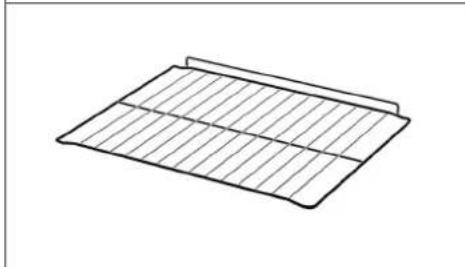
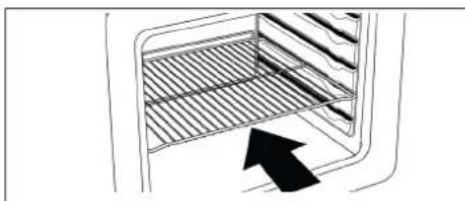
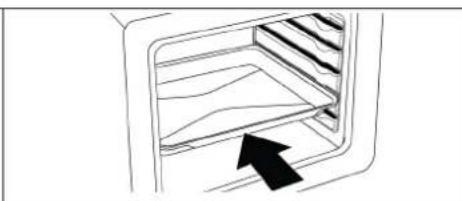
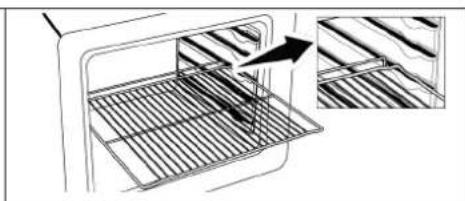
Using the oven
Using the oven
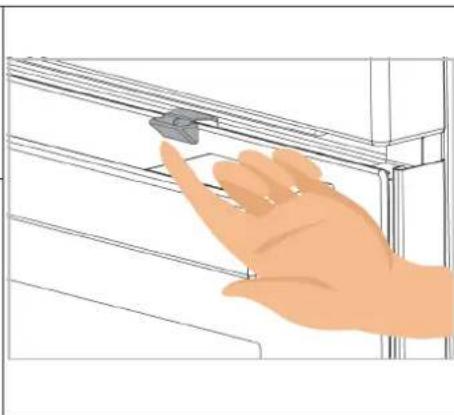
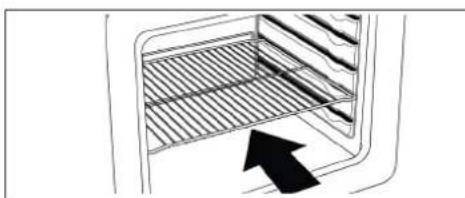
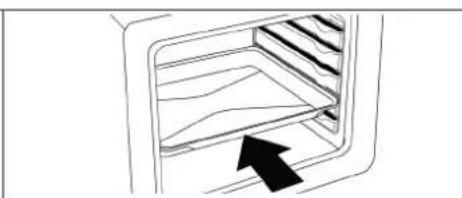
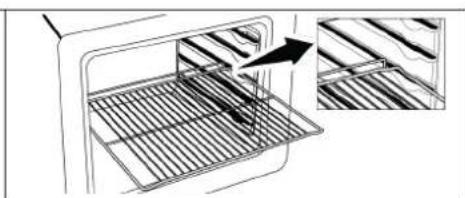
Using the oven
Using the oven
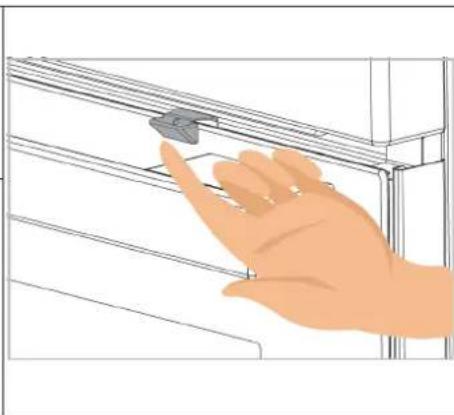
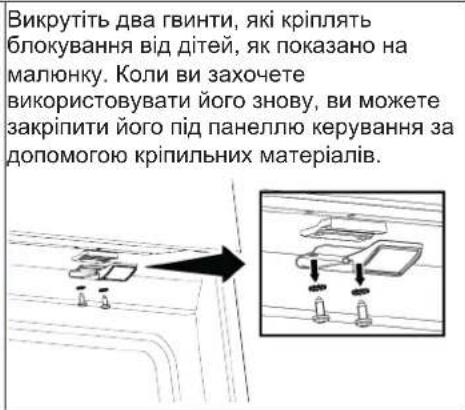
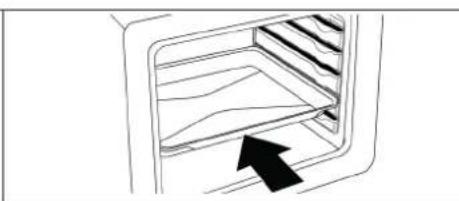
1 Control panel 2 Light bulb 3 Door 4 Handle 5 Lower heating element (under the steel plate) 6 Shelf positions 7 Upper heating element 8 Ventilation openings


6 Shelf positions
Introduction and use of the product control panel
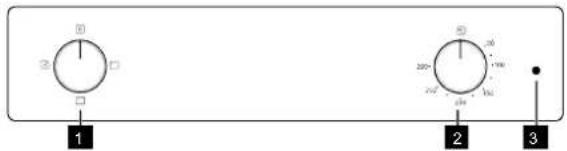
1 Function selection knob 2 Temperature selection knob 3 Thermostat light bulb
| Dugme za izbor funkcije Dugme za izbor temperature Unutrašnji indikator temperature rerne | ||
| Funkcije rada rerne možete da izaberete pomoću dugmeta za izbor funkcija. Okrenite levo / desno iz zatvorenog (gornjeg) položaja da biste izabrali. | Možete da izaberete temperaturu koju želite da kuvate pomoću dugmeta za temperaturu. Okrenite u smeru kazaljke na satu iz zatvorenog (gornjeg) položaja da biste izabrali. | Možete da razumete unutrašnju temperaturu rerne iz temperaturne lampice. Lampa termostata se nalazi na kontrolnoj tabli.Lampica termostata se uključuje kada proizvod počne da radi, a lampica termostata se isključuje kada dostigne podešenu temperaturu. Kada temperatura unutar rerne padne ispod podešene temperature, lampica termostata se ponovo uključuje. |
Product accessories and use of product accessories
Using the oven
Brand : IKEA
Model : LAGAN 606.000.56
Category : Cooker