
IBBA125LB - Refrigerator Vevor - Free user manual and instructions
Find the device manual for free IBBA125LB Vevor in PDF.
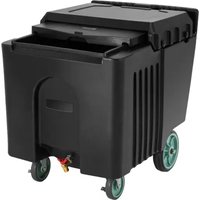


| Product Type | Commercial Ice Cart |
| Model | IBBA125LB |
| Brand | Vevor |
| Lid Material | Dishwasher safe, steam clean compatible |
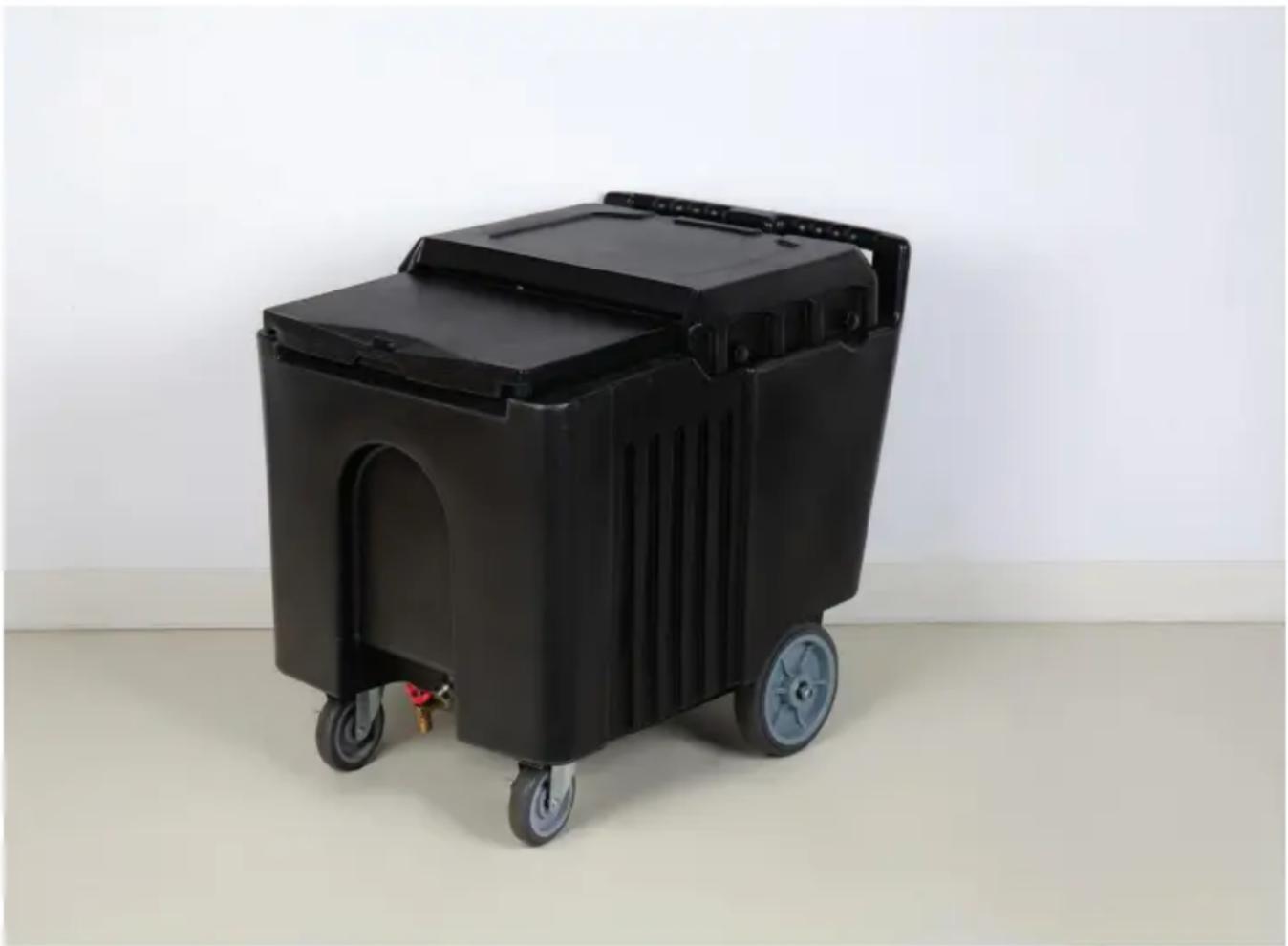
| Drain Faucet | Brass, removable for cleaning |
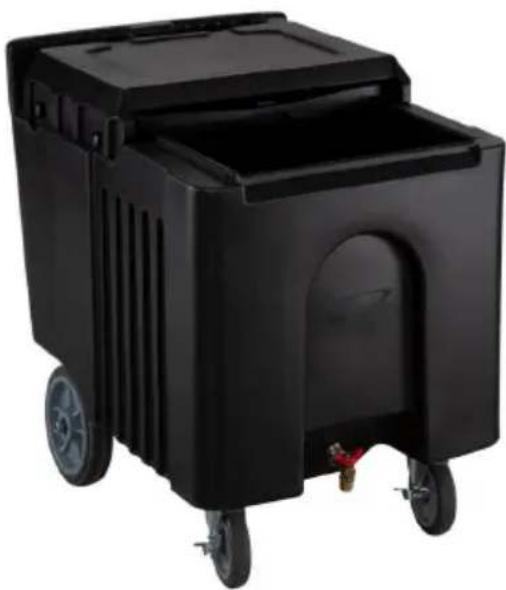
| Rear Wheels | 8 inches, with locking nuts |
| Front Casters | 5 inches, with bolts and washers |
| Axle | Replaceable, with plate brackets |
| Interior/Exterior Cleaning | Soapy water and plastic bristle brush |
| Lid Disassembly | 4 buttons (2 on each side), rear lid then front |
| Lid Reassembly | Front first, then rear, screw in the buttons |
| Faucet Cleaning | Unscrew front piece, remove rubber seal |
| Wheel Replacement | Unscrew nuts/bolts, slide wheel off, screw back on |
| Technical Support | www.vevor.com/support |
| Electronic Warranty | Certificate available on Vevor website |
| Safety | Small parts: choking hazard, keep out of reach of children |
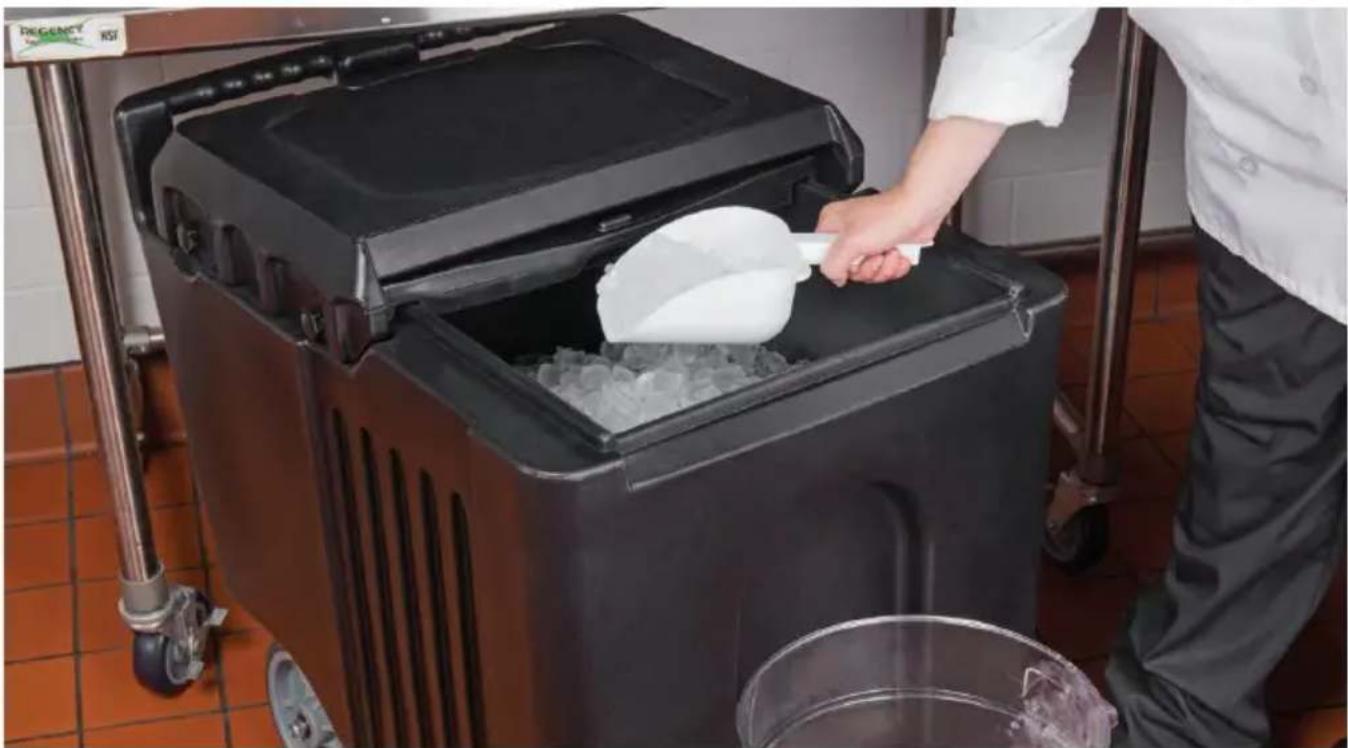
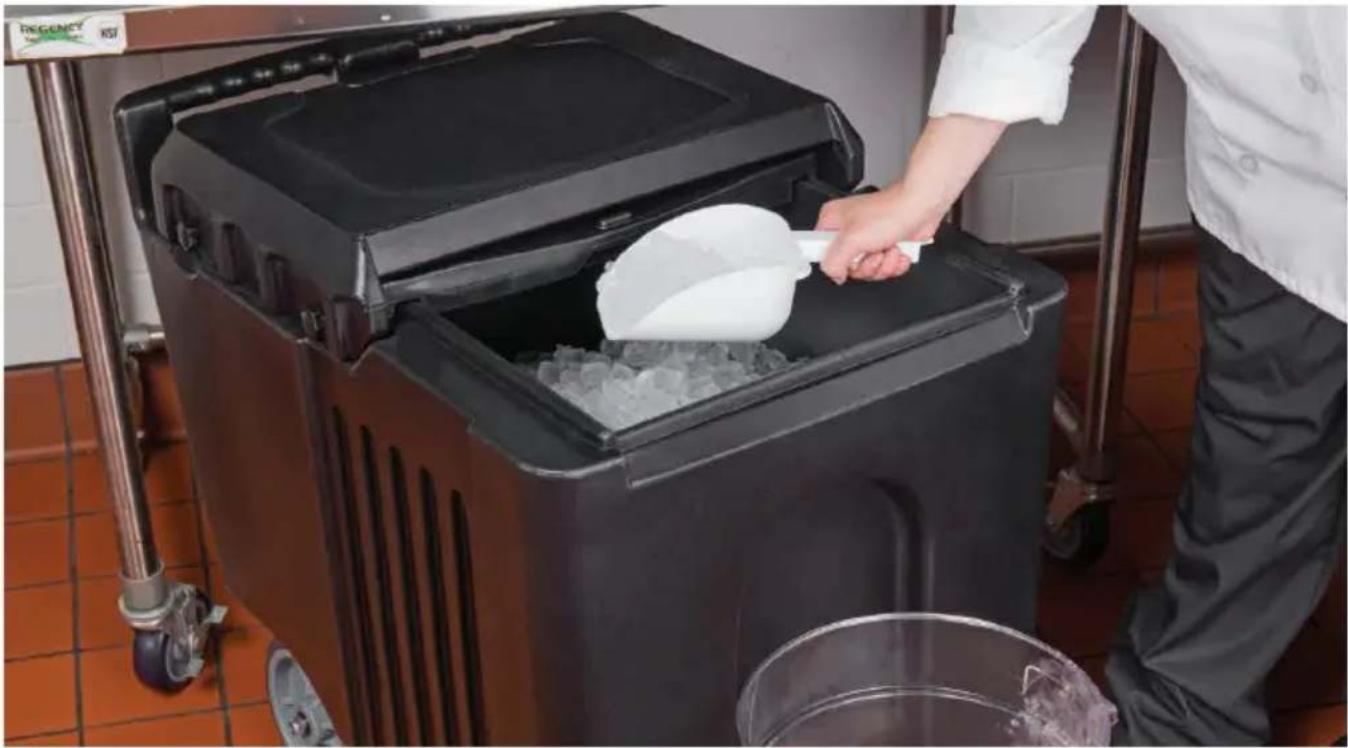
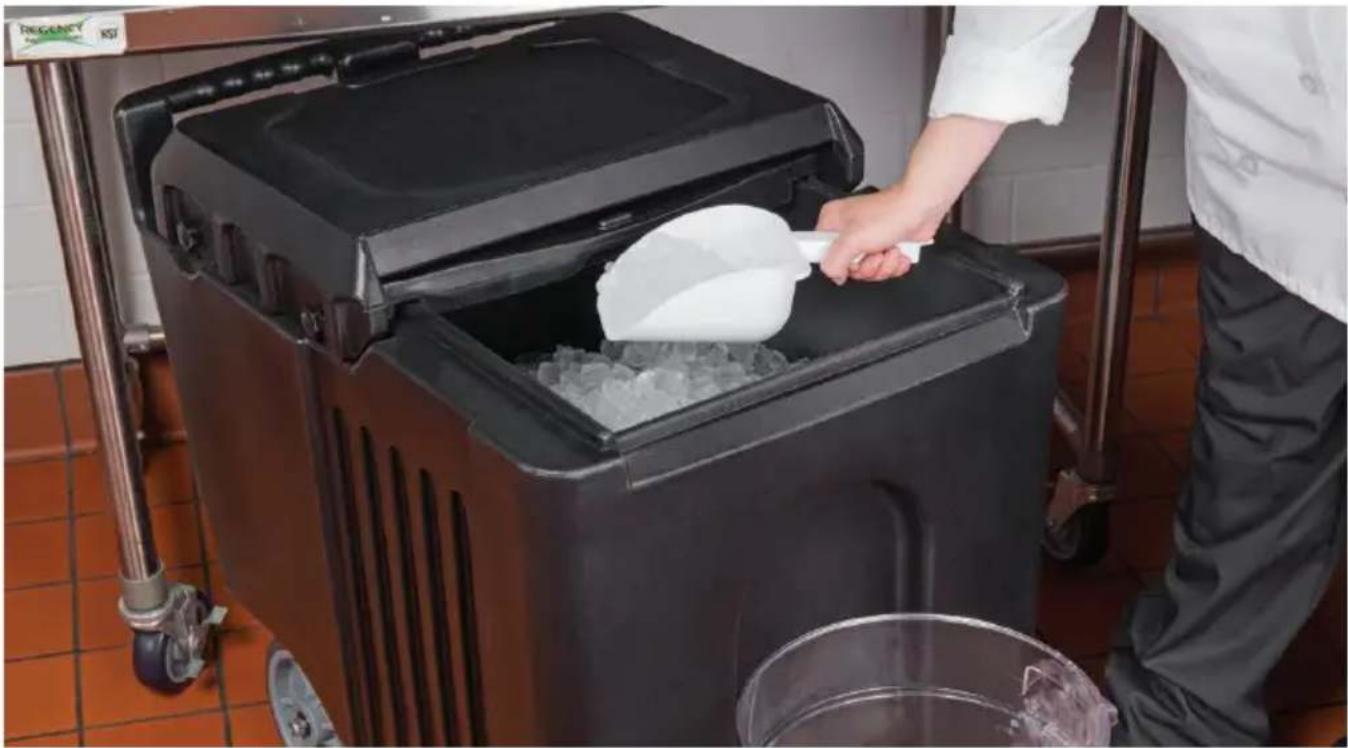
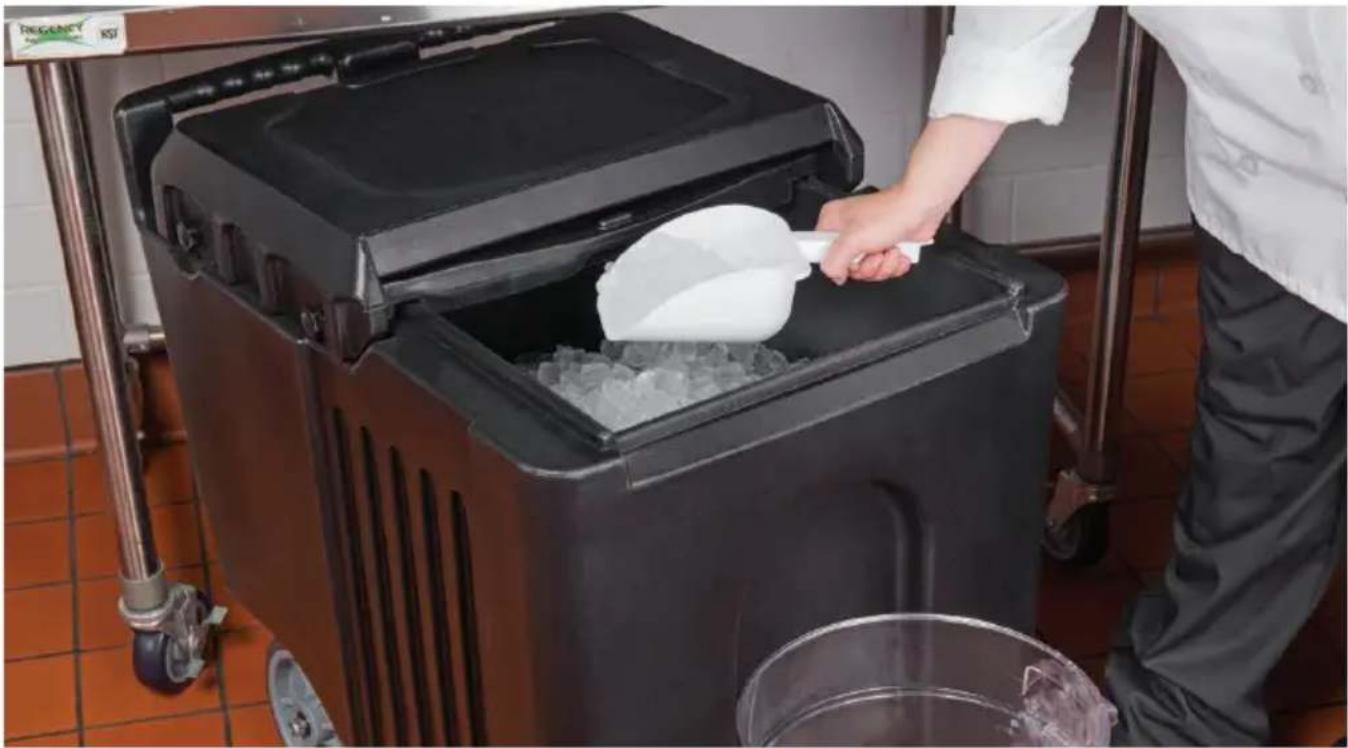
| Intended Use | Ice production and storage |
Frequently Asked Questions - IBBA125LB Vevor
User questions about IBBA125LB Vevor
0 question about this device. Answer the ones you know or ask your own.
Ask a new question about this device
Download the instructions for your Refrigerator in PDF format for free! Find your manual IBBA125LB - Vevor and take your electronic device back in hand. On this page are published all the documents necessary for the use of your device. IBBA125LB by Vevor.
USER MANUAL IBBA125LB Vevor
Technical Support and E-Warranty Certificate www.vevor.com/support
Commercial Ice Caddy
MODEL: IBBA125LB
We continue to be committed to provide you tools with competitive price. "Save Half", "Half Price" or any other similar expressions used by us only represents an estimate of savings you might benefit from buying certain tools with us compared to the major top brands and does not necessarily mean to all categories of tools offered by us. You are kindly reminded to verify carefully when you are placing an order with us if you are actually Saving Half in comparison with the top major brands.
MODEL: IBBA125LB
NEED HELP? CONTACT US!
Have product questions? Need technical support? Please feel free to contact us:
Technical Support and E-Warranty Certificate www.vevor.com/support
This is the original instruction, please read all manual instructions carefully before operating. VEVOR reserves a clear interpretation of the user manual. The appearance of the product shall be subject to the product you received. Please forgive us that we won't inform you again if there are any technology or software updates on our product.
SAFETY INSTRUCTIONS
WARNING!

Read and understand this entire manual before assembling, installing, operating, or servicing this product. Failure to follow these warnings and instructions can cause personal injury or damage to valuable property.

WARNING!
This product contains small parts. If swallowed, it will pose a choking hazard. Keep these small parts away from children when assembling!

WARNING!
While assembling and using this product, keep the work area clean and well-lit, and keep spectators and children out of the work area.
Assemble only according to the commercial ice caddy parameters. Improper assembly can create hazards.
Use as intended only.
Keep away from sharp points, blades, and other items to avoid scratching the product.
NOTE:
- The illustration shown is for reference only. It may not represent the actual finial purchased.
- Follow the installation steps to mount this drop-in commercial caddy. Incorrect installation steps may cause damage or trouble.
- Installation is easy. Please handle it gently.
SAVE THESE INSTRUCTIONS
How to Remove Lid to Clean Ice Bin
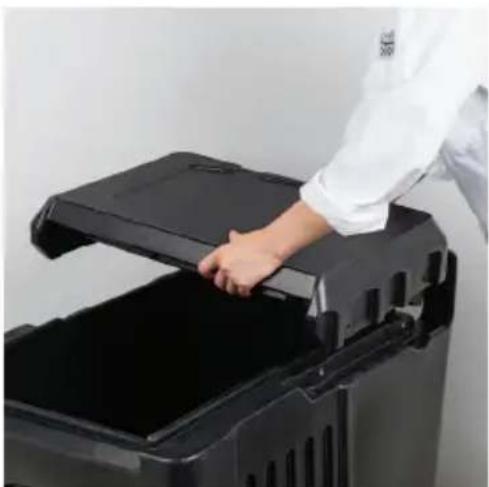
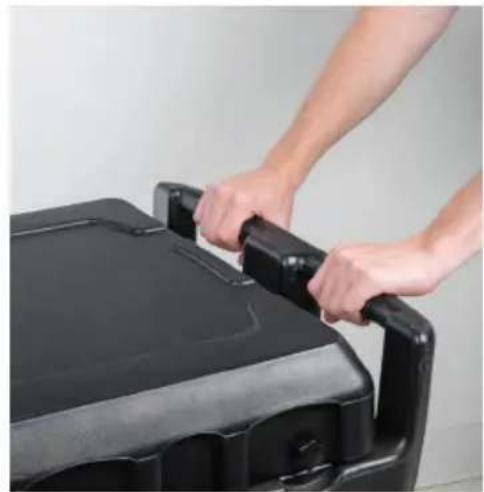
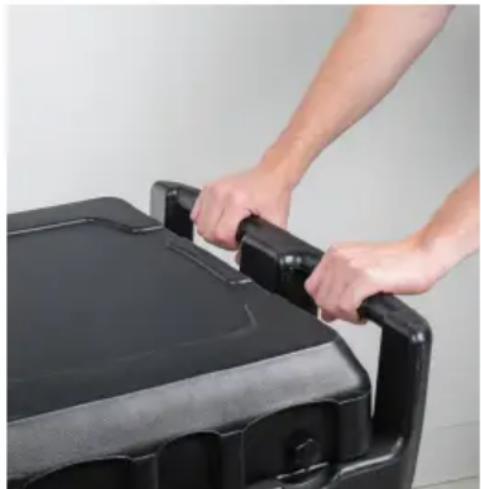
- Unscrew four knobs, two on either side of the back lid.
- Lift the back lid of the unit first. Then remove the front lid by lifting it up. Both the front and back removable lids are dishwasher safe and can be run through a commercial dishwasher. They can also be steam cleaned or washed with warm soapy water and a plastic bristle brush. Use soapy water and brush to scrub, then rinse with clean water.
- The inside and outside of the ice bin unit can also be cleaned with water and a plastic bristle brush. A small pipe brush can be used to clean the inside of the faucet from inside the unit. Be sure to rinse the unit with clean water.
- If staining on the unit occurs, use any standard destainer and follow instructions on the product.
Reattach lid:
- Once unit is cleaned and dry, place on front lid first, and the on back lid.
- Screw in all four knobs on back lid.
HOW TO CLEAN BRASS FAUCET
- Unscrew front brass faucet piece from mobile ice bin.
- Remove rubber gasket from inside of faucet.
- Clean all parts of faucet with a damp cloth. If extra cleaning required use warm, soapy water and wipe brass faucet. Make sure to wipe dry after every cleaning. If necessary, use a small plastic bristle pipe brush to clean inside of faucet.
Replacement Parts
HOW TO REPLACE AXLE
- Use an adjustable wrench to unscrew nuts on the outside of back 8" wheels and set aside.
- Unscrew all four bolts from the two plate brackets under the unit. Set aside plate brackets, bolts and washers.
- Remove damaged axle.
- Thread the new axle through, place plate brackets back on unit with washers and bolts and tighten until secure. Place back 8" wheels onto new axle and secure with nuts.
HOW TO REPLACE FRONT CASTER(S)
- Use an adjustable wrench to unscrew the four bolts on the 5" caster. Set aside bolts and washers.
- Place the new caster on the unit, add washers and bolts, and tighten securely.
HOW TO REPLACE BACK WHEEL(S)
- Use an adjustable wrench to unscrew the nuts from the outside of the 8" wheels. 2. Slide the wheel off the axle. 3. Slide the replacement wheel onto the axle and screw the nut back on until
Technical Support and E-Warranty Certificate www.vevor.com/support
NEED HELP? CONTACT US!
SAVE THESE INSTRUCTIONS
HOW TO CLEAN BRASS FAUCET
Spare parts
HOW TO REPLACE AXLE
HOW TO REPLACE FRONT CASTER(S)
HOW TO REPLACE BACK WHEEL(S)
VEVOR®
TOUGH TOOLS, HALF PRICE
www.vevor.com/support
VEVOR®
TOUGH TOOLS, HALF PRICE
SAVE THESE INSTRUCTIONS
HOW TO CLEAN BRASS FAUCET
HOW TO REPLACE AXLE
HOW TO REPLACE FRONT CASTER(S)
HOW TO REPLACE BACK WHEEL(S)
VEVOR®
TOUGH TOOLS, HALF PRICE
www.vevor.com/support
VEVOR®
TOUGH TOOLS, HALF PRICE
NEED HELP? CONTACT US!
SAVE THESE INSTRUCTIONS
HOW TO CLEAN BRASS FAUCET
SPARE PARTS
HOW TO REPLACE AXLE
HOW TO REPLACE FRONT CASTER(S)
HOW TO REPLACE BACK WHEEL(S)
VEVOR®
TOUGH TOOLS, HALF PRICE
NEED HELP? CONTACT US!
SAVE THESE INSTRUCTIONS
HOW TO CLEAN BRASS FAUCET
HOW TO REPLACE FRONT CASTER(S)
HOW TO REPLACE BACK WHEEL(S)
VEVOR®
TOUGH TOOLS, HALF PRICE
Technical Support and E-Warranty Certificate www.vevor.com/support
VEVOR®
TOUGH TOOLS, HALF PRICE
NEED HELP? CONTACT US!
SAVE THESE INSTRUCTIONS
HOW TO CLEAN BRASS FAUCET
Replacement Parts
HOW TO REPLACE AXLE
HOW TO REPLACE FRONT CASTER(S)
HOW TO REPLACE BACK WHEEL(S)
VEVOR®
TOUGH TOOLS, HALF PRICE
www.vevor.com/support
VEVOR®
TOUGH TOOLS, HALF PRICE
SAVE THESE INSTRUCTIONS
HOW TO CLEAN BRASS FAUCET
Spare parts
HOW TO REPLACE AXLE
HOW TO REPLACE FRONT CASTER(S)
HOW TO REPLACE BACK WHEEL(S)
VEVOR®
TOUGH TOOLS, HALF PRICE
SAVE THESE INSTRUCTIONS
HOW TO CLEAN BRASS FAUCET
Spare parts
HOW TO REPLACE AXLE
HOW TO REPLACE FRONT CASTER(S)
HOW TO REPLACE BACK WHEEL(S)
VEVOR®
TOUGH TOOLS, HALF PRICE
- COMMERCIAL ICE CADDY
- NEED HELP? CONTACT US
- TECHNICAL SUPPORT AND E-WARRANTY CERTIFICATE WWW.VEVOR.COM/SUPPORT
- SAFETY INSTRUCTIONS
- WARNING
- NOTE
- SAVE THESE INSTRUCTIONS
- REATTACH LID
- HOW TO CLEAN BRASS FAUCET
- REPLACEMENT PARTS
- HOW TO REPLACE AXLE
- HOW TO REPLACE FRONT CASTER(S)
- HOW TO REPLACE BACK WHEEL(S)
- SPARE PARTS
- VEVOR®
- TOUGH TOOLS, HALF PRICE
Brand : Vevor
Model : IBBA125LB
Category : Refrigerator