
XCW-120LS - Refrigerator Vevor - Free user manual and instructions
Find the device manual for free XCW-120LS Vevor in PDF.
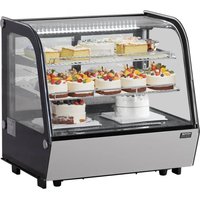


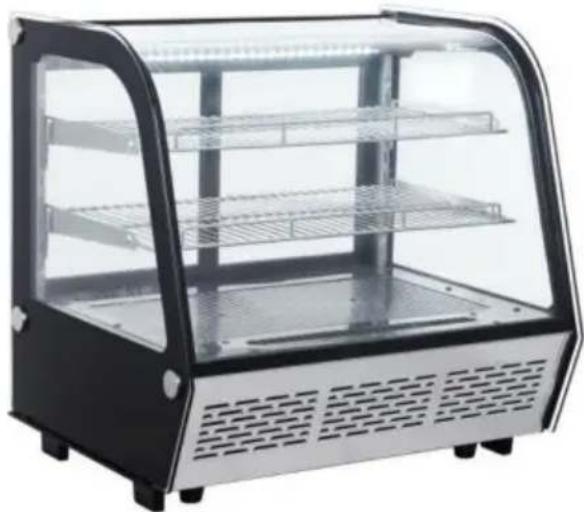
| Product type | Refrigerator display unit |
| Brand | Vevor |
| Model | XCW-120LS |
| Estimated capacity | 120 L |
| Refrigerant | R600a or R290 (eco-friendly) |
| Adjustable temperature range | 2 °C to 6 °C (35.6 °F to 42.8 °F) |
| Climate class | 4 (ambient temperature 16 °C to 32 °C) |
| Power supply | 220-240 V ~ 50 Hz (exclusive grounded outlet) |
| Compressor | Fully sealed top-brand compressor |
| Cooling type | Fan-forced air cooling |
| Defrost | Manual and automatic (by combustion / resistance) |
| Lighting | Interior LED, manual switch |
| Door | Insulating double glazing, transparent view |
| Usage | Commercial (display) or domestic |
| Maximum load per shelf | 10 kg |
| Included accessories | 1 refrigerator, 1 user manual |
| Maintenance | Exterior cleaning with neutral detergent; interior with removable shelf washable with water |
| Safety | Minimum ventilation 10 cm around; do not share the outlet; do not spray flammable products; wait 5 minutes after power cut |
| Warning symbols | Fire risk symbol on compressor (flammable materials) |
| Warranty | Technical support and electronic warranty certificate at www.vevor.com/support |
Frequently Asked Questions - XCW-120LS Vevor
User questions about XCW-120LS Vevor
0 question about this device. Answer the ones you know or ask your own.
Ask a new question about this device
Download the instructions for your Refrigerator in PDF format for free! Find your manual XCW-120LS - Vevor and take your electronic device back in hand. On this page are published all the documents necessary for the use of your device. XCW-120LS by Vevor.
USER MANUAL XCW-120LS Vevor
Technical Support and E-Warranty Certificate www.vevor.com/support
DISPLAY REFRIGERATOR
MODEL:XCW-100L XCW-120LS XCW-160LS
We continue to be committed to providing you with tools at competitive prices. "Save Half", "Half Price", or any other similar expressions used by us only represent an estimate of savings you might benefit from buying certain tools with us compared to the major top brands and do not necessarily mean to cover all categories of tools offered by us. You are kindly reminded to verify carefully when placing an order with us if you are actually saving half in comparison with the top major brands.
MODEL:XCW-100L, XCW-120LS, XCW-160LS
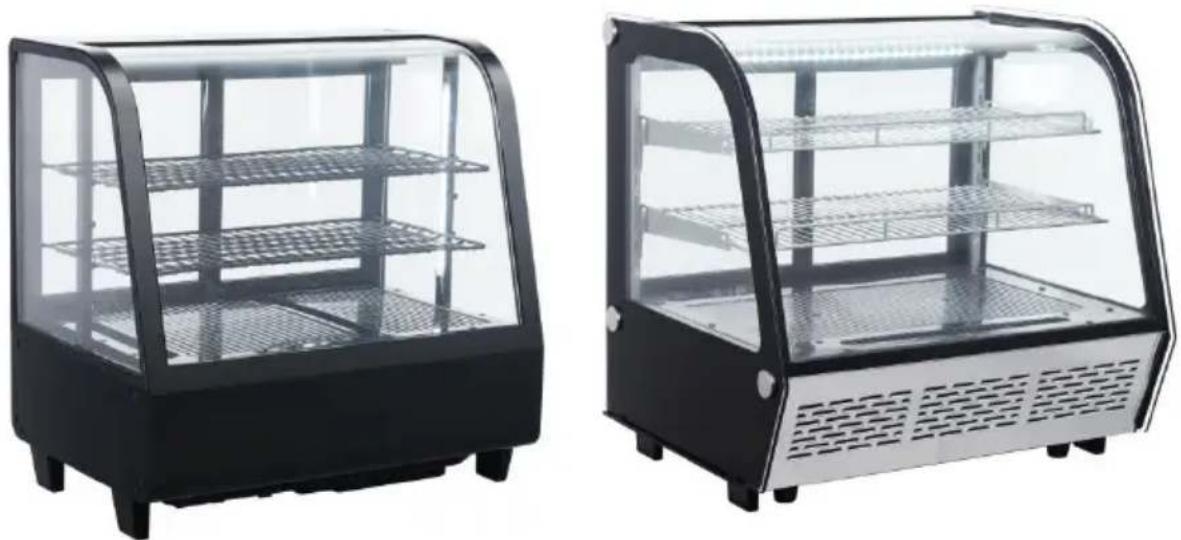
NEED HELP? CONTACT US!
Have product questions? Need technical support? Please feel free to contact us:
Technical Support and E-Warranty Certificate www.vevor.com/support
This is the original instruction. Please read all manual instructions carefully before operating. VEVOR reserves a clear interpretation of the user manual. The appearance of the product shall be subject to the product you received. Please forgive us that we won't inform you if there are any technology or software updates on our product.
 | Warning-To reduce the risk of injury, user must re instructions manual carefully. |
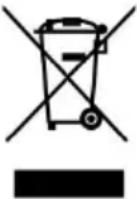 | CORRECT DISPOSALThis product is subject to the provision of European D 2012/19/EC. The symbol showing a wheelie bin cros through indicates that the product requires separate re collection in the European Union. This applies to the and all accessories marked with this symbol. Products as such may not be discarded with normal domestic w must be taken to a collection point for recycling electr electronic devices |
General
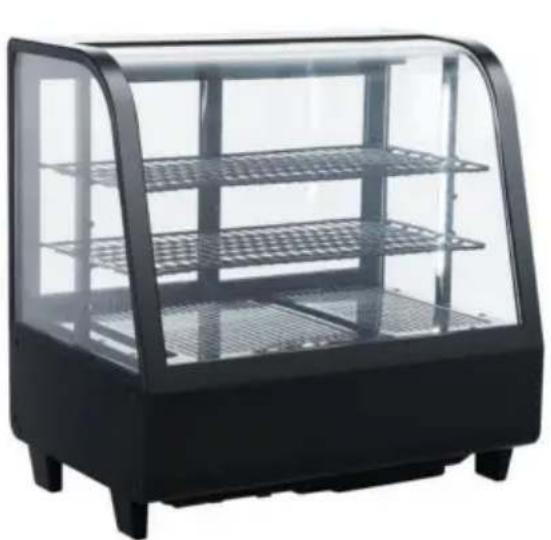
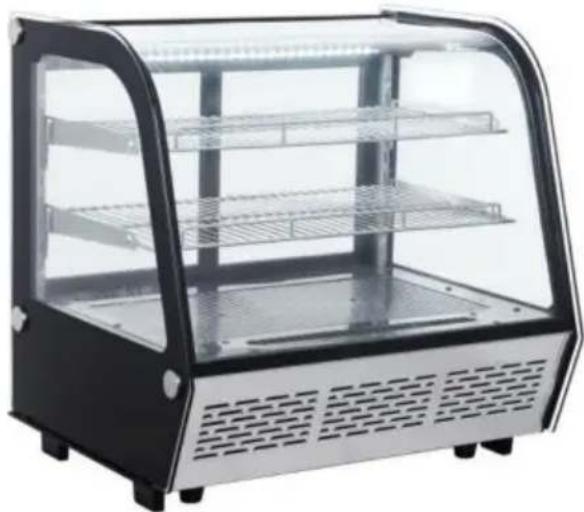
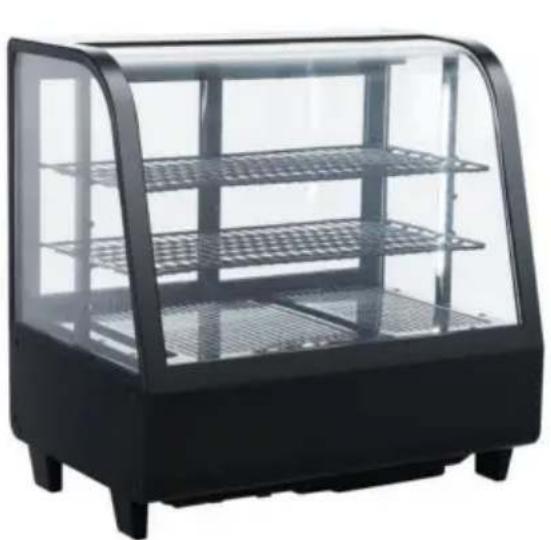
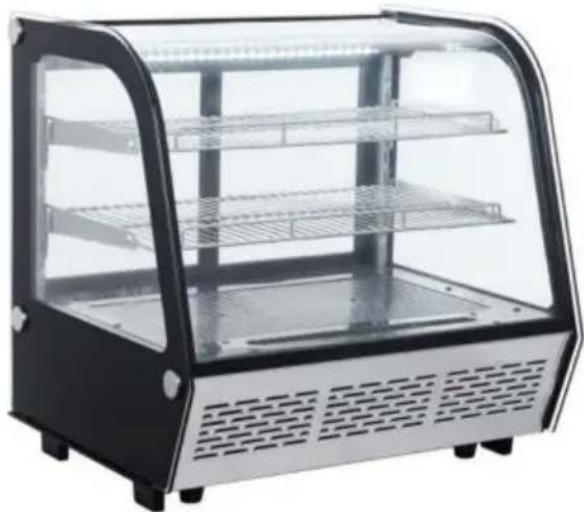
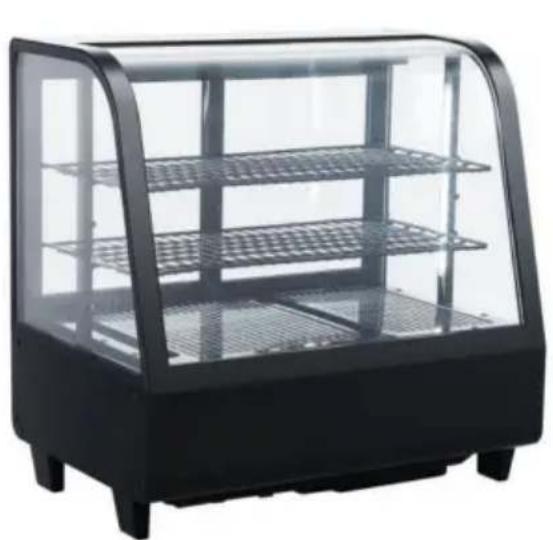
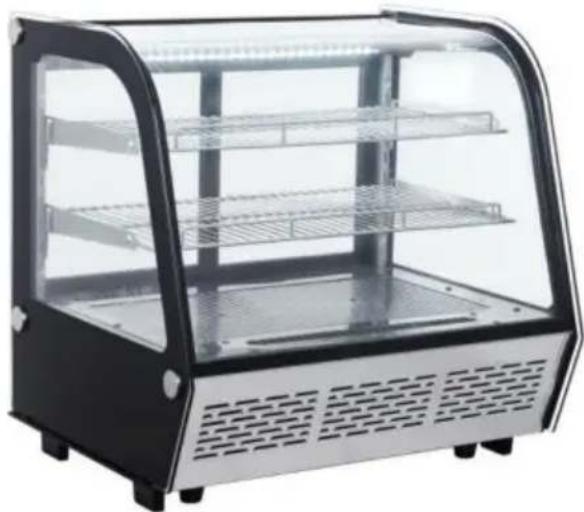
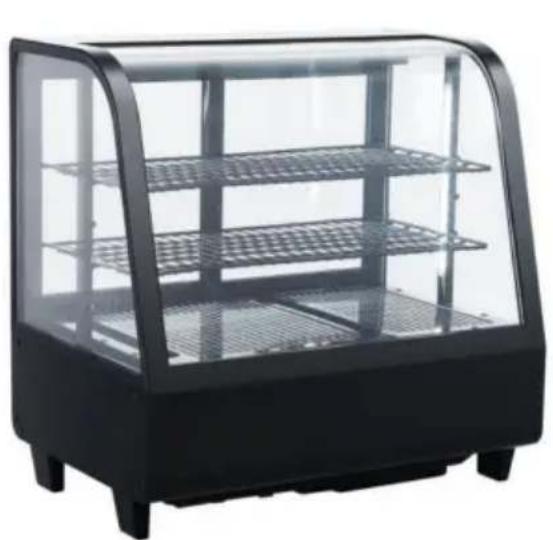
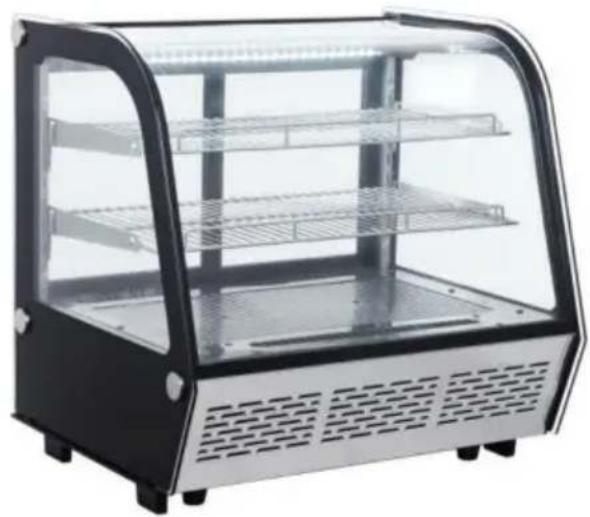
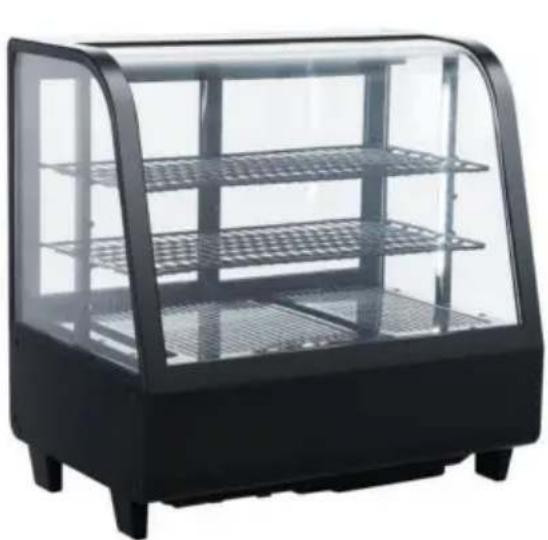
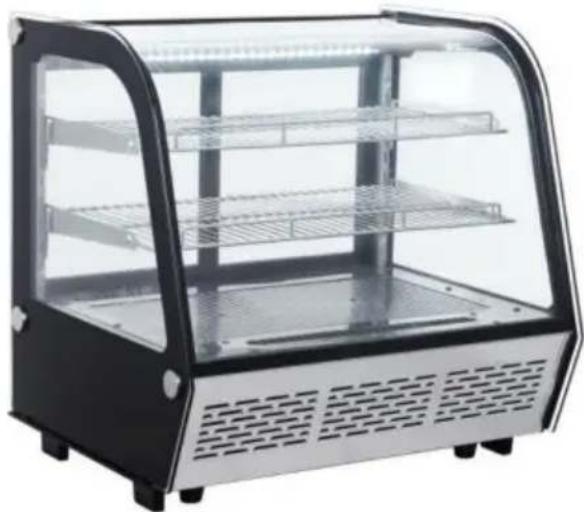
- Top brand fully enclosed compressor is used on the desk-top refrigerator. The refrigerant R600a or R290 is an environmentally friendly agent, featuring a rational configuration of refrigeration system with blower force air cooling. The temperature is quite even inside the refrigerator.
- Double hollow transparent glasses are used on door and body. It features an artistic and elegant appearance, perfect perspective and access.
- It has a wide application in department stores and houses as well as meeting rooms and sitting rooms.
Structure and Parts
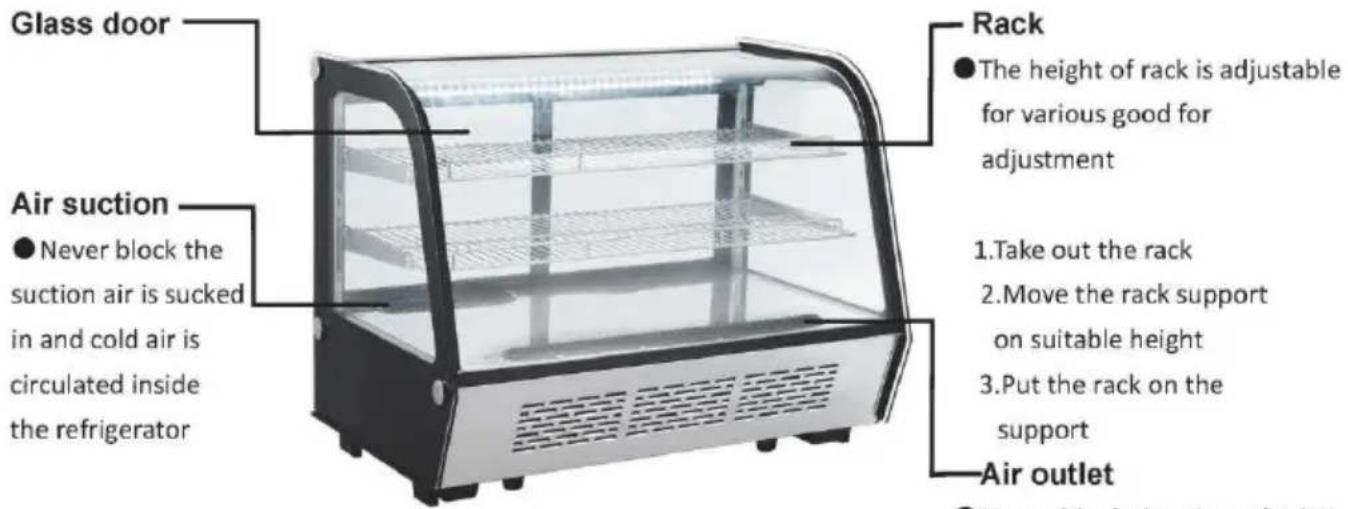
● The height of the rack is adjustable for various goods for adjustment.
1. Take out the rack
- Move the rack support to a suitable height
- Put the rack on the support
- Air outlet
● Never block the air outlet; let the inside circulating cold air flow out
Handling and Installation
| Handle with careUnplug the wall socket first. Never tilt it over 45 degree of handling | 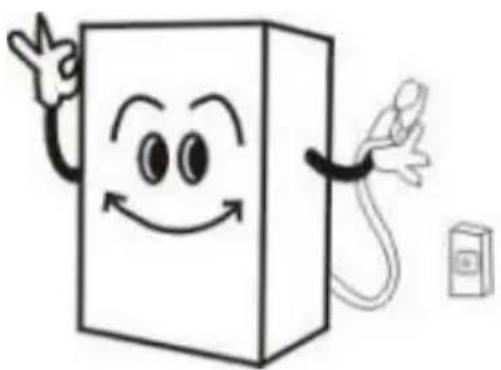 |
| Dry placeAlways locate the refrigerator dry place. | 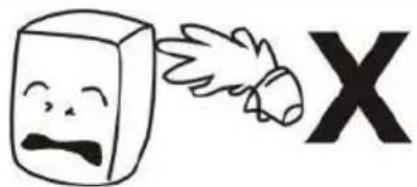 |
| Sufficient spaceThe distance from both sides back of refrigerator to wall or substance must be not less than 10cm. The refrigeration capabili might be decreased if its surro space is too small to circulate | 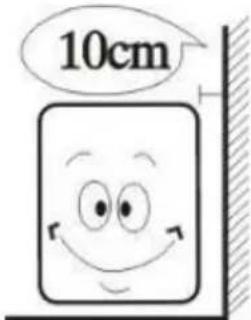 |
| Well ventilation Always locate the refrigerator a place with fine ventilation. For first time use, wait for 2 ho after handling and then plug wall socket and start it. | 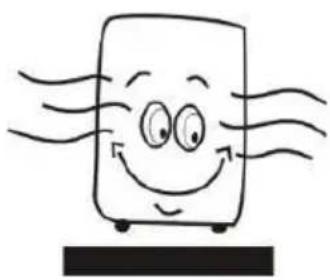 |
| Far from heat source Never place the refrigerator directly under the sunshine .Ne locate it nearby any heat sou or heater to prevent it from reducing refrigeration capability. | 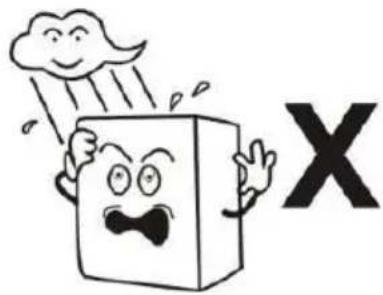 |
| No heavy load Never put any heavy load on top of the refrigerator. | 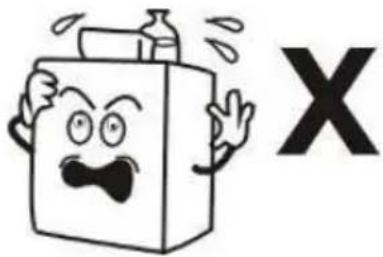 |
| No hole making Never make hole on the refrigerator. Never install othe matter on the refrigerator. | 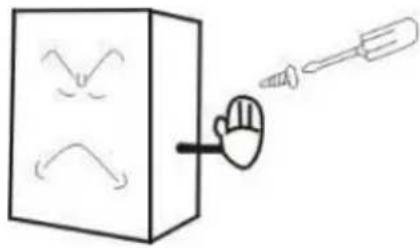 |
| Stable location Unpacking and locate the refrigerator on a flat and so place. | 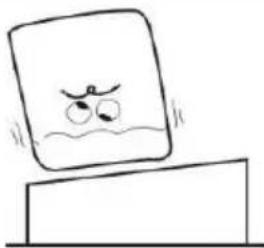 |
Preparation and Power Supply
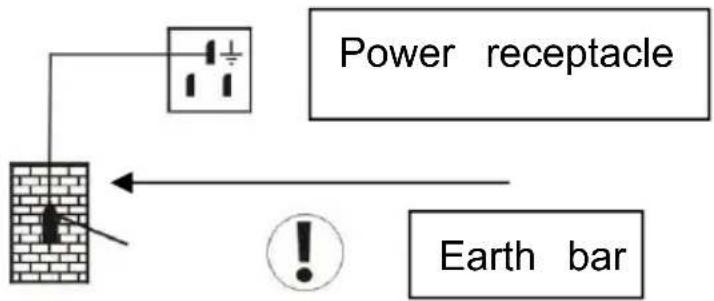
Exclusive power socket
Normally, the power supply voltage should be consistent with the nameplate requirements. The power receptacle must have a reliable earthing connection.
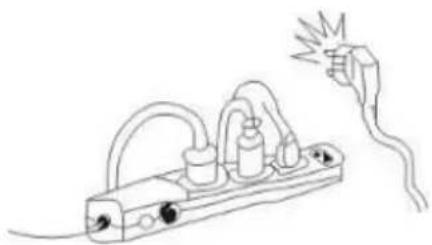
Do not share the socket
Never let the refrigerator share a common socket with other appliances; otherwise, the cable may become hot and cause a fire.
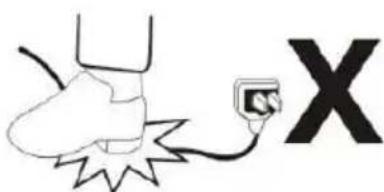
Protect cables
Never break or damage the cables; otherwise, current leakage and fire may result.
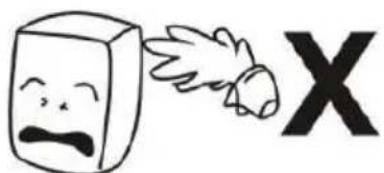
No water flushing
Never flush the refrigerator surface with water, otherwise current leakage may result.
Prevent flammables and explosives
Never put any flammable or explosive items inside the refrigerator, such as gasoline, alcohol, adhesive, or explosives. Never place dangerous products near the refrigerator.
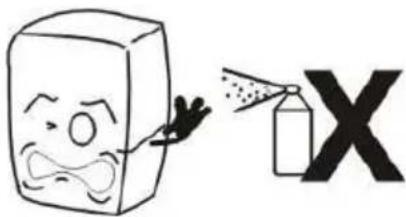
No spray
Spraying flammable substances such as paint or coating near the refrigerator is not allowed, otherwise fire may result.
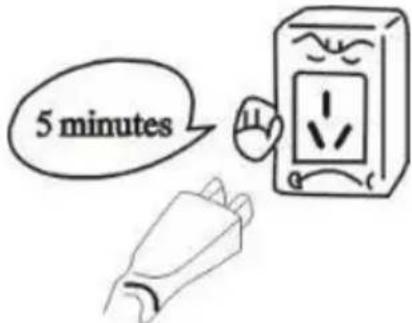
After power break
After a power break or unplugging the refrigerator, always wait at least 5 minutes before plugging it in and starting it again.
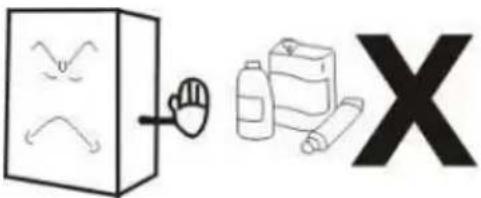
No medicine
No medicine is allowed to be kept inside the refrigerator.

Use and Caution
1. Before use:
Plug the refrigerator into an exclusive socket. After the refrigerator starts running, place your hand near the air suction to confirm it is sufficiently cold. Then you may place food inside the cold box.
2. Digital Temperature Controller
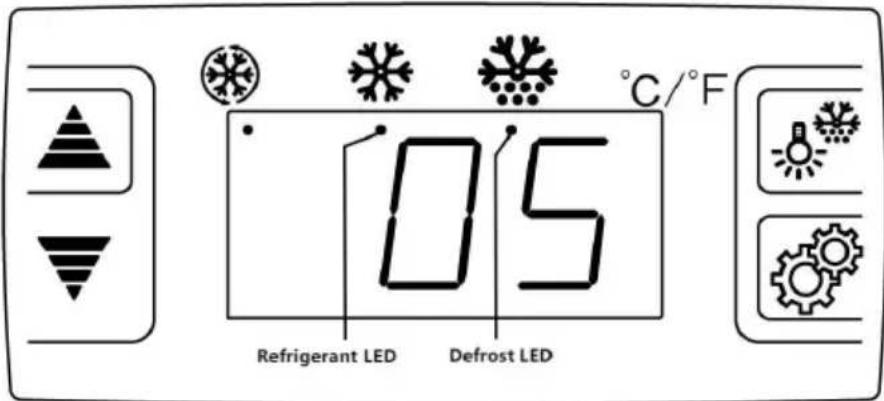
| Refrigerant LED(Red circle) | Status | Meaning |
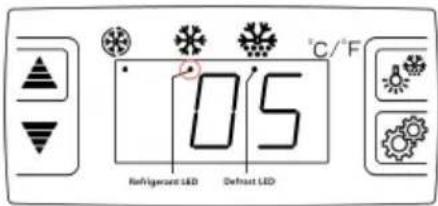 | Solid on | The compressor is working, refrigeration begins. |
| Flashing | The compressor is not working no refrigeration. |
When the power is just turned on or after a power outage, the controller will have a 5-minute delay to start. At this time, the refrigerant LED is flashing, the compressor is not working, and there is no refrigeration. When the refrigerant LED is solid on, the compressor starts to work and refrigeration begins.
Features Of Function
- It is a mini-sized and integrated intelligent controller and applicable compressor of one Hp.
The main functions are: Temperature Display/Temperature Control/Manual, automatic defrost by burning off/Illumination Control/Value Storing/self Testing/parameter Locking
Front Panel Operation
- Set temperature
Press button, the set temperature is displayed. Press or ▽
button to modify and store the displayed value. Press button to exit the adjustment and display the cold-room temperature. Temperature setting range: 2~6°C (35.6~42.8°F)
- If no more button is pressed within 10 seconds, the cold-room temperature will be displayed.
3.Illumination:Press button, it lights; Press again, it stops.
Manual start/stop defrost: Press button and hold for 6 seconds to defrost or stop defrost.
- Refrigerant LED: During refrigeration, the LED is on; When the cold temp. is constant, the LED is off; During the delay start, the LED flashes. 5. Defrost LED: during defrosting, the LED is on; When it stops defrosting, the LED is off. During the delay display of defrost, the LED flashes.
6."Turbo" function: long press for 3 seconds, the compressor is forced to start for 2 hours, directly enter the defrost after 2 hours; under the cooling state, long press for 3 seconds to exit forced cooling.
3. Cautions
- Shorten the door open time and reduce open frequency is good to cold temperature inside the refrigerator.
- Never block the air suction and outlet. Keep air circulation and refrigeration capability.
- Do not overcrowd the food as it will affect the cooling effect. Adjust the rack height for proper food storage.
- Cool hot food to room temperature before placing it in the refrigerator.
- Try to reduce the number of times the door is opened and keep the refrigerator cold in case of a power outage.
- Only a qualified service technician is allowed to repair the damaged power cord with special tools.
- Never touch the compressor to avoid burns.
- This appliance is not intended for use by persons (including children) with reduced physical, sensory or mental capabilities, or lack of experience and knowledge, unless they have been given supervision or instruction concerning use of the appliance by a person responsible for their safety.
- Children should be supervised to ensure that they do not play with the appliance.
- The operation manual is not suitable for persons (including children) with reduced physical, sensory or mental capabilities, or lack of experience and knowledge.
- The maximum load of the shelf does not exceed 10 kg.
- The climatic class of the appliance is 4, and the units are suggested to be used at an ambient temperature of 16°C to 32°C.
WARNING
- Keep all ventilation openings in the appliance enclosure or in the built-in structure clear of obstruction.
- Do not use mechanical devices or other means to accelerate the defrosting process, other than those recommended by the manufacturer.
- Do not damage the refrigerant circuit.
- Do not use electrical appliances inside the food storage compartment of the appliance, unless they are of the type recommended by the manufacturer.
Maintenance
1. Notice
Keep the refrigerator clean and perform periodic maintenance as necessary. Always unplug the socket before maintenance.
Never use a damaged plug or loose socket to prevent electric shock or short circuit.
Never flush the refrigerator. Never use alkaline detergent, soap, gasoline, acetone, or a brush.
2. Clean outside
Dip a soft cloth in neutral detergent (tableware detergent) to clean the outside of the refrigerator, then wipe it with a dry soft cloth.
3. Clean inside
Take the rack out for cleaning with water.
4. Shut down refrigerator for a long time
Take all food out and unplug the wall socket.
Clean both inside and outside of the refrigerator thoroughly and open the door for sufficient drying.
The glass breaks easily. Keep the glass far from children.
Clean the condensate tray and wipe it dry.
Trouble Shooting
| Trouble | Cause and Remedy |
| No refrigeration | Is the plug in socket well?Is the fuse broken?Is there no power? |
| Unsatisfactory refrigeration | Is it under the sunshine? Is there any heat source nearby?Is the surrounding ventilation bad?Does the door close well? Does door open for a time?Is the door seal strip deformed or damaged?Is food congested or too much?Does food block the air suction or outlet?Regulate the temperature controller. |
| Much noise | The refrigerator does not level.The refrigerator contacts wall or other matter.There is loose part in refrigerator. |
| Contact local service agent for help if simple trouble shooting o solve the problems. | |
Note:
The following phenomena are not troubles:
The murmur of water is heard when the refrigerator is working. It is a normal phenomenon as the coolant is circulating in the system. In wet season, condensation might be found on the outside of the refrigerator. It is not a trouble, which is caused by high humidity. Wipe it with a cloth.
Packing List
| No. | Item | Qty | Remark |
| 1 | Display Refrigerator | 1 set | |
| 2 | Manual | 1 pcs |
Note:
- The electric circuit diagram and parameters on the product nameplate are final ones if they have been changed.
- The design might be improved without notice.
- The product is served as a counter for transactions between sales personnel and customers. The door is in the back of the appliance and needs to be used by the sales staff, so that the sales staff can provide goods to consumers.
- If the supply cord is damaged, it must be replaced by the manufacturer or its service agent or similarly qualified persons in order to avoid a hazard.
| During using, service and disposal the appliance, pay attention to symbol similar as left side, which located on rear of appliance (rear panel or compr and with yellow or orange color. It's risk of fire warning symbol. There are flamma materials in refrigerant pipes and compressor. Please be far away fire source during using, serv disposal. |
VEVOR®
TOUGH TOOLS, HALF PRICE
Technical Support and E-Warranty Certificate
www.vevor.com/support
VEVOR®
TOUGH TOOLS, HALF PRICE
MODEL: XCW-100L, XCW-120LS, XCW-160LS
NEED HELP? CONTACT US!
www.vevor.com/support
Handle and mounting
Protect the cables
No medication
REFRIGERATOR WITH DISPLAY
MODEL: XCW-100L XCW-120LS XCW-160LS
MODEL: XCW-100L, XCW-120LS, XCW-160LS
www.vevor.com/support
Protect the
No spray
No medicine
www.vevor.com/support
VEVOR®
TOUGH TOOLS, HALF PRICE
MODEL: XCW-100L XCW-120LS XCW-160LS
MODEL: XCW-100L XCW-120LS XCW-160LS
NEED HELP? CONTACT US!
Protect the cables
No spray
No medicine
Use and caution
1. Before use:
electronics www.vevor.com/support
VEVOR®
TOUGH TOOLS, HALF PRICE
MODEL: XCW-100L XCW-120LS XCW-160LS
MODEL: XCW-100L XCW-120LS XCW-160LS
www.vevor.com/support
Handle and erection
Protect the cables
No spray
No medicine
Use and precaution
1. Before use:
MODEL: XCW-100L XCW-120LS XCW-160LS
MODEL: XCW-100L, XCW-120LS, XCW-160LS
NEED HELP? CONTACT US!
Handle and mounting
Protect cables Never
No spray
No medicine
www.vevor.com/support
VEVOR®
TOUGH TOOLS, HALF PRICE
Technical support and e-warranty certificate www.vevor.com/support
DISPLAY REFRIGERATOR
MODEL: XCW-100L XCW-120LS XCW-160LS
MODEL: XCW-100L, XCW-120LS, XCW-160LS
NEED HELP? CONTACT US!
Handle and erection
Protect cables
No spray
No medicine
warranty certificate www.vevor.com/support
VEVOR®
TOUGH TOOLS, HALF PRICE
MODEL: XCW-100L XCW-120LS XCW-160LS
MODEL: XCW-100L, XCW-120LS, XCW-160LS
NEED HELP? CONTACT US!
Protect cables Break
No spray
After power outage
No medicine
www.vevor.com/support

- DISPLAY REFRIGERATOR
- NEED HELP? CONTACT US
- TECHNICAL SUPPORT AND E-WARRANTY CERTIFICATE WWW.VEVOR.COM/SUPPORT
- GENERAL
- STRUCTURE AND PARTS
- AIR OUTLET
- HANDLING AND INSTALLATION
- PREPARATION AND POWER SUPPLY
- EXCLUSIVE POWER SOCKET
- DO NOT SHARE THE SOCKET
- PROTECT CABLES
- NO WATER FLUSHING
- PREVENT FLAMMABLES AND EXPLOSIVES
- NO SPRAY
- AFTER POWER BREAK
- NO MEDICINE
- USE AND CAUTION
- BEFORE USE
- DIGITAL TEMPERATURE CONTROLLER
- FEATURES OF FUNCTION
- FRONT PANEL OPERATION
- CAUTIONS
- WARNING
- MAINTENANCE
- NOTICE
- CLEAN OUTSIDE
- CLEAN INSIDE
- SHUT DOWN REFRIGERATOR FOR A LONG TIME
- TROUBLE SHOOTING
- NOTE
- THE FOLLOWING PHENOMENA ARE NOT TROUBLES
- VEVOR®
- TOUGH TOOLS, HALF PRICE
- REFRIGERATOR WITH DISPLAY
- MODEL: XCW-100L XCW-120LS XCW-160LS
- WWW.VEVOR.COM/SUPPORT
- PROTECT THE
- PROTECT THE CABLES
- HANDLE AND ERECTION
- USE AND PRECAUTION
- HANDLE AND MOUNTING
- PROTECT CABLES BREAK
- AFTER POWER OUTAGE
Brand : Vevor
Model : XCW-120LS
Category : Refrigerator