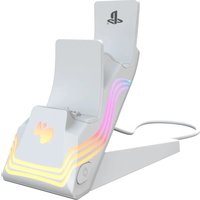
Afterglow Wave Dual Charger - Charger PDP - Free user manual and instructions
Find the device manual for free Afterglow Wave Dual Charger PDP in PDF.


User questions about Afterglow Wave Dual Charger PDP
0 question about this device. Answer the ones you know or ask your own.
Ask a new question about this device
Download the instructions for your Charger in PDF format for free! Find your manual Afterglow Wave Dual Charger - PDP and take your electronic device back in hand. On this page are published all the documents necessary for the use of your device. Afterglow Wave Dual Charger by PDP.
USER MANUAL Afterglow Wave Dual Charger PDP
"PlayStation", "PS5", "PS4", and "PlayStation Shapes Logo [Grated]" are registered trademarks or trademarks of Sony Interactive Entertainment Inc.
English
Dansk
Español – Mexico
Español
Français – Canada
Français
Italiano
Nederlands
Polski
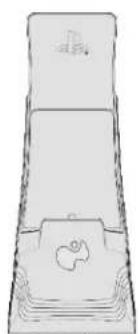
• Items Included with the Afterglow Wave Dual Charger
- Getting Started
○ Assembling the Charger
○ Connecting the Charger
○ Placing the Controller(s)
○ Charging in Rest Mode
- Lighting Features
• Connecting to Mobile app via Bluetooth button
○ Cycle through lighting profile via Profile button
- Troubleshooting
- Controllers not charging
- LED lighting not working
ITEMS INCLUDED
- Charging Base
- Base Stand
• USB-A to USB-C Cable
natural_image
Simple line drawing of a rectangular container with a small boat on the side (no text or symbols)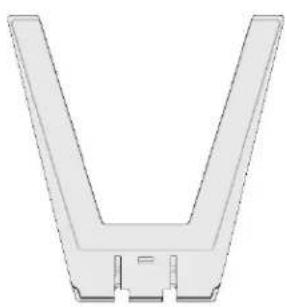
natural_image
Pure 3D diagram of a V-shaped mechanical component without any text, numbers, or symbols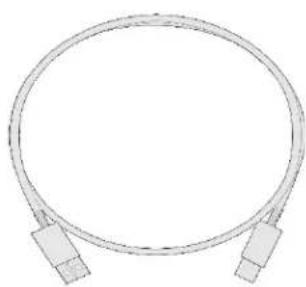
natural_image
Pure diagram of a coiled cable with two connectors (no text or symbols)GETTING STARTED
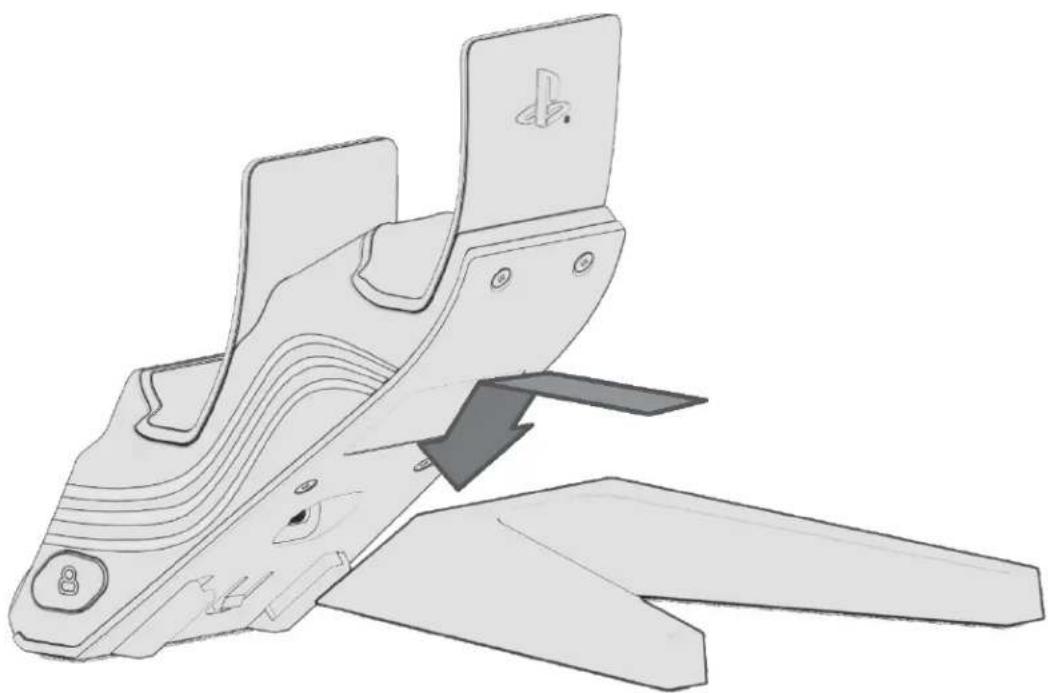
1. Assembling the charger
a. Locate the connection slots on the bottom of the charger.
b. Take the stand and line up the slots of the charger and the stand.
c. Slide in the stand. You should feel and hear a small click signaling that the stand is correctly attached.
d. To remove the stand, simply push in and slide the stand out.
natural_image
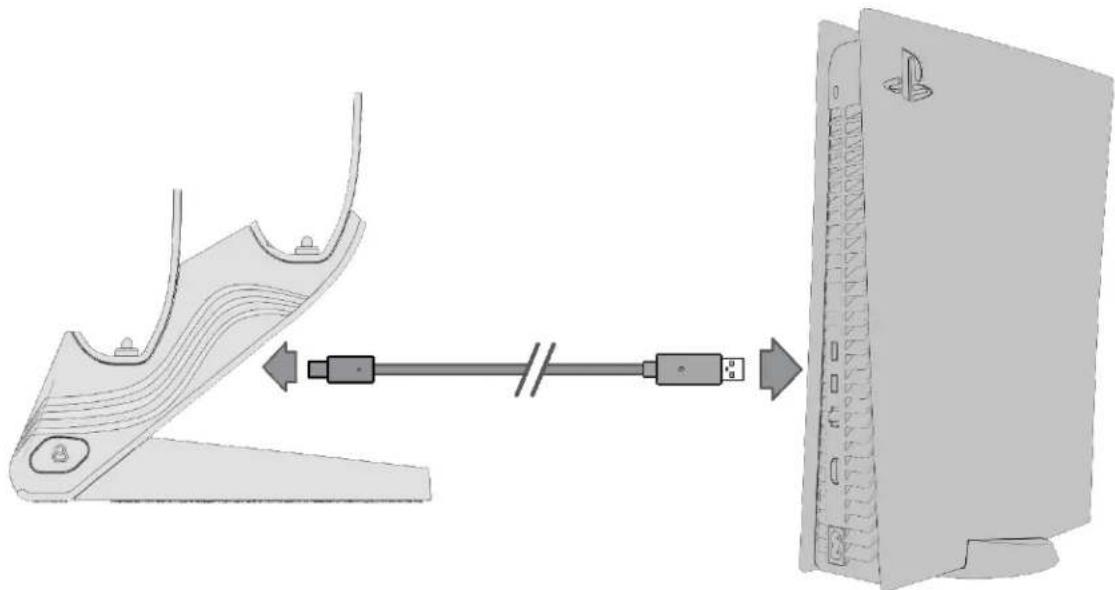
Technical line drawing of a mechanical component with two blades and a handle, no text or symbols present2. Powering the charger
a. Connect the USB-C end of the included cable to the charging base.
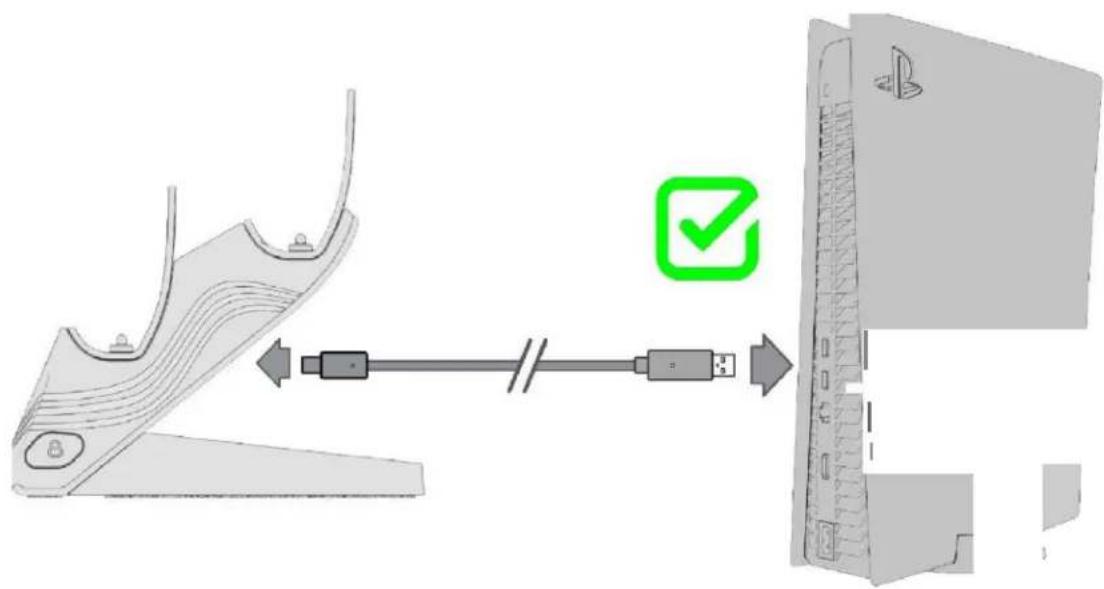
b. Connect the USB-A end of the included cable to the PlayStation®5 console.
c. Your charger is now ready.
natural_image
Diagram showing a device with a USB cable connecting to a computer monitor (no text or symbols present)Please note the following:
- The charger should never be plugged into anything other than the PS5® console. Plugging into other power sources, such as a wall outlet or PC may not properly charge your controllers.
- The PS5 ^® console must be turned on to charge your controllers. (See below for charging in Rest Mode.)
• To efficiently charge your controllers please use the USB cable provided.
text_image
Diagram showing a device with a USB cable and a green checkmark indicating the connection point.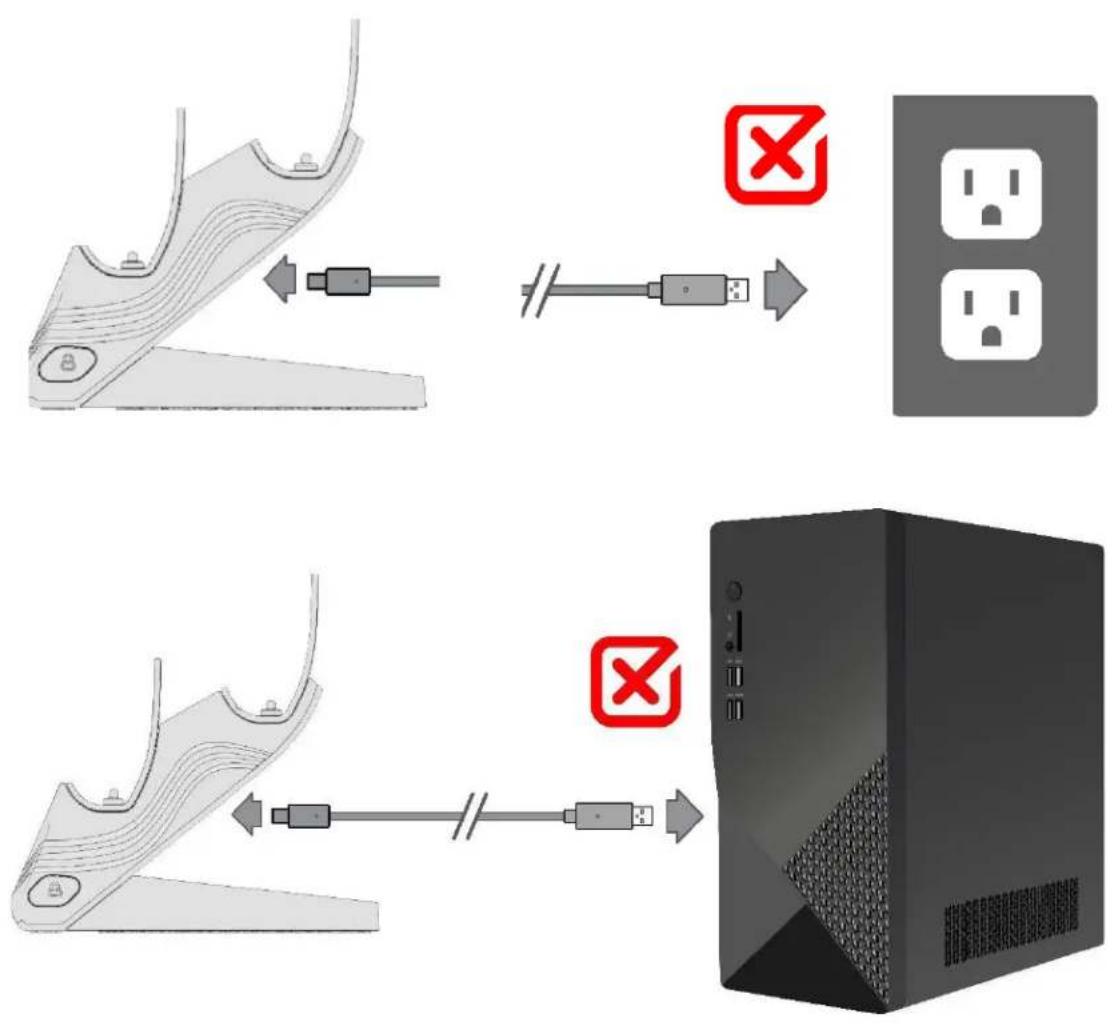
3. Charging the Controllers
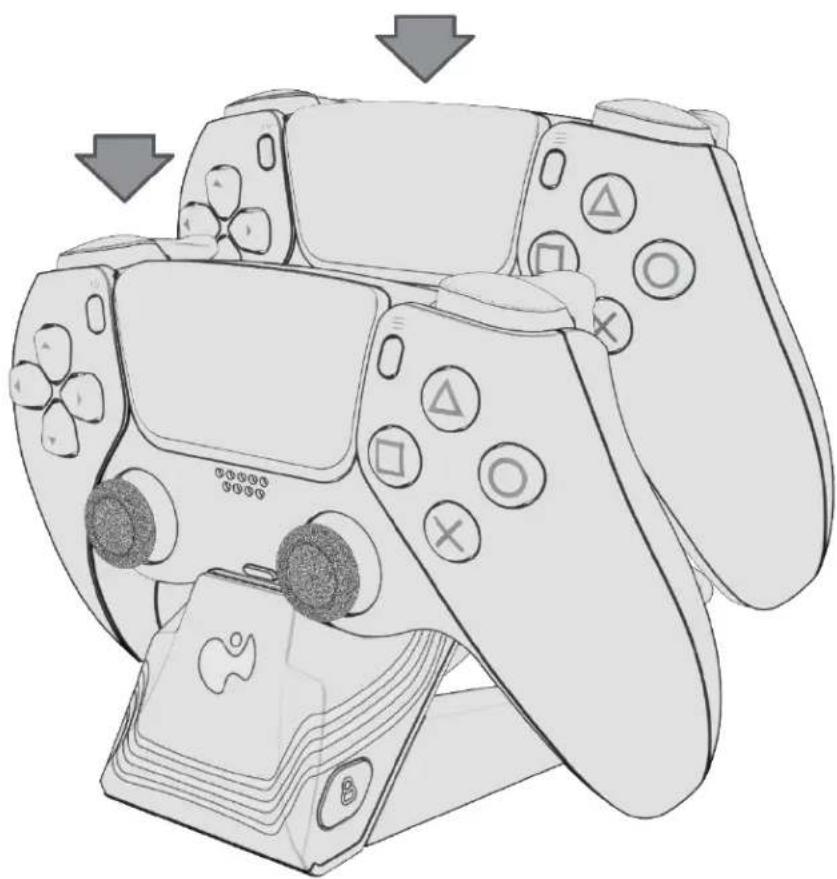
a. To charge your controllers, place your DualSense® Wireless Controllers into the slots of the charging base, connecting them to the charging pins.
- The light bar on the controllers will begin to blink orange to indicate that they are charging. Once the controllers are completely charged, the orange light bar will turn off.
natural_image
Illustration of a multi-game controller with various buttons and icons, no text or symbols presentNote: The LED lighting effects DO NOT indicate charging.
4. Charging in Rest Mode
To charge your controllers while your PS5 ^® console is in Rest Mode follow the steps below. From the home screen, go to Settings > System > Power Saving > Features Available in Rest Mode > Set Supply Power to USB Ports to “Always or 3 Hours”.
LIGHTING FEATURES
- The Afterglow Wave Dual Charger is equipped with 8 RGB zones and 5 programmable lighting profiles.
- To customize lighting and more, please download the free PDP Control Hub mobile app.
a. Add clickable Link to Apple Store
b. Add clickable Link to Goggle Play Store
3. Connecting to the PDP Control Hub Mobile App
a. If you have not yet downloaded the PDP Control Hub, please do so by following the link above.
b. Once downloaded, launch the app.
c. While the app is searching for a device, press and hold the Sync button located on the left side of the charger for 3 seconds.
d. The charger will begin pairing to the mobile device. While in pairing mode, the LEDs around the charger will blink white.
e. Once paired, the LEDs will return to their default state and the charger will be displayed in the app.
f. If pairing fails, the LEDs will flash red and then return to their default or programmed state.
g. Refer to the in-app guide for customized lighting.
4. Cycle through lighting profiles
- By default, the charger has 5 pre-loaded LED profiles: Wave, Static, Breathing, Pulse, and Ripple.
- To cycle through the saved lighting effects, press the profile button located on the right side of the charger.
• Each LED profile can be customized in the PDP Control Hub mobile app.
TROUBLESHOOTING
1. Controllers not charging
a. Make sure that the USB cable is plugged into the charger base and into the console
i. If the charger is drawing power from a source other than the PS5 ^® console, the controllers may not charge.
b. Make sure that the controller is properly placed on the charger with the charging pins connecting to the controller.
c. If the controllers are fully charged, then the controllers will not charge.
2. LED lighting not working
a. The LEDs will be activated when a controller is placed on the charger, regardless of if the controller is being charged or not. If no controller is on the charger, then only the PDP logo will be illuminated.
b. Please refer to the charger settings in the PDP Control Hub app.
"PlayStation", "PS5", "PS4", and "PlayStation Shapes Logo (Gradated)" are registered trademarks or
Dansk
INDBEFATTET I DENNE HURTIGE STARTVEJLEDNING
• Dele indbefattet i Afterglow Wave Dual Charger
- Kom godt i gang
natural_image
Simple line drawing of a rectangular object with a small circular symbol on its base (no text or symbols)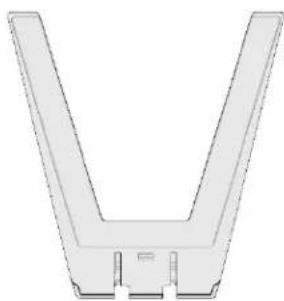
natural_image
Pure 3D diagram of a V-shaped mechanical component without any text, numbers, or symbols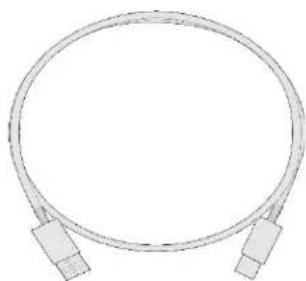
natural_image
Simple line drawing of a coaxial cable with two connectors (no text or symbols)KOM GODT I GANG
natural_image
Technical line drawing of a mechanical device with multiple blades and a handle, no text or symbols presentnatural_image
Diagram showing a device being connected via USB cable to a server (no text or symbols present)Bemærk:
natural_image
Illustration of a multi-game controller with buttons and a stylus, showing action buttons and a card (no text or symbols present)natural_image
Simple line drawing of a rectangular object with a small circular symbol on the base (no text or symbols)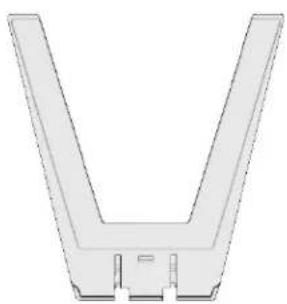
natural_image
Pure 3D diagram of a V-shaped mechanical component with no text or symbols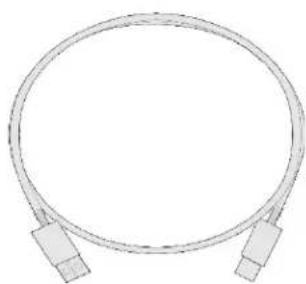
natural_image
Pure diagram of a coiled cable with two connectors (no text or symbols)INTRODUCCIÓN
natural_image
Technical line drawing of a mechanical device with multiple blades and a handle, no text or symbols presentnatural_image
Diagram showing a device with a cable or connector connected to a server, illustrating the connection (no text or symbols present)text_image
Diagram showing a device with labeled components and a green checkmark indicating a connection point.
flowchart
graph TD
    A["Step 1: Cable routing"] --> B["Switch"]
    B --> C["Server"]
    D["Step 2: Cable routing"] --> E["Switch"]
    E --> F["Server"]
3. Carga del control
natural_image
Illustration of a multi-game controller with action buttons and a small device, no text or symbols presentnatural_image
Simple line drawing of a rectangular object with a small circular mark on the base (no text or symbols)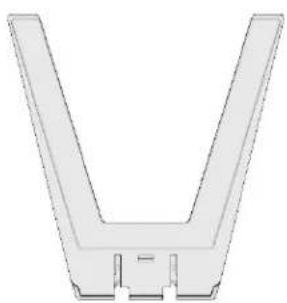
natural_image
Pure 3D diagram of a V-shaped mechanical part with no text or symbols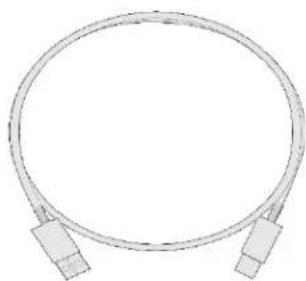
natural_image
Pure diagram of a coiled cable with two connectors (no text or symbols)PRIMEROS PASOS
natural_image
Technical line drawing of a mechanical device with multiple blades and a handle, no text or symbols presentnatural_image
Diagram showing a device being connected via USB cable to a server, with no visible text or symbols.text_image
Diagram showing a device with labeled components and a green checkmark indicating a connection point.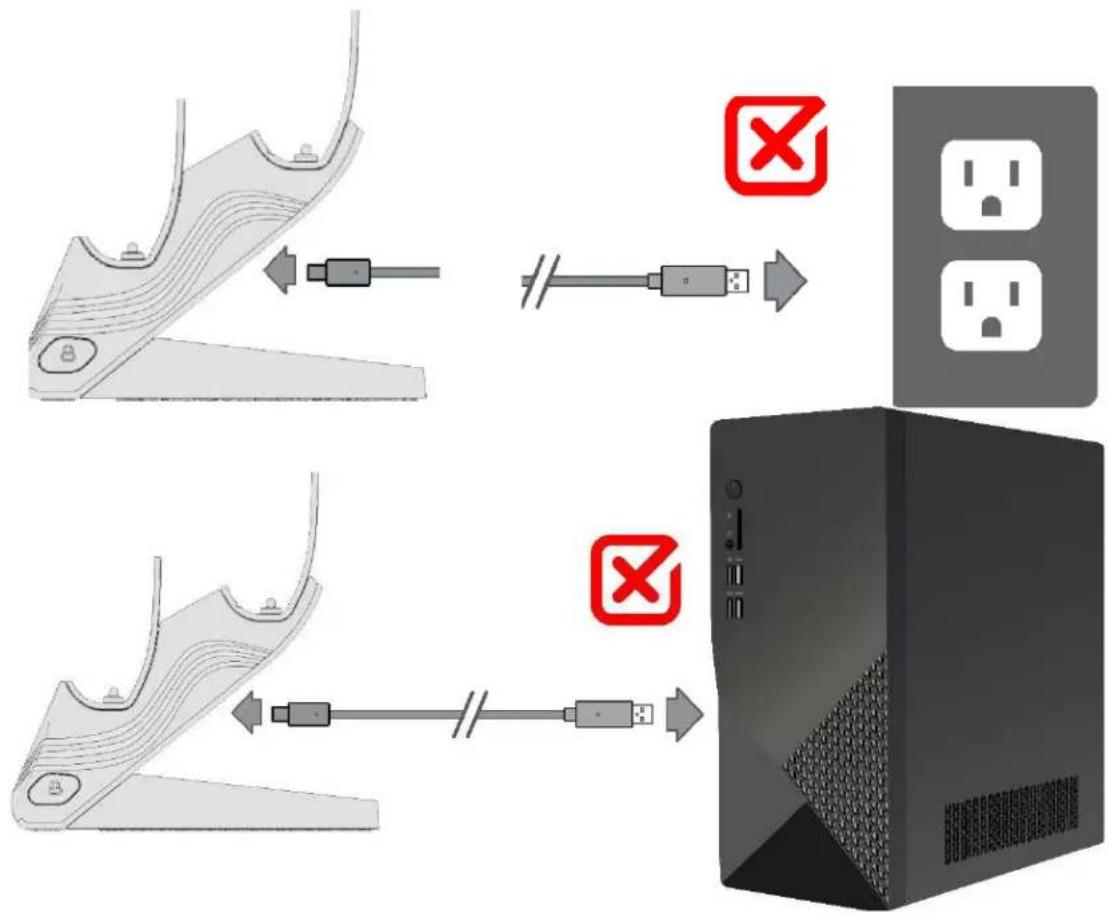
flowchart
graph TD
    A["Step 1: Cable routing"] --> B["Switch"]
    B --> C["Server"]
    D["Step 2: Cable routing"] --> E["Switch"]
    E --> F["Server"]
natural_image
Illustration of a multi-game controller with action buttons and a stylus, showing no text or symbols on the main device.natural_image
Simple line drawing of a rectangular object with a small circular mark on the base (no text or symbols)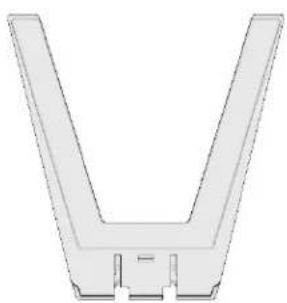
natural_image
Pure 3D diagram of a V-shaped mechanical part with no text or symbols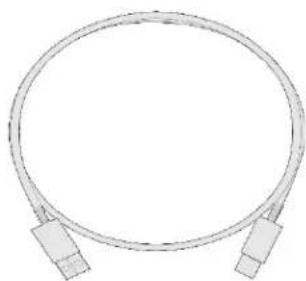
natural_image
Pure diagram of a coiled cable with two connectors (no text or symbols)POUR COMMENCER
natural_image
Technical line drawing of a mechanical device with multiple blades and a handle, no visible text or symbolsnatural_image
Diagram showing a device with a cable or connector connected to a server, illustrating the connection (no text or symbols present)text_image
Diagram showing a device with a connector and a green checkmark indicating the connection point.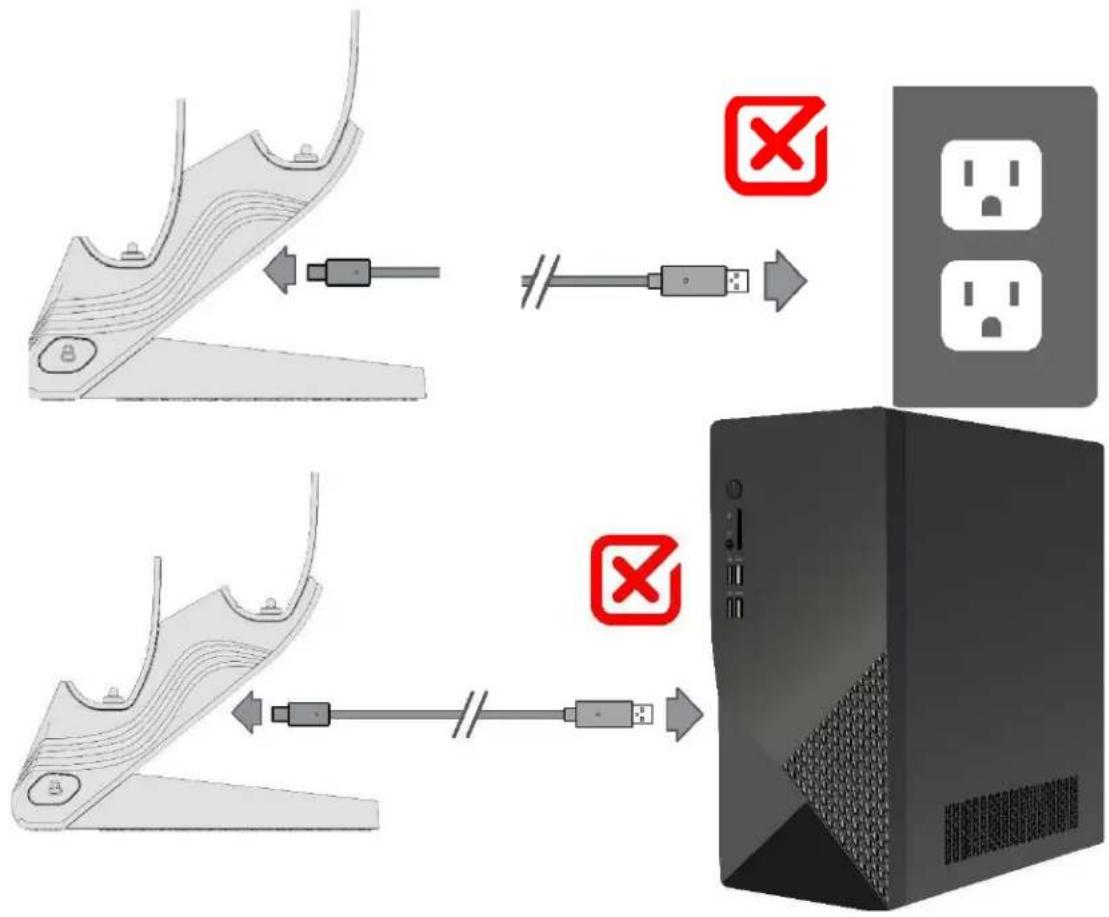
flowchart
graph TD
    A["Step 1: Cable routing"] --> B["Switch"]
    B --> C["Server"]
    D["Step 2: Cable routing"] --> E["Switch"]
    E --> F["Server"]
natural_image
Illustration of a multi-game controller with action buttons and a stylus, showing no text or symbols on the main device.natural_image
Simple line drawing of a rectangular object with a small circular mark on the base (no text or symbols)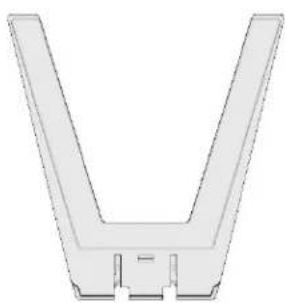
natural_image
Pure 3D diagram of a V-shaped mechanical part with no text or symbols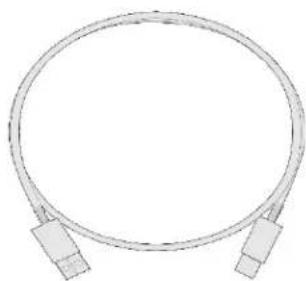
natural_image
Pure diagram of a coiled cable with two connectors (no text or symbols)COMMENCER
natural_image
Technical line drawing of a mechanical device with multiple blades and a handle, no text or symbols presentnatural_image
Diagram showing a device with a cable or connector connected to a server, illustrating the connection (no text or symbols present)text_image
Diagram showing a device with a connector and a green checkmark indicating the connection point.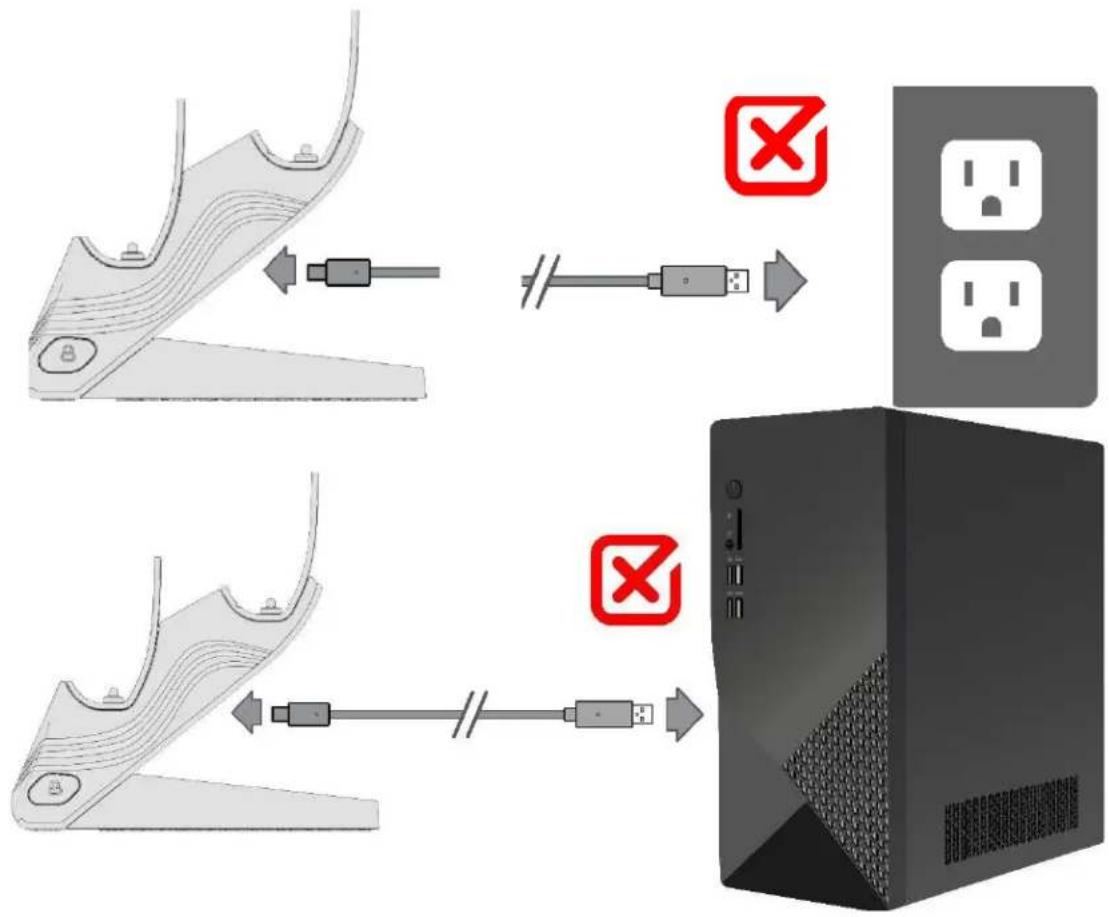
flowchart
graph TD
    A["Step 1: Cable routing"] --> B["Switch"]
    B --> C["Server"]
    D["Step 2: Cable routing"] --> E["Switch"]
    E --> F["Server"]
natural_image
Illustration of a multi-game controller with action buttons and a stylus, showing no text or symbols on the main device.natural_image
Simple line drawing of a rectangular object with a small circular symbol on the base (no text or symbols)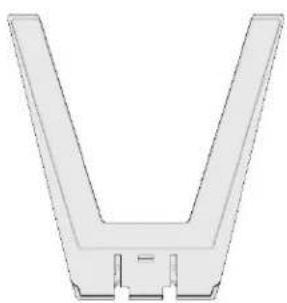
natural_image
Pure 3D diagram of a V-shaped mechanical part with no text or symbols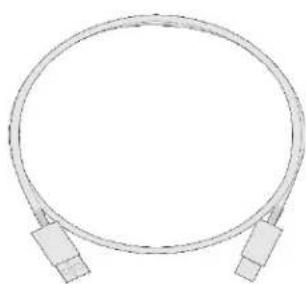
natural_image
Pure diagram of a coiled cable with two connectors (no text or symbols)GUIDA INTRODUTTIVA
natural_image
Technical line drawing of a mechanical component with multiple blades and mounting holes (no text or symbols)natural_image
Diagram showing a device with a cable or connector connected to a computer monitor (no text or symbols present)text_image
Diagram showing a device with labeled components and a green checkmark indicating connection to a computer monitor.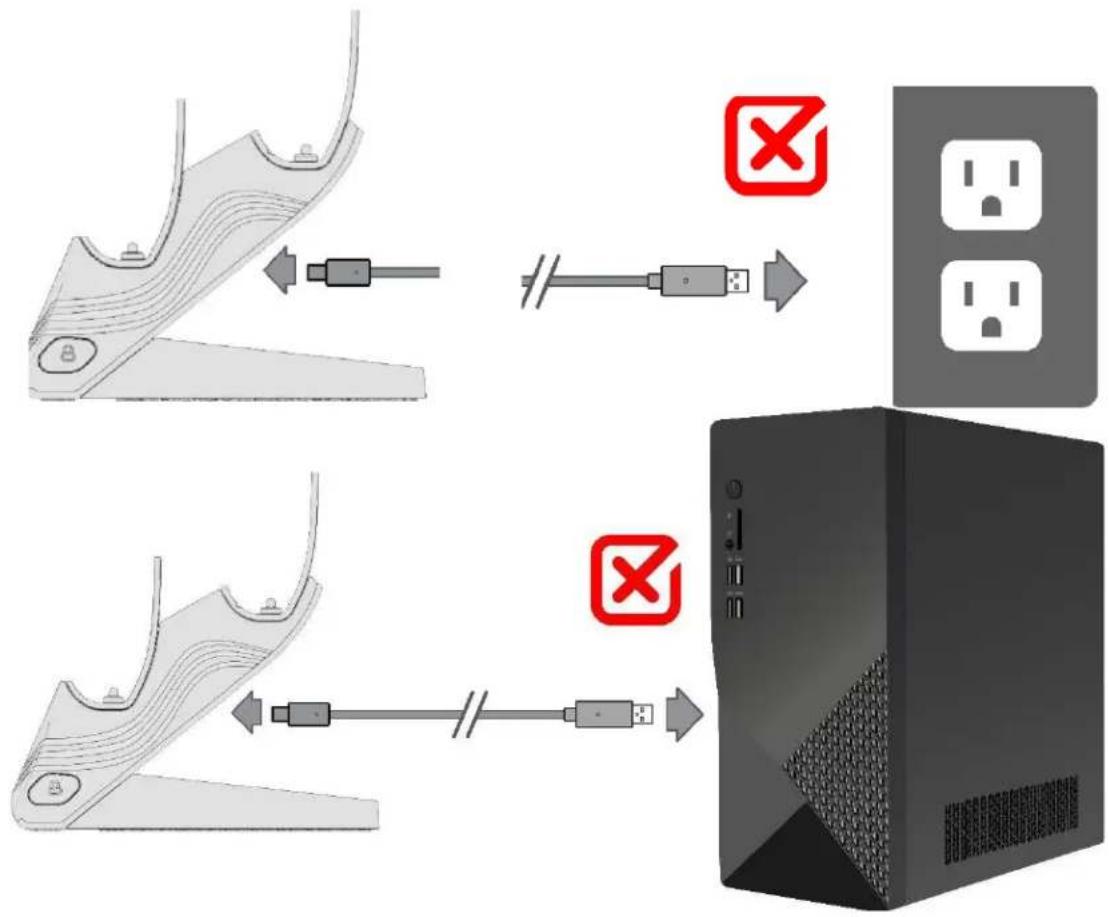
flowchart
graph TD
    A["Step 1: Cable routing"] --> B["Switch"]
    B --> C["Server"]
    D["Step 2: Cable routing"] --> E["Switch"]
    E --> F["Server"]
natural_image
Illustration of a multi-game controller with various buttons and icons, no text or symbols presentnatural_image
Simple line drawing of a rectangular object with a small circular symbol on the base (no text or symbols)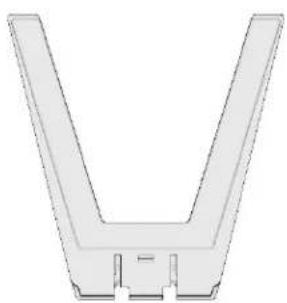
natural_image
Pure 3D diagram of a V-shaped mechanical part with no text or symbols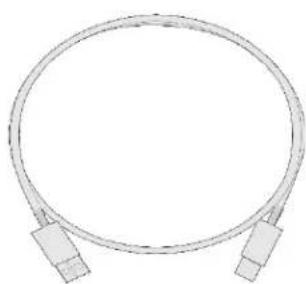
natural_image
Pure diagram of a coiled cable with two connectors (no text or symbols)AAN DE SLAG
natural_image
Technical line drawing of a mechanical component with multiple blades and a handle (no text or symbols)natural_image
Diagram showing a device with cable routing from a computer to a server, no text or symbols presenttext_image
Diagram showing a device with a connector and a green checkmark indicating the connection point.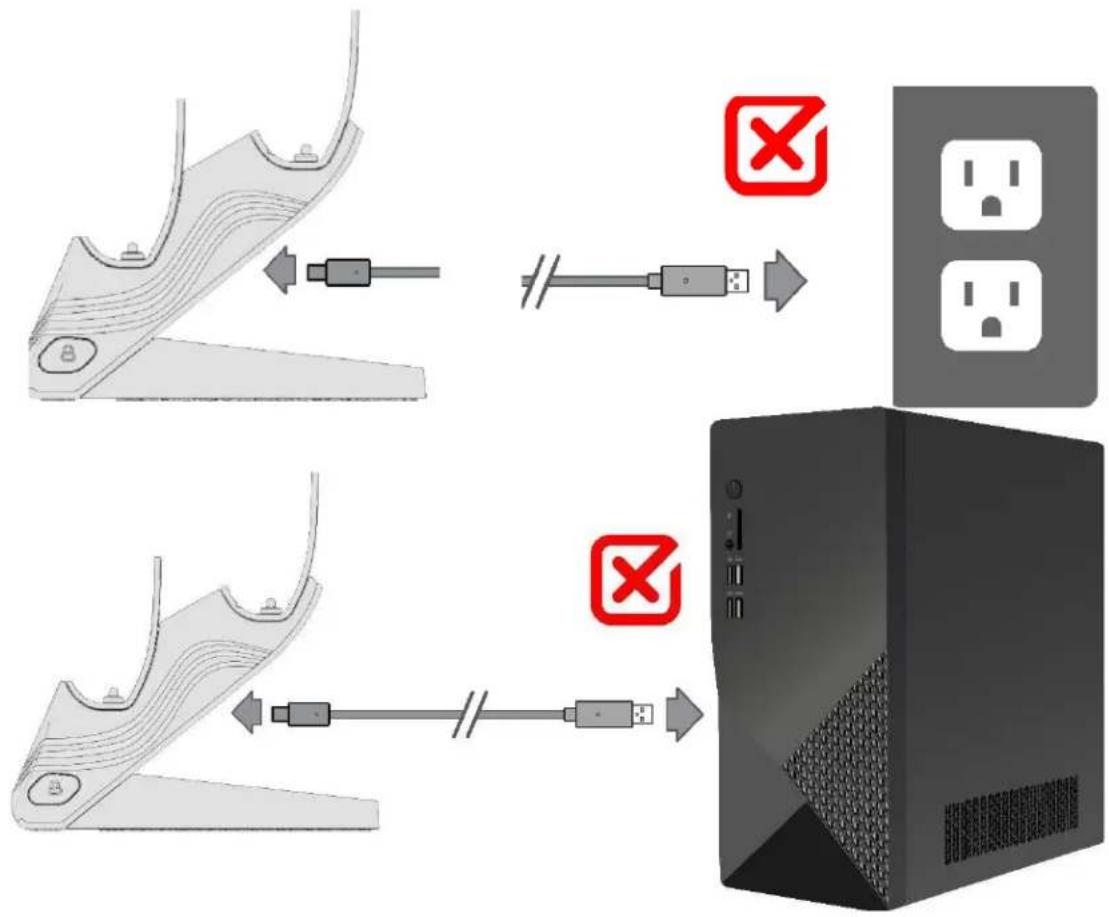
flowchart
graph TD
    A["Step 1: Cable routing"] --> B["Switch"]
    B --> C["Server"]
    D["Step 2: Cable routing"] --> E["Switch"]
    E --> F["Server"]
3. De controller(s) opladen
natural_image
Illustration of a multi-game controller with action buttons and a stylus, showing no text or symbols on the main device.natural_image
Simple line drawing of a rectangular object with a small circular mark on the base (no text or symbols)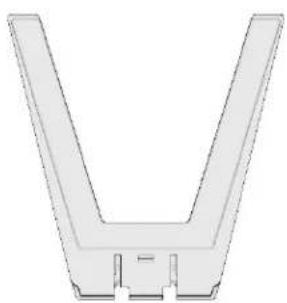
natural_image
Pure 3D diagram of a V-shaped mechanical part with no text or symbols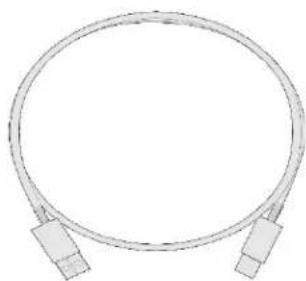
natural_image
Pure diagram of a coiled cable with two connectors (no text or symbols)ROZPOCZĘCIE UŻYTKOWANIA
1. Montaż ładowarki
natural_image
Technical line drawing of a mechanical device with multiple blades and a handle, no text or symbols presentnatural_image
Diagram showing a device being connected via USB cable to a server, with no visible text or symbols.text_image
Diagram showing a device with labeled components and a green checkmark indicating a connection point.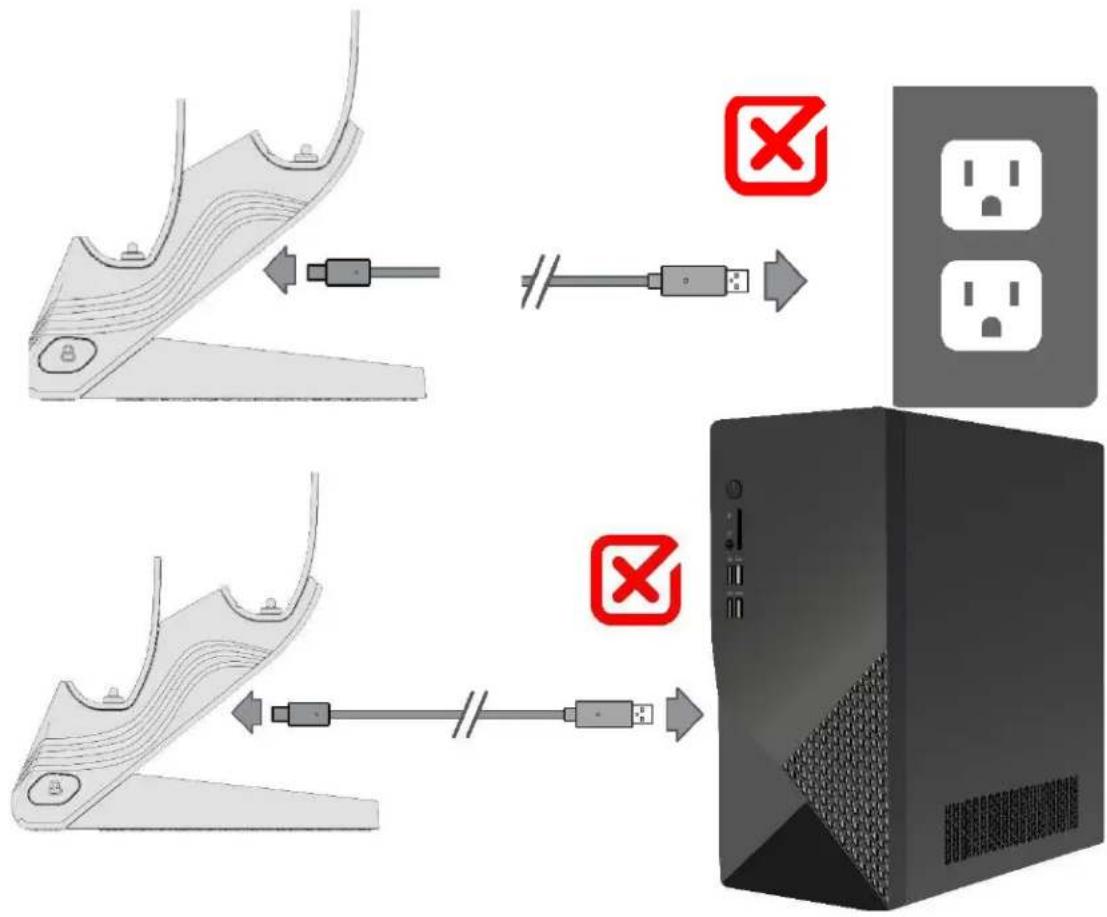
flowchart
graph TD
    A["Step 1: Cable routing"] --> B["Switch"]
    B --> C["Server"]
    D["Step 2: Cable transmission"] --> E["Server"]
natural_image
Illustration of a multi-game controller with action buttons and a small device, no text or symbols presentnatural_image
Simple line drawing of a rectangular object with a small circular mark on the base (no text or symbols)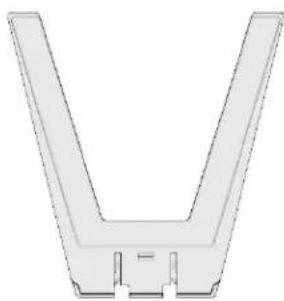
natural_image
Pure 3D diagram of a V-shaped mechanical part with no text or symbols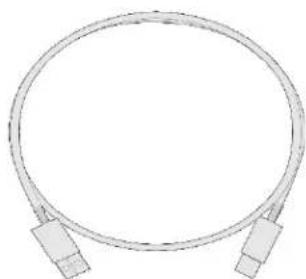
natural_image
Simple line drawing of a coaxial cable with two connectors (no text or symbols)INTRODUÇÃO
natural_image
Technical line drawing of a mechanical component with multiple blades and a handle (no text or symbols)natural_image
Diagram showing a device with a cable or connector connected to a server, illustrating the connection (no text or symbols present)Observe o seguinte:
text_image
Diagram showing a device with a connector and a green checkmark indicating the connection point.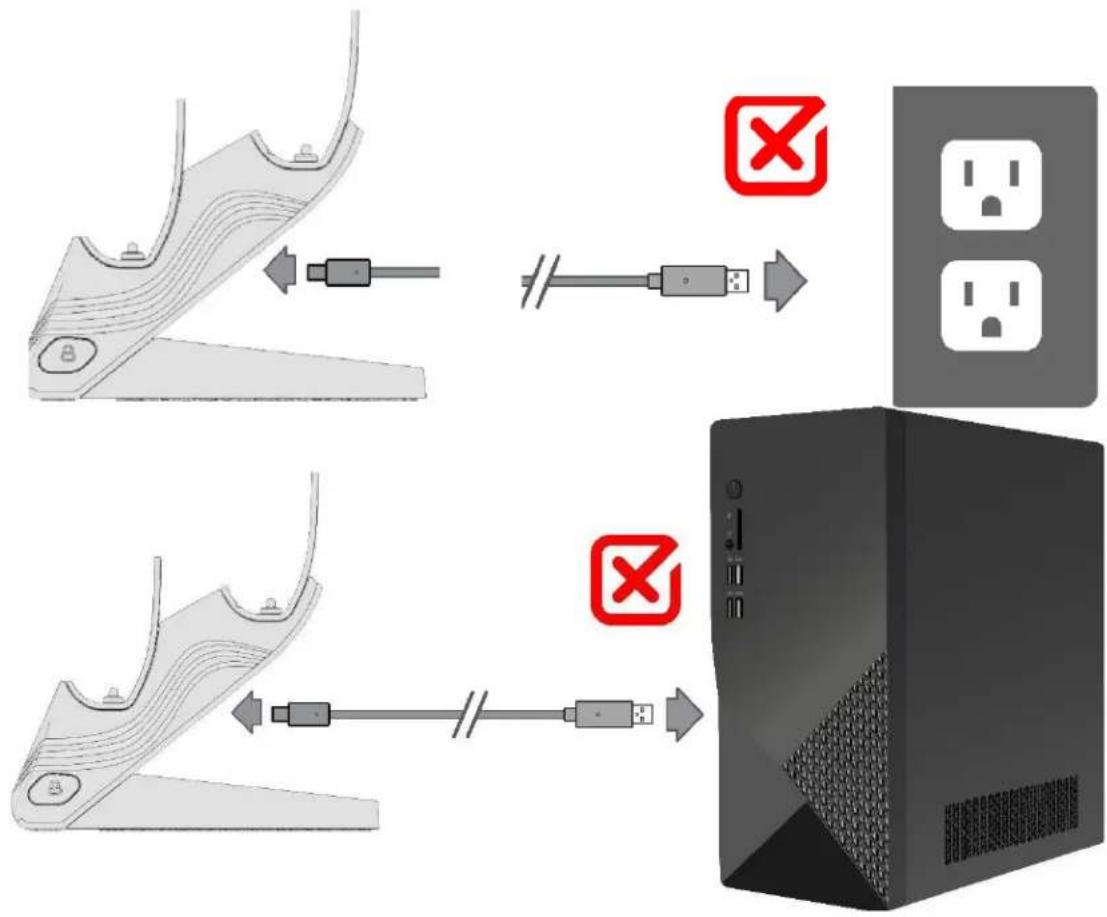
flowchart
graph TD
    A["Step 1: Cable routing"] --> B["Switch"]
    B --> C["Server"]
    D["Step 2: Cable transmission"] --> E["Server"]
natural_image
Illustration of multiple gaming consoles with icons and buttons, no text or symbols presentnatural_image
Simple line drawing of a rectangular object with a small circular mark on the base (no text or symbols)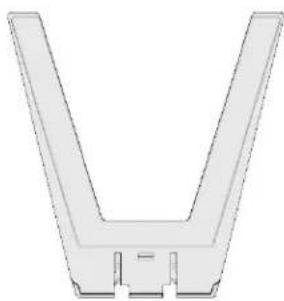
natural_image
Pure 3D diagram of a V-shaped mechanical part with no text or symbols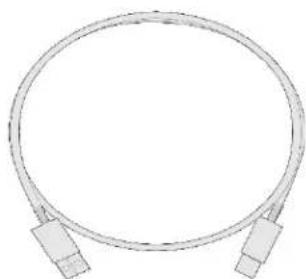
natural_image
Simple line drawing of a coaxial cable with two connectors (no text or symbols)INTRODUÇÃO
natural_image
Technical line drawing of a mechanical device with multiple blades and a handle, no text or symbols presentnatural_image
Diagram showing a device with a cable or connector connected to a server, illustrating the connection (no text or symbols present)text_image
Diagram showing a device with labeled components and a green checkmark indicating a connection point.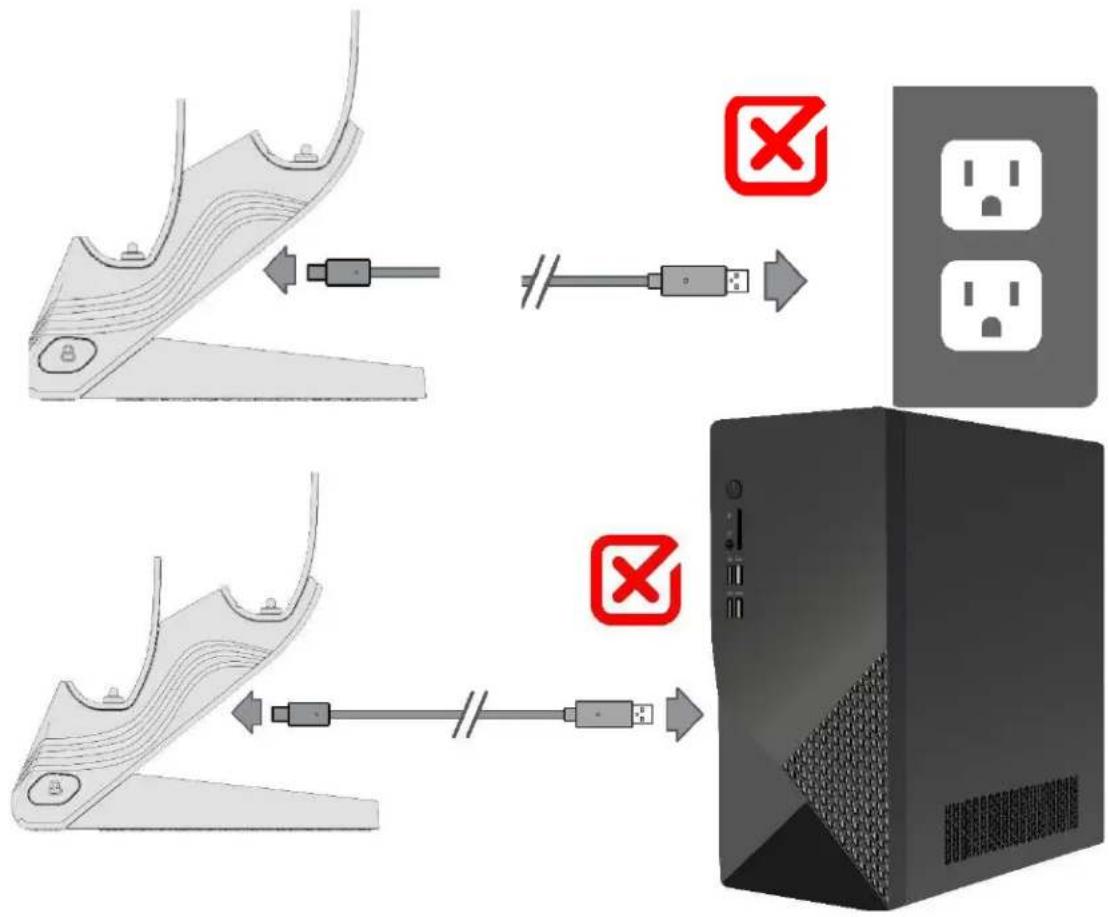
flowchart
graph TD
    A["Step 1: Cable routing"] --> B["Switch"]
    B --> C["Server"]
    D["Step 2: Cable routing"] --> E["Switch"]
    E --> F["Server"]