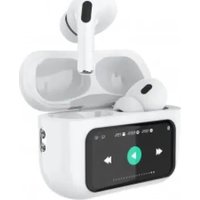
34152080 - Earphones DCU - Free user manual and instructions
Find the device manual for free 34152080 DCU in PDF.


User questions about 34152080 DCU
0 question about this device. Answer the ones you know or ask your own.
Ask a new question about this device
Download the instructions for your Earphones in PDF format for free! Find your manual 34152080 - DCU and take your electronic device back in hand. On this page are published all the documents necessary for the use of your device. 34152080 by DCU.
USER MANUAL 34152080 DCU
natural_image
White wireless earbuds with two ear cutouts, displayed in a digital audio player interface (no readable text or symbols)
text_image
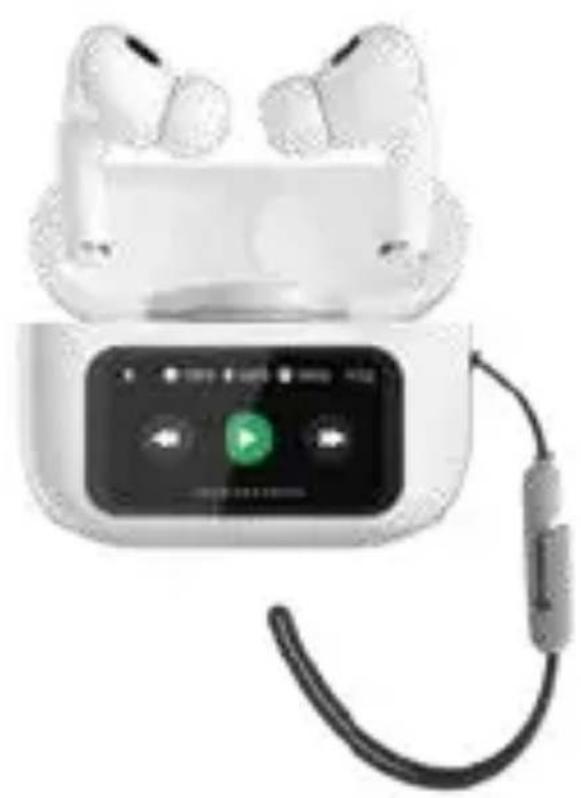
Look how it works Mira como funcionaBluetooth Earphones
with touch screen
34152080
Manual de usuario 3
Manual d'usuari 10
User manual 17
Mode d'emploi 24
natural_image
White wireless earbuds with a digital display showing a green play button, connected to a black cable (no visible text or symbols)ESP
Conexión Bluetooth:
text_image
求 100% 100% 100% 16:52 Noise Reductiontext_image
L 100% 1 R% 100% 6:52 Light Leveltext_image
L 100% R 100% 100% 16:52- Bluetooth version: V5.4
- Bluetooth decoding format: SBC AAC
• Transmission distance: 10m
• Music time: 4-5 hours (50% volume)
• Talk time: 4-5 hours (50% volume)
• Built-in battery: 30mAh - Charging box capacity: 360mAh
- Charging time: about 1,5 hours
- Charging voltage: DC5V\~1A
- Charging mode: Type-C interface
• Support Bluetooth protocol: HSP, HFP, A2DP, AVRCP - Battery cycle life: charge and discharge cycle ≥300 times
natural_image
White smart earbuds with a connected audio device displaying a green play button (no visible text or symbols)ENG
Bluetooth connection:
Open the charging case, automatically turn on, turn on the Bluetooth device on the phone, search pairing name:
dcu\_earbuds\_display
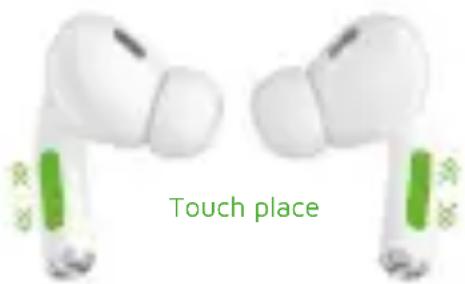
Earbuds Touch control
- Click left/right ear: Play/Pause/answer/hang up
- Double click right ear: next song Double click left ear: previous song
- Slide left/right ear: slide up - volume up/slide down - volume down
- Long press left for 2 seconds: Siri/Voice assistant/reject calls Long press right ear for 2 seconds: normal mode/noise reduction mode/self-adaption mode/transparent mode
- When earbuds are not connected to the phone: five clicks clear pairing reset and shut down
- Turn on/turn off: press 5 seconds to manually turn on/shut down
Charging case:
- Power on: connect it to the charge.
- Power off: touch 5 times on the rear case button
text_image
Touch placeENG
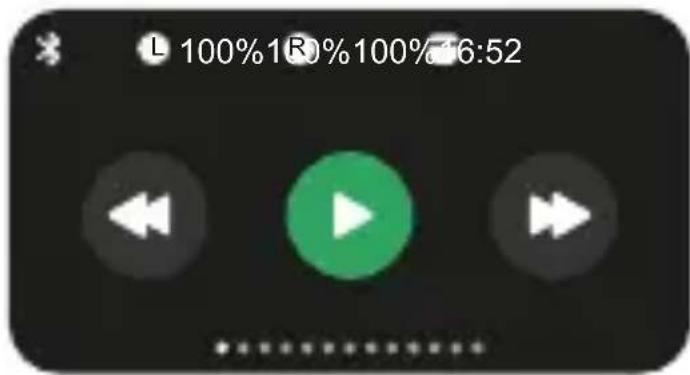
text_image
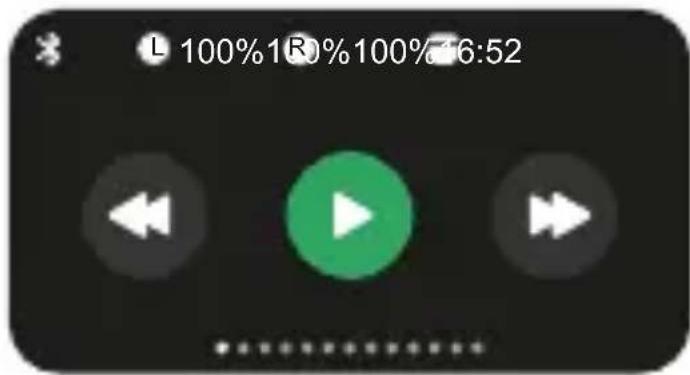
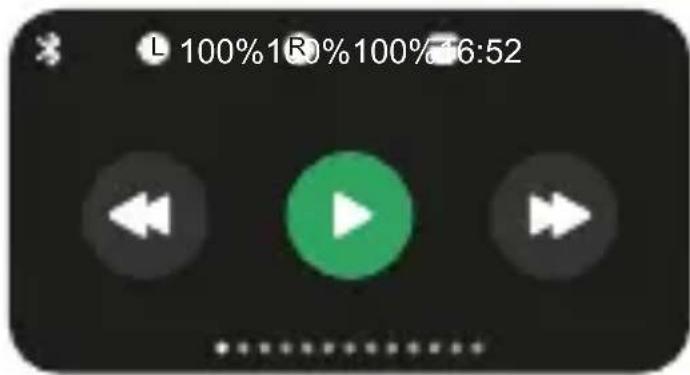
L 100%1R%100%16:521.- Play/next song
Song play/pause/can be controlled through the color screen Previous song/next song.
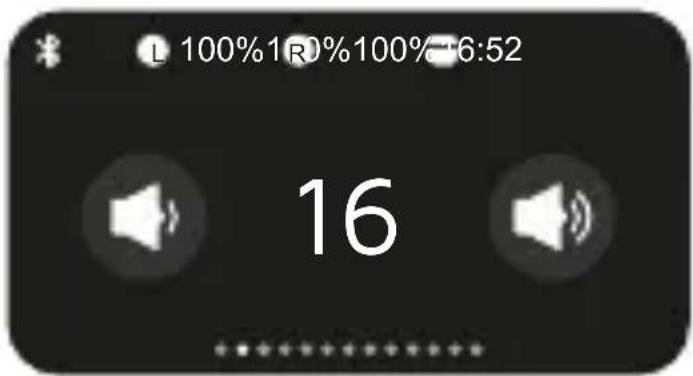
text_image
L 100%1R0%100%-6:52 162.- Volume "+" "-"
Can control the volume of the mobile phone system through the color screen. Increase or decrease the volume
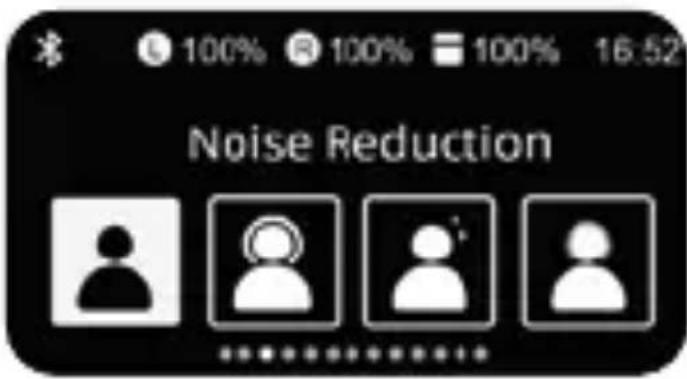
text_image
100% 100% 100% 16:52 Noise Reduction3.- Normal mode/noise reduction mode/self-adaption mode /transparent mode
ANC noise reduction and transparent mode function can be controlled through color screen.
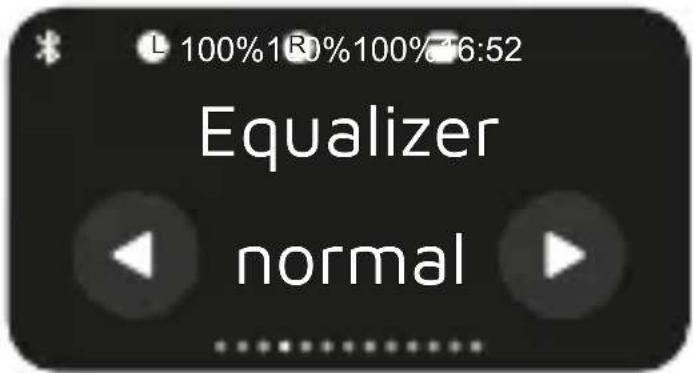
text_image
L 100%1R0%100%76:52 Equalizer normal4.- Equalizer
Five tone modes can be controlled through the color screen, includes standard mode, popular mode, jazz mode, rock mode, and classic mode.
ENG
text_image
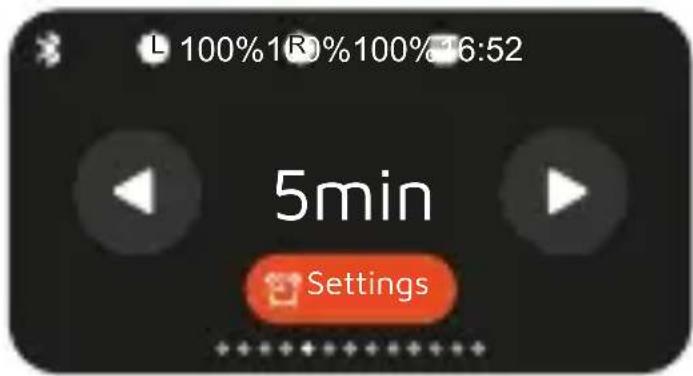
L 100%1R0%100%16:52 5min Settings5.- Countdown
Countdown settings can be set through the color screen. Add or subtract minutes with the right/left screen buttons.
text_image
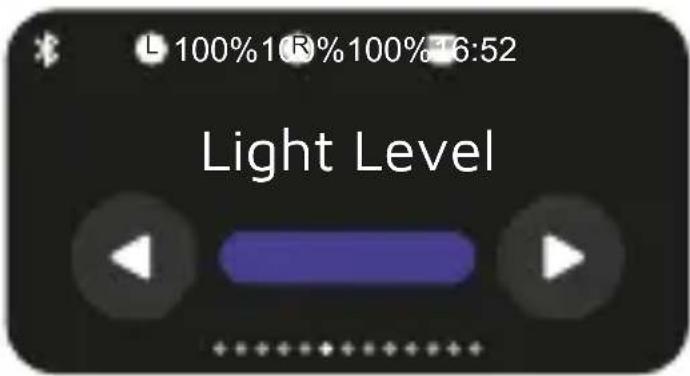
L 100% 1 R% 100% 6:52 Light Level6.- Brightness control
Intensity of the screen brightness
text_image
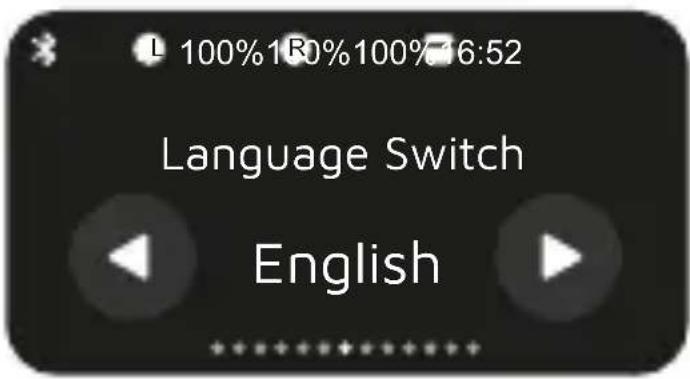
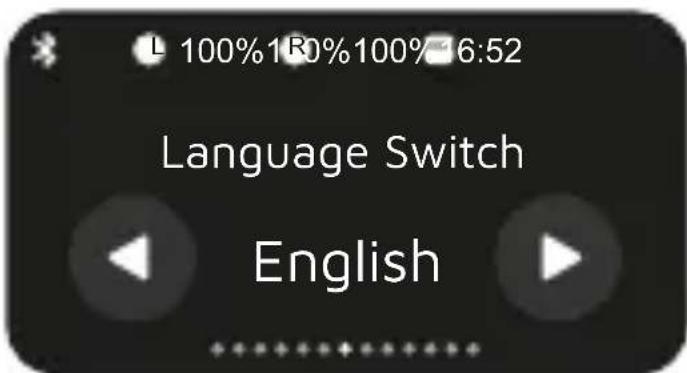
L 100%1R0%100%16:52 Language Switch English7.- Support voice switching in 16 countries
Support a variety of international mainstream commonly used language display
text_image
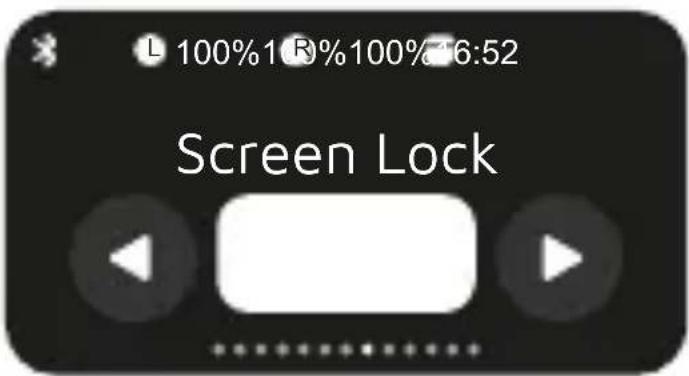
L 100%1 R%100% 16:52 Screen Lock8.- Wallpaper replacement
Favorite dynamics can be set through the color screen wallpaper
ENG
text_image
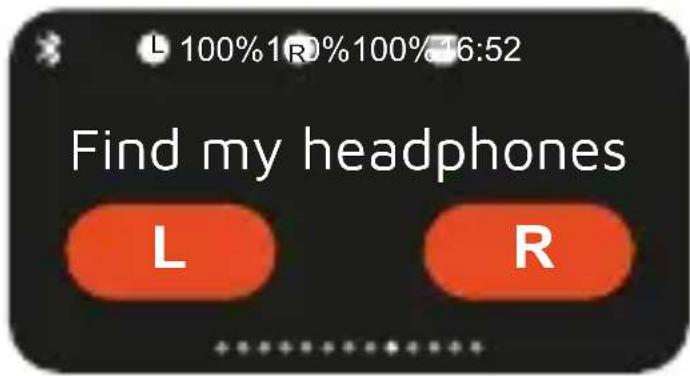
100%1R0%100%16:52 Find my headphones L R9.- Find your earbuds
The earbuds can respond via color screen, thus easier to find the location of your earphones.
text_image
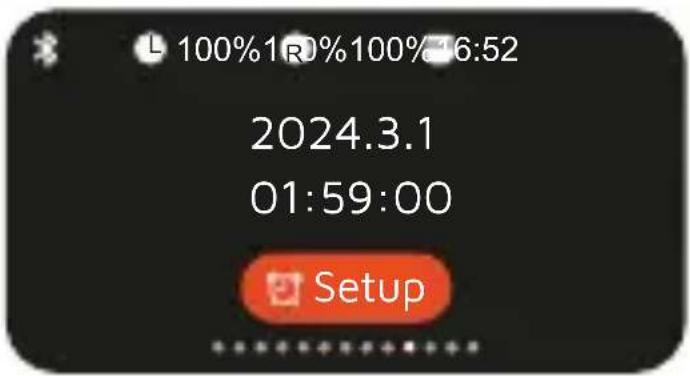
L 100%1R0%100%16:52 2024.3.1 01:59:00 Setup10.- Time and date
The date and time can be set through the color screen
text_image
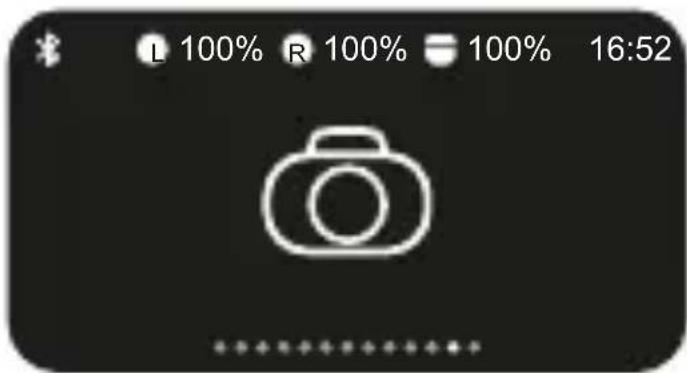
L 100% R 100% 100% 16:5211.- Remote Camera Shutter
The shutter of the phone camera can be controlled through the color screen. Take a remote selfie.
text_image
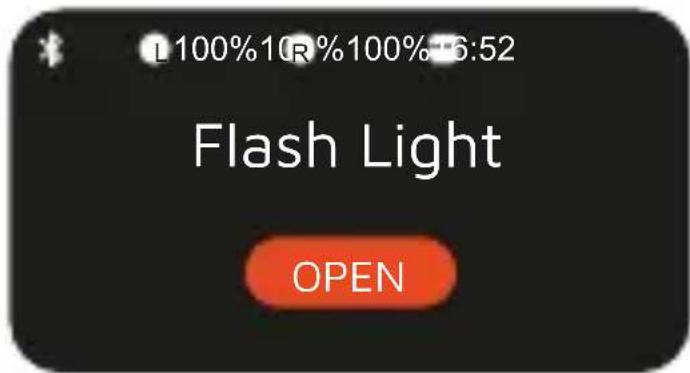
100%10R%100%6:52 Flash Light OPEN12.- Flash Light
Screen light switch can be controlled by color screen.
Precautions for use
- Headphones should be stored in a dry and ventilated environment to avoid contact with oil, water vapor and distilled water, so as not to affect product performance.
- Avoid cleaning with irritating, organic solvents or items containing these ingredients
- Earphones should be used correctly according to the requirements. In order to ensure a smooth connection, it is recommended that the distance between the phone and the headset be within 10 meters.
- If the headset is not connected or communication is not good and other problems, do not disassemble the headset body and its accessories without authorization, otherwise it will not be guaranteed.
- To charge the headset, please use the standard USB charger.
- To ensure your normal use of the headset, please ensure that the headset battery is sufficient.
Service and warranty
- The warranty covers quality problems caused by manufacturing, materials or design within the first 3 years of purchase and battery and charger problems within the first 6 months.
ENG
- The guarantee does not cover damage caused by misuse of the product or by the following cases:
1). Disassemble or reassemble the product.
2). Damage caused by falls
3). Any man-made damage or misuse (such as: getting water into it, external force causing it to break, scratch damage to peripheral components, etc.)
4) Damages caused by water are outside the scope of the guarantee.
-
When requesting the warranty, you must provide the purchase receipt with the place and date of purchase.
-
If you have problems using the product, please don't hesitate to contact our customer service:
DCU Tecnologic customer service:
www.dcutec.com
Email: info@dcutec.com
Telephone: +34 972244105
CAT
natural_image
White wireless earbuds with a connected audio device showing a green play button (no text or symbols visible)CAT
Connexió Bluetooth:
text_image
100% 100% 100% 16:52 Noise Reductiontext_image
L 100% 1 R% 100% 6:52 Light Level6. Control de brillantor
Ajusta la intensitat de la brillantor de la pantalla.
text_image
L 100%1R0%100% 6:52 Language Switch Englishtext_image
L 100% R 100% 100% 16:52natural_image
White wireless earbuds with a digital display showing a green play button, connected to a black cable (no visible text or symbols)FRA
Connexion Bluetooth:
text_image
Touch placeFRA
text_image
L 100%1R%100%16:52text_image
100% 100% 100% 16:52 Noise Reductiontext_image
L 100% 1 R% 100% 6:52 Light Leveltext_image
L 100% R 100% 100% 16:52Service client DCU Tecnologic:
www.dcutec.com
Courriel: info@dcutec.com
natural_image
White wireless earbuds with a connected audio device showing a green play button (no text or symbols visible)PORT
Conexão bluetooth:
text_image
Touch placePORT
text_image
L 100%1R%100%16:52text_image
Noise Reductiontext_image
L 100% 1 R% 100% 6:52 Light Leveltext_image
L 100% R 100% 100% 16:52Service client DCU Tecnologic:
www.dcutec.com
natural_image
Simple line drawing of a trash bin with crossed lines indicating no waste or discharge (no text or symbols)Designed in BCN / Made in PRC / B55166847