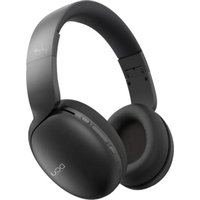
H600BT - Earphones DCU - Free user manual and instructions
Find the device manual for free H600BT DCU in PDF.


User questions about H600BT DCU
0 question about this device. Answer the ones you know or ask your own.
Ask a new question about this device
Download the instructions for your Earphones in PDF format for free! Find your manual H600BT - DCU and take your electronic device back in hand. On this page are published all the documents necessary for the use of your device. H600BT by DCU.
USER MANUAL H600BT DCU
natural_image
Line drawing of a pair of earphones (no text or symbols)Bluetooth headphones
34152500
Manual de usuario 3
User manual 11
Manual d'usuari 19
Mode d'emploi 27
natural_image
Simple line drawing of a U-shaped cable or connector (no text or symbols)1x Cable de audio estéreo de 3,5 mm
natural_image
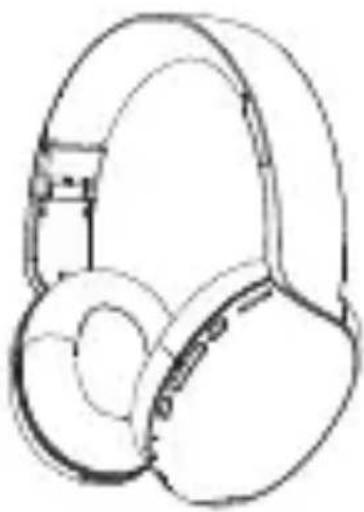
Line drawing of a pair of headphones (no text or symbols)1x Auriculares
natural_image
Simple line drawing of a U-shaped cable with two connectors (no text or symbols)1x Cable de carga micro USB
natural_image
Line drawing of a DCU headset with earbuds (no text or symbols on the headset itself)text_image
Technical diagram of a mechanical or electronic component with numbered parts labeled 1 through 9.ENCENDER / APAGAR:
Thank you very much for purchasing this headphone, the DCU team has been working hard to offer you a comfortable, beautiful and functional watch.
If you have any questions that this manual cannot solve, we will be happy to assist you, you can write to info@dcutec.com and in less than 24 hours we will answer you.
We wish you enjoy it!
If you want to know a little more, go to www.dcutec.com or visit our Instagram profile @dcutecnologic. Sometimes we do raffles.
Please read the instructions carefully before using the product.
PACKING LIST:
natural_image
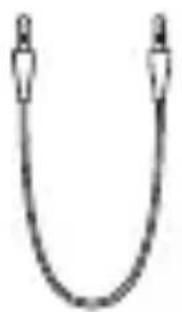
Simple line drawing of a U-shaped cable or connector (no text or symbols)1x Dual 3.5mm audio cable
natural_image
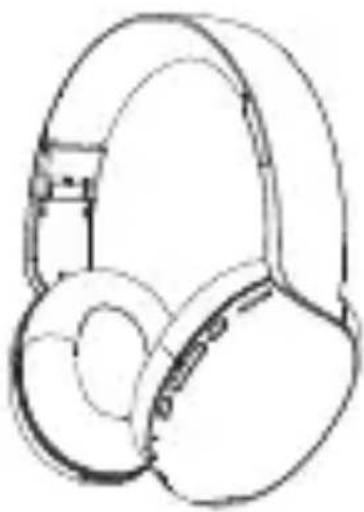
Line drawing of a pair of headphones (no text or symbols)1x Headphone
natural_image
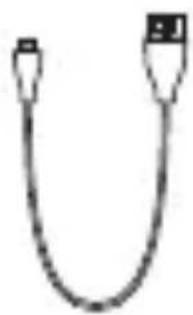
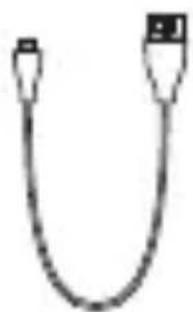
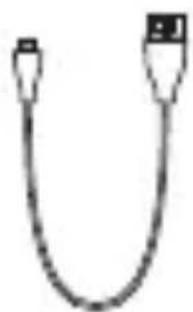
Simple line drawing of a U-shaped cable with two connectors (no text or symbols)1x Micro USB Charging Cable
natural_image
Line drawing of a DCU headset with earbuds (no text or symbols on the headset itself)1x User's manual
(the above picture is for reference only)
PRODUCT STRUCTURE:
- MICRO SD card port
- Multi-function button (MFB)
- Volume+/NEXT
- Volum-/PREV
- M button
- LED indicator
- Microphone
- Micro USB charging port
- AUX port
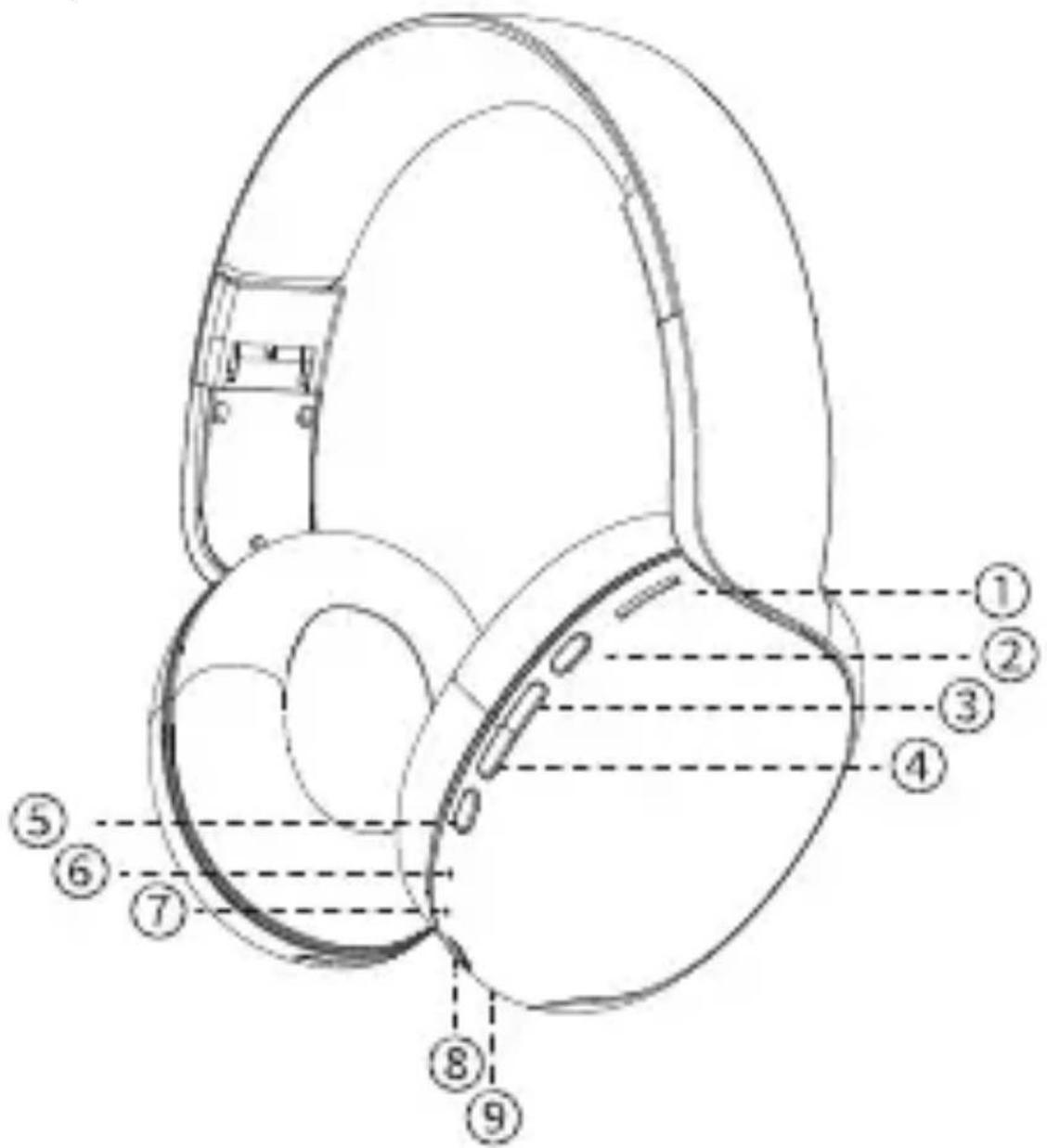
text_image
Technical diagram of a mechanical component with numbered parts for identificationBLUETOOTH HEADPHONE TURN ON/OFF:
- Turn on: hold down the MFB for 2 seconds, the LED turns solid blue for 2 seconds.
- Turn off: hold down the MFB for 2 seconds, the LED goes out
BLUETOOTH CONNECTION:
Follow the steps (please make sure that your phone is built-in Bluetooth function)
- Hold down the MFB button for 2 seconds, the LED indicator turns blue for 2 seconds with a voice prompt and then the indicator flashes alternately with blue and red, the headphone enters the pairing status.
(Note: the headphone can automatically enter pairing status after power on if there is no reconnections. As the headphone can automatically reconnect with the last device that you had paired. To re-connect, you just need to turn it on).
- Activate the Bluetooth function and search for "DCU_Headphone" to connect. If the LED turns blue, the connection is successful.
ANSWERING INCOMING CALLS:
Press the MFB button once to answer incoming calls.
Tip: some mobile phones default to answer calls via their own receiver, please refer to the instructions of your phone and set on your phone.
END THE CURRENT CALL
Press the MFB button once to end the current call
REJECT INCOMING CALLS:
Press the MFB button for 1 second when there comes a call
LAST NUMBER REDIAL:
Double press the MFB button to redial the last calling number
MUSIC PLAYING:
Play/pause: short press the MFB button
Prev: long press ◀◀ to select the previous song
Next: long press ▶▶▶ to select the next song
Vol+: short press ▶▶▶ to increase volume
Vol-: short press ◀◀◀ to decrease volume
MODE SWITCHING:
Short press the M button to select mode. (Bluetooth/Micro SD card/Aux in/FM)
MICRO SD CARD MODE:
Insert a Micro SD card, the headphones will automatically recognize and automatically broadcasts music in it.
WIRED MODE:
Dual 3.5mm Audio Cable connecting to audio Jack
Plug and play: connecting the headphone to a music player with the provided dual 3.5mm audio cable, the
ENG
headphone can be used as wired headphone without starting.
In this mode, you can't use any function of the headphone, including pause, playback, volume adjustment, microphone, etc. You must use the music player functions (smartphone or similar).
FM MODE
Short press the M button to select FM mode, then long press the M button to scan and memorize the FM radio stations.
Long press |◀◀ and ▶▶| to select the desired channels. Press and hold the |◀◀ or ▶▶| button to adjust the volume.
TO CHARGE THE HEADPHONE:
- As product is built-in non-removable and rechargeable battery, please use the provided micro-usb cable to charge.
- Fully charge the product before the first use. It takes 2.5 hours to charge for the subsequent use.
- The LED indicator turns red when charging, and the LED indicators turn blue when the battery is fully charged.
NOTAS:
a. Please choose the charger that is certified by the regular manufacturer (5V/2A maximum). Do not use Quick Charge or similar, it can damage the headphone.
b. The battery performance may decrease as repeating charging and using the product.
ENG
c. To extend the life of the battery, do not expose it to high or low temperatures and charge the headphones regularly if you do not use them for a long period of time.
WARNINGS:
- Please follow the instructions to operate
- Please charge the headphone with input power below 5V/1A, in order to protect the battery (5V/2A maximum)
- Please Store or use the headphone in a normal temperature environment
- Please keep the headphone from heat source, such as radiators, hot air regulators, stoves or other heat devices
- Don't jam the ports of the headphone, such as charger port, microphone, etc.
- In order to protect your hearing and extend the headphone life, it is not recommended to adjust the volume to the maximum level for a long time
- Whatever reasons damage the headphones, please feel free to contact our technical service, do not repair the headphones yourself or they will lose the warranty
- The warranty period is 2 years from purchase. It will be mandatory to present the purchase receipt for any claim
SPECIFICATIONS:
Bluetooth version: v5.0
Chipset: JL 6925
Dimensions: 190 x 180 x 80mm
Weight: 175gr.
Wireless working range: 10m (without obstacles)
Speaker: 40mm
Speaker sensitivity: 102+-3dB S.P.L at 1Khz
Frequency response: 20Hz-20KHz
Profiles supported: HFP, A2DP, AVRCP
Battery: 3.7V / 250mAh
Input voltage: DC 5V
Play time: 8h
Charging time: 2,5h
CAT
natural_image
Simple line drawing of a U-shaped cable or connector (no text or symbols)natural_image
Line drawing of a pair of headphones (no text or symbols)1x Auriculars
natural_image
Simple line drawing of a USB cable (no text or symbols)natural_image
Line drawing of a DCU headset with earbuds (no text or symbols on the headset itself)1x Manual d'usuari
ESTRUCTURA DEL PRODUCTE:
text_image
Technical diagram of a mechanical or electronic component with numbered parts labeled 1 through 9.ENCENDRE / APAGAR
natural_image
Simple line drawing of a U-shaped cable or connector (no text or symbols)natural_image
Line drawing of a pair of headphones (no text or symbols)1x Casque
natural_image
Simple line drawing of a USB cable with port (no text or symbols)natural_image
Line drawing of a DCU headset with no text or symbols on the device itself1x Manuel
STRUCTURE DU PRODUIT:
text_image
Technical diagram of a mechanical or electronic component with numbered parts labeled 1 through 9.ALLUMER / ÉTEINDRE:
natural_image
Line drawing of a pair of headphones (no text or symbols)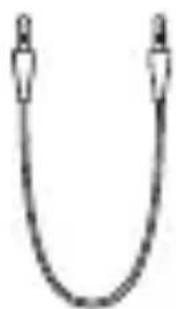
natural_image
Simple line drawing of a U-shaped cable or connector (no text or symbols)1x Fone de ouvido
natural_image
Simple line drawing of a U-shaped cable with two connectors (no text or symbols)1x Cabo de áudio estéreo de 3,5 mm
1x Cabo de carregamento micro USB
natural_image
Line drawing of a DCU headset with no text or symbols on the device itselftext_image
Technical diagram of a mechanical or electronic component with numbered parts labeled 1 through 9.ACENDER APAGAR:
text_image
Five circular icons with recycling symbols and labels: Recycle, Reuse, CE, Nozzle, and RoHS Compliant.Made for DCU in PRC / B55166847
DCU
TECNOLOGIC
Good people
www.dcutec.com