302614 - Loudspeaker Aplic - Free user manual and instructions
Find the device manual for free 302614 Aplic in PDF.


| Product type | Laser barcode scanner |
| Power supply | 5 V DC via USB |
| Operating frequency | 2402-2478 MHz |
| Transmission power | 0.55 dBm |
| Battery capacity | 2600 mAh |
| Scanning modes | Manual, automatic, continuous |
| Scanning speed | 300 scans/second |
| Laser class | Class 1 (eye safe) |
| ESD protection | Air discharge up to 15 kV |
| Shock resistance | 1 m drop onto solid surface |
| Compatible barcodes | EAN8, EAN13, Code39, Code128, UPC-A, etc. |
| Connectivity | Wireless (RF) and wired (USB) |
| Inventory mode | Yes, with internal memory |
| Prefix/suffix functions | Yes, add or delete characters |
| Language settings | Changeable via barcodes |
| Cleaning | With a soft, dry cloth |
| Safety | Do not open, avoid water and high temperatures |
| Recycling | WEEE compliant, do not dispose with household waste |
| Package contents | Scanner, RJ45 to USB cable, USB receiver, user manual |
Frequently Asked Questions - 302614 Aplic
User questions about 302614 Aplic
0 question about this device. Answer the ones you know or ask your own.
Ask a new question about this device
Download the instructions for your Loudspeaker in PDF format for free! Find your manual 302614 - Aplic and take your electronic device back in hand. On this page are published all the documents necessary for the use of your device. 302614 by Aplic.
USER MANUAL 302614 Aplic
natural_image
Blue abstract logo shape resembling a stylized letter 'Q' or droplet (no text or symbols)aplic
Table of contents
- Deutsch .... 3
- English 21
- Français......40
- Italiano....58
- Español....76
- Code pages....94
- Connection reset....2/99
Connection / Adapter Reset
Reset factory default
Wireless mode

Wired USB mode
Match enforced Remove the original

Match enforced
Remove the original

Match
For the mismatch device
3. Produkt-Details
Reset factory default
7. Scan-Modi
Default mode
Auto continuous scan
Scan delay
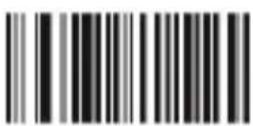
Single scan no trigger
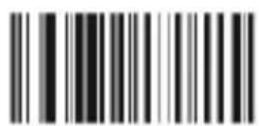
Reading delay no trigger
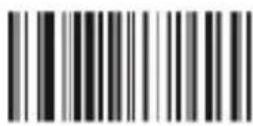
Auto light flash lamp
7.1 Scan-Ton
On(default)
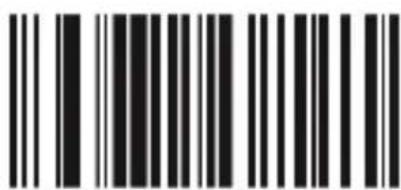
Off

No upload
quantity Preview

Upload all data and delete

upload one piece data and delete

Upload all data and not deleted

Upload one piece data and not deleted
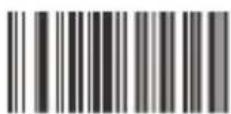
Beeper forbidden for upload success

Beeper enable for upload success

Receiver address display
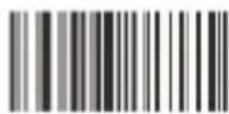
Transmission address display
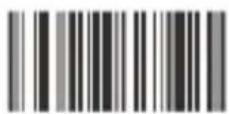
Shutdown
8 Standby-Modi
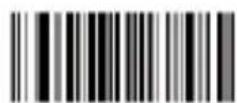
Auto-Standby After 30sec Non-Operate
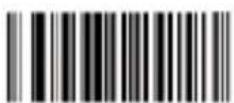
Auto-Standby After 60sec Non-Operate
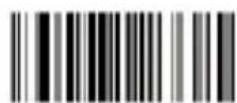
Auto-Standby After 5min Non-Operate
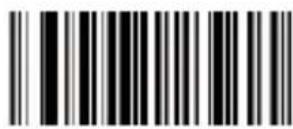
Auto-Standby After 10min Non-Operate
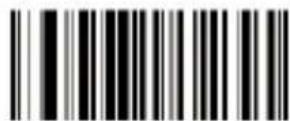
Auto-Standby After 20min Non-Operate
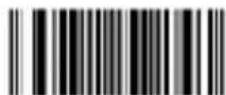
Hiding the blank in front of the barcode
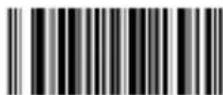
No hiding the front CHAR (Default)

Hiding the blank behind the barcode
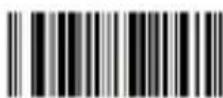
No hiding the behind CHAR (Default)

Hiding the "-"of the bar code

No hiding CHAR- in the middle of barcode(Default)

Replacing the "O" with "A" in barcode

No replacing the "O" with "A" in barcode(Default)
Upper /lower case transformation

Transformation closed

All is upper case

All is lower case

Upper /lower case transformation
Fastest
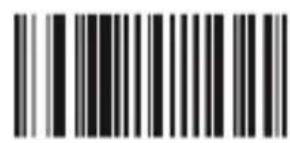
Moderate (default)
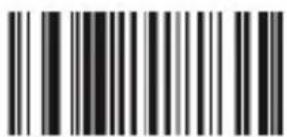
Lower
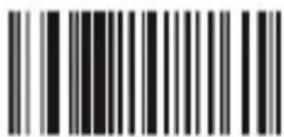
Lowest
9.4 Terminatoren
Prefix & suffix setting
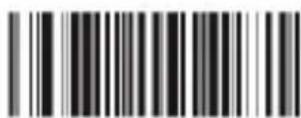
Termination CHAR-Enter
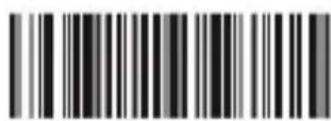
Termination CHAR-double Enter
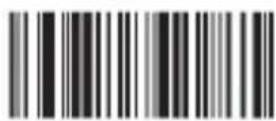
No termination format CHAR
O
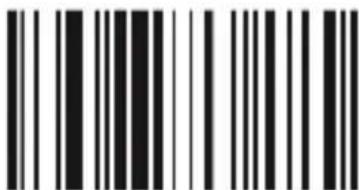
K
Exit prefix-suffix adding mode
Delete all suffix
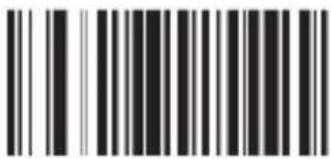
Delete all prefix

America, China
(American English) Default

Canada (French)
Netherlands (Dutch)

Spain (Spanish)

Argentina
(Latin language)
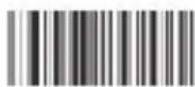
Brazil (Portuguese)

Denmark (Danish)

United Kingdom (English)

Italy (Italian 142)

France (French)

Germany (German)

Norway
(Northern Sami)

Sweden, Finland
(Swedish, Finnish)

Slovakia (Slovak)

Portugal (Portuguese)

Czech Republic (Czech)

Belgium (Dutch)

Turkish-F

Turkish-Q
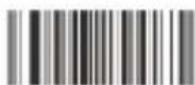
Poland (Polish 214)
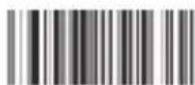
Switzerland
(German, French)
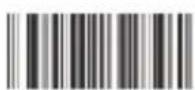
Croatia (Croatian)
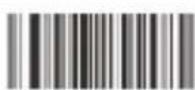
Hungary (Hungarian)
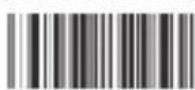
Japan (Japanese)

Russia (Russian)
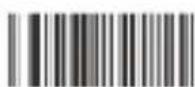
Egypt (Arabic)
10 Barcode Settings
Code39

Code 39 / On
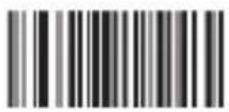
Code 39 / Off

Code 39 ID Character"m"
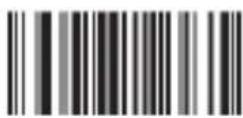
Code 39 Full ASCLL / Off
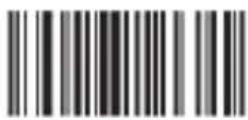
Code 39 Full ASCLL(Default) / On
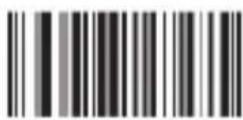
Code 39 MOD43 Check / ON
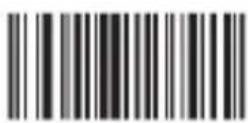
Code 39 MOD43 Check / Off
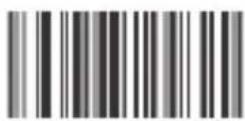
Transmit Check / On

Transmit Check / On
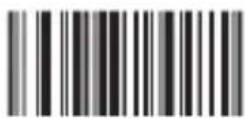
Transmission Lead / On
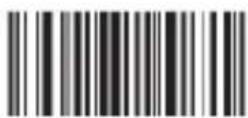
Transmission Lead / Off
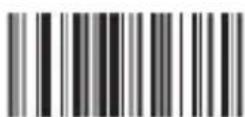
Verification Multiply / Off(Default)
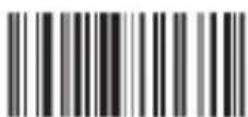
Verification Multiply / On
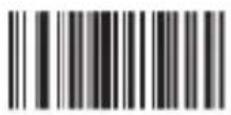
Code 32 / Off
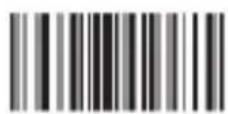
Code 32 / On
Remark: It affects the Code 39
when it is on
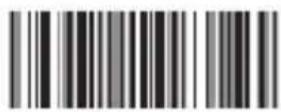
Code 39 TAB Mode
UPC-A
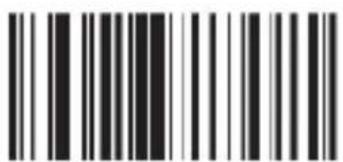
UPC A Code / On (Default)
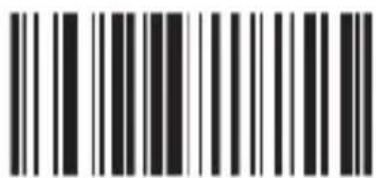
UPC A / Off

UPC A Code ID Character "m"

Transform Into EANI3 / OFF(Default)
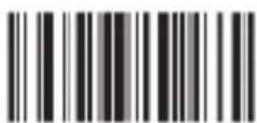
Transform Into EANI3 / ON
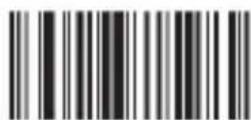
Do Not Transmit Check Code

Transmit Check Code (Default)
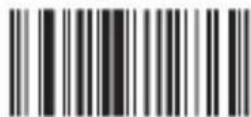
Hide The System Character
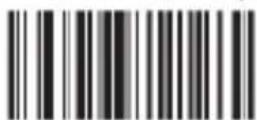
Do Not Hide The System Character
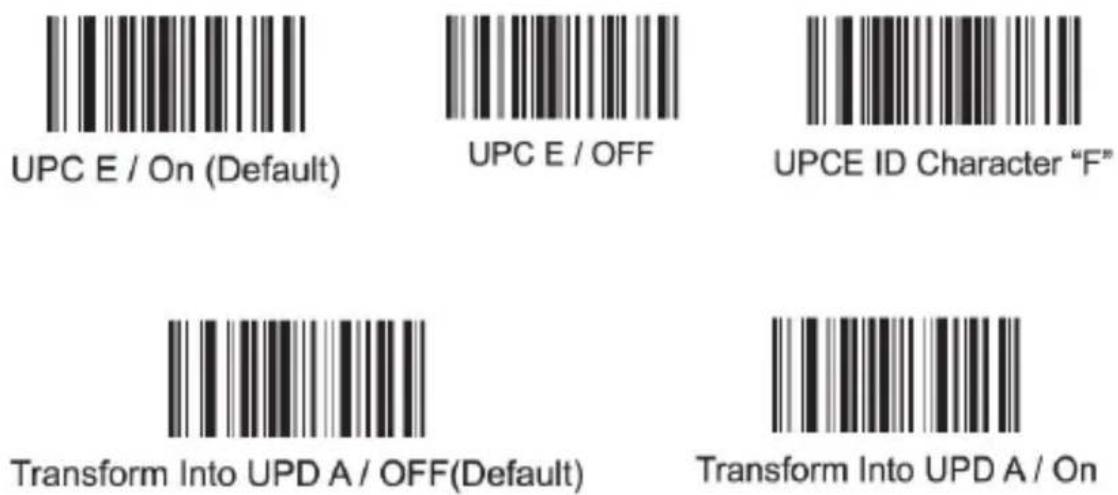
UPC-E
EAN13
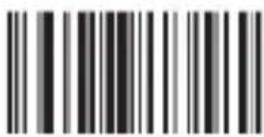
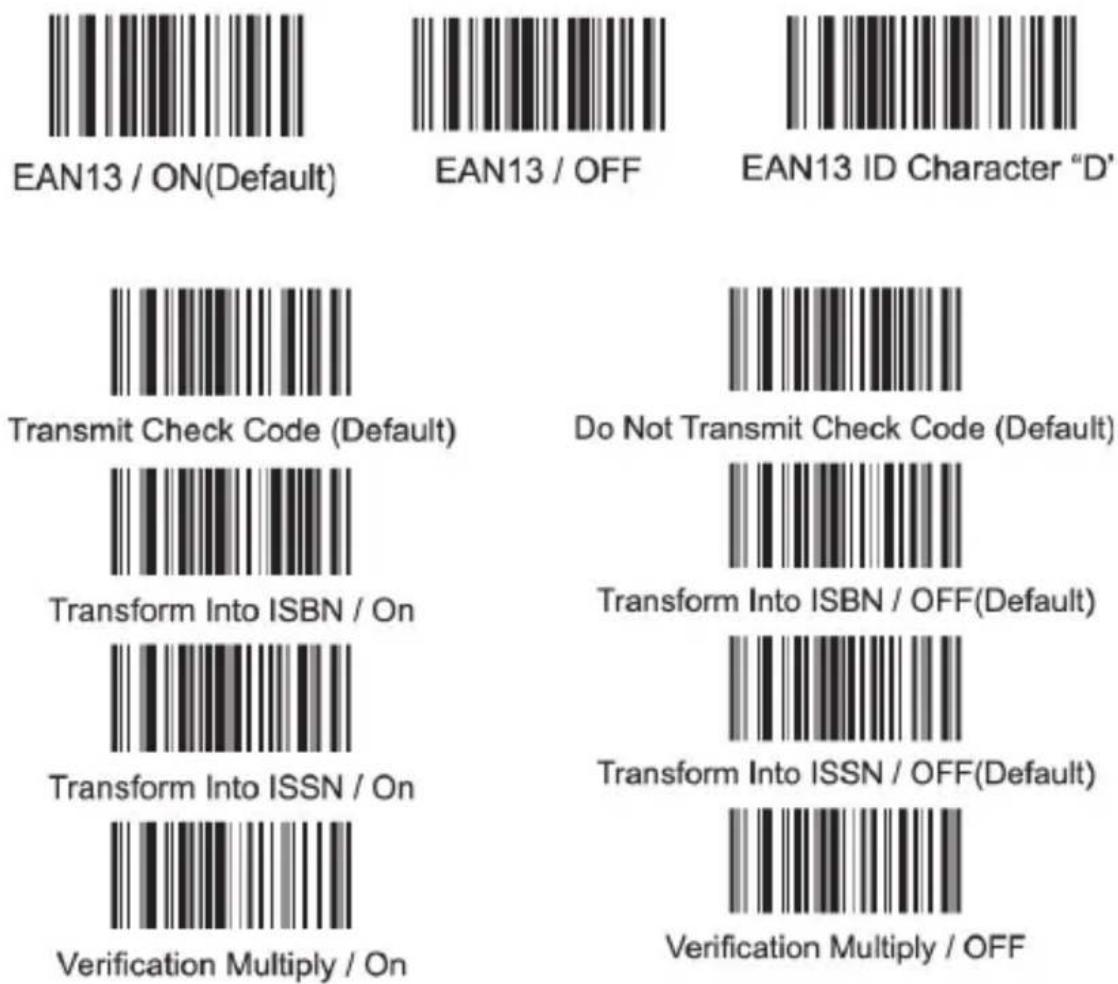
EAN13 / ON(Default)

EAN13 / OFF

EAN13 ID Character "D"

Transmit Check Code (Default)
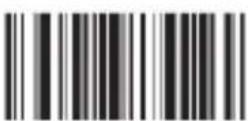
Transform Into ISBN / On
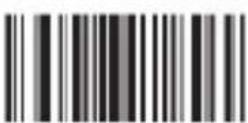
Transform Into ISSN / On

Verification Multiply / On
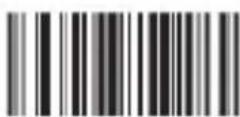
Do Not Transmit Check Code (Default)

Transform Into ISBN / OFF(Default)
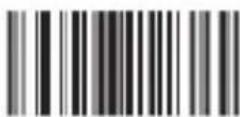
Transform Into ISSN / OFF(Default)

Verification Multiply / OFF
EAN8
Additional Code
Code93
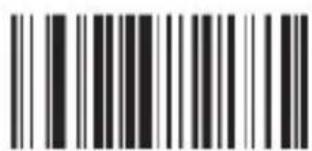
Code 93 / ON(Default)

Code 93 / OFF
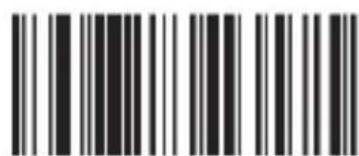
Code 93 ID Character "I"
Code93
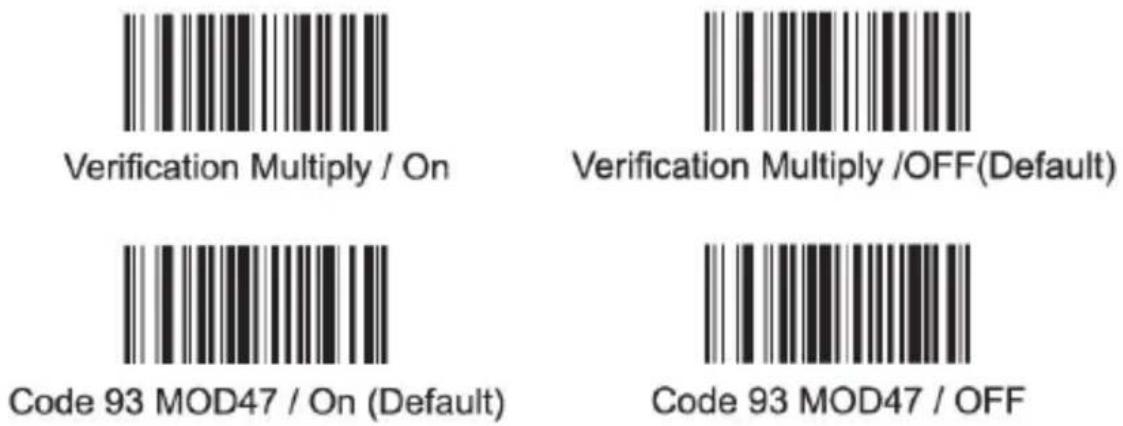
Code128
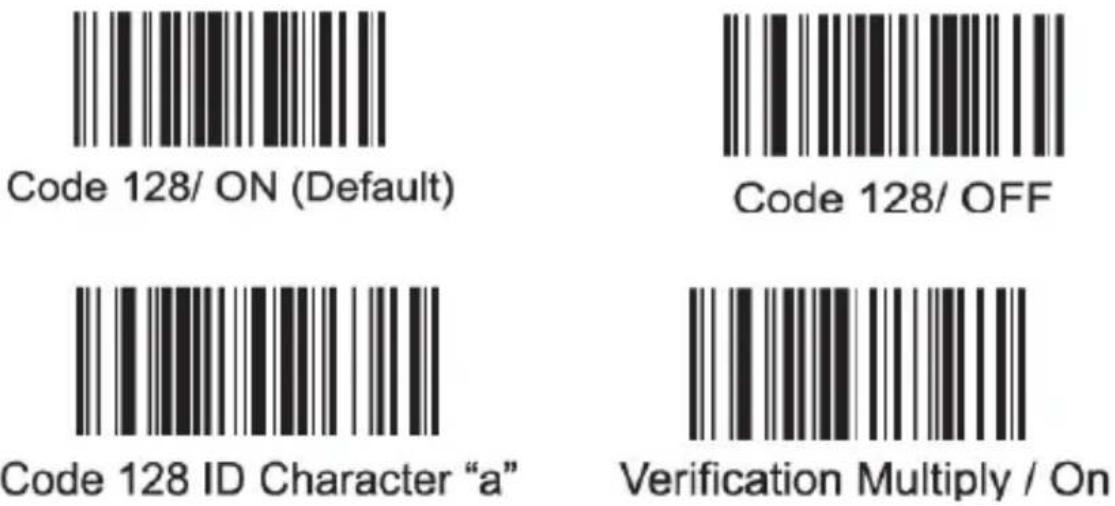
Verification Multiply /OFF(Default)
CodaBar
Codabar / On
CodaBar / Off
Codabar ID Character "V"
Code25
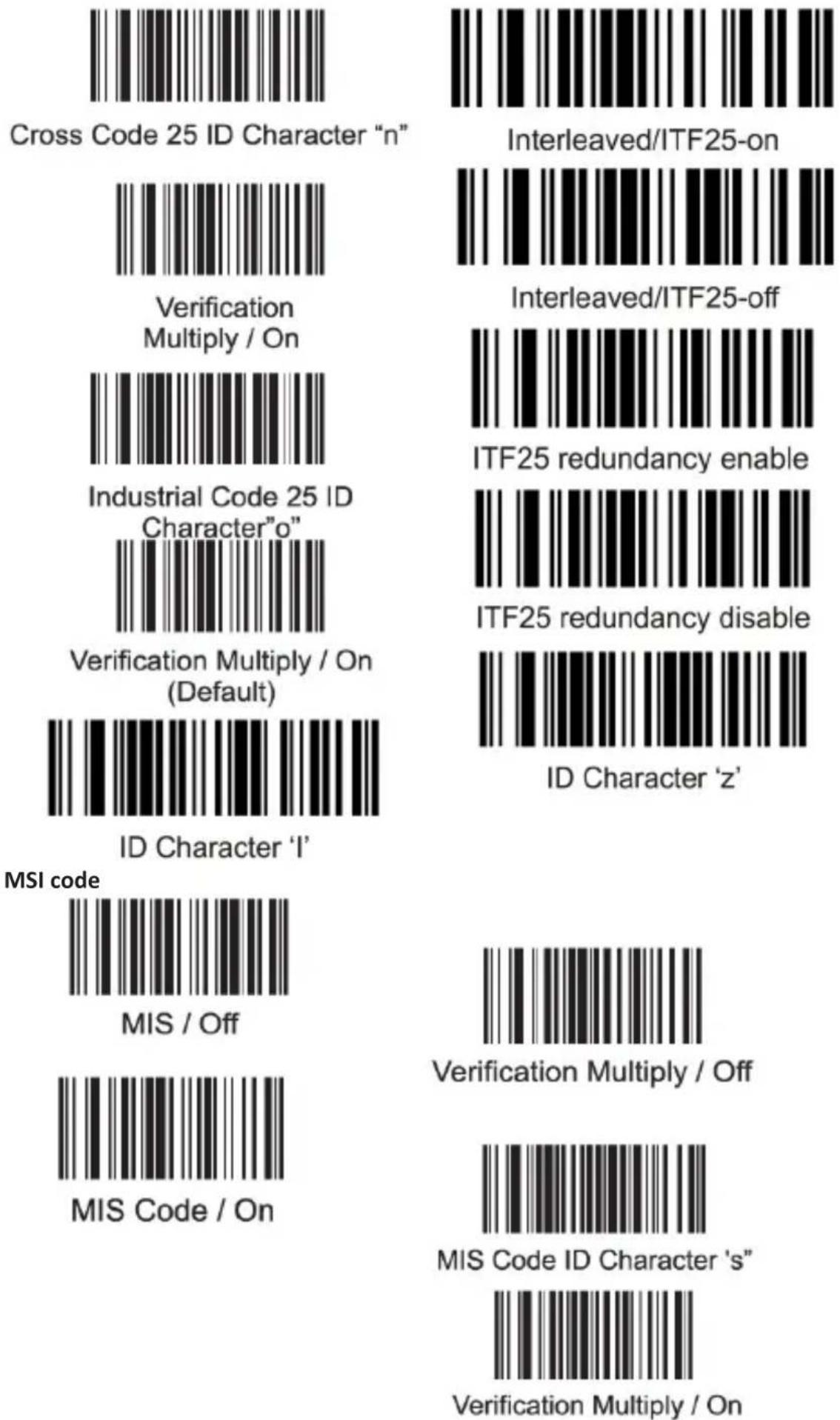
Code25
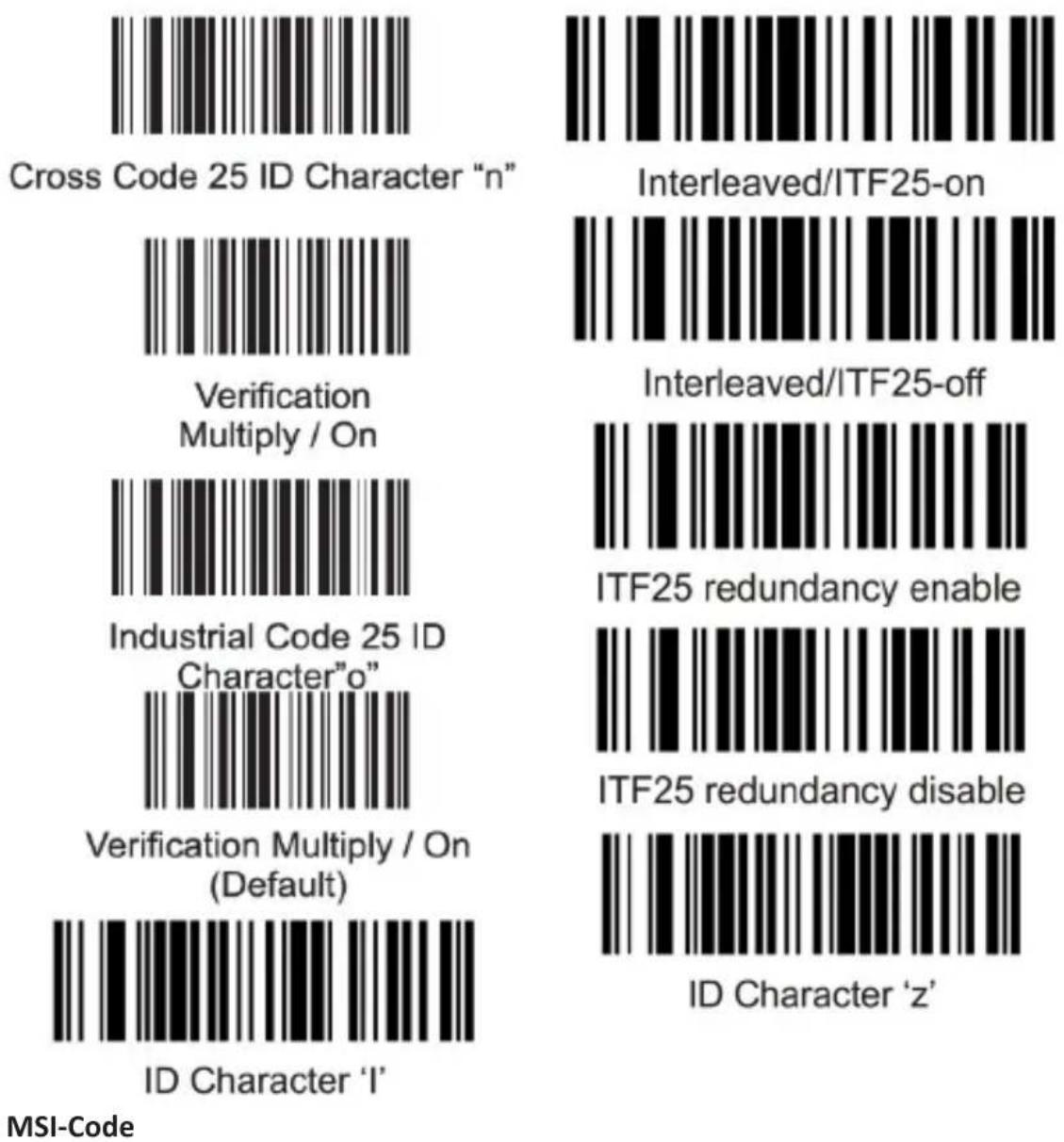

MIS / Off
MIS Code / On
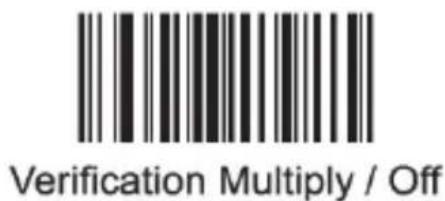
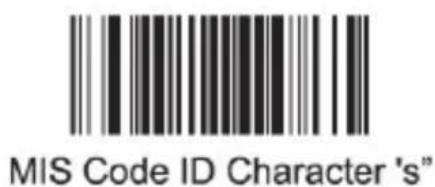

Verification Multiply / On
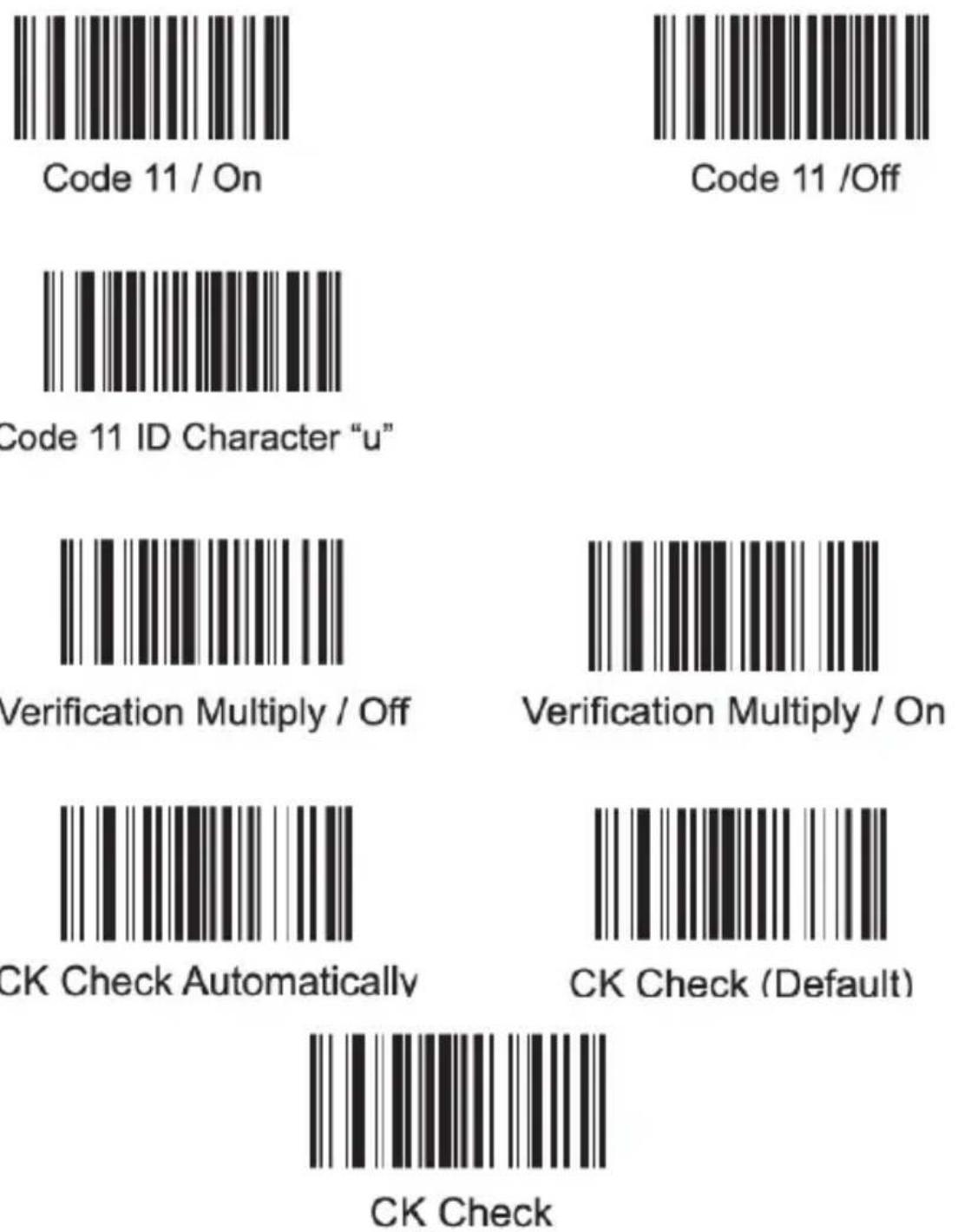
Code11
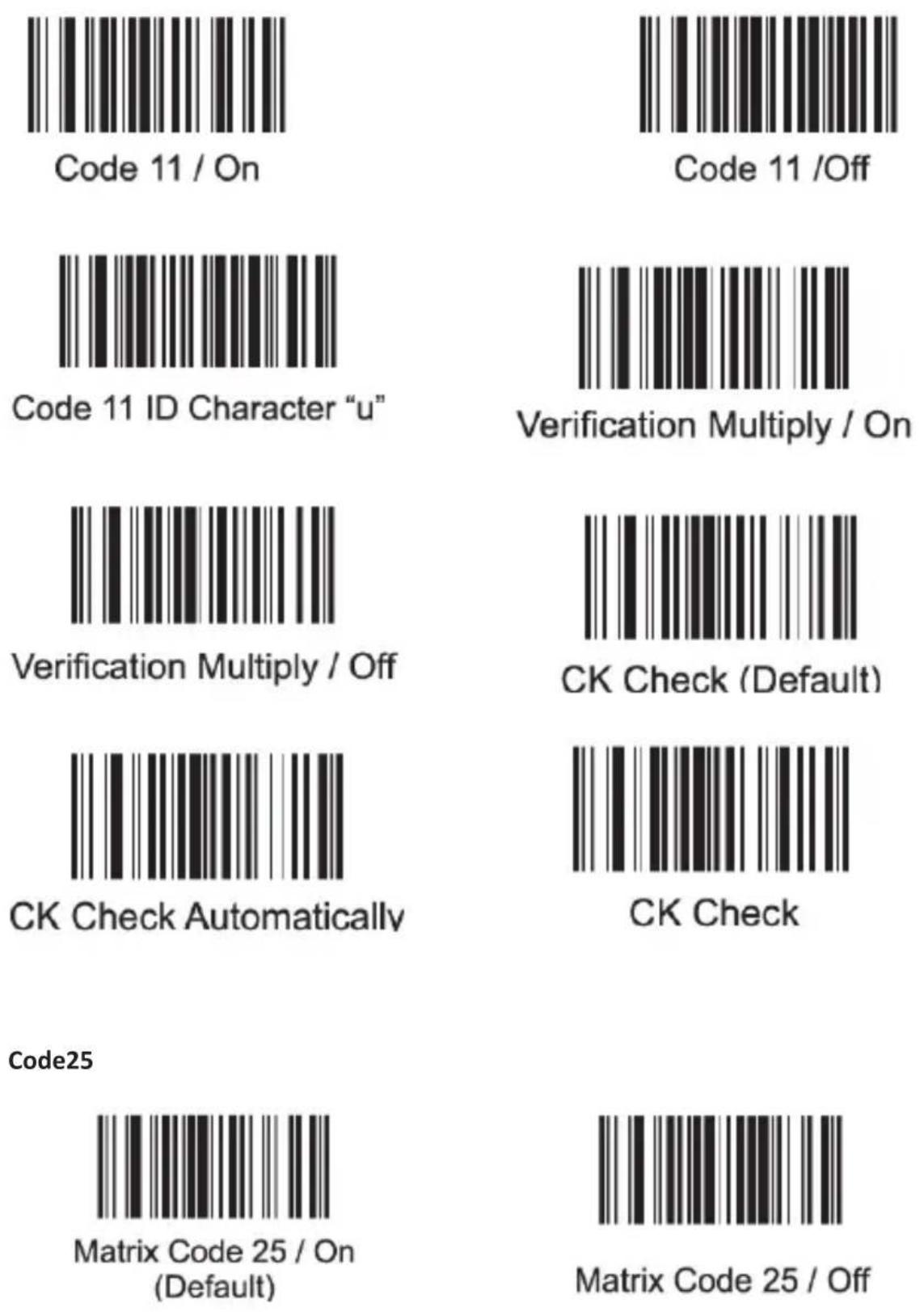
Code25
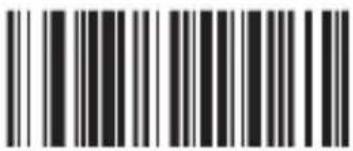
Matrix Code 25 ID Character "q"
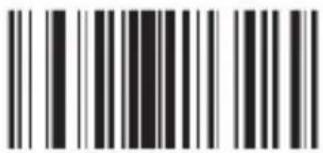
Post Code 25 / On
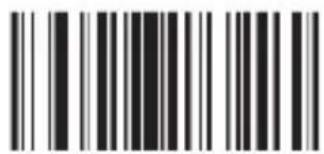
Post Code 25 / Off
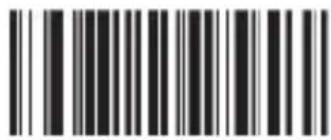
Post Code 25 ID Character"r"
ENA, ISBN ans transformate ISSN
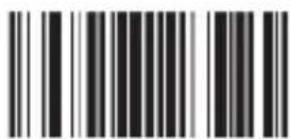
All EVAN Transform Into ISBN
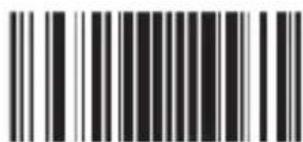
EVAN Transform Into ISBN
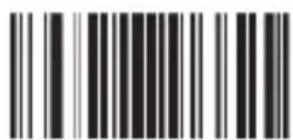
All EVAN Transform Into ISSN
Compulsive / Off
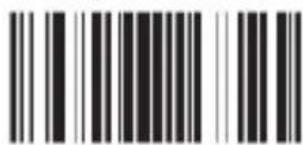
EVAN Transform Into ISSN
Compulsive / Off
Thank you for choosing an aplic product. Please read the following user manual carefully to have an enjoyable experience with your purchased product.
1. Scope of supply
- Barcode scanner
• RJ45 to USB charging cable - USB receiver
-
User manual
-
Technical data
| Power supply DC 5V (via USB) |
| Frequency band 2402-2478MHz |
| Transmission power 0,55dBm |
| Battery capacity 2600 mAh |
| Scanning modes |
| • Manual scanning• Automatic scanning• Continuous scanning |
| Scanning speed 300 scans/sec. |
| Laser class Class 1 (laser safety regulations) |
| ESD protection 15 kV air discharge |
| Shock resistance Falling height from 1 m onto solid surfaces |
| Compatible barcodes |
| 2of5 Datalogic, 2of5 Interleaved, 2of5 Industrial, CODABAR, Code93, Code11, Code39, Code128, EAN8, EAN13, EAN14, EAN128, ISBN, MSI, UCC-14, UPC-A, UPC-E, etc. |
| Features • Inventory mode• Prefix/Suffix function• Different terminators |
Interface mode
Choose between wireless and wired mode. Scan the desired barcode.

Wired USB mode

Wireless mode

Match enforced
Remove the original

Match
For the mismatch device
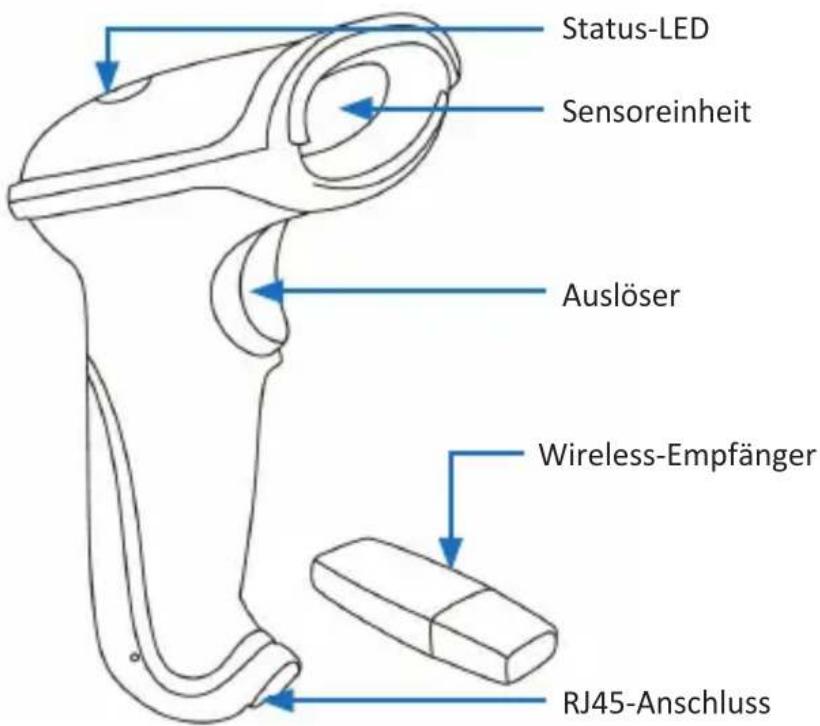
3. Product details
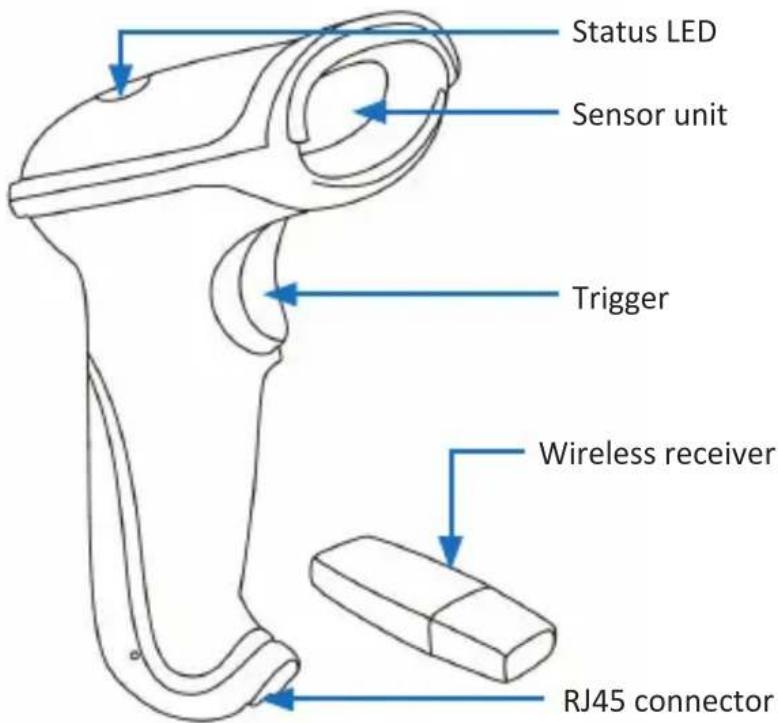
4. Commissioning
Take the device and the accessory out of the package and remove all the packaging material. Charge the barcode scanner fully before using it for the first time. For this, connect the RJ45 to the USB cable via the RJ-45 connector with the barcode scanner and plug the USB connector into a free USB port of your computer or into a 5 V USB power adapter. To remove the cable at the bottom of the barcode scanner, press the latch of the RJ-45 connector downwards and disengage the cable. To operate the device, the USB receiver must be connected to a free port of your computer, notebook or tablet. The driver is installed automatically. The device is now ready to be used. For advanced settings, continue with chapter "6 Advanced Settings".

Note: the barcode scanner works only when the USB receiver is plugged in.
The charging cable is only meant for charging the device.
5. Scanning angle
To ensure correct scanning, make sure that the scanner is not held at a 90^ angle to the barcode. The scanner has to be pointed towards the bar code and the laser should cover the entire barcode. If this is not the case, errors might occur.
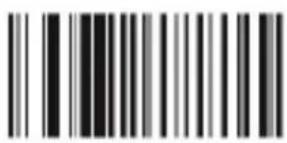
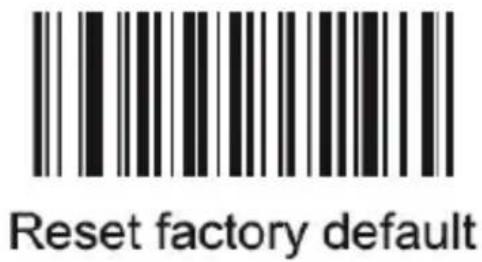
6 Resetting to factory settings
To reset the bar code scanner to factory settings, you have to scan the following code. After you have scanned the code, select the desired connection method (Wireless Mode or Wired Mode) as explained at the beginning of this manual:
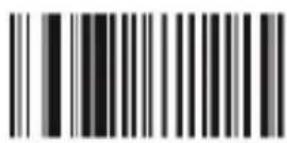
7 Scanning modes
The following barcodes can be scanned to activate the various scanning modes.
Default mode
Auto continuous scan
Scan delay
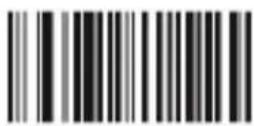
Single scan no trigger
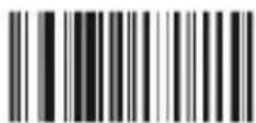
Reading delay no trigger
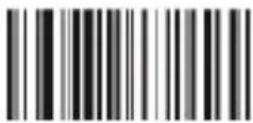
Auto light flash lamp
7.1 Scanner sound
Scan the following barcodes to turn the scanner sound on or off.
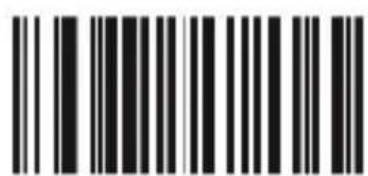
On(default)
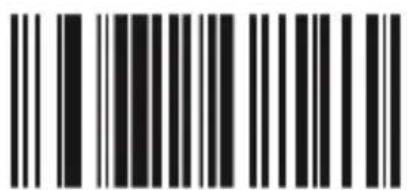
Off
7.2 Scanner settings
The barcode scanner has a Normal mode and an Inventory mode.
- The conventional Normal mode transfers the read barcode to a computer, notebook or a tablet for instance in realtime.
- In the Inventory mode, you can use the internal memory of the barcode scanner. The barcode scanner saves the read barcodes.
- "Upload all data and delete": you can read the saved barcodes with this barcode. They are displayed on your computer, notebook or tablet. The internal memory of the barcode scanner is then deleted.
- "Inventoried Barcode quantity display": with this barcode, you can see how many barcodes are currently stored in the scanner.
- "Clear Data": this barcode deletes all the saved codes, which have been saved with the "Inventory mode", from the memory.
- With barcodes "Beeper forbidden for upload success" and "Beeper enable for upload success", it is possible to enable or disable the sound (beeper) for successful upload.
- "Non volatile Mode": in this mode, every code, which has been scanned outside the transmission range, is saved in the internal memory.

Non-volatile Mode

Inventory Mode

Inventoried Barcode quantity display

Clear data

Keep uploading data

No upload
quantity Preview

Upload all data and delete
upload one piece data and delete
Upload all data and not deleted

Upload one piece data and not deleted

Beeper forbidden for upload success

Beeper enable for upload success

Receiver address display
Transmission address display
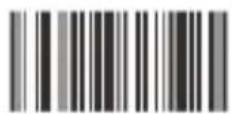
Shutdown
8 Standby modes
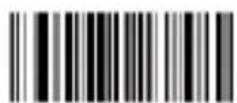
Auto-Standby After 30sec Non-Operate
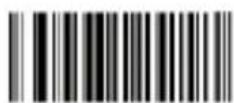
Auto-Standby After 60sec Non-Operate

Auto-Standby After 5min Non-Operate
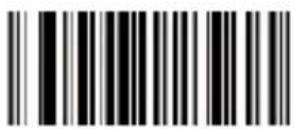
Auto-Standby After 10min Non-Operate
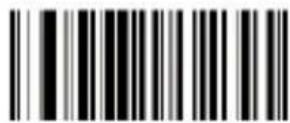
Auto-Standby After 20min Non-Operate
9 Additional barcode configuration options

Hiding the blank in front of the barcode
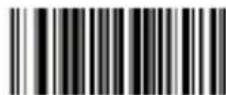
No hiding the front CHAR (Default)

Hiding the blank behind the barcode
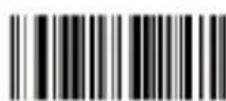
No hiding the behind CHAR (Default)

Hiding the "-"of the bar code

No hiding CHAR- in the middle of barcode(Default)

Replacing the "O" with "A" in barcode
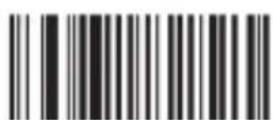
No replacing the "O" with "A" in barcode(Default)
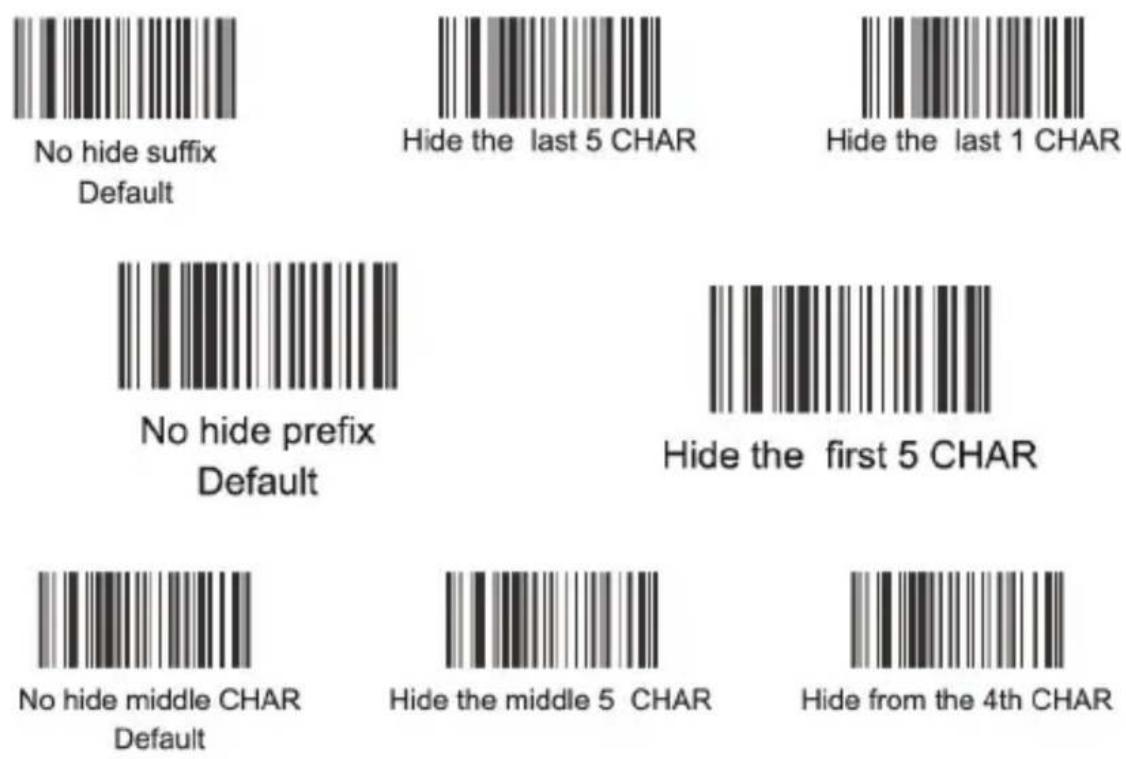
9.1 Display or hide barcode elements
Specific characters of the barcode can be hidden using the following barcodes. You can choose between the first, middle and last 5 characters. Scan only the relevant barcode for this.
9.2 Upper/lower case
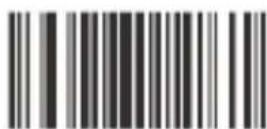
With the following barcodes, you can choose whether the scanner should display the scanned barcode in the upper or lower case, or whether the upper and lower cases should be swapped.
Scan "Transformation closed" to disable this function.
Upper /lower case transformation

Transformation closed

All is upper case

All is lower case
Upper /lower case transformation
9.3 Upload speed
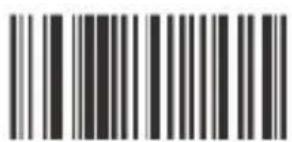
Fastest
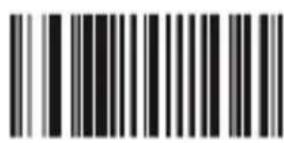
Moderate (default)
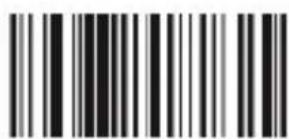
Lower
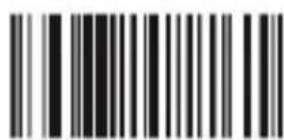
Lowest
9.4 Terminators
Prefix & suffix setting
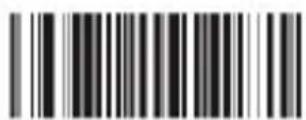
Termination CHAR-Enter
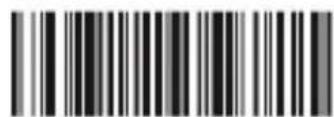
Termination CHAR-double Enter
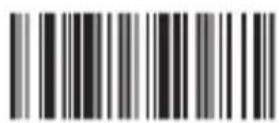
No termination format CHAR
Scan the desired barcode to change a terminator. The barcode scanner will then execute the configured terminator after every scanned code. If you select another terminator, it can be done with the help of the suffix function. For this, you have to scan „No termination format CHAR”. This command causes that the barcode scanner will not set up a terminator. Use the suffix function in order to scan the required terminator (e.g. blank key, TAB, 2x TAB, etc.).
9.5 Prefix/Suffix
Proceed as follows to add a prefix or suffix:
Scan one of the following codes if you want to add a suffix or a prefix.
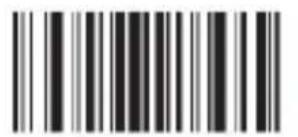
Add Prefix setting
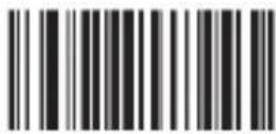
Add Suffix setting
Then scan the barcodes of the desired characters. The corresponding “Character barcodes” are in the table at the end of this user manual. To configure a suffix with the letters "OK", scan the characters "O" and "K" one after the other.
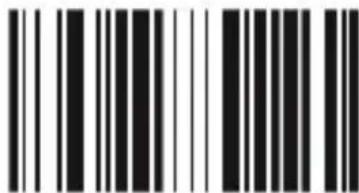
O
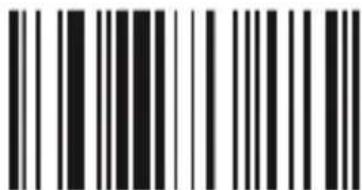
K
Once you have configured the desired prefix and suffix, you need to scan the next barcode "Exit prefix-suffix adding mode" to save the prefix/suffix.
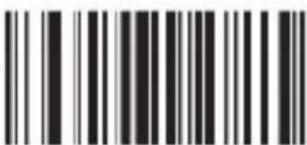
Exit prefix-suffix adding mode
If you scan a barcode now, the newly scanned code is displayed in front of (prefix) or after (suffix) the scanned barcode.

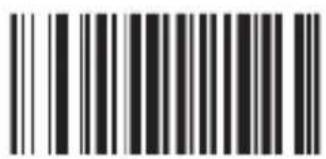
Delete all suffix
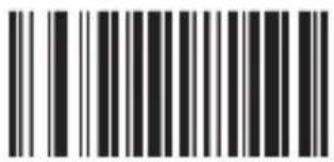
Delete all prefix
To delete the prefix or suffix, scan the "Delete all prefix" barcode for deleting the prefix and the "Delete all suffix" barcode for deleting the suffix.
9.6 Language setting

America, China
(American English) Default
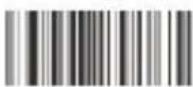
Spain (Spanish)

Denmark (Danish)

France (French)

Sweden, Finland
(Swedish, Finnish)

Czech Republic (Czech)

Turkish-Q
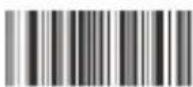
Croatia (Croatian)
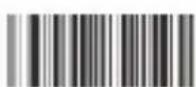
Russia (Russian)

Canada (French)

Argentina
(Latin language)

United Kingdom (English)

Germany (German)

Slovakia (Slovak)

Belgium (Dutch)
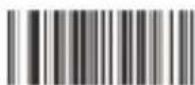
Poland (Polish 214)
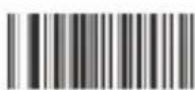
Hungary (Hungarian)

Egypt (Arabic)

Netherlands (Dutch)
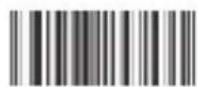
Brazil (Portuguese)

Italy (Italian 142)

Norway
(Northern Sami)

Portugal (Portuguese)

Turkish-F

Switzerland
(German, French)
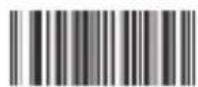
Japan (Japanese)
10. Barcode settings
Code 39
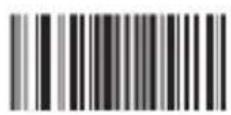
Code 39 / On
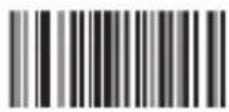
Code 39 / Off

Code 39 ID Character"m"
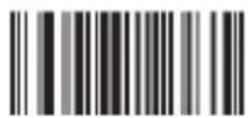
Code 39 Full ASCLL / Off
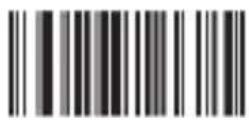
Code 39 Full ASCLL(Default) / On
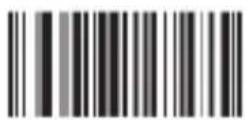
Code 39 MOD43 Check / ON
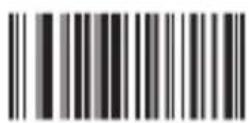
Code 39 MOD43 Check / Off
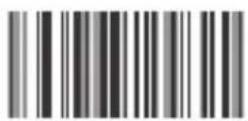
Transmit Check / On

Transmit Check / On
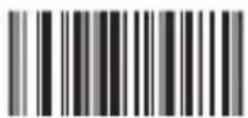
Transmission Lead / On

Transmission Lead / Off

Verification Multiply / Off(Default)

Verification Multiply / On
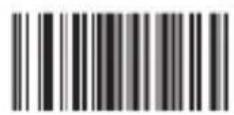
Code 32 / Off

Code 32 / On
Remark: It affects the Code 39
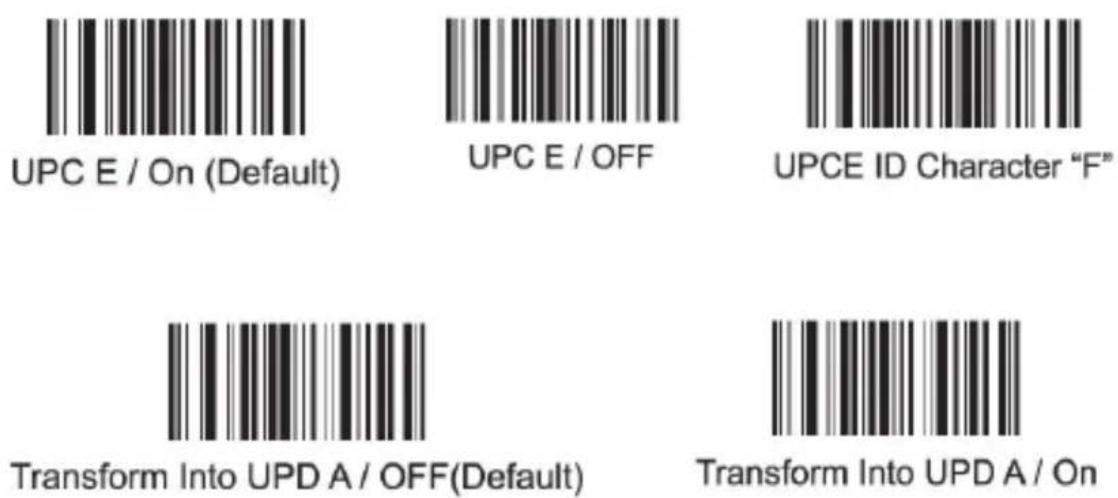
when it is on
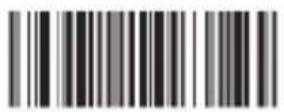
Code 39 TAB Mode
UPC-A
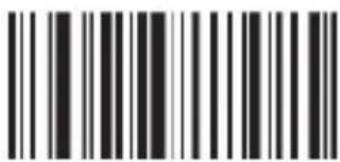
UPC A Code / On (Default)
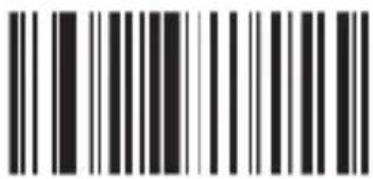
UPC A / Off
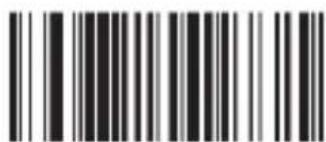
UPC A Code ID Character "m"
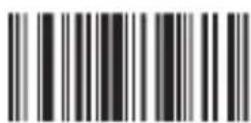
Transform Into EANI3 / OFF(Default)

Transform Into EANI3 / ON

Do Not Transmit Check Code
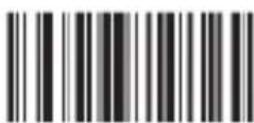
Transmit Check Code (Default)
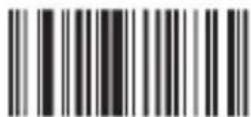
Hide The System Character
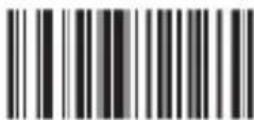
Do Not Hide The System Character
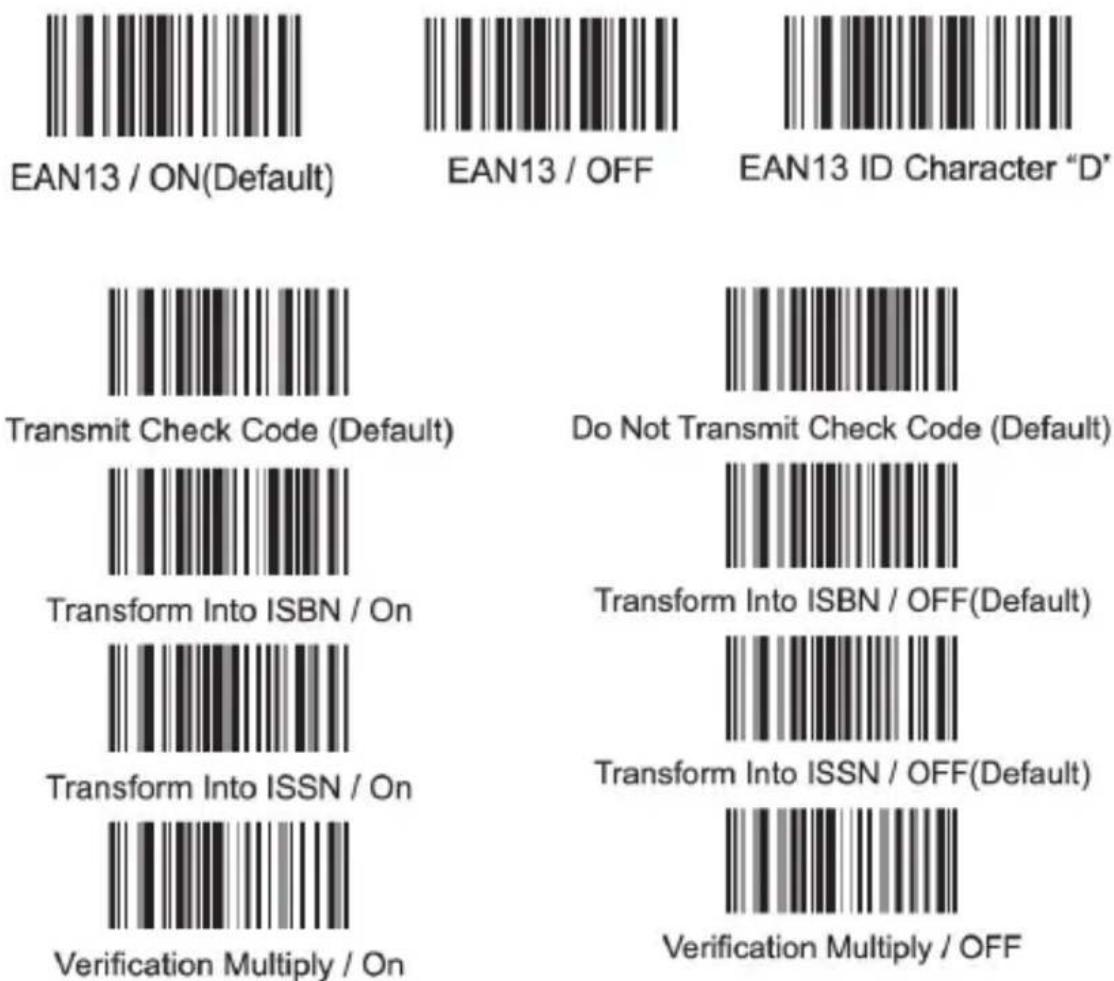
UPC-E
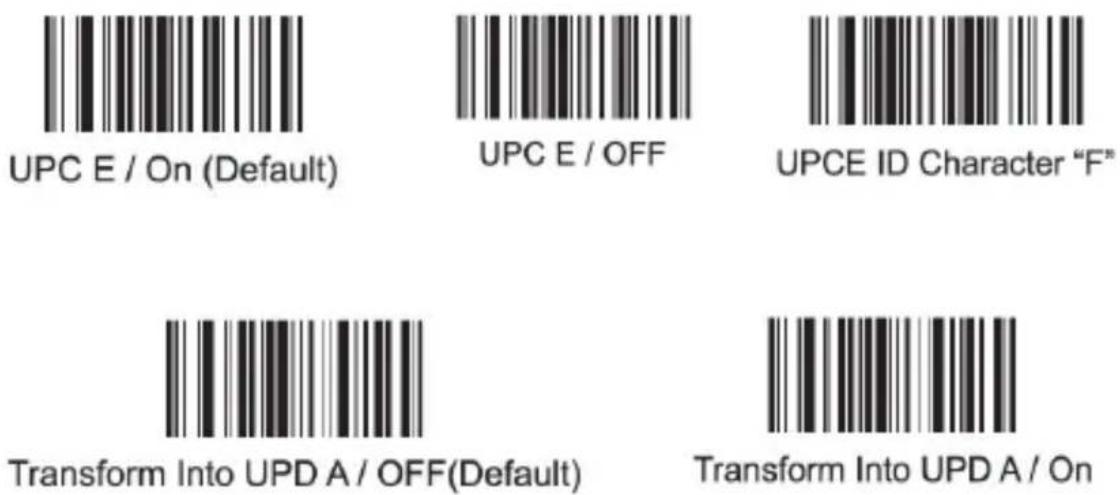
EAN13
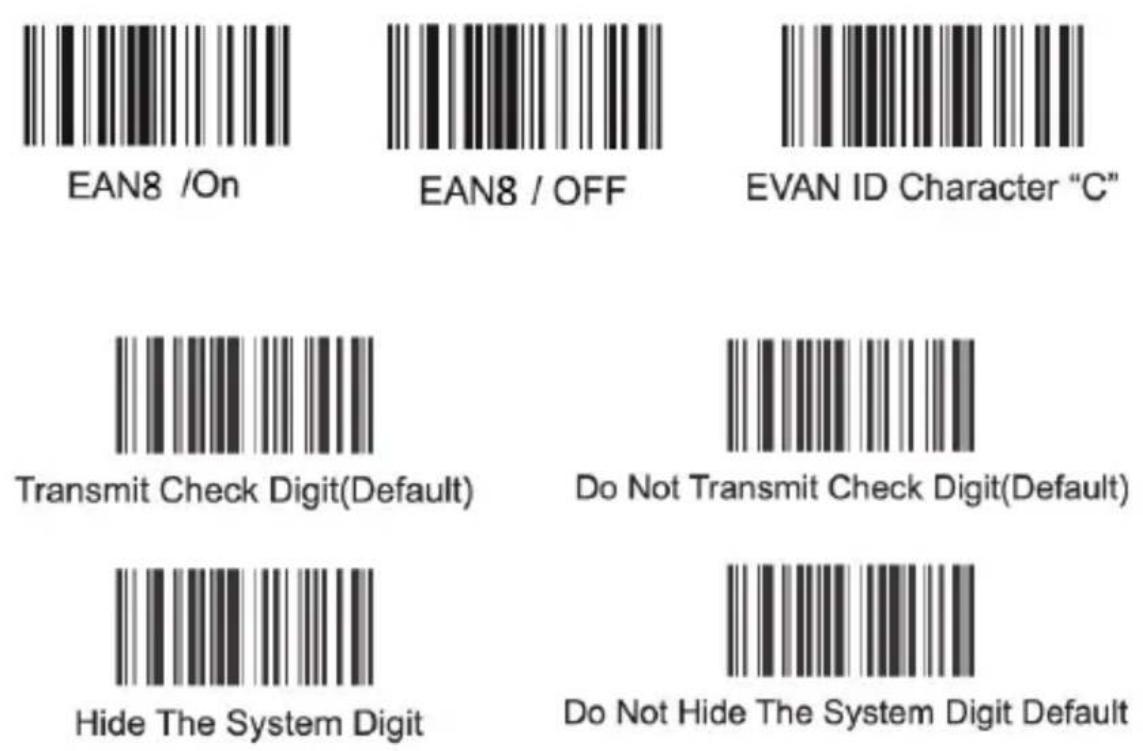
EAN8
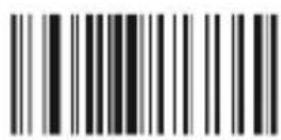
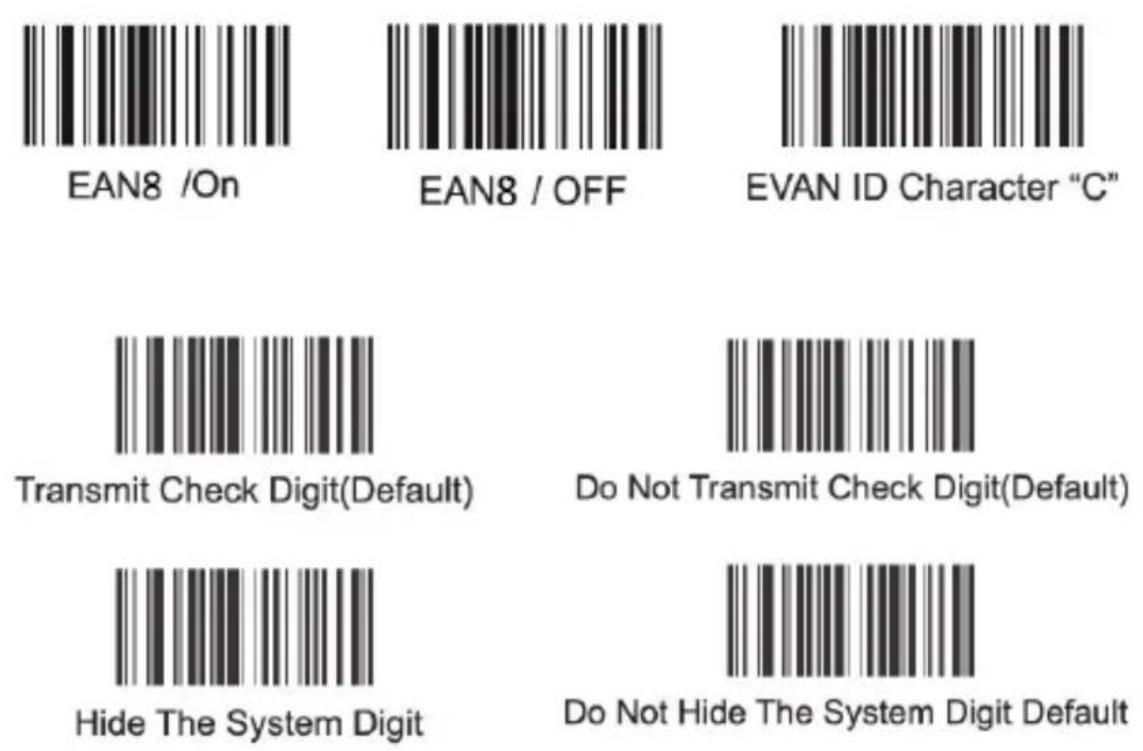
EAN8 /On
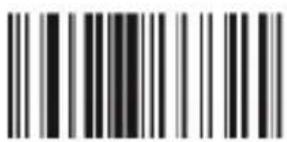
EAN8 / OFF
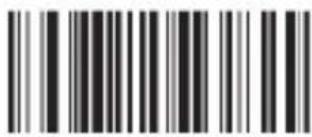
EVAN ID Character "C"
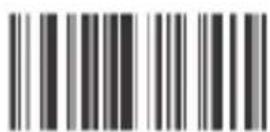
Transmit Check Digit(Default)
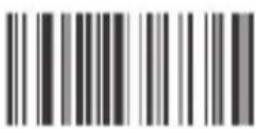
Do Not Transmit Check Digit(Default)

Hide The System Digit

Do Not Hide The System Digit Default
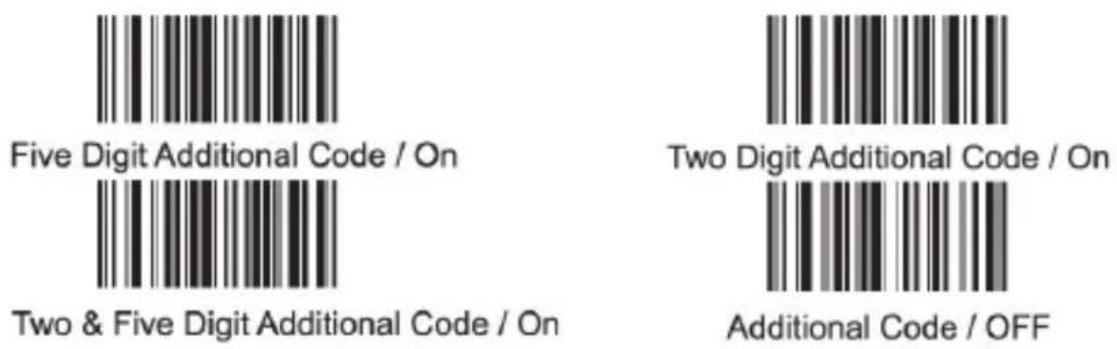
Additional code

Five Digit Additional Code / On
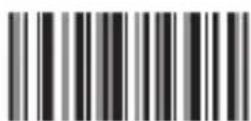
Two Digit Additional Code / On

Two & Five Digit Additional Code / On

Additional Code / OFF
Code 93
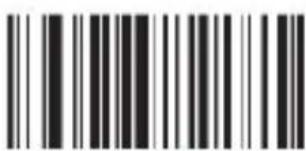
Code 93 / ON(Default)

Code 93 / OFF
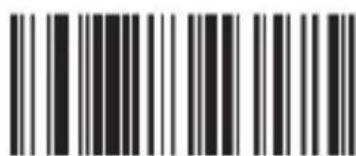
Code 93 ID Character "I"
Code 93
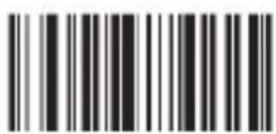
Verification Multiply / On

Verification Multiply /OFF(Default)
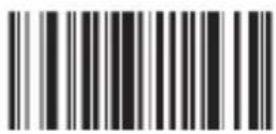
Code 93 MOD47 / On (Default)
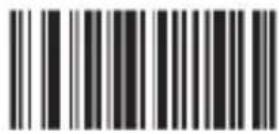
Code 93 MOD47 / OFF
Code 128
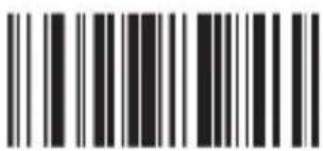
Code 128/ ON (Default)
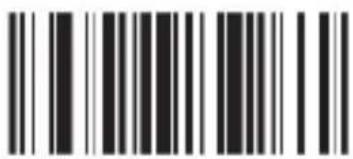
Code 128/ OFF

Code 128 ID Character "a"

Verification Multiply / On

Verification Multiply /OFF(Default)
CodaBar
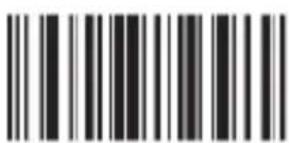
Codabar / On
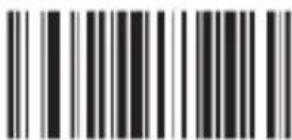
CodaBar / Off
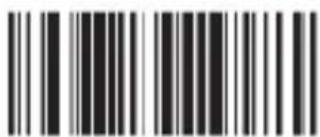
Codabar ID Character "V"

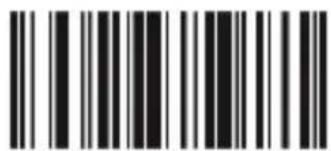
Setting Stop/Start Character / Off
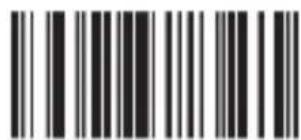
Setting Stop/Start Character / On
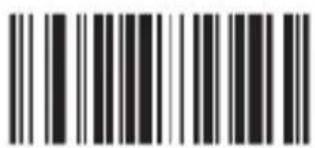
Verification Multiply /On
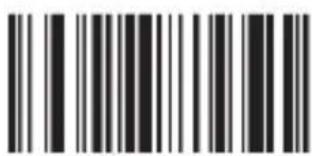
Verification Multiply /OFF
Code 25
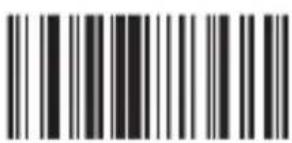
Cross Code 25 / On
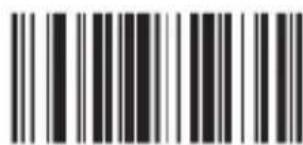
Cross Code 25 / Off
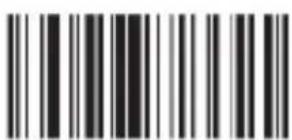
Industrial Code 25 / On (Default)
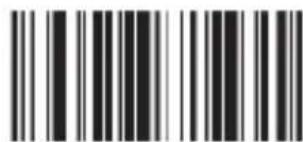
Verification
Multiply / Off
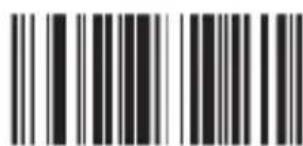
Industrial Code 25 / Off
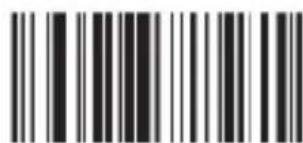
Verification Multiply / Off
Code 25
Code 11
Code 25
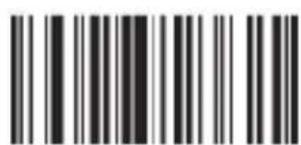
Matrix Code 25 / On (Default)
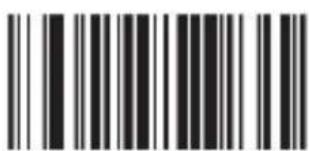
Matrix Code 25 / Off
Code25
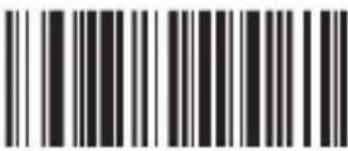
Matrix Code 25 ID Character "q"
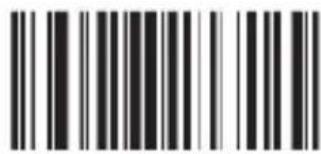
Post Code 25 / On
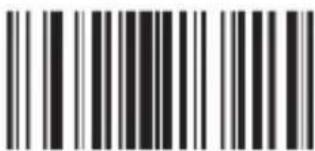
Post Code 25 / Off
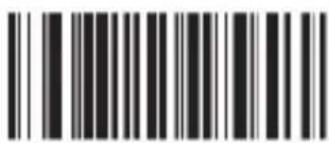
Post Code 25 ID Character"r"
ENA, ISBN ans transformate ISSN

All EVAN Transform Into ISBN
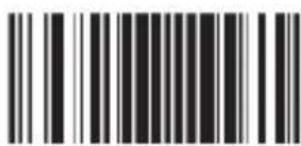
EVAN Transform Into ISBN

All EVAN Transform Into ISSN
Compulsive / Off
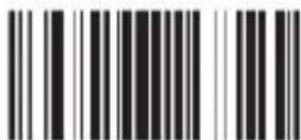
EVAN Transform Into ISSN
Compulsive / Off
11. Cleaning and Care
Before cleaning, make sure that the barcode scanner is not connected to any USB port. The device must be switched off. Wipe the barcode scanner with a soft cloth which is moistened with a cleaning liquid. Do not immerse the device into water.
12. Safety instructions and liability disclaimer
Never try to open the device to carry out repairs or conversions. Avoid contact with mains voltages. Do not short-circuit the product. The device is not certified for use in the open air; only use it in dry conditions. Protect it from high humidity, water and snow. Keep it away from high temperatures. Do not subject the device to sudden changes in temperature or heavy vibration as this might damage electronic components. Examine the device for damage before using it. The unit should not be used if it has received an impact or has been damaged in any other way. Please observe national regulations and restrictions. Do not use the device for purposes other than those described in the instructions. This product is not a toy. Keep it out of the reach of children or mentally impaired persons. Any repair or alteration to the device not carried out by the original supplier, will invalidate the warranty or guarantee. The product may only be used by persons who have read and understood these instructions. The device specifications may change without any separate prior notice to this effect.e.
13. Disposal instructions
Electrical and electronic devices may only be disposed of in accordance with the European WEEE Directive and not with household rubbish. Components must be disposed of or recycled separately as dangerous, toxic elements can inflict sustained damage on the environment if they are disposed of incorrectly. As a consumer, you are bound by the Electrical and Electronic Devices Act (ElektroG) to return electrical and electronic goods free of charge at the end of their useful life to the manufacturer, the place of purchase or to specially set up, public collection points. The details in each case are governed by national law. The symbol on the product, the operating instructions and/or the packaging refers to these regulations. By separating materials in this way, recycling and disposing of old devices, you are making an important contribution towards protecting our environmen
WEEE guideline: 2012/19/EU WEEE register number: DE 67896761
WD Plus GmbH, herewith declares that this product 302614/20180920FS014 conforms to the principle requirement of 2014/53/EU. The complete Declaration of Conformity can be obtained from: WD Plus GmbH, Wohlenbergstraße 16, 30719 Hanover, https://www.ganzeinfach.de/
Match enforced
Remove the original

Match
For the mismatch device
Reset factory default
7. modes de lecture
Default mode
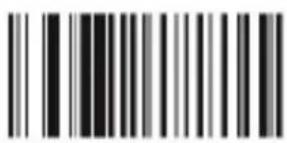
Auto continuous scan
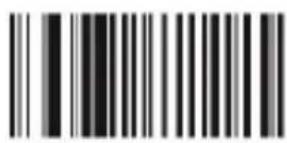
Scan delay
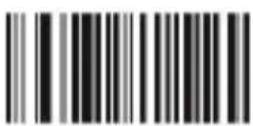
Single scan no trigger
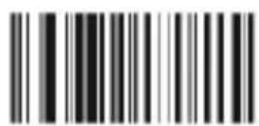
Reading delay no trigger
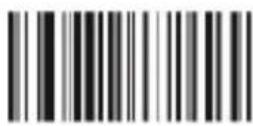
Auto light flash lamp
7.1 Son de lecture
On(default)
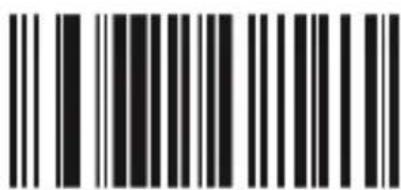
Off
7.2 Configuration de la lecture

No upload
quantity Preview

Upload all data and delete

upload one piece data and delete

Upload all data and not deleted

Upload one piece data and not deleted
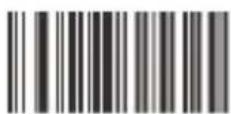
Beeper forbidden for upload success

Beeper enable for upload success
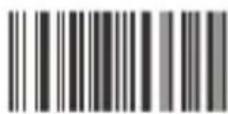
Receiver address display
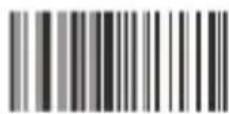
Transmission address display
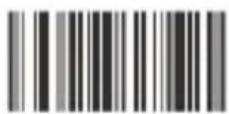
Shutdown
8. Modes de veille
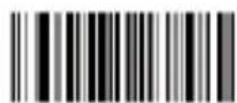
Auto-Standby After 30sec Non-Operate
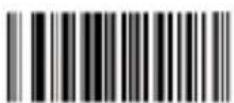
Auto-Standby After 60sec Non-Operate
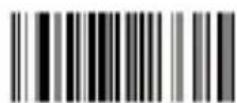
Auto-Standby After 5min Non-Operate
Auto-Standby After 10min Non-Operate
Auto-Standby After 20min Non-Operate
Hiding the blank in front of the barcode
No hiding the front CHAR (Default)
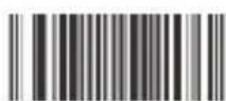
Hiding the blank behind the barcode
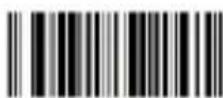
No hiding the behind CHAR (Default)

Hiding the "-"of the bar code

No hiding CHAR- in the middle of barcode(Default)

Replacing the "O" with "A" in barcode

No replacing the "O" with "A" in barcode(Default)
Upper /lower case transformation

Transformation closed

All is upper case

All is lower case

Upper /lower case transformation
Fastest
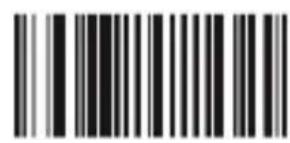
Moderate (default)
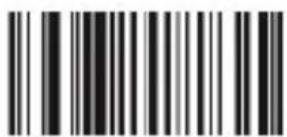
Lower
Lowest
9.4 Terminateurs
Prefix & suffix setting
Termination CHAR-Enter
Termination CHAR-double Enter

No termination format CHAR
O
K
Exit prefix-suffix adding mode
Delete all suffix
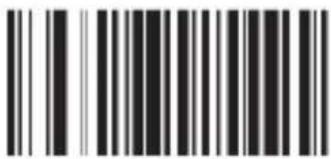
Delete all prefix

America, China
(American English) Default
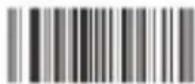
Canada (French)
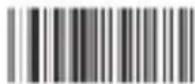
Netherlands (Dutch)

Spain (Spanish)

Argentina
(Latin language)
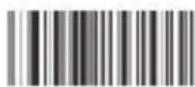
Brazil (Portuguese)

Denmark (Danish)

United Kingdom (English)

Italy (Italian 142)

France (French)

Germany (German)

Norway
(Northern Sami)

Sweden, Finland
(Swedish, Finnish)

Slovakia (Slovak)

Portugal (Portuguese)

Czech Republic (Czech)

Belgium (Dutch)

Turkish-F

Turkish-Q
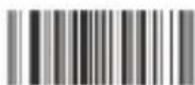
Poland (Polish 214)
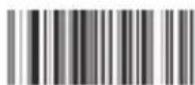
Switzerland
(German, French)

Croatia (Croatian)

Hungary (Hungarian)
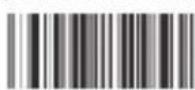
Japan (Japanese)

Russia (Russian)
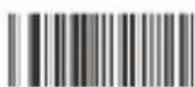
Egypt (Arabic)

Code 39 ID Character"m"
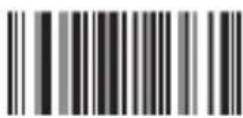
Code 39 Full ASCLL / Off
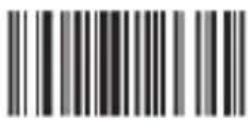
Code 39 Full ASCLL(Default) / On
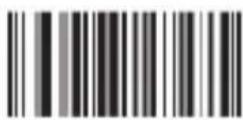
Code 39 MOD43 Check / ON
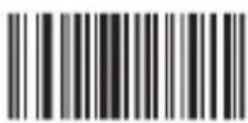
Code 39 MOD43 Check / Off
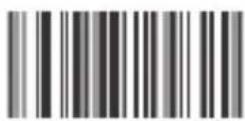
Transmit Check / On

Transmit Check / On
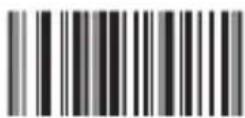
Transmission Lead / On
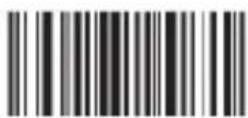
Transmission Lead / Off
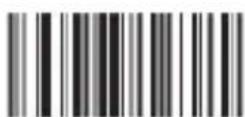
Verification Multiply / Off(Default)
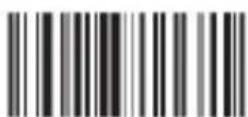
Verification Multiply / On
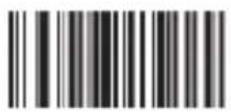
Code 32 / Off
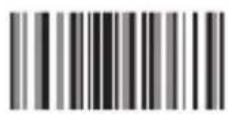
Code 32 / On
Remark: It affects the Code 39
when it is on
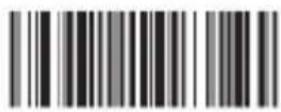
Code 39 TAB Mode
UPC-A
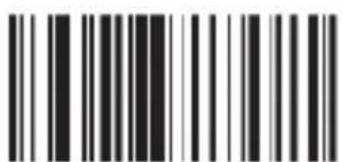
UPC A Code / On (Default)
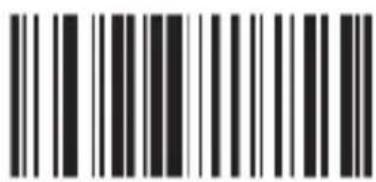
UPC A / Off

UPC A Code ID Character "m"

Transform Into EANI3 / OFF(Default)
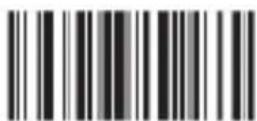
Transform Into EANI3 / ON

Do Not Transmit Check Code

Transmit Check Code (Default)
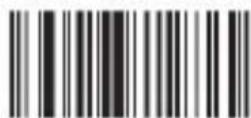
Hide The System Character
Do Not Hide The System Character
UPC-E
EAN13
EAN8
Additional Code
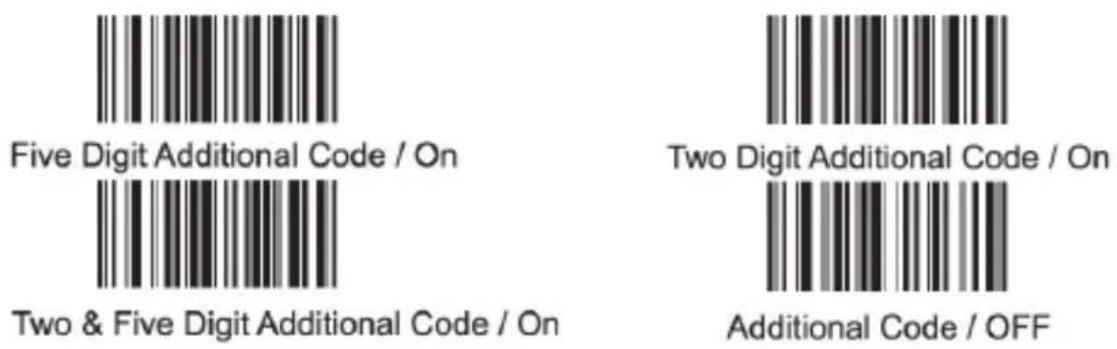
Code93
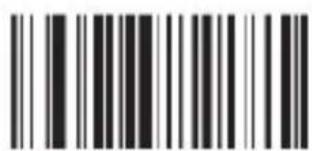
Code 93 / ON(Default)

Code 93 / OFF
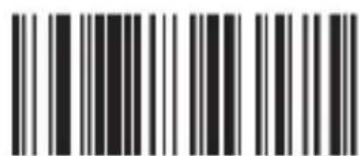
Code 93 ID Character "I"
Code93
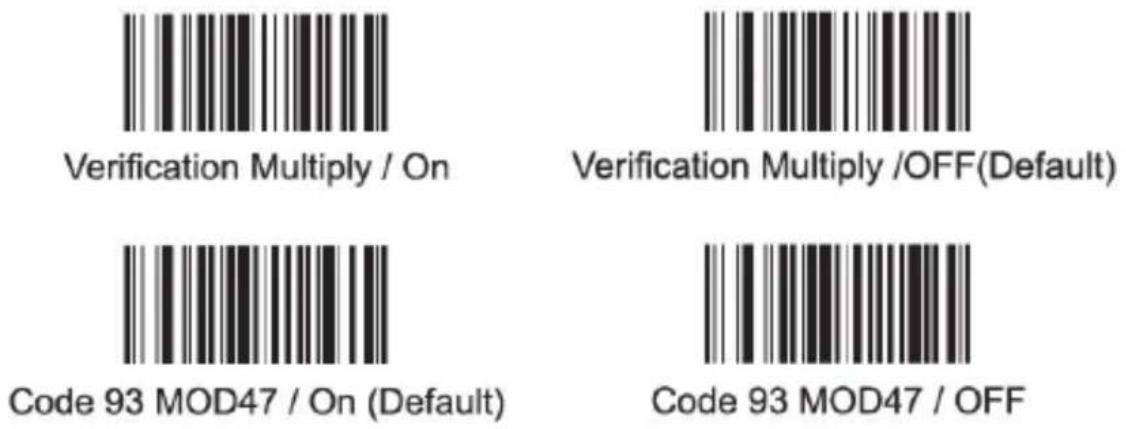
Code128
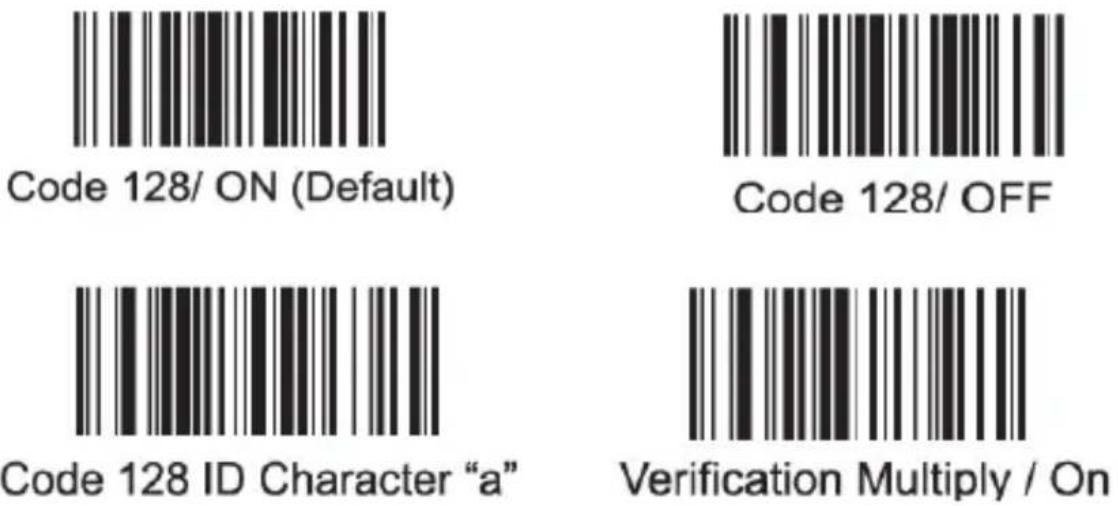
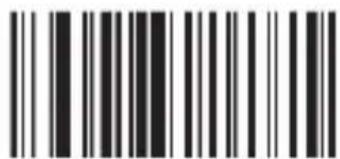
Verification Multiply /OFF(Default)
CodaBar

Codabar / On
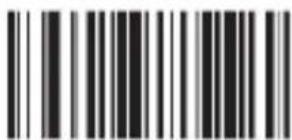
CodaBar / Off
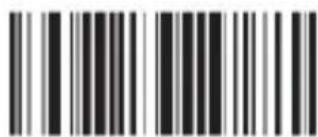
Codabar ID Character "V"
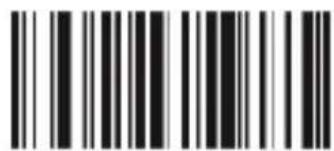
Setting Stop/Start Character / Off
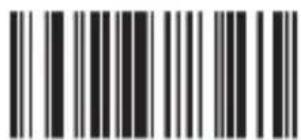
Setting Stop/Start Character / On
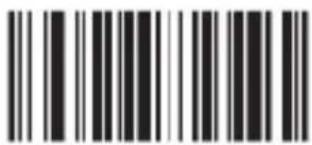
Verification Multiply /On

Verification Multiply /OFF
Code25
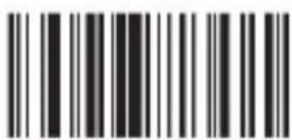
Cross Code 25 / On
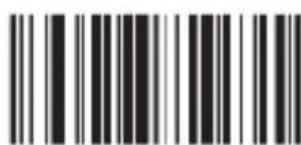
Cross Code 25 / Off

Industrial Code 25 / On (Default)
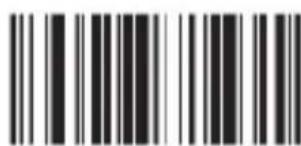
Verification
Multiply / Off
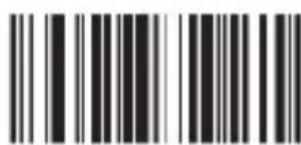
Industrial Code 25 / Off
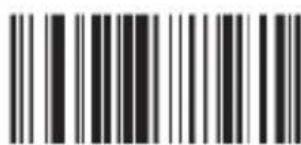
Verification Multiply / Off
Code25
MSI-Code

MIS / Off
MIS Code / On
Verification Multiply / Off
MIS Code ID Character 's"

Verification Multiply / On
Code11
Code25
Matrix Code 25 / On (Default)
Matrix Code 25 / Off
Code25
Matrix Code 25 ID Character "q"
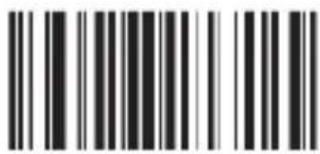
Post Code 25 / On
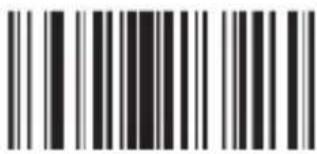
Post Code 25 / Off
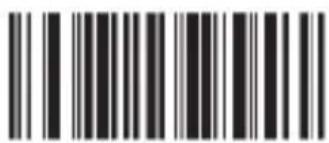
Post Code 25 ID Character"r"
ENA, ISBN ans transformate ISSN

All EVAN Transform Into ISBN
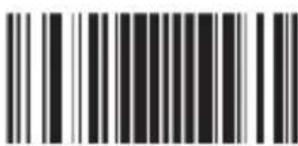
EVAN Transform Into ISBN
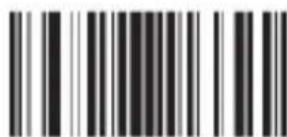
All EVAN Transform Into ISSN
Compulsive / Off
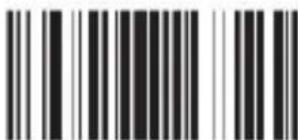
EVAN Transform Into ISSN
Compulsive / Off
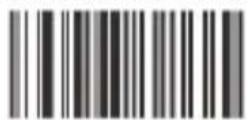
Match enforced
Remove the original

Match
For the mismatch device
Reset factory default
7. Modalità Scan
Default mode
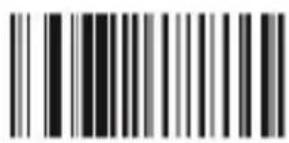
Auto continuous scan
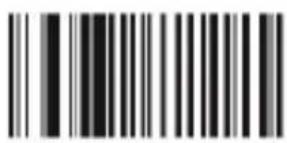
Scan delay
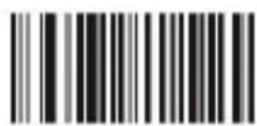
Single scan no trigger
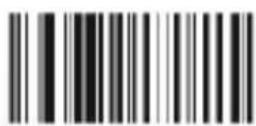
Reading delay no trigger
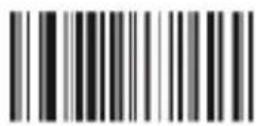
Auto light flash lamp
7.1 Suono Scan
On(default)
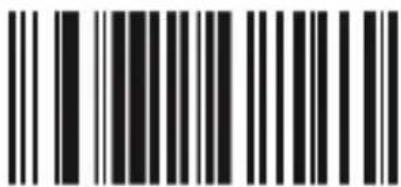
Off

No upload
quantity Preview

Upload all data and delete
upload one piece data and delete
Upload all data and not deleted

Upload one piece data and not deleted

Beeper forbidden for upload success

Beeper enable
for upload success

Receiver address display
Transmission address display
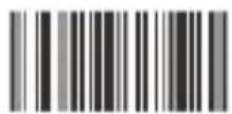
Shutdown
8 Modalità Standby
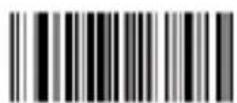
Auto-Standby After 30sec Non-Operate
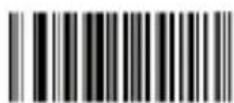
Auto-Standby After 60sec Non-Operate
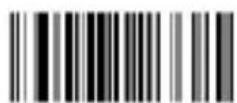
Auto-Standby After 5min Non-Operate
Auto-Standby After
10min Non-Operate
Auto-Standby After 20min Non-Operate

Hiding the blank in front of the barcode
No hiding the front CHAR (Default)

Hiding the blank behind
the barcode
No hiding the behind CHAR (Default)

Hiding the "-"of the bar code

No hiding CHAR- in the middle of barcode(Default)

Replacing the "O" with "A" in barcode

No replacing the "O" with "A" in barcode(Default)
Upper /lower case transformation

Transformation closed

All is upper case

All is lower case
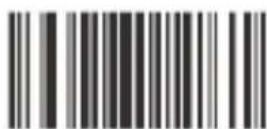
Upper /lower case transformation
9.3 Velocità Upload
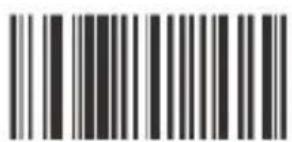
Fastest
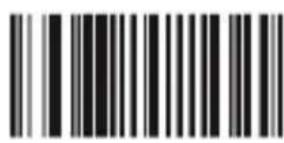
Moderate (default)
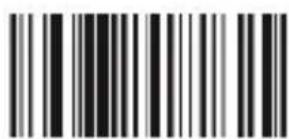
Lower
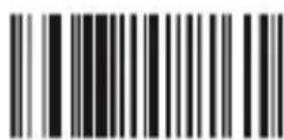
Lowest
9.4 Terminatori
Prefix & suffix setting
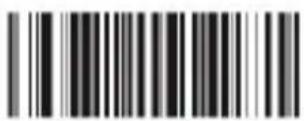
Termination CHAR-Enter
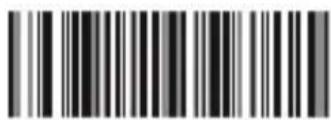
Termination CHAR-double Enter
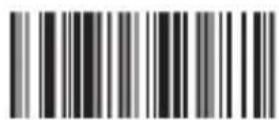
No termination format CHAR
Add Prefix setting

Add Suffix setting
O
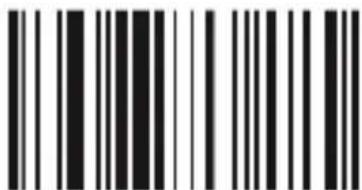
K
Exit prefix-suffix adding mode
Delete all suffix
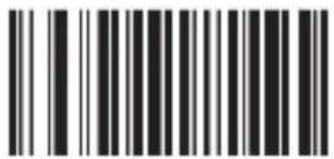
Delete all prefix

Code 39 ID Character"m"
Code 39 Full ASCLL / Off
Code 39 Full ASCLL(Default) / On

Code 39 MOD43 Check / ON
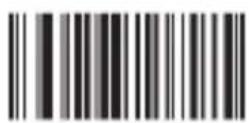
Code 39 MOD43 Check / Off
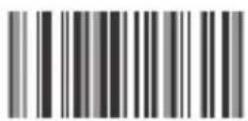
Transmit Check / On

Transmit Check / On
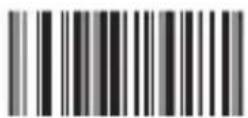
Transmission Lead / On

Transmission Lead / Off
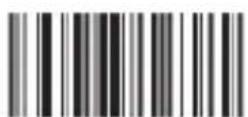
Verification Multiply / Off(Default)
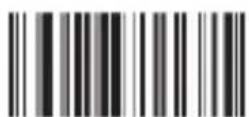
Verification Multiply / On
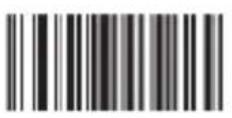
Code 32 / Off
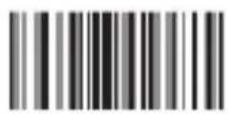
Code 32 / On
Remark: It affects the Code 39
when it is on
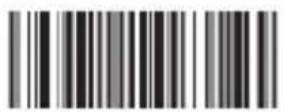
Code 39 TAB Mode
UPC-A
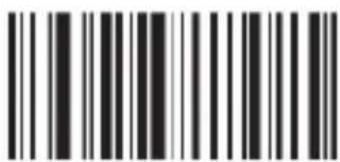
UPC A Code / On (Default)
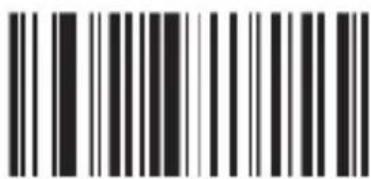
UPC A / Off
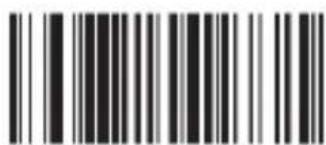
UPC A Code ID Character "m"
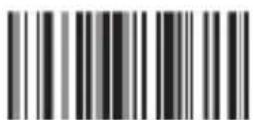
Transform Into EANI3 / OFF(Default)

Transform Into EANI3 / ON
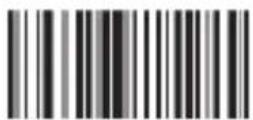
Do Not Transmit Check Code
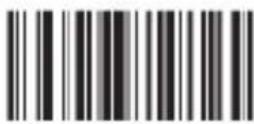
Transmit Check Code (Default)
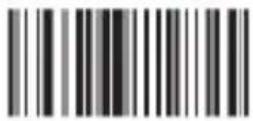
Hide The System Character

Do Not Hide The System Character
UPC-E
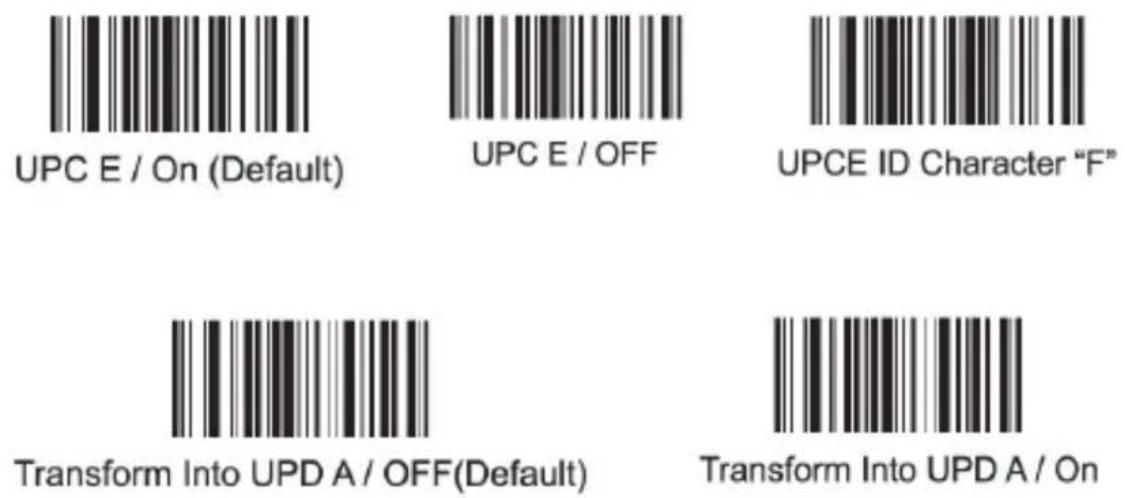
EAN13
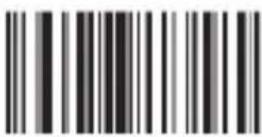
EAN13 / ON(Default)

EAN13 / OFF

EAN13 ID Character "D"

Transmit Check Code (Default)

Do Not Transmit Check Code (Default)
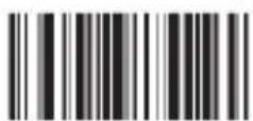
Transform Into ISBN / On

Transform Into ISBN / OFF(Default)
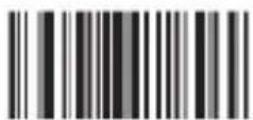
Transform Into ISSN / On

Transform Into ISSN / OFF(Default)
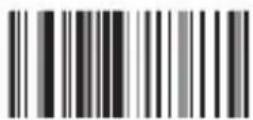
Verification Multiply / On

Verification Multiply / OFF
EAN8
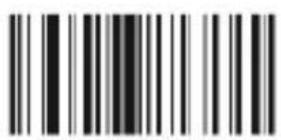
EAN8 /On
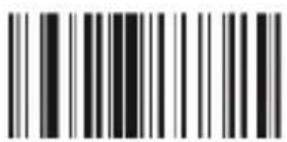
EAN8 / OFF
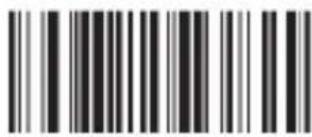
EVAN ID Character "C"
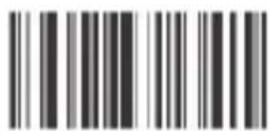
Transmit Check Digit(Default)

Do Not Transmit Check Digit(Default)
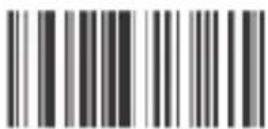
Hide The System Digit

Do Not Hide The System Digit Default
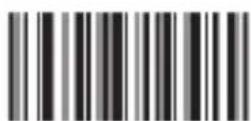
Two Digit Additional Code / On

Two & Five Digit Additional Code / On

Additional Code / OFF
Code93
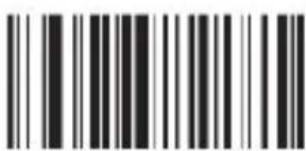
Code 93 / ON(Default)

Code 93 / OFF
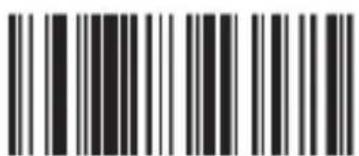
Code 93 ID Character "I"
Code93
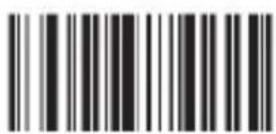
Verification Multiply / On

Verification Multiply /OFF(Default)
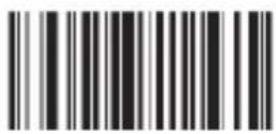
Code 93 MOD47 / On (Default)
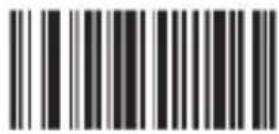
Code 93 MOD47 / OFF
Code128
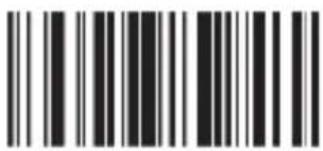
Code 128/ ON (Default)
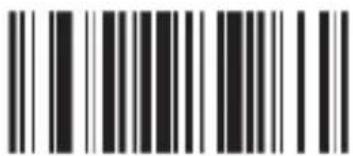
Code 128/ OFF
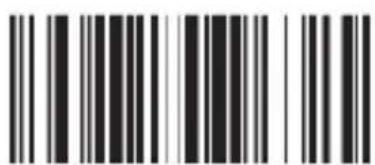
Code 128 ID Character "a"
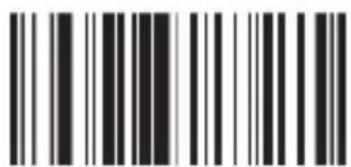
Verification Multiply / On

Verification Multiply /OFF(Default)
CodaBar
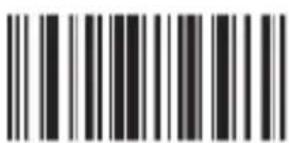
Codabar / On
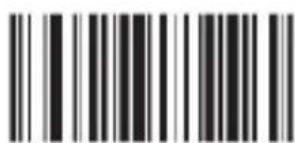
CodaBar / Off
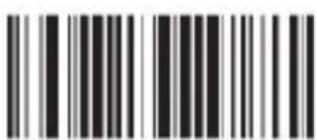
Codabar ID Character "V"
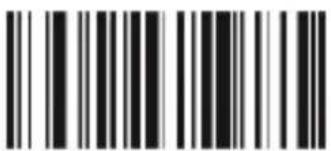
Setting Stop/Start Character / Off
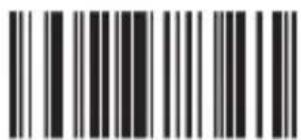
Setting Stop/Start Character / On

Verification Multiply /On
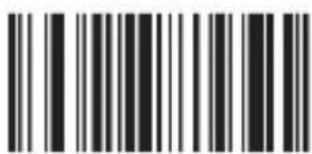
Verification Multiply /OFF
Code25
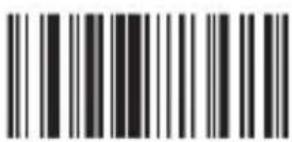
Cross Code 25 / On
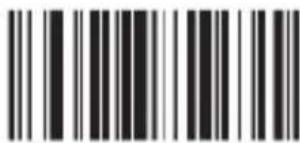
Cross Code 25 / Off
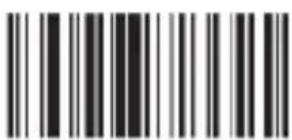
Industrial Code 25 / On (Default)
Verification
Multiply / Off
Industrial Code 25 / Off
Verification Multiply / Off
Code25
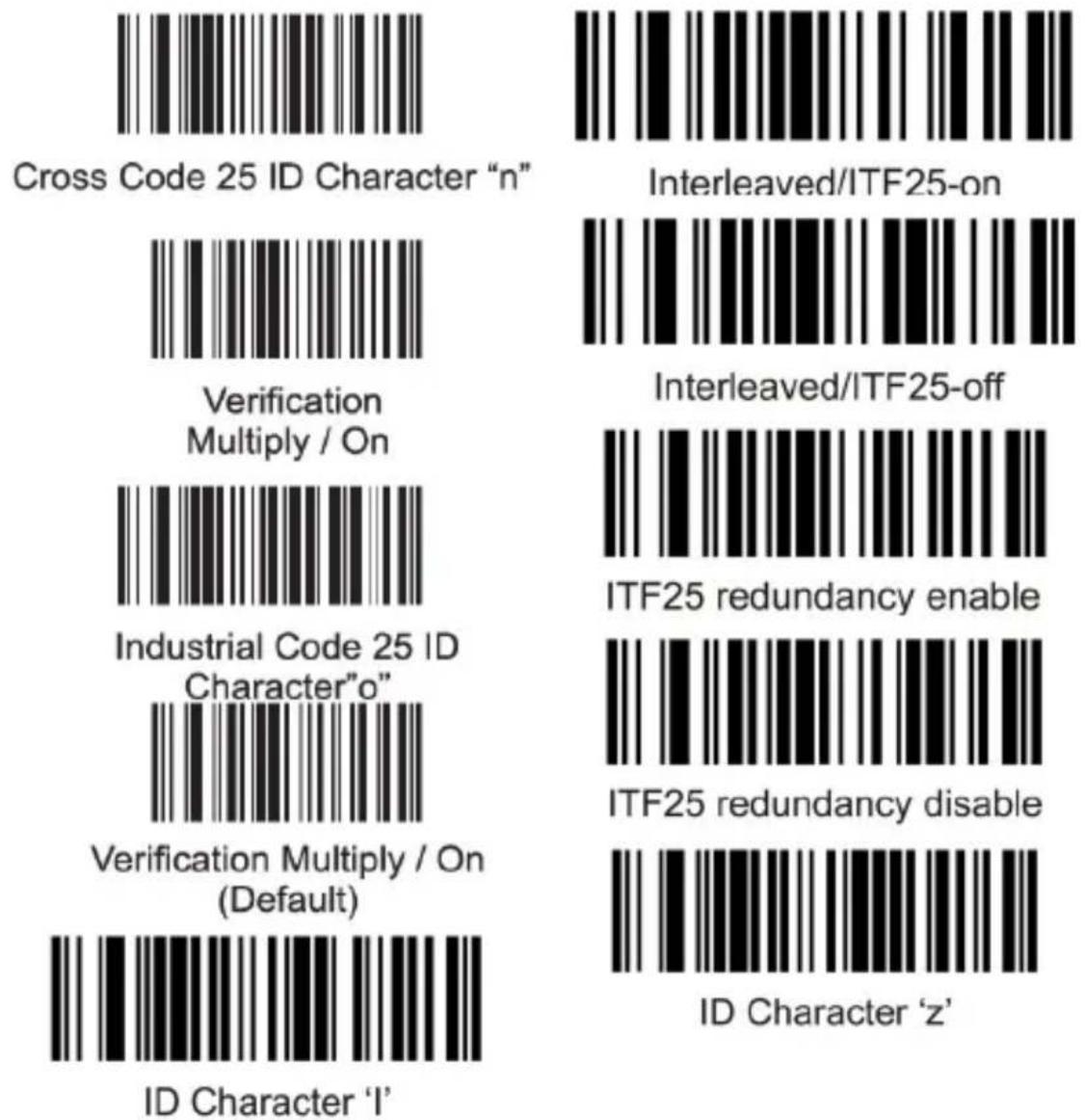
Codice MSI

MIS / Off
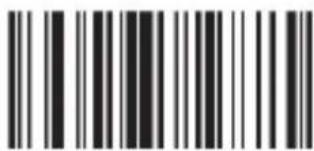
MIS Code / On
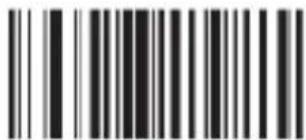
Verification Multiply / Off

MIS Code ID Character 's"

Verification Multiply / On
Code11
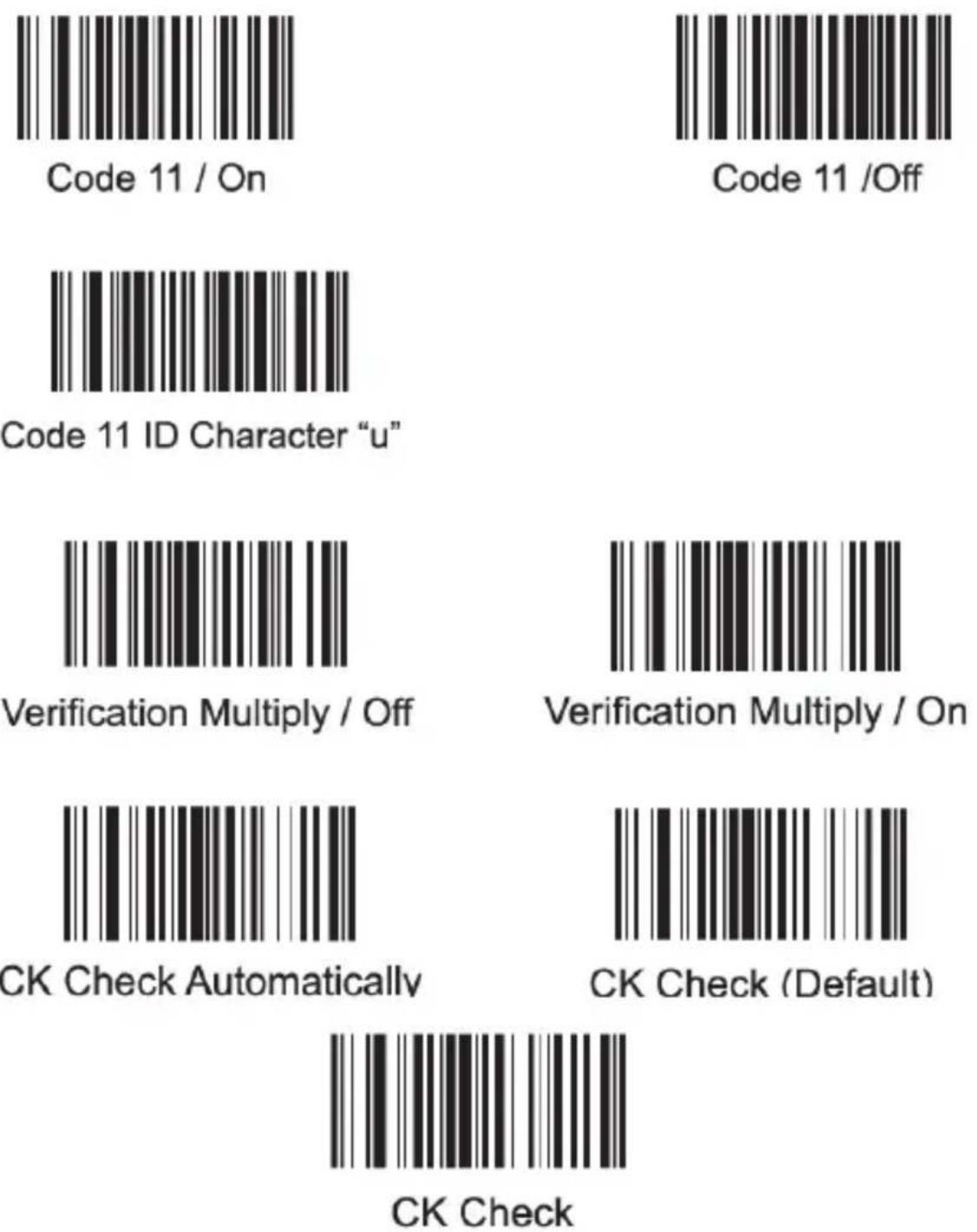
Code25
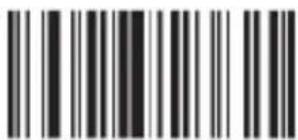
Matrix Code 25 / On (Default)
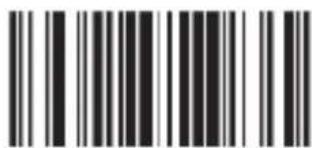
Matrix Code 25 / Off
Code25
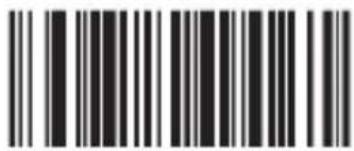
Matrix Code 25 ID Character "q"
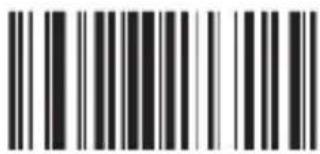
Post Code 25 / On
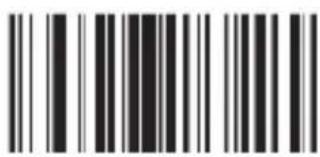
Post Code 25 / Off
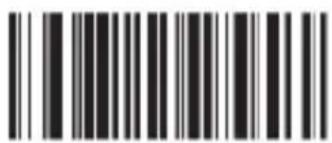
Post Code 25 ID Character"r"
ENA, ISBN ans transformate ISSN

All EVAN Transform Into ISBN
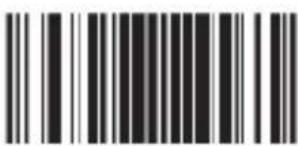
EVAN Transform Into ISBN
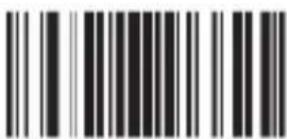
All EVAN Transform Into ISSN
Compulsive / Off
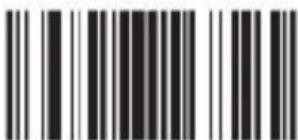
EVAN Transform Into ISSN
Compulsive / Off
Match enforced
Remove the original
Match
For the mismatch device
Reset factory default
7. Modos de escaneo
Default mode
Auto continuous scan
Scan delay
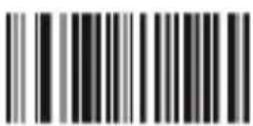
Single scan no trigger
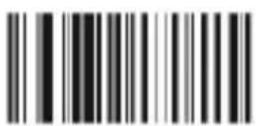
Reading delay no trigger
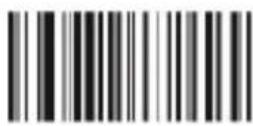
Auto light flash lamp
On(default)
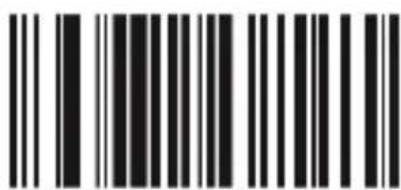
Off

No upload
quantity Preview

Upload all data and delete

upload one piece data and delete

Upload all data and not deleted

Upload one piece data and not deleted
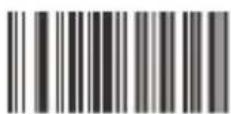
Beeper forbidden for upload success

Beeper enable for upload success
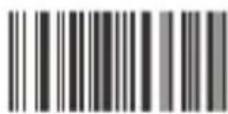
Receiver address display
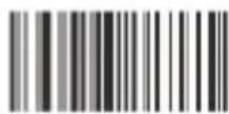
Transmission address display
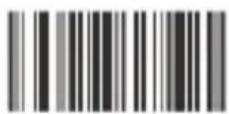
Shutdown
8 Modos de espera
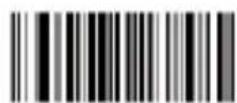
Auto-Standby After 30sec Non-Operate
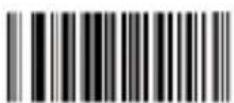
Auto-Standby After 60sec Non-Operate
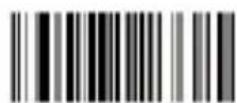
Auto-Standby After 5min Non-Operate
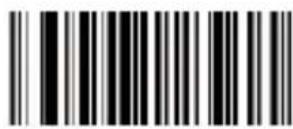
Auto-Standby After 10min Non-Operate
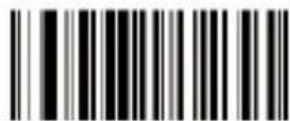
Auto-Standby After 20min Non-Operate
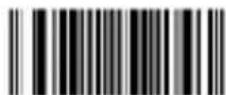
Hiding the blank in front of the barcode
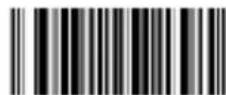
No hiding the front CHAR (Default)

Hiding the blank behind the barcode
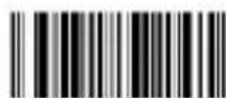
No hiding the behind CHAR (Default)

Hiding the "-"of the bar code
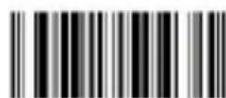
No hiding CHAR- in the middle of barcode(Default)

Replacing the "O" with "A" in barcode

No replacing the "O" with "A" in barcode(Default)
Upper /lower case transformation

Transformation closed

All is upper case

All is lower case

Upper /lower case transformation
Fastest
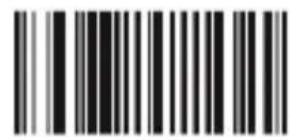
Moderate (default)
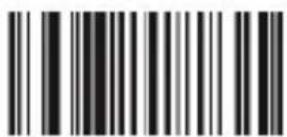
Lower
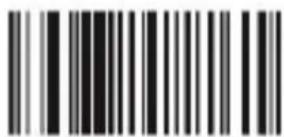
Lowest
9.4 Terminadores
Prefix & suffix setting
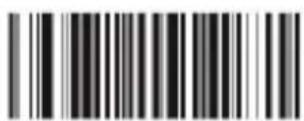
Termination CHAR-Enter
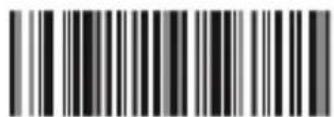
Termination CHAR-double Enter

No termination format CHAR
O
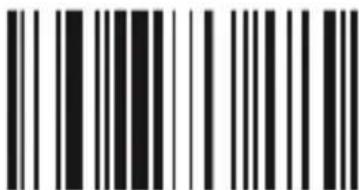
K
Exit prefix-suffix adding mode
Delete all suffix

Delete all prefix

America, China
(American English) Default

Canada (French)
Netherlands (Dutch)

Spain (Spanish)

Argentina
(Latin language)
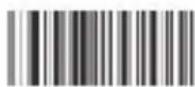
Brazil (Portuguese)

Denmark (Danish)

United Kingdom (English)

Italy (Italian 142)

France (French)

Germany (German)

Norway
(Northern Sami)

Sweden, Finland
(Swedish, Finnish)

Slovakia (Slovak)

Portugal (Portuguese)

Czech Republic (Czech)

Belgium (Dutch)

Turkish-F

Turkish-Q
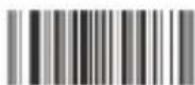
Poland (Polish 214)
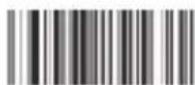
Switzerland
(German, French)

Croatia (Croatian)
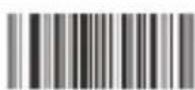
Hungary (Hungarian)
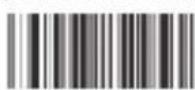
Japan (Japanese)

Russia (Russian)
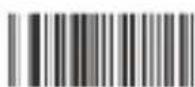
Egypt (Arabic)

Code 39 ID Character"m"
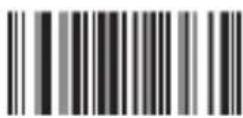
Code 39 Full ASCLL / Off
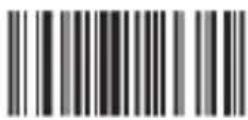
Code 39 Full ASCLL(Default) / On
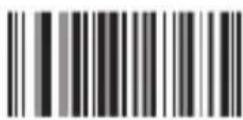
Code 39 MOD43 Check / ON
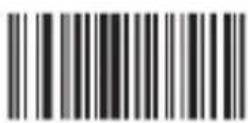
Code 39 MOD43 Check / Off
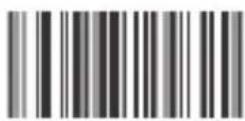
Transmit Check / On

Transmit Check / On

Transmission Lead / On
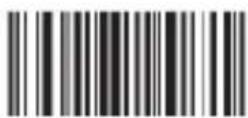
Transmission Lead / Off
Verification Multiply / Off(Default)
Verification Multiply / On
Code 32 / Off
Code 32 / On
Remark: It affects the Code 39
when it is on
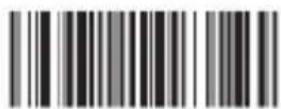
Code 39 TAB Mode
UPC-A
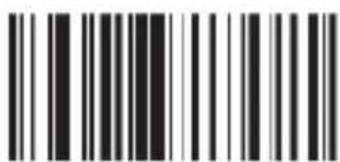
UPC A Code / On (Default)
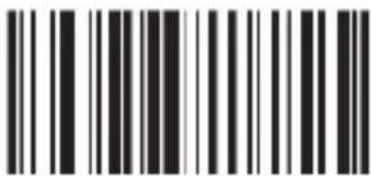
UPC A / Off

UPC A Code ID Character "m"
Transform Into EANI3 / OFF(Default)
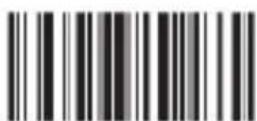
Transform Into EANI3 / ON
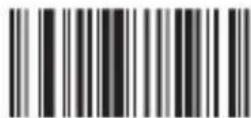
Do Not Transmit Check Code

Transmit Check Code (Default)
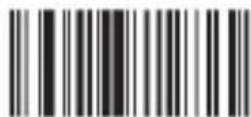
Hide The System Character
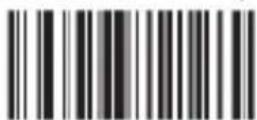
Do Not Hide The System Character
UPC-E
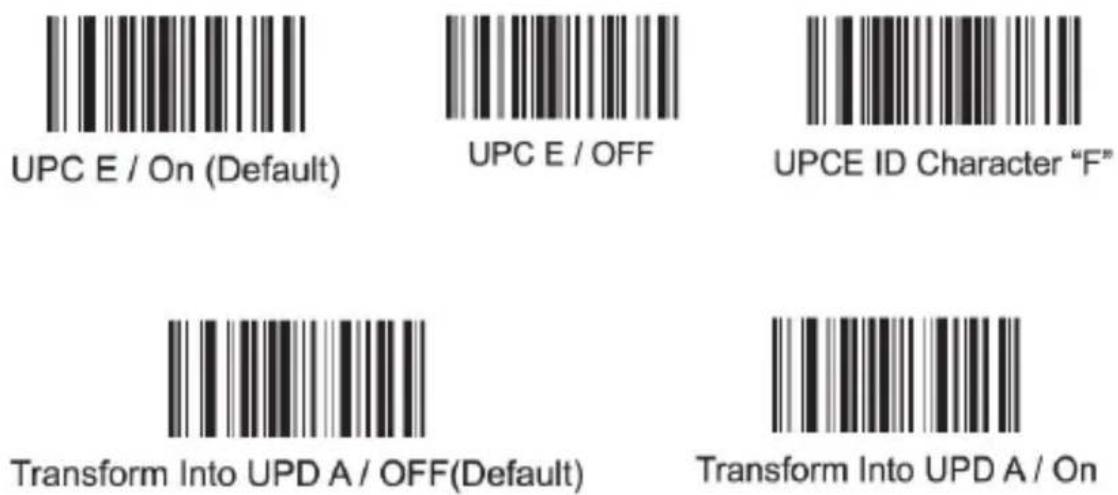
EAN13
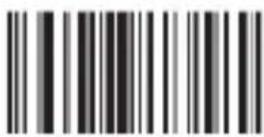
EAN13 / ON(Default)

EAN13 / OFF

EAN13 ID Character "D"

Transmit Check Code (Default)
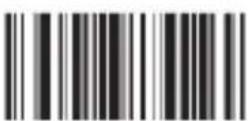
Transform Into ISBN / On

Transform Into ISSN / On

Verification Multiply / On
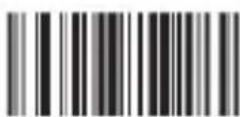
Do Not Transmit Check Code (Default)

Transform Into ISBN / OFF(Default)
Transform Into ISSN / OFF(Default)

Verification Multiply / OFF
Code 93 / ON(Default)

Code 93 / OFF
Code 93 ID Character "I"
Code93
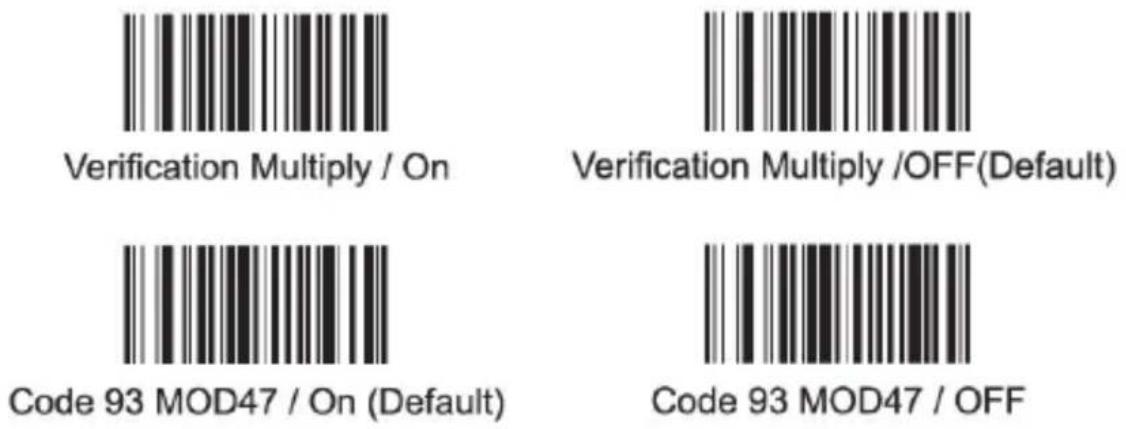
Code128
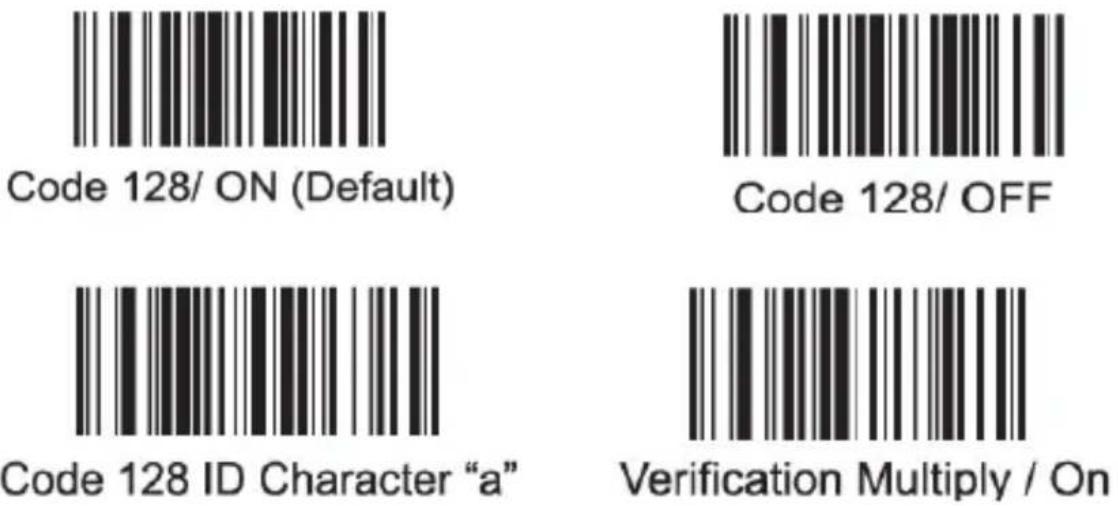
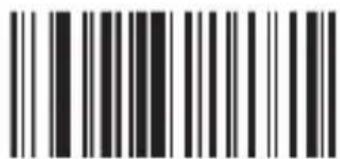
Verification Multiply /OFF(Default)
CodaBar
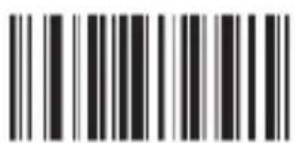
Codabar / On
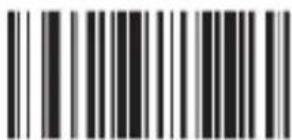
CodaBar / Off
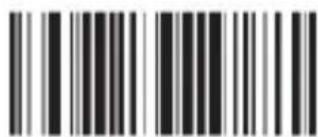
Codabar ID Character "V"
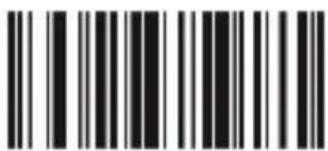
Setting Stop/Start Character / Off
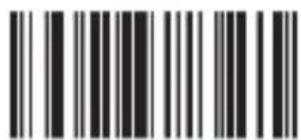
Setting Stop/Start Character / On
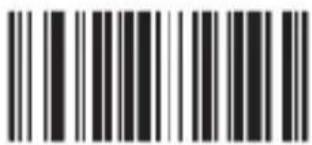
Verification Multiply /On
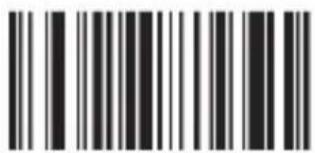
Verification Multiply /OFF
Code25

Cross Code 25 / On

Cross Code 25 / Off
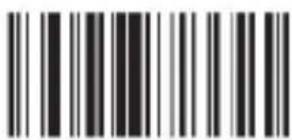
Industrial Code 25 / On (Default)
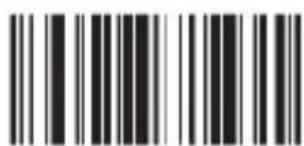
Verification
Multiply / Off
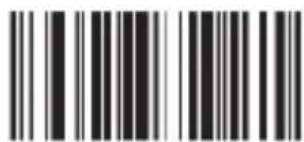
Industrial Code 25 / Off

Verification Multiply / Off
Code25
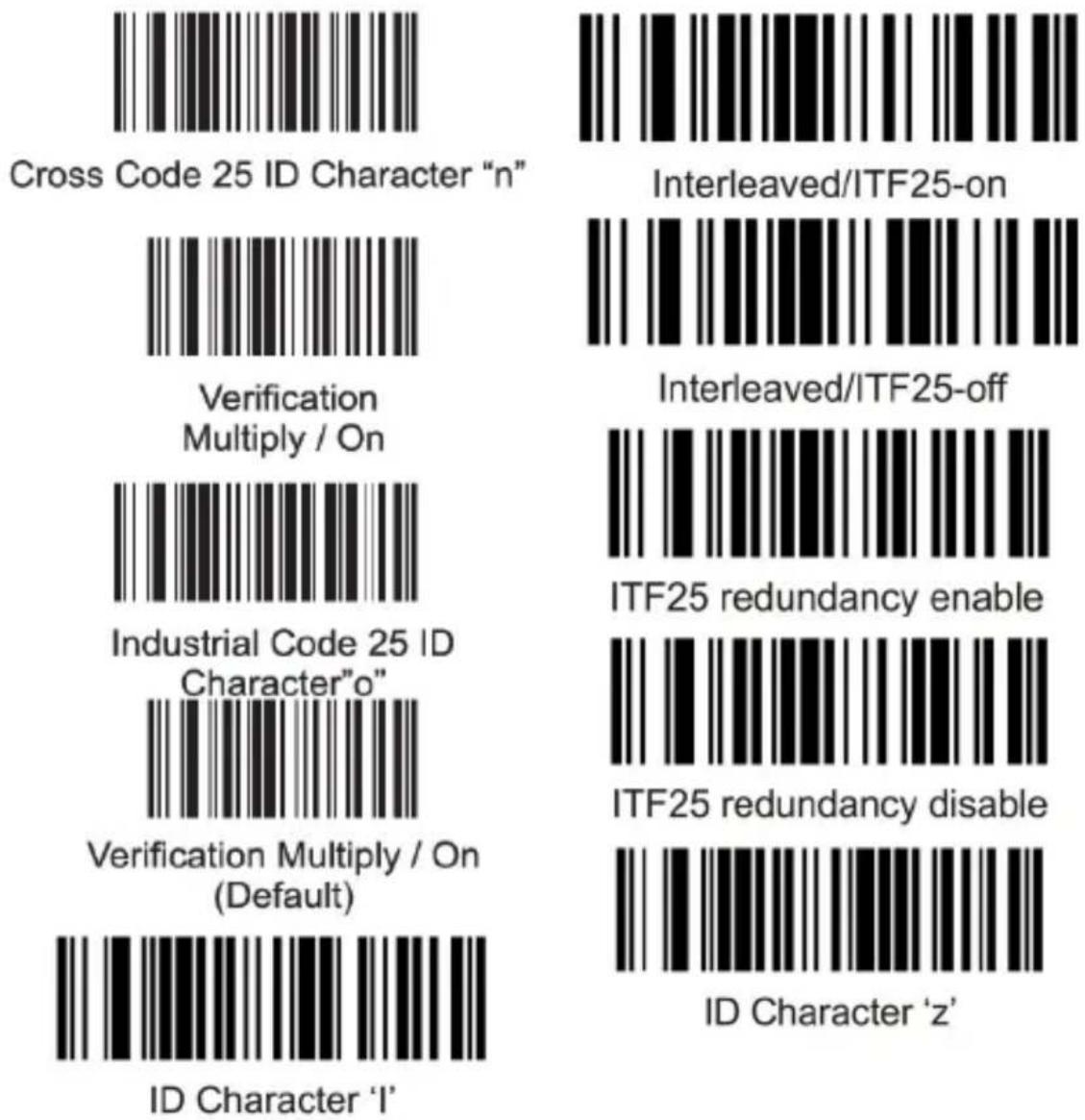
Código MSI

MIS / Off
MIS Code / On
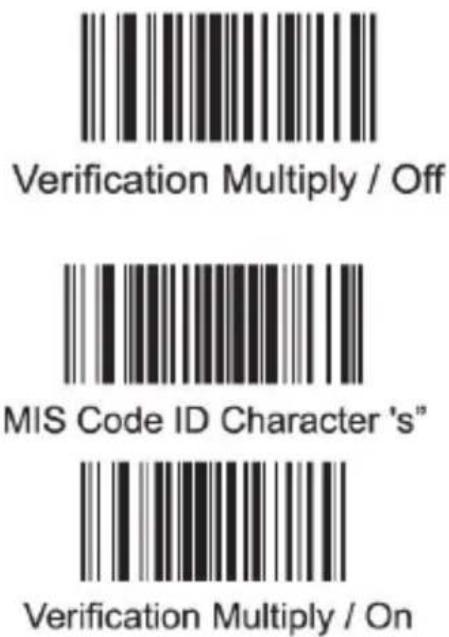
Code11
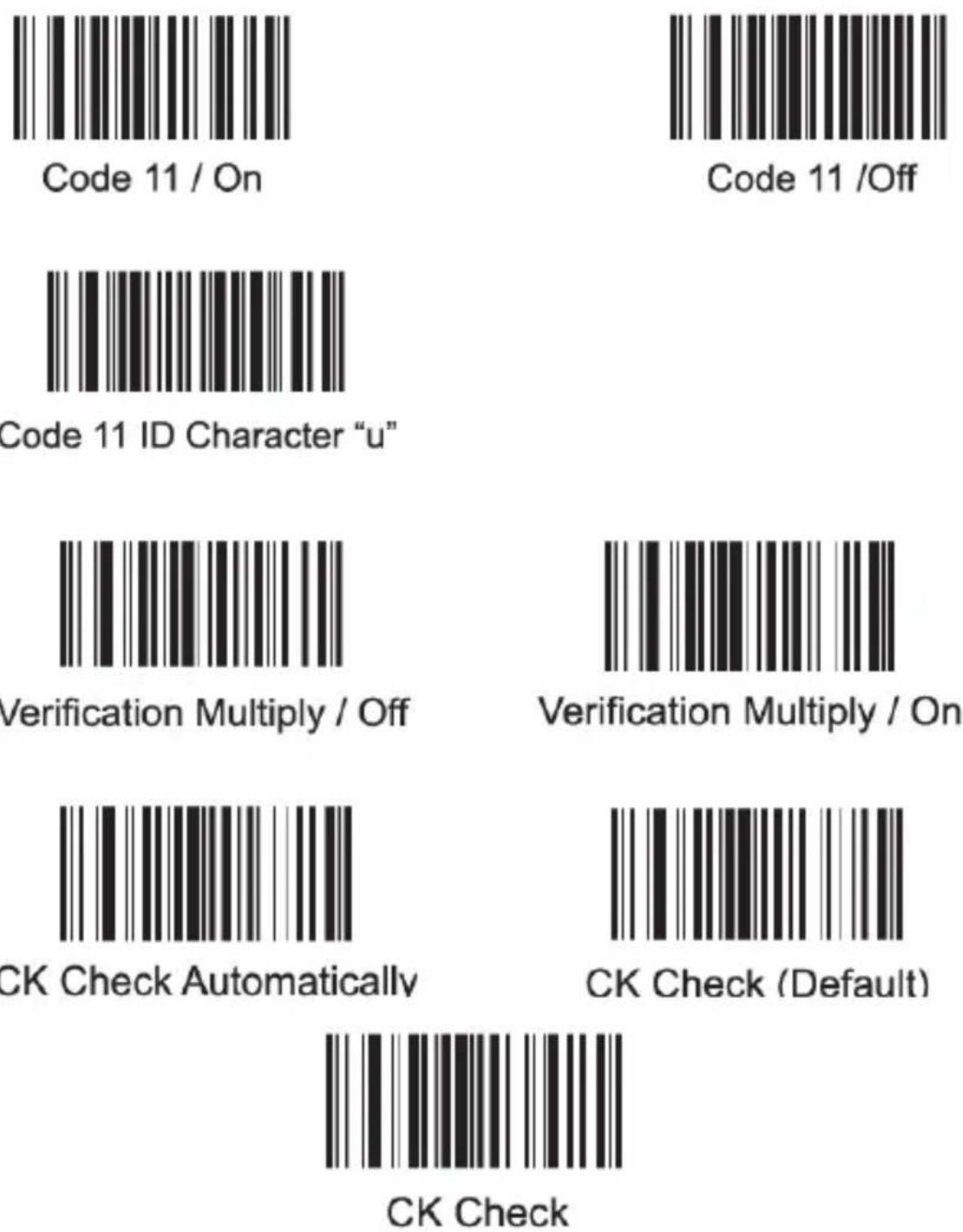
Code25
Matrix Code 25 / On (Default)
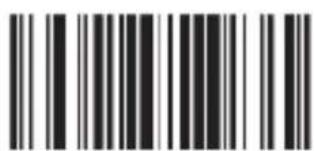
Matrix Code 25 / Off
Code25
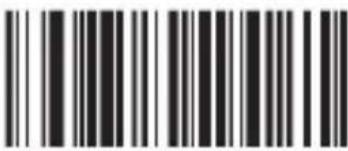
Matrix Code 25 ID Character "q"
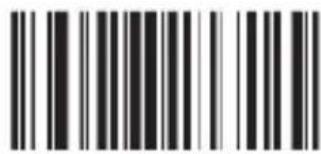
Post Code 25 / On
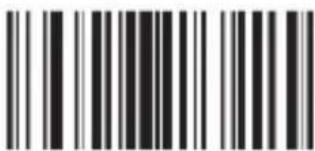
Post Code 25 / Off
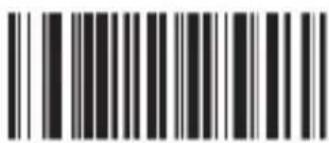
Post Code 25 ID Character"r"
ENA, ISBN ans transformate ISSN

All EVAN Transform Into ISBN
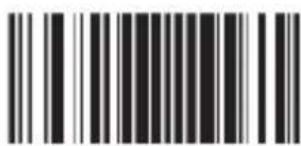
EVAN Transform Into ISBN

All EVAN Transform Into ISSN
Compulsive / Off
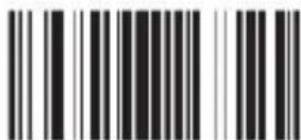
EVAN Transform Into ISSN
Compulsive / Off
Connection / Adapter Reset
If your bar code scanner no longer scans EAN codes or outputs an error signal, please reset this and the Interface mode by using the following steps:
- A first, Scan the following code

Reset factory default
- Select the desired interface mode (wireless or wired) and scan it.
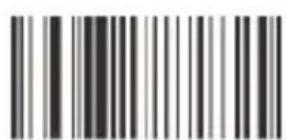
Wireless mode
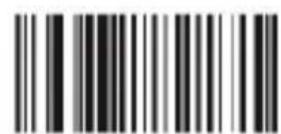
Wired USB mode
- For wireless connection, also scan the following code in order to connect to the wireless adapter.

Match enforced Remove the original
If the setup fails, we recommend using the USB wireless adapter on a USB port directly on your mainboard.

Reset factory default
Match enforced Remove the original
Reset factory default
Match enforced Remove the original
Reset factory default
Wireless mode

Wired USB mode
Match enforced Remove the original

- aplic
- Table of contents
- Connection / Adapter Reset
- Produkt-Details
- Scan-Modi
- Scan-Ton
- Standby-Modi
- Terminatoren
- No termination format CHAR
- Barcode Settings
- Code39
- UPC-E
- EAN13
- Code93
- Code128
- CodaBar
- Scope of supply
- Interface mode
- Product details
- Commissioning
- Scanning angle
- Resetting to factory settings
- Scanning modes
- Scanner sound
- Scanner settings
- Standby modes
- Additional barcode configuration options
- Display or hide barcode elements
- Upper/lower case
- Upload speed
- Terminators
- Prefix/Suffix
- Language setting
- Barcode settings
- Cleaning and Care
- Safety instructions and liability disclaimer
- Disposal instructions
- modes de lecture
- Son de lecture
- Configuration de la lecture
- Modes de veille
- Terminateurs
- Modalità Scan
- Suono Scan
- Modalità Standby
- Velocità Upload
- Terminatori
- Modos de escaneo
- Modos de espera
- Terminadores
Brand : Aplic
Model : 302614
Category : Loudspeaker