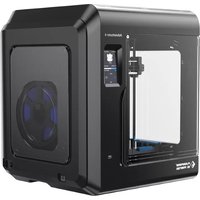
Adventurer 4 - 3D Printer Flashforge - Free user manual and instructions
Find the device manual for free Adventurer 4 Flashforge in PDF.


User questions about Adventurer 4 Flashforge
0 question about this device. Answer the ones you know or ask your own.
Ask a new question about this device
Download the instructions for your 3D Printer in PDF format for free! Find your manual Adventurer 4 - Flashforge and take your electronic device back in hand. On this page are published all the documents necessary for the use of your device. Adventurer 4 by Flashforge.
USER MANUAL Adventurer 4 Flashforge
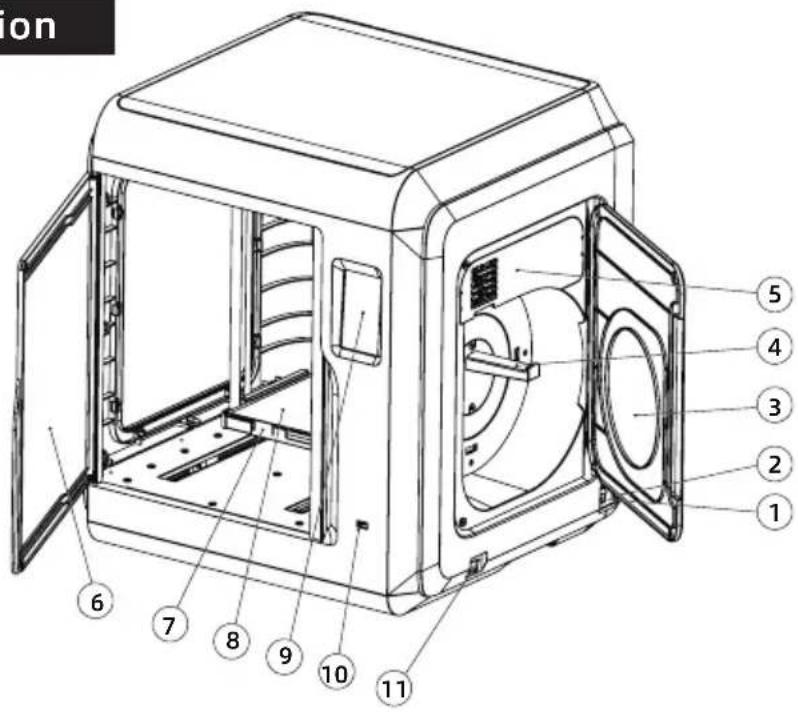
- Power switch
- Power socket
- Filament cover
- Spool holder
- Filament intake cover
- Front cover
- Platform base
- Build plate
- Touch screen
- USB
- Ethernet input
text_image
ion ① ② ③ ④ ⑤ ⑥ ⑦ ⑧ ⑨ ⑩ ⑪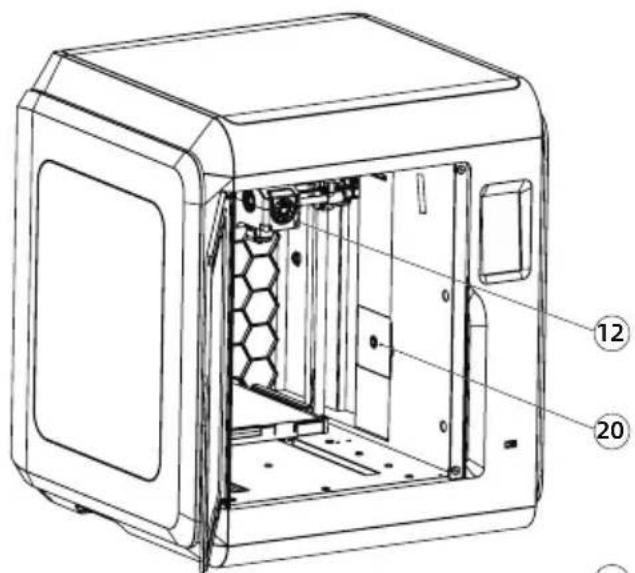
text_image
Technical diagram of a device casing with numbered annotations pointing to internal components
text_image
Technical diagram of a mechanical device with numbered parts for identification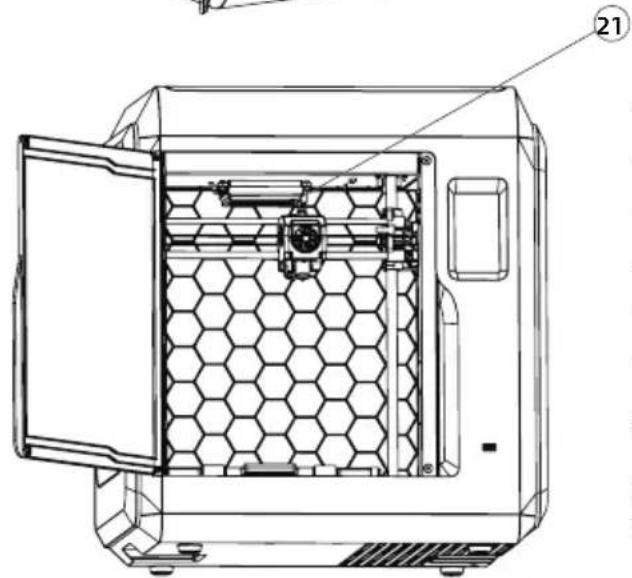
natural_image
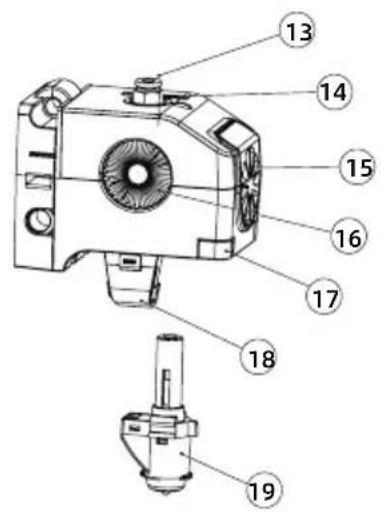
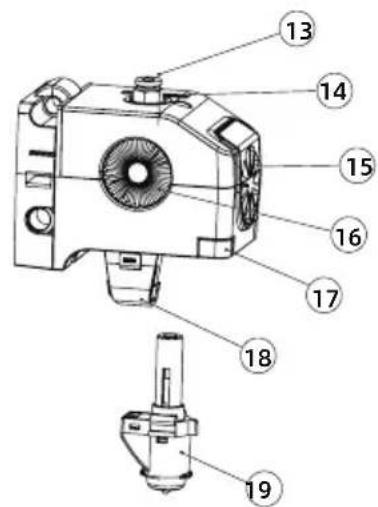
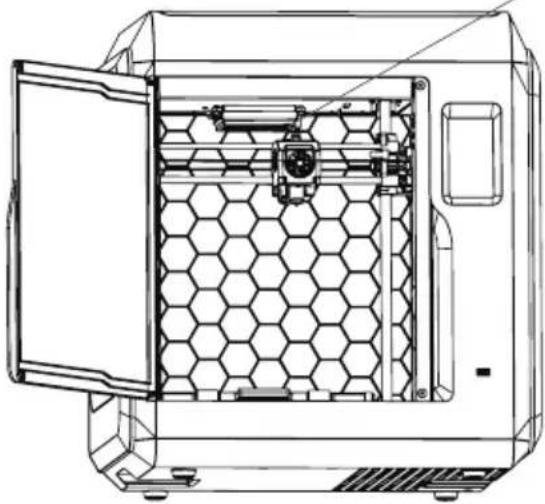
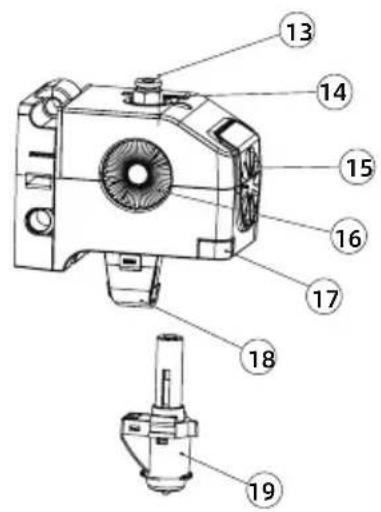
Technical line drawing of a hexagonal chamber with internal components, no text or symbols present- Extruder
- Filament guide tube joint
- Cable slot 15. Fan for cooling model
- Fan for cooling extruder
- Buckle 18. Air duct
- Nozzle 20. Camera(AD4)
- Air filter(AD4)
Adventurer 4 lite features a glass platform with no camera and no air filter.
Packing Specification

natural_image
Line drawing of a rectangular electronic device with a door and side panel (no text or symbols)3D Printer

natural_image
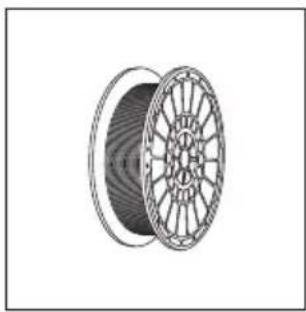
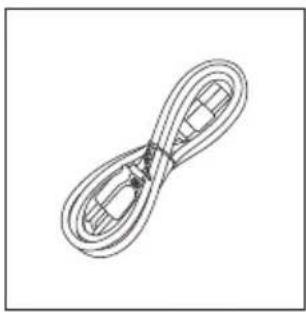
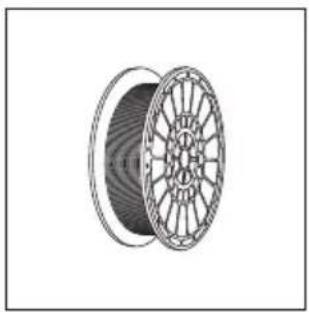
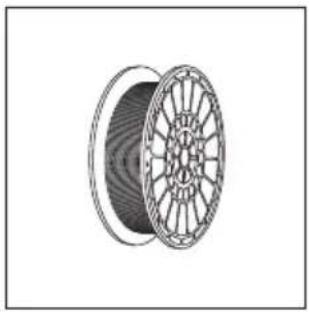
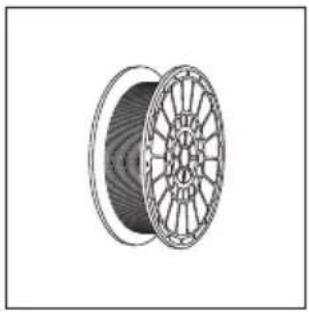
Illustration of a coiled cable or wire spool with no visible text or symbolsFilament
natural_image
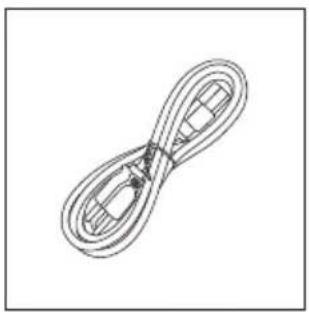
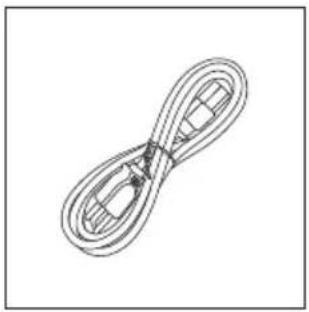
Simple line drawing of a twisted rope or cable with no text or symbolsPower Cable

text_image
售后服务卡 After-sales Service CardAfter-Sales Service Card

natural_image
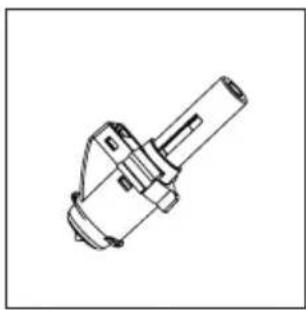
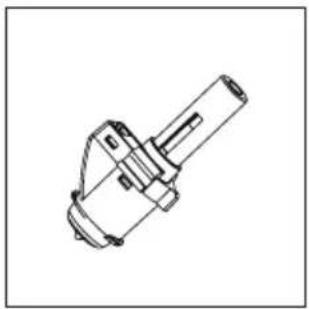
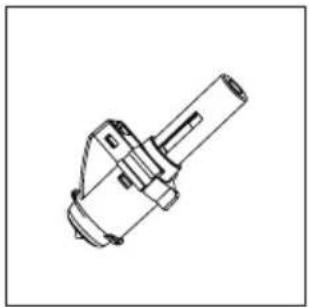
Technical line drawing of a mechanical component (no text or symbols)0.4-265 Nozzle (AD4 Equipped)
natural_image
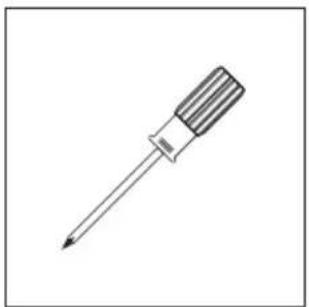
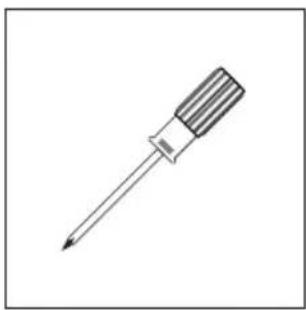
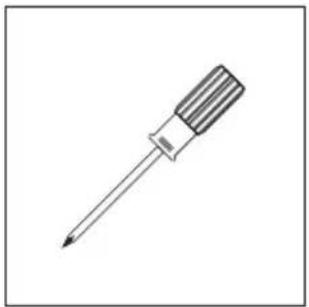
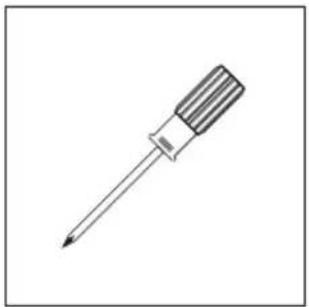
Line drawing of a screwdriver with a flat blade and threaded tip (no text or symbols)Screwdriver
natural_image
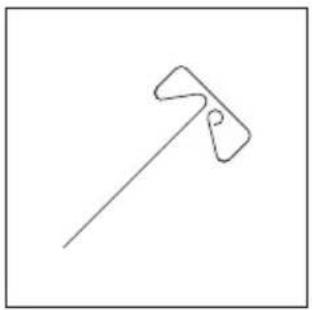
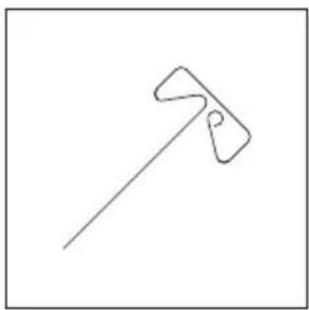
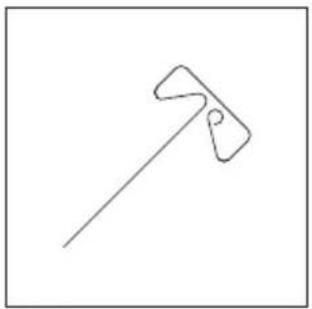
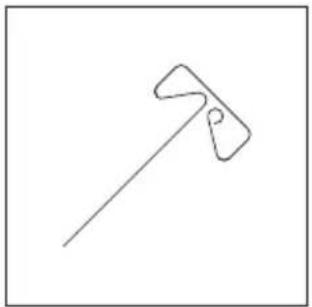
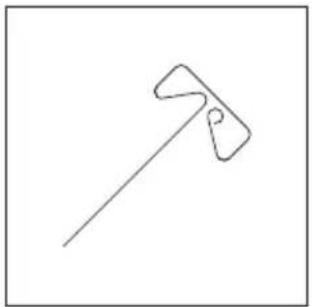
Simple line drawing of a tool or tool with a handle and handle (no text or symbols)Unclogging Pin Tool
natural_image
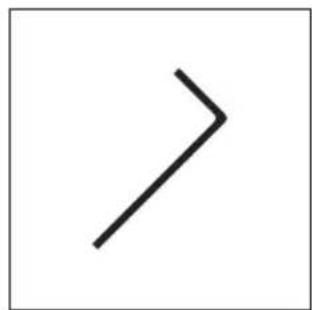
Simple black right-pointing arrow on white background (no text or symbols)Allen Wrench
text_image
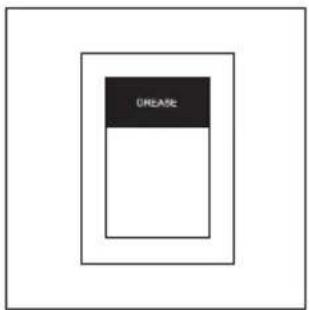
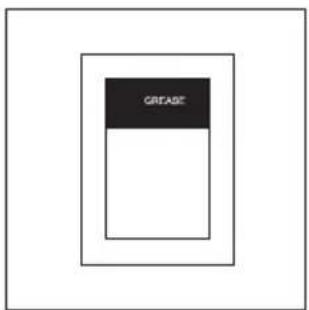
CREASEGrease
natural_image
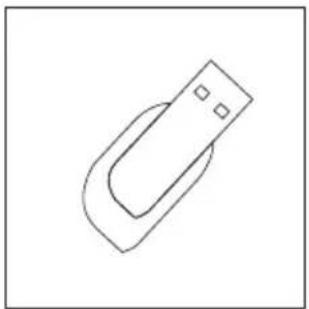
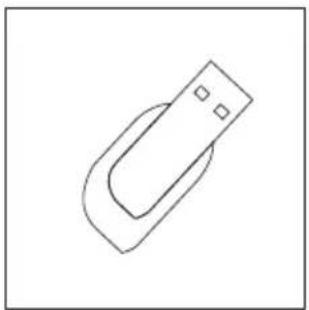
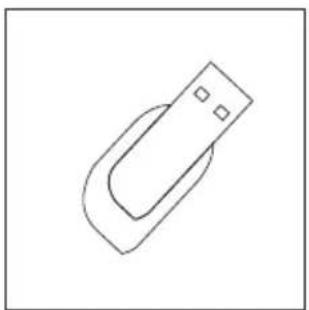
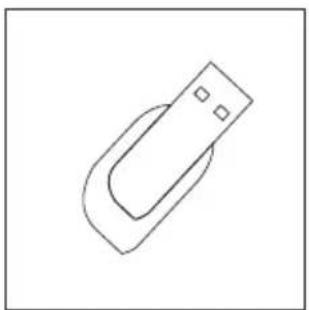
Simple line drawing of a USB flash drive (no text or symbols)USB Disk (AD4 Equipped)
natural_image
Simple oval shape inside a square frame (no text or symbols)Leveling Card
natural_image
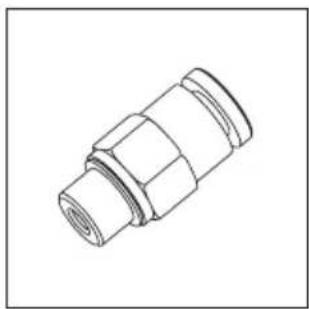
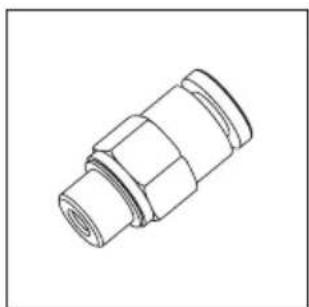
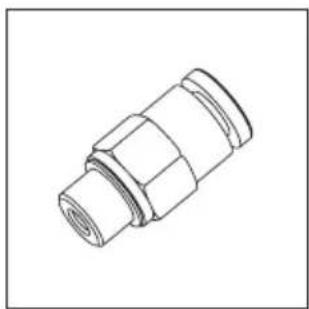
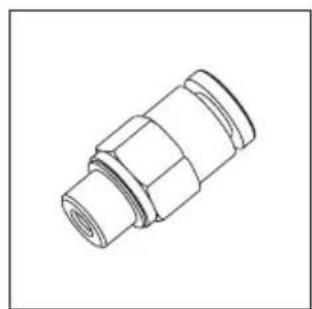
Technical line drawing of a mechanical connector (no text or symbols)Filament Guide Tube Joint
natural_image
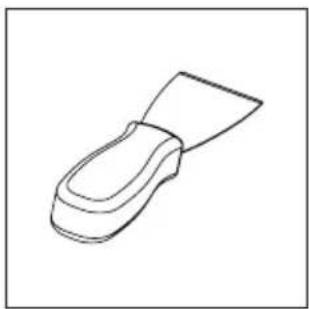
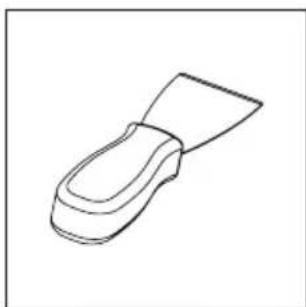
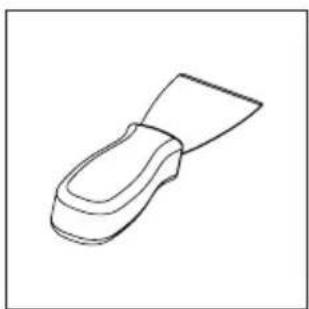
Line drawing of a mechanical component or tool (no text or symbols)Scraper (AD4 Lite Equipped)
natural_image
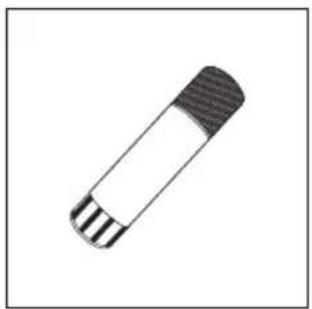
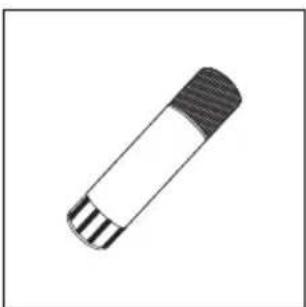
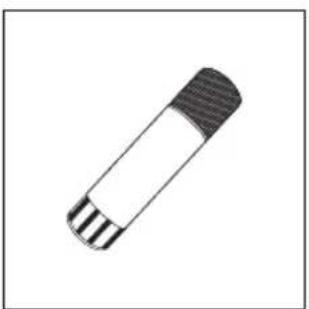
Simple line drawing of a cylindrical object with segmented ends (no text or symbols)Glue (AD4 Lite Equipped)
Software Installation
Find the FlashPrint installation package in the USB disk and select the version corresponding to your system to install.
Or you can download it from https://www.flashforge.com/download-center.
Preparation of Device
text_image
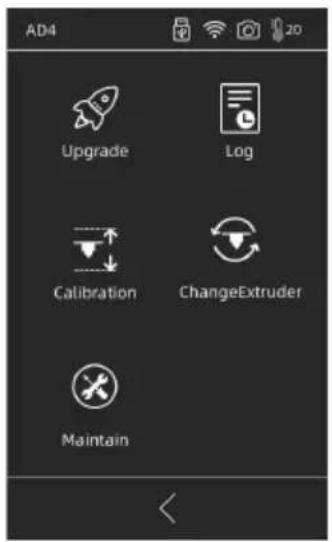
AD4 Upgrade Log Calibration ChangeExtruder MaintainThe equipment has been leveled and calibrated before delivery, but due to transportation or other influences, the distance between nozzle and platform may change. It is recommended to conduct [Calibration] after unpacking.
This step is optional, please refer to the interface function introduction before operation.
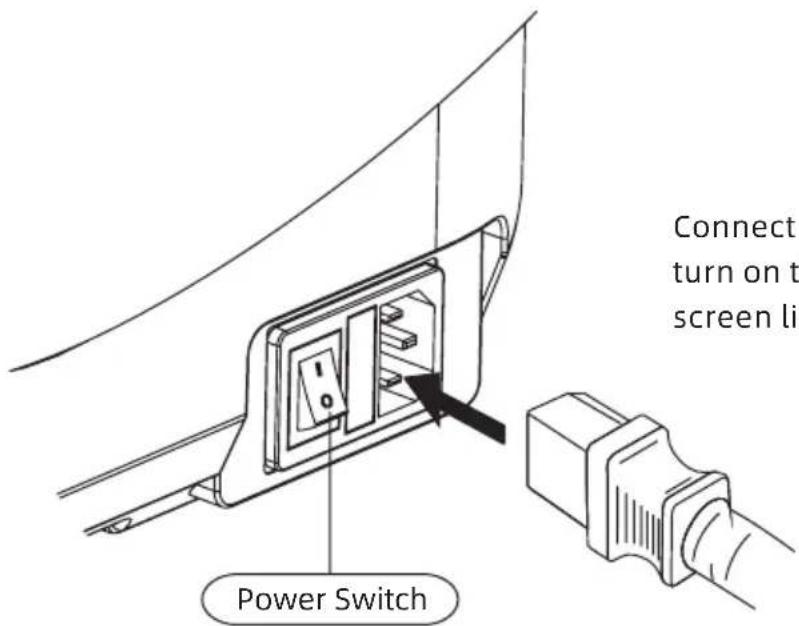
text_image
Power Switch Connect turn on t screen liConnect cable to printer; turn on the switch, the screen lights up.
- Connect to power.
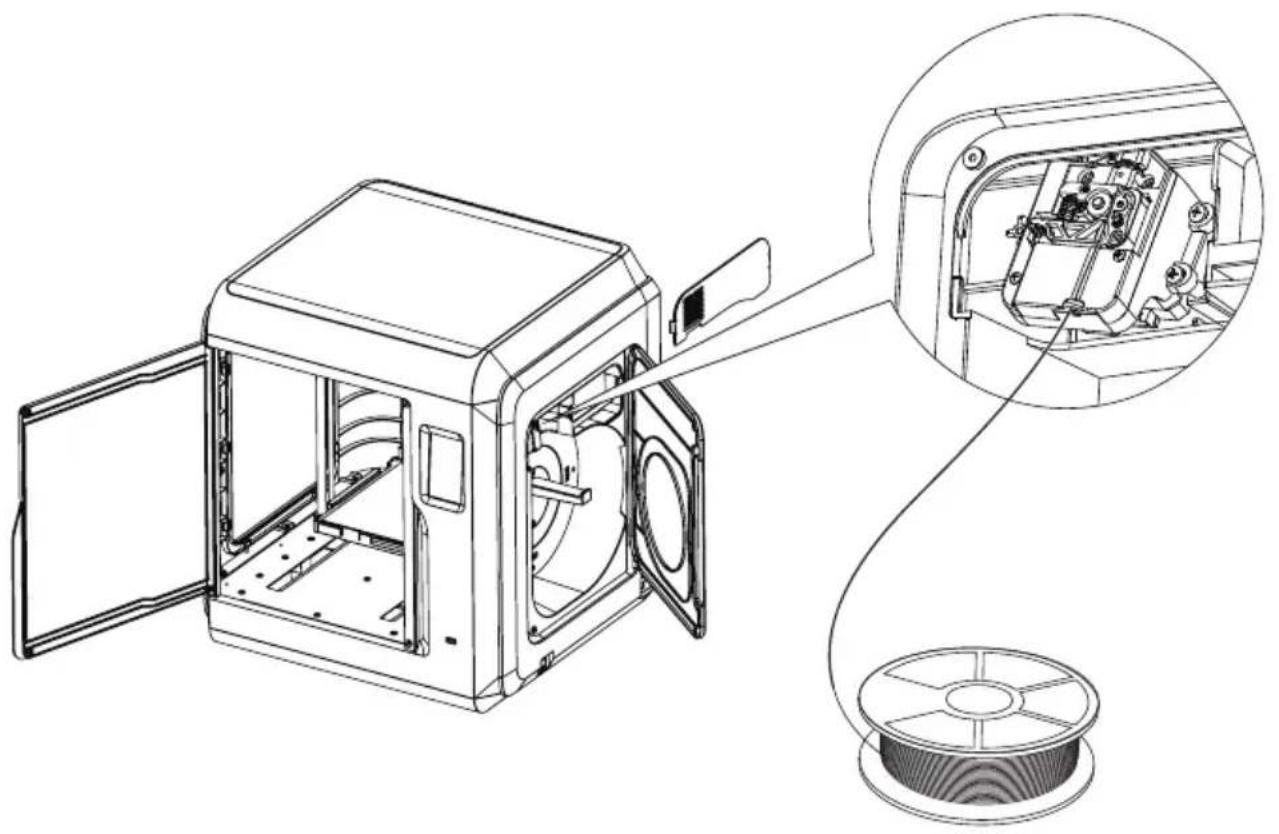
natural_image
Technical line drawing of a mechanical device with open door, internal components, and wire spool (no text or symbols)- Load Filament: open the filament cover on the right side, insert the filament into the filament intake, push filament into the feeding wheel until some resistance is felt. Please make sure filaments are in the feeding wheel. Tap
[Prepare]-[Filament]-[Load]. Follow the instruction, filament coming out of the nozzle indicates a success.
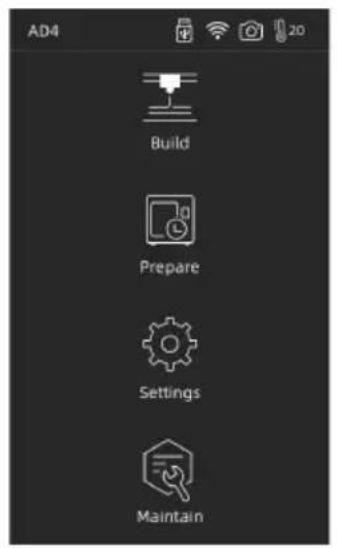
text_image
AD4 Build Prepare Settings Maintain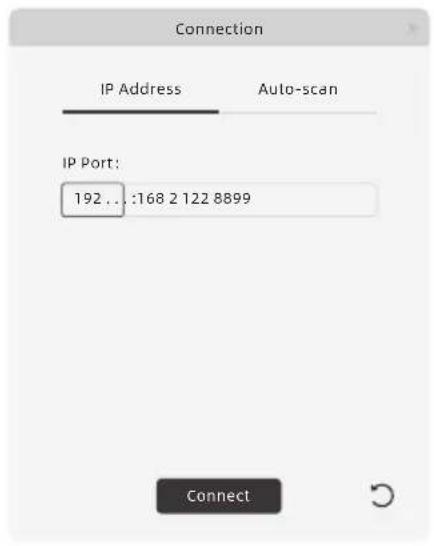
text_image
Connection IP Address Auto-scan IP Port: 192 .. :168 2 122 8899 ConnectNote
When the user wants to use the browser to view images, the printer and PC must be in an intranet (that is, the printer and PC connect to the same router).
3. Model File Transfer
Method 1: Wi-Fi Connection
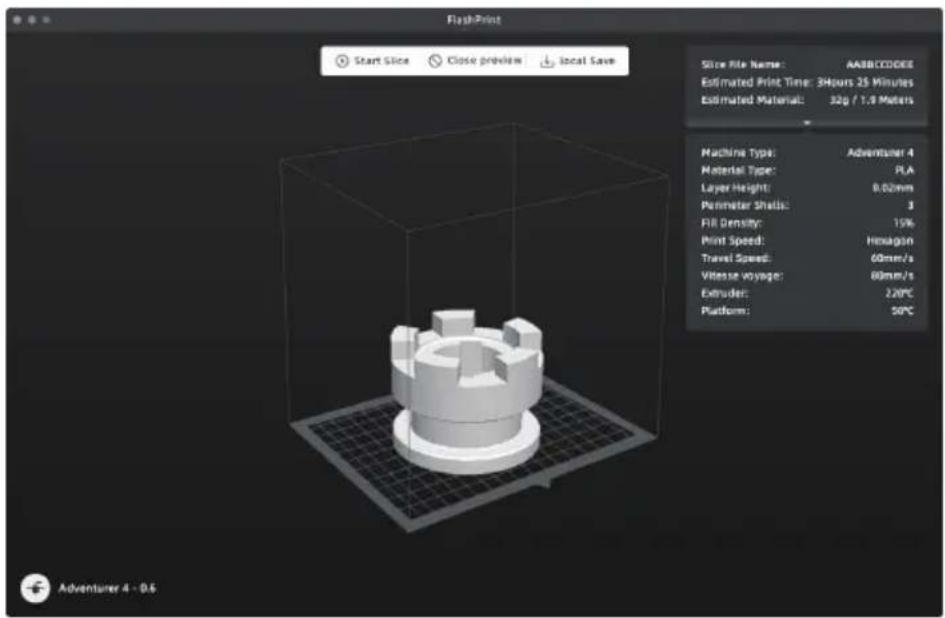
Tap [Settings]-[Network]-[WIFI], operate according to the instruction. Open FlashPrint, click [Print], then click [Machine Type], select [FlashForge Adventurer 4 / 4 Lite]. You can try to enter the IP address or scan it automatically. The IP address can be viewed in [settings] - [about].
text_image
FlashPrint Start Slice Close preview local Save Slice File Name: AASBCCODEE Estimated Print Time: 3Hours 25 Minutes Estimated Material: 32g / 1.9 Meters Machine Type: Adventurer 4 Material Type: FLA Layer Height: 0.00mm Perimeter Shells: 3 Fill Density: 15% Print Speed: Hexagon Travel Speed: 60mm/s Vitesse voyage: 80mm/s Extruder: 220°C Platform: 50°C Adventurer 4 - 0.5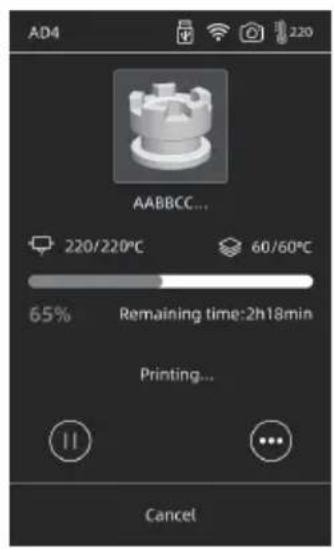
text_image
AD4 AABBCC... 220/220°C 60/60°C 65% Remaining time:2h18min Printing... CancelImport stl or obj file into the slicer; after slicing, the printer will heat up and start printing automatically.
Method 2: USB Device
Files can be read in USB disk. Insert USB disk and select the files to print.
4.Model Removal
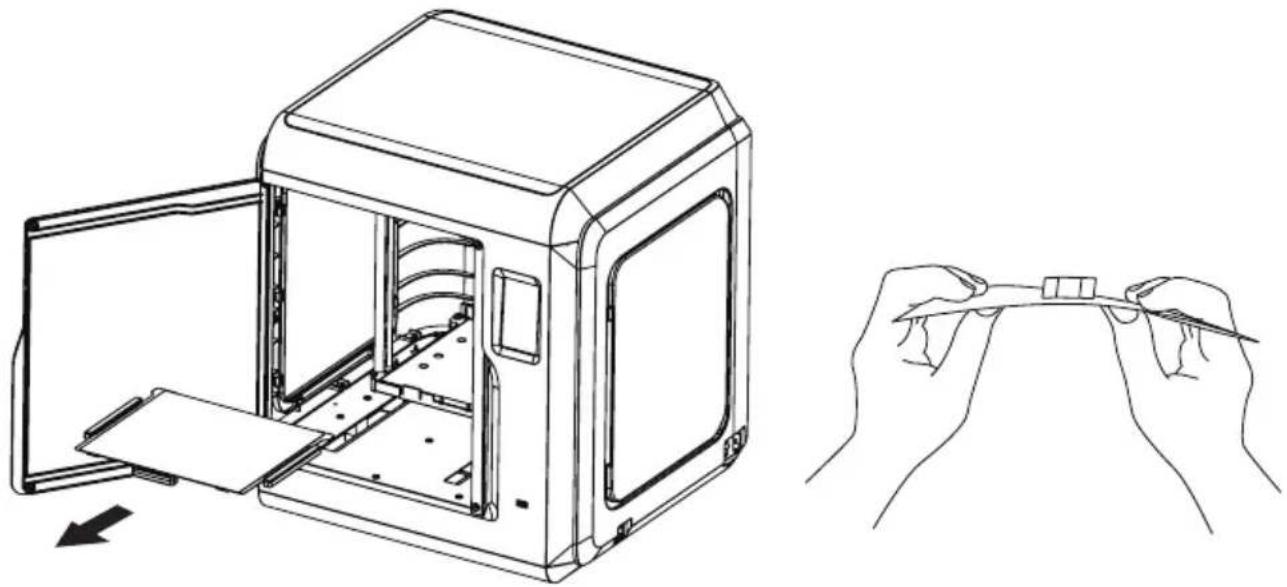
Adventurer 4: Take out the removable build plate, and bend the plate to get the model
natural_image
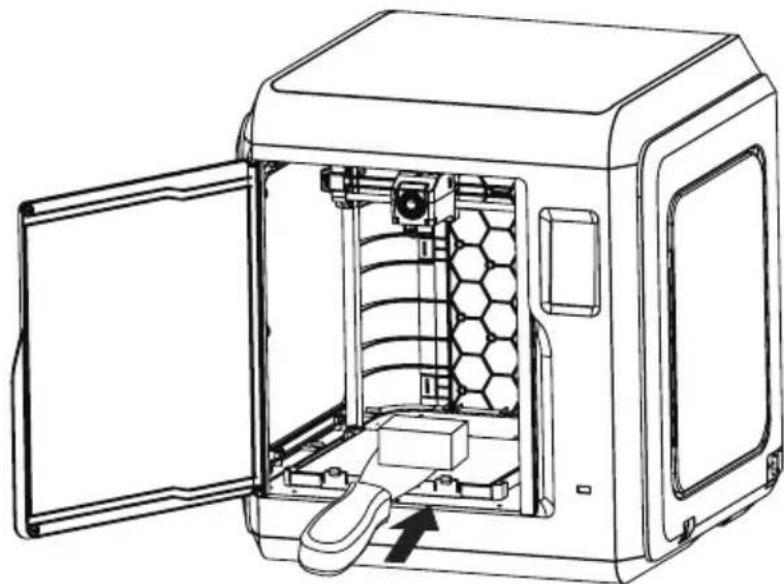
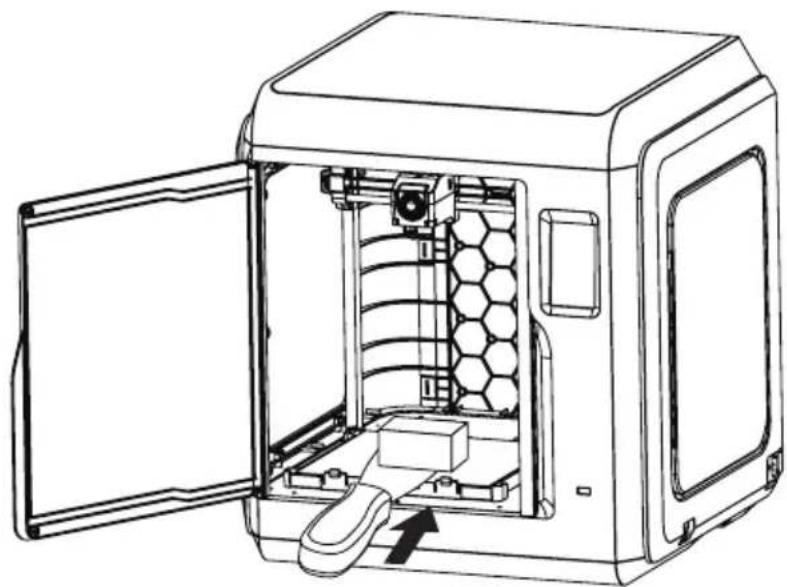
Line drawing of a 3D printer case with open door and internal compartments, alongside a hand holding a small electronic component (no text or symbols)Adventurer 4 Lite : Use the Scraper to take out the model
natural_image
Technical line drawing of a mechanical device with an open door opening the interior (no text or symbols)Note
Nozzle and build plate are still hot after finishing printing, please wait for them to cool down before you operate.
It is recommended to take the plate to the outside of the equipment for model removal, otherwise the model debris will remain in the equipment. Please keep the inside of the printer clean.
冒险家4 快速启动指南
整机介绍
text_image
Technical diagram of a 3D printer with numbered parts for identification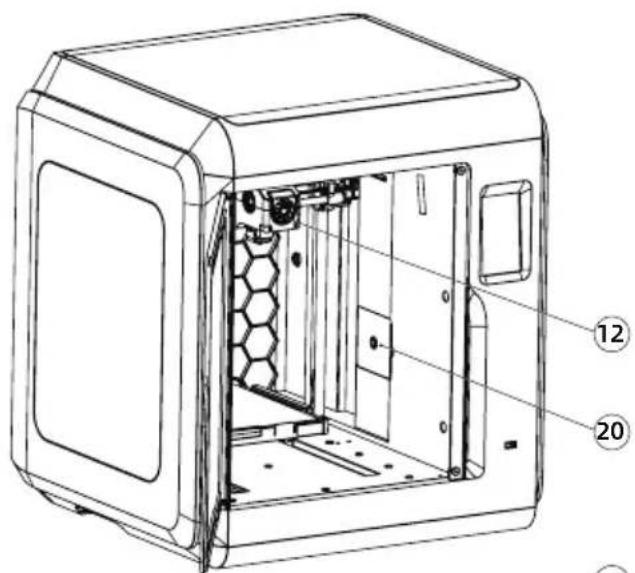
text_image
Technical diagram of a device casing with numbered annotations pointing to internal components
text_image
Technical diagram of a mechanical device with numbered parts for identification
natural_image
Technical line drawing of a mechanical device with hexagonal grid pattern and open door (no text or symbols)natural_image
Line drawing of a 3D box or enclosure with a handle and front panel (no text or symbols)3D打印机
natural_image
Illustration of a coiled cable or wire spool with no visible text or symbols3D打印耗材
natural_image
Simple line drawing of a twisted rope or cable with no text or symbols电源线

text_image
售后服务卡 After-sales Service Card售后服务卡

text_image
Quick Start Guide 快速启动指南快速启动指南 通针
natural_image
Technical line drawing of a mechanical component (no text or symbols)(AD4 配置)
natural_image
Simple line drawing of a screwdriver with a pointed tip (no text or symbols)十字螺丝刀0.4-2
natural_image
Simple line drawing of a tool or tool with a handle and handle (no text or symbols)5喷嘴
natural_image
Simple black right-pointing arrow on white background (no text or symbols)内六角扳手
text_image
CREASE润滑脂
natural_image
Simple line drawing of a U-shaped magnet with two pins (no text or symbols)U盘(AD4 配置)
natural_image
Simple oval shape drawn on white background, no text or symbols present调平卡
natural_image
Technical line drawing of a mechanical connector (no text or symbols)气管接头
natural_image
Line drawing of a mechanical component or tool (no text or symbols)铲刀(AD4 Lite 配备)
natural_image
Simple line drawing of a cylindrical object with segmented ends (no text or symbols)水(AD4 Lite 配备)
软件安装
natural_image
Technical line drawing of a mechanical device with open door, internal components, and wire spool (no text or symbols)natural_image
Line drawing of a 3D printer case with open door and internal compartments, alongside a hand holding a small electronic device (no text or symbols)冒险家4 Lite:使用铲刀移除模型
natural_image
Technical line drawing of a mechanical device with an open door opening the interior (no text or symbols)
注意事项
text_image
Technical diagram of a device casing with numbered annotations pointing to internal components

text_image
Technical diagram of a mechanical device with numbered parts for identification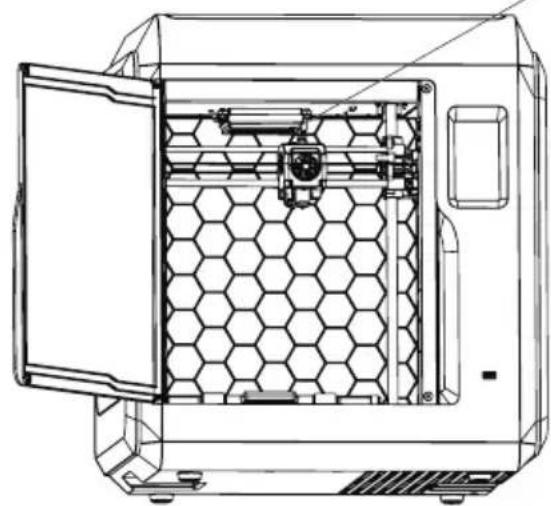
natural_image
Technical line drawing of a mechanical device with hexagonal internal structure and open door (no text or symbols)natural_image
Line drawing of a rectangular electronic device with a door and side panel (no text or symbols)3D-Drucker
natural_image
Illustration of a coiled cable or wire spool with visible internal structure (no text or symbols)Filament
natural_image
Simple line drawing of a twisted rope or cable with no text or symbolsStromkabel

text_image
售后服务卡 After-sales Service CardKundendienstkarte

text_image
Quick Start Guide 快速启动指南Kurzanleitung
natural_image
Technical line drawing of a mechanical component (no text or symbols)natural_image
Simple line drawing of a screwdriver with a pointed tip (no text or symbols)Schraubendreher
natural_image
Simple line drawing of a hammer and sickle (no text or symbols)natural_image
Simple black right-pointing arrow on white background (no text or symbols)Innensechskantschlü ssel
text_image
CREASEFett
natural_image
Simple line drawing of a U-shaped object with two small square holes, no text or symbols present.natural_image
Simple oval shape drawn on a plain background (no text or symbols)Nivellierkarte
natural_image
Technical line drawing of a mechanical connector (no text or symbols)natural_image
Line drawing of a mechanical component with a curved handle and flange (no text or symbols)natural_image
Simple line drawing of a cylindrical object with segmented ends (no text or symbols)https://www.flashforge.com/download-center.
natural_image
Technical line drawing of a mechanical device with open door, internal components, and wire spool (no text or symbols)text_image
Connection IP Address Auto-scan IP Port: 192 .. :168 2 122 8899 ConnectHinweis
natural_image
Line drawing of a 3D printer case with open door and internal compartments, alongside a hand holding a small electronic component (no text or symbols)natural_image
Line drawing of a device interior showing the internal structure and external door opening (no text or symbols)
Hinweis
text_image
Technical diagram of a device casing with numbered components for identification

text_image
13 14 15 16 17 18 19 se
natural_image
Technical line drawing of a hexagonal industrial machine with internal components (no text or symbols)natural_image
Line drawing of a simple 3D box or enclosure with a handle and lid (no text or symbols)Imprimante 3D
natural_image
Illustration of a coiled cable or wire spool with no visible text or symbolsFilament

natural_image
Simple line drawing of a twisted rope or cable with no text or symbolsnatural_image
Technical line drawing of a mechanical component (no text or symbols)Buse 0.4-265 (pourAD4)
natural_image
Simple line drawing of a screwdriver with no text or symbolsTournevis
natural_image
Simple line drawing of a tool or tool with a handle and pointed tip (no text or symbols)natural_image
Simple black right-pointing arrow on white background (no text or symbols)Clé Allen
text_image
CREASEGraisse
natural_image
Simple line drawing of a U-shaped magnet with two pins (no text or symbols)Clé usb(pour AD)
natural_image
Simple oval shape drawn on a plain background (no text or symbols)natural_image
Technical line drawing of a mechanical connector (no text or symbols)natural_image
Line drawing of a mechanical component or tool (no text or symbols)natural_image
Simple line drawing of a cylindrical object with segmented ends (no text or symbols)https://www.flashforge.com/download-center.
natural_image
Technical line drawing of a mechanical device with open door, internal components, and spool (no text or symbols)text_image
Connection IP Address Auto-scan IP Port: 192 .. :168 2 122 8899 ConnectRemarque
natural_image
Line drawing of a 3D printer case with open lid and internal components, alongside a hand holding a small electronic component (no text or symbols)natural_image
Technical line drawing of a mechanical device with an open door opening the interior (no text or symbols)
Remarque
text_image
Technical diagram of a 3D printer with numbered parts for identification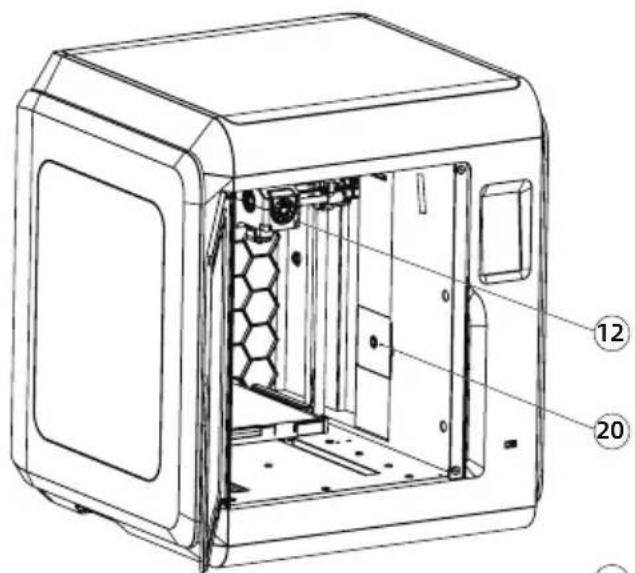
text_image
Technical diagram of a device casing with numbered annotations pointing to internal components
text_image
Technical diagram of a mechanical device with numbered parts for identification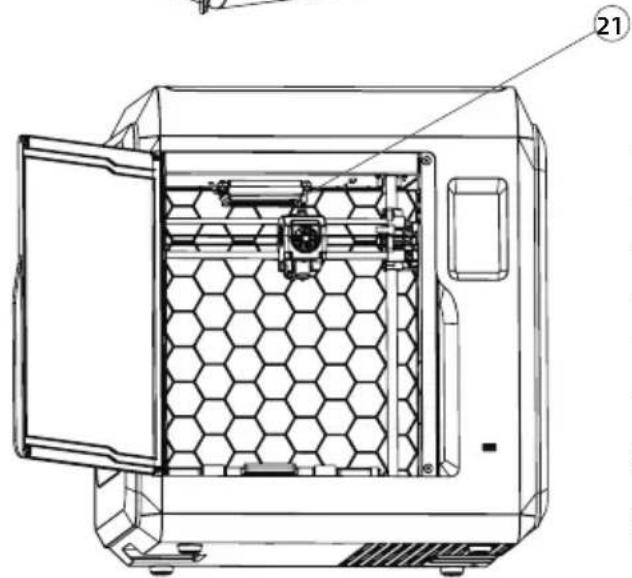
natural_image
Technical line drawing of a hexagonal chamber with an open door, showing internal structure and no text or symbols.natural_image
Line drawing of a simple 3D box or enclosure with a handle and lid (no text or symbols)3D 프린터
natural_image
Illustration of a coiled cable or wire spool with no visible text or symbols필라멘트
natural_image
Simple line drawing of a twisted rope or cable with no text or symbols전원 케이블

text_image
售后服务卡 After-sales Service Card애프터 서비스 카드

text_image
Quick Start Guide 快速启动指南빠른 가이드
natural_image
Technical line drawing of a mechanical component (no text or symbols)0.4-265 노즐 (AD4 제공)
natural_image
Simple line drawing of a screwdriver with a handle and pointed tip (no text or symbols)스크류 드라이버
natural_image
Simple line drawing of a tool or tool with a handle and pointed tip (no text or symbols)박힘제기 핀
natural_image
Simple black right-pointing arrow on white background (no text or symbols)엘런 렌치
text_image
CREASE그리스
natural_image
Simple line drawing of a U-shaped object with two small square holes, no text or symbols present.USB 디스크(AD4제공)
natural_image
Simple oval shape drawn on a plain background (no text or symbols)레벨링 카드
natural_image
Technical line drawing of a mechanical connector (no text or symbols)필라멘트 가이드 튜브 조인트
natural_image
Line drawing of a mechanical component or tool (no text or symbols)스크래퍼 (AD4 Lite제공)
natural_image
Simple line drawing of a cylindrical object with segmented ends (no text or symbols)딱풀 (AD4 Lite제공)
장 소프트웨어 설치
natural_image
Technical line drawing of a mechanical device with open door, internal components, and wire spool (no text or symbols)text_image
Connection IP Address. Auto-scan IP Port: 192 ... :168 2 122 8899 Connect주의
natural_image
Line drawing of a 3D printer case with open door and internal compartments, alongside a hand holding a small object (no text or symbols)natural_image
Technical line drawing of a mechanical device with an open door opening the interior (no text or symbols)! 주의
Address: No.518 XianYuan Road, Jinhua City, Zhejiang Province, China
Service Hotline: +86 579 82273989
support@flashforge.com