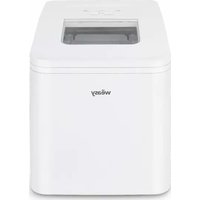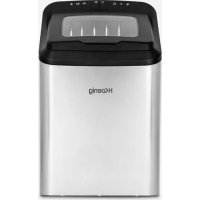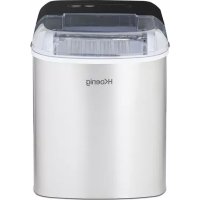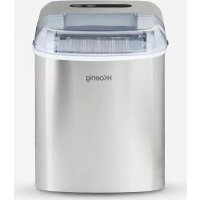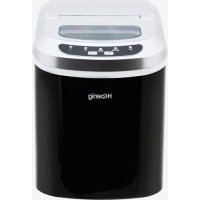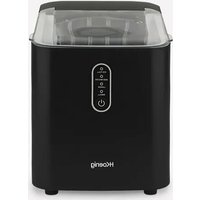


This problem is usually due to an air blockage in the pumping system. Here’s how to resolve it:
1. Purge the pump (most common solution)
If the machine has been unused for a while, it may not be able to pump enough water due to an air blockage. Press the START/PAUSE button several times to purge the pump and restart the system.
2. Check the water level
Open the tank and check that the water reaches the MAX mark. The device has an ADD WATER indicator that lights up if the level is insufficient. If the water is too low, fill the tank up to the MAX line.
3. Clean the screen filter
The screen filter in the water tank may be clogged with scale or impurities. Proceed as follows:
- Remove the filter from the tank
- Clean it with clear water using a soft brush
- Reinstall it properly
4. Drain excess water
If the level exceeds the MAX position, open the lower drain plug to release the excess. An overflow can prevent the system from functioning normally.
5. Wait before restarting
If you have performed a cleaning or draining, let it rest for 2-3 minutes before pressing START/PAUSE again.
If after these steps the water is still not being drawn, the pump may be damaged. Contact H.Koenig customer service at +33 1 64 67 00 05 or visit https://sav.hkoenig.com.