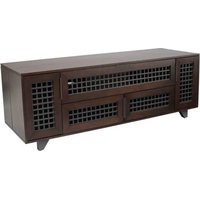
Trillium 63 - TV Stand SANUS - Free user manual and instructions
Find the device manual for free Trillium 63 SANUS in PDF.


User questions about Trillium 63 SANUS
0 question about this device. Answer the ones you know or ask your own.
Ask a new question about this device
Download the instructions for your TV Stand in PDF format for free! Find your manual Trillium 63 - SANUS and take your electronic device back in hand. On this page are published all the documents necessary for the use of your device. Trillium 63 by SANUS.
USER MANUAL Trillium 63 SANUS
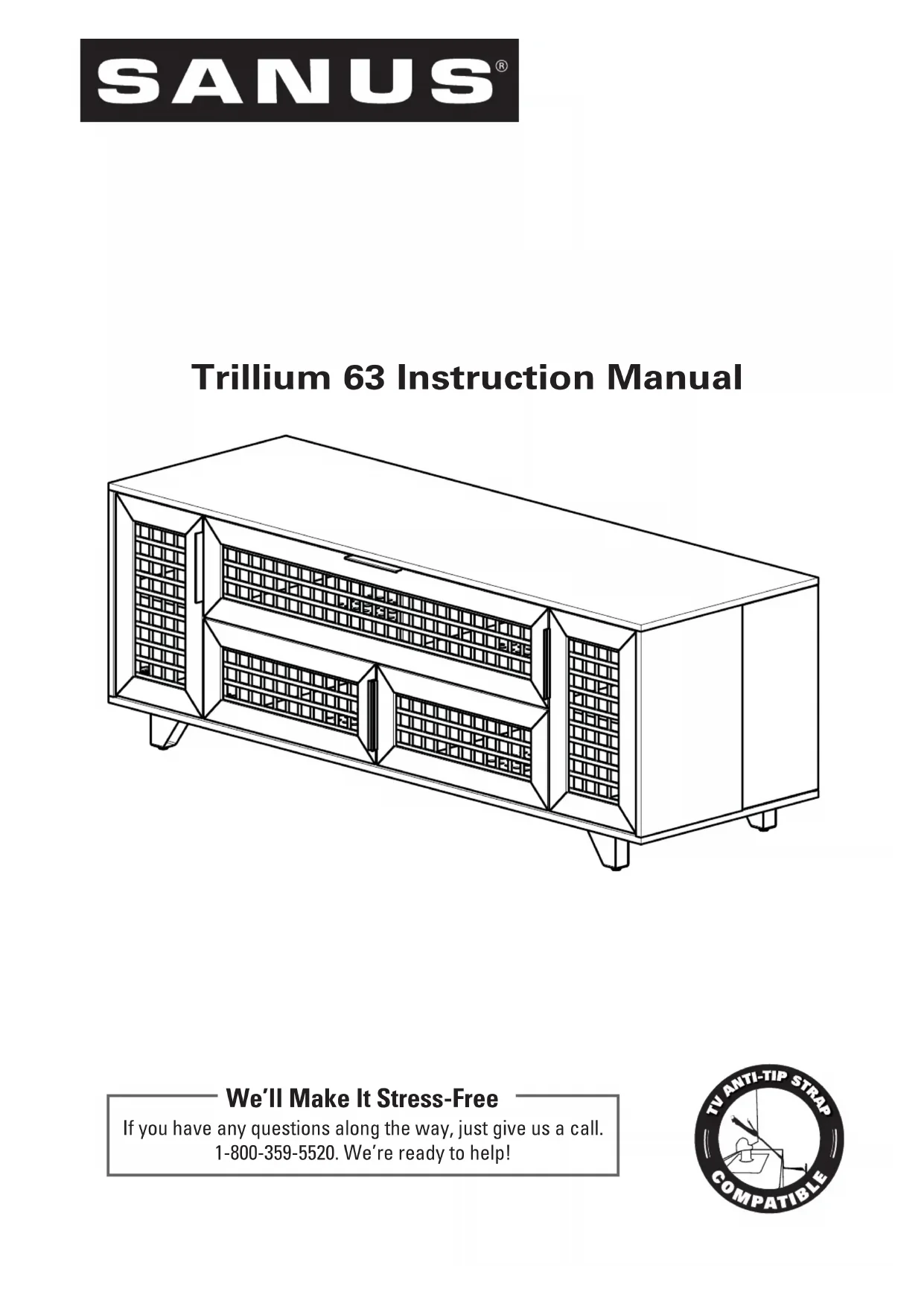
Trillium 63 Instruction Manual
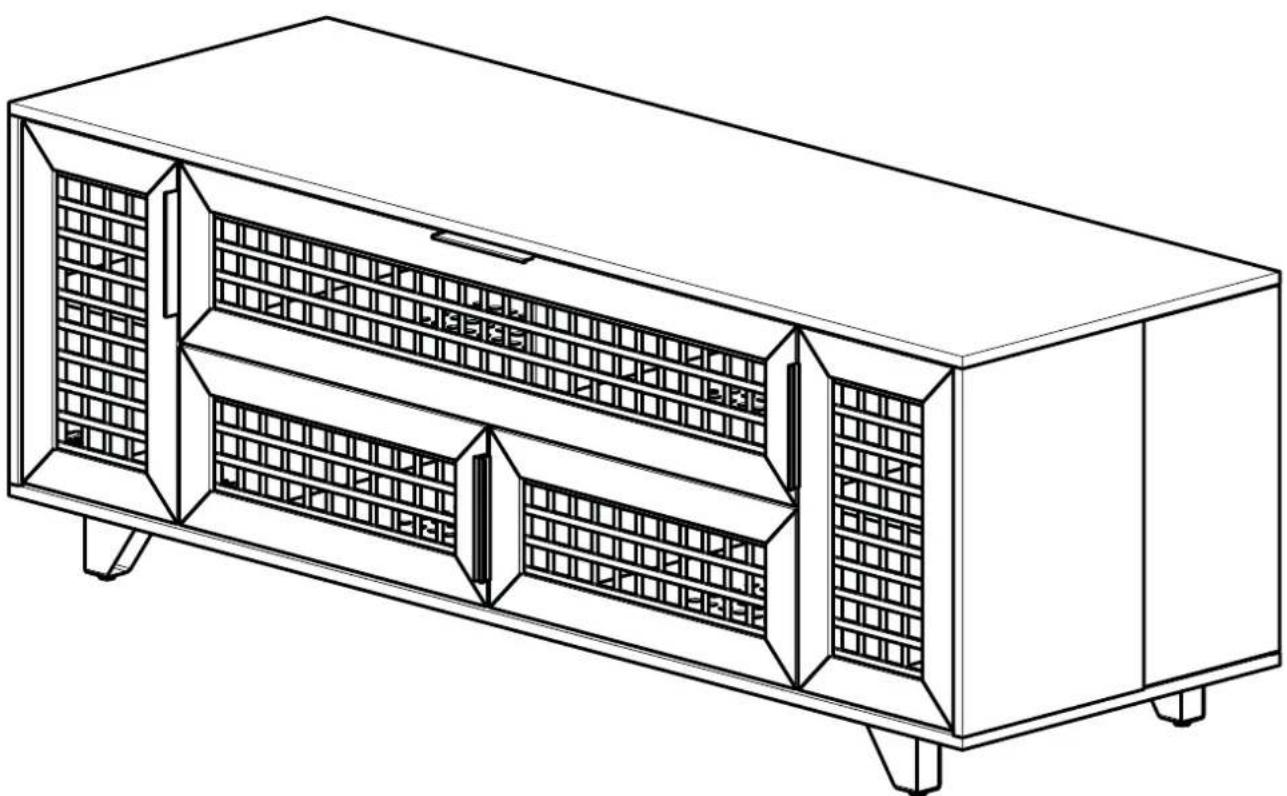
natural_image
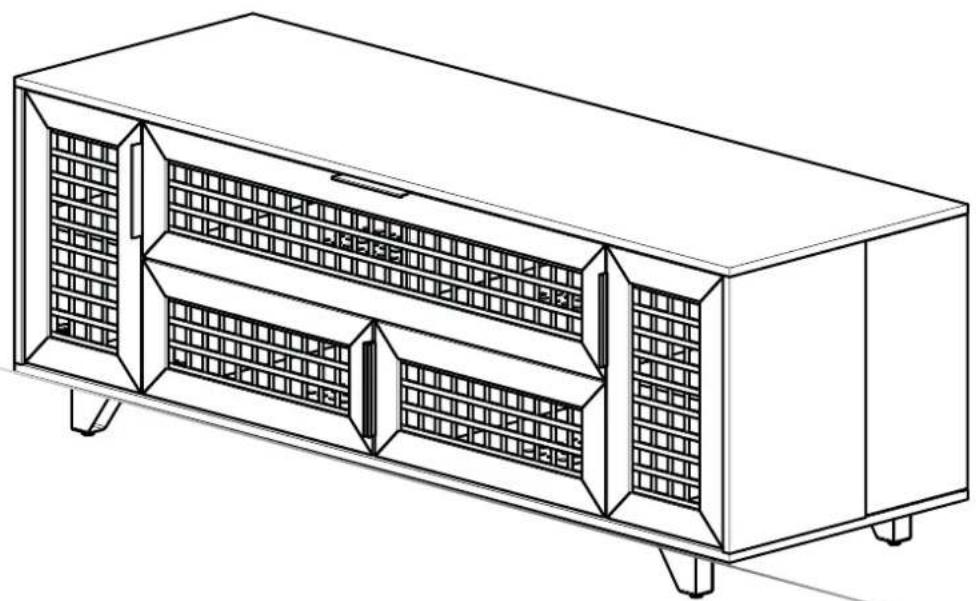
Line drawing of a multi-level industrial cabinet or enclosure with internal grating and mounting feet (no text or symbols)We'll Make It Stress-Free
If you have any questions along the way, just give us a call. 1-800-359-5520. We're ready to help!
Weight Limits
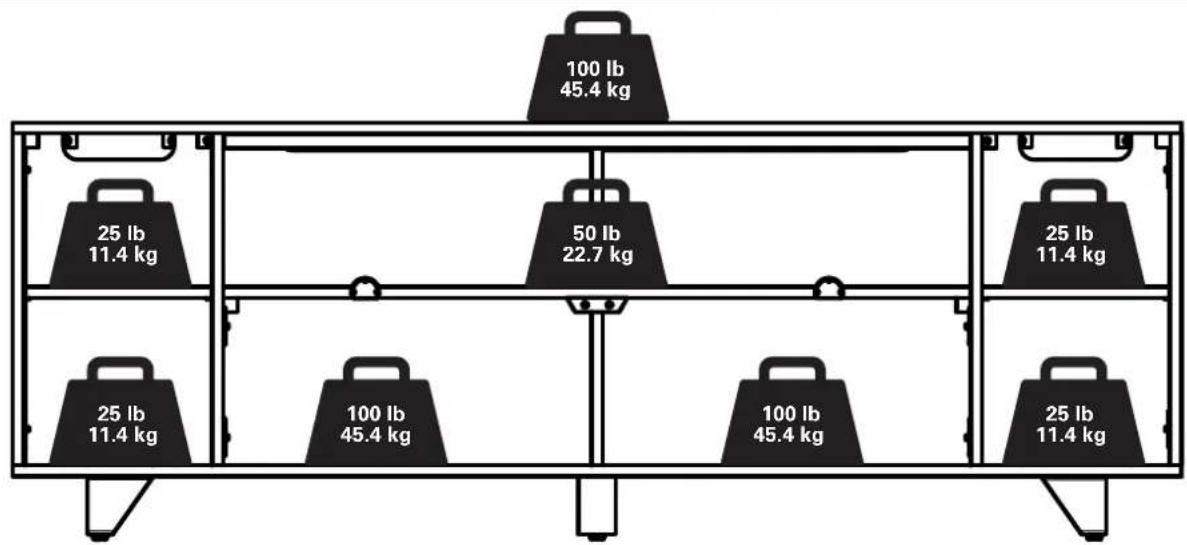
bar
| Weight (kg) | Value | |---|---| | 100 lb | 45.4 | | 25 lb | 11.4 | | 50 lb | 22.7 | | 25 lb | 11.4 | | 25 lb | 11.4 | | 100 lb | 45.4 | | 100 lb | 45.4 | | 25 lb | 11.4 |Cautions and Care
CARE INSTRUCTIONS
For wood with a natural finish, dust regularly with a soft dry cloth. When needed, wipe with a clean, damp, cloth and wipe dry.

CAUTION: Avoid potential personal injuries and property damage!
Serious or fatal crushing injuries can occur from furniture failure. To prevent failure:
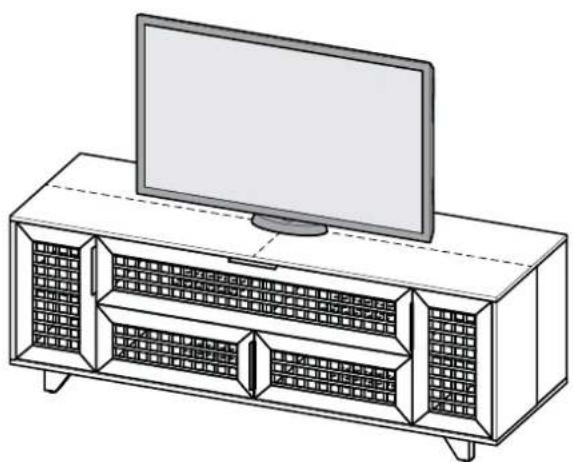
- This product is designed for use with fl at panel TVs ONLY.
- Do not exceed rated weight limits.
- Place heaviest items in the lowest shelves.
- Never allow children to climb or hang on shelves or doors.
• Always unload furniture before moving. - Use of anti-tip restraints may only reduce, but not eliminate, the risk of failure.
- Do not use this product for any purpose not explicitly specified by manufacturer.
- If you do not understand these instructions, or have doubts about the safety of the installation, assembly or use of this product, contact Customer Service or call a qualified contractor.
- Manufacturer is not responsible for damage or injury caused by incorrect assembly or use.
- To prevent tipping, be sure to center your fl at panel TV (NO CRTs) on the top of your furniture.
natural_image
Line drawing of a modern TV set with a flat-screen monitor on top, showing internal grid-patterned shelves (no text or symbols)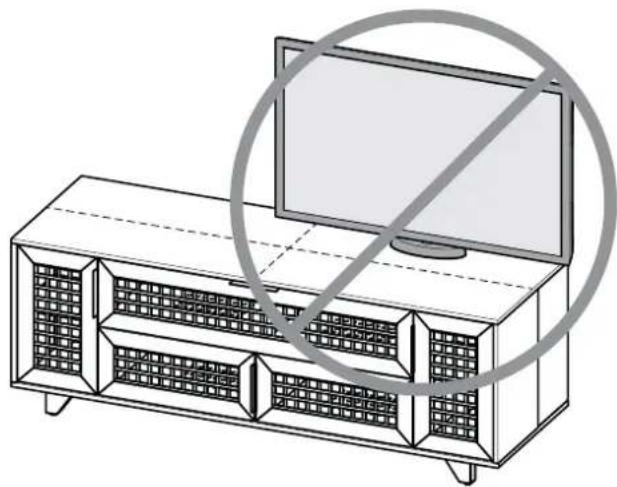
natural_image
Line drawing of a TV set with a monitor and grid-patterned shelves, no text or symbols present
natural_image
Line drawing of a screwdriver with a plus symbol (no text or labels)
natural_image
Technical line drawing of a metal beam with four circular cutouts (no text or symbols)Supplied Parts and Hardware
⚠ WARNING: This product contains small items that could be a choking hazard if swallowed.
Before starting assembly, verify all parts are included and undamaged. If any parts are missing or damaged, do not return the damaged item to your dealer; contact Customer Service. Never use damaged parts!
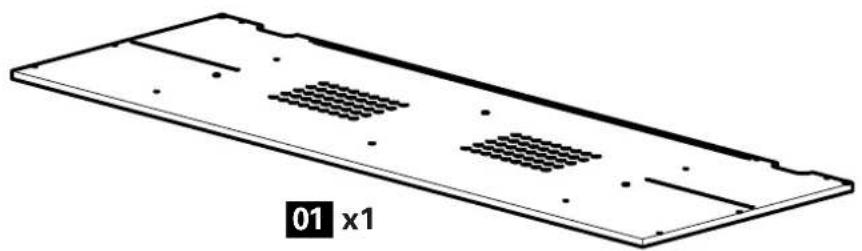
natural_image
Isometric view of a rectangular plate with internal grid patterns and mounting holes (no text or symbols)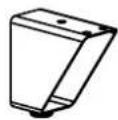
02 x4
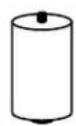
03 x1
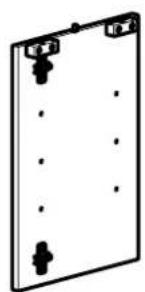
natural_image
Simple line drawing of a rectangular plate with corner handles and dot patterns (no text or symbols)04 x1
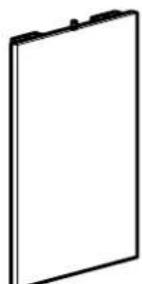
natural_image
Simple line drawing of a blank rectangular frame with no text or symbols05 x1
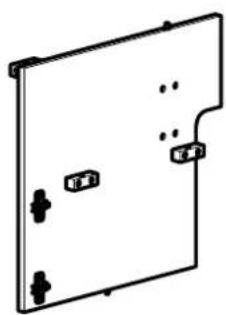
natural_image
Simple line drawing of a rectangular panel with four corner holes and a small inset showing a button (no text or symbols)06 x1
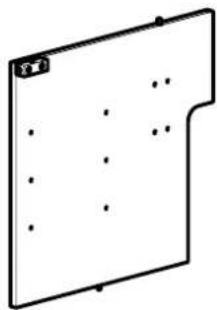
natural_image
Simple line drawing of a rectangular panel with dots and a small label on the top (no text or symbols)07 x1
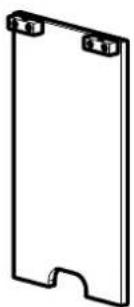
natural_image
Simple line drawing of a rectangular frame with three corner holes (no text or symbols)08 x2
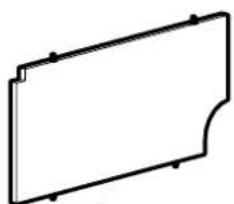
natural_image
Simple line drawing of a rectangular frame with corner cutouts (no text or symbols)09 x1
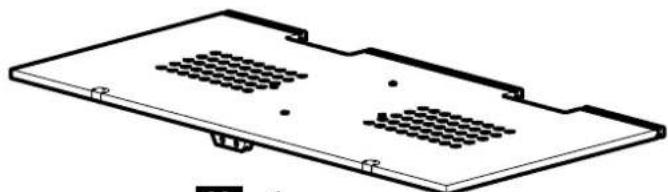
natural_image
Isometric technical drawing of a rectangular electronic component with two internal grating holes (no text or symbols)10 x1
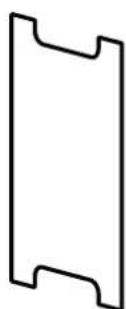
11 x2
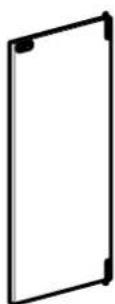
12 x1
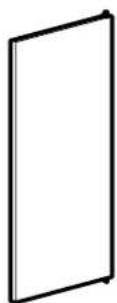
13 x1
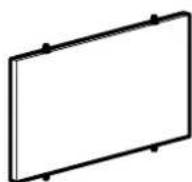
14 x1
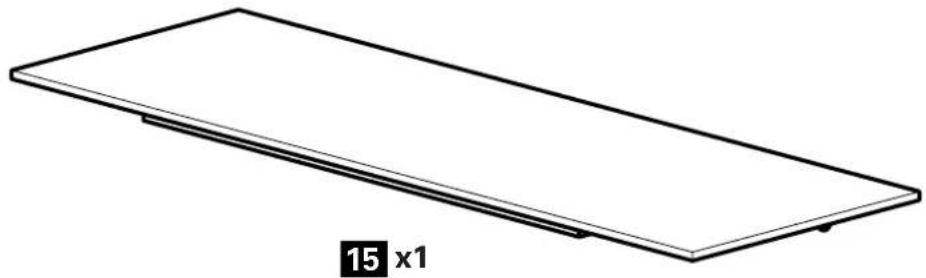
natural_image
Simple line drawing of a rectangular plate with a flat top and a small side, labeled '15 x1' below (no other text or symbols)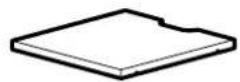
16 x2
natural_image
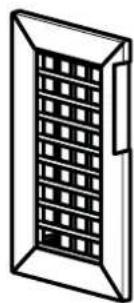
Isometric line drawing of a rectangular window with grid pattern (no text or symbols)17 x1
natural_image
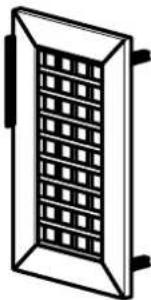
Simple line drawing of a rectangular enclosure with a grid-patterned interior (no text or symbols)18 x1
natural_image
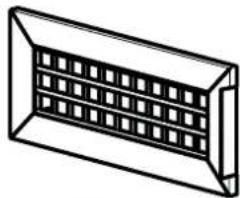
Isometric line drawing of a rectangular container with internal grid pattern (no text or symbols)19 x1
natural_image
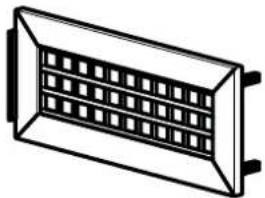
Pure technical line drawing of a rectangular component with internal grid pattern (no text or symbols)20 x1
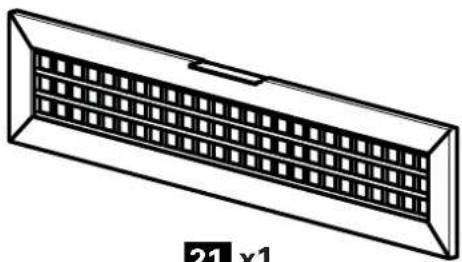
natural_image
Technical line drawing of a rectangular ventilation grille with grid pattern (no text or symbols)21 x1
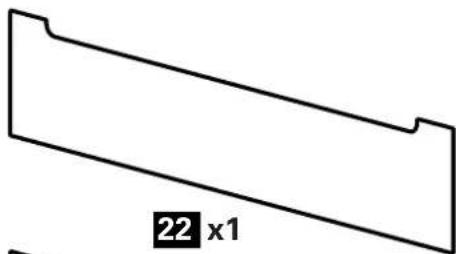
natural_image
Simple geometric shape with a labeled dimension (22 x1) at the bottom, no other text or symbols present.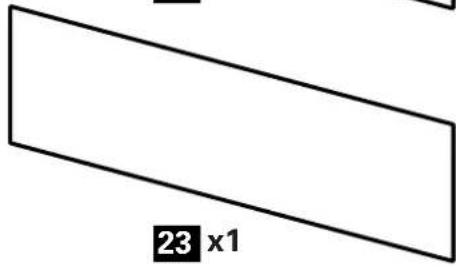
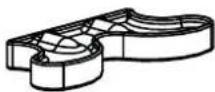
24 x4
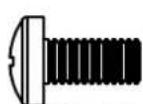
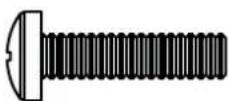
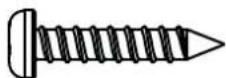
M6 x 12mm M6 x 25mm #8 x 1 in.
26 (26)
27 (8)
28 (8)
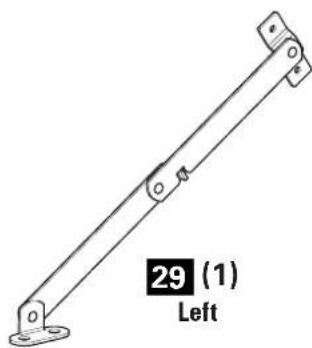
natural_image
Mechanical linkage component with mounting base and labeled part (1), no text or symbols beyond label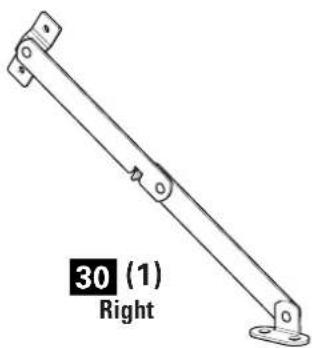
natural_image
Mechanical linkage diagram with labeled part number 30 (1) and right side, no other text or symbols present
3.5×12mm
31(8)
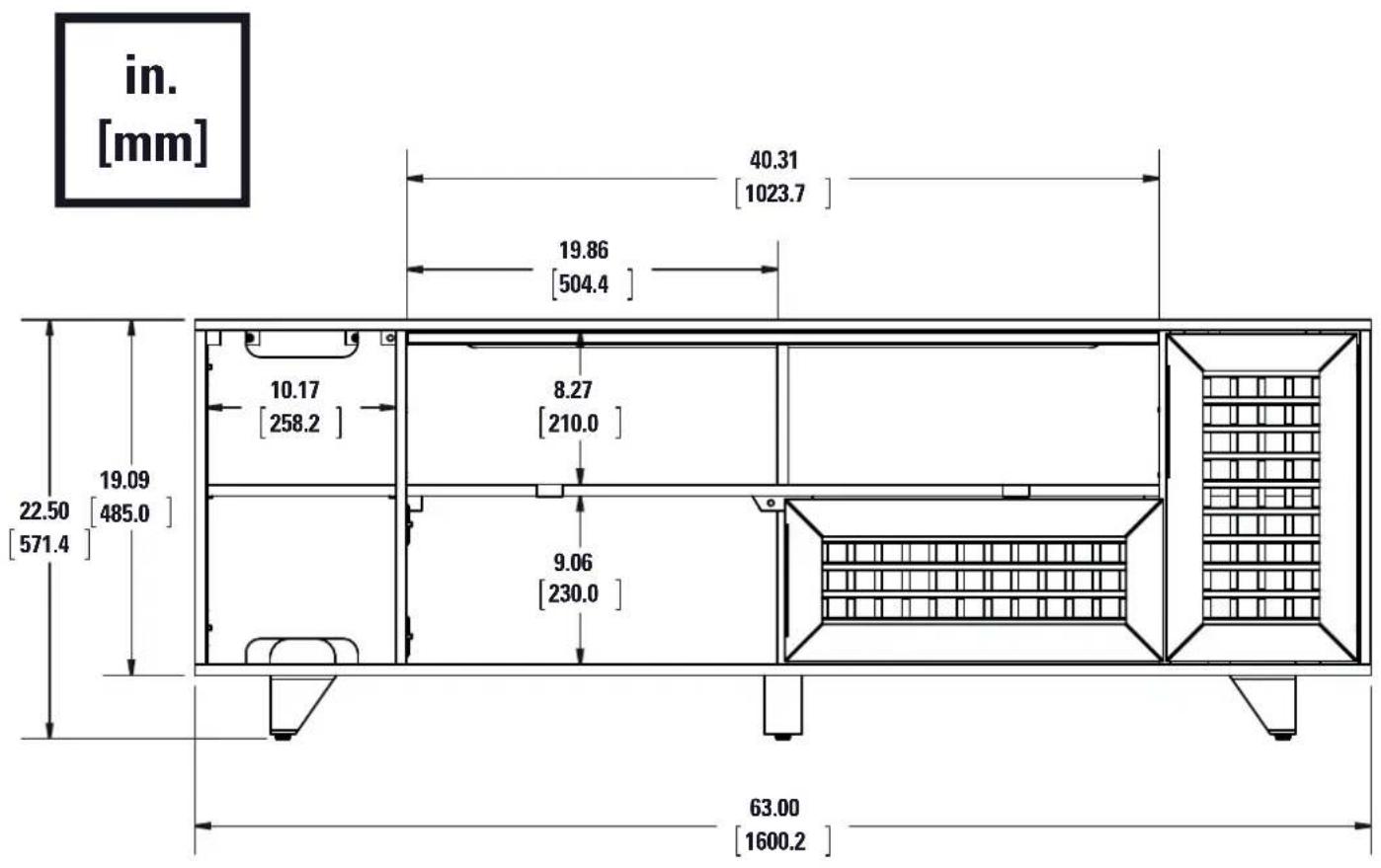
other
| Dimension | Value | | --------- | ------- | | Total Length | 40.31 | | Height | 1023.7 | | Width | 19.86 | | Height (Width) | 504.4 | | Height (Width) | 258.2 | | Height (Width) | 22.50 | | Height (Width) | 485.0 | | Height (Width) | 571.4 | | Height (Width) | 19.09 | | Height (Width) | 9.06 | | Height (Width) | 230.0 | | Height (Width) | 63.00 | | Height (Width) | 1600.2 |![10.54 [267.8] 19.56 [496.9] 21.00 [533.4]](/content/2026/04/673720/images/0320280435dee29b9a05ee53888540dbb8d4ca262c08692e1405f9a27215e50f.jpg)
Parts and Hardware for STEP 1
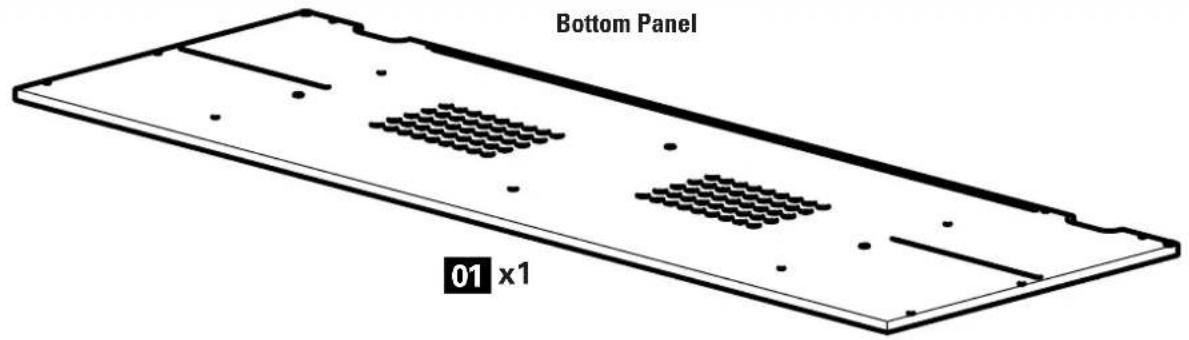
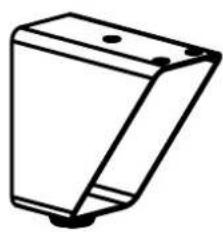
natural_image
Simple line drawing of a 3D rectangular block with mounting holes (no text or symbols)02 x4
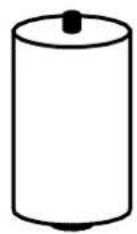
03 x1
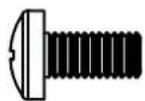
M6 x 12mm
25 x12
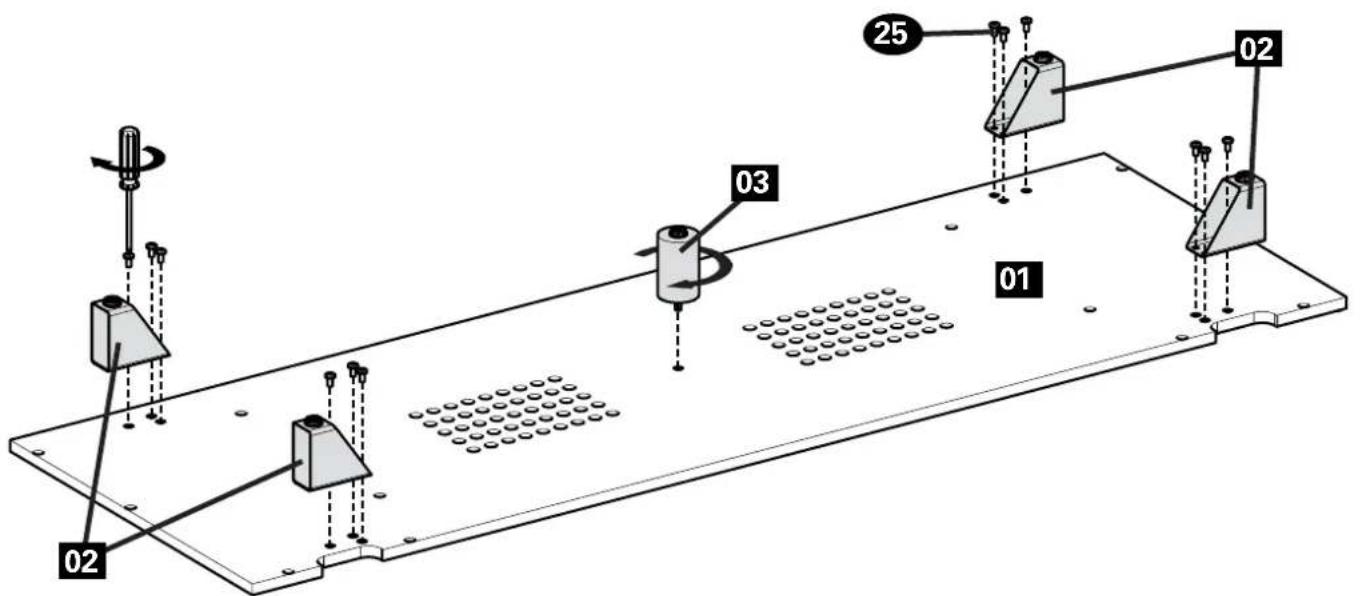
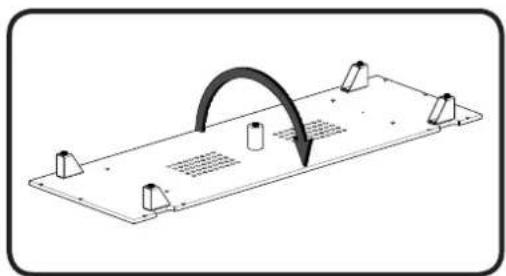
natural_image
Technical line drawing of a mechanical component with mounting holes and a curved arrow indicating motion (no text or symbols)Parts for STEP 2
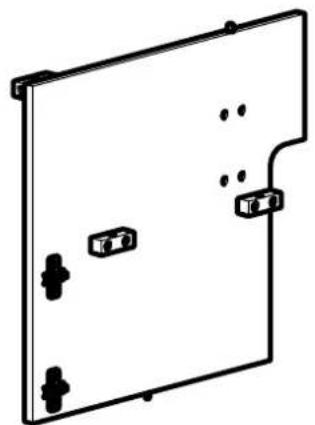
natural_image
Pure technical line drawing of a rectangular panel with mounting holes and connectors (no text or symbols)06 x1
Divider Panels
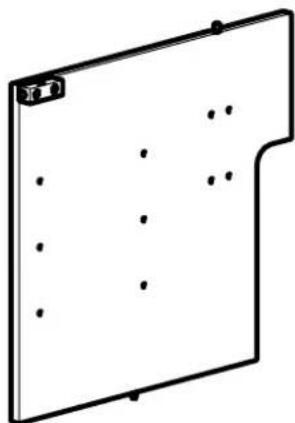
natural_image
Simple line drawing of a rectangular panel with dots and a small circular mark on top (no text or symbols)07 x1
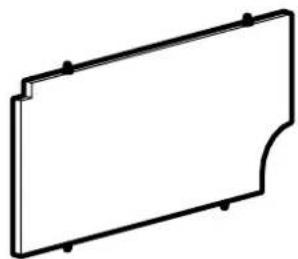
natural_image
Simple line drawing of a rectangular frame with corner holes and a curved cutout (no text or symbols)09 x1
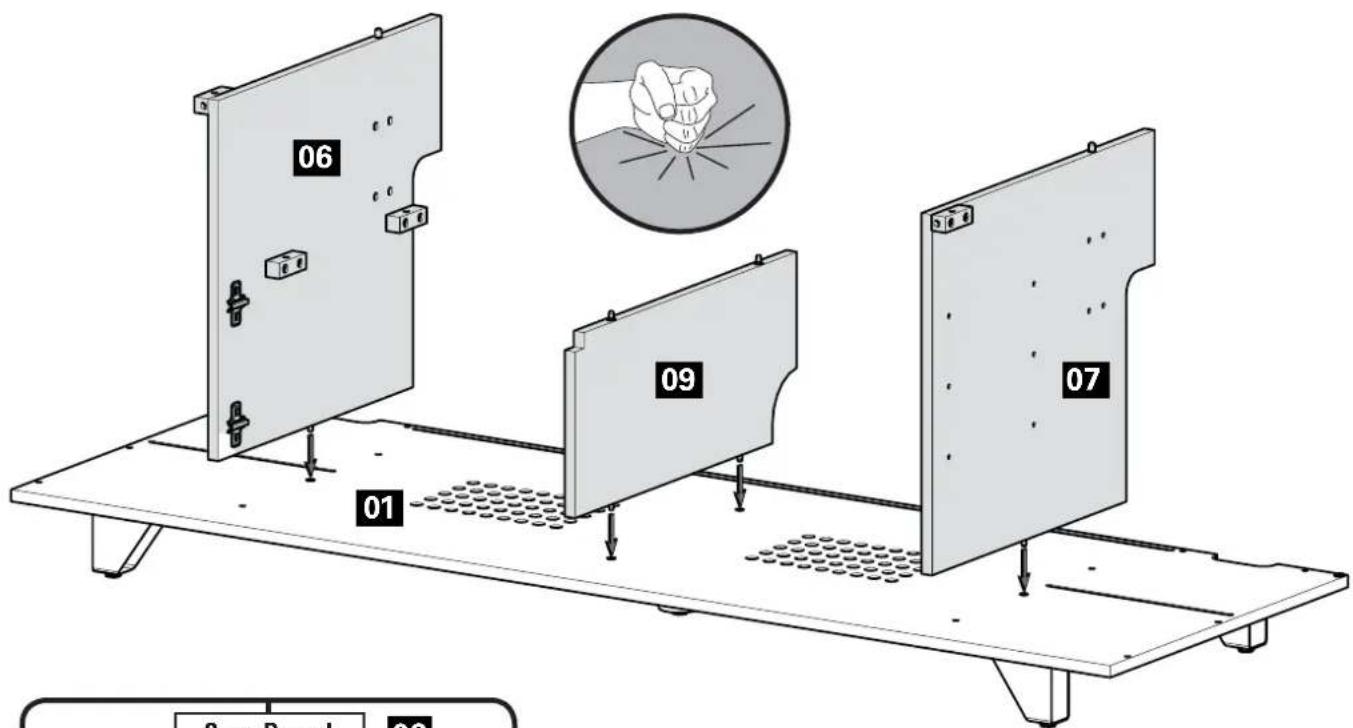
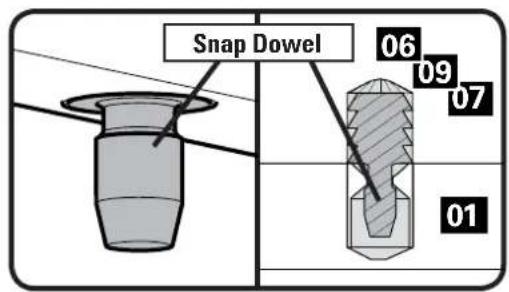
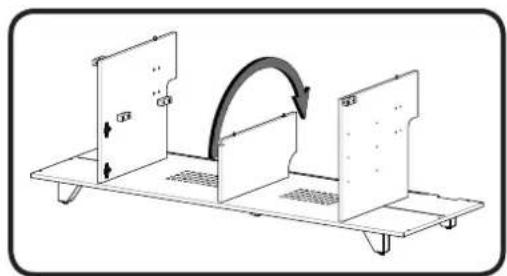
natural_image
Diagram of a mechanical assembly with three panels and a curved arrow indicating rotation (no text or symbols)3 Side and Back Panels
Parts and Hardware for STEP 3
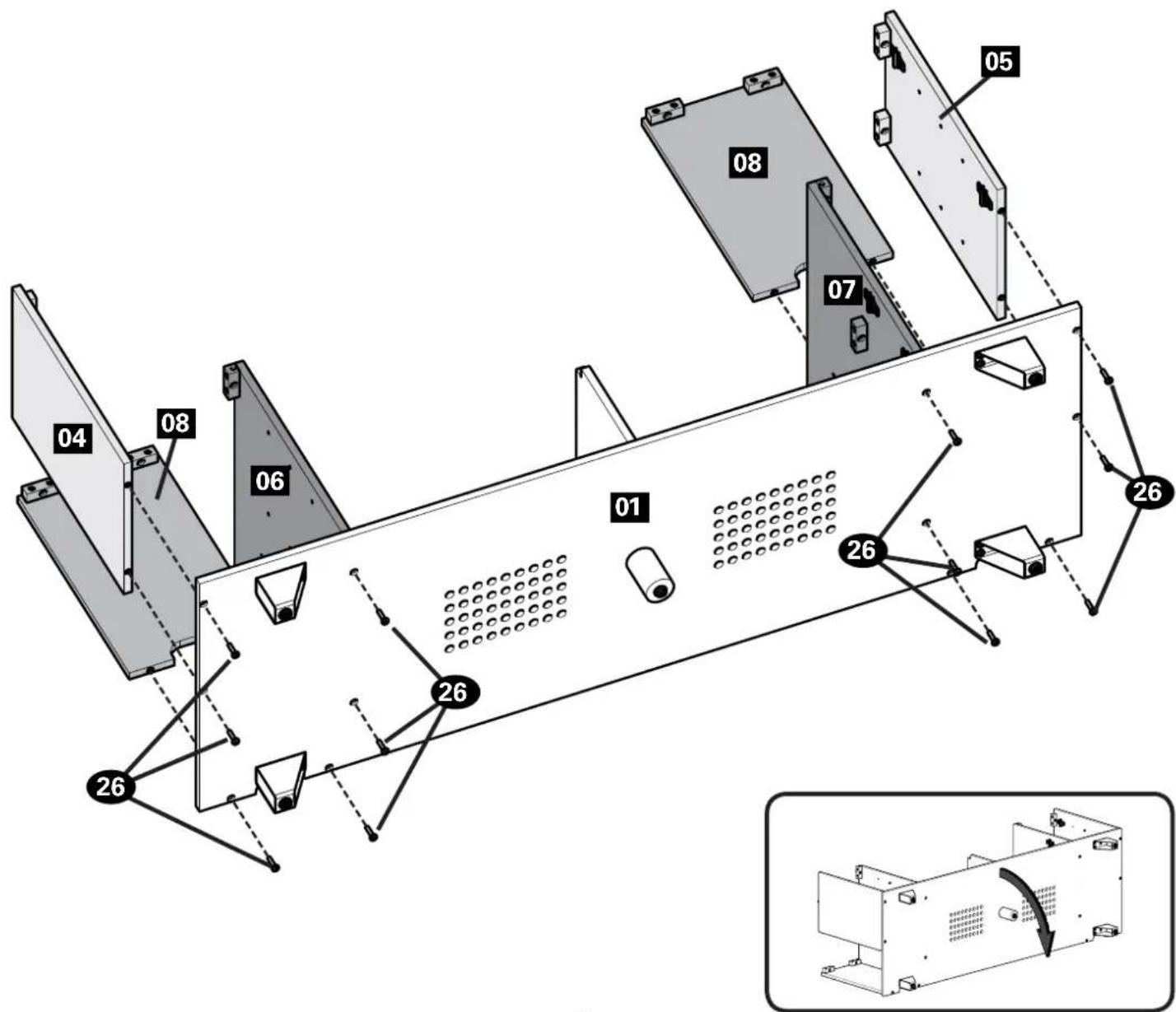
Side Panels Back Support Panels
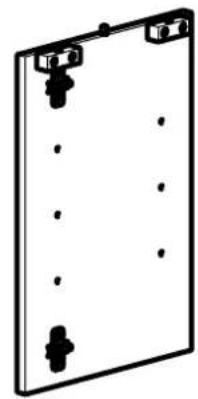
natural_image
Simple line drawing of a rectangular plate with corner markers and dots (no text or symbols)04 x1
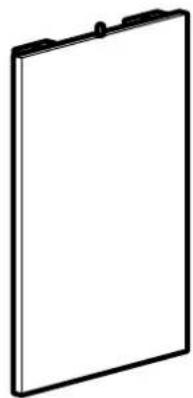
natural_image
Simple line drawing of a blank rectangular frame with no text or symbols05 x1
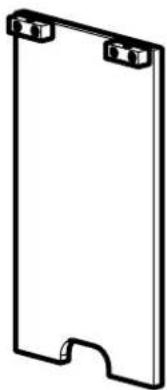
natural_image
Simple line drawing of a rectangular frame with two corner clips (no text or symbols)08 x2
Panel Screws
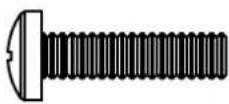
M6 x 25mm
26 x12
4 Shelf and Wire Wraps
Parts and Hardware for STEP 4
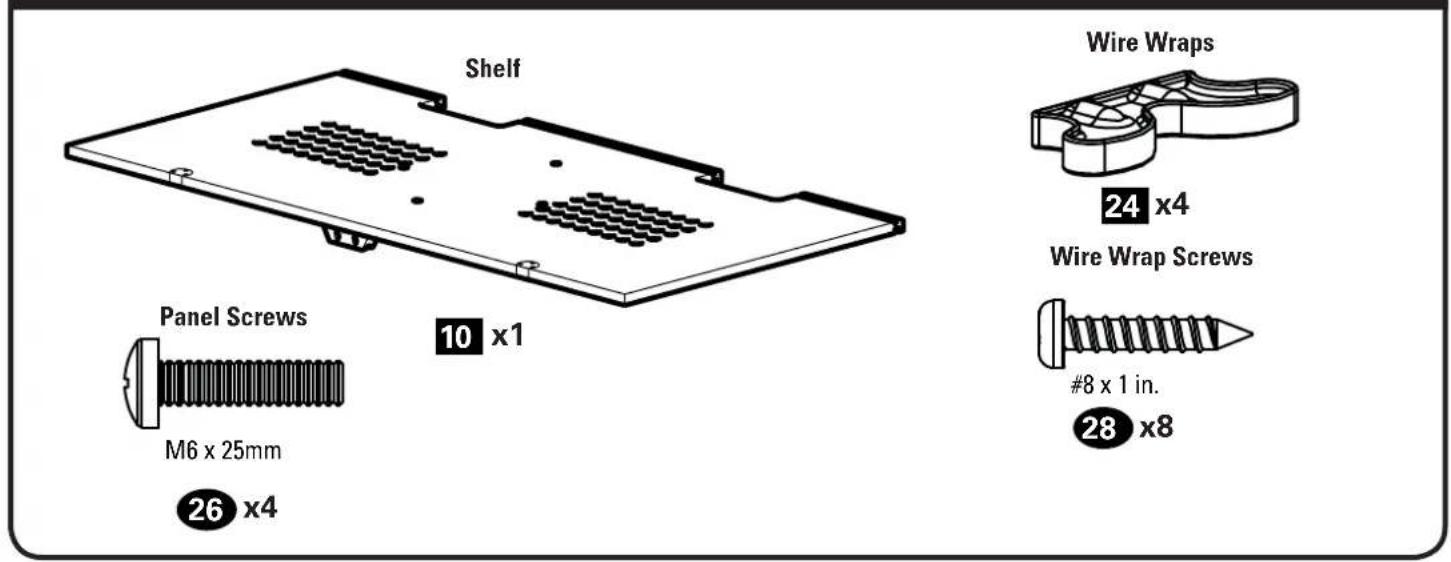
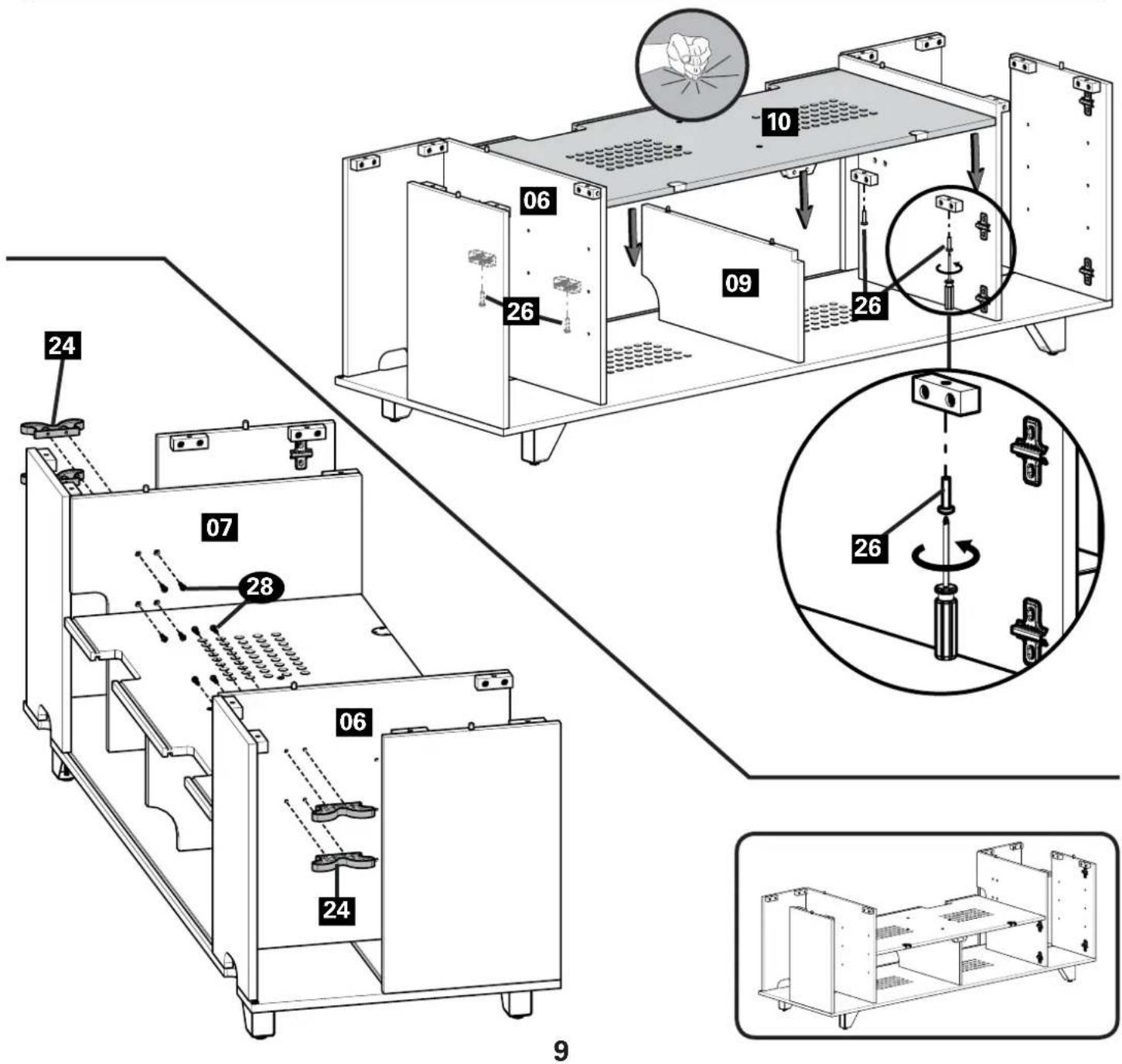
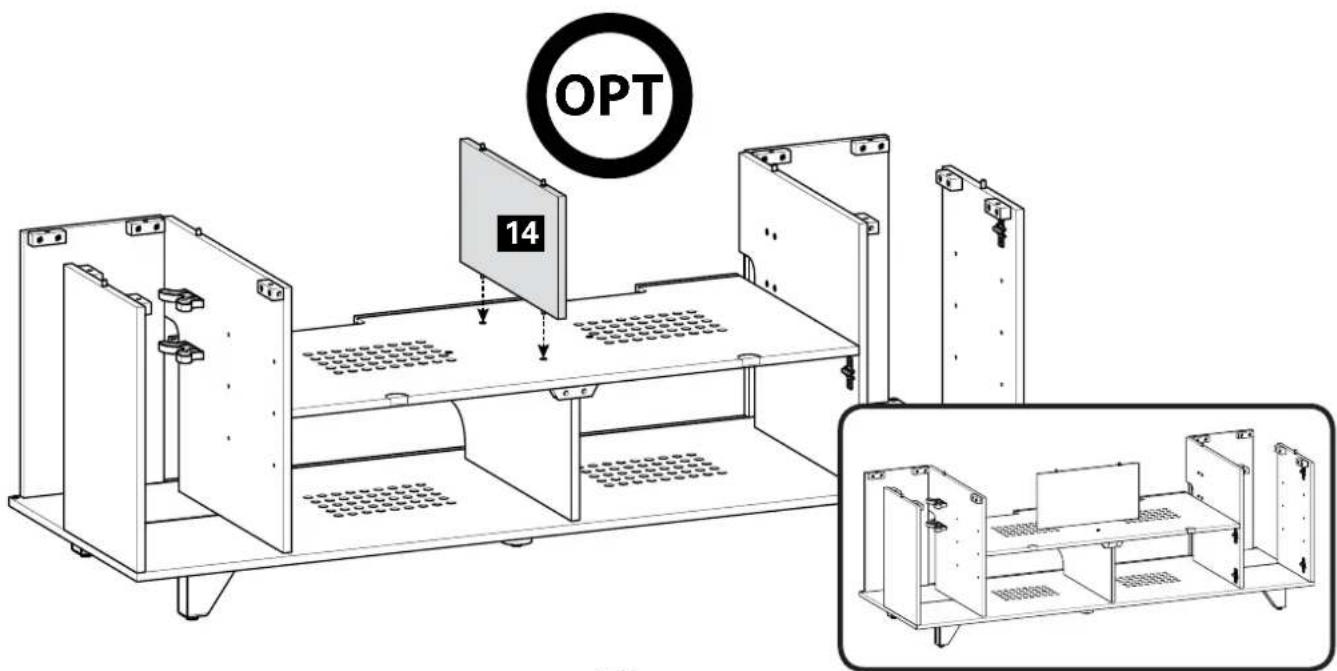
5 Top Divider
Parts for STEP 5
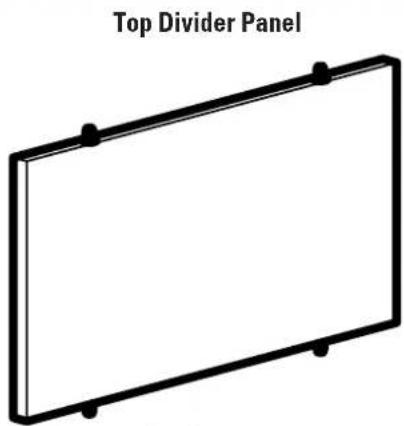
natural_image
Simple line drawing of a blank whiteboard with black dots at corners (no text or symbols)14 x1
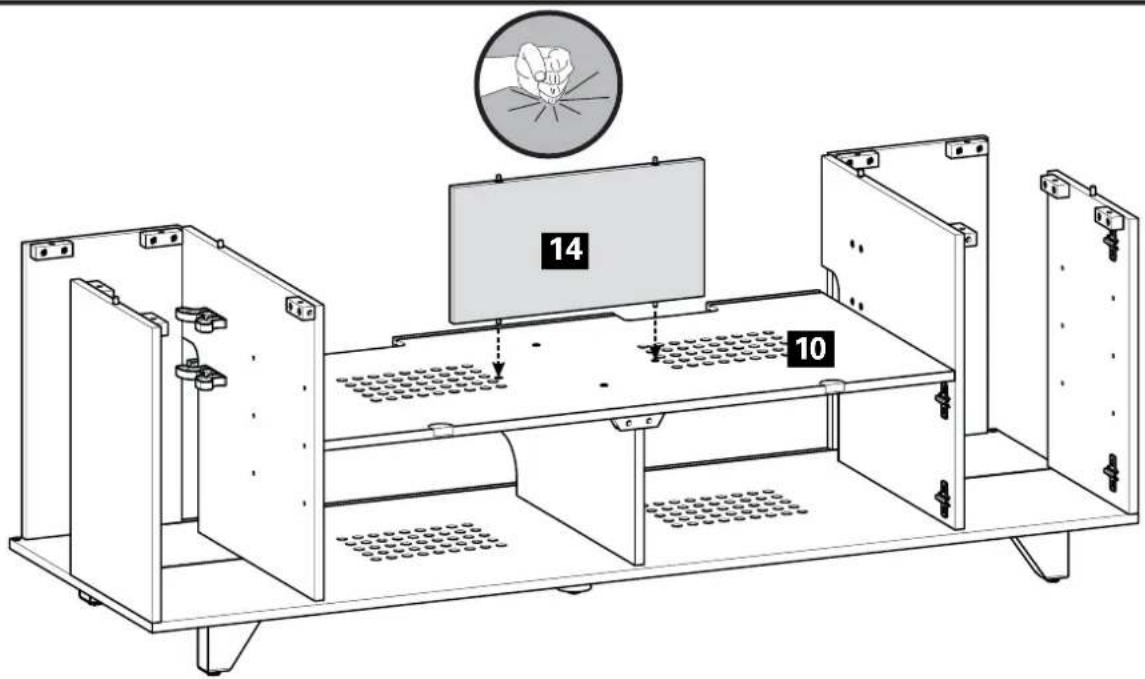
6 Side Divider and Side Access Doors
Parts for STEP 6
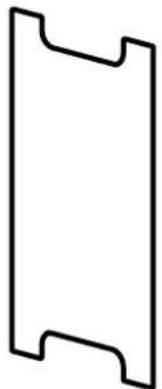
Side Divider Panels Side Access Doors
natural_image
Simple geometric shape resembling a bracket or stylized letter (no text or symbols)11 x2
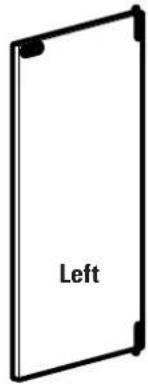
12 x1
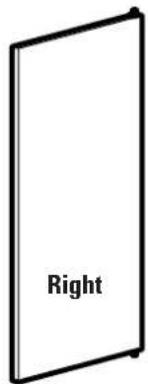
13 x1
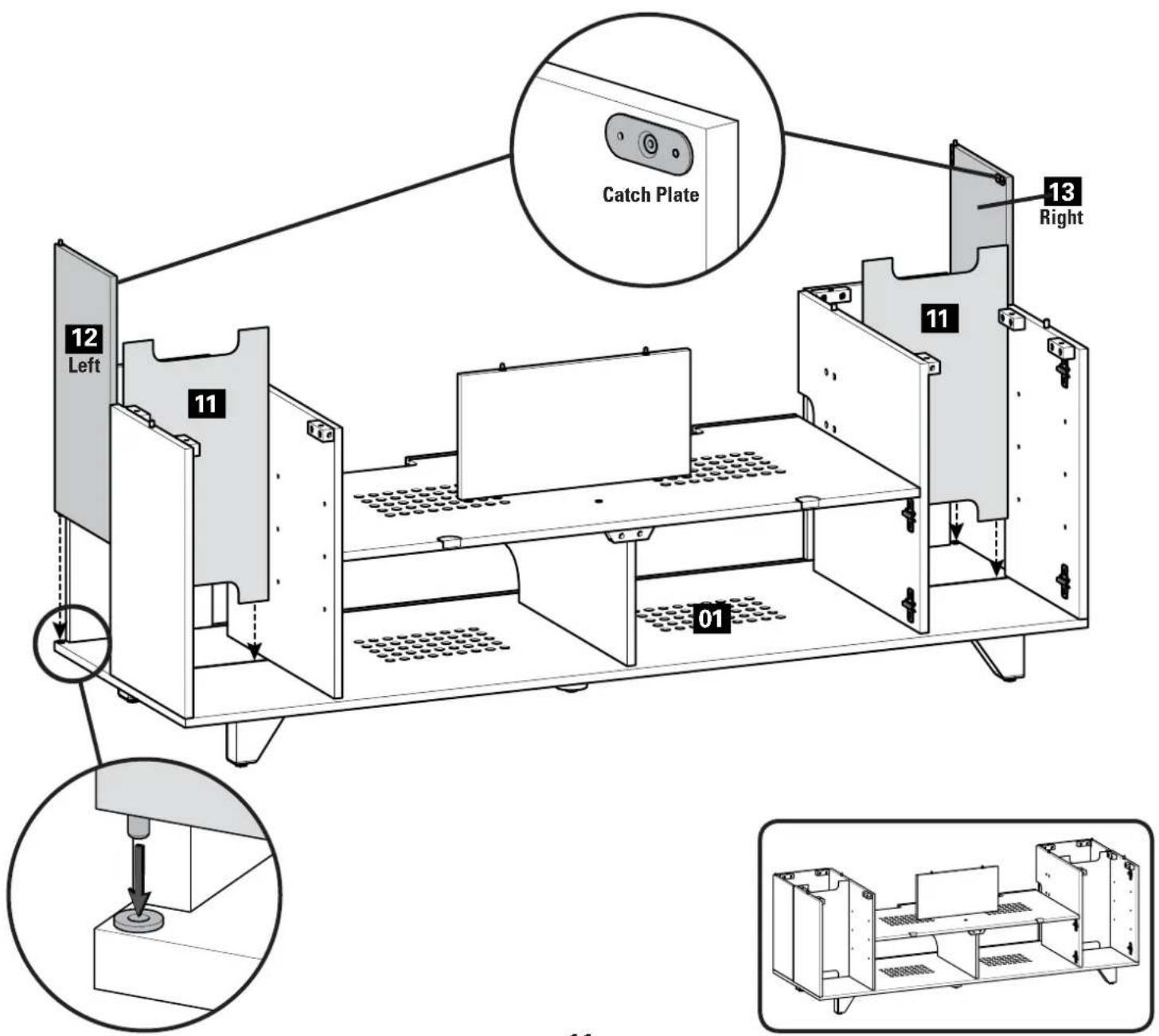
Parts and Hardware for STEP 7
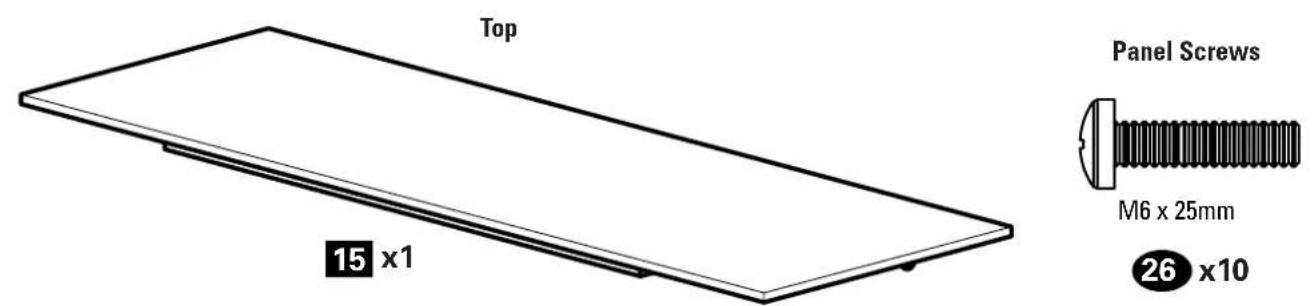
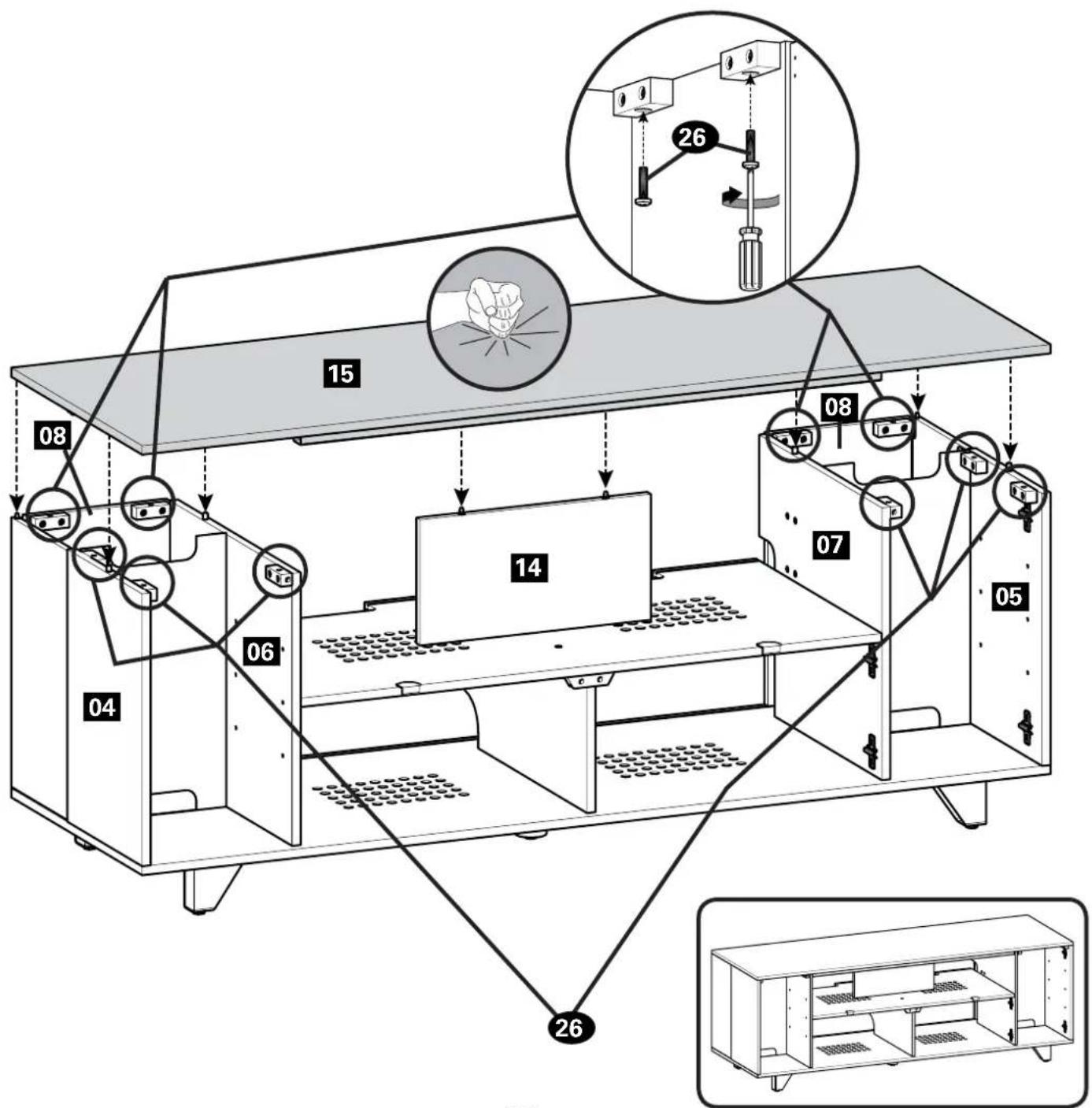
Parts and Hardware for STEP 8
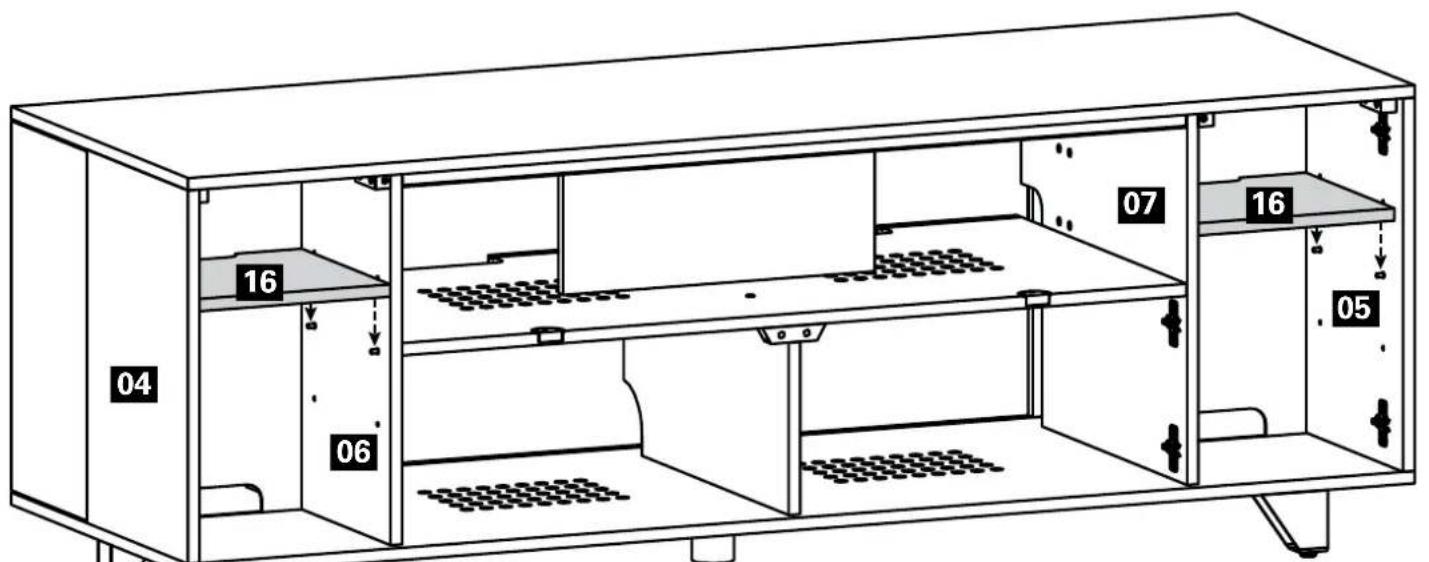
Mini Shelves
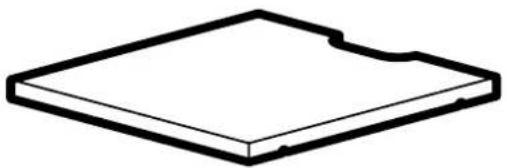
natural_image
Simple line drawing of a rectangular electronic component or cover plate (no text or symbols)16 x2
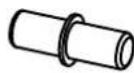
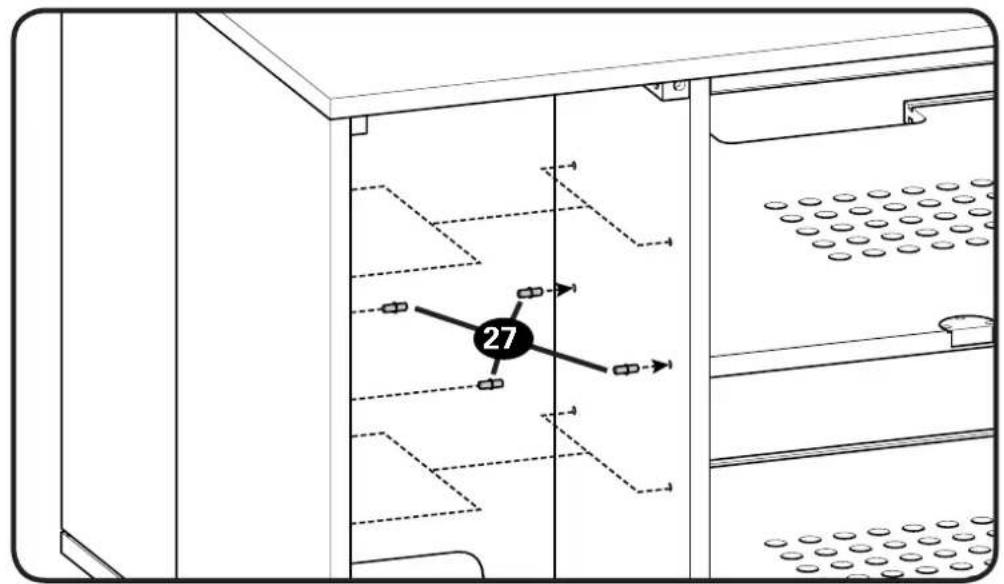
Shelf Pin
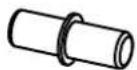
27 x8
natural_image
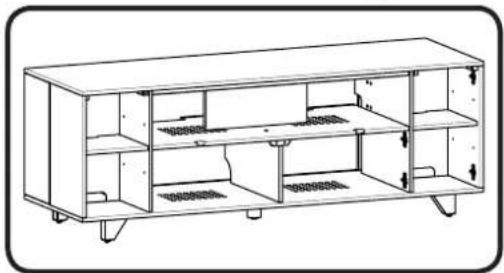
Technical line drawing of a multi-level electronic cabinet or rack unit (no text or symbols)Parts for STEP 9
natural_image
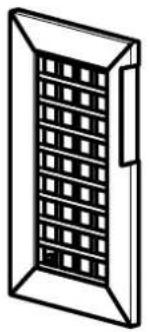
Isometric line drawing of a rectangular window with a grid pattern on the front face (no text or symbols)17 x1
natural_image
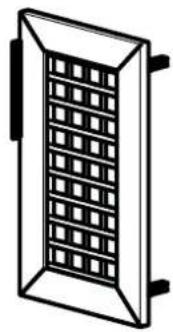
Isometric line drawing of a rectangular window with a grid pattern on the front face (no text or symbols)18 x1
Vertical Doors
natural_image
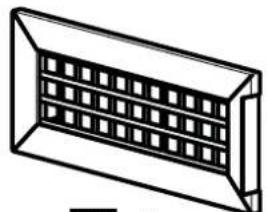
Isometric line drawing of a rectangular duct or channel with internal grid pattern (no text or symbols)19 x1
natural_image
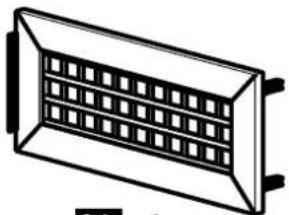
Simple line drawing of a rectangular panel with a grid pattern inside, no text or symbols present.20 x1
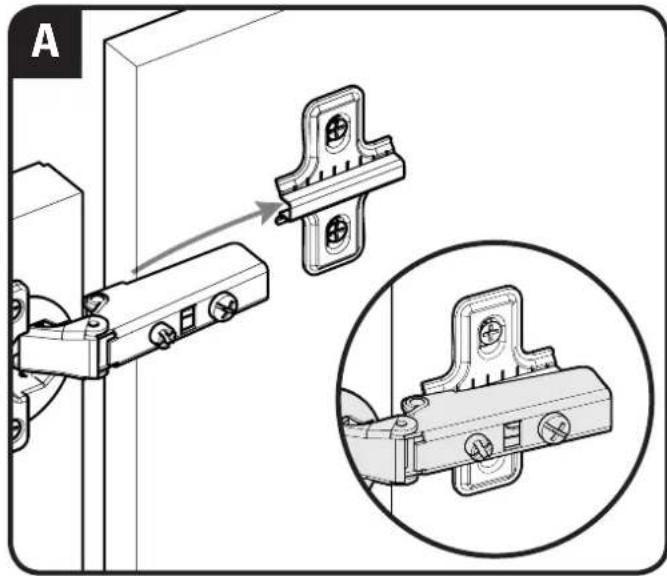
natural_image
Technical illustration of a door hinge mechanism with an inset close-up showing the same component (no text or symbols present)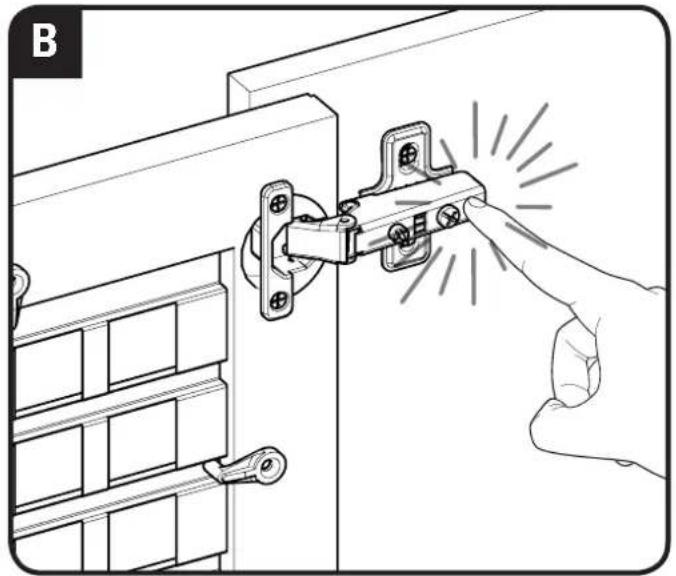
natural_image
Illustration of a hand inserting a lock into a door, showing mechanical components and a magnified view (no text or symbols)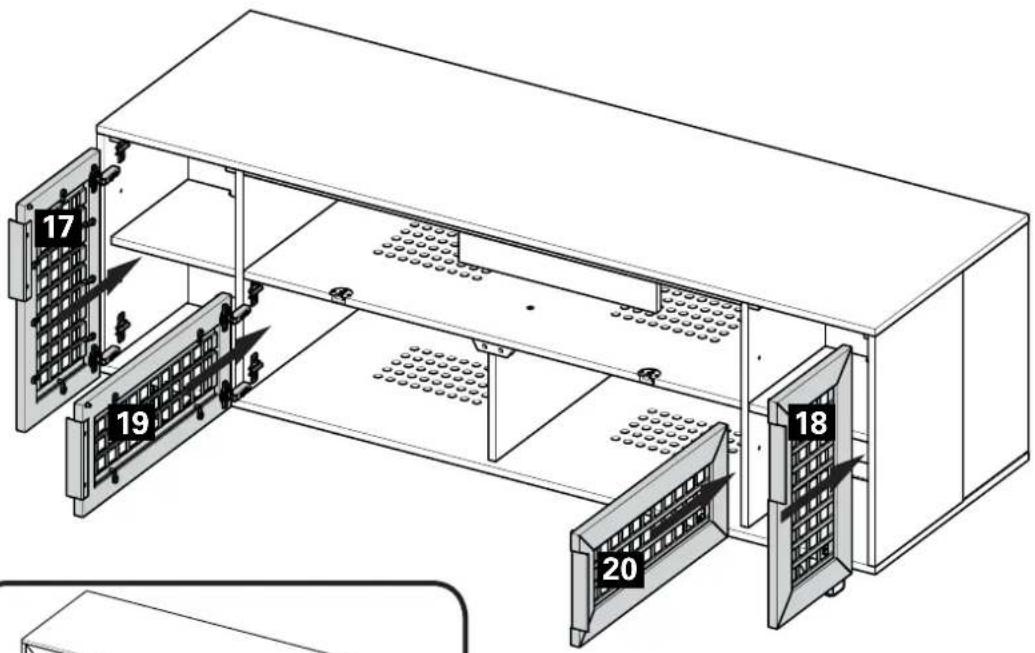
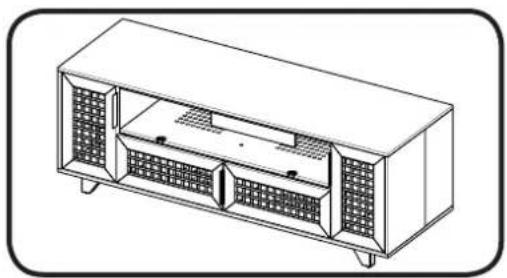
natural_image
Technical line drawing of a multi-chamber electronic device with internal compartments and mounting feet (no text or symbols)Adjust Doors
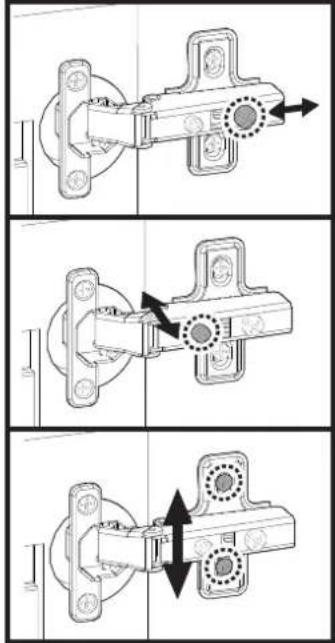
natural_image
Three-panel technical diagram showing mechanical assembly steps with arrows indicating motion (no text or symbols)Parts and Hardware for STEP 10
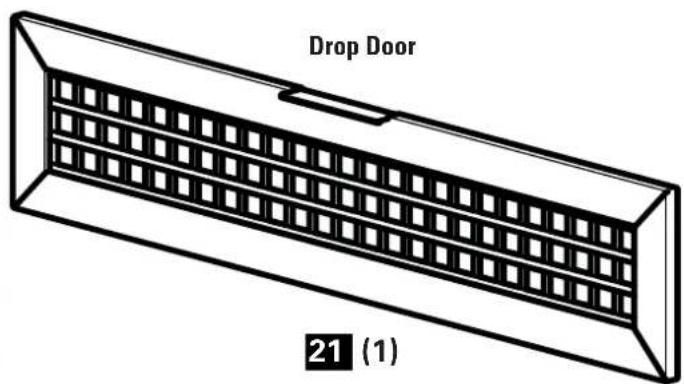
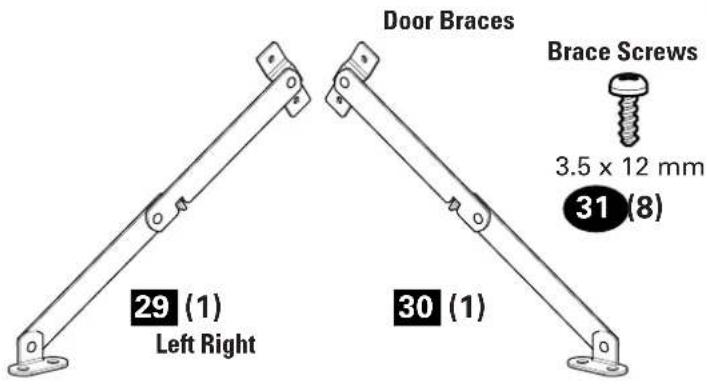
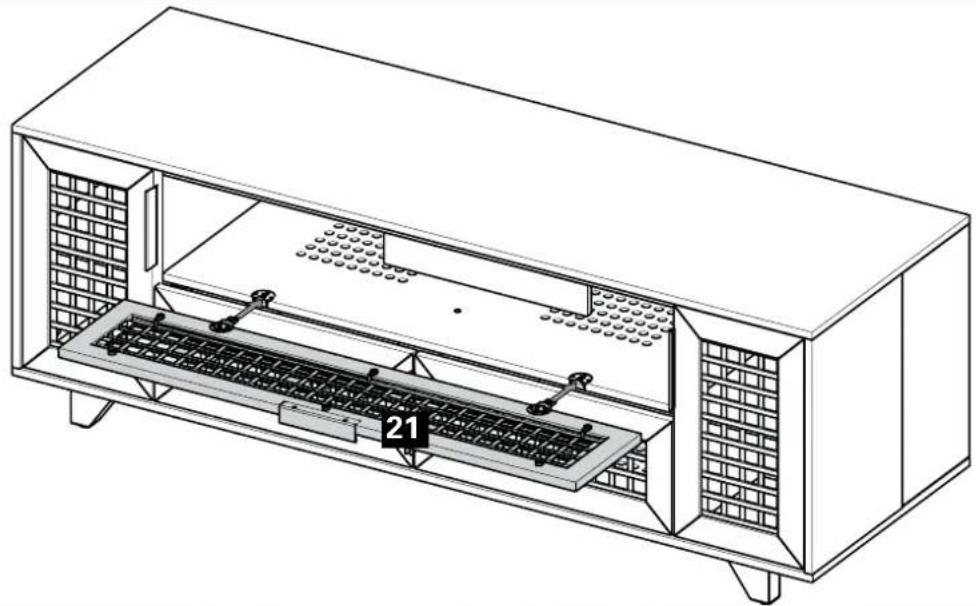
natural_image
Technical line drawing of a mechanical enclosure with internal components and labeled part '21' (no text or symbols beyond label)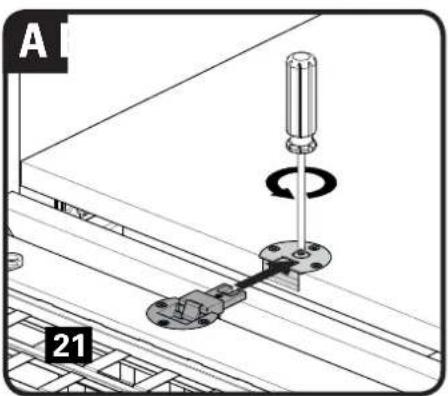
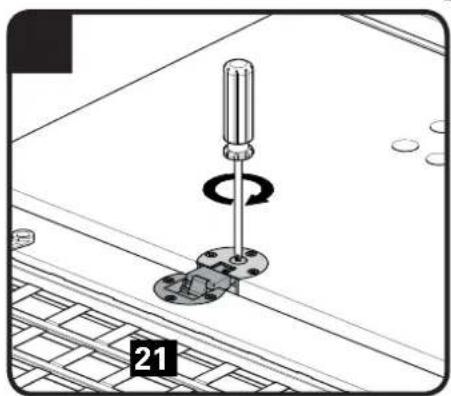
natural_image
Mechanical assembly diagram showing a screwdriver inserted into a housing with a base plate and circular motion indicator (no text or symbols)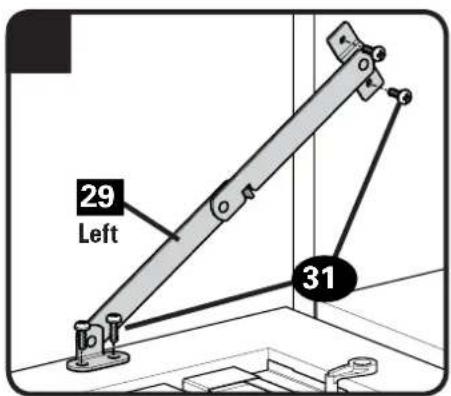
Adjust Drop Door
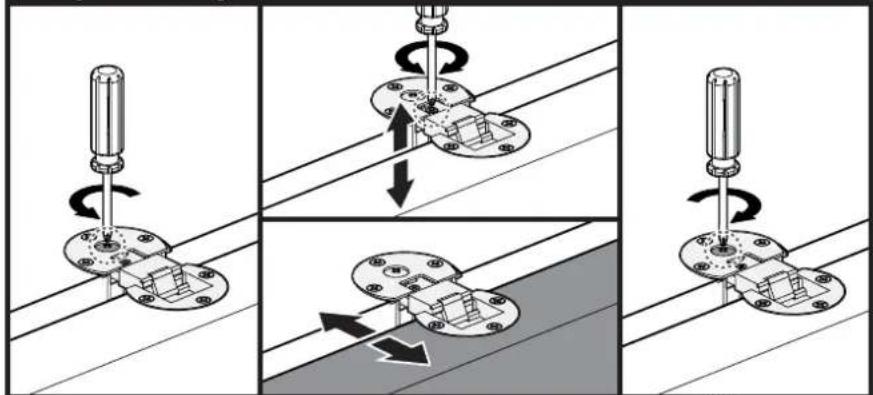
natural_image
Four-panel diagram showing mechanical assembly steps with rotating components and directional arrows (no text or symbols)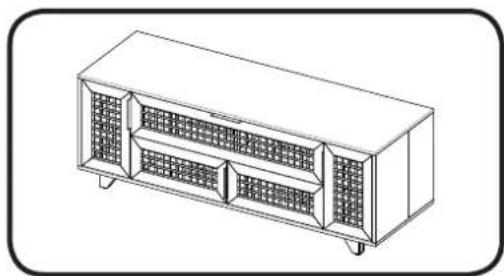
natural_image
Line drawing of a rectangular electronic device with internal compartments and mounting feet (no text or symbols)Parts for STEP 11
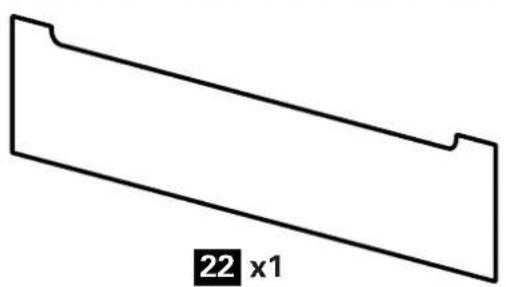
natural_image
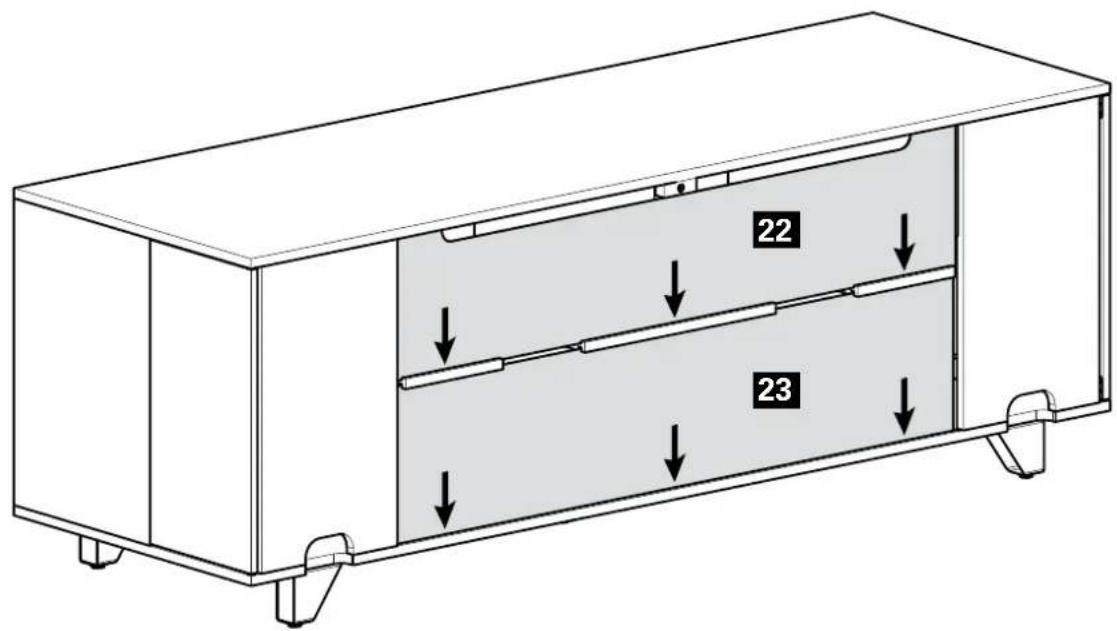
Simple geometric shape with a labeled dimension (22 x1) at the bottom, no other text or symbols present.Back Panels
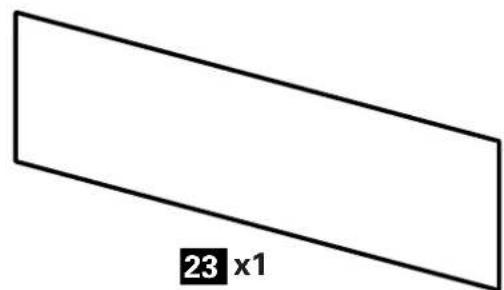
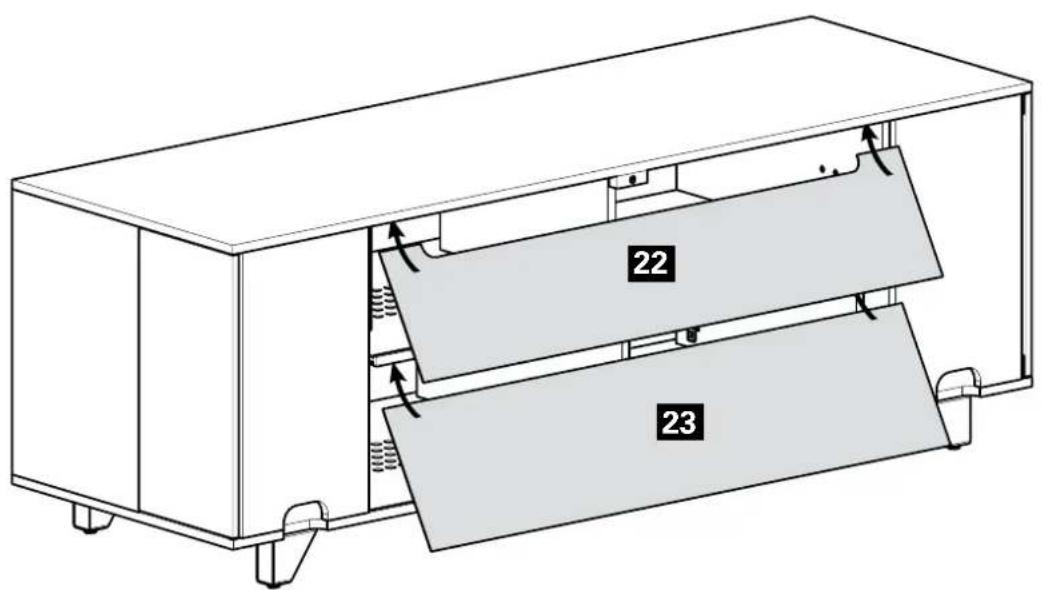
natural_image
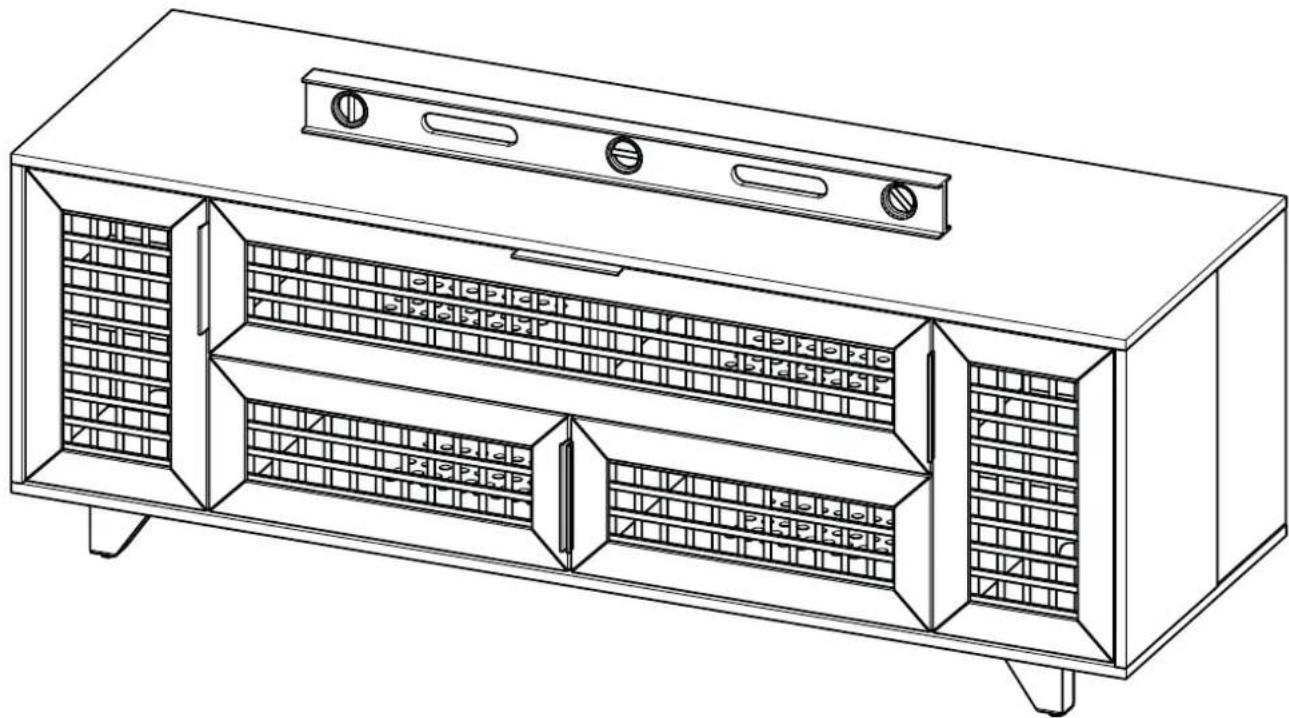
Line drawing of a multi-level cabinet with gridded panels and ventilation slots (no text or symbols)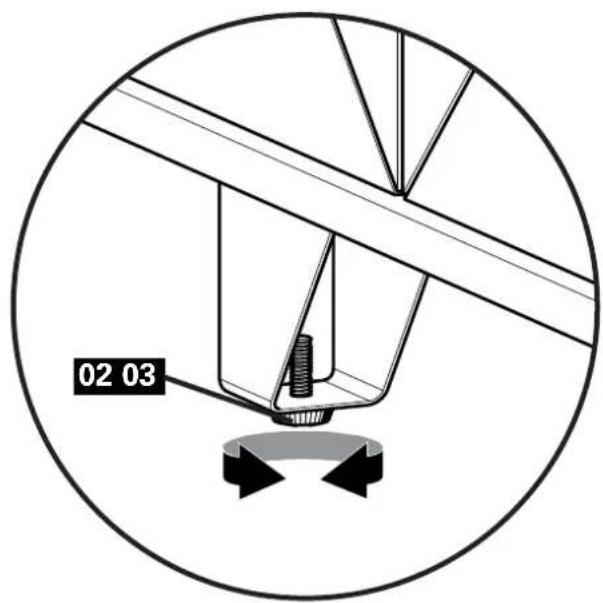
natural_image
Technical diagram of a mechanical assembly with labeled parts (02, 03), showing a central component and directional arrows (no readable text or symbols beyond labels)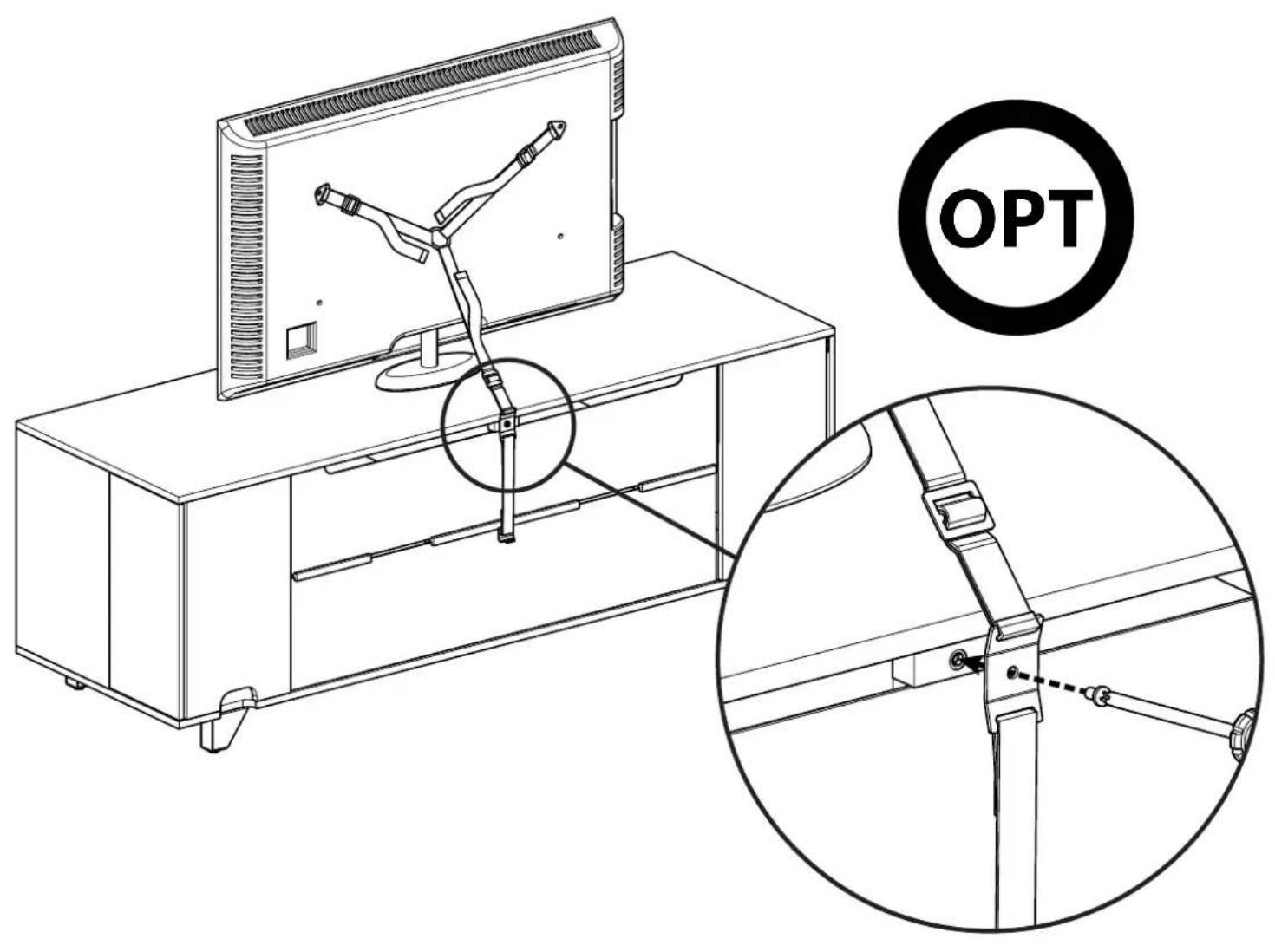
natural_image
Technical line drawing of a multi-level industrial cabinet or enclosure with internal structural panels (no text or symbols)ESPAÑOL
Thank you for choosing Sanus! Please take a moment to let us know how we did:

Call us: 800-359-5520

Email us: info@sanus.com

Leave a review: sanus.com

Find us on Facebook: SANUS Follow us on Twitter @sanussystems
Milestone AV Technologies and its affiliated corporations and subsidiaries (collectively, "Milestone"), intend to make this manual accurate and complete. However, Milestone makes no claim that the information contained herein covers all details, conditions, or variations. Nor does it provide for every possible contingency in connection with the installation or use of this product. The information contained in this document is subject to change without notice or obligation of any kind. Milestone makes no representation of warranty, expressed or implied, regarding the information contained herein. Milestone assumes no responsibility for accuracy, completeness or sufficiency of the information contained in this document.
©2013 Milestone AV Technologies, a Duchossois Group Company. All rights reserved. Sanus is a division of Milestone. All other brand names or marks are used for identification purposes and are trademarks of their respective owners.