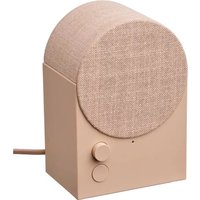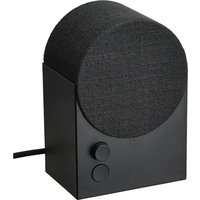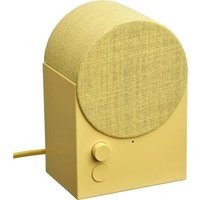
SYMFONISK 305.273.12 - Speaker IKEA - Free user manual and instructions
Find the device manual for free SYMFONISK 305.273.12 IKEA in PDF.


User questions about SYMFONISK 305.273.12 IKEA
0 question about this device. Answer the ones you know or ask your own.
Ask a new question about this device
Download the instructions for your Speaker in PDF format for free! Find your manual SYMFONISK 305.273.12 - IKEA and take your electronic device back in hand. On this page are published all the documents necessary for the use of your device. SYMFONISK 305.273.12 by IKEA.
USER MANUAL SYMFONISK 305.273.12 IKEA
text_image
Illustration comparing two scenes: one showing a person reading at a desk with a question mark, the other showing a person examining a laptop with an IKEA store in the background.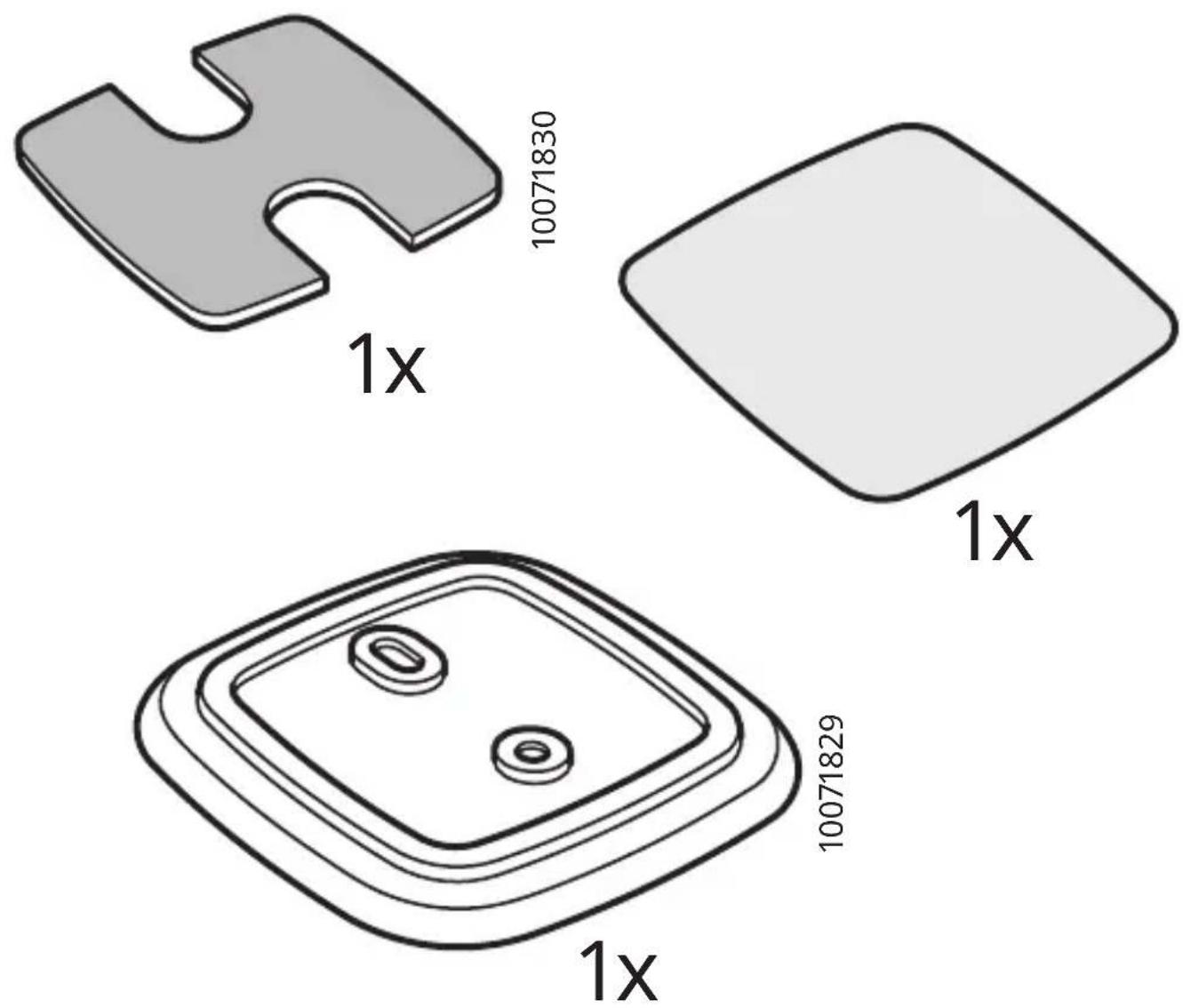
text_image
1x 10071830 1x 10071829 1x
flowchart
graph LR
    A["Works with IKEA Home smart"] --> B["+"]
    B --> C["SYMFONISKDIRIGEI"]
flowchart
graph TD
    A["Download on the App Store"] --> C((iPhone))
    B["GetT1ON Google Play"] --> C
    C --> D["Works with IKEA Home smart"]
2
text_image
max 5 cm (max 2") AAA AAA >10 s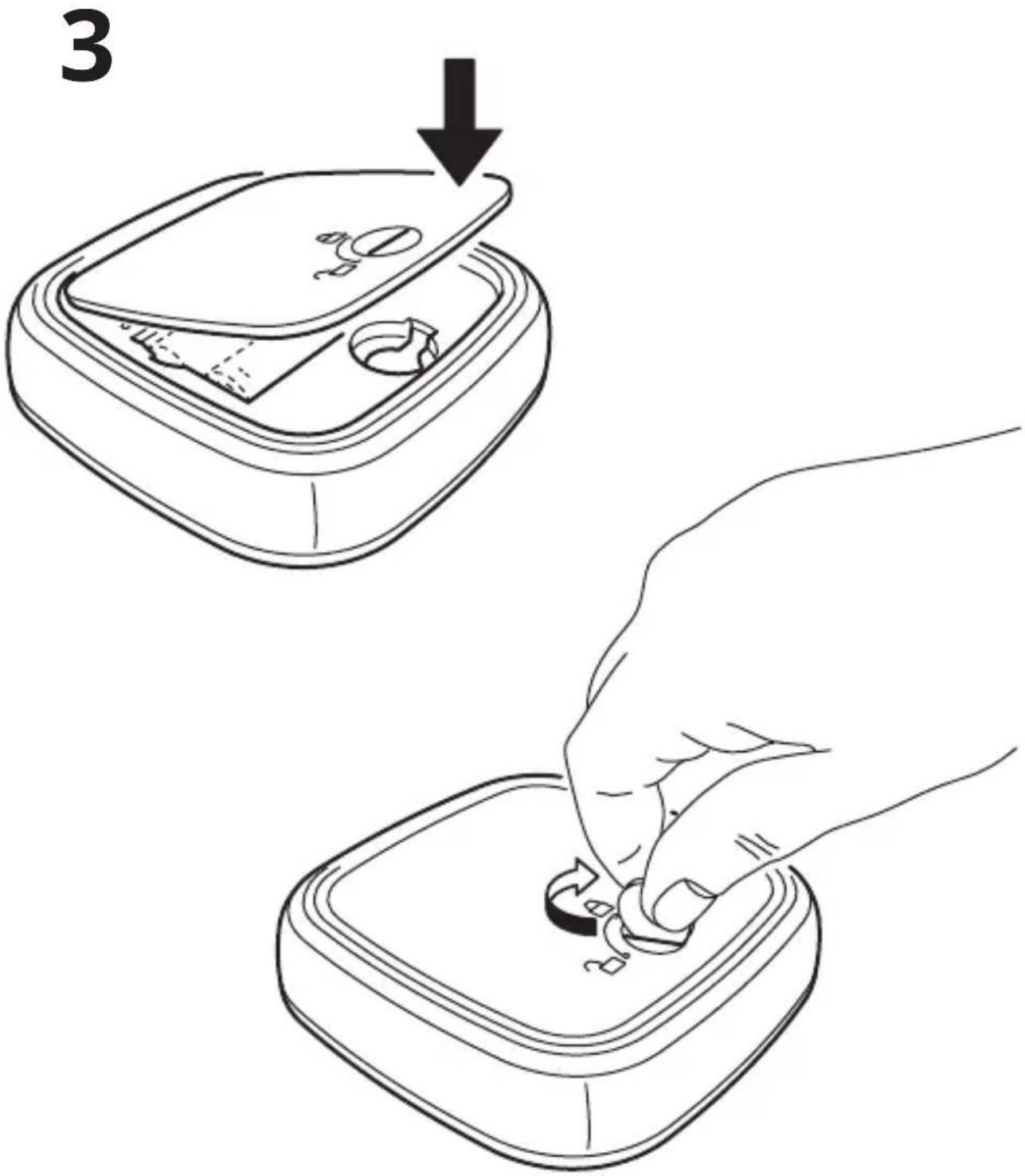
text_image
3
text_image
Diagram illustrating door lock and door repair instructions with labeled steps i and 8, including hand positioning, grid layout, and warning symbols.
4
natural_image
Four abstract geometric diagrams with line and grid patterns, no text or symbols present
natural_image
Diagram of a mechanical component with an arrow indicating rotation or movement (no text or symbols)5
natural_image
Illustration of a hand pressing down on a mechanical component with a downward arrow (no text or symbols)6
natural_image
Simple line drawing of a device with a scroll wheel and a directional arrow (no text or symbols)7
flowchart
graph TD
    A["Input Device"] --> B["Processing Step"]
    B --> C["Output Device"]
8
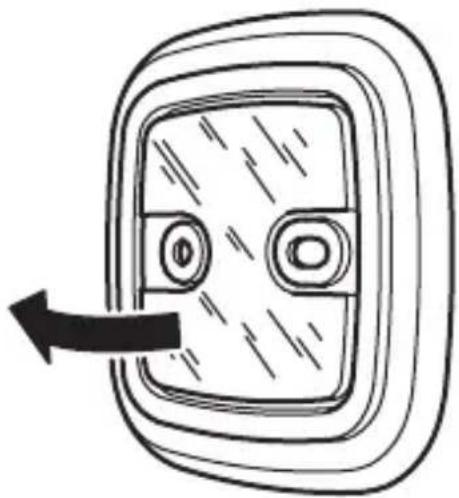
natural_image
Simple line drawing of a door with a double button and an arrow indicating left motion (no text or symbols)9
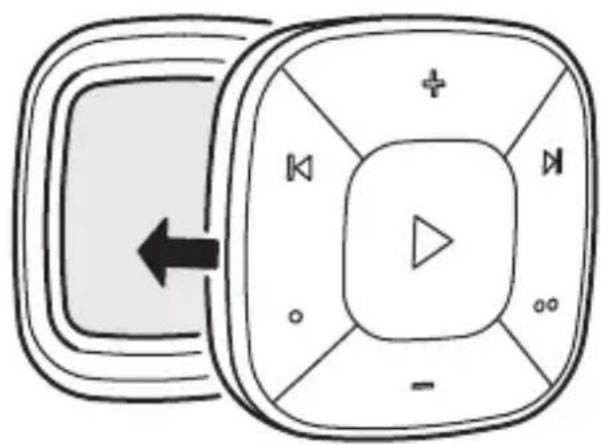
flowchart
graph TD
    A["Block 1"] --> B["Block 2"]
    B --> C["+"]
    B --> D["×"]
    B --> E["×"]
    B --> F["×"]
    B --> G["×"]
    B --> H["×"]
    B --> I["×"]
    B --> J["×"]
    B --> K["×"]
    B --> L["×"]
    B --> M["×"]
    B --> N["×"]
    B --> O["×"]
    B --> P["×"]
    B --> Q["×"]
    B --> R["×"]
    B --> S["×"]
    B --> T["×"]
    B --> U["×"]
    B --> V["×"]
    B --> W["×"]
    B --> X["×"]
    B --> Y["×"]
    B --> Z["×"]
text_image
Diagram illustrating audio recording process with device, microphone, and speaker output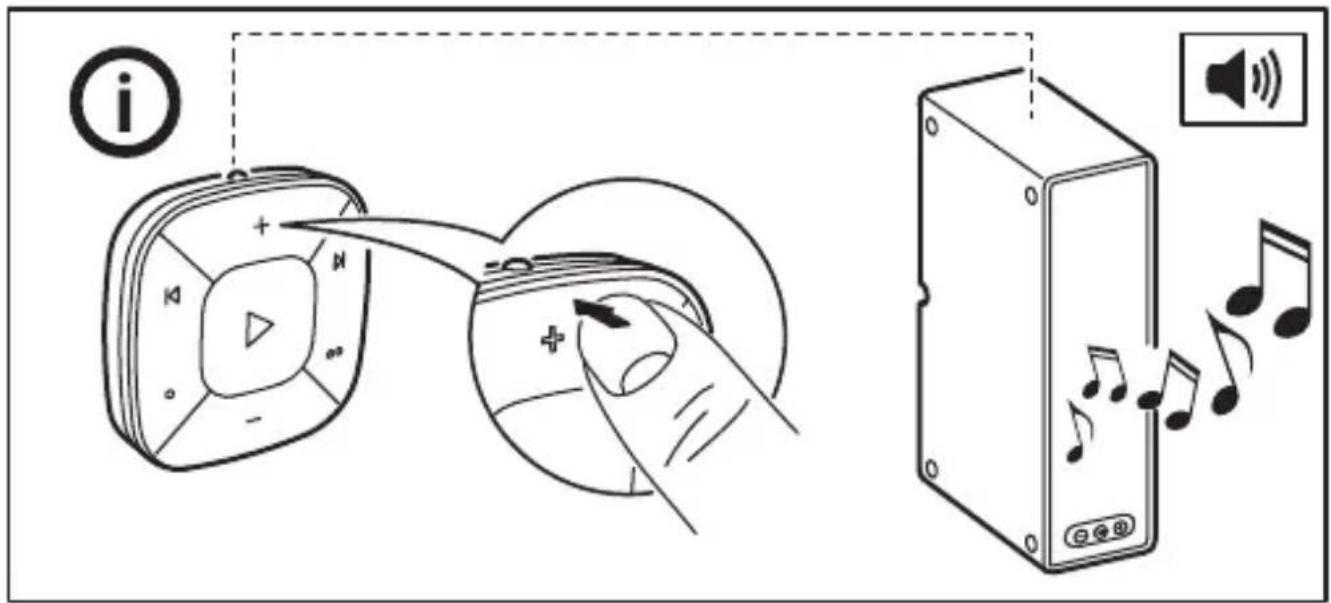
text_image
Diagram illustrating audio recording and playback process with labeled icons and text elements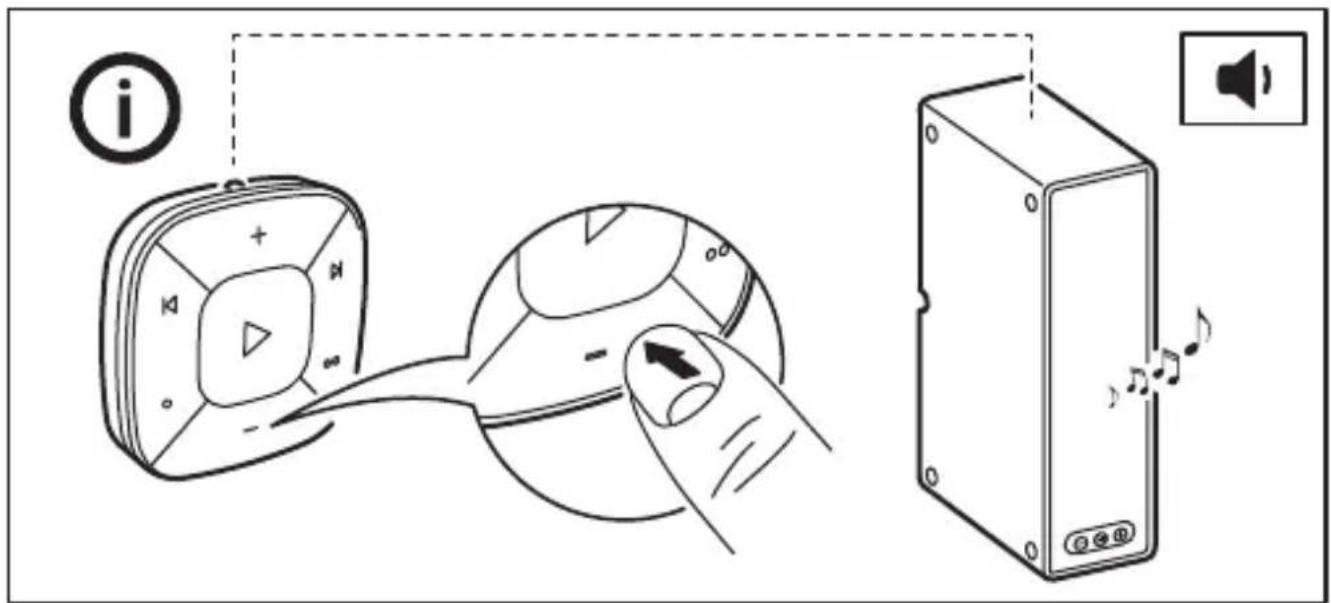
text_image
Diagram illustrating a device operation with labeled icons and a speaker, showing hand interacting with a device panel.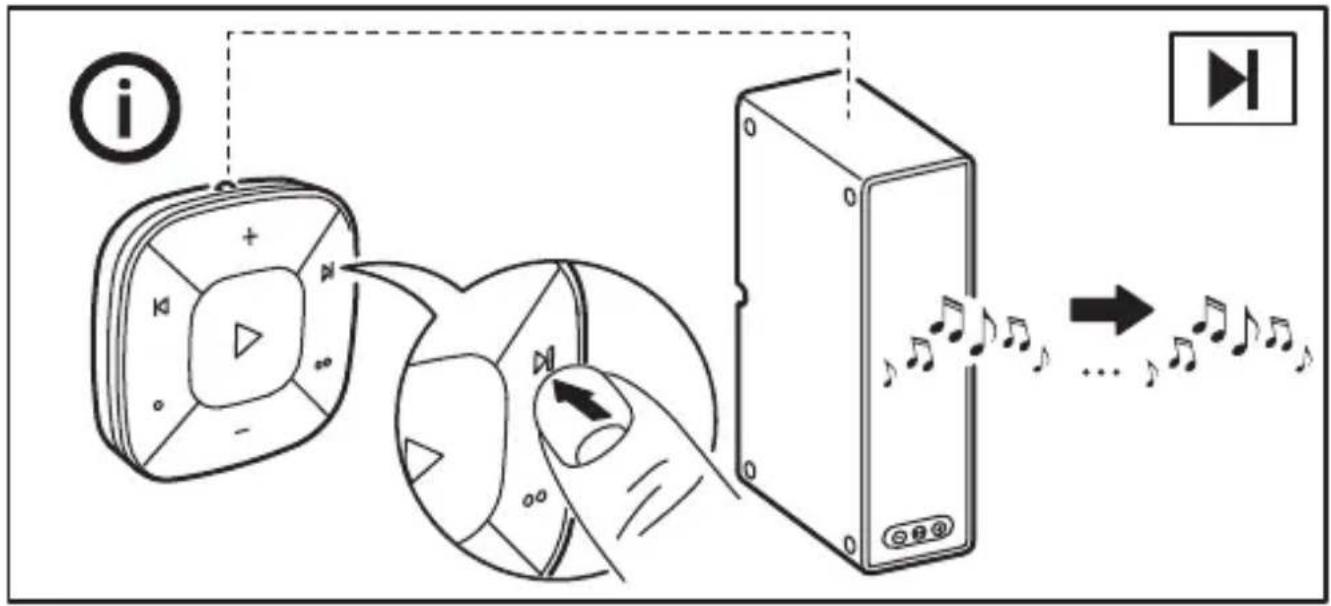
flowchart
graph TD
    A["播放器"] --> B["播放按钮"]
    B --> C["播放设备"]
    C --> D["播放时钟"]
    style A fill:#f9f,stroke:#333
    style B fill:#ccf,stroke:#333
    style C fill:#cfc,stroke:#333
    style D fill:#fcc,stroke:#333
text_image
Diagram illustrating audio playback sequence with device, speaker, and playback controls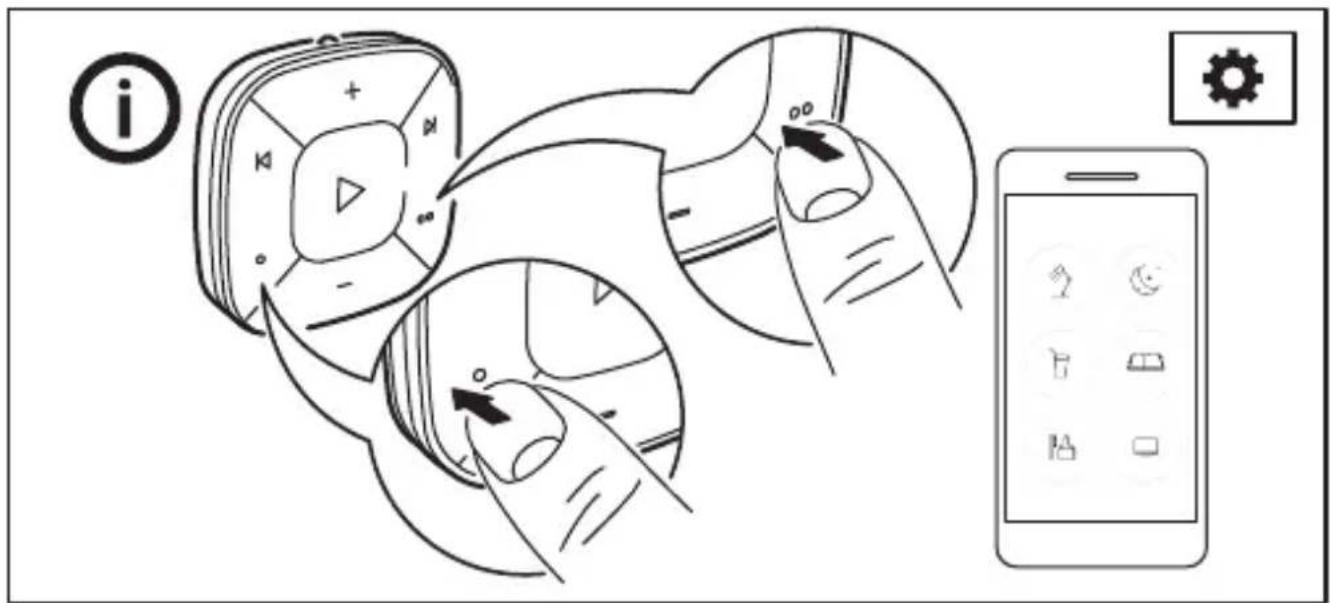
text_image
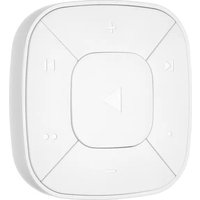
Diagram illustrating mobile phone app interface with icons for app, hand, and deviceSYMFONISK sound remote overview
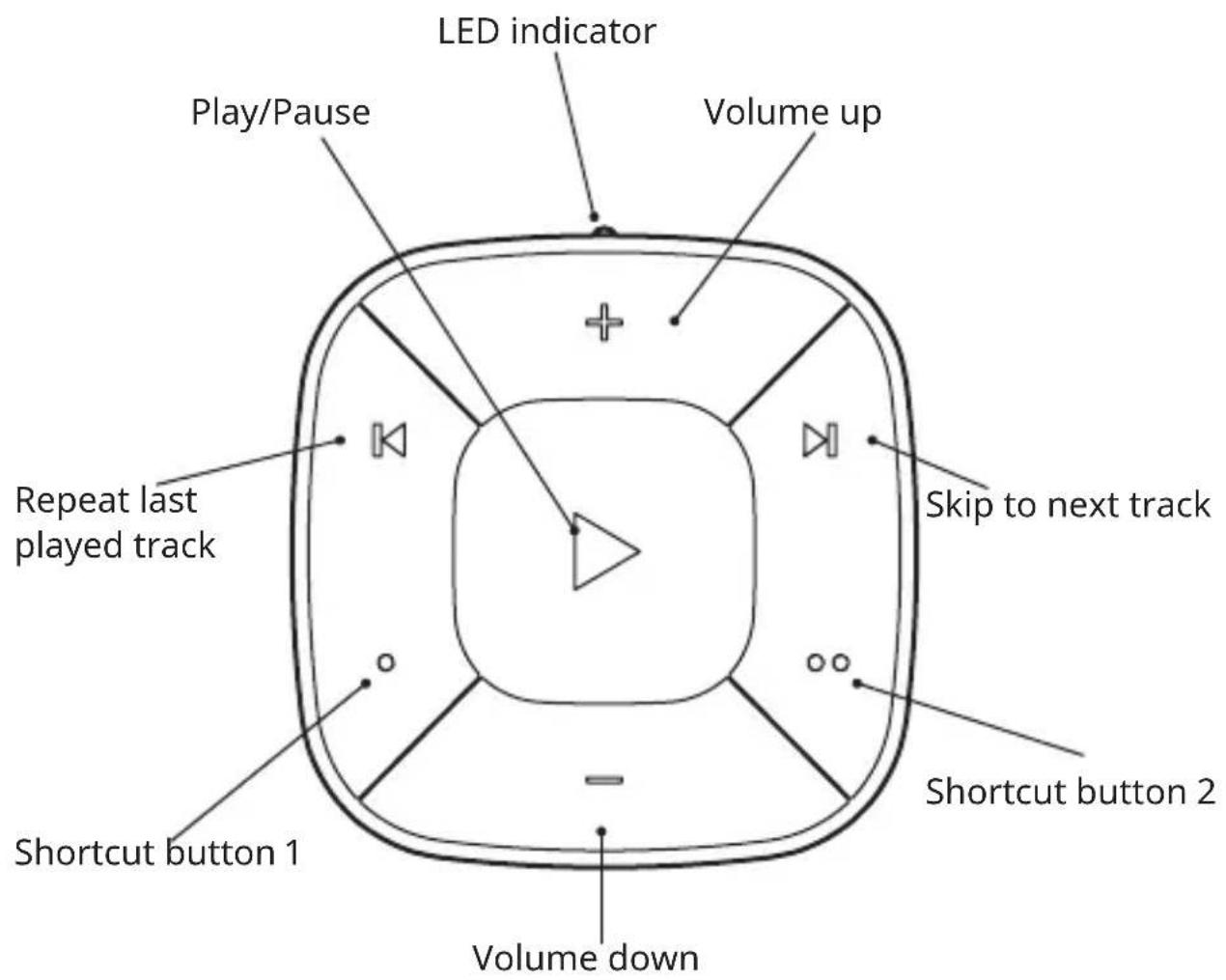
text_image
LED indicator Play/Pause Volume up Repeat last played track Skip to next track Shortcut button 2 Shortcut button 1 Volume down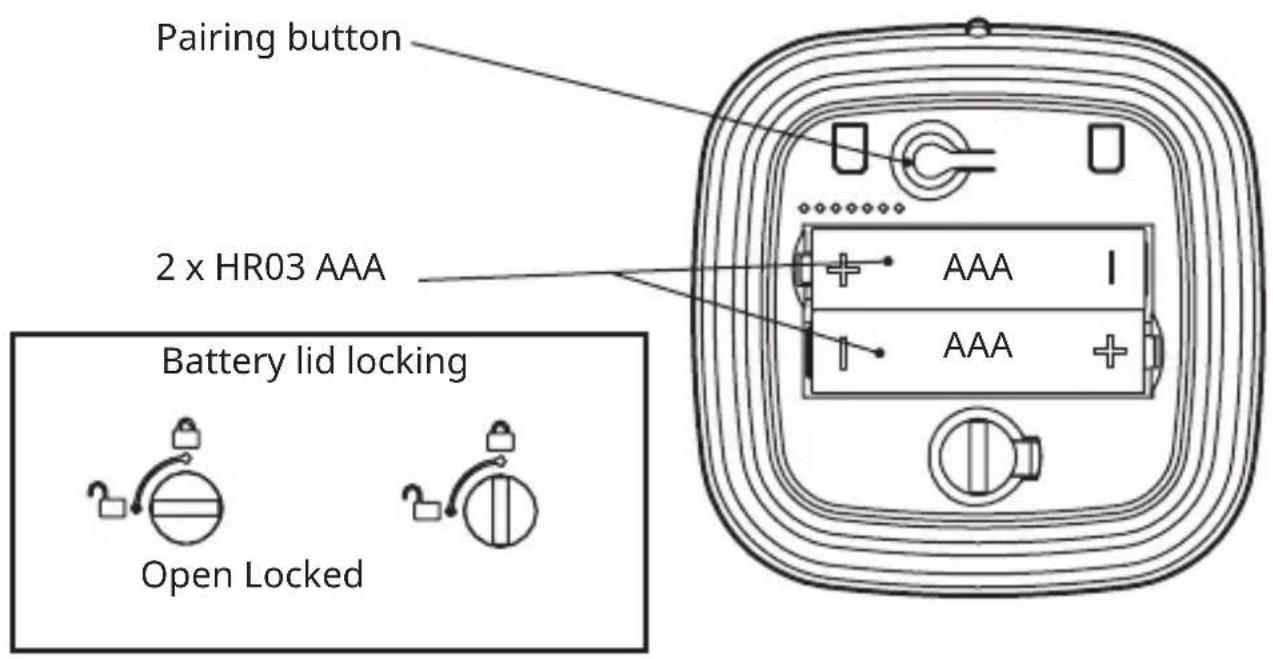
text_image
Pairing button 2 x HR03 AAA Battery lid locking Open LockedEnglish 16
Français 23
Español 29
English
IMPORTANT
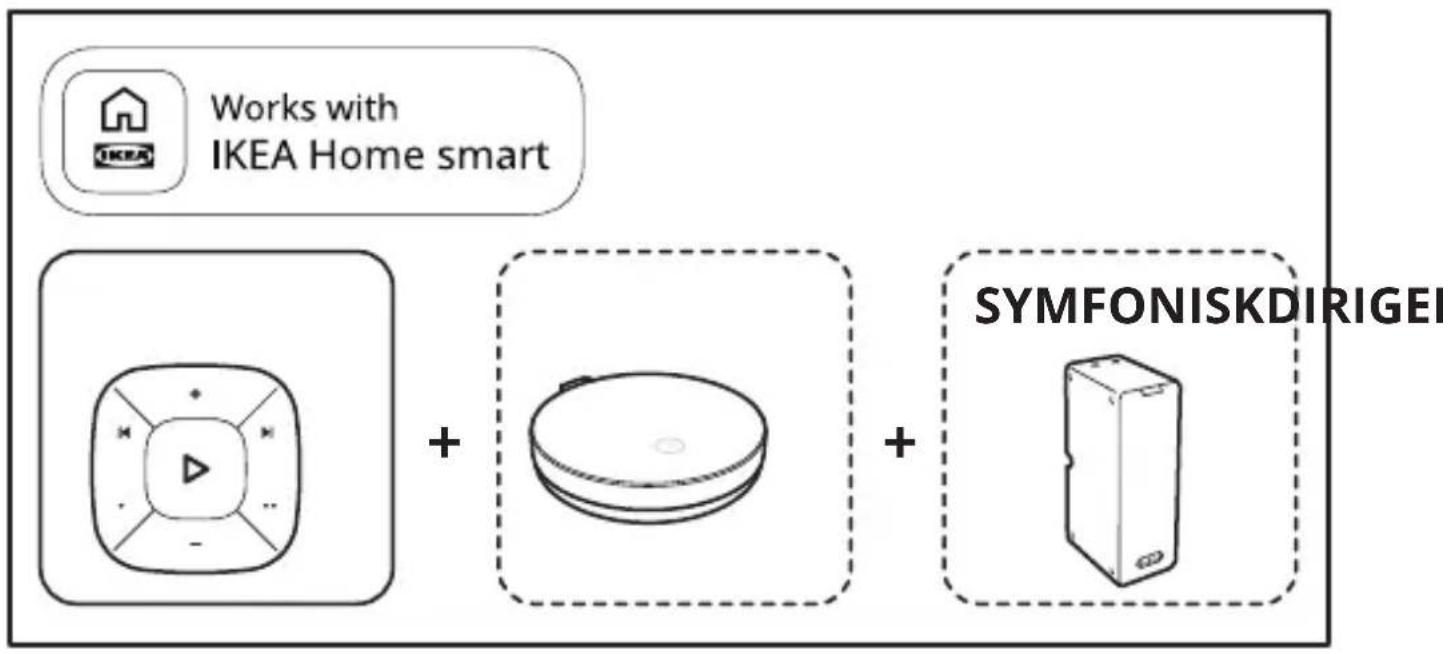
SYMFONISK sound remote is made to work together with IKEA gateway or hub and control your SYMFONISK speakers.
Use the IKEA Home smart app to add more functions to your sound remote.
You cannot add "Works with IKEA Home smart" marked products directly to your sound remote.
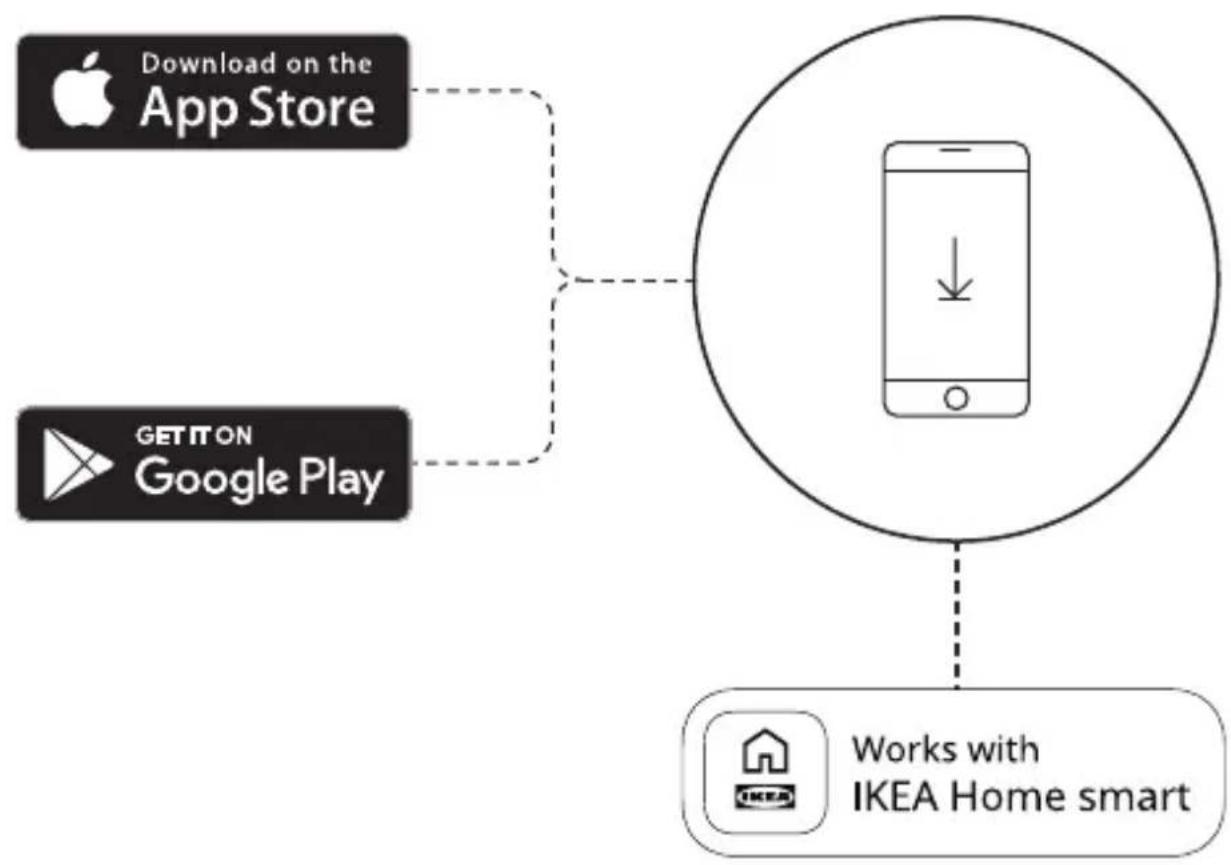
If you have an Apple device
Go to the App Store and download the IKEA Home smart app. The app will take you through the process of installing your SYMFONISK sound remote and other "Works with IKEA Home smart" devices.
If you have an Android device
Go to the Google Play store and download the IKEA Home smart app. The app will take you through the process of installing your SYMFONISK sound remote and other "Works with IKEA Home smart" devices.
Getting started
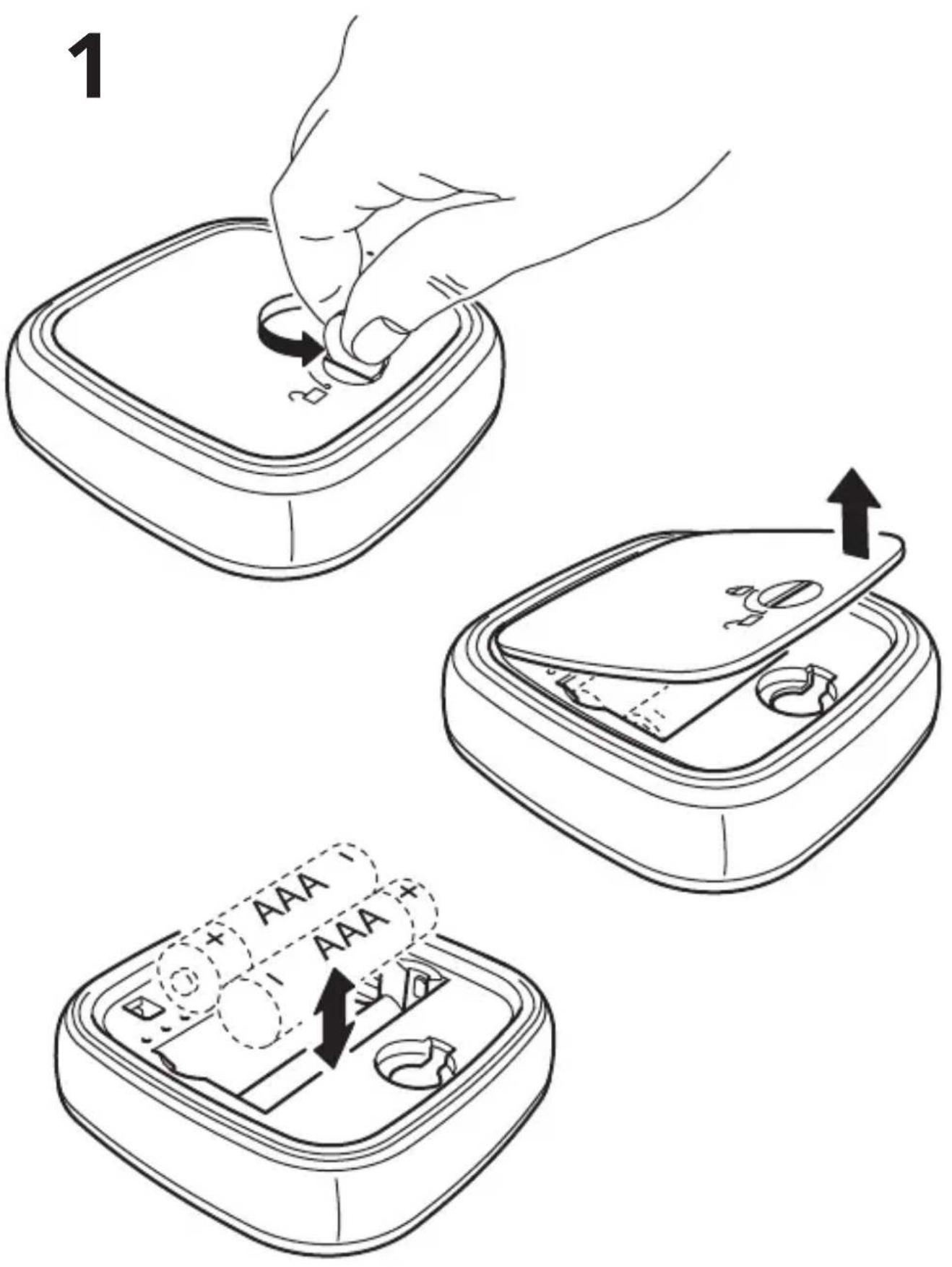
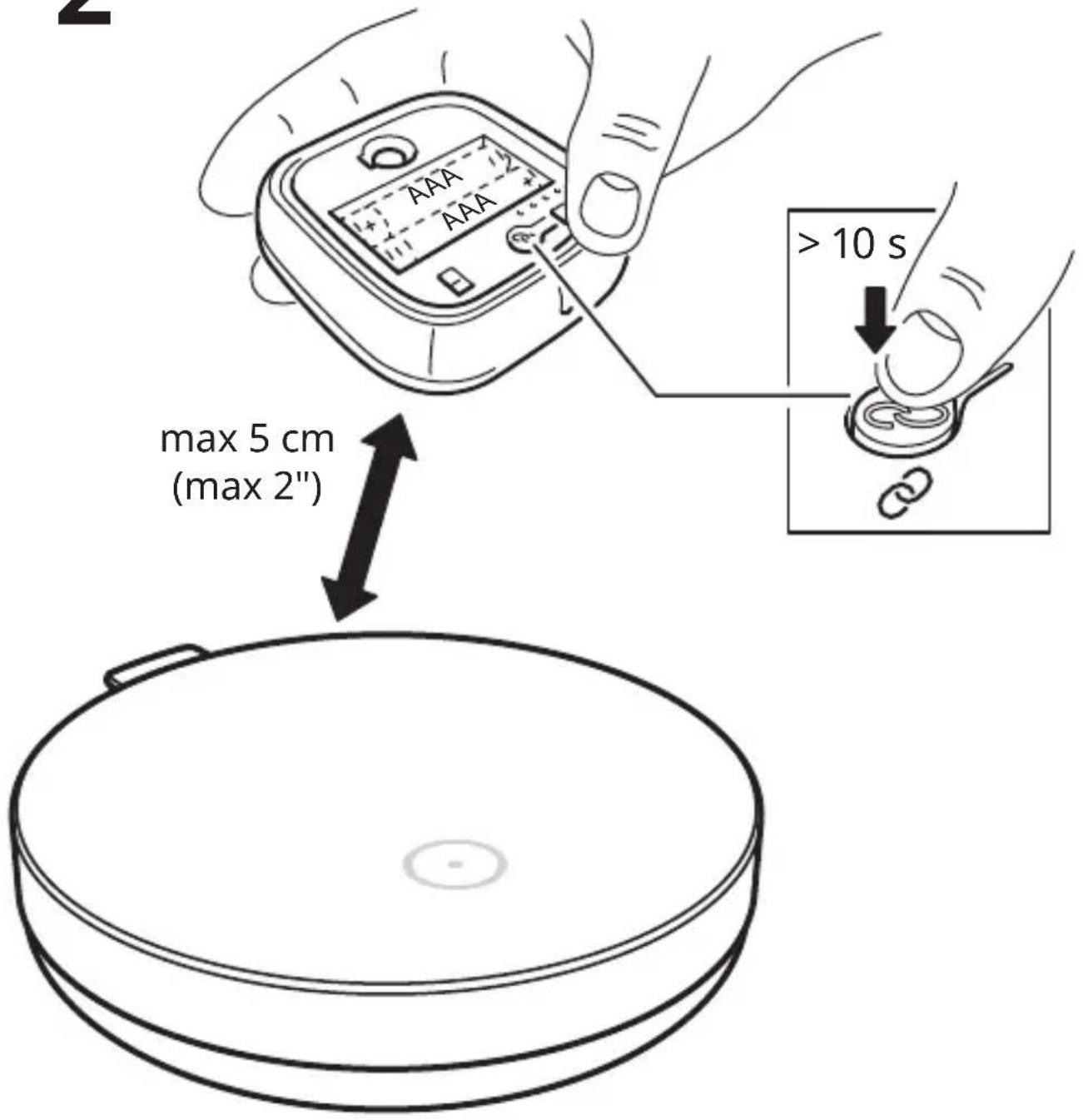
Insert 2 HR03 AAA 1.2V batteries with correct polarity. Start the IKEA Home smart app and follow the instructions in the app on how to set up your device and add scenes to the shortcut buttons.
Close the battery lid and your sound remote is now ready for use.
Sound remote functions

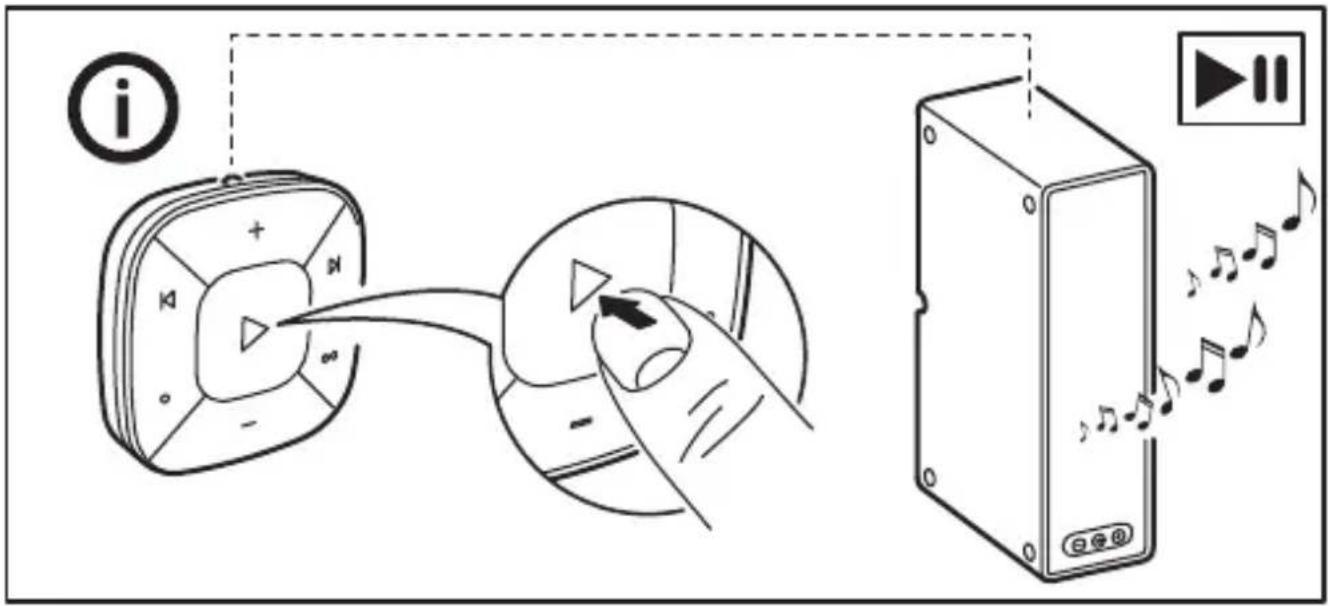
Play/pause
Press once to start or stop the music.

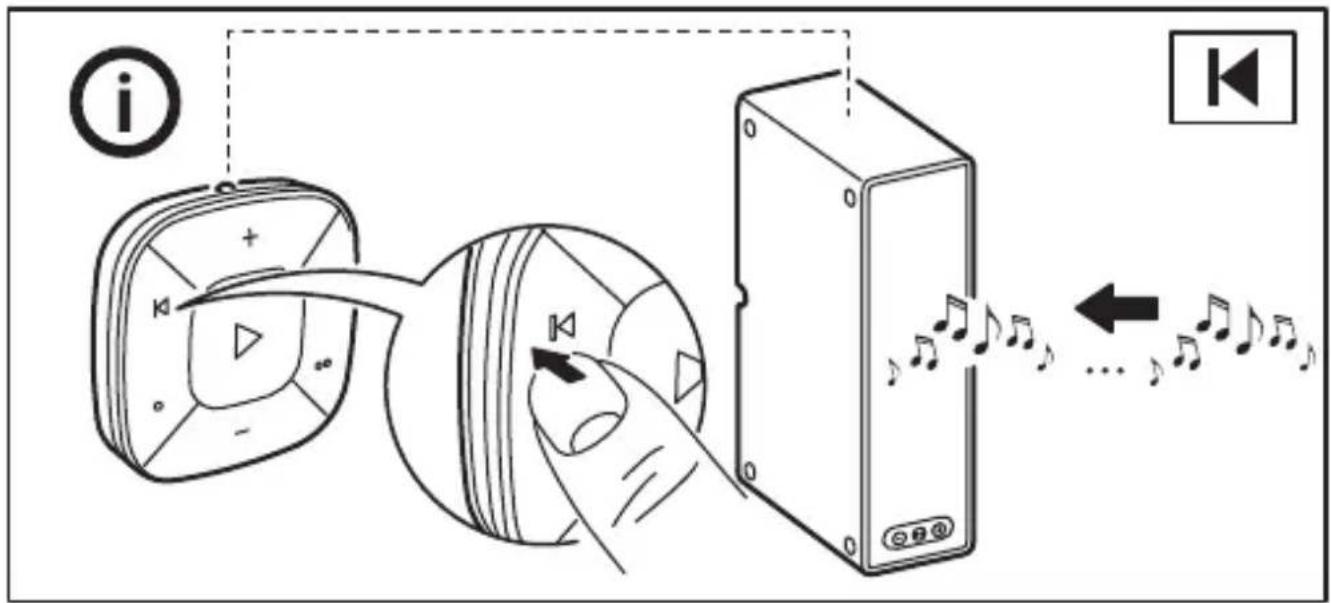
Repeat
Press once to repeat the most recently played music.

skip
Press once to skip to the next track.

Raise and lower volume
Press and hold to change the volume rapidly.

Shortcutbuttons

Used to change the playlist being streamed to the speakers.
Care instructions
To clean the sound remote, wipe with a soft moistened cloth, Use another soft, dry cloth to wipe dry.
Changing the batteries
When SYMFONISK sound remote is used regularly and as intended, the batteries will last for approximately 2 years. When it's time to replace the batteries, the red LED indicator on the back of the sound remote will flash when you use it.
Open the battery lid and replace the batteries with 2 new HR03 AAA 1.2V batteries.
WARNING!
Risk of explosion if either battery is replaced by an incorrect type. Dispose of used batteries according to the instructions.
IMPORTANT!
- SYMFONISK sound remote is for indoor use only and can be used in temperatures ranging from 0 °C to 40 °C (32°F to 104°F).
- Do not leave SYMFONISK sound remote in direct sunlight or near any heat source, as it may overheat.
- The range between SYMFONISK sound remote and the receiver is measured in open air.
- Different building materials and placement of the units can affect the wireless connectivity range.
Recommended batteries:
Batteries are sold separately. We recommend 2 x LADDA rechargeable batteries HR03 AAA 1.2V
Do not mix batteries of different capacities, types or date stamps.
Save these instructions for future use.
Technical data
Model: SYMFONISK sound remote gen 2
Type: E2123
Input: 2.4V, 2 x LADDA batteries HR03 AAA 1.2V
Range: 10 m unobstructed
For indoor use only
Operating frequency: 2400-2483.5 Mhz
Output power: 3 dBm (EIRP)
Manufacturer: IKEA of Sweden AB
Address: Box 702, SE-343 81 Älmhult, SWEDEN
This device complies with Part 15 of the FCC Rules/Innovation Science and Economic Development Canada's licence-exempt RSS standard(s). Operation is subject to the following two conditions:
(1) this device may not cause harmful interference, and
(2) this device must accept any interference received, including interference that may cause undesired operation of the device.
WARNING:
Any changes or modifications to this unit not expressly approved by the party responsible for compliance could void the user's authority to operate the equipment.
NOTE:
This equipment has been tested and found to comply with the limits for a Class B digital device, pursuant to part 15 of the FCC Rules. These limits are designed to provide reasonable protection against harmful interference in a residential installation.
This equipment generates, uses and can radiate radio frequency energy and, if not installed and used in accordance with the instructions, may cause harmful interference to radio communications. However, there is no guarantee that interference will not occur in a particular installation. If this equipment does cause harmful interference to radio or television reception, which can be determined by turning the equipment off and on, the user is encouraged to try to correct the interference by one or more of the following measures:
- Reorient or relocate the receiving antenna.
- Increase the separation between the equipment and receiver.
- Connect the equipment into an outlet on a circuit different from that to which the receiver is connected.
- Consult the dealer or an experienced radio/TV technician for help.
RF EXPOSURE INFORMATION
This product is approved as a portable handheld device (not body worn)
This product includes a static magnet, generating a magnetic field that might interfere with the normal operation of pacemakers, defibrillators, or other medical devices.
Maintain a safe distance of separation between your medical device and this device. Stop using this device and consult your physician or medical device manufacturer if you believe that it is interfering with your medical device.
License rights and limitations NO RIGHTS OR LICENSES, EXPRESS NO RIGHTS OR LICENSES, EXPRESS OR IMPLIED, ARE GRANTED TO USE THIRD-PARTY DEVICES IN COMBINATION WITH THESE PRODUCTS IN A WIRELESS MESH NETWORK, OR TO USE THIRD-PARTY SERVICES TO ACCESS, MONITOR OR CONTROL THESE PRODUCTS IN A WIRELESS MESH NETWORK VIA THE INTERNET OR ANOTHER EXTERNAL WIDE AREA NETWORK.
For use pursuant to U.S. Patent Nos.:
US 6,914,893
US 7,697,492
US 8,964,708
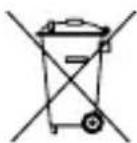
The crossed-out wheeled bin symbol indicates that the item should be disposed of separately from household waste. The item should be handed in for recycling in accordance with local environmental regulations for waste disposal. By separating a marked item from household waste, you will help reduce the volume of waste sent to incinerators or land-fill and minimize any potential negative impact on human health and the environment. For more information, please contact your IKEA store.