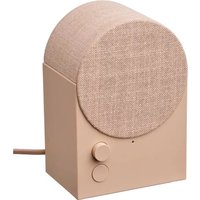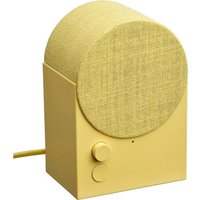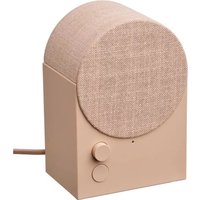
NATTBAD 906.016.05 - Speaker IKEA - Free user manual and instructions
Find the device manual for free NATTBAD 906.016.05 IKEA in PDF.


User questions about NATTBAD 906.016.05 IKEA
0 question about this device. Answer the ones you know or ask your own.
Ask a new question about this device
Download the instructions for your Speaker in PDF format for free! Find your manual NATTBAD 906.016.05 - IKEA and take your electronic device back in hand. On this page are published all the documents necessary for the use of your device. NATTBAD 906.016.05 by IKEA.
USER MANUAL NATTBAD 906.016.05 IKEA
natural_image
Simple line drawing of a 3D geometric shape resembling a cube with an arched top and a circular cutout, no text or symbols present.
natural_image
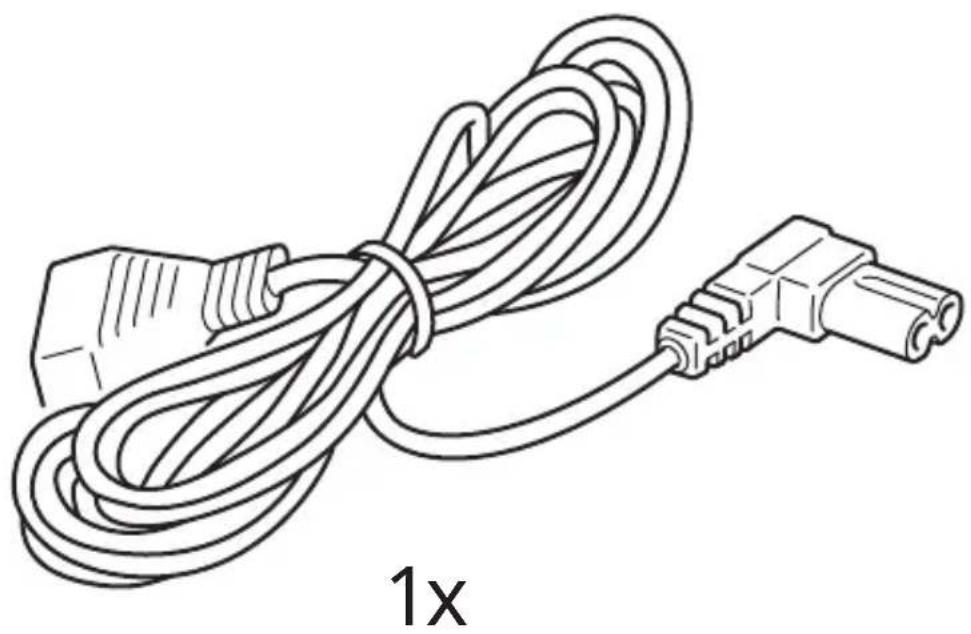
Line drawing of a coiled electrical plug with a terminal connector, labeled '1x' below (no text or symbols on the diagram itself)1
natural_image
Line drawing of a hand inserting a plug into a metal bracket (no text or symbols)2
natural_image
Line drawing of a plug inserted into a socket with a black arrow indicating cable direction (no text or symbols)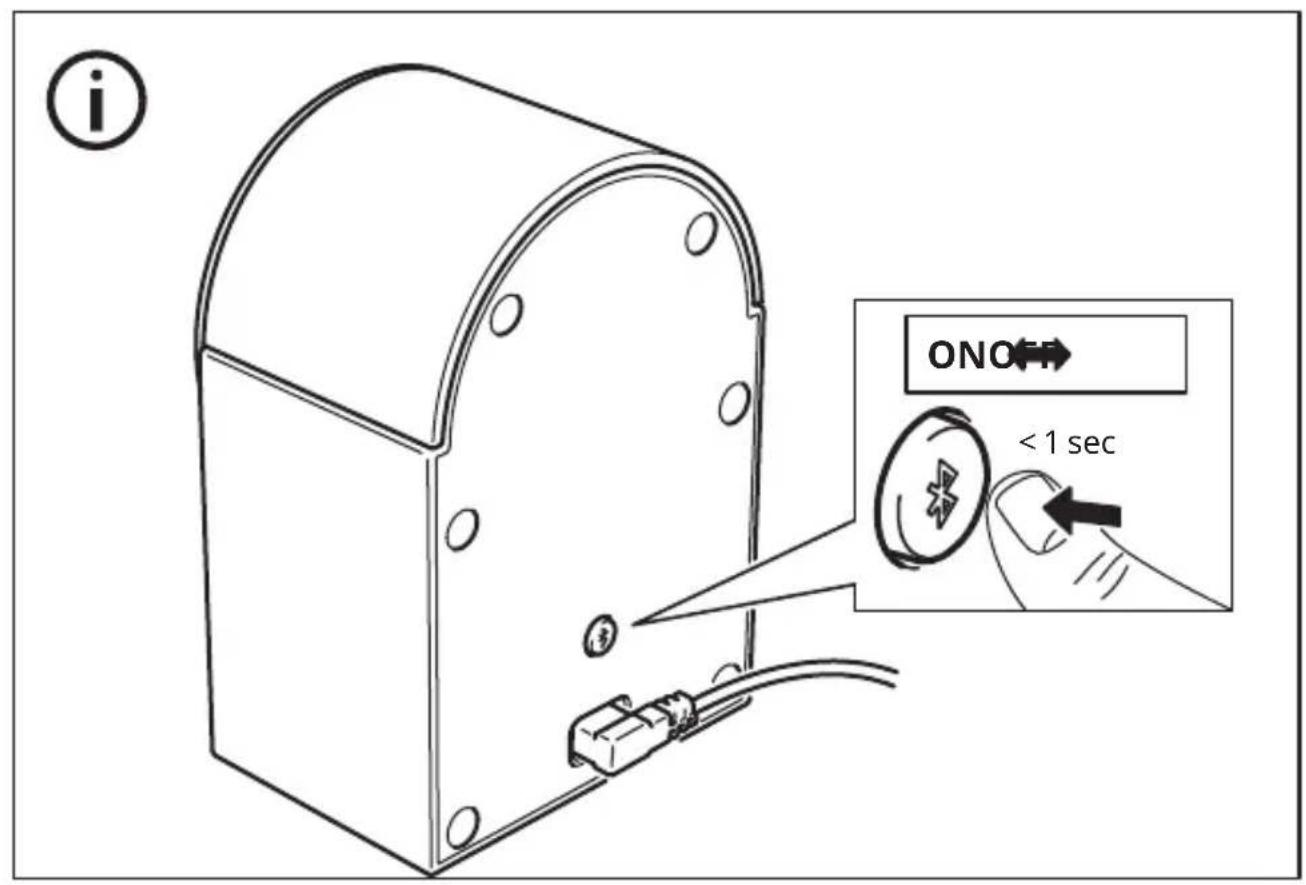
i
natural_image
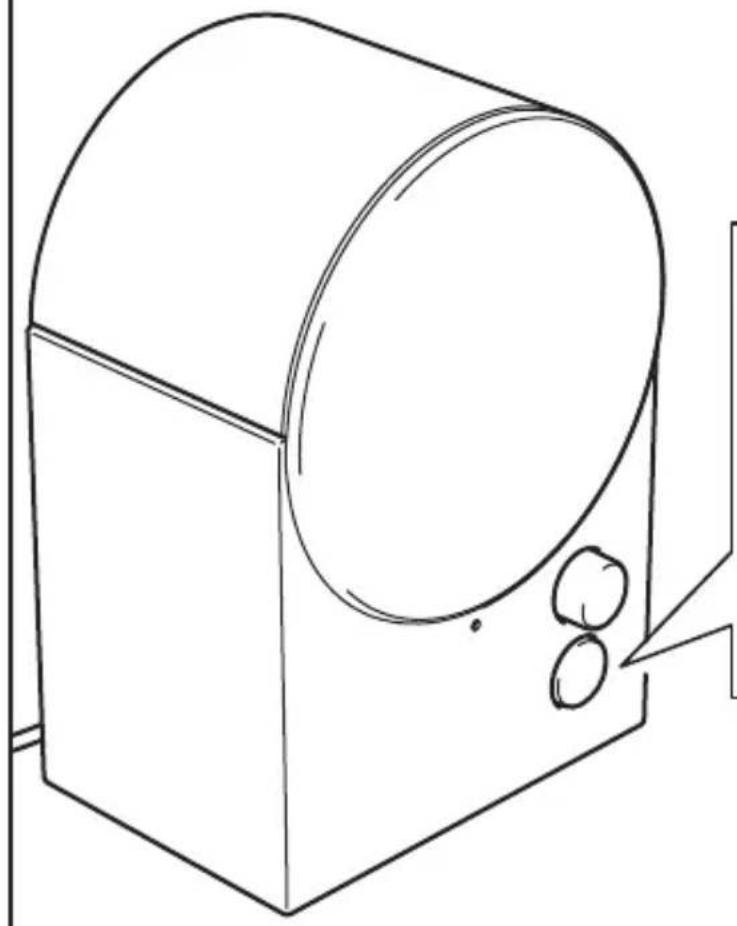
Simple line drawing of a cylindrical container with two small circular objects on one side, no text or symbols present.
natural_image
Icon of a person reading a book inside a black circle (no text or symbols)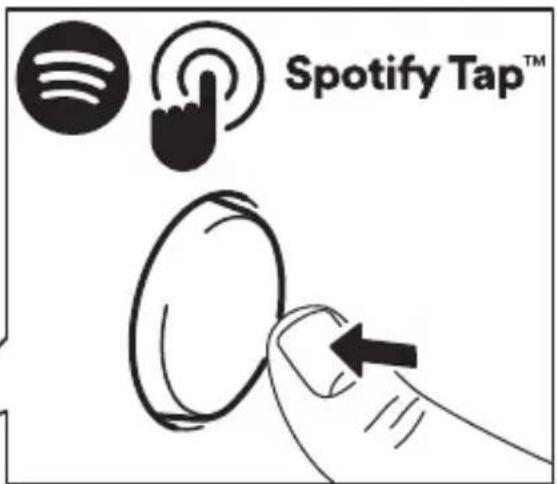

English 9 Eesti 51
Pulsating white: Bluetooth is searching for a device (pairing mode).
Steady white: Speaker is on and ready to be used.
Blinking red: Factory reset is ongoing.

Save these instructions for future use.
Get started
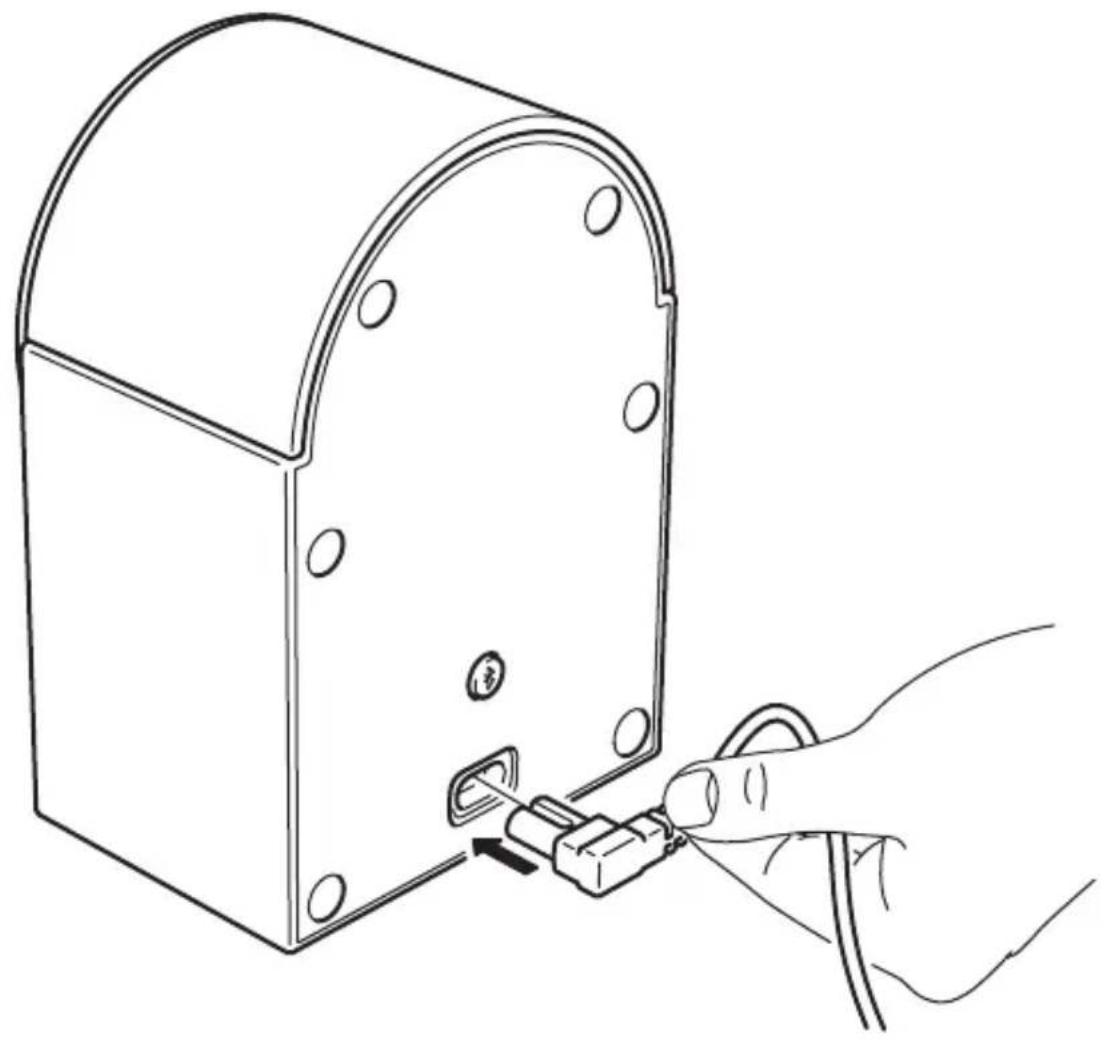
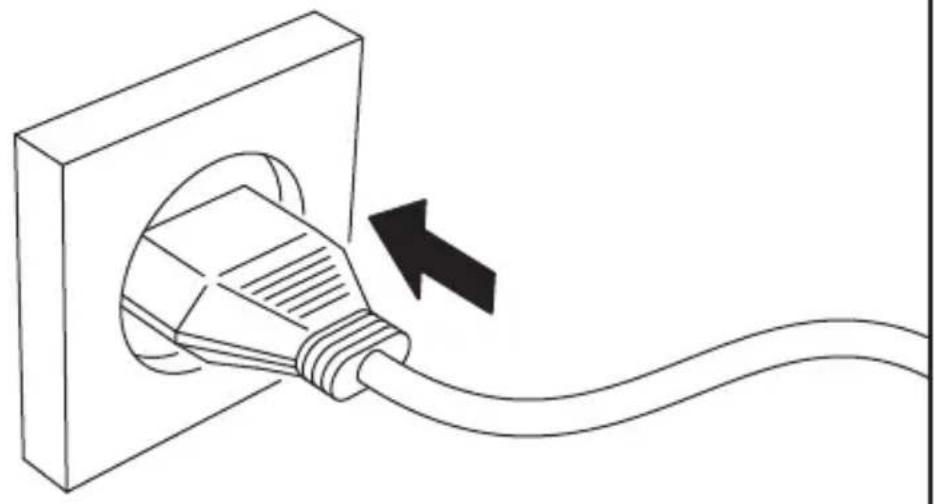
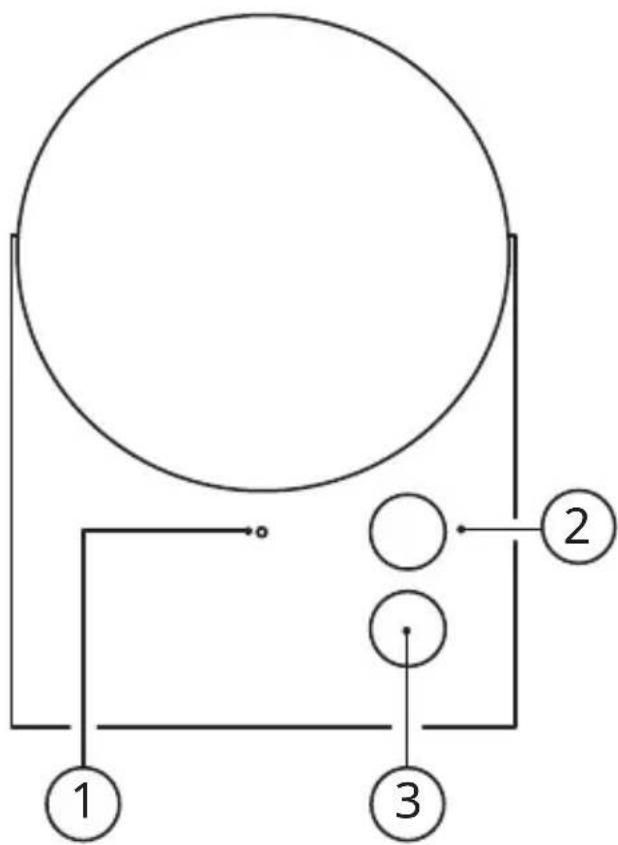
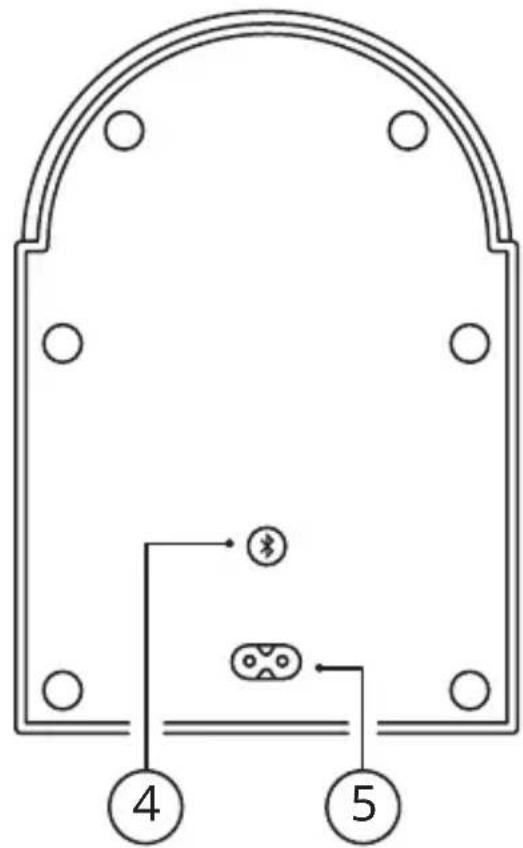
- Connect mains cord into (5) AC Power input and the other end to wall outlet.
-
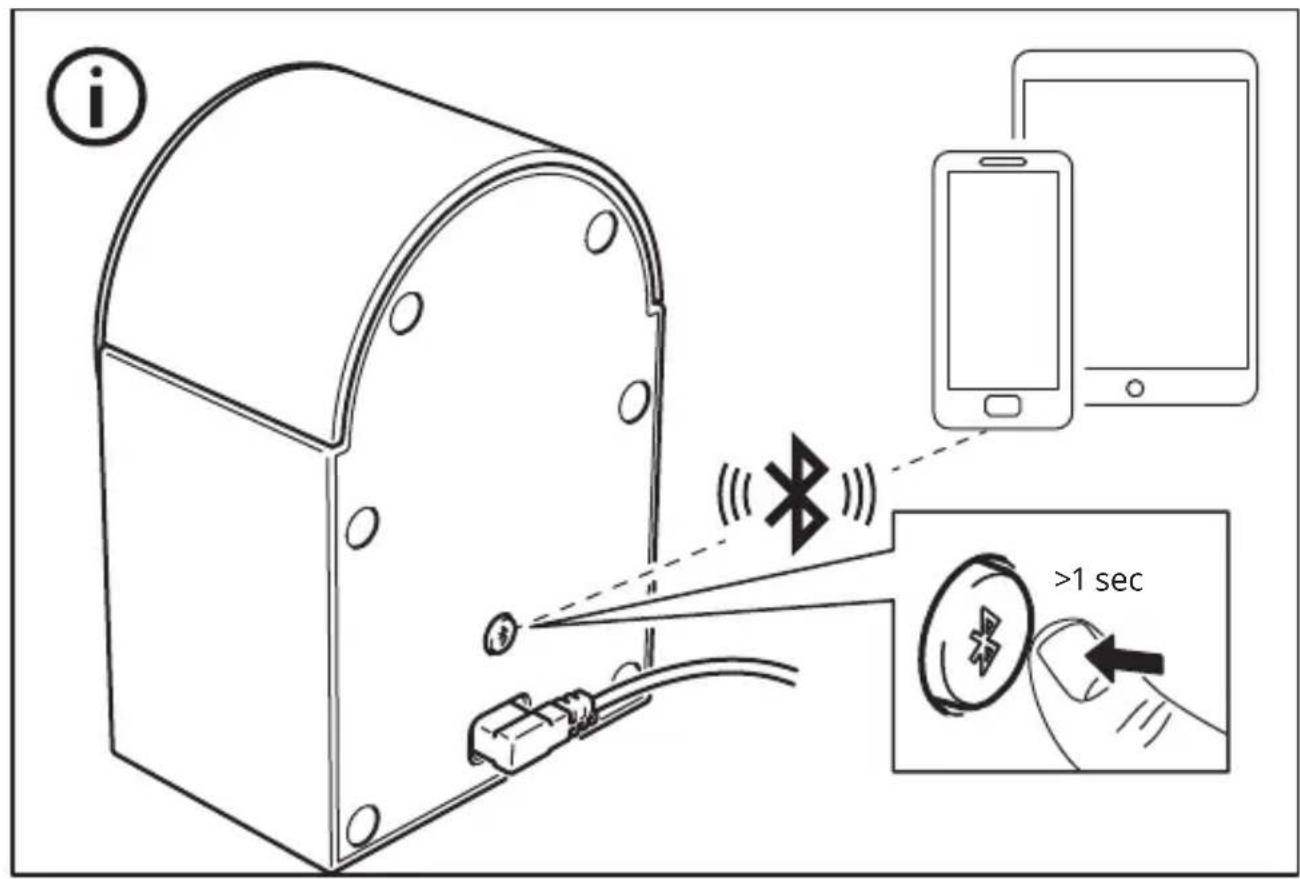
Shortly press the system button (4) to turn the speaker ON. The LED status light is pulsating with a white light while the speaker is in pairing mode. If the pairing mode does not start automatically, press and hold the System button (4).
-
Turn on Bluetooth on your device and pair it with NATTBAD. When you have paired the phone with the speaker, a confirmation sound will be audible and the LED status light will blink twice.
Adjusting the volume
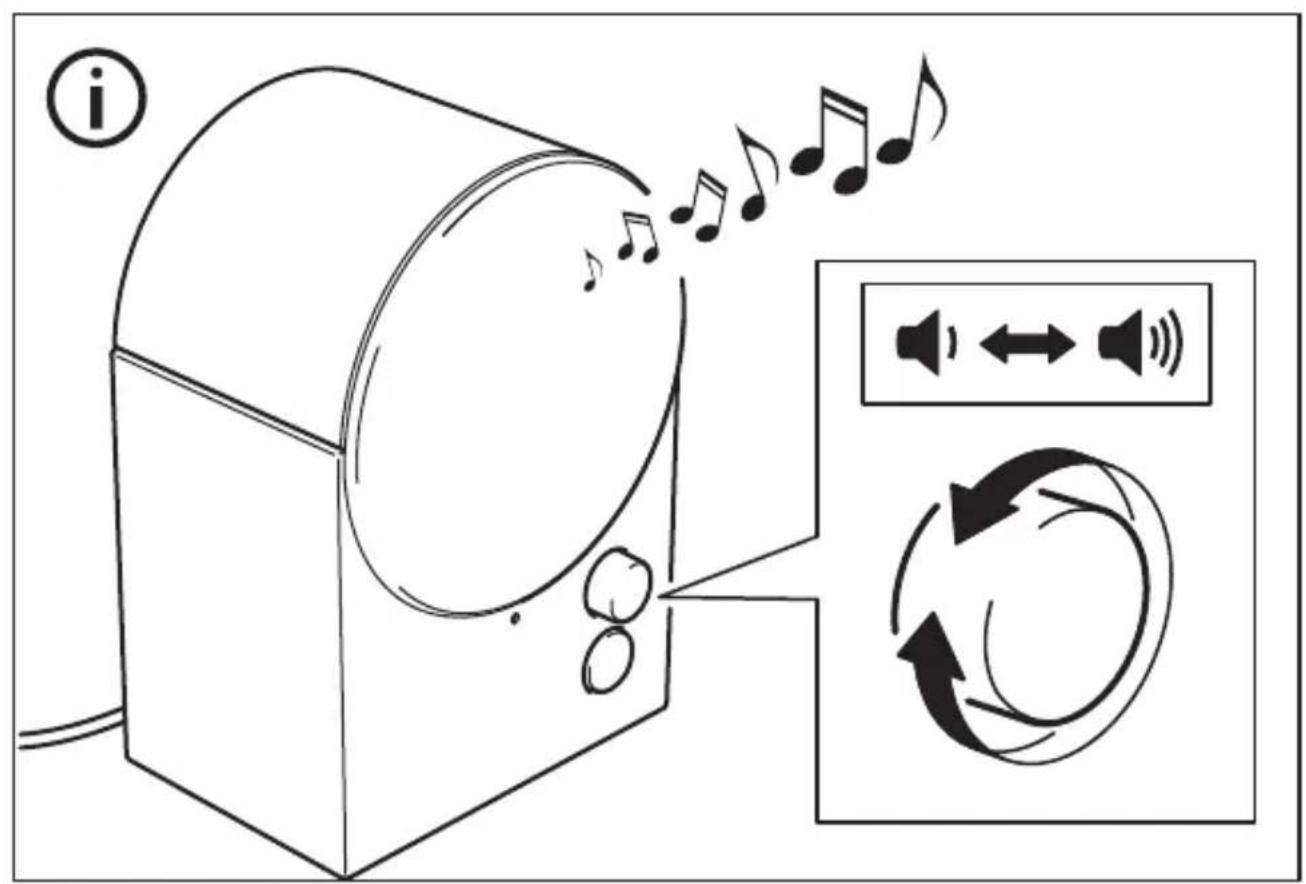
Turn the Sound knob (2) counterclockwise to decrease or turn it clockwise to increase the volume level. Your connected device can also control the volume.
Changing the track
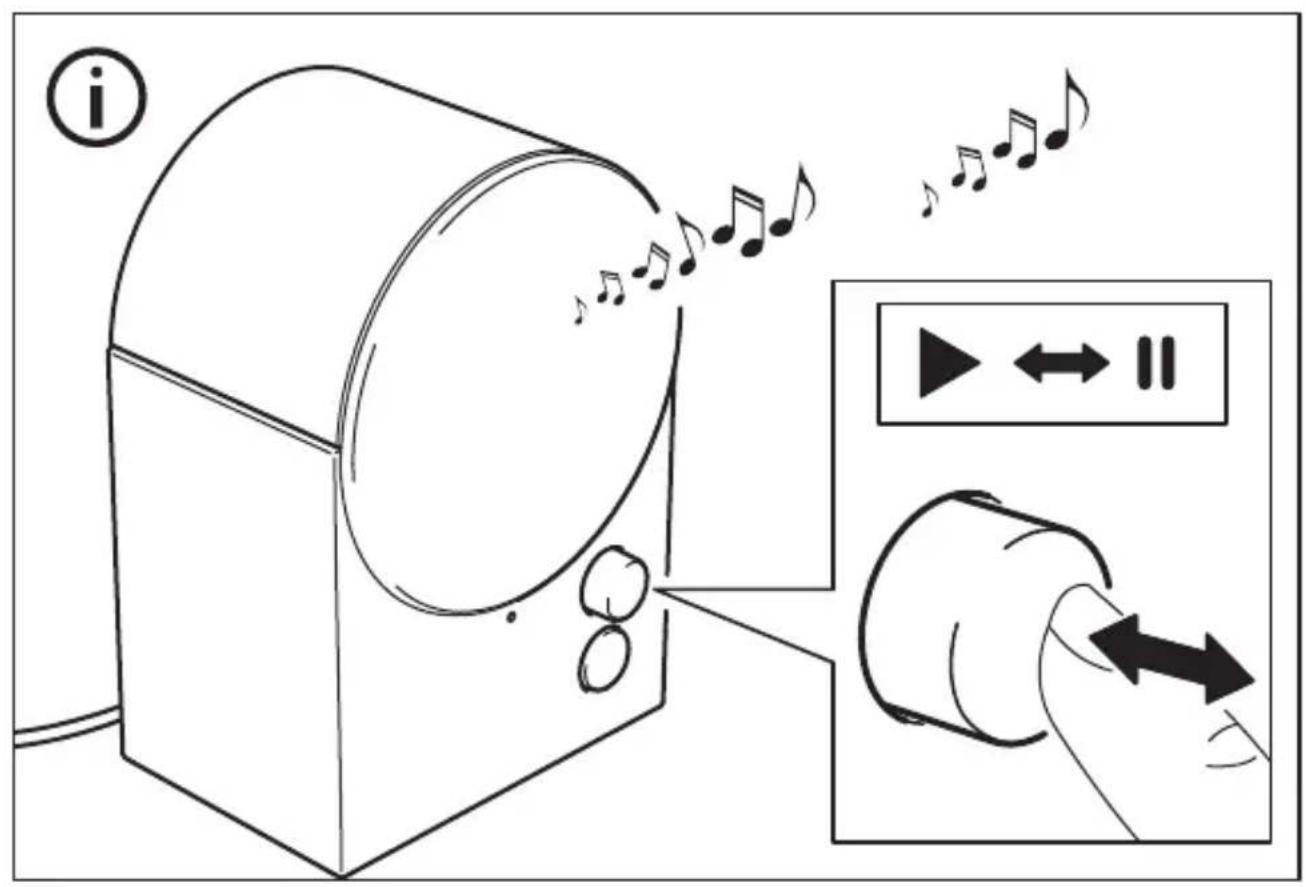
Shortly press the Sound knob (2) to pause/ play the track. Double press to skip track. Triple press to play previous track.
Spotify Tap™
Spotify Tap ^™ allows you to resume and change music directly from your Bluetooth speaker with the press of a button (3).
Getting started (Spotify Tap™)
-
Start by downloading the Spotify app from the App Store (for iOS devices), or Google Play Store (for Android devices).
-
Make sure your device is paired via Bluetooth to your NATTBAD speaker.
- Make sure the Spotify app is open. This will only be needed upon the first use.
- Press the Spotify Tap™ -button (3) to start music.
From now on, whenever you quickly press the Spotify Tap™ -button (3), the music resumes anytime your device is paired and in range.
Changing music (SpotifyTap™)
While music is playing, press the button
(3) again to change what's playing to a recommended track.
Connecting more speakers together (multi-speaker mode)
This speaker has a multi-speaker mode which means it can be connected with all our other speakers that have the same mode, so you can enjoy the same music from several speakers.
- Connect your device to one of the speakers via Bluetooth.
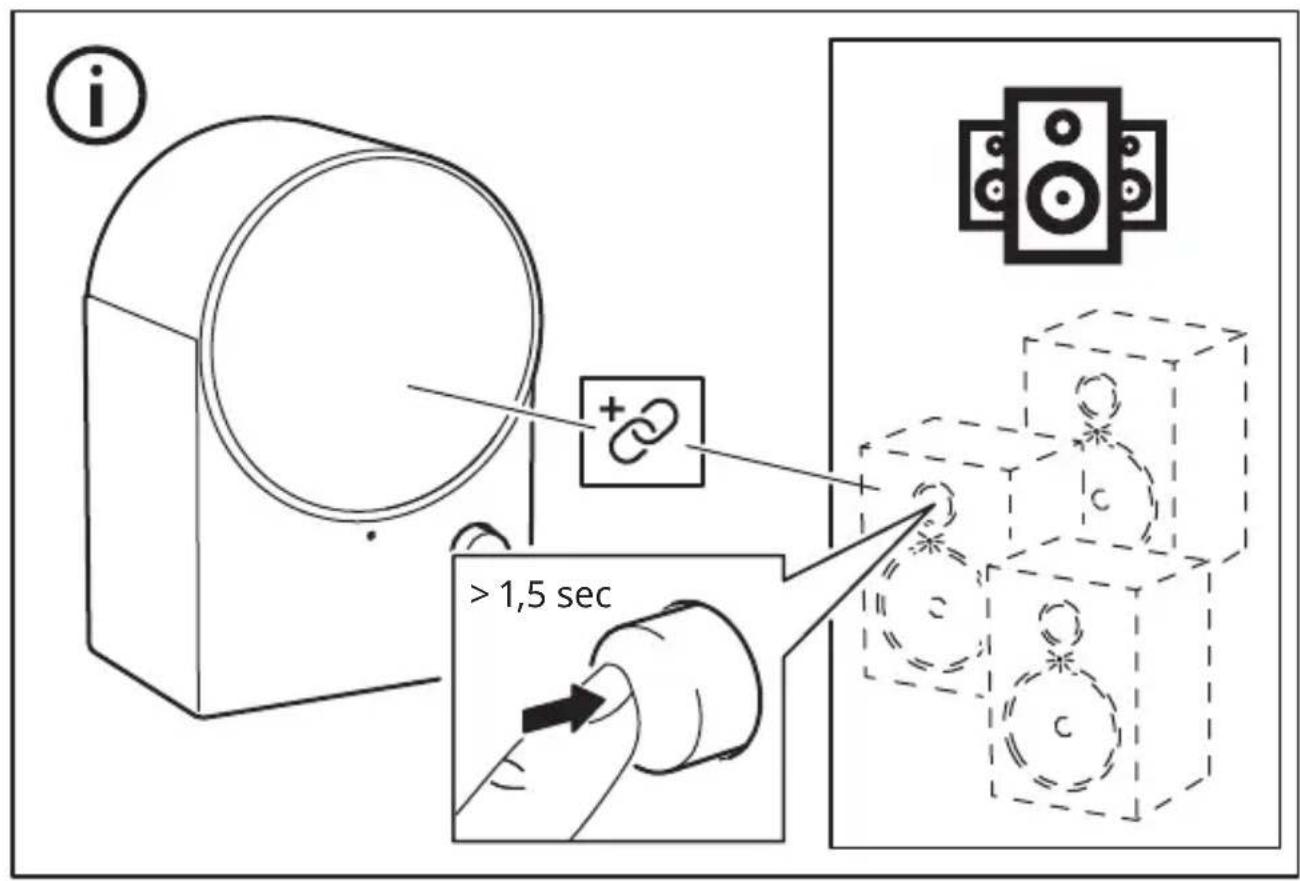
- Press and hold the Sound knob (2) on the other speaker you want to connect. The LED status light (1) will double blink white, and a confirmation sound will be audible from the speakers. Repeat this for every new speaker you want to add to your multi-speaker mode.
Disconnecting speakers from multi-speaker mode
Press and hold the System button (4) for more than 1.5 seconds on the speaker you want to disconnect in order to enter the pairing mode on that speaker.
Unpairing Bluetooth devices
If you want to connect another device to your speaker, simply turn off Bluetooth on the device you had paired. The speaker should go into pairing mode automatically. If not, press and hold the system button (4) to enter pairing mode.
Factory reset
If your speaker is not working properly, try to factory reset it. Press and hold the System button (4) for 8 seconds until the LED status light has stopped blinking red. You will now have to pair it with your device again.
Safety and important notice
WARNING:
- Risk of overheating! Never install the product in a confined space. Always leave a space of at least 5 mm around the product for ventilation. Ensure curtains or other objects never cover the ventilation slots on the product.
- Never place the product or batteries near open flames or other heat sources, including direct sunlight.
- Only use this product indoors. The apparatus shall not be exposed to dripping or splashing, and no objects filled with liquids, such as vases, shall be placed on the apparatus.
- Never place this product on other electrical equipment.
- If the supply cord is damaged, replace it with a new cord set which is type-approved for your country.
- No open flame sources, such as lit candles should be placed on the apparatus.
- The mains plug or an appliance coupler is to be used as a disconnect device, the disconnect device shall remain readily operable.
IMPORTANT
- Do not leave the speaker in direct sunlight or near any heat source, as it may overheat.
- Do not subject the speaker to wet, moist or excessively dusty environments, as this may cause damage.
- The range between the speaker and the receiver is measured in open air.
- Different building materials and placement of the units can affect the wireless connectivity range.
- Too high volume can damage your hearing.
- Do not touch the acoustic components.
- Do not use the product as a shelf or stand.
- For important markings, check the bottom side of the product.
Care instructions
To clean the speaker, firstly disconnect it from the power outlet. Then wipe with a slightly damp cloth. Never submerge the speaker in water. And wipe the speaker dry with a soft cloth before connecting the speaker to a power outlet again.
Note!
Never use abrasive cleaners or chemical solvents as this can damage the product.
Product servicing
Do not attempt to repair this product yourself, as opening or removing covers may expose you to dangerous voltage points or other risks.
Manufacturer: IKEA of Sweden AB
Address:
Box 702, SE-343 81 Älmhult, SWEDEN
Bluetooth®
The Bluetooth® word mark and logos are registered trademarks owned by Bluetooth SIG, Inc. and any use of such marks by IKEA is under license. Other trademarks and trade names are those of their respective owners.

Spotify Tap™
Spotify Tap™ is a trademark owned by Spotify and any use of such marks by IKEA is under license. All other Spotify trademarks, service marks, trade names, logos, domain names, and any other features of the Spotify brand are the sole property of Spotify or its licensors.
Use of the Made for Apple badges means that an accessory has been designed to connect specifically to the Apple product(s) identified in the badge and has been certified by the developer to meet Apple performance standards. Apple is not responsible for the operation of this device or its compliance with safety and regulatory standards.
Technical data
Model Name: NATTBAD
Type number: E2405
Input: 100-240VAC 50-60Hz
Standby Power Consumption: 0.3 W
Off-mode Power Consumption: 0.1 W
Rated Power Consumption: 12.6W
Auto Standby: 1 min
Operating temperatures: 0^ C to 40^ C
Operating humidity: 0 to 95 % RH
Dimensions (mm): 123 x 92 x 179 mm
Bluetooth Version: V 5.3
Wireless range (unobstructed): 10 m
Operating frequency: 2400 - 2483.5 MHz
Radio output power:
Bluetooth classic: 10 dBm,
2.4 GHz proprietary: 10 dBm
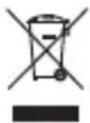
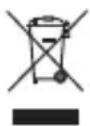
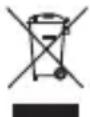
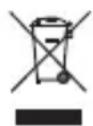
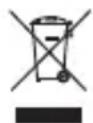
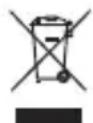
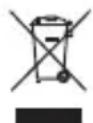
The crossed-out wheeled bin symbol indicates that the item should be disposed of separately from household waste. The item should be handed in for recycling in accordance with local environmental regulations for waste disposal. By separating a marked item from household waste, you will help reduce the volume of waste sent to incinerators or land-fill and minimize any potential negative impact on human health and the environment. For more information, please contact your IKEA store.
Deutsch
flowchart
graph TD
    A["Top Circle"] --> B["Bottom Left Circle"]
    B --> C["Bottom Right Circle"]
    C --> D["Bottom Left Circle"]
    D --> E["Bottom Right Circle"]
    E --> F["Bottom Left Circle"]
    style A fill:#fff,stroke:#000
    style B fill:#fff,stroke:#000
    style C fill:#fff,stroke:#000
    style D fill:#fff,stroke:#000
    style E fill:#fff,stroke:#000
    style F fill:#fff,stroke:#000
RÉPARATION DU PRODUIT
Fabricant: IKEA of Sweden AB
Adresse:
Box 702, SE-343 81 Älmhult, SUÈDE
Bluetooth®
Bluetooth classic: 10 dBm,
Auto stand-by: 1 min
Producent: IKEA of Sweden AB
Adresse:
Bluetooth classic: 10 dBm,
2.4 GHz proprietær: 10 dBm.
Framleiðandi: IKEA of Sweden AB
Heimilisfang:
Box 702, SE-343 81 Älmhult, SWEDEN
Bluetooth®
Bluetooth classic: 10 dBm,
2.4 GHz einkaleyfi: 10 dBm
- LED-statuslys.
- Lydregulering.
- Spotify Tap™-bryter.
- PÅ/AV-knapp.
- Strøminngang.
LED-statuslys (1)
Produsent: IKEA of Sweden AB
Adresse:
Box 702, SE-343 81 Älmhult, SWEDEN
Bluetooth®
Bluetooth classic: 10 dBm;
2.4 GhZ, omistajan: 10 dBm
Bluetooth classic: 10 dBm,
Bluetooth classic: 10 dBm,
2.4 GHz proprietární: 10 dBm
Alcance (sin obstáculos): 10 m
Consumo energetico in standby: 0.3 W
Temperature operative: da 0°C a 40°C
Producent: IKEA of Sweden AB
Adres:
Box 702, SE-343 81 Älmhult, SZWECJA
Bluetooth®
Bluetooth classic: 10 dBm,
- Lülita oma seadme Bluetooth sisse ja seo see NATTBAD kölariga. Kui oled telefoni kölariga sidunud, kölab kinnitusheli ja LED-olekutuli vilgub 2 korda.
Tootja: IKEA of Sweden AB
Aadress:
Box 702, SE-343 81 Älmhult, SWEDEN
Bluetooth®
Bluetooth classic: 10 dBm;
2.4 GHz: 10 dBm
Bluetooth classic: 10 dBm,
Bluetooth clasic: 10 dBm,
2.4 GHz proprietary: 10 dBm
"Výrobca: IKEA of Sweden AB
Adresa:
Box 702, SE-343 81 Älmhult, ŠVÉDSKO "
Bluetooth®
Bluetooth classic: 10 dBm,
2.4 GHz proprietary: 10 dBm
Bluetooth classic: 10 dBm,
2.4 GHz proprietary: 10 dBm
Bluetooth classic: 10 dBm,
2.4 GHz tescilli: 10 dBm
flowchart
graph TD
    A[" "] --> B[" "]
    B --> C[" "]
    C --> D[" "]
    style A fill:#fff,stroke:#000
    style B fill:#fff,stroke:#000
    style C fill:#fff,stroke:#000
    style D fill:#fff,stroke:#000