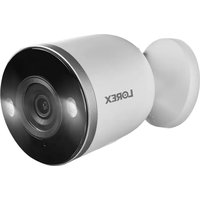
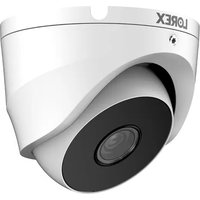
W482CAD-B - Surveillance Camera Lorex - Free user manual and instructions
Find the device manual for free W482CAD-B Lorex in PDF.



| Product Type | Wi-Fi 2K Surveillance Camera |
| Brand | Lorex |
| Model | W482CAD-B |
| Video Resolution | 2K |
| Night Vision | Yes, with mechanical IR filter |
| Two-Way Audio | Yes (built-in microphone and speaker) |
| Connectivity | Wi-Fi 2.4 GHz / 5 GHz |
| Storage | Pre-inserted micro SD card (included) |
| Power | UL/CSA certified power adapter (provided), 2.8 m USB cable |
| Dimensions (wall mount) | Height 78 mm, Width 78 mm, Depth 128 mm |
| Dimensions (ceiling mount) | Height 107 mm, Width 78 mm, Depth 132 mm |
| Package Contents | Camera, power adapter, 3 m extension cable, wall and ceiling/table mounts, micro SD card, mounting kit (screws, anchors, template, key) |
| Mobile App | Lorex Home (iOS/Android) |
| Motion Detection | Yes, with distance, angle and height settings |
| Recommended Mounting Angle | 30° to 60° downward |
| Recommended Mounting Height | 2.5 to 5 m from ground |
| Optimal Detection Range | 1.5 to 15 m |
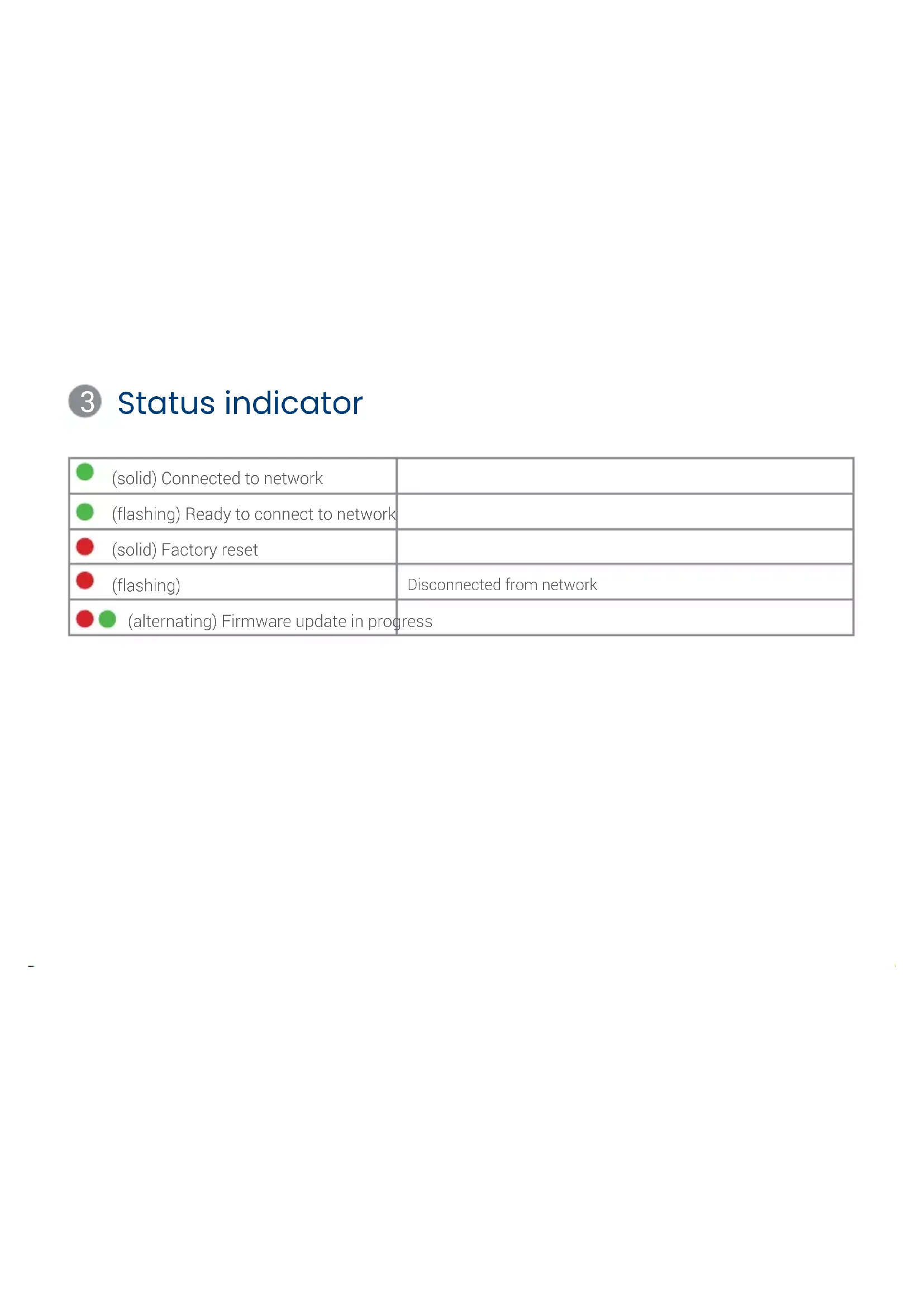
| LED Status Indicator | Solid green (connected), flashing green (ready for setup), solid red (reset), flashing red (disconnected) |
| Maintenance | Clean with a damp cloth; do not use abrasive products; do not immerse |
| Operating Temperature | Not specified in the manual, use within manufacturer's specified limits |
| Warranty | Limited hardware warranty (see lorex.com/warranty) |
| Support | Online help: help.lorex.com |
Frequently Asked Questions - W482CAD-B Lorex
User questions about W482CAD-B Lorex
0 question about this device. Answer the ones you know or ask your own.
Ask a new question about this device
Download the instructions for your Surveillance Camera in PDF format for free! Find your manual W482CAD-B - Lorex and take your electronic device back in hand. On this page are published all the documents necessary for the use of your device. W482CAD-B by Lorex.
USER MANUAL W482CAD-B Lorex
Thank you for your purchase!
How to get started with your 2K Wi-Fi Camera
Safety precautions
- Read this guide carefully and keep it for future reference.
- Follow all instructions for safe use and handling of the product.
- Operate the camera within the specified temperature, humidity and voltage and use manufacturer approved accessories.
- Do not disassemble the camera.
- Do not point the camera directly at the sun or a source of intense light.
• Periodic cleaning may be required. Use a damp cloth only. Do not use any harsh, chemical-based cleaners.
Disclaimers
- A regulated UL / CSA approved power supply is required for use with this camera (included).
Use of a non-regulated, non-conforming power supply can damage this product and voids the warranty. - Not intended for submersion in water. Installation in a sheltered location recommended.
- Audio recording without consent is illegal in certain jurisdictions. Lorex Corporation assumes no liability for use of its products that does not conform with local laws.
- This camera includes an Auto Mechanical IR Cut Filter. When the camera changes between Day/Night viewing modes, an audible clicking noise may be heard from the camera. This clicking is normal, and indicates that the camera filter is working.
- Some channels on the 5GHz Wi-Fi band are restricted in Canada. This means certain Wi-Fi networks may not be available to connect to during setup.
Contents
Section 1 Package Contents & Dimensions
2 Overview
3 Status Indicator
4 Camera Setup
5 App Live View
6 Camera Placement
7 Optimize Motion Detection
8 Wall Mounting
9 Ceiling Mounting
1 Package contents
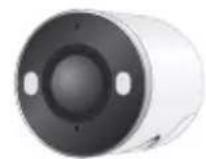
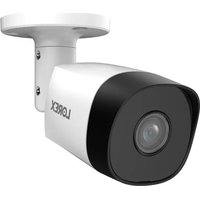
2K Wi-Fi Camera (x1)
Power Adapter (x1)
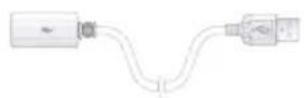
9.8 ft (3m)
Weatherproof Extension
Cable (x1)
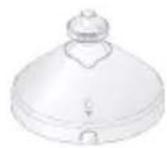
Wall Mounting Bracket (x1)
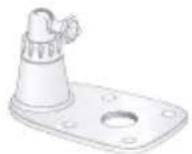
Ceiling/Table Mounting Bracket (x1)

Pre-inserted Memory Card (x1)
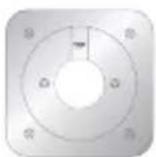
Mounting Template (x1)
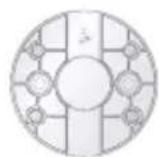
Mounting Plate (x1)
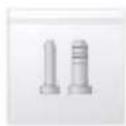
Anchors (x8)
Screws (x8)
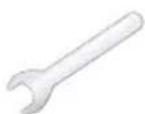
Wrench (x1)

Cable Clips (x4)
Note: The following contents is based on 1 camera
Dimensions
Camera with Wall Mount
• Height: 3.1" (78mm)
- Width: 3.1" (78mm)
• Length: 5.0" (128mm)
Camera with Ceiling Mount
• Height: 4.2" (107mm)
- Width: 3.1" (78mm)
• Length: 5.2" (132mm)
2 Overview
FRONT SIDE BOTTOM
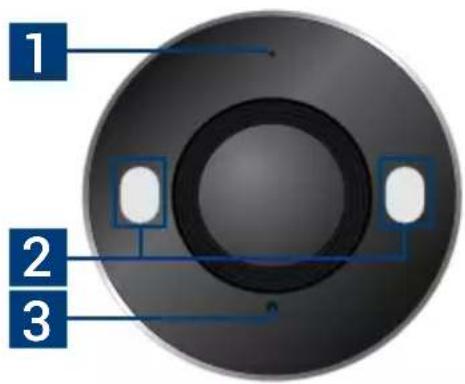
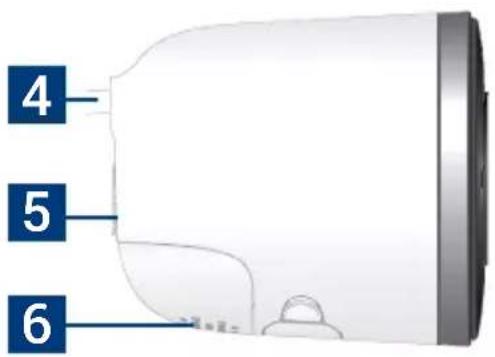
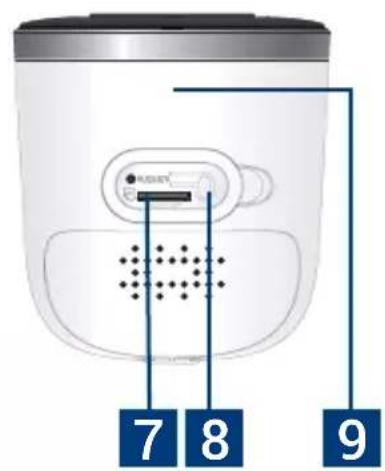
- Microphone
- Warning light
-
Status indicator
-
9.2ft (2.8m) USB power cord
- Threaded insert (for mounting)
-
Speaker
-
MicroSD slot (card included)
- Pairing / reset button
- QR code

Status indicator
| (solid) Connected to network | |
| (flashing) Ready to connect to network | |
| (solid) Factory reset | |
| (flashing) | Disconnected from network |
| (alternating) Firmware update in progress |
4 Camera setup
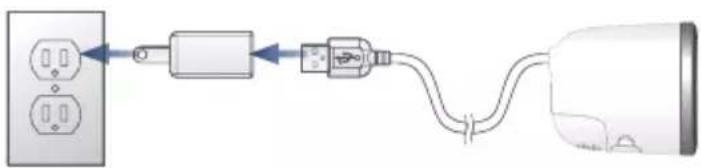
- Connect power to the camera with the provided power adapter. When you hear the chime and the status indicator is flashing green, the device is ready for setup.
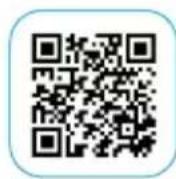
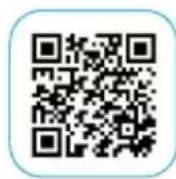
Optional: Connect the weatherproof extension cable to the camera's cable. - Download the Lorex Home app by scanning the QR code.
- Open the Lorex Home app, and sign in or create an account.
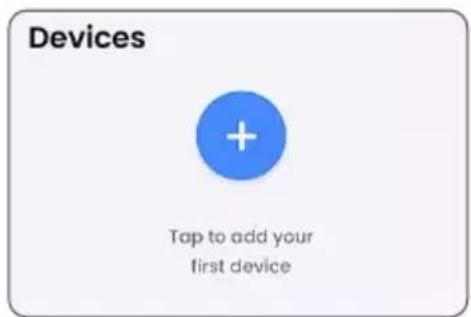
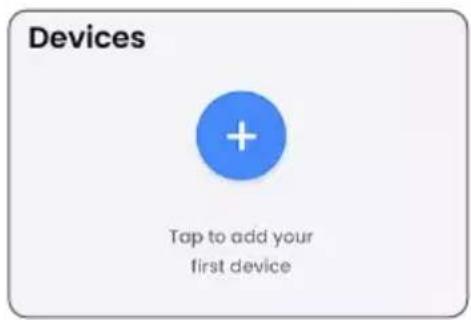
- Tap + in the app, then follow the in-app instructions to complete the device setup.


Ensure you update to the latest app and camera firmware version.
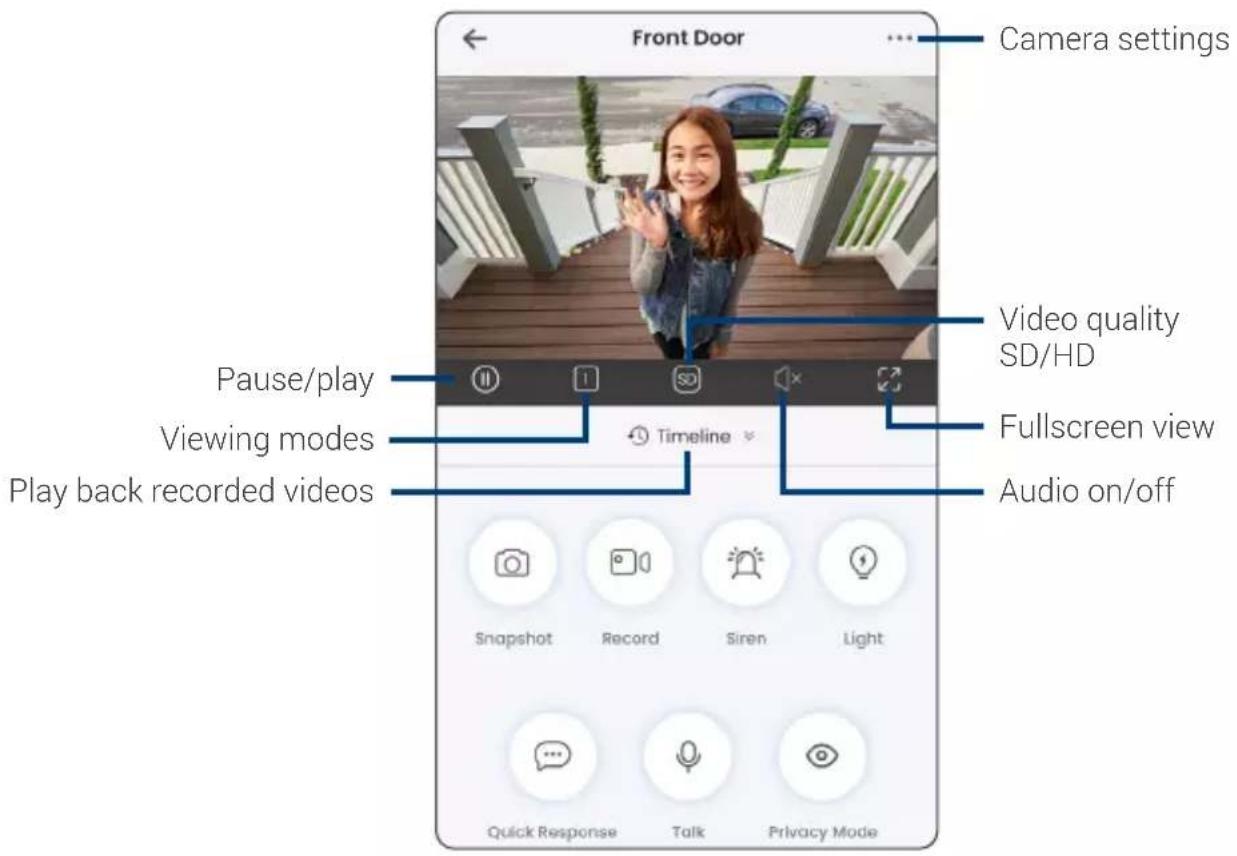
5 App Live View
6 Camera Placement
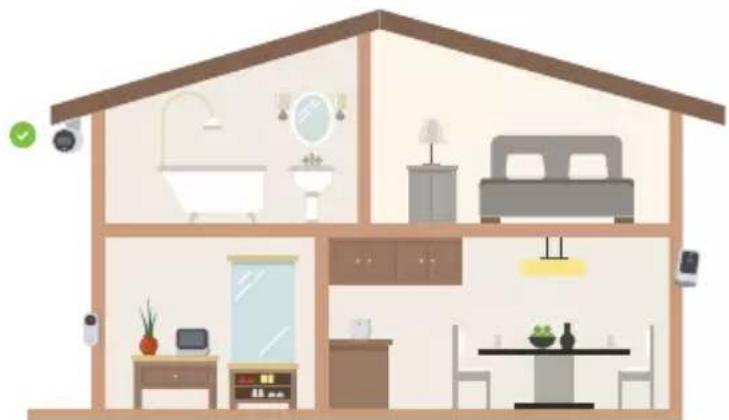
- Place the camera close to your Wi-Fi router as possible.
- Reduce the number of obstructive materials between the camera and the router or access point. Concrete, brick, metal and wood are the most common materials in your house that can cause poor signal strength.
- Other electronic devices such as microwaves, TVs, cordless phones, and baby monitors can cause signal interference. It is recommended to install the camera as far away from these devices as possible.
7 Optimize Motion Detection
Distance Optimal accuracy for objects within 5ft to 50ft (1.5\~15m).
Angle Angle the camera around 30°-60° down from the level position.
Height Install the camera between 8-16ft (2.5\~5m) off of the ground.
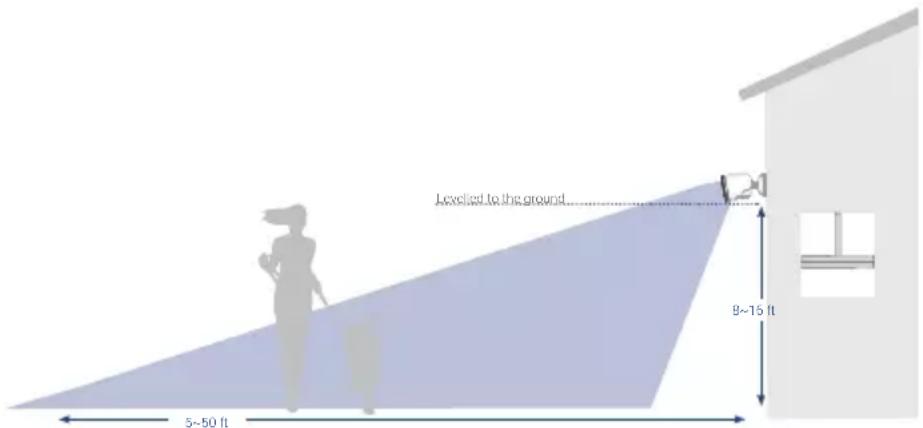
Note: Accuracy of person detection will be influenced by multiple factors, such as the person's distance from the camera, the height of the person, and the height and angle of the camera. Night vision will also impact the accuracy and distance of detection.
8 Wall Mounting
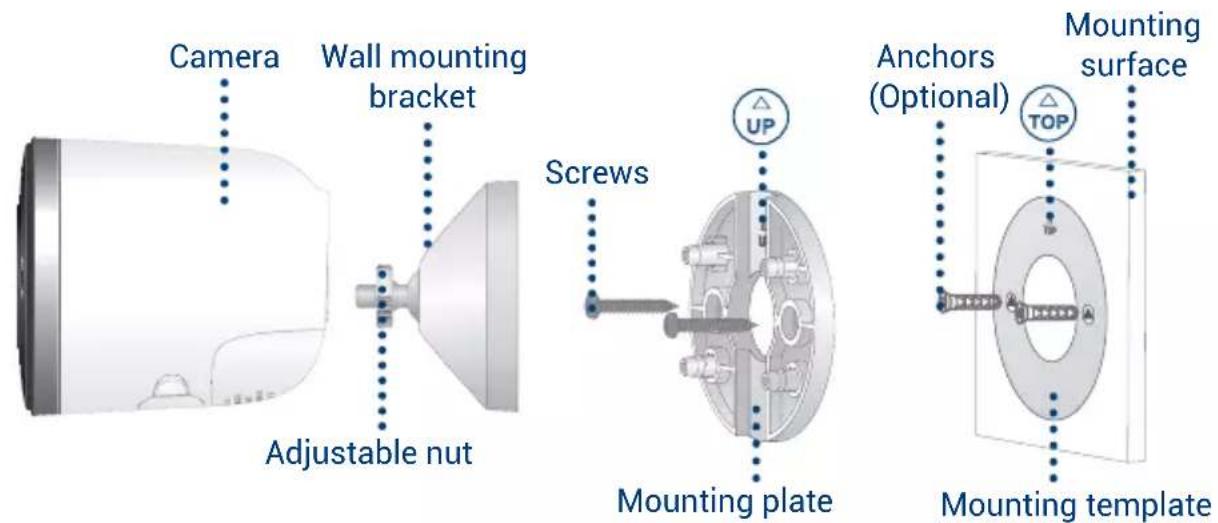
To wall mount the camera:
- Place the mounting template onto the desired location.
Note: Ensure an outlet is nearby, and keep in mind the cable lengths.
- Using a 15/64" (6mm) drill bit, drill 2 holes over the triangle symbols on the template.
Optional: Drill 15/64" (6mm) holes for the anchors.
- Align the arrows of the mounting plate and template. Using a screwdriver and the provided screws, secure the mounting plate to the surface.
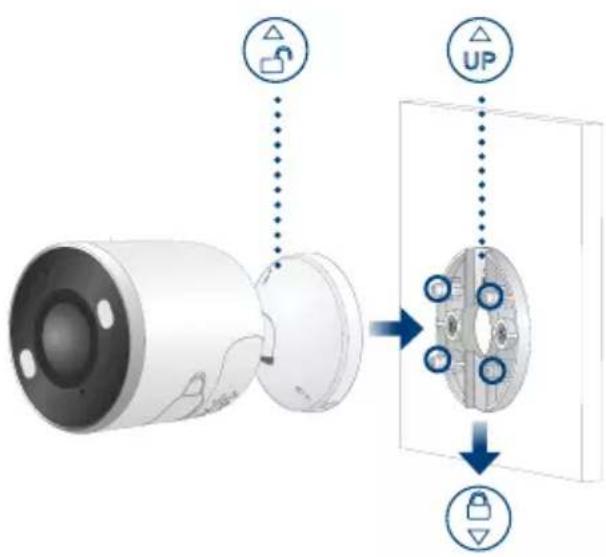
- Align the arrows between the wall mounting bracket and plate. Push the bracket in to install, then slide down to lock in place. You will hear a 'click' when the bracket is installed.
- Attach the camera to the mounting bracket using the threaded insert at the rear of the camera. Rotate the camera clockwise until attached, then tighten into place with the adjustable nut.
- Adjust the camera to the desired angle.
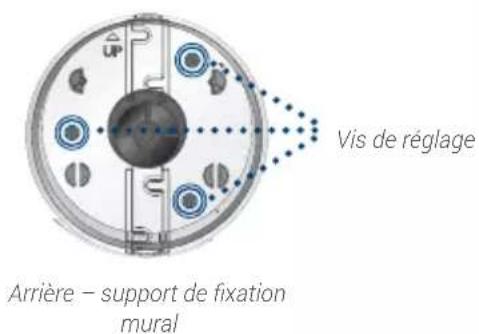
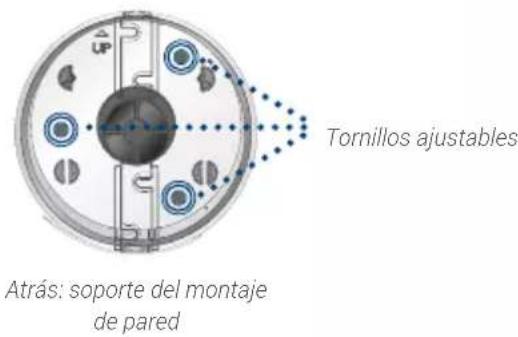
Note: If the camera is not holding in place or difficult to adjust, unplug the camera and slide the bracket up to detach from the mounting plate. Tighten or loosen the 3 screws at the back of the mounting bracket to adjust accordingly. Repeat steps 4-6 to re-install.
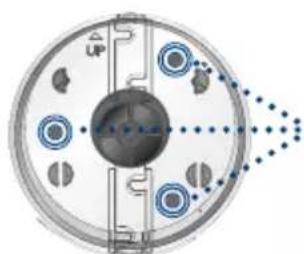
Adjustable screws
Back - Wall mounting bracket
9 Ceiling Mounting
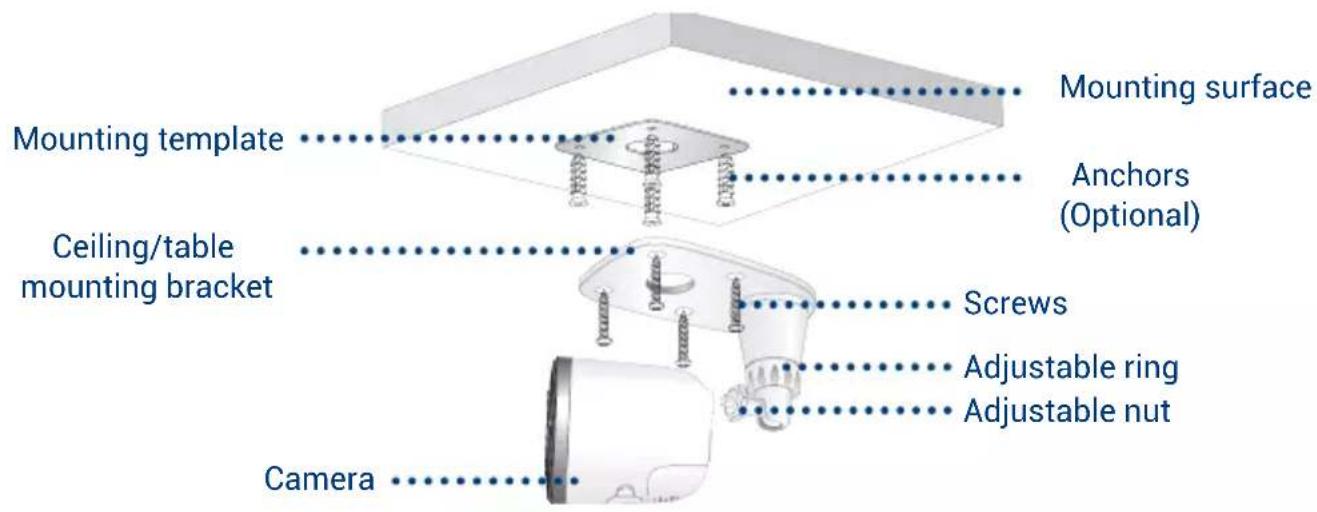
To ceiling mount the camera:
- Place the mounting template onto the desired location.
Note: Ensure an outlet is nearby, and keep in mind the cable lengths. -
Using a 15/64" (6mm) drill bit, drill 4 holes over the X symbols on the template.
Optional: Drill 15/64" (6mm) holes for the anchors. -
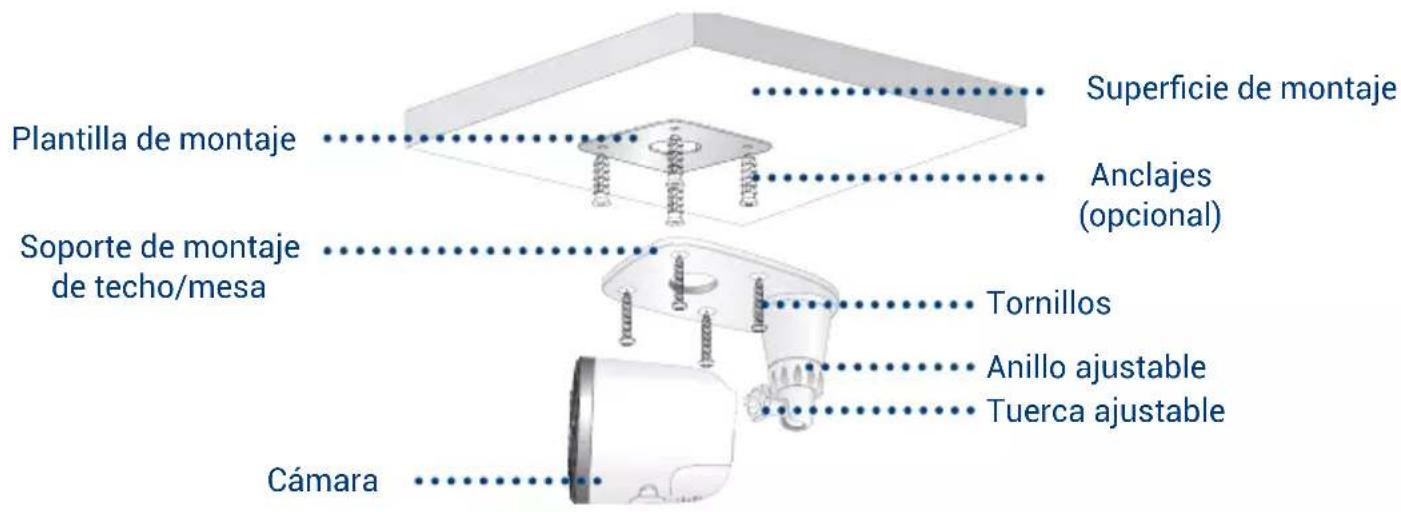
Remove the 4 pre-inserted plugs from the ceiling/table mounting bracket.
- Attach the camera to the ceiling/table mounting bracket using the threaded insert at the rear of the camera. Rotate the camera clockwise until attached, then use the wrench to tighten the adjustable nut in place.
- Place the bracket over the drilled holes. Using a screwdriver and the provided screws, secure the bracket to the surface.
- Rotate the adjustable ring counter-clockwise to loosen and adjust the camera to the desired position, then tighten to secure.
Optional:
- Feed the camera cable through the hole at the base of the bracket or the mounting surface.
- Open the camera's settings in the app and enable Image Rotation to flip the camera image.

Image Rotation

Need help?
Visit help.lorex.com for up-to-date information and resources:
- Download product guides
- Watch how-to-videos
• Find related troubleshooting tips & FAQs
Register your product
Please see our full Terms of Service and Limited Hardware Warranty Policy visit, lorex.com/warranty.

This device complies with part 15 of the FCC Rules. Operation is subject to the following two conditions: (1) This device may not cause harmful interference, and (2) This device must accept any interference received, including interference that may cause undesired operation.
Copyright © 2021 Lorex Corporation
As our products are subject to continuous improvement, Lorex reserves the right to modify product design, specifications and prices, without notice and without incurring any obligation. E&OE. All rights reserved.
W482CAD_QSG_TRILINGUAL_R1
LOREX®
Caméra Wi-Fi 2K
Série W482CAD


Besoin d'aide?
Copyright © 2021 Lorex Corporation


9 Montaje en techo
¿Necesita ayuda?
Copyright © 2021 Lorex Corporation

- HOW TO GET STARTED WITH YOUR 2K WI-FI CAMERA
- SAFETY PRECAUTIONS
- DISCLAIMERS
- CONTENTS
- SECTION 1 PACKAGE CONTENTS & DIMENSIONS
- 1 PACKAGE CONTENTS
- DIMENSIONS
- CAMERA WITH WALL MOUNT
- CAMERA WITH CEILING MOUNT
- 2 OVERVIEW
- STATUS INDICATOR
- 4 CAMERA SETUP
- 5 APP LIVE VIEW
- 6 CAMERA PLACEMENT
- 7 OPTIMIZE MOTION DETECTION
- 8 WALL MOUNTING
- TO WALL MOUNT THE CAMERA
- 9 CEILING MOUNTING
- TO CEILING MOUNT THE CAMERA
- OPTIONAL
- NEED HELP
- REGISTER YOUR PRODUCT
- LOREX®
- CAMÉRA WI-FI 2K
- BESOIN D'AIDE
- 9 MONTAJE EN TECHO
- ¿NECESITA AYUDA
Brand : Lorex
Model : W482CAD-B
Category : Surveillance Camera