UDR-1808 - Drone uGo - Free user manual and instructions
Find the device manual for free UDR-1808 uGo in PDF.



| Brand | uGo |
| Model | UDR-1808 |
| Product type | Quadcopter drone |
| Dimensions | 105 x 92 x 30 mm |
| Weight | 23 g |
| Drone power supply | Li-Po battery 3.7 V / 380 mAh |
| Flight time | 5.5 minutes |
| Charging time | 60 minutes |
| Maximum speed | 3 m/s (horizontal flight), 5 m/s (ascent/descent) |
| Range | 30-50 m |
| Main functions | Forward/backward/lateral flight, ascent/descent, 360° rotation, automatic return, trimming, aerial acrobatics, speed control |
| Wireless communication | 2.4 GHz |
| Remote control power supply | 4 AA batteries (not included) |
| Box contents | Drone, remote control, USB cable, user manual |
| Maintenance and cleaning | Clean with a soft, dry cloth. Store in a dry place, away from fire, sunlight, and intense heat sources. |
| Safety | Do not open, throw, or modify. Keep out of reach of children. Use away from people and obstacles. Respect local flight regulations. |
| Spare parts and repairability | Repairs and adjustments should be entrusted to a specialist. No spare parts specified. |
| Warranty | 24 months |
| Compliance | CE (RED 2014/53/EU, RoHS 2011/65/EU), sub-category A1 (open category) |
Frequently Asked Questions - UDR-1808 uGo
User questions about UDR-1808 uGo
0 question about this device. Answer the ones you know or ask your own.
Ask a new question about this device
Download the instructions for your Drone in PDF format for free! Find your manual UDR-1808 - uGo and take your electronic device back in hand. On this page are published all the documents necessary for the use of your device. UDR-1808 by uGo.
USER MANUAL UDR-1808 uGo
natural_image
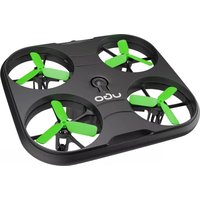
Black and green UGO drone with four propellers on a square base (no text or symbols visible)USER MANUAL / GUIDE DE DÉMARRAGE RAPIDE BEDIENUNGSANLEITUNG / INSTRUKCJA OBSŁUGI UGO DRONE ZEPHIR 3.0 UDR-1808
SAFETY RULES
DEPL FR
-
Read and follow these operating instructions carefully.
-
Make this product available to third parties only with these operating instructions.
-
The device is not a toy. Keep it out of reach of children and pets.
-
The drone should be used in a spacious room or outdoors in suitable weather conditions (no rain or snow, wind strength should be below 4 degrees).
-
The drone should be used away from people, animals and other obstacles.
-
Store the unit in a dry place, away from fire, sunlight and other strong heat sources. When the appliance is heated to approximately 85^ C, special care must be taken.
-
The product has overload, overvoltage and short circuit protection mechanisms. Be safe and respect the intended use (CE). The product must not be converted and/or modified.
-
Do not open the device, throw it or cause mechanical damage.
-
Improper use can cause hazards such as short circuits, fire and electric shock.
-
Protect the product from strong vibration, high humidity, inflammable gases, vapours and solvents.
-
The product should be handled with care. Shock, impact or dropping even from a low height can damage the product.
-
Do not touch the cable connected to the device if it is damaged.
-
Make sure that the cable is not crushed, bent, damaged by sharp edges or subjected to mechanical stress.
-
Avoid excessive thermal stresses exerted on the cable by extremely low or high temperatures.
15.A damaged cable can cause a fatal electric shock.
-
The product may become warm during use, ensure adequate ventilation.
-
Never connect or disconnect the product with wet hands.
-
Never leave the product or connected devices unattended during use.
-
Maintenance work, adjustments and repairs may only be carried out by a specialist or a specialist workshop.
-
If it is no longer possible to operate the product safely, it must be taken out of service and secured before it can be used again. It is not possible to ensure continued safe operation if the product:
- is visibly damaged,
- is not functioning properly,
- has been stored for long periods of time under adverse environmental conditions, or
- has been subjected to severe transportation stresses.
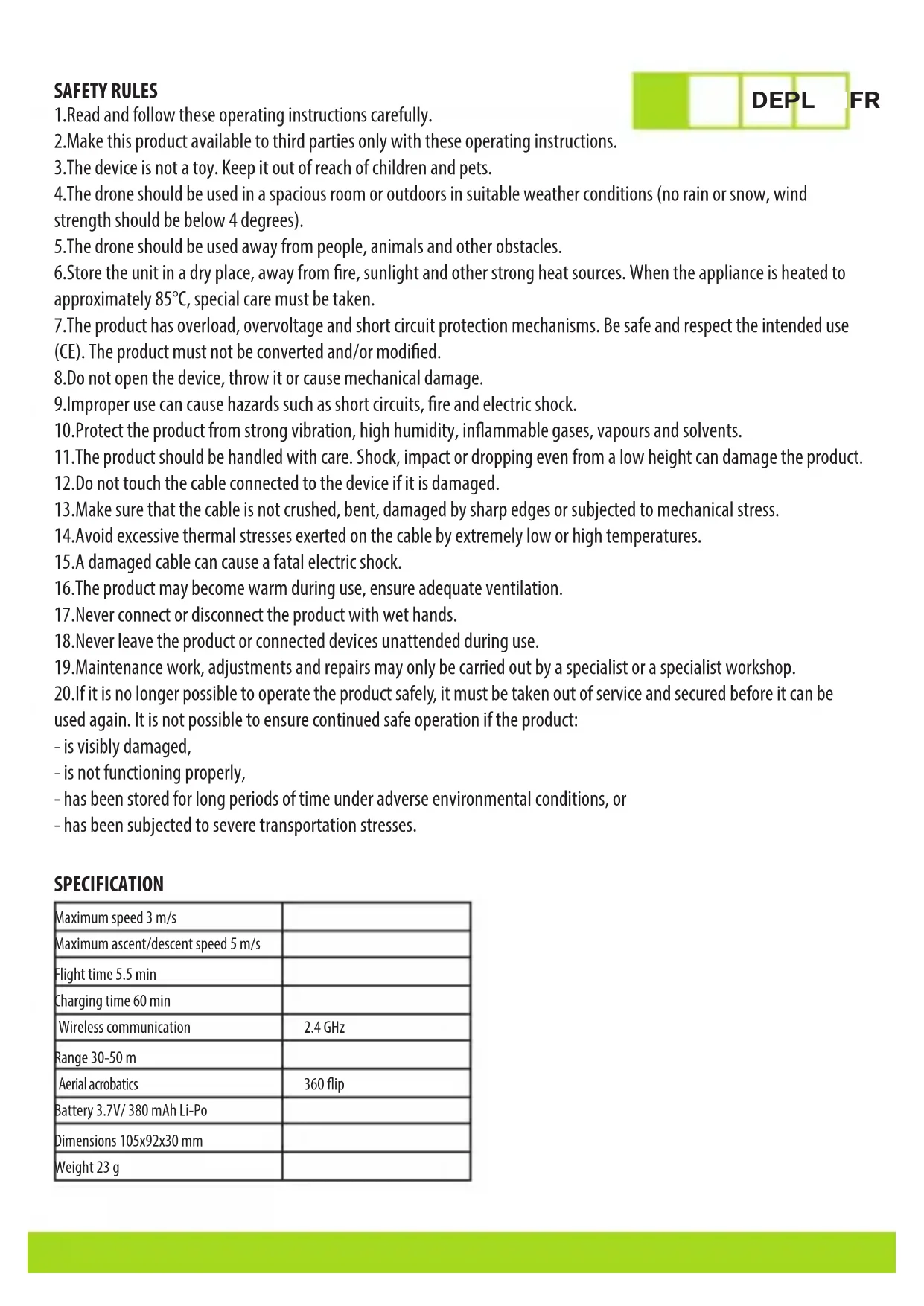
SPECIFICATION
| Maximum speed 3 m/s | |
| Maximum ascent/descent speed 5 m/s | |
| Flight time 5.5 min | |
| Charging time 60 min | |
| Wireless communication | 2.4 GHz |
| Range 30-50 m | |
| Aerial acrobatics | 360 flip |
| Battery 3.7V/ 380 mAh Li-Po | |
| Dimensions 105x92x30 mm | |
| Weight 23 g |

text_image
1 2 3 4 6 7 8 5 9 10 11 1213
| No. Button Description of functions | ||
| 1. | Allows you to adjust the flight speed of your drone.Speed control | |
| Flip 360° Allows you to rotate the | drone 360 degrees - 3D rotation function.2. | |
| Flight direction change/return3. | A short press of the button changes the direction of flight.Holding the button down for 3 seconds activates the return function. | |
| If the drone moves backwards on its own, press the button to trim.Forward movement trim | ||
| 5. | Backward movement trimmer | If the drone moves forwards on its own, press the button to trim. |
| Climbing/descending/turning left and right.Left stick6. | ||
| 7. | Right stick | Forward/backward/sideways flight. |
| 8. | Take-off/landingbutton/emergency landing | Press the button to start the motors.Press the button again to raise the drone to the specified height.In normal flight mode, tap this key again to slowly land the drone on the ground.A long press on this button causes an immediate stop. |
| A short press on this button controls the light switch function.LED9. | ||
| Button for horizontal 360° Rotation.Rotation | ||
| 11. | Right flight trim | If the drone moves to the right on its own, press the button to trim. |
| 12. | Left flight trim If the drone moves to the left on its own, press the button to trim. | |
| 13. | On/off switch Turns the controller on and off. | |
CONTROLLER BATTERY INSTALLATION
DEPL
FR
- Loosen the screw and remove the battery cover.
- Insert 4xAA batteries into the controller according to the indicated polarity.
- Place the battery cover in place and secure it with the screw.
DRONE BATTERY INSTALLATION AND CHARGING

natural_image
Diagram of a drone with four wheels and a battery, enclosed in a rounded square frame (no text or symbols)
flowchart
graph LR
    A["Laptop"] --> B["Data Interface"]
    B --> C["BATTERY"]
    C --> D["Device 1"]
    C --> E["Device 2"]
    C --> F["Device 3"]

natural_image
Diagram of a drone with four propellers and a central body, enclosed in a rounded square frame (no text or symbols)- Open the battery cover.
- Connect the batteries to the charging cable provided. Connect the cable to a USB port (PC/Laptop or network adapter).
- During charging, the LED glows continuously. After charging, the LED will go out. Estimated charging time is 60 min.
- Disconnect the battery from the charger by releasing the safety catch (photo 2 from the battery side) and then re-install the battery in the drone (photo 3).
FLIGHT PREPARATION
- Press and hold the power button located on the drone for 2 seconds, wait for the fuselage light to flash. Then place the drone on a level surface.
- Turn on the controller, move the left stick up and down. The lights on the fuselage will illuminate and the controller will be successfully connected.
DRONE CONTROL DURING FLIGHT
- The left controller stick is responsible for the drone's climbing and descent. When you move the stick up, the drone will begin to climb. When you move it down, the drone will begin to descend.
2.Moving the left control stick to the left will cause the drone to rotate counter-clockwise around its axis.
Moving the left control stick to the right will cause the drone to rotate clockwise around its axis.
3.Moving the right stick to the left will make the drone fly to the left.
Moving the right stick to the right will make the drone fly to the right.
PACKAGE CONTENT
• Zephir 3.0 drone
- Controller
- USB cable
- Operating instructions
PRINCIPLES OF DRONE CONTROL
DEPL FR
The operator is obliged to:
• Make sure he has adequate insurance.
- Check that the area in which the flight is to be conducted is not covered by a no-fly zone or other restriction.
- Keep the drone in sight at all times.
- Maintain a safe distance between the drone and people, animals and other aircraft.
- Immediately report to your national civil aviation authority if your drone has been involved in an accident involving serious or fatal injuries to persons or involving manned aircraft.
- Operate the drone according to the manufacturer's instructions.
- Do not fly over a gathering of people.
- Do not fly higher than 120m from the nearest point of the ground surface.
- Do not fly near aircraft or in the vicinity of airports, airstrips or where rescue operations are in progress.
- Do not violate the privacy of others.
- Do not use drones to transport hazardous materials or drop materials.
- Do not modify the drone. Do not install software other than that recommended by the manufacturer.
GENERAL
• Product with 24 months warranty.
- Safe product, compliant with EU requirements.
- Product manufactured in accordance with the European RoHS standard.
- The use of the WEEE symbol (crossed-out wheeled bin) indicates that this product must not be treated as household waste. By disposing of used equipment correctly, you will avoid hazards to human health and the environment, resulting from the possible presence of hazardous substances, mixtures and components in the equipment, as well as improper storage and processing of such equipment. Separate collection also allows for the recovery of the materials and components from which the device was manufactured. For details on how to recycle this product, please contact the retailer where you purchased the product or your local authority.
- IMPAKT S.A. hereby declares that the UDR-1808 device complies with the essential requirements and other relevant provisions of Directive 2014/53/EU (RED) and 2011/65/EU (ROHS). The full CE Declaration of Conformity can be found at www.impakt.com.pl under the product tab.
The Zephir 3.0 drone is classified in subcategory A1 and can be used to perform operations in the open category.
PRINCIPES DE SÉCURITÉ
natural_image
Diagram of a drone with four wheels and a battery, enclosed in a rounded square frame (no text or symbols)
flowchart
graph LR
    A["Laptop with monitor icon"] --> B["Battery"]
    B --> C["Device with USB port"]
    C --> D["Device with USB port"]
    D --> E["Device with USB port"]
    E --> F["Device with USB port"]
