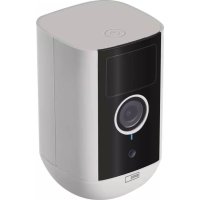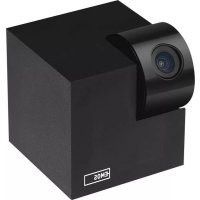
H4051 - Surveillance Camera Emos - Free user manual and instructions
Find the device manual for free H4051 Emos in PDF.



| Product Type | Surveillance Camera |
| Brand | Emos |
| Model | H4051 |
| Resolution | 1920 × 1080 pixels |
| Sensor | 1/2.9" CMOS Megapixel |
| Night Vision | Infrared up to 10 m |
| Lens | 3.6 mm, F2.0 |
| Local Storage | SD Card (max. 128 GB) |
| Cloud Storage | Yes |
| NVR Compatible | Yes |
| Mobile App | EMOS GoSmart (Android and iOS) |
| Connectivity | Wi-Fi 2.4 GHz (IEEE 802.11b/g/n) |
| Frequency Band | 2.400-2.4835 GHz |
| Power Supply | Included power adapter (5 V / 1 A) |
| Max Number of Users | 6 |
| Viewing Angle | 90° (estimated) |
| Audio | Built-in microphone and speaker |
| Reset | Long press 5 s on RESET button |
| Mounting | On ceiling or uneven surface (mount included) |
| Operating Temperature | -10°C to 50°C |
| Protection Rating | IP20 (indoor use) |
| Maintenance | Clean with a dry soft cloth |
| Safety | Compliant with directive 2014/53/EU |
| Material | ABS plastic |
Frequently Asked Questions - H4051 Emos
User questions about H4051 Emos
0 question about this device. Answer the ones you know or ask your own.
Ask a new question about this device
Download the instructions for your Surveillance Camera in PDF format for free! Find your manual H4051 - Emos and take your electronic device back in hand. On this page are published all the documents necessary for the use of your device. H4051 by Emos.
USER MANUAL H4051 Emos
natural_image
Technical line drawing showing two views of a ceiling fixture with mounting holes and a disc (no text or symbols)2a
natural_image
Technical line drawing of a mechanical flange component (no text or symbols)2b
natural_image
Diagram of a mechanical component with a cross-section view showing internal structure (no text or symbols)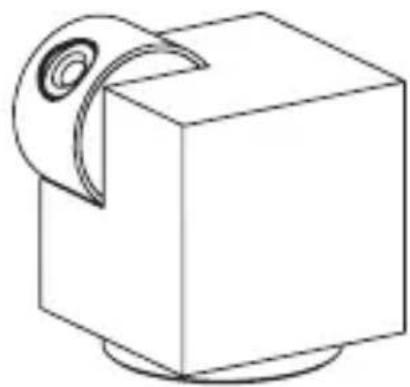
natural_image
Simple line drawing of a cube with a circular roller on top (no text or symbols)3
natural_image
Pure technical line drawing of a mechanical component without any text, numbers, or symbols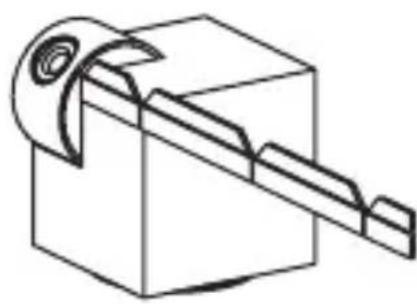
natural_image
Pure technical line drawing of a mechanical component with no text or symbols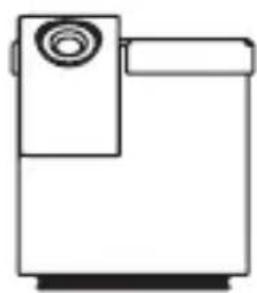
natural_image
Simple line drawing of a portable device with a circular top and rectangular base (no text or symbols)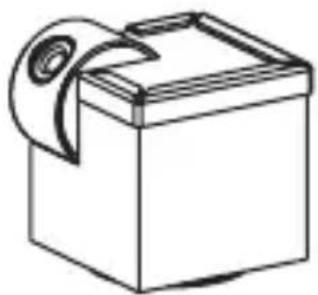
natural_image
Simple line drawing of a box with a scroll on top (no text or symbols)
natural_image
Simple line icon of a smartphone inside a circle and a base (no text or symbols)
natural_image
Apple logo inside a circle with 'iOSiPad' text below (no other symbols or text)
natural_image
Android robot icon inside a circle with a horizontal bar below (no text or symbols)
text_image
QR code with a large 't' logo above it, likely linking to a digital service or website.AndroidiOS
5
natural_image
Simple black-and-white icon of a smartphone (no text or symbols)
natural_image
Simple black rectangular object with two vertical lines extending upward from its top (no text or symbols)
natural_image
Simple line drawing of a cube with a curved arrow on top (no text or symbols)
2.4 GHz 5 GHz

6
text_image
User Agreement and Privacy Policy Your privacy is of great importance, thus we have updated our Privacy Policy according to the latest laws and regulations to keep you fully informed. Before you consent to use our services, please kindly read through and comprehend what we present to you. More detailed information, please check Privacy Policy and User Agreement Agree Disagree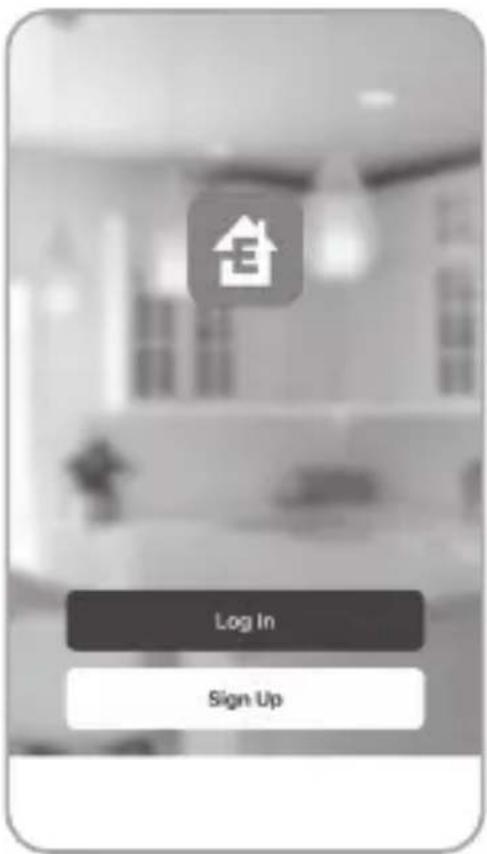
text_image
Log In Sign Up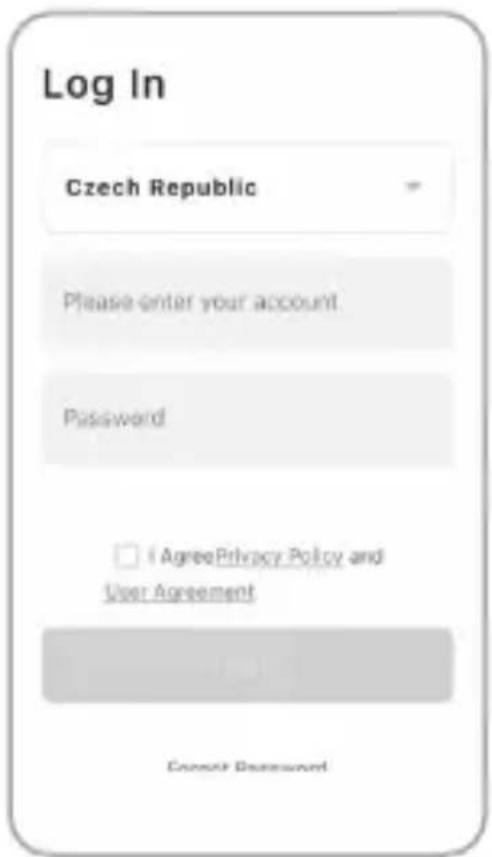
text_image
Log In Czech Republic Please enter your account. Password □ AgreePrivacy Policy and User Agreement Cancel Password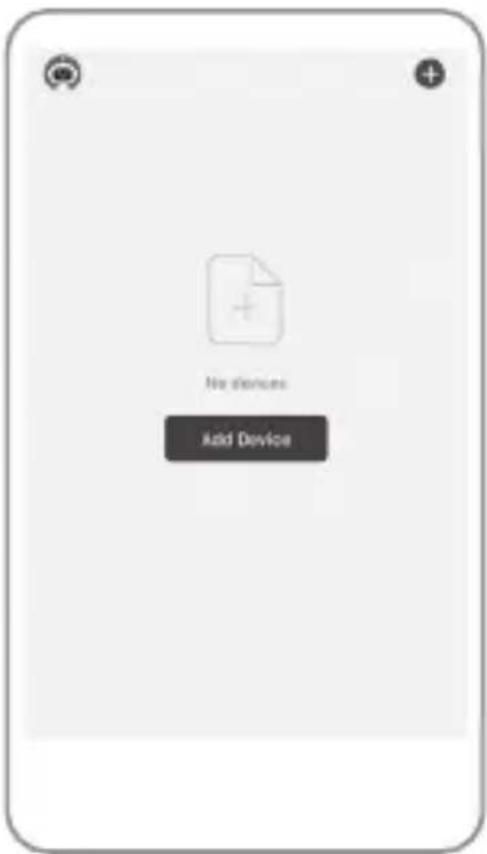
text_image
No devices Add Device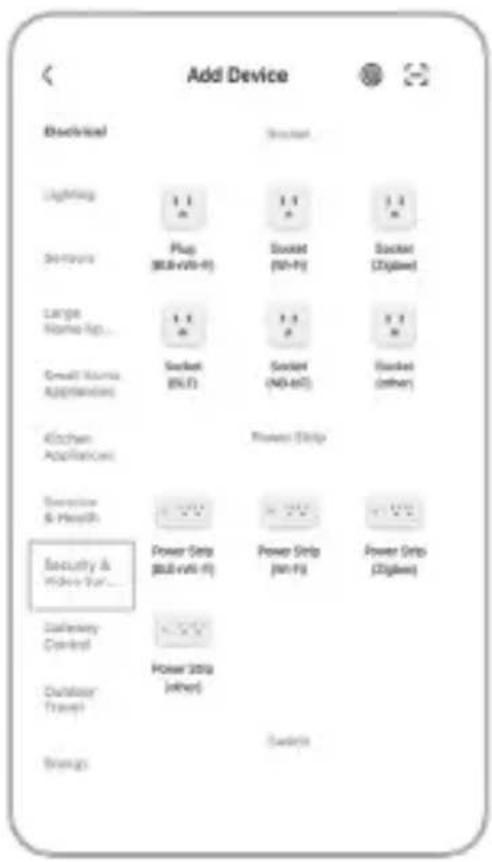
text_image
Add Device Electrical Lighting Sn-family Large Name-Up... Small Name Applications Kitchen Appliances Executive & Health Security & Home Decor... Definery Control Outdoor Travel Bridges 1.1 2.4 1.1 2.4 Plug (80kV+6) Socket (50kV) Socket (30kV) Socket (20kV) Socket (10kV) Socket (50kV) Socket (30kV) Socket (20kV) Power Strip Power Strip (50kV+6) Power Strip (50kV+6) Power Strip (30kV) Power Strip (20kV) Power Strip (10kV) Power Strip (50kV) Power Strip (30kV) Power Strip (20kV) Power Strip (10kV)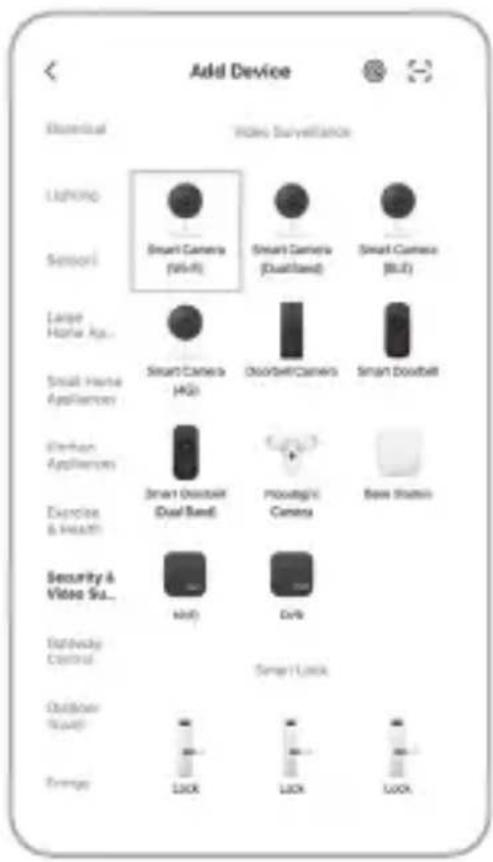
text_image
Add Device Essential Video Surveillance Lighting Smart Camera (Wi-Fi) Smart Camera (DualBand) Smart Camera (BLT) Sensori Large Home Appliance Smart Camera (HG) OutdoorCamers Smart Doublet Small Home Appliances Exterior Appliances Smart Doublet (Dual Band) Prostug/nr Camera Base Station Exercise & Health Security & Video Sua... HiFi DVR Rativity Control Smart Lock Outdoor Audio Energy LUX LUX LUX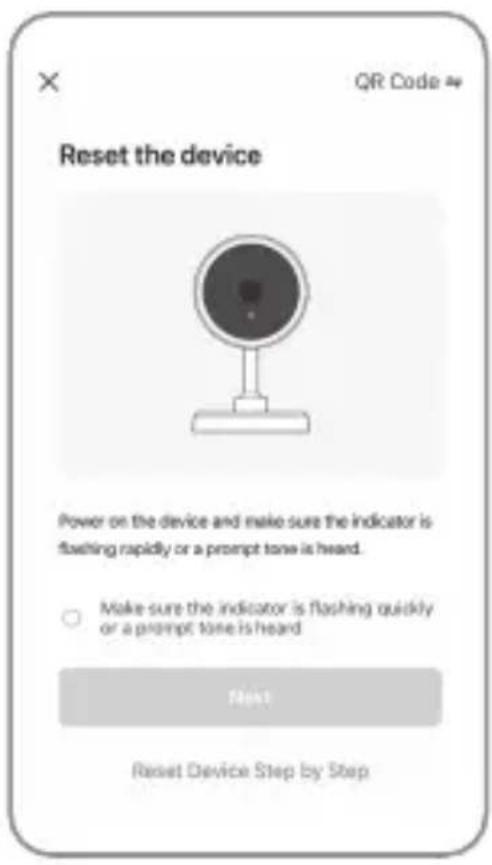
text_image
Reset the device Power on the device and make sure the indicator is fixiting rapidly or a prompt tone is heard. Make sure the indicator is flashing quickly or a prompt tone is heard Next Reset Device Step by Step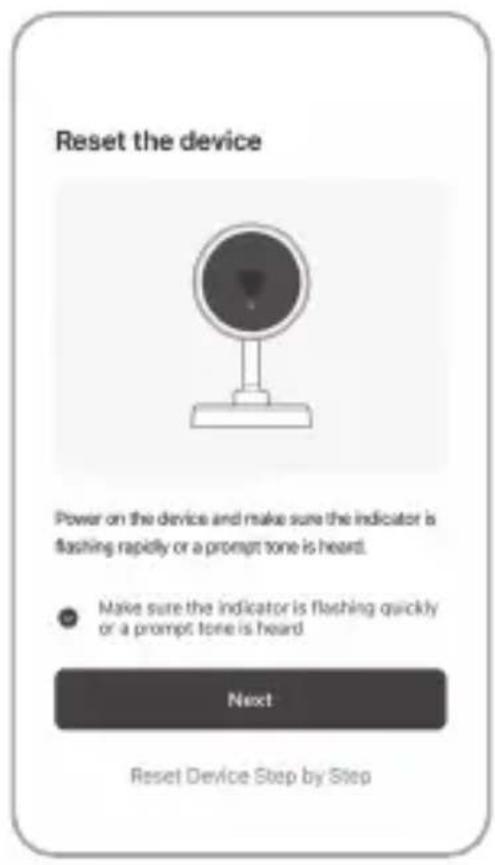
text_image
Reset the device Power on the device and make sure the indicator is flashing rapidly or a prompt tone is heard. Make sure the indicator is flashing quickly or a prompt tone is heard Next Reset Device Step by Step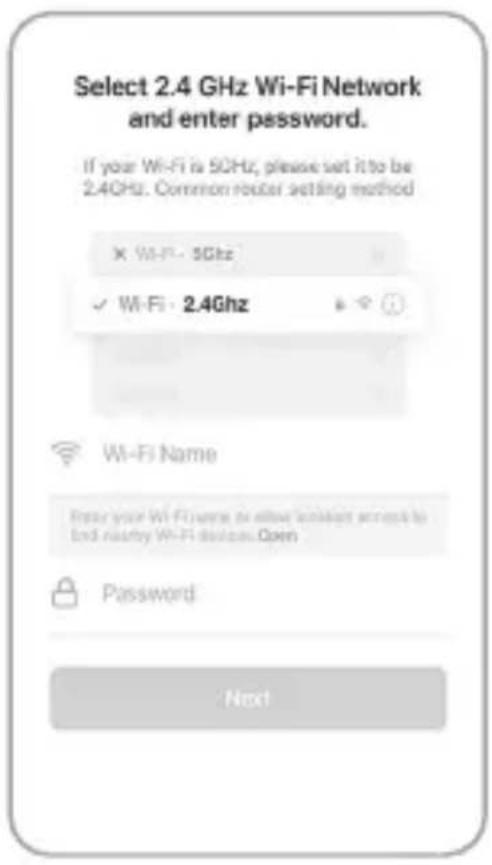
text_image
Select 2.4 GHz Wi-Fi Network and enter password. If your Wi-Fi is 5GHz, please set it to be 2.4GHz. Common router setting method × Wi-Fi - 5GHz ✓ Wi-Fi - 2.4Ghz Wi-Fi Name Enter your Wi-Fi name to allow client access by End nearby Wi-Fi device.Open Password Next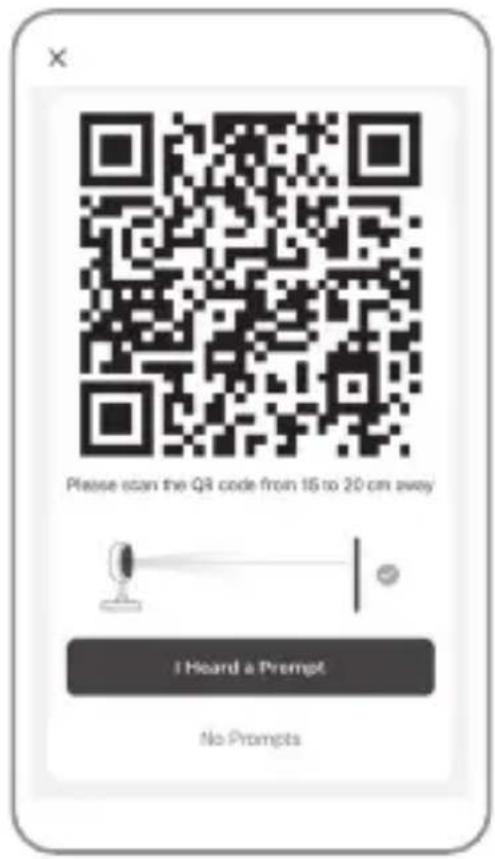
text_image
Please scan the QR code from 15 to 20 cm away I Heard a Prompt No Prompts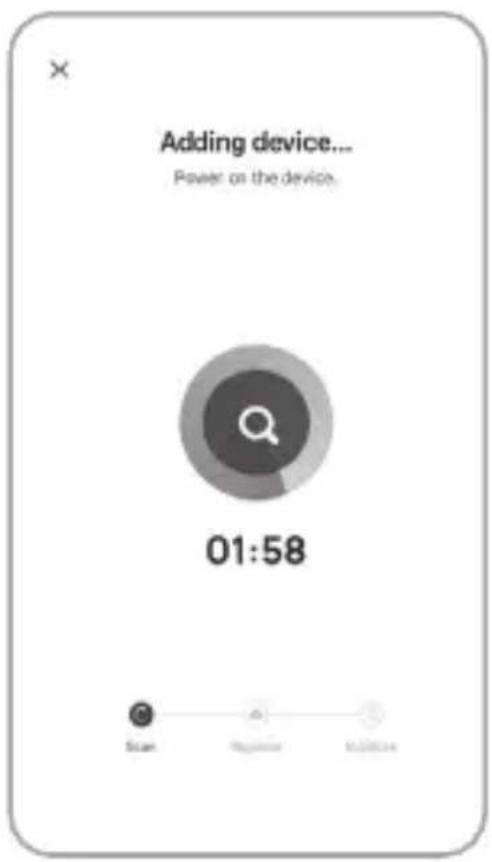
text_image
Adding device... Power on the device. 01:58 Scan Update Maintenance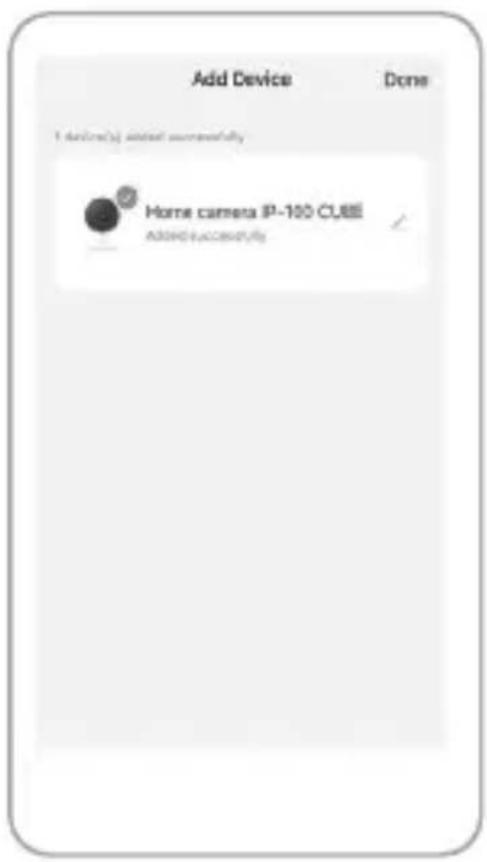
text_image
Add Device Done 1 device(s) added successfully Home camera IP-100 CUBE ADO+UseAccess/MyGB | IP Camera
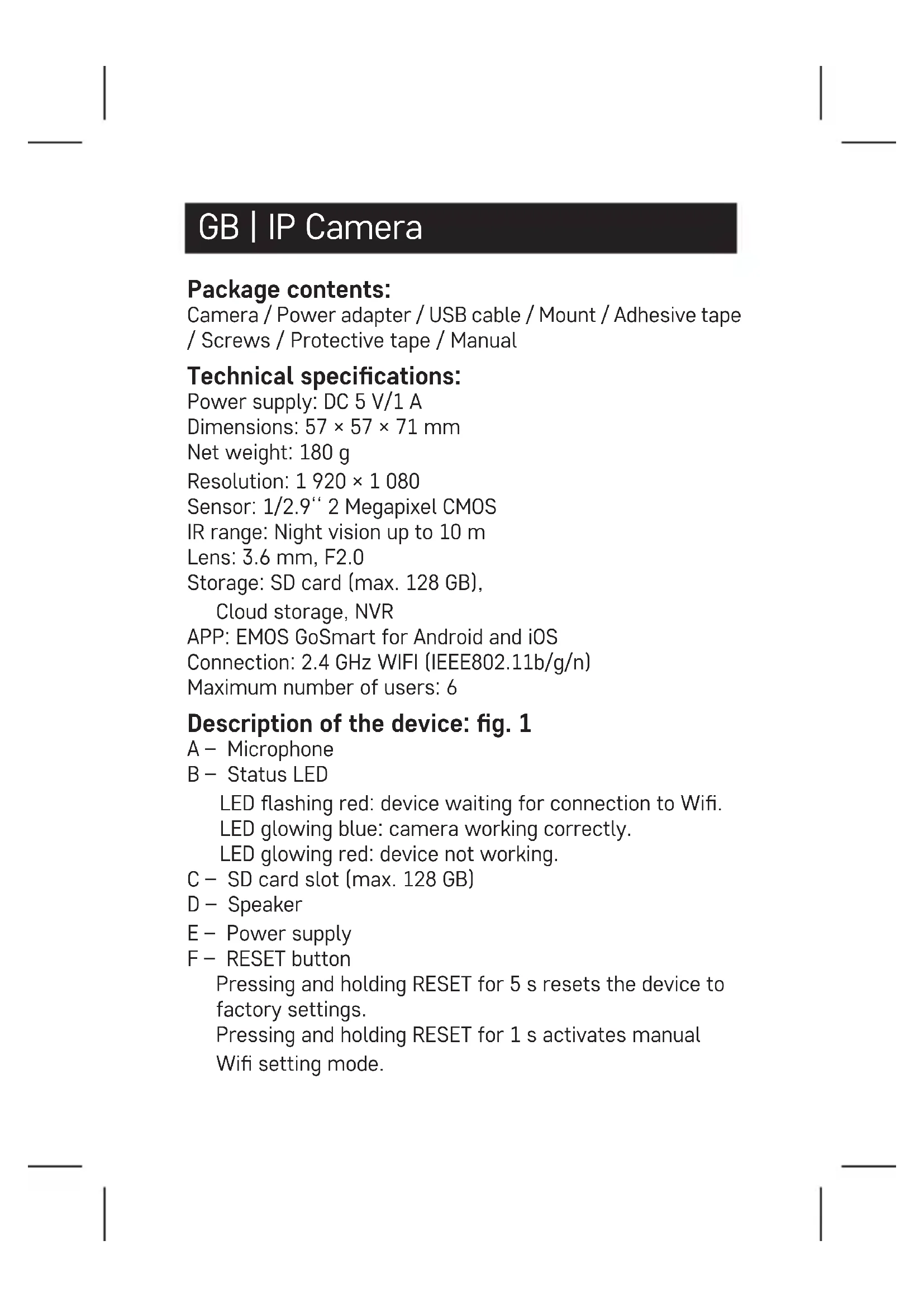
Package contents:
Camera / Power adapter / USB cable / Mount / Adhesive tape / Screws / Protective tape / Manual
Technical specifications:
Power supply: DC 5 V/1 A
Dimensions: 57 × 57 × 71 mm
Net weight: 180 g
Resolution: 1 920 × 1 080
Sensor: 1/2.9" 2 Megapixel CMOS
IR range: Night vision up to 10 m
Lens: 3.6 mm, F2.0
Storage: SD card (max. 128 GB),
Cloud storage, NVR
APP: EMOS GoSmart for Android and iOS
Connection: 2.4 GHz WIFI (IEEE802.11b/g/n)
Maximum number of users: 6
Description of the device: fig. 1
A - Microphone
B - Status LED
LED flashing red: device waiting for connection to Wifi.
LED glowing blue: camera working correctly.
LED glowing red: device not working.
C - SD card slot (max. 128 GB)
D - Speaker
E - Power supply
F - RESET button
Pressing and holding RESET for 5 s resets the device to factory settings.
Pressing and holding RESET for 1 s activates manual
Wifi setting mode.
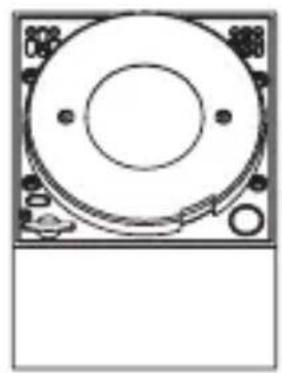
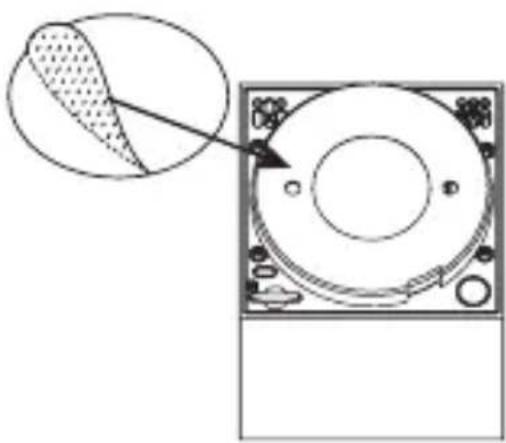
Installing the camera on the ceiling: fig. 2a/2b
- Place the enclosed mount onto a clean surface.
- Install it using the enclosed screws.
- Install the camera onto the mount.
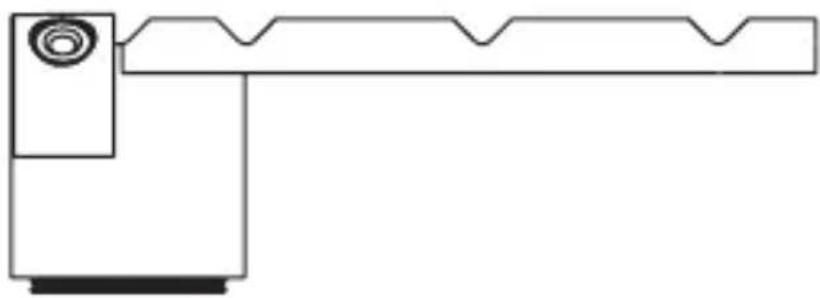
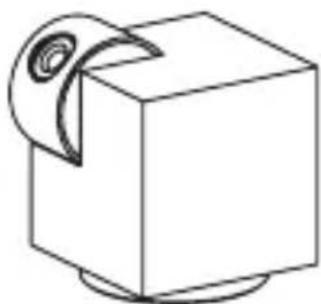
Installing the camera onto an uneven surface:
fig. 3
Attach the adhesive tape onto the underside of the mount. Place the camera with the mount onto the chosen spot.
Attaching protective tape: fig. 4
If needed, you can attach the enclosed protective tape onto the edge of the camera to protect it from damage.
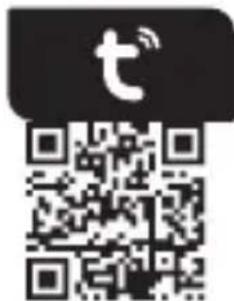
Installing the EMOS GoSmart app: fig. 5
The app is available for Android and iOS on Google play and App Store. Download the application by scanning the corresponding QR code.
Router setting: fig. 6
The camera only supports 2.4 GHz Wifi (not 5 GHz).
EMOS GoSmart mobile app:
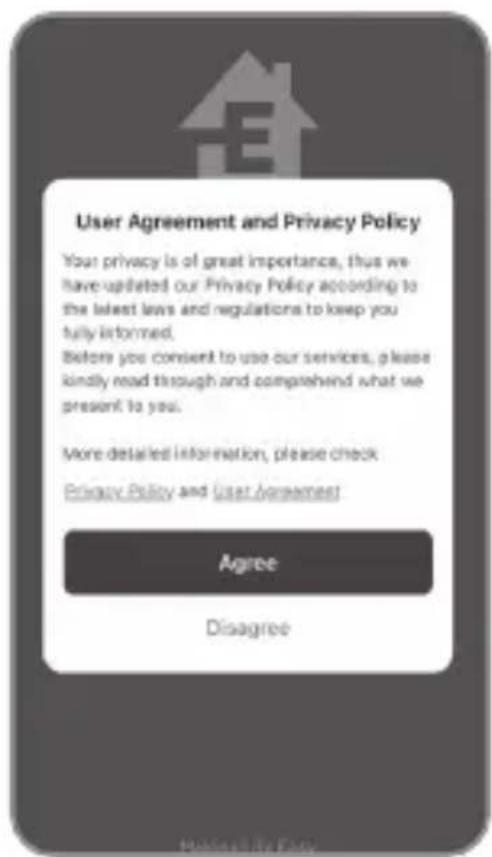
Fig. 5a
Open EMOS GoSmart and confirm the privacy policy by tapping agree.
Fig. 5b
Choose sign up.
Fig. 5c
Enter a valid e-mail address and choose a password.
Confirm the privacy policy by tapping agree.
Choose log in.
Fig. 6a
Choose add device.
Fig. 6b
Choose the corresponding product category.
Fig. 6c
Choose the correct type of product.
Fig. 6d
Connect the device to power.
Fig. 6e
Make sure the LED on the device is flashing.
Confirm by tapping next.
Fig. 6f
Enter the name of the Wifi network and password.
Confirm by tapping next.
Fig. 6g
A QR code will appear on the screen of your device.
Place the QR code in front of the lens of the camera unit.
Confirm that you have heard an audio signal for successful pairing.
Fig. 6h
The device will be detected automatically.
Fig. 6i
The device has been found.
Confirm by tapping done.
Connectivity: Wi-Fi 2.4 GHz IEEE 802.11b/g/n
Frequency band: 2.400–2.4835 GHz
Hereby, EMOS spol. s r.o. declares that the radio equipment type H4051 is in compliance with Directive 2014/53/EU. The full text of the EU declaration of conformity is available at the following internet address: http://www.emos.eu/download.
Do not dispose with domestic waste. Use special collection points for sorted waste. Contact local authorities for information about collection points. If the electronic devices would be disposed on landfill, dangerous substances may reach groundwater and subsequently food chain, where it could affect human health.
CZ | IP Kamera
Obsah balení:
APP: EMOS GoSmart for Android and iOS
APP: EMOS GoSmart for Android and iOS
APP: EMOS GoSmart for Android and iOS
Povezava: 2,4 GHz WIFI (IEEE802.11b/g/n)
APP: EMOS GoSmart for Android and iOS
Anschluss: 2,4 GHz WIFI (IEEE802.11b/g/n)
Stocare: SD card (max. 128 GB),
Cloud storage, NVR
APP: EMOS GoSmart for Android and iOS
Conexiune: 2,4 GHz WIFI (IEEE802.11b/g/n)
Alimentation: DC 5 V/1 A
Dimensions: 57 × 57 × 71 mm
Poids net: 180 g
APP: EMOS GoSmart for Android and iOS
Connessione: 2,4 GHz WIFI (IEEE802.11b/g/n)
App EMOS GoSmart mobile:
Fig. 5a
APP: EMOS GoSmart for Android and iOS
APP: EMOS GoSmart for Android and iOS
Aansluiting: 2,4 GHz WIFI (IEEE802.11b/g/n)