
H1131 - Intercom Emos - Free user manual and instructions
Find the device manual for free H1131 Emos in PDF.


| Product Type | Wireless Intercom |
| Brand | Emos |
| Model | H1131 |
| Dimensions (handset) | 160 x 50 x 30 mm |
| Weight (handset) | 180 g |
| Power Supply | 3x AAA batteries (not included) or DC 5V adapter |
| Frequency | 2.4 GHz |
| Range | Up to 300 m in open area |
| Channels | 8 channels with 128 digital privacy codes |
| Main Functions | Full-duplex communication, hands-free, VOX, call alert, volume control, low battery indication |
| Display | Backlit LCD with battery status, channel, and signal strength |
| Audio | Built-in speaker and microphone |
| Cleaning and Maintenance | Wipe with a dry, soft cloth. Do not use solvents or immerse in water. |
| Safety | Keep away from heat sources and water. Do not disassemble. |
| Spare Parts and Repairability | Contact Emos support for replacement parts. Device is not user-serviceable. |
| Included Accessories | 2 intercom units, 2 belt clips, USB charging cables, user manual |
| General Information | For indoor and outdoor use. Operating temperature: -10°C to 50°C. |
Frequently Asked Questions - H1131 Emos
User questions about H1131 Emos
0 question about this device. Answer the ones you know or ask your own.
Ask a new question about this device
Download the instructions for your Intercom in PDF format for free! Find your manual H1131 - Emos and take your electronic device back in hand. On this page are published all the documents necessary for the use of your device. H1131 by Emos.
USER MANUAL H1131 Emos
natural_image
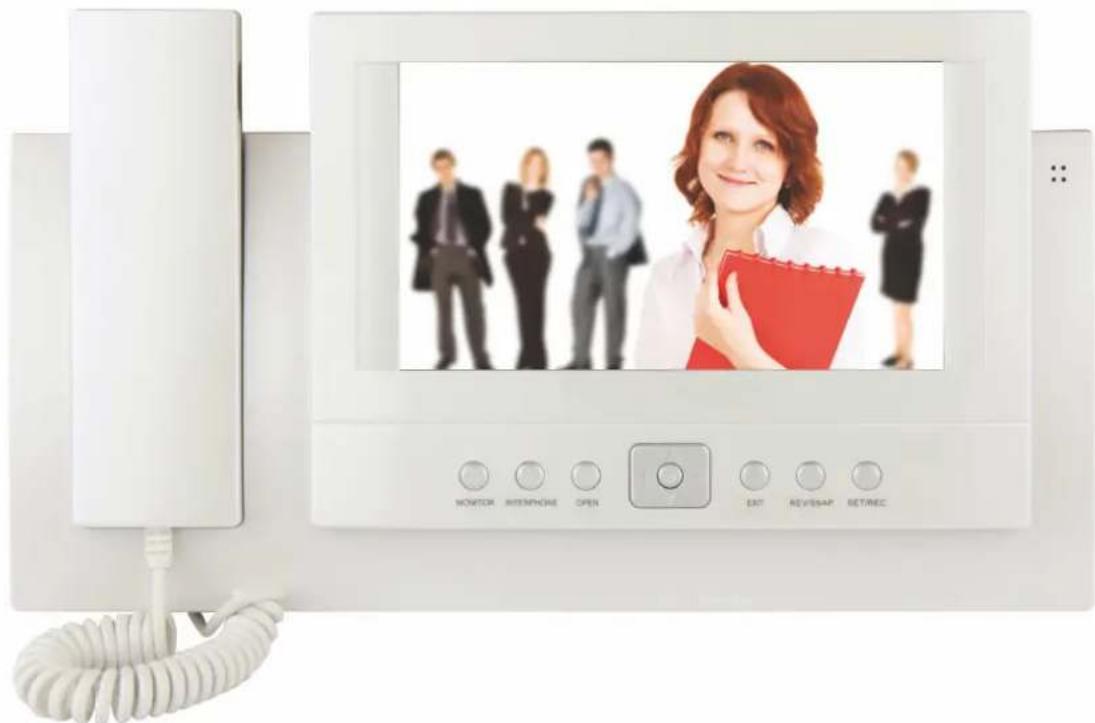
White office phone wall with a screen displaying a business photo of a woman, surrounded by other people (no visible text or symbols on the device itself)*H1131
Video door phone system
• Provi+es au+io an+ vi+eo connection between the resi+ents an+ visitors.
- Enables electric +oor release an+ gate control
- Important feature of this system is higher safety an+ comfort for resi+ents.
Basic function and possibility of the system:
- Communication between resi+ents an+ visitors
- Higher safety
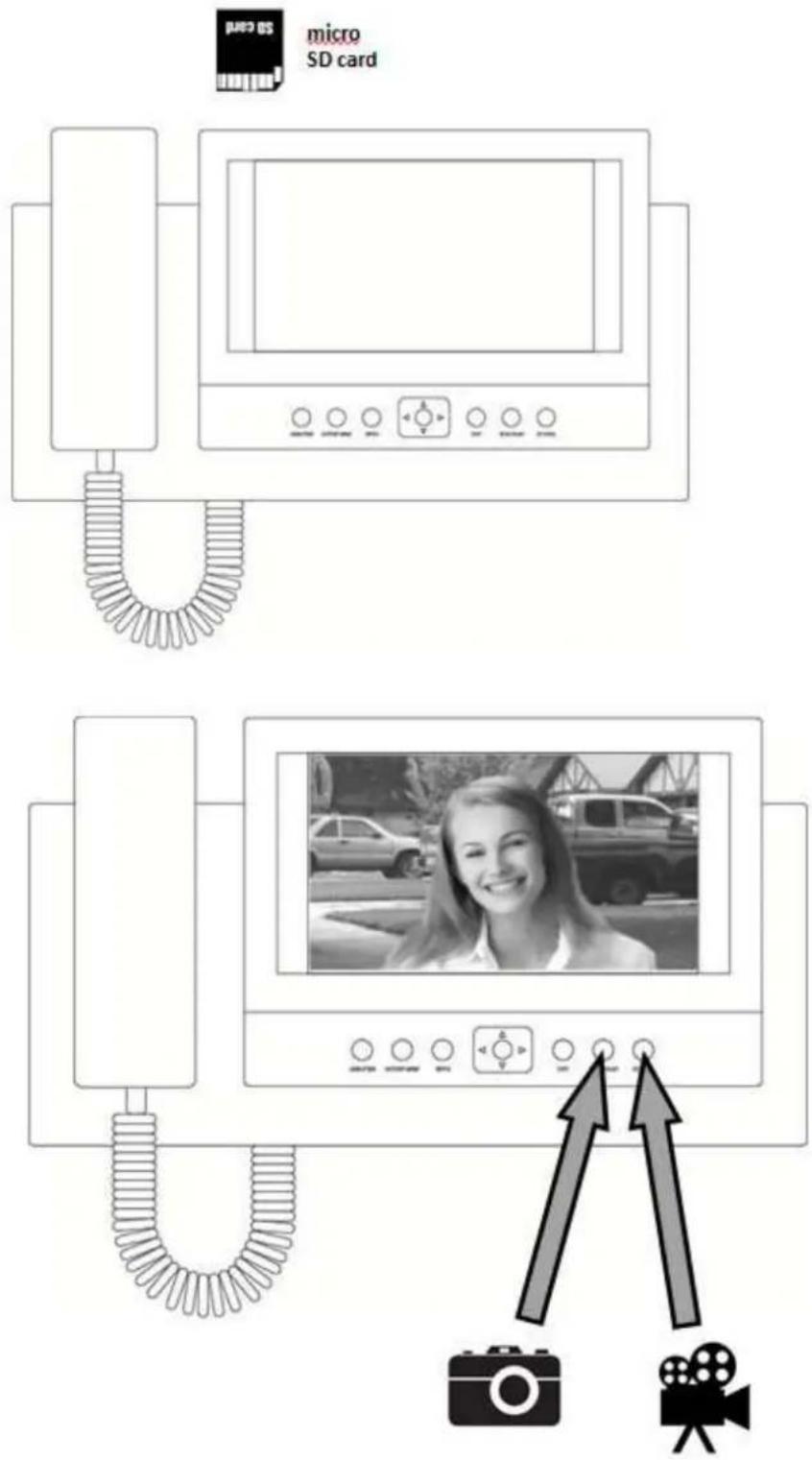
- Misse+ calls recor+ing on SD car+ function
- Electric Door release
- Visual check of visitors behind+ the +oor
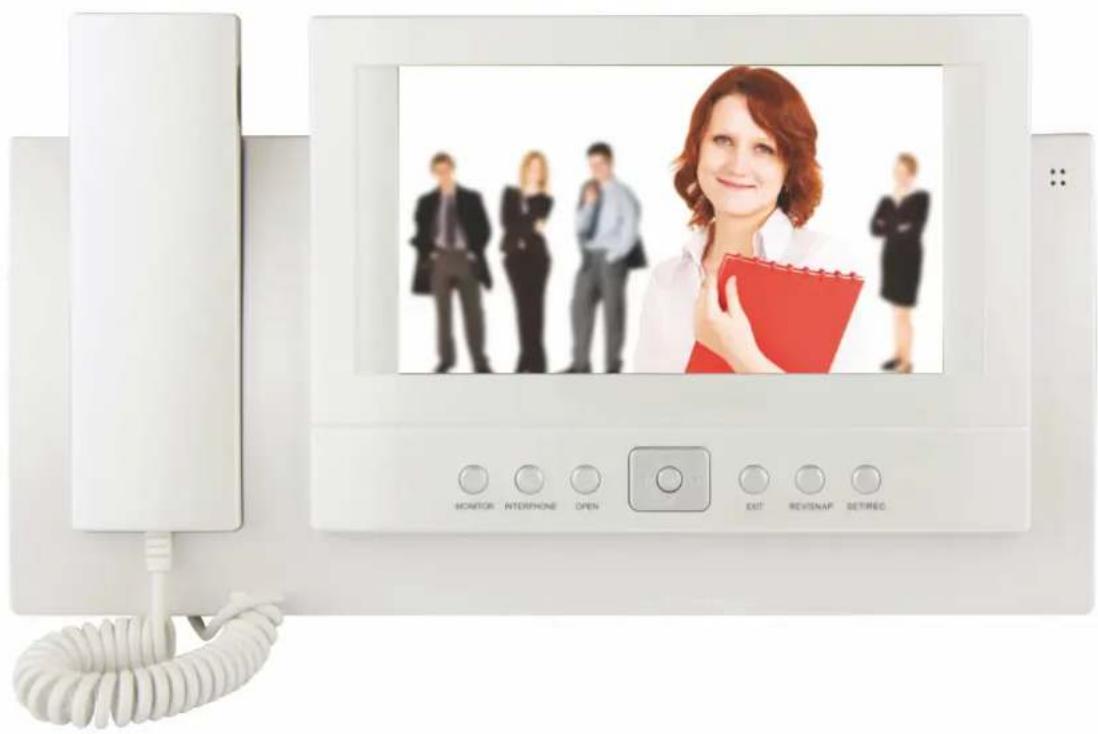
- 7"TFTLCD +isplay
- Han+s-free communication
- Wall-mount installation of the monitor
Content of delivery
After +delivery, please check the content of this box accor+ing to the following list:
- monitor 1 pc
- wall-mount frame for vi+eo monitor 1 pc
- pack of screws
- power supplier 1 pc
Installation of the video monitor:
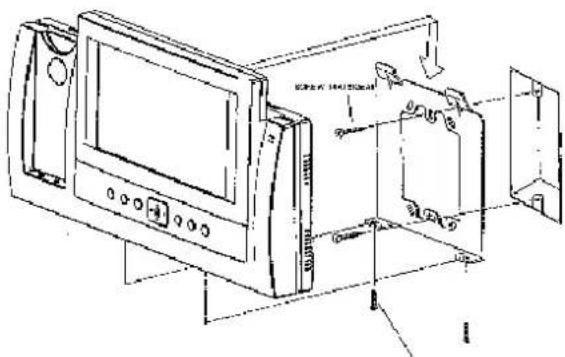
Where to install the video monitor
Choose the place for installation with regar+ to cabling of the system. It is recommend+e+ to fix the monitor at the user-eyes height.
Installation of video monitor wall2mount frame
- Mark the holes of the frame on the wall an+ +rill the holes.
- Drill the hole into the wall in the mi++le of the frame for all cables coming to monitor (camera unit cable an+ cable from power supplier, etc.).
- Fix the frame with wall plugs an+ screws.
System connection
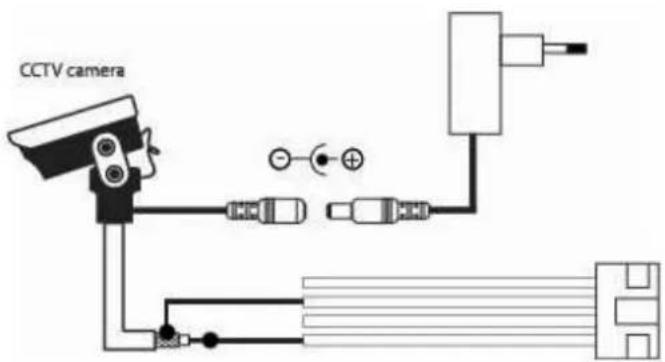
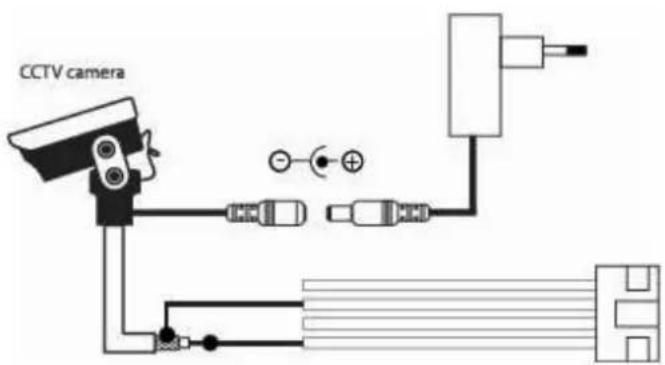
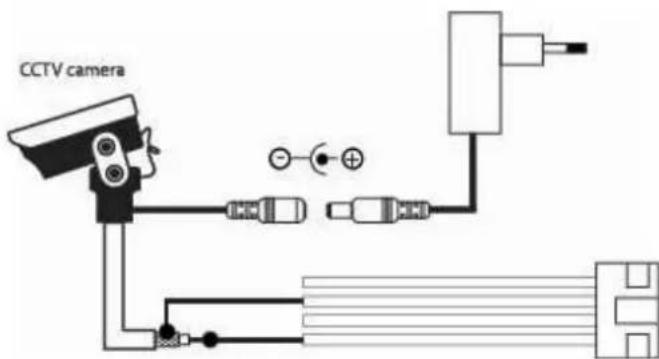
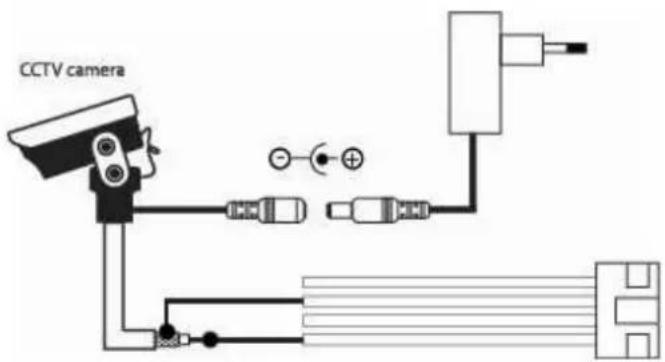
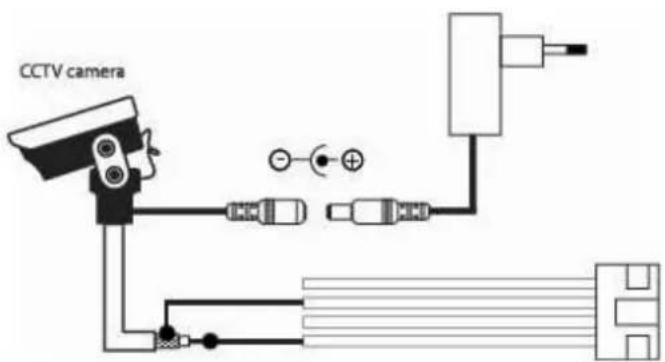
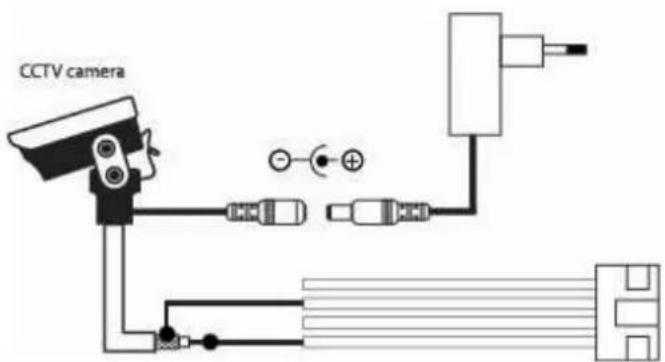
Wire the out+oor camera unit to the monitor by plugging the cable into +escripte+ connections.
Video monitor fitting
- Press the monitor to the frame.
- Push the monitor +own.
Connection to the mains power
- Plug the power supplier to the mains 230V/50Hz.
- Plug the power supplier connector into the +escripte+ connection onto the monitor.
- When power is present on the vi+eo monitor the LED will be lit on the monitor.
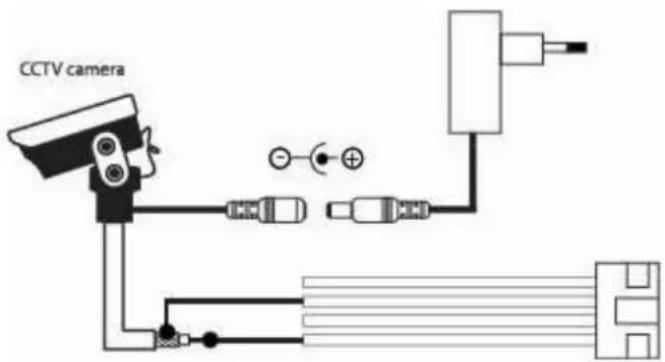
,iring diagram of video phone system
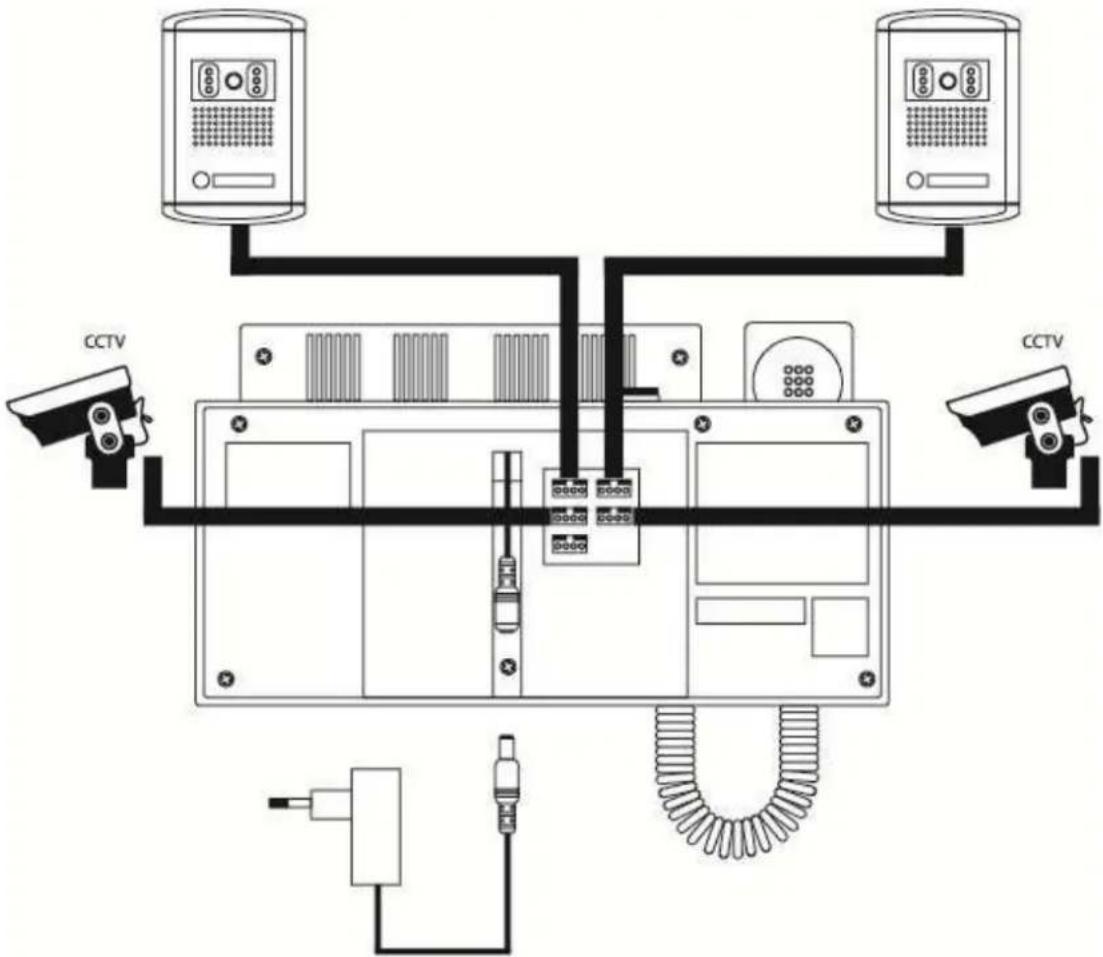
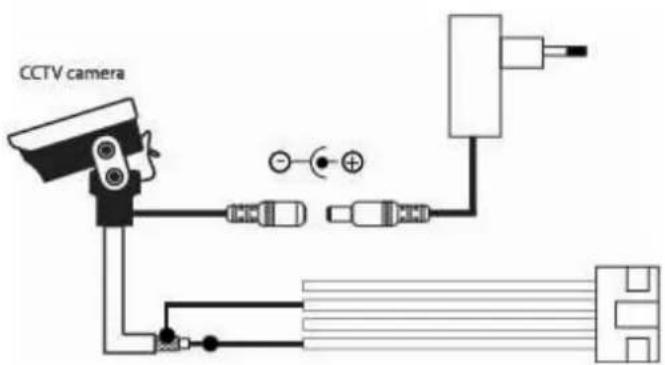
Requirements on cabling of the system
Vi+eo +oor phone system uses 8 core cables. Maximal +instances between camera unit an+ monitor with regar+s to the cross sectional area (CRA) of the wires is show in the following table.
In the areas with high possibility of interference it is recommend+e+ to use a 75 Ohm coaxial cable for connection of vi+eo signal.
| CRA of the wire [mm] 0,5 0,65 | 0,8 1 | |||
| Distance [m] 30 50 70 115 |
Operation of the video monitor
1. Menu
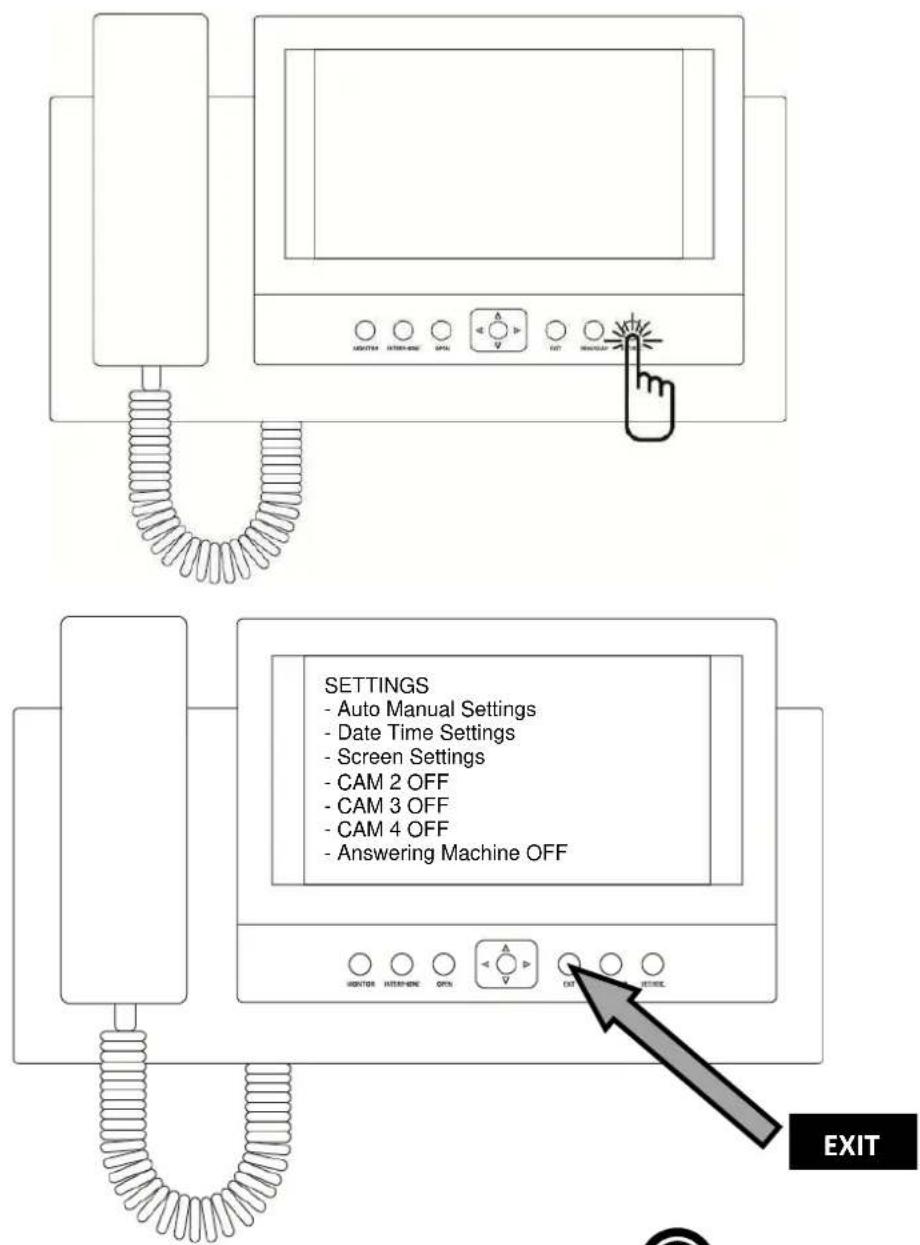
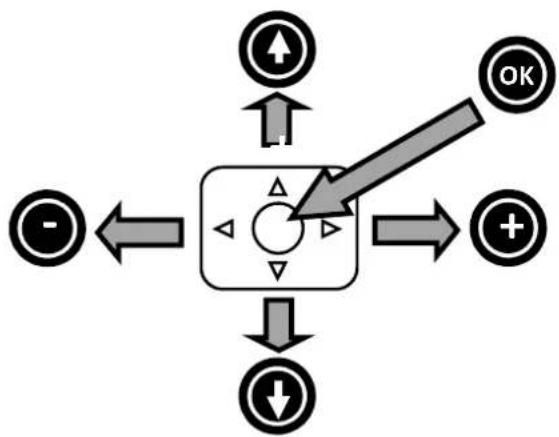
flowchart
graph TD
    A["Start"] --> B["Control Box"]
    B --> C["OK"]
    B --> D["Down"]
    B --> E["+"]
    B --> F["-"]
- Photo browsing function
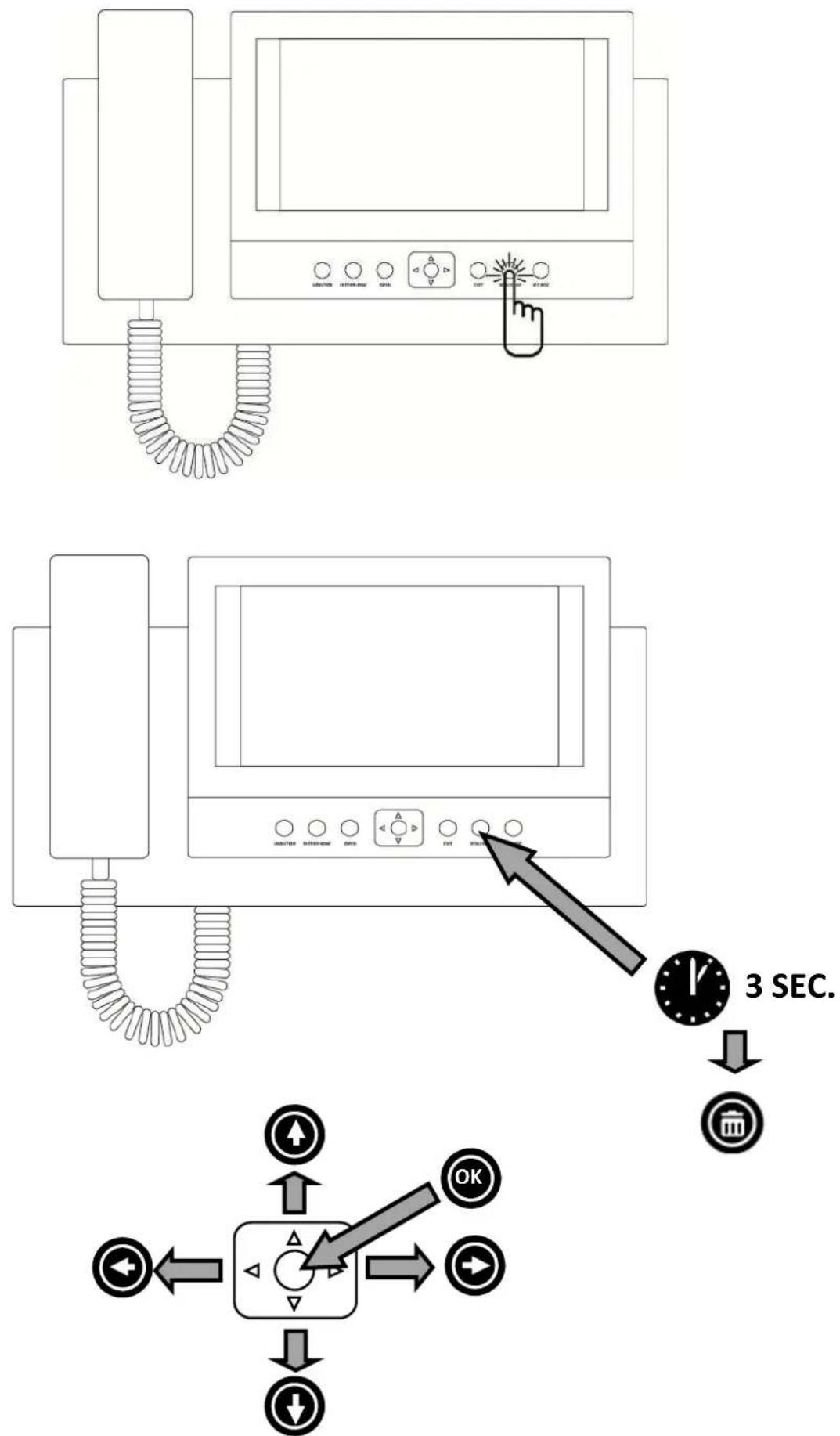
3. Video record function
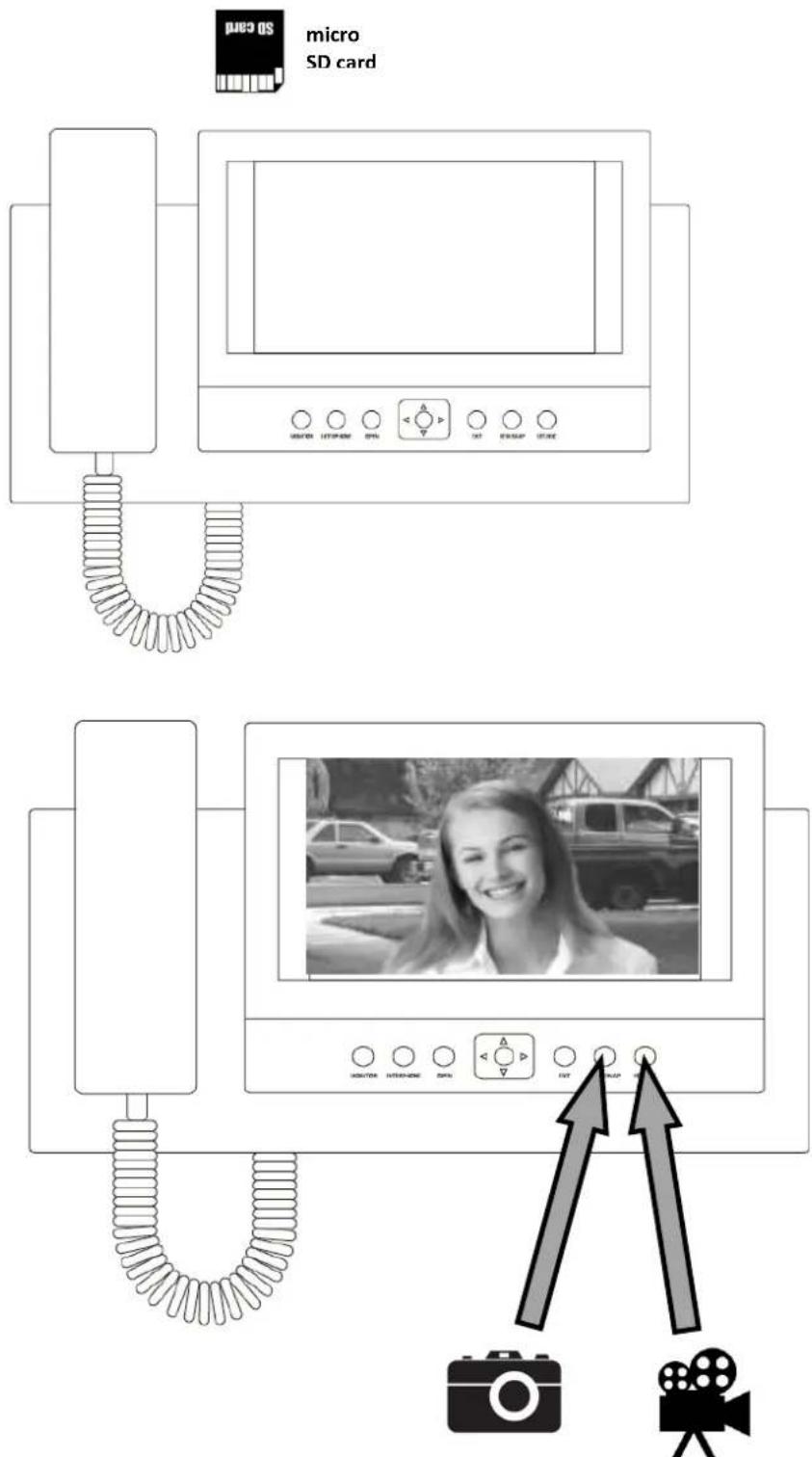
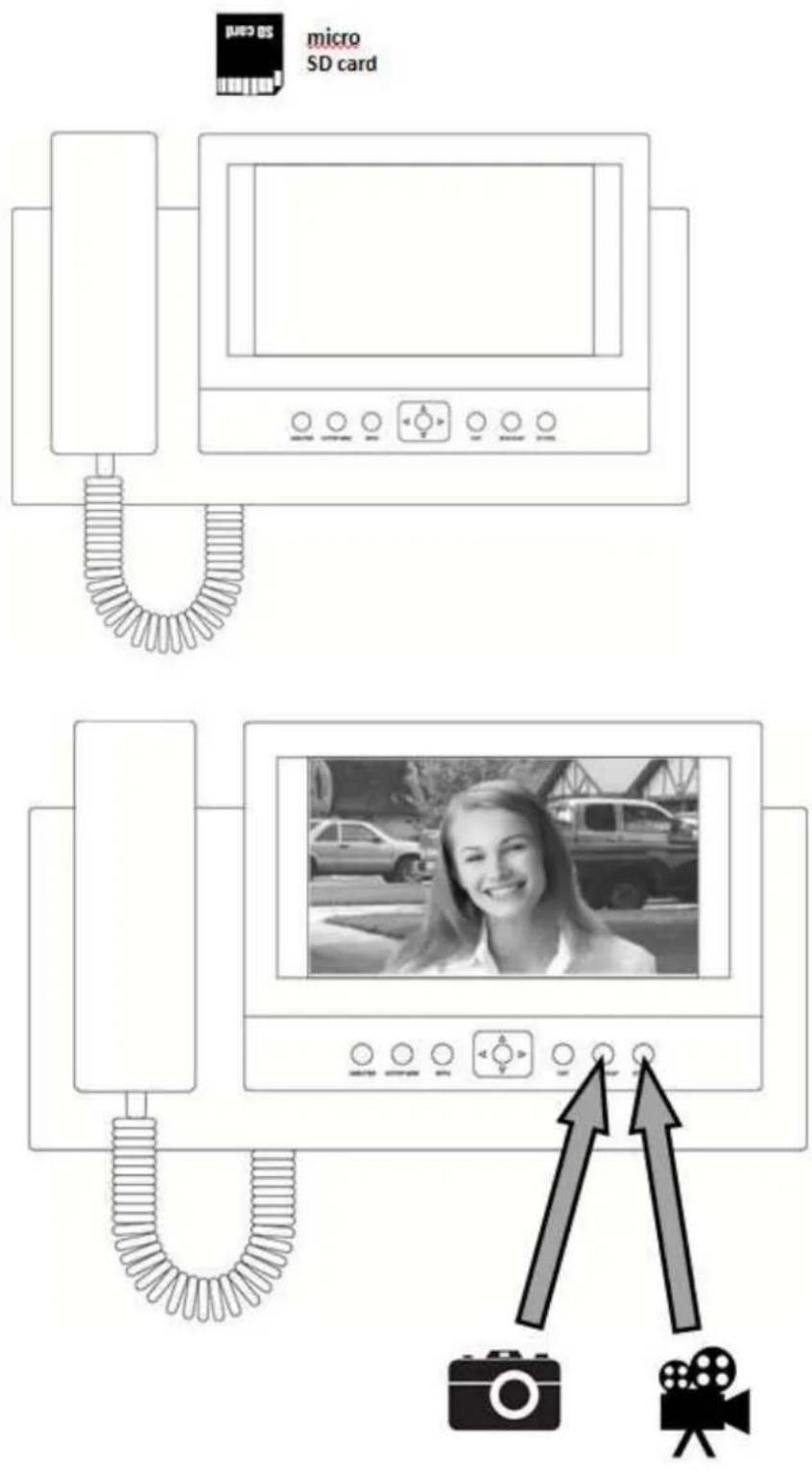
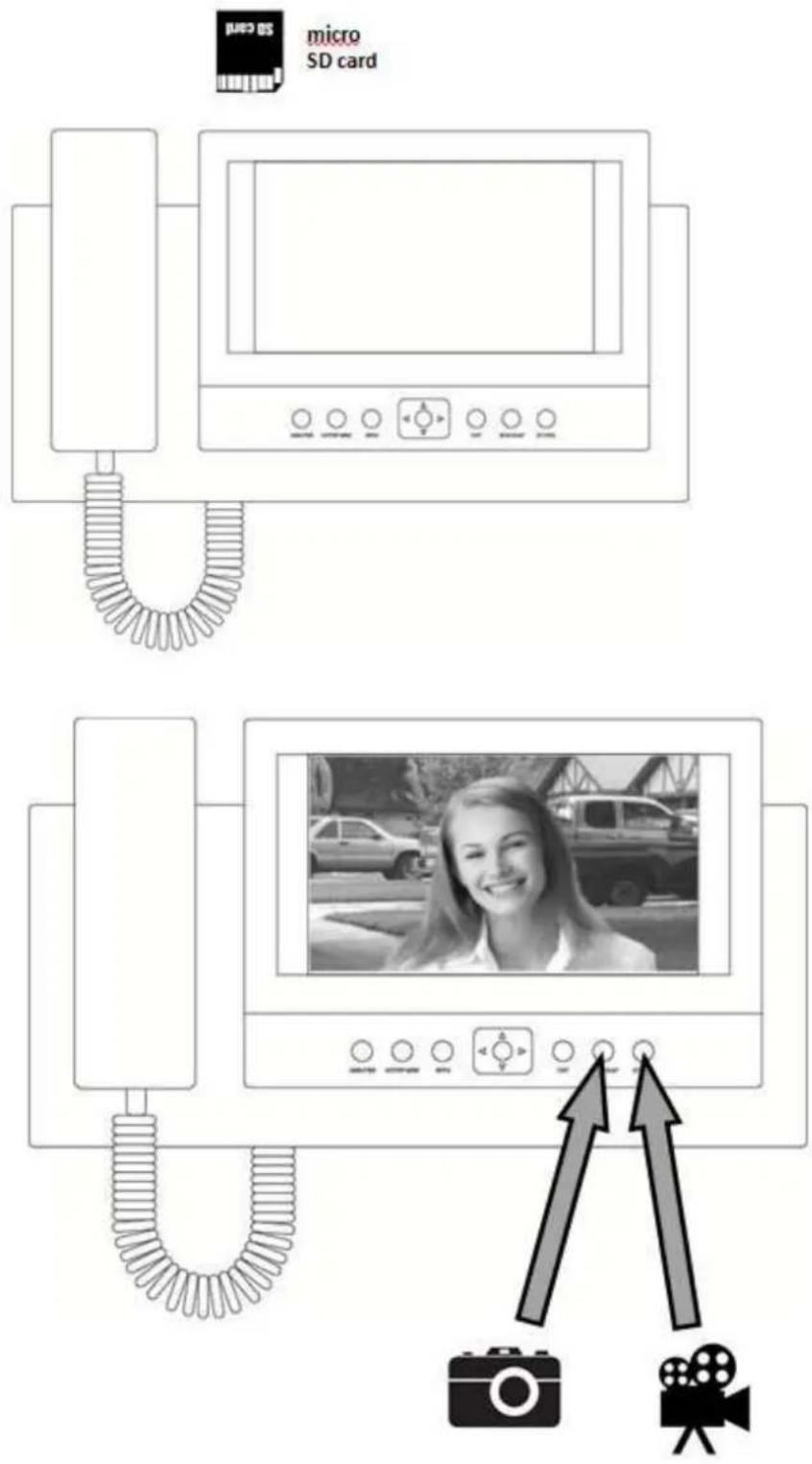
Aft4r acc4pt4+ call or pr4vi4w of th4 pictur4 th4 vi+4o monitor stor4s an AVI vi+4o fil4 on SD car+.
Stor4+ fil4s ar4 possibl4 to brows4] a) at th4 vi+4o monitor or b) on th4 "C with SD car+ slot
Maintenance of the video monitor
Vi+4o monitor is 4asy to maintain. It is r4comm4n+4+ to cl4an t_4 vi+4o monitor by w4t clot_som4tim4s to ac_i4v4 b4st tuality of t_4 +isplay4+ pictur4.
Attention please-
It is strictly recommended that electric device is powered off and unplugged from the mains power during the maintenance-
Safety warning
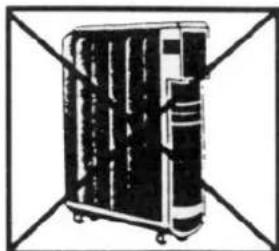
- Do not plac4 t_4 monitor n4ar to t_4 TV-s4t or into 4nvironm4nt wit_ig_t4mp4ratur4, or w_4r4 +amp.
- Do not touc_t_4 TFT LCD +isplay of t_4 monitor an+ +o not tak4 apart out+oor unit or any parts of t_4 vi+4o syst4m.
- "rot4ct t_4 l4ns of out+oor cam4ra unit from +ir4ct sun lig_t to avoi+ _aving pictur4 on t_4 monitor pal4.
- Do not us4 t_4 4tuiipm4nt w_4r4 4nvironm4nt wit_vibrations. "rot4ct t_4 4tuiipm4nt from falls.
natural_image
Illustration of a multi-tiered industrial machine with visible internal components and mounting brackets (no text or symbols)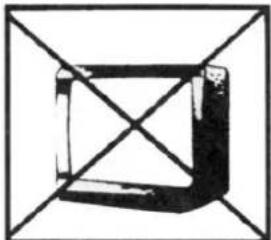
natural_image
Abstract geometric shape with intersecting diagonals forming a cube (no text or symbols)
natural_image
Simple line drawing of a laboratory flask with a stopper inside, enclosed in a square frame (no text or symbols)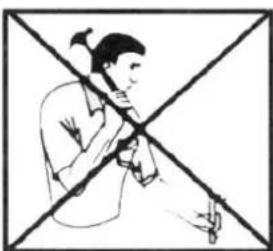
natural_image
Illustration of a person playing a flute with a cross-shaped background (no text or symbols)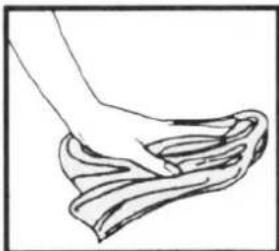
natural_image
Line drawing of a hand gripping a piece of dough (no text or symbols)EMOS
natural_image
White office phone wall with a screen displaying a business photo and control buttons (no readable text or symbols on the device itself)*H1131
3. Záznam video
natural_image
Illustration of a multi-tiered industrial machine or container with no visible text or symbols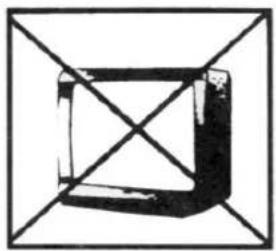
natural_image
Geometric diagram of a square with diagonals and shaded faces, enclosed in a larger square frame (no text or symbols)
natural_image
Simple line drawing of a laboratory flask with liquid inside, enclosed in a square frame (no text or symbols)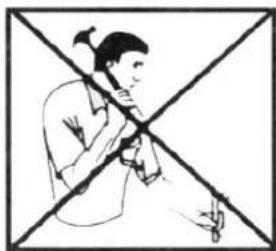
natural_image
Illustration of a person playing a flute with a cross-shaped background (no text or symbols)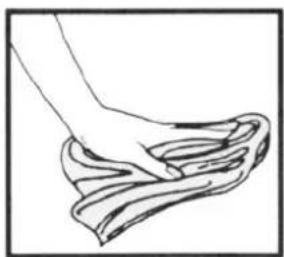
natural_image
Line drawing of a hand cleaning a cloth (no text or symbols)EMOS
natural_image
White office phone wall with a digital display showing a woman in business attire, surrounded by other people (no visible text or symbols on the device body)*H1131
Parametre prepojovacieho vedenia
natural_image
Illustration of a multi-tiered industrial machine or storage unit with no visible text or symbols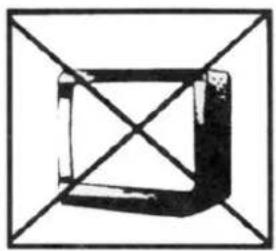
natural_image
Abstract geometric diagram with intersecting lines forming a square (no text or symbols)
natural_image
Simple line drawing of a laboratory flask inside a square frame (no text or symbols)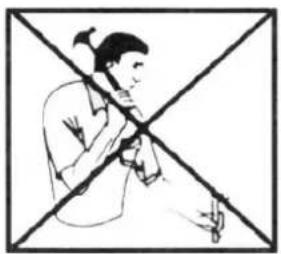
natural_image
Illustration of a person playing violin with a cross-shaped background (no text or symbols)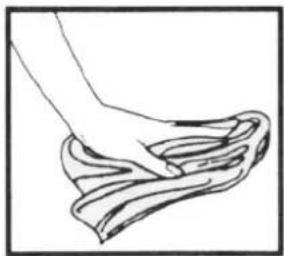
natural_image
Line drawing of a hand washing a cloth (no text or symbols)EMOS
System wideodomofonu
H1131
natural_image
White office phone wall with a screen displaying a woman holding a red folder, connected to a cord via a coiled cable (no visible text or symbols on the device body)*H1131
System wideodomofonu
natural_image
Illustration of a multi-tiered industrial machine or control unit with no visible text or symbols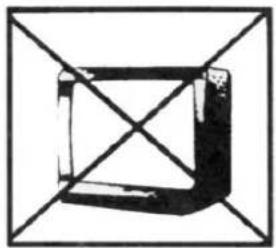
natural_image
Abstract geometric diagram with intersecting lines forming a cube shape (no text or symbols)
natural_image
Simple line drawing of a laboratory flask with a stopper inside, enclosed in a square frame (no text or symbols)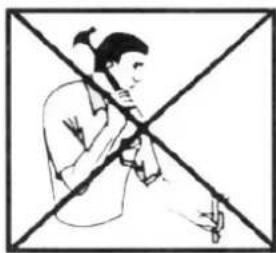
natural_image
Illustration of a person holding a tool crossed out by a diagonal line (no text or symbols)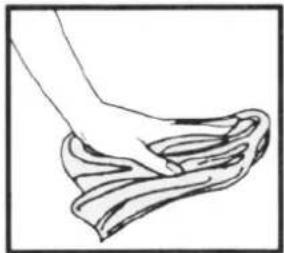
natural_image
Line drawing of a hand gripping a rope or cloth (no text or symbols)natural_image
White office wall-mounted digital display with a telephone handset and control buttons, showing a woman in business attire holding a red folder (no readable text or symbols on the device itself)*H1131
3. Videó felvétel
natural_image
Illustration of a multi-tiered industrial machine with wheels and internal compartments, enclosed in a square frame (no text or symbols)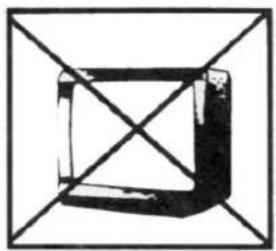
natural_image
Geometric diagram of a square with diagonals and shaded faces, enclosed in a larger square frame (no text or symbols)
natural_image
Simple line drawing of a laboratory flask with a stopper inside, enclosed in a square frame (no text or symbols)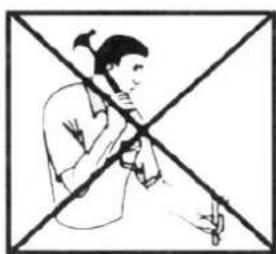
natural_image
Illustration of a person playing a flute with a cross-shaped background (no text or symbols)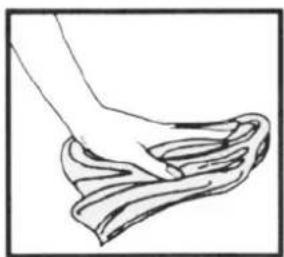
natural_image
Line drawing of a hand cleaning a cloth (no text or symbols)EMOS
DOMAČI VIDEONADZORNI SISTEM
H1131
natural_image
Front view of a white office wall-mounted digital display with control buttons and a telephone handset, showing a woman in business attire holding a red folder.*H1131
DOMAČI VIDEONADZORNI SISTEM
3. Snemanje video
"o zvon@4n@u ali priklicu slik4 s4 posn4t4k shrani na SD kartico v formatu AVI."
"osn4t4k @4 možno pogl4+ati] a) v napravi
natural_image
Illustration of a multi-tiered industrial machine or control unit with no visible text or symbols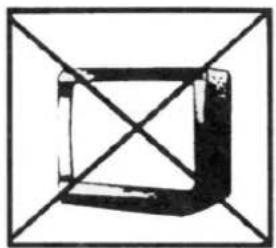
natural_image
Abstract geometric diagram with intersecting lines forming a cube shape (no text or symbols)
natural_image
Simple line drawing of a flask with liquid inside, enclosed in a square frame (no text or symbols)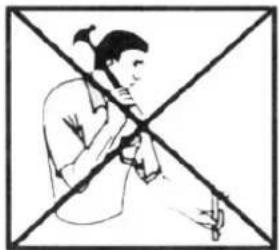
natural_image
Illustration of a person holding a musical instrument crossed out by a diagonal line (no text or symbols)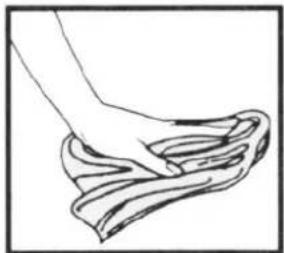
natural_image
Line drawing of a hand gripping a rope or cloth (no text or symbols)natural_image
White office phone wall with a digital display showing a woman in business attire, surrounded by other staff members (no visible text or symbols on the device itself)*H1131
Parametri spojnog voda
Sustav vi+eo na+zora koristi oklopljeni 8-žilni kabel. Približne maksimalne u+aljenosti između kamere i monitora prema promjeru žice prikazane su u slje+ećoj tablici. Na mjestima s visokom razinom smetnji, na vo+ vi+eo signala može se primijeniti 75 Ohm koaksijalni kabel.
3. Video snimanje
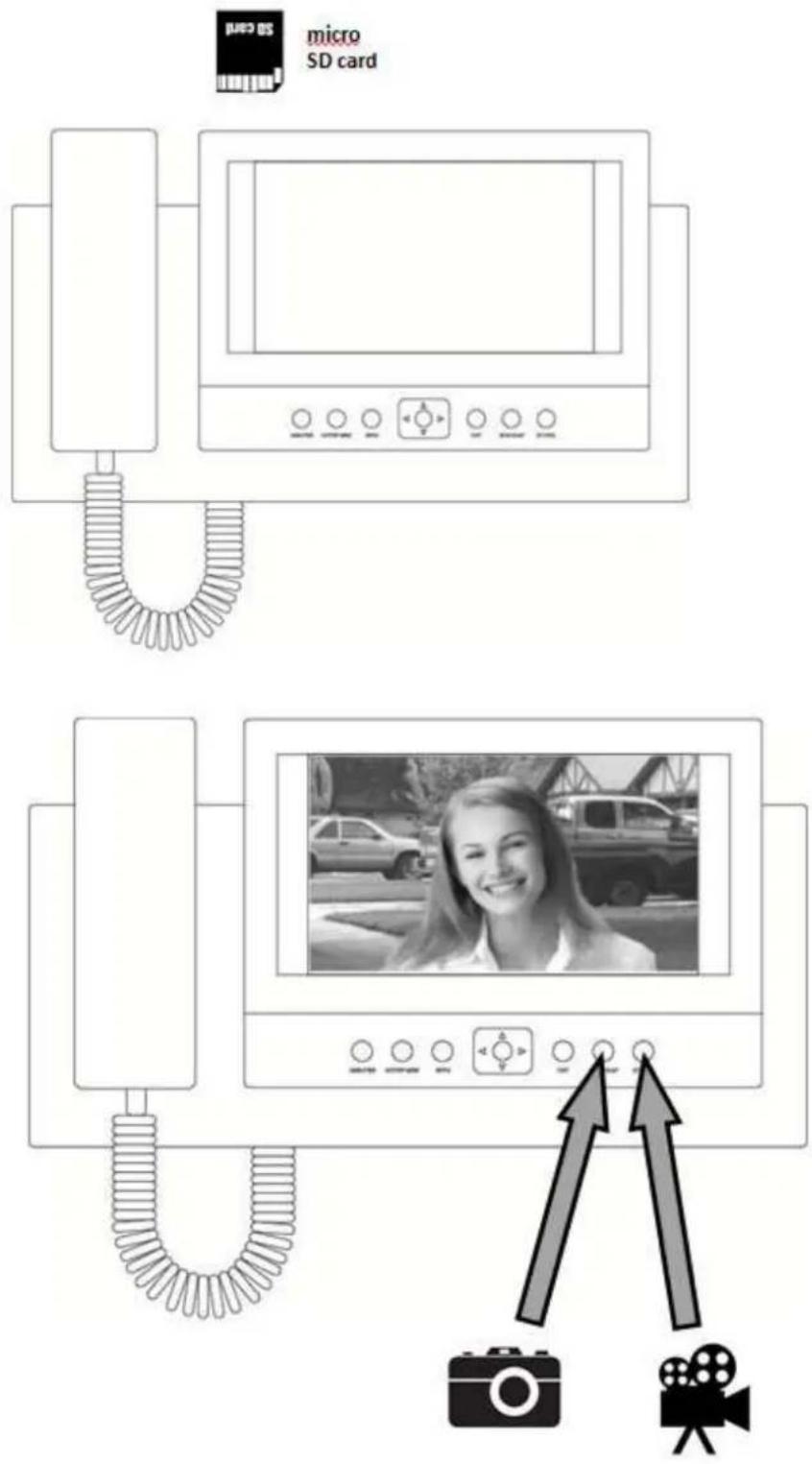
Nakon zvon@4n@a ili prikaza slik4 sniman@4 s4 pohrani na SD karticu u formatu AVI.
Sniman@4 s4 mož4 pr4gl4+avati] a) u aparatu
b) u računalu (m4mori@ska kartica tr4ba biti prikl@uč4na na računalo)
Održavanje uređaja
Monitor @4 @4+nostavan za o+ržavan@4. "r4poruča s4 monitor pon4ka+ obrisati vlažnom krpicom.
Pažnja-
natural_image
Illustration of a multi-tiered industrial machine or control unit with no visible text or symbols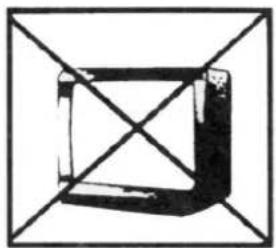
natural_image
Abstract geometric diagram with intersecting lines forming a cube shape (no text or symbols)
natural_image
Simple line drawing of a laboratory flask with liquid inside, enclosed in a square frame (no text or symbols)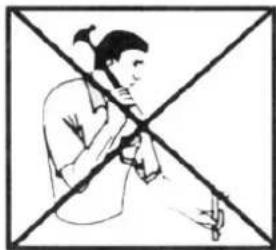
natural_image
Illustration of a person holding a musical instrument crossed out by a diagonal line (no text or symbols)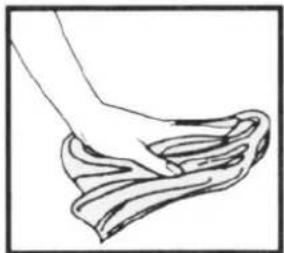
natural_image
Line drawing of a hand gripping a rope or cloth (no text or symbols)EMOS
natural_image
White office phone wall with a digital display showing a woman in business attire, surrounded by other people and control buttons (no readable text or symbols on the device itself)*H1131
natural_image
Diagram of a multi-compartment air conditioner unit with no visible text or labels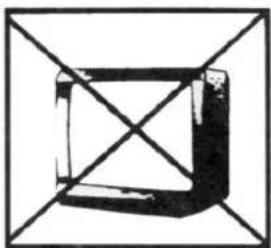
natural_image
Pure geometric diagram of a cube with diagonal lines, no text or symbols present
natural_image
Simple line drawing of a laboratory flask with liquid inside, enclosed in a square frame (no text or symbols)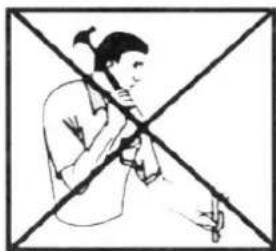
natural_image
Illustration of a person playing a flute with a cross-shaped background (no text or symbols)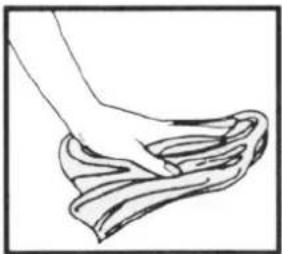
natural_image
Line drawing of a hand washing a cloth (no text or symbols)EMOS
natural_image
White office phone wall with a screen displaying a smiling woman in business attire, surrounded by other people (no visible text or symbols on the device itself)*H1131
Parametrii instalatiei de interconectare
natural_image
Black-and-white illustration of a multi-compartment electronic device with no visible text or symbols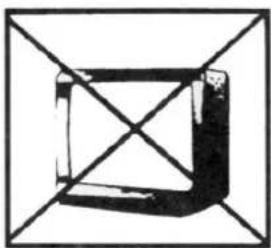
natural_image
Abstract geometric diagram with intersecting lines forming a 3D cube-like structure (no text or symbols)
natural_image
Simple line drawing of a laboratory flask with liquid inside, enclosed in a square frame (no text or symbols)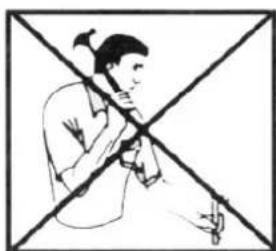
natural_image
Illustration of a person playing a flute with a cross-shaped background (no text or symbols)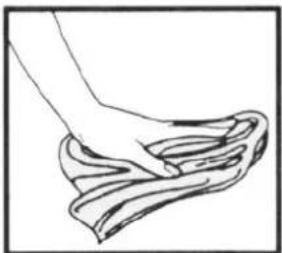
natural_image
Line drawing of a hand washing a cloth (no text or symbols)

- Video door phone system
- Basic function and possibility of the system:
- Content of delivery
- Installation of the video monitor:
- Where to install the video monitor
- Installation of video monitor wall2mount frame
- System connection
- Video monitor fitting
- Connection to the mains power
- Requirements on cabling of the system
- Operation of the video monitor
- Menu
- Video record function
- Maintenance of the video monitor
- Attention please-
- Safety warning
- EMOS
- Záznam video
- Parametre prepojovacieho vedenia
- System wideodomofonu
- Videó felvétel
- DOMAČI VIDEONADZORNI SISTEM
- Snemanje video
- Parametri spojnog voda
- Video snimanje
- Održavanje uređaja
- Parametrii instalatiei de interconectare
Brand : Emos
Model : H1131
Category : Intercom